01
Name the version
Use a recognizable cut name and date so every note refers to the same export.
Filmmaker client workflow
Present films professionally, collect timecode feedback, combine photo and video, and release final downloads in a client gallery.
Quick answer
A client gallery for filmmakers can keep review, presentation, and final delivery in one branded destination. GalleryDock supports cinema-style presentation, timecode comments, open and completed feedback, mixed photo-and-video projects, and controlled downloads. Current per-video upload limits depend on the plan: 750 MB on Free, 15 GB on Base, and 30 GB on Pro. It is not an NLE, a full production-management system, or an automatic legally binding approval service.
Project setup
A film review and a final delivery need different labels, permissions, and expectations.
01
Use a recognizable cut name and date so every note refers to the same export.
02
Use a cover and cinema-style presentation that supports the film instead of competing with it.
03
Confirm the current 750 MB, 15 GB, or 30 GB per-video limit before promising an upload workflow.
04
Tell the client whether this round covers story, titles, sound, color, or final acceptance.
Timecode review
Timecode comments reduce vague messages, but the filmmaker still controls versioning and decision ownership.
01
Share the private project with the people authorized to return feedback.
02
Let clients pause at the relevant moment and leave a note for that scene.
03
Resolve each item deliberately instead of treating silence as approval.
04
Ask one owner to settle conflicting direction before a new cut is exported.
Final delivery
The final gallery should make the approved media and download state unmistakable.
01
Check playback, audio, captions, duration, and file identity before release.
02
Confirm resolved notes and label the approved version clearly.
03
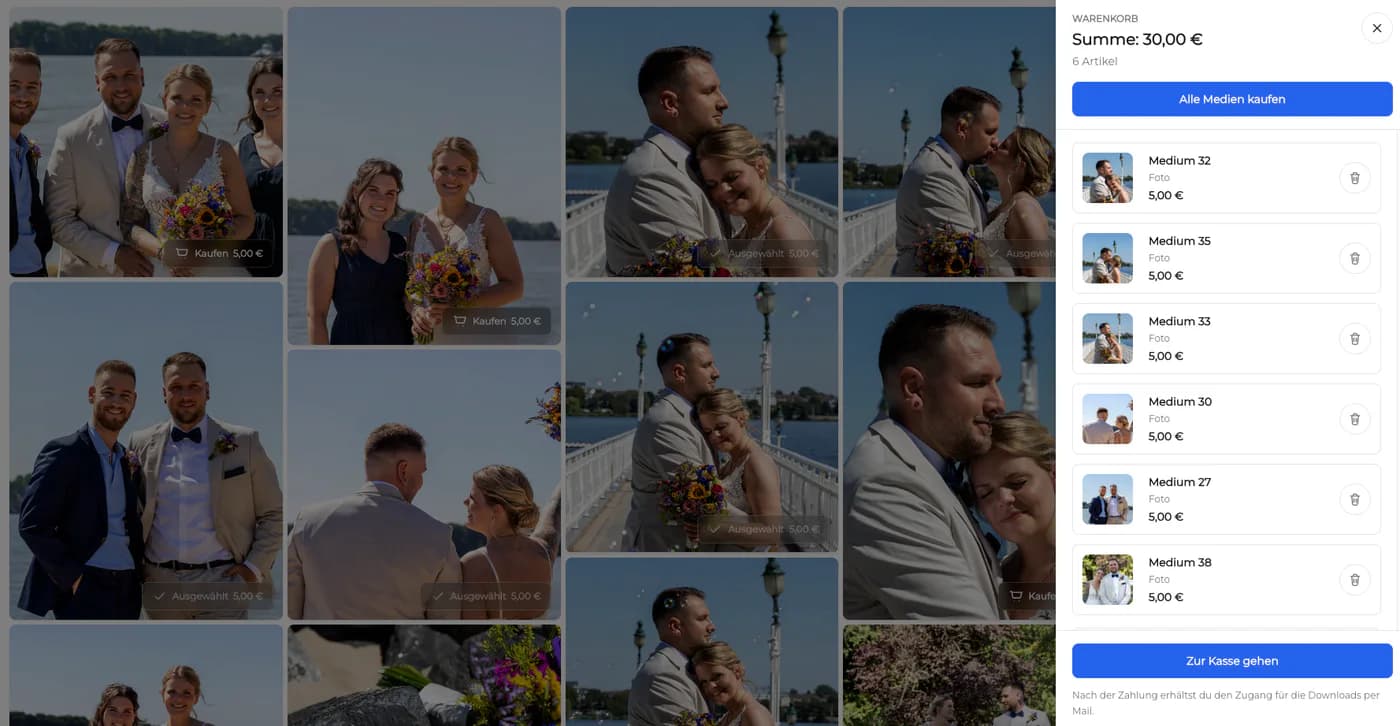
Enable access only for the masters and supporting media included in the delivery.
04
Maintain source projects and masters outside the client gallery.

Comparison
Choose the tool according to whether the job needs editing, production management, client review, or final presentation.
| Approach | Best for | Tradeoff |
|---|---|---|
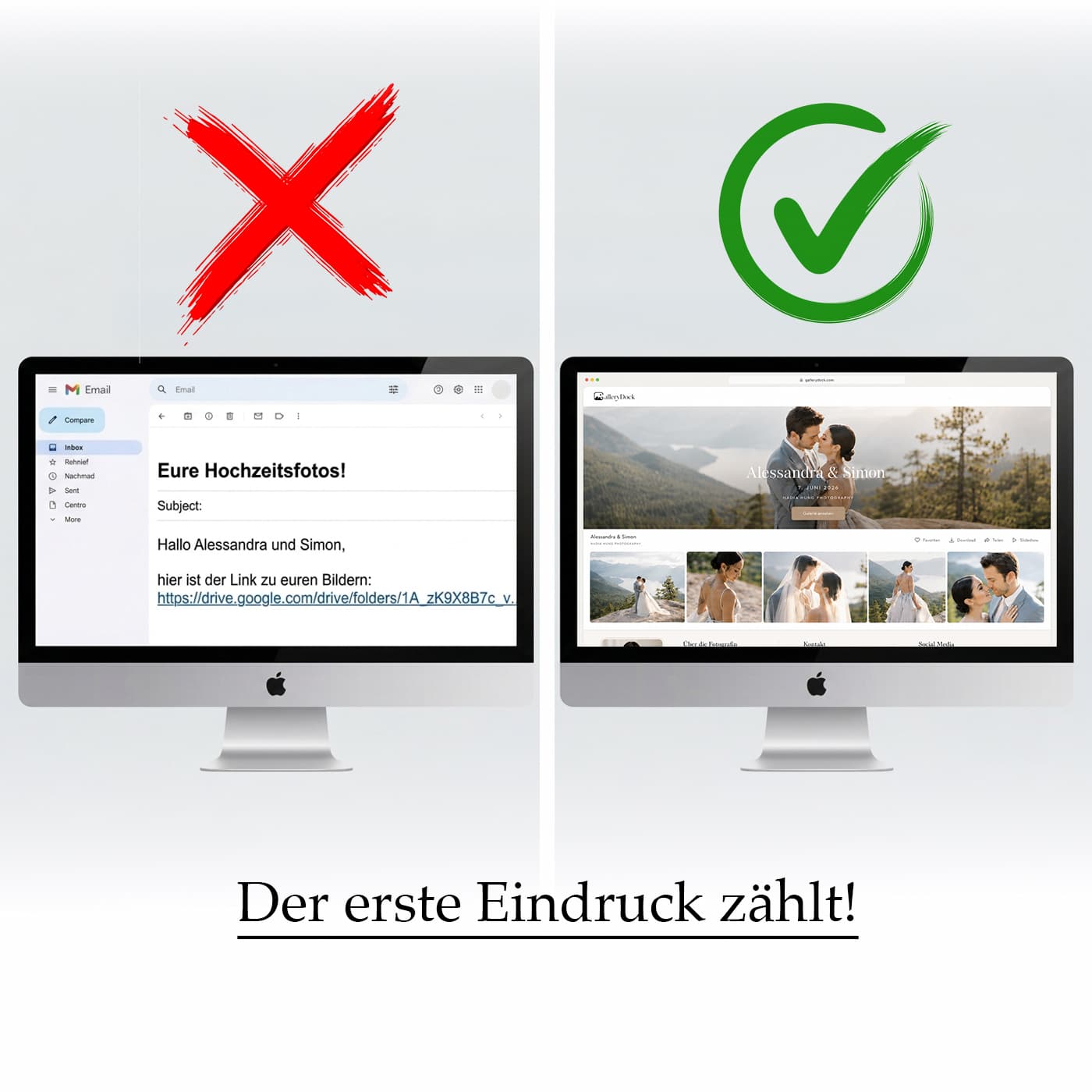
| Email timestamps | A tiny revision list | Easy to misread and separate from the cut |
| Transfer link | Known final master delivery | No review conversation or presentation |
| NLE | Editing and finishing | Not a client delivery experience |
| Production platform | Complex tasks and approvals | Can exceed a simple client workflow |
| GalleryDock | Timecode feedback, presentation, and delivery | Not an NLE or full production manager |
Present the highlight and full film, resolve timecode notes, and release final downloads.
Keep marketing stakeholders on one named version with scene-specific feedback.
Deliver films, stills, thumbnails, and approved files through one client destination.
Frequently asked questions
It is a private project destination for presenting films, collecting client feedback, and releasing approved media.
Yes. Clients can comment at the relevant video timecode, and feedback can be tracked as open or completed.
Current per-video limits are 750 MB on Free, 15 GB on Base, and 30 GB on Pro. Check the live product before unusual contractual promises.
Yes. Mixed-media projects can present approved photos and videos in one client context.
No. It does not edit the film, manage an NLE timeline, or replace source-project storage.
No. Define and document any contractual approval separately; the gallery does not create automatic legal acceptance.
Related resources
Pricing
Free forever
0 EUR
EUR 0 per month
Perfect for sharing your first galleries professionally.
Start free, no credit card required
Monthly
19 EUR
EUR 228 billed yearly. plus VAT
Ideal for photographers who regularly deliver client galleries.
For regular client delivery
Monthly
29 EUR
EUR 348 billed yearly. plus VAT
For photographers managing many projects, videos and growing storage.
For regular client delivery
Use GalleryDock for branded presentation, timecode feedback, mixed media, and controlled final downloads.
Create a free account