01
Editorial structure
Ask a producer or director to review sequence, pacing, repetition, and whether the central question remains understandable.
Documentary client review
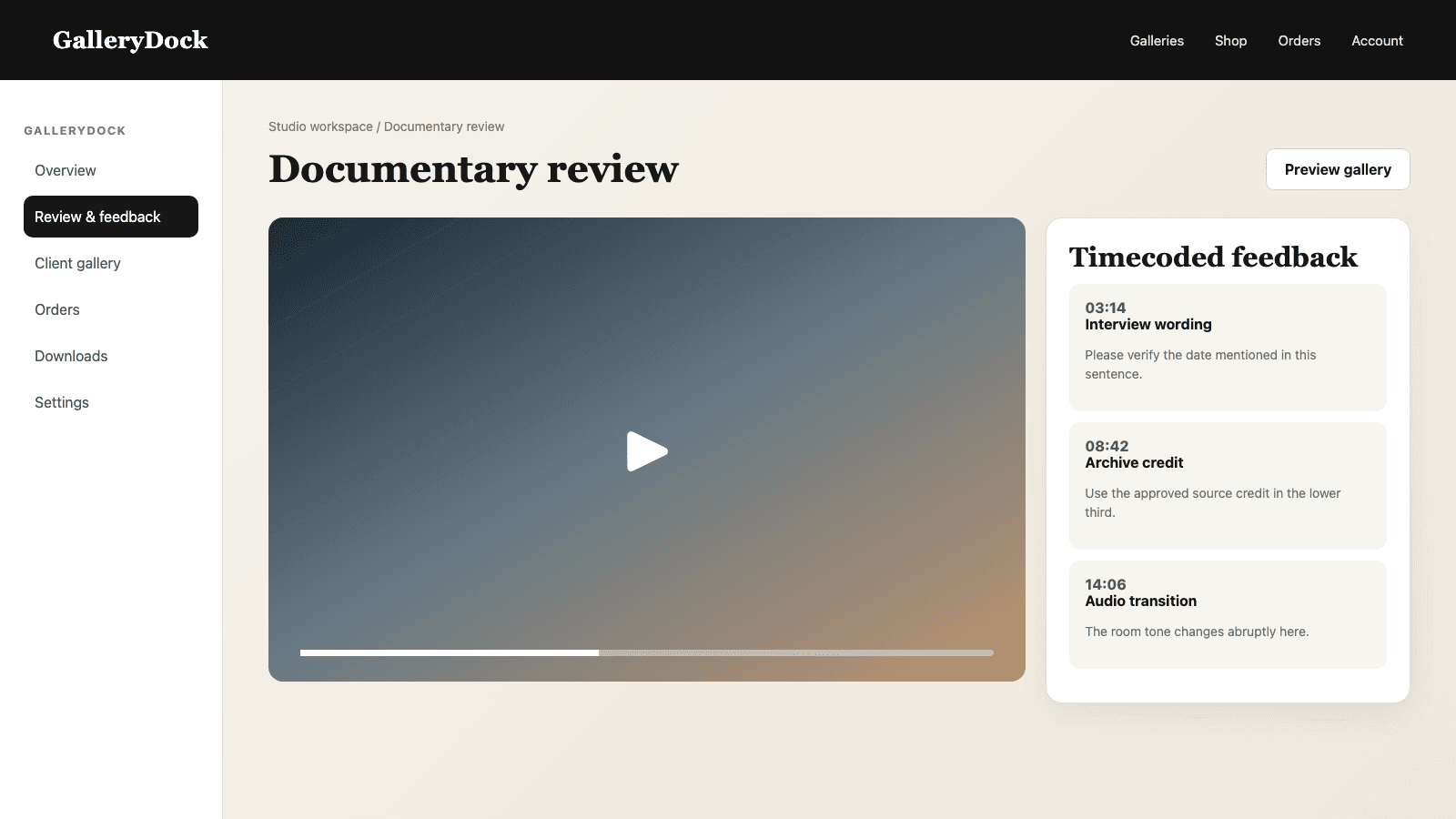
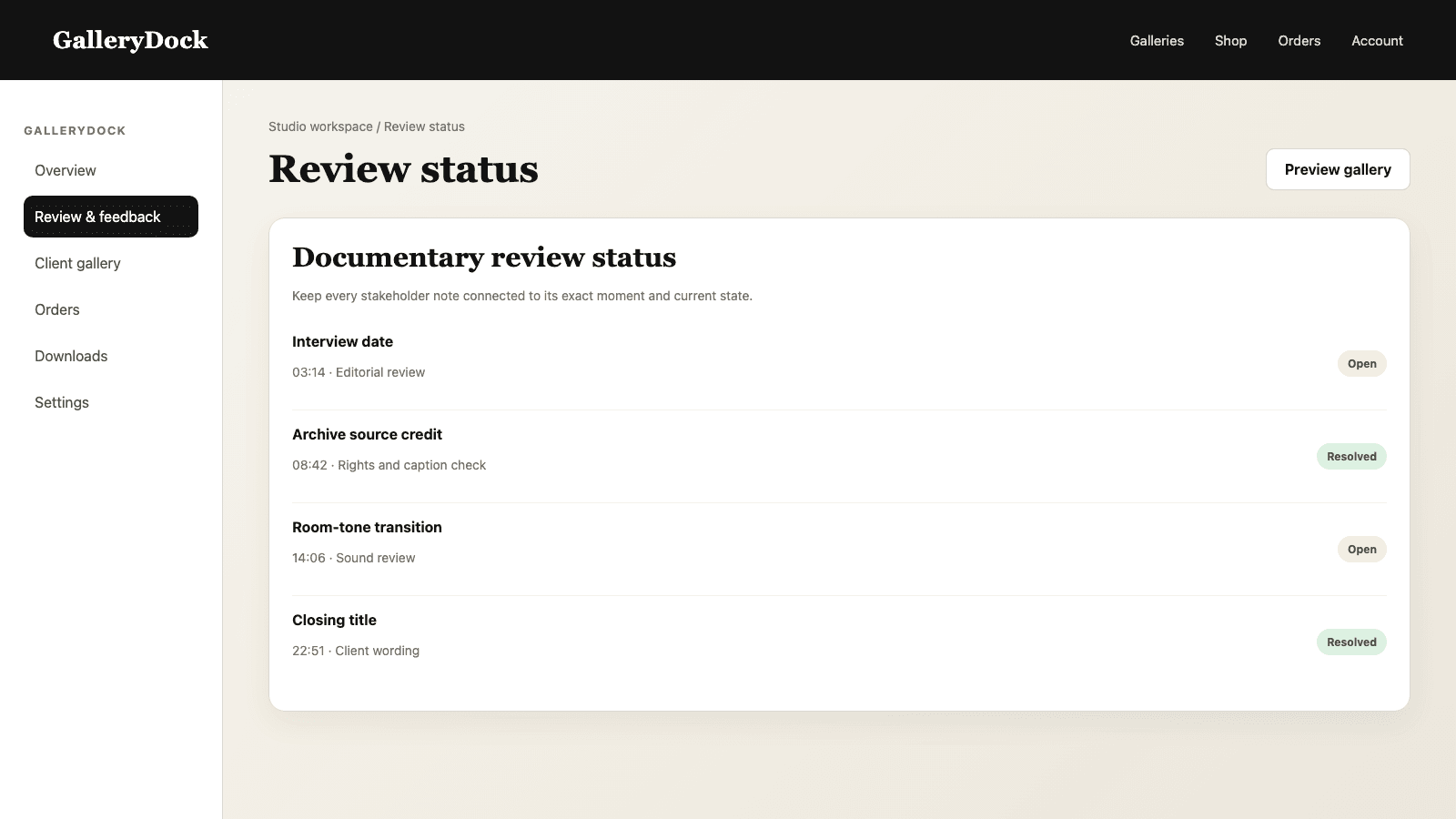
Collect documentary feedback with timecoded comments, scene threads, and open or resolved states for facts, names, archive material, music, and story structure.
Quick answer
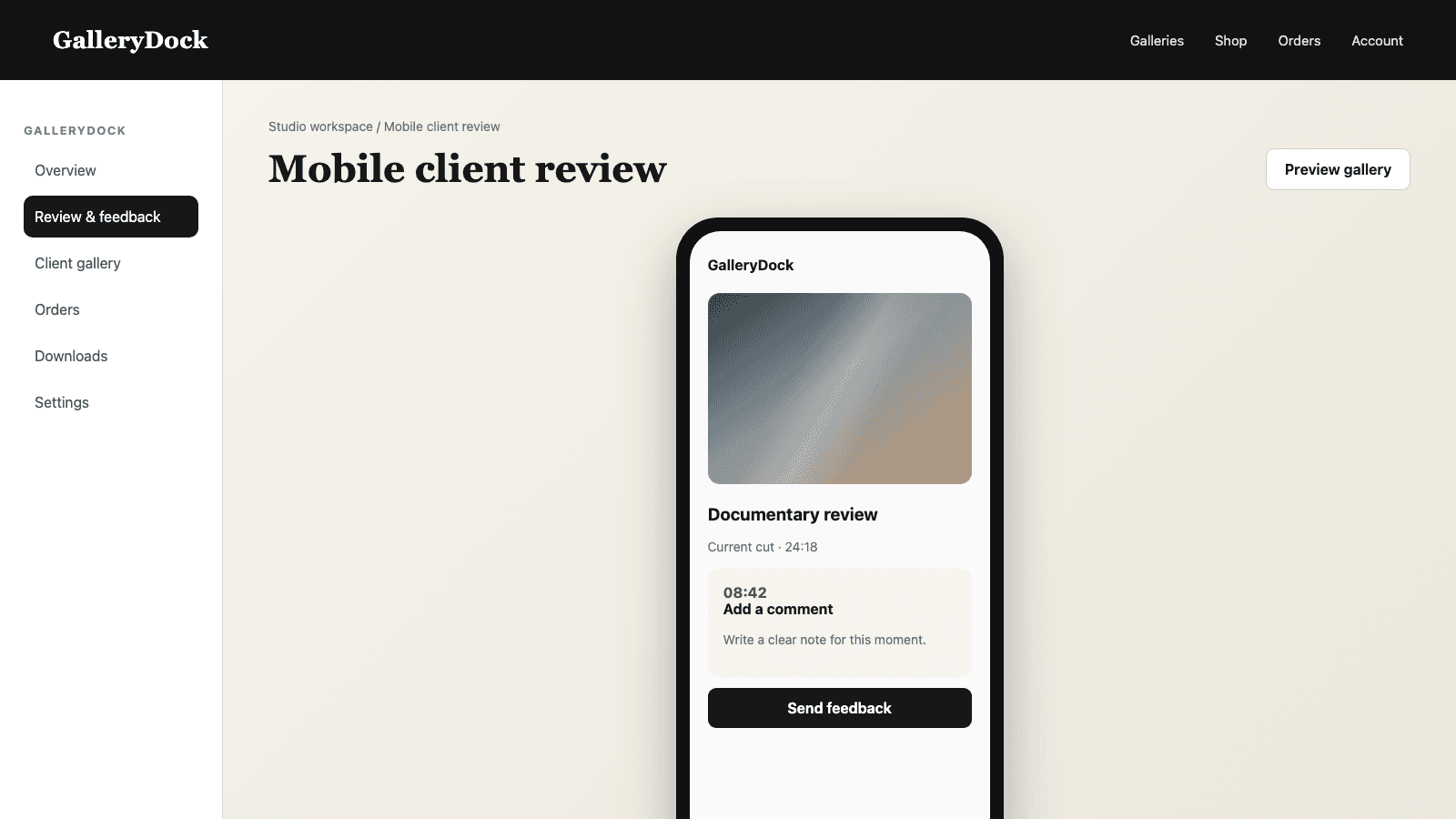
Documentary review involves more than asking whether a client likes the cut. Producers, subjects, researchers, legal contacts, and commissioning teams may need to check names, dates, quotes, archive sources, lower thirds, translations, music, pacing, and editorial emphasis. GalleryDock lets reviewers pause the exported film, leave a comment at the relevant playback time, continue the discussion in one thread, and distinguish open from resolved feedback. That creates a practical bridge between stakeholder knowledge and the next edit without giving clients access to the editing project. GalleryDock organizes comments around the rendered review file; it does not edit footage, verify facts automatically, manage source rights, replace an NLE, or create a legally binding approval by itself.
Review design
A focused role produces clearer notes than a general request for reactions.
01
Ask a producer or director to review sequence, pacing, repetition, and whether the central question remains understandable.
02
Ask the responsible stakeholder to verify names, dates, locations, quotes, captions, and lower thirds at the exact scenes where they appear.
03
Record questions about archive material, attribution, translations, or source notes without presenting the review tool as a rights-clearance system.
04
Invite commissioning or subject stakeholders to flag misleading emphasis, missing context, or moments that may be unclear to the intended audience.
Comment workflow
A good comment identifies the moment, issue, responsible decision, and desired next action.
01
Create the note where the issue becomes visible or audible so the editor does not have to search an email description.
02
Keep each thread focused on one factual, visual, audio, translation, or story question.
03
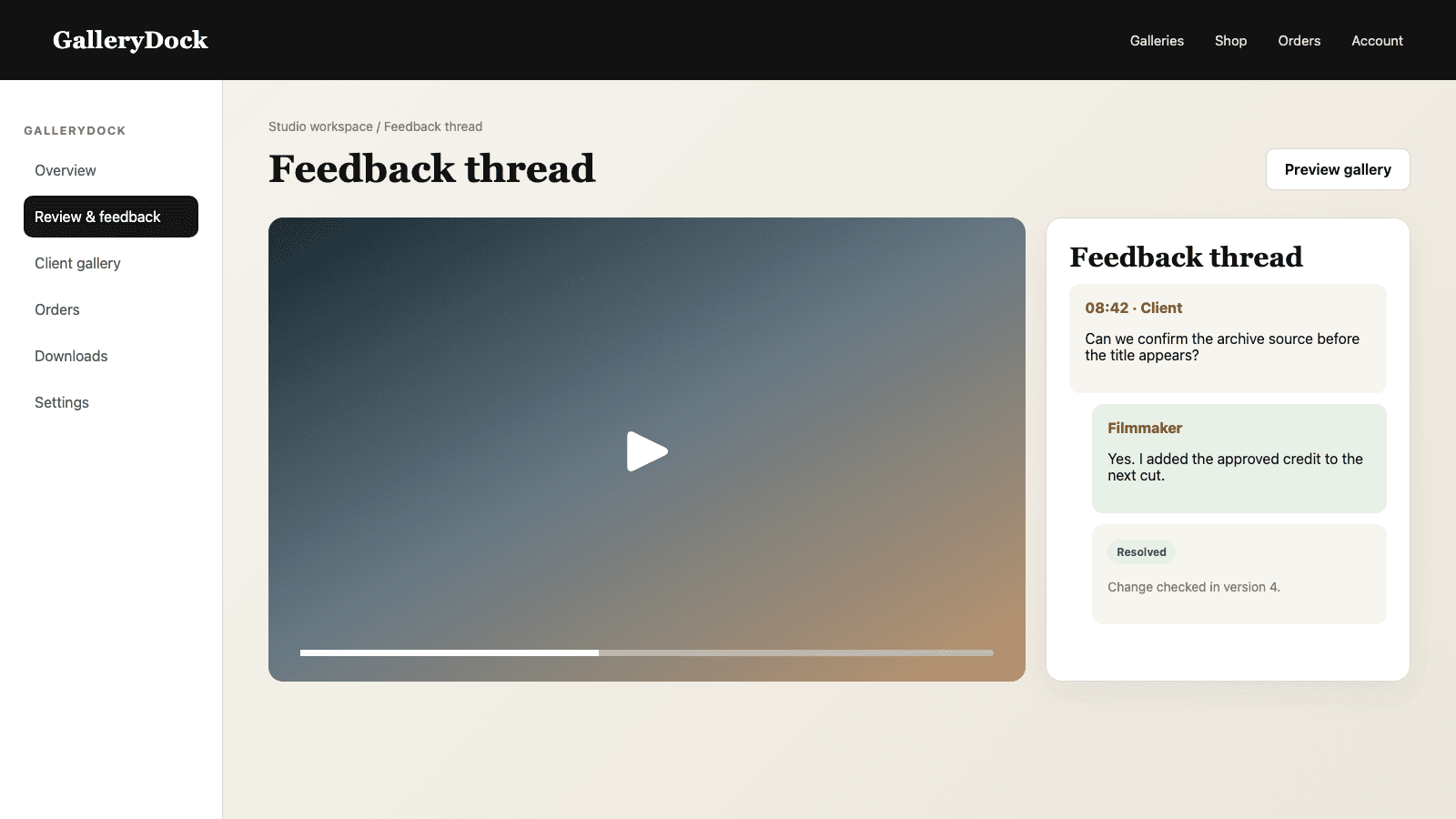
Clarifications from the filmmaker and stakeholder remain attached to the original timecode and scene.
04
Mark the note resolved only after the next edit or an explicit editorial decision addresses the point.
Editorial control
The review space collects knowledge; the production team still makes and verifies the final film.
01
One producer or editor interprets overlapping comments and decides how each point enters the edit plan.
02
A wrong name and a preference for a shorter shot require different priority and evidence.
03
When a suggestion is not adopted, leave a concise explanation in the thread so the same issue does not restart elsewhere.
04
Make changes in the production tools, export the next review file, and communicate which notes were addressed.
Comparison
Documentary feedback becomes useful when reviewers and editors can find the same moment.
| Approach | Best for | Tradeoff |
|---|---|---|
| Timecoded GalleryDock feedback | Client and stakeholder scene review | Editing still happens in the production tools |
| Email list | High-level summaries | Scene references and replies fragment quickly |
| Live screening call | Sensitive discussion | Decisions still need a written record |
| NLE collaboration | Internal editorial teams | Often too technical for external stakeholders |
| Formal legal approval | Contractual sign-off | Requires a separate legal and documentation process |
A subject flags a misspelled organization name at the exact lower-third appearance and the producer replies with the corrected wording.
A researcher identifies a source question at the first archive shot, keeping the note separate from general pacing feedback.
A broadcaster comments on story clarity, music, and runtime while the filmmaker tracks each point as open or resolved.
Frequently asked questions
Yes. They can pause the review video and create feedback connected to that playback time.
Yes. Replies remain in the thread attached to the original scene note.
Yes. Open and resolved states help the team track which points still need attention.
No. It organizes stakeholder comments; the production team verifies facts, sources, rights, and final wording.
No. Footage, sound, captions, and story changes are made in the filmmaker's editing and finishing tools.
No. Formal approval or rights clearance requires the appropriate separate process and documentation.
Related resources
Pricing
Free forever
0 EUR
EUR 0 per month
Perfect for sharing your first galleries professionally.
Start free, no credit card required
Monthly
19 EUR
EUR 228 billed yearly. plus VAT
Ideal for photographers who regularly deliver client galleries.
For regular client delivery
Monthly
29 EUR
EUR 348 billed yearly. plus VAT
For photographers managing many projects, videos and growing storage.
For regular client delivery
Share the current cut privately, collect timecoded stakeholder knowledge, resolve verified corrections, and keep editorial decisions with the production team.
Create a free account