01
Record the review date
Terms, privacy notices, subprocessors, infrastructure, and product settings can change. Store the date, source title, applicable service, and question owner for each material statement.
GDPR client gallery software comparison
GDPR client gallery software comparison for photographers: evaluate privacy notices, DPAs, subprocessors, transfers, access, deletion, and workflow responsibilities without legal guarantees.
Quick answer
A GDPR client gallery comparison should evaluate current official documentation, real access and deletion workflows, and the photographer's own responsibilities with consistent criteria rather than a legal winner badge. This comparison is operational information, not legal advice or a declaration that any provider is universally GDPR compliant; verify current documents and obtain qualified guidance for your processing context.
Method
A fair provider comparison uses the same categories and the same research standard. It distinguishes confirmed public documentation, provider answers, product testing, and unresolved questions instead of blending them into a score or winner badge.
01
Terms, privacy notices, subprocessors, infrastructure, and product settings can change. Store the date, source title, applicable service, and question owner for each material statement.
02
Prefer current provider policies, agreements, security pages, help documentation, and direct written answers. Third-party summaries can suggest questions but should not become the evidence base.
03
Use language such as not publicly confirmed or verify with the provider. Avoid converting a missing search result into a claim that a document, safeguard, or process does not exist.
04
Legal and operational suitability depends on context. A score hides the difference between contractual documentation, technical controls, workflow configuration, client communication, and the photographer's own responsibilities.
Documentation
Photographers should know which entity provides the service, which terms apply, whether a suitable processor agreement is available, which subprocessors support the service, and how international access or transfers are described.
01
Identify the provider, purposes, categories, recipients, transfers, retention explanations, rights contacts, and the services covered. Check whether the document applies to website visitors, account holders, client gallery visitors, or all of them.
02
Confirm availability, contracting path, roles, instructions, confidentiality, security commitments, subprocessor process, assistance, deletion or return, audits, and international transfer clauses relevant to the account.
03
Review the current list or provider answer, service purpose, locations, transfer mechanisms, change notice, and how a studio can evaluate changes. Do not infer the complete chain from a single hosting region.
04
Look for current technical and organizational information, access controls, encryption statements, resilience, support escalation, and incident obligations without turning marketing language into an independent certification claim.
Workflow controls
A provider can publish strong documents while a studio still shares the wrong link, uploads unnecessary files, leaves access open, or retains galleries indefinitely. Product controls and business procedures have to meet in the actual assignment.
01
Upload only the client-ready files and metadata needed for the stated purpose. Keep RAW originals, rejected captures, internal notes, and redundant archives in appropriately controlled systems.
02
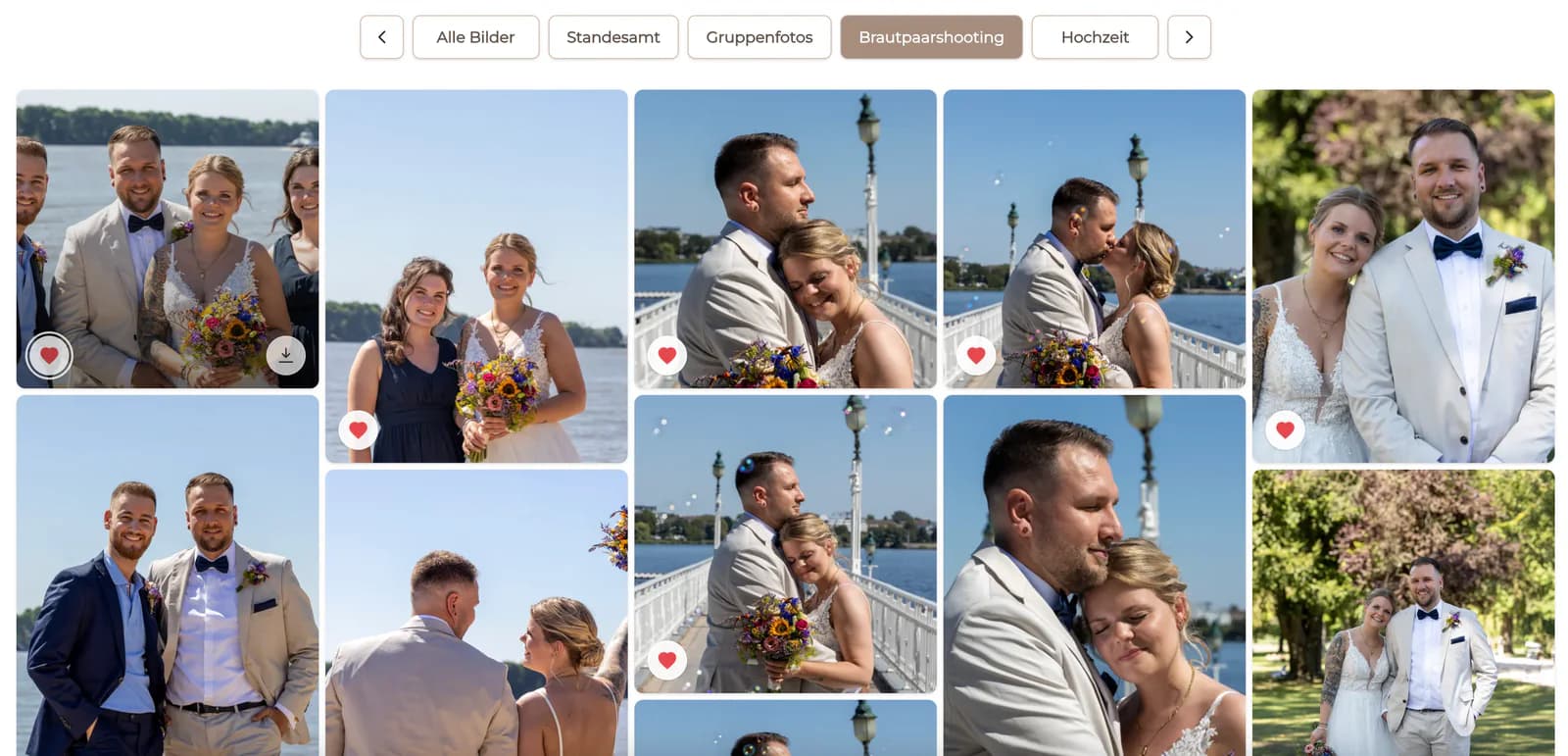
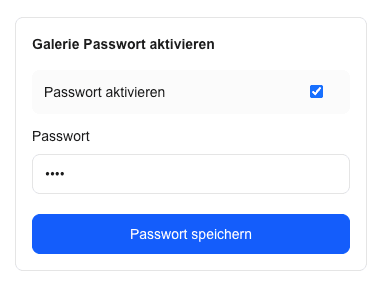
Record who receives the gallery, whether forwarding is expected, if an additional password is appropriate, how credentials are shared, and who changes access when the client team changes.
03
Match downloads and configured products to the contract and package. Document what is included, what is optional, who receives purchased files or prints, and how support or fulfillment questions are handled.
04
Confirm finals, preserve required business records, review gallery access, apply the retention decision, and record any export or deletion action according to the studio's process.
Responsibility
Software can support access, organization, and delivery, but it does not choose the business's lawful basis, write every notice, define every retention period, answer every data-subject request, or assess every jurisdiction and contract.
01
Identify who determines purposes and means, who processes on whose instructions, and whether clients, agencies, schools, employers, labs, or other parties change the role analysis.
02
Keep appropriate privacy information, processing records, vendor reviews, retention rules, security procedures, and decision ownership outside the marketing page and client interface.
03
Know how access, correction, export, deletion, objection, restriction, complaint, and incident questions are received, verified, routed, documented, and answered.
04
Use qualified counsel or a data-protection professional for jurisdiction-specific questions, high-risk processing, children, special categories, complex transfers, or disputed responsibilities.
Decision
The output of the comparison should be a documented operating decision: evidence reviewed, unanswered questions, acceptable conditions, required configuration, responsible people, pilot result, review date, and triggers for reassessment.
01
Send concise provider questions that identify the service and scenario. Preserve material answers with the vendor review rather than relying on memory or a sales conversation.
02
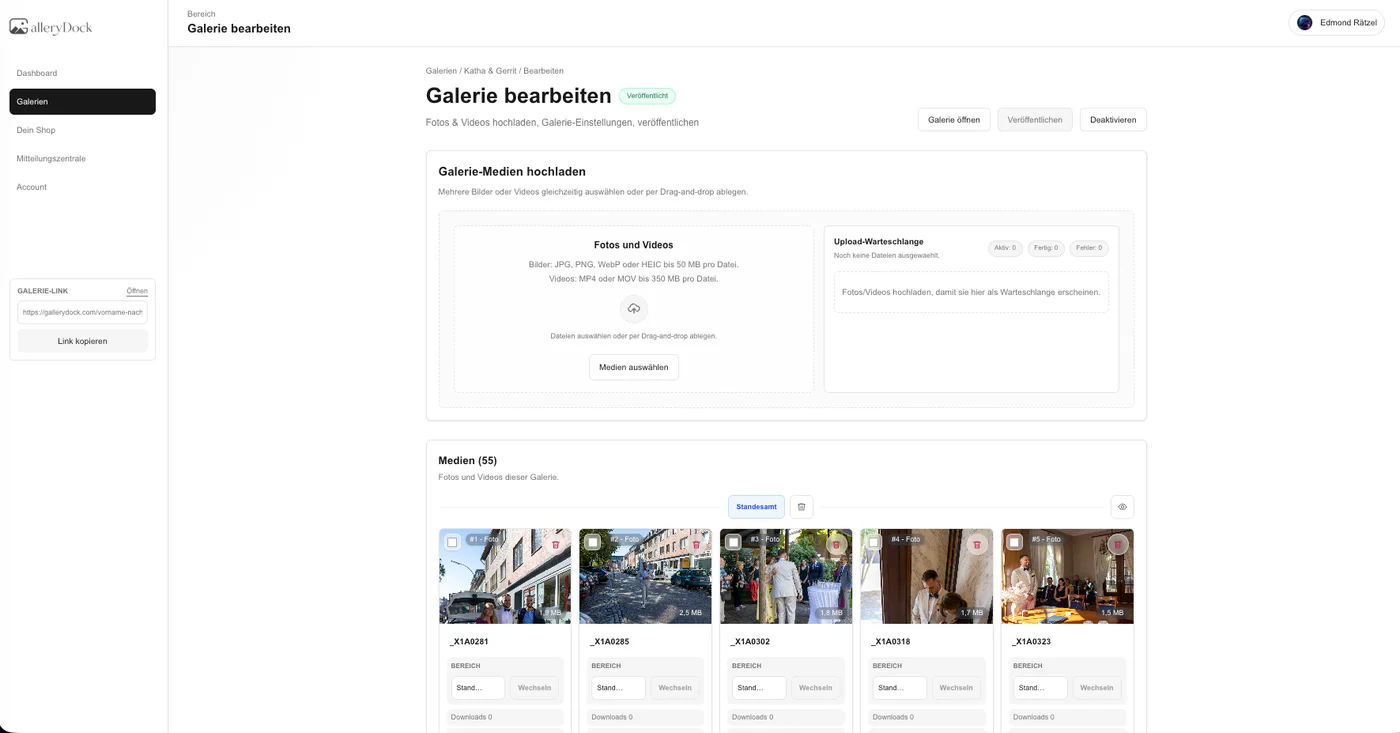
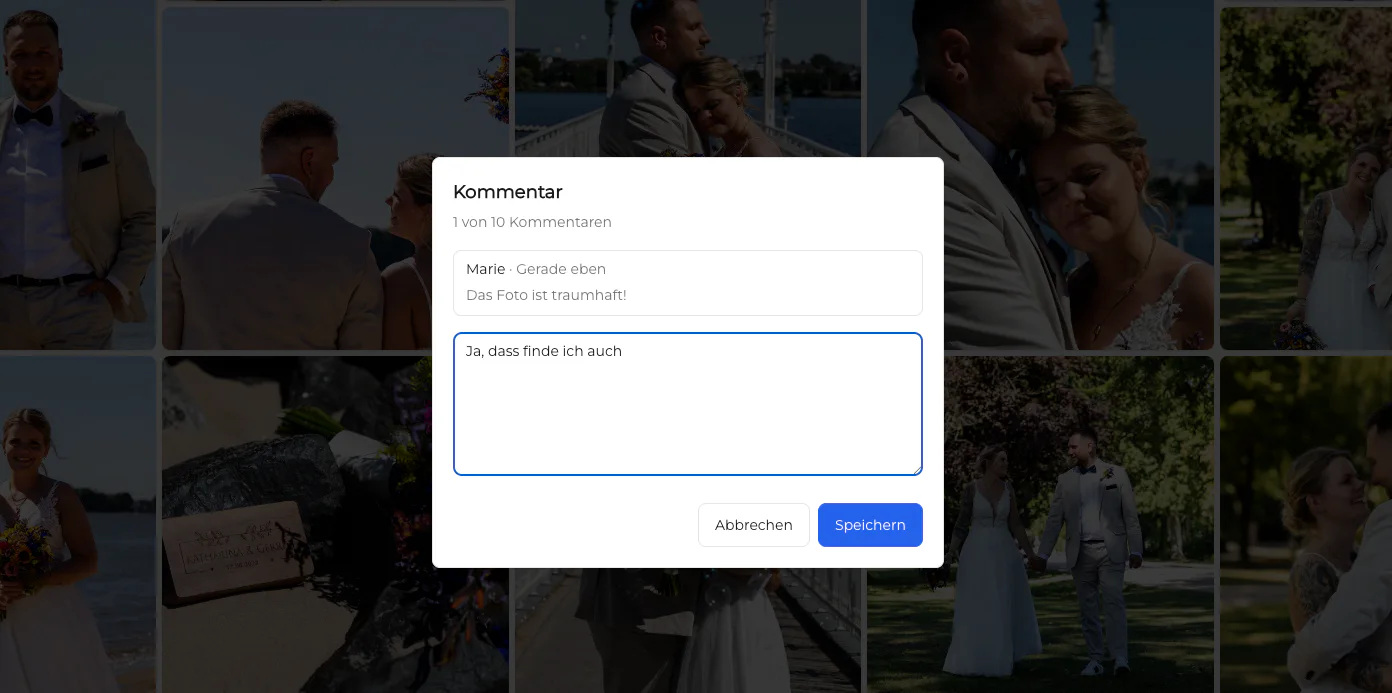
Test a real assignment on mobile and desktop, including invitation, access, selection, feedback, download, support, and any configured sale. Observe behavior instead of checking only settings.
03
State what data and assignment types are allowed, which settings are required, where originals and business records live, who owns retention, and when legal review is mandatory.
04
Review after provider document changes, new subprocessors, new products, new data categories, incidents, client requirements, or a defined periodic interval.

Comparison
Verify these differences with one representative client assignment before switching.
| Provider | Documentation to verify | Interpretation limit |
|---|---|---|
| GalleryDock | Review the current privacy notice, processor agreement, service categories, access controls, deletion path, and the studio's own configuration and retention process. | GalleryDock features do not automatically establish the photographer's lawful basis, notices, contracts, security, transfer assessment, or compliance. |
| picdrop | Verify the current account-level DPA path, privacy information, access options, deletion/export process, subprocessors, transfers, and plan-specific behavior directly. | If a complete current public list is not clearly available, ask the provider; do not treat that research gap as proof that a safeguard is absent. |
| Pic-Time | Review the current Privacy Policy, DPA, security information, processing regions, subprocessors, transfer terms, termination, and deletion language. | Published infrastructure or encryption statements are relevant evidence, but they do not determine the photographer's complete compliance outcome. |
| Pixieset | Review the current Privacy Policy and Data Processing Addendum, including roles, subprocessors, international transfers, termination, deletion, and configurable client access. | A broad suite can involve several services; verify which terms and processors apply to the exact products enabled in the account. |
| Scrappbook | Review the current German privacy information, provider identity, service dependencies, password availability, deletion/export options, transfers, and a suitable processor agreement. | Public details that cannot be confirmed should become provider questions, not negative claims or assumed protection. |
| ShootProof | Review the current Privacy Policy, contractual processor terms, service-provider list, international processing, gallery protection, deletion/export, and support answers. | An old public document date or unclear European term requires current confirmation; it is not evidence for a categorical legal verdict. |
The studio processes personal images for named clients. It verifies contracts and provider documents, minimizes the gallery, defines recipients and optional protection, records retention, separates originals from delivery, and plans how access or deletion questions are handled.
The photographer identifies controller and processor roles, contractual contacts, authorized reviewers, transfer questions, final-file recipients, approval ownership, and records that must remain outside the gallery after delivery.
The studio does not rely on a standard gallery checklist alone. It performs a higher-risk review of lawful handling, consent or other basis, visibility, recipients, access, storage, retention, incident response, and qualified advice.
Frequently asked questions
This page does not declare a universal winner. Suitability depends on current documents, actual services, configuration, contracts, transfers, security, retention, data categories, and the photographer's complete processing context.
No. A DPA can be an important processor document, but the business must also address lawful basis, transparency, minimization, security, transfers, retention, rights requests, incidents, and its own instructions and records.
No. Hosting location is one factor. Review the entire service chain, subprocessors, support access, transfers, contracts, technical and organizational measures, and the photographer's own workflow.
Record it as unverified and ask the provider. Do not convert an unsuccessful search into a factual claim that the provider lacks the document, control, or process.
No. GalleryDock can support a privacy-conscious workflow, but the photographer remains responsible for the broader legal and operational context.
Review it before adoption, when terms or providers change, when a new data category or client type appears, and periodically as part of the studio's documented vendor process.
Related resources
Pricing
Free forever
0 EUR
EUR 0 per month
Perfect for sharing your first galleries professionally.
Start free, no credit card required
Monthly
19 EUR
EUR 228 billed yearly. plus VAT
Ideal for photographers who regularly deliver client galleries.
For regular client delivery
Monthly
29 EUR
EUR 348 billed yearly. plus VAT
For photographers managing many projects, videos and growing storage.
For regular client delivery
Use the matrix to collect current evidence, record unanswered questions, test one real client workflow, and take legal conclusions to a qualified advisor rather than a marketing page.
Create a free account