01
Identify the contracting entity
Record the legal company name, current terms, support contact, and the agreement that applies to the account. Do not infer them from a brand name or top-level domain.
European client gallery software
European client gallery software for photographers: compare company context, client language, privacy documentation, access, feedback, delivery, and sales without assuming compliance.
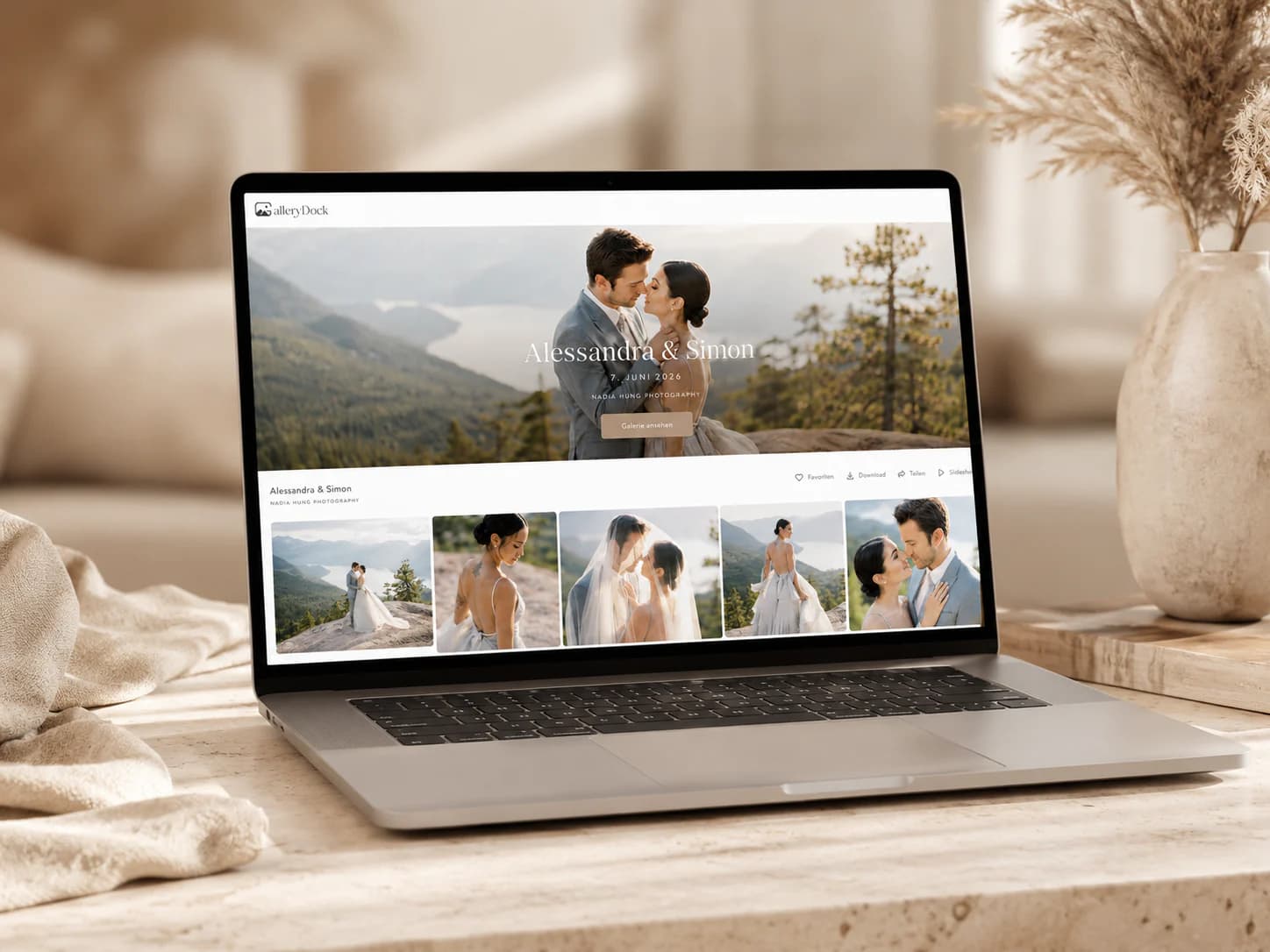
Quick answer
European client gallery software should be evaluated through company and contract context, client language, current privacy documentation, real access controls, support, and the complete post-shoot workflow. A European provider context does not by itself prove EU-only hosting, legal compliance, or suitability for a particular contract; verify the current documentation and obtain qualified advice where needed.
Rescue angle
English-speaking photographers may reasonably look for a European client-gallery context, but the word can refer to company origin, contracts, support, languages, hosting, subprocessors, or customer base. Treat each as a separate question.
01
Record the legal company name, current terms, support contact, and the agreement that applies to the account. Do not infer them from a brand name or top-level domain.
02
Check the privacy notice, DPA, subprocessor information, transfer description, deletion terms, security statements, and dates relevant to the actual service.
03
An English client experience can reduce confusion for international recipients, but it does not determine governing law, processing location, or legal responsibility.
04
A gallery may depend on hosting, email, analytics, payment, media, and support providers. Evaluate the documented service chain instead of reducing it to one headquarters location.
Client communication
The strongest international workflow is not the one with the most settings. It is the one where the client knows why the gallery arrived, how access works, what decision is required, and what happens after completion.
01
Name the assignment, sender, requested action, deadline, access method, and support contact. Avoid unexplained internal terms such as proof, selection, approval, or final unless the package defines them.
02
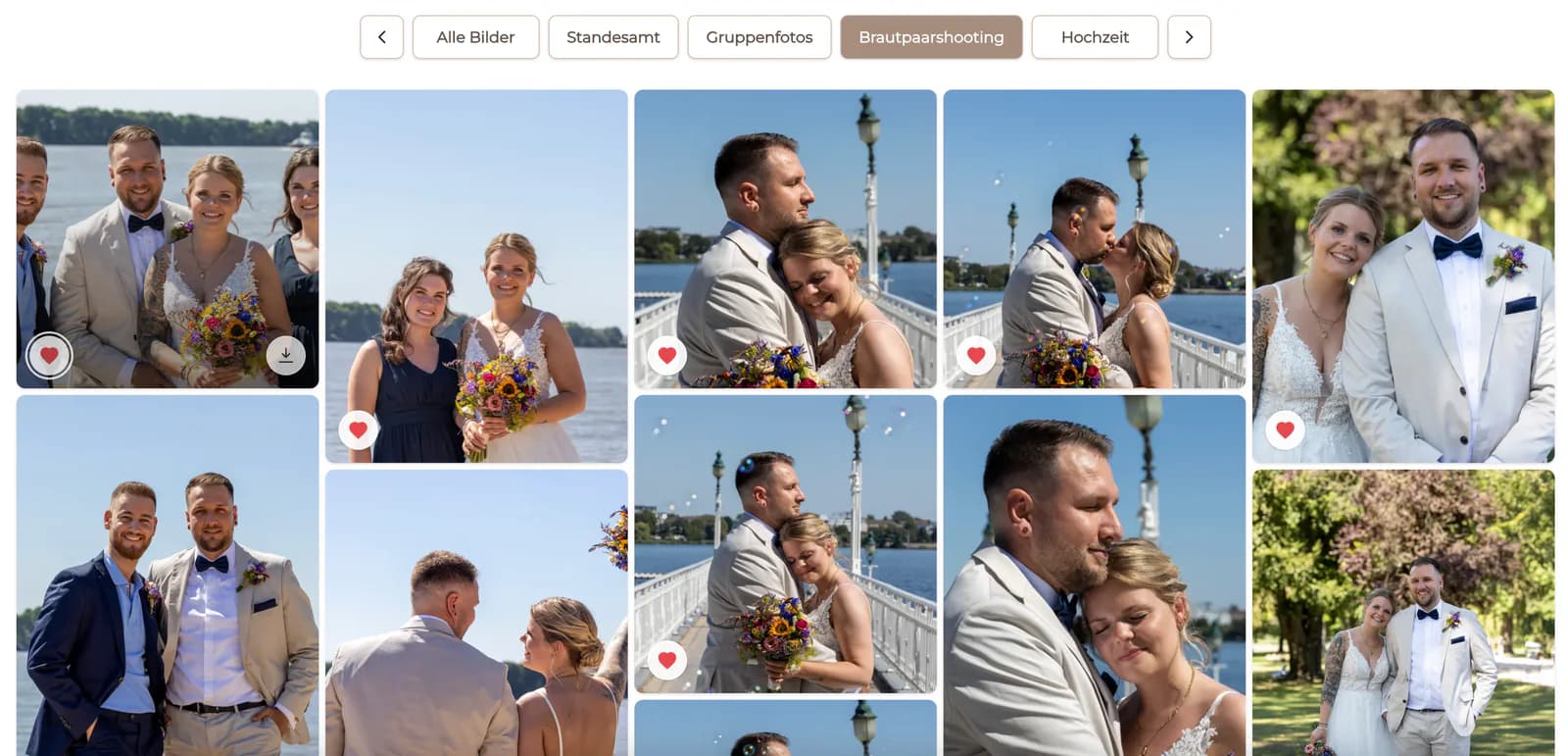
Explain whether a favorite requests retouching, selects an included file, proposes an album image, records a stakeholder shortlist, or identifies an optional purchase.
03
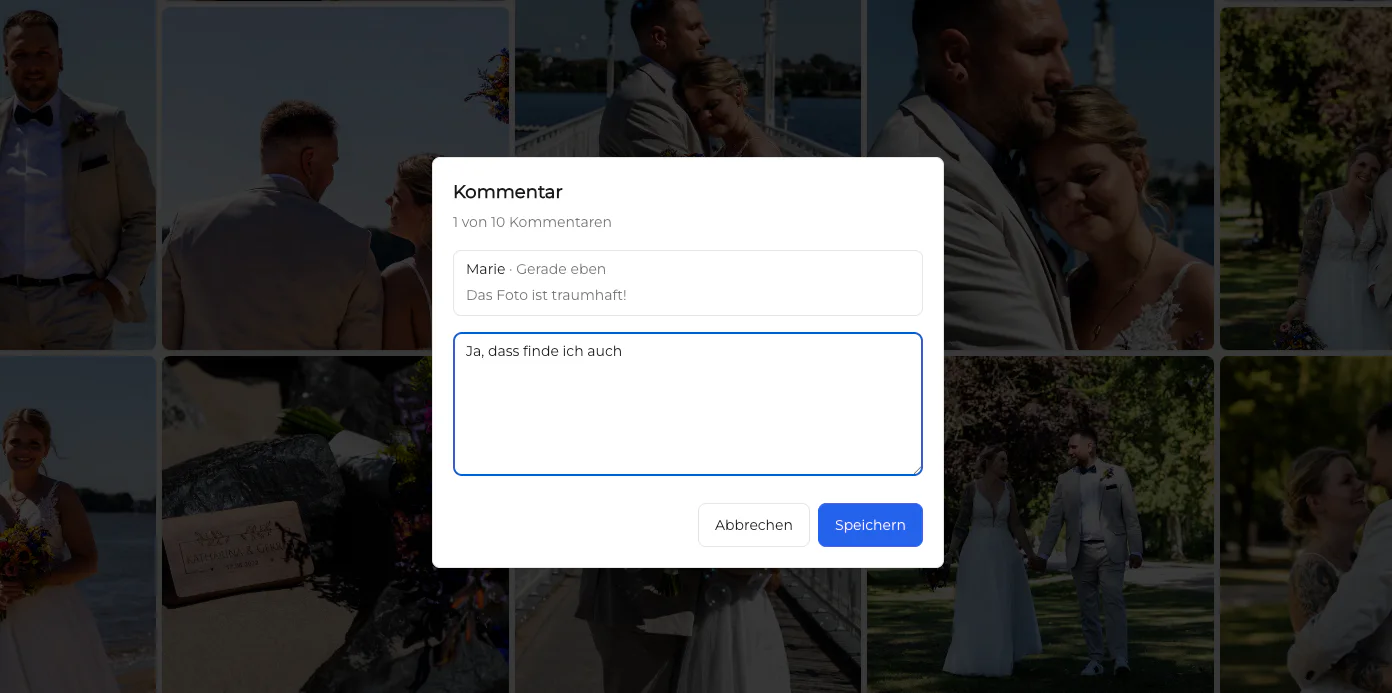
Use image-specific comments for crop, retouching, replacement, or approval context. Assign one stakeholder to consolidate conflicting requests where appropriate.
04
Tell the client which files are final, what can be downloaded, whether optional products are configured, and where the delivery record will be retained.
Privacy-aware operations
Private links, optional passwords, curated visibility, and controlled downloads can support a deliberate workflow. They do not choose the lawful basis, write the contract, set retention, or answer every transfer and data-subject question.
01
Upload the client-ready material needed for the assignment rather than treating the gallery as the default archive for every capture, duplicate, or internal production file.
02
Decide who receives the link, whether an additional password is appropriate, how credentials are shared, and how access is changed if recipients or risk change.
03
Define when proofs, comments, final files, account records, and independent backups are reviewed or removed. The business process must identify who performs and records the decision.
04
Know how privacy requests, access mistakes, deletion questions, and support escalation move between photographer, client, provider, and qualified advisor.
Adoption
A useful pilot includes the client, device, assignment type, and support path that the studio will actually use. It preserves the current delivery option until the new process has completed without missing files or unresolved access.
01
Use a real but noncritical EU-facing job with realistic file count, client roles, mobile access, selection, feedback, delivery, and any configured sales.
02
Ask whether the invitation, interface language, decision terms, download path, and support ownership were clear. Record questions instead of assuming silence means success.
03
Confirm which person prepares the gallery, checks privacy and package requirements, sends access, consolidates feedback, publishes finals, handles sales, and closes the assignment.
04
State what GalleryDock owns, what other systems own, and which legal or operational decisions require a separate review. Revisit the decision when the service or studio context changes.

Comparison
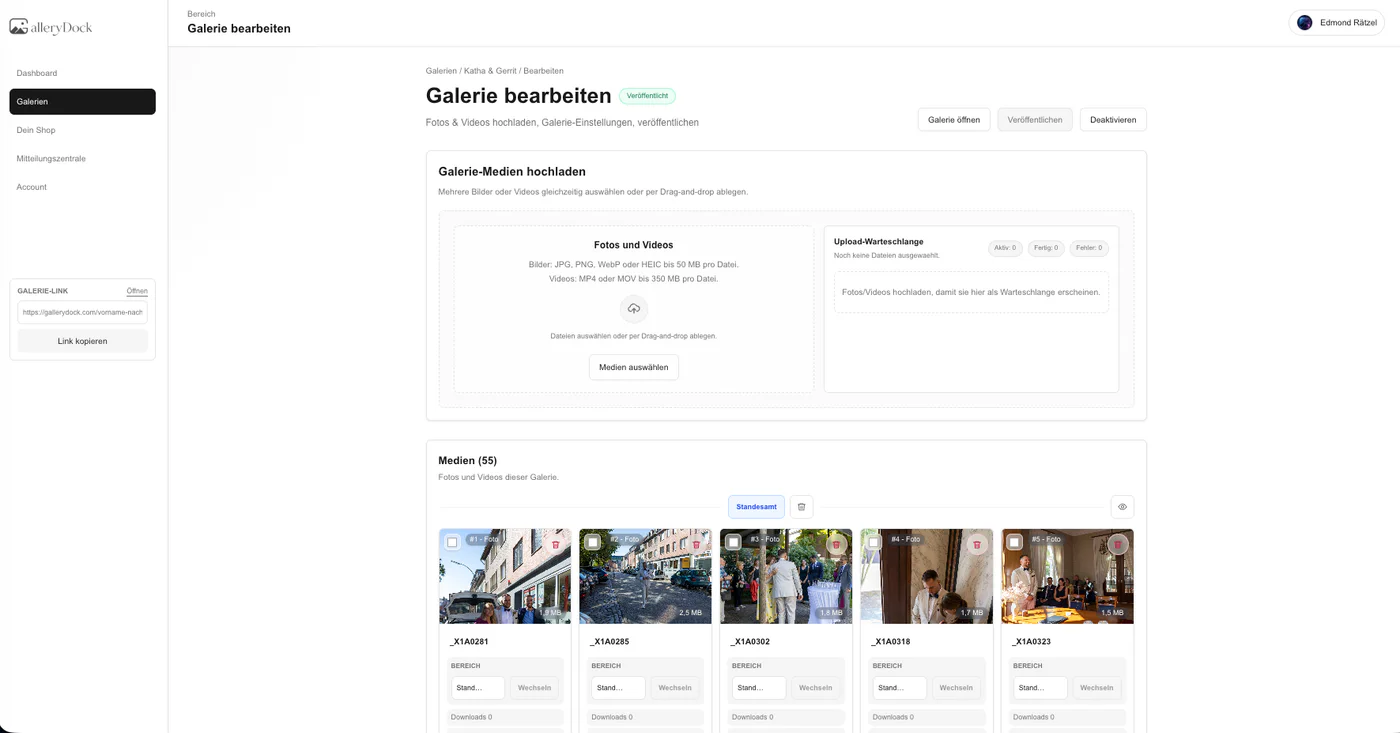
Verify these differences with one representative client assignment before switching.
| Decision area | What to verify | Important boundary |
|---|---|---|
| Company and contract context | Studios that want to identify the legal entity, applicable terms, processor documentation, support path, and responsible contracting party before uploading client work. | A company location alone does not describe every service, subprocessor, transfer, storage region, or customer responsibility. |
| Client language | Photographers serving English-speaking clients in Europe who need instructions, selection labels, comments, downloads, and purchase explanations the recipient can understand. | English interface copy does not replace the photographer's own package terms, privacy information, consent process, or delivery instructions. |
| Private assignment workflow | Commissioned jobs that require a deliberate link, curated set, favorites, contextual feedback, controlled downloads, and configured digital or physical sales. | The gallery remains one part of a broader workflow that includes contracts, archives, editing, accounting, retention, and incident procedures. |
| Privacy documentation | Teams that compare a privacy notice, DPA, subprocessor information, transfer mechanisms, deletion paths, support, and current documentation dates. | Missing public detail should be verified with the provider rather than treated automatically as proof that a safeguard does not exist. |
| Support and operations | Studios that value a reachable support context and can document ownership for client invitations, approval, delivery, deletion, and customer questions. | Support language and location do not transfer the photographer's legal, security, or business responsibilities to the software provider. |
| Pilot evidence | A US or international photographer testing one EU-facing assignment from invitation through delivery on mobile and desktop. | A successful demo does not establish compliance for every jurisdiction, subject category, client contract, or future product configuration. |
A commercial photographer sends a curated campaign gallery to stakeholders in Europe. The team documents the contracting party, recipient access, approval owner, retention decision, and transfer questions separately from the polished client interface.
A distributed production team needs one understandable client path across countries. It tests invitation copy, mobile access, selection terms, image comments, final download, support ownership, and a clear handoff into internal production records.
A family, school, health, or executive project receives a higher-risk review. The studio minimizes the visible set, confirms lawful handling and access requirements, chooses retention deliberately, and seeks qualified advice instead of relying on a provider label.
Frequently asked questions
No. Compliance depends on the complete processing context, lawful basis, contracts, configuration, security, retention, transfers, data-subject handling, and the photographer's own responsibilities.
This page makes no EU-only hosting guarantee. Review GalleryDock's current privacy and contractual documentation for the services and subprocessors relevant to your actual use.
Yes, a US photographer can evaluate the workflow for EU or international clients, but cross-border legal and tax questions require the photographer's own qualified review.
They should know who sent the link, what the gallery contains, what action is requested, how access is protected, what is included, and where privacy or support questions can be directed.
Yes. GalleryDock can connect favorites, image-specific comments, controlled downloads, and configured digital or physical sales in a private client journey.
Source-file backup, editing masters, contracts, legal records, accounting, retention decisions, incident response, and jurisdiction-specific advice remain separate responsibilities.
Related resources
Pricing
Free forever
0 EUR
EUR 0 per month
Perfect for sharing your first galleries professionally.
Start free, no credit card required
Monthly
19 EUR
EUR 228 billed yearly. plus VAT
Ideal for photographers who regularly deliver client galleries.
For regular client delivery
Monthly
29 EUR
EUR 348 billed yearly. plus VAT
For photographers managing many projects, videos and growing storage.
For regular client delivery
Create a curated GalleryDock gallery, document the contract and privacy questions separately, and observe whether the English client journey is clear before adopting it as a standard.
Create a free account