01
Check mobile presentation
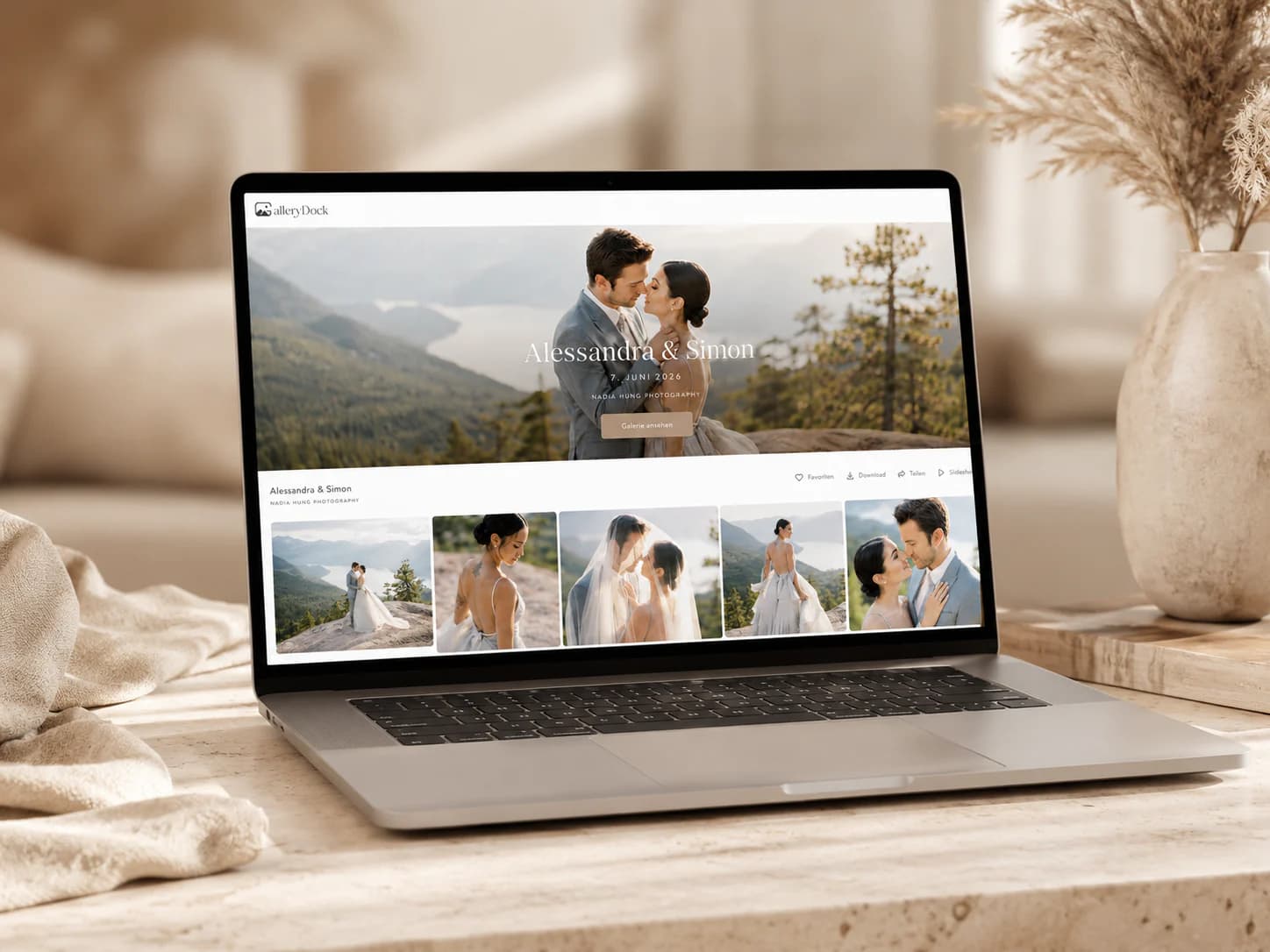
Open a real gallery on a phone and verify that images, sections, actions, and instructions remain clear.
Client gallery evaluation
Compare client gallery software by mobile experience, proofing, feedback, downloads, access control, and optional digital sales.

Quick answer
The best client gallery for a photographer is the one that fits the actual post-shoot workflow, client expectations, delivery volume, and budget. Evaluate how a gallery looks on mobile, how clients select favorites and leave precise feedback, how final downloads are controlled, and whether optional digital sales belong inside the same experience. The right evaluation also considers how quickly a first-time client understands the next action, whether access can match the assignment, and how much manual explanation remains after the link is sent. GalleryDock is a strong fit when those connected gallery tasks matter. This page is a criteria-led assessment, not an independent market ranking, universal number-one claim, or test-winner award.
Evaluation criteria
A gallery only saves time when clients immediately understand what to do.
01
Open a real gallery on a phone and verify that images, sections, actions, and instructions remain clear.
02
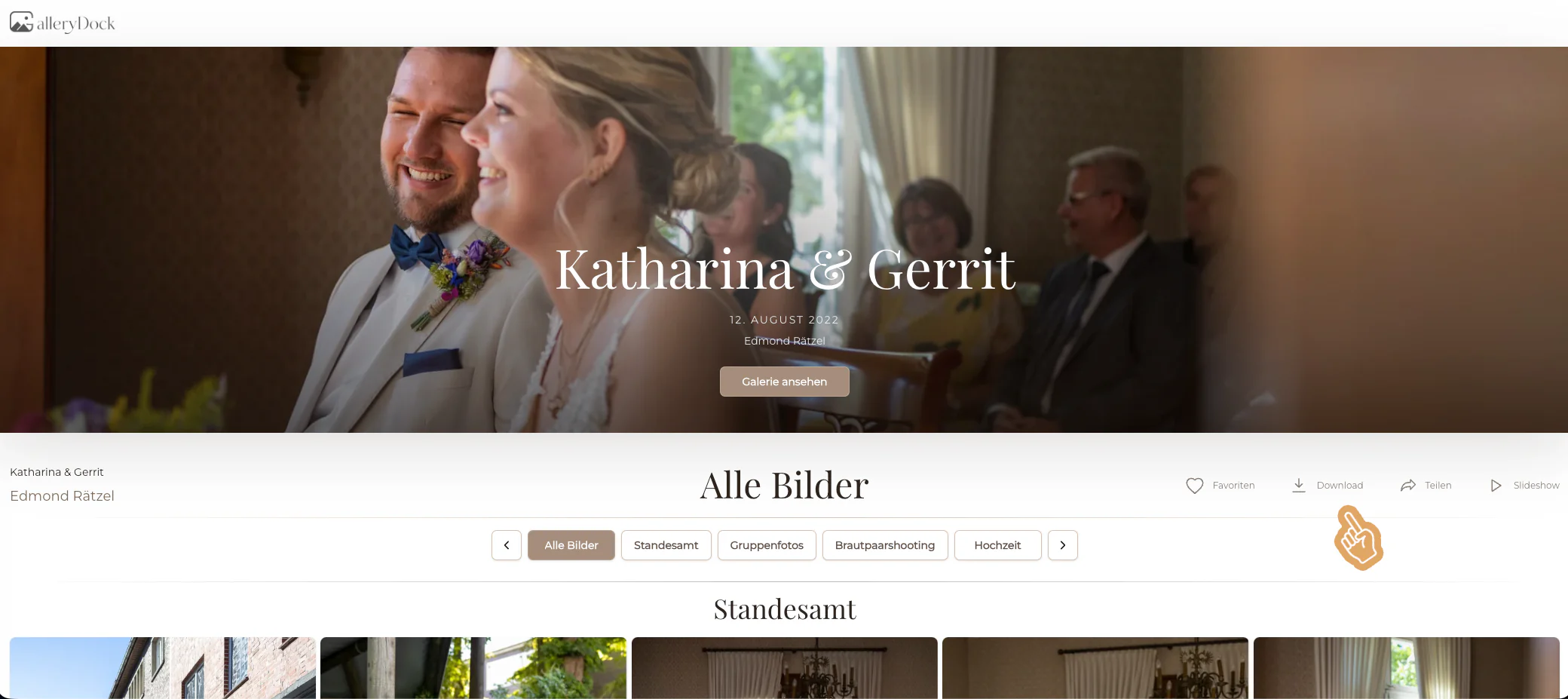
Confirm that clients can identify exact photographs without screenshots or separate filename lists.
03
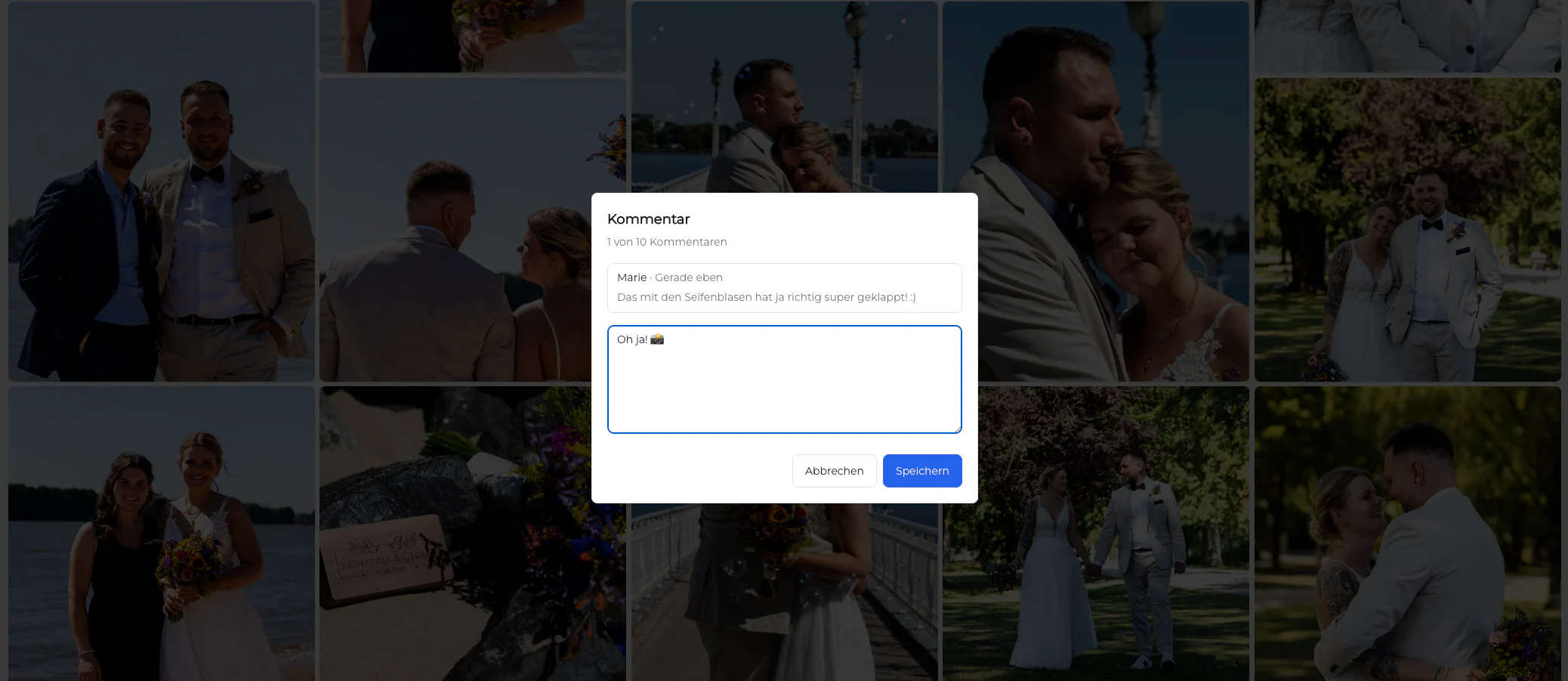
Make sure feedback stays beside the relevant image and remains useful for production work.
04
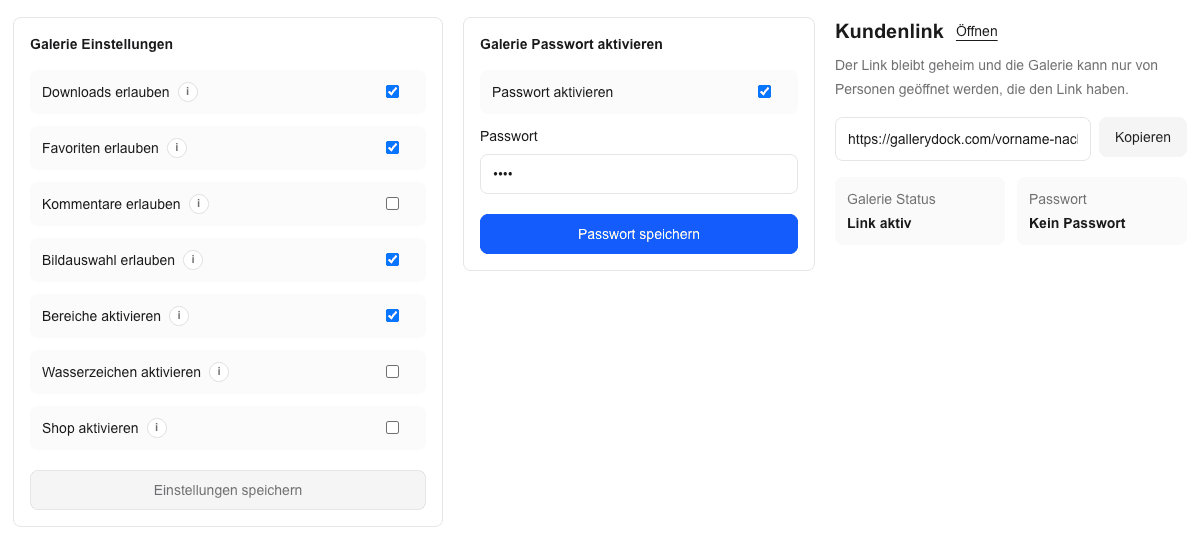
Verify that clients understand which files are final and what access the photographer has enabled.
Photographer workflow
The client-facing result should not create an unmanageable internal process.
01
Test upload, organization, cover, settings, and sharing with a representative shoot rather than a demo alone.
02
Check whether the same process can be repeated across weddings, portraits, events, or commercial jobs.
03
Confirm that private sharing, passwords, and downloads can be configured for the assignment.
04
A client gallery should complement, not replace, the photographer's backup and retention system.
Commercial fit
The most expensive or longest feature list is not automatically the best operational fit.
01
Prioritize presentation, proofing, feedback, and delivery before optional selling features.
02
Check storage, visible-gallery, upload, and feature limits against the photographer's normal assignments.
03
Use gallery sales only when digital products and the photographer's business model support them.
04
Consider how the workflow will be documented and understood by future team members.

Comparison
Compare categories by the workflow they solve.
| Approach | Best for | Tradeoff |
|---|---|---|
| A few final images | No structured proofing | |
| Transfer service | One file package | Limited presentation and feedback |
| Cloud storage | Internal files and archives | Not a client-focused gallery |
| All-in-one studio suite | Broader CRM and business administration | May exceed a focused gallery need |
| GalleryDock | Connected proofing, comments, downloads, and optional digital sales | Not a complete CRM or backup platform |
Test whether clients can compare similar portraits and send exact retouching choices.
Review mobile presentation, privacy, download clarity, and a polished emotional handoff.
Confirm that multiple stakeholders can review images without losing decision ownership.
Frequently asked questions
There is no universal winner. The best fit depends on client experience, proofing, delivery, access, volume, budget, and the photographer's actual workflow.
This page does not claim an independent ranking or test-winner award. It explains where GalleryDock fits against practical criteria.
Start with a real mobile client journey: open the gallery, mark favorites, leave a comment, and download an approved file.
No. Keep original files and long-term backups in a separate storage and retention system.
No. Digital sales are optional and should match the photographer's packages and business model.
Yes. It can connect favorites, image comments, controlled downloads, and optional digital products in one gallery workflow.
Related resources
Pricing
Free forever
0 EUR
EUR 0 per month
Perfect for sharing your first galleries professionally.
Start free, no credit card required
Monthly
19 EUR
EUR 228 billed yearly. plus VAT
Ideal for photographers who regularly deliver client galleries.
For regular client delivery
Monthly
29 EUR
EUR 348 billed yearly. plus VAT
For photographers managing many projects, videos and growing storage.
For regular client delivery
Test presentation, selection, feedback, and delivery against the work your clients actually do.
Create a free account