01
Start with the job type
Define whether the gallery supports portraits, corporate teams, families, products, or another studio service.
Studio client workflow
Standardize client proofing and delivery across portrait, family, corporate, and product assignments in a photography studio.
Quick answer
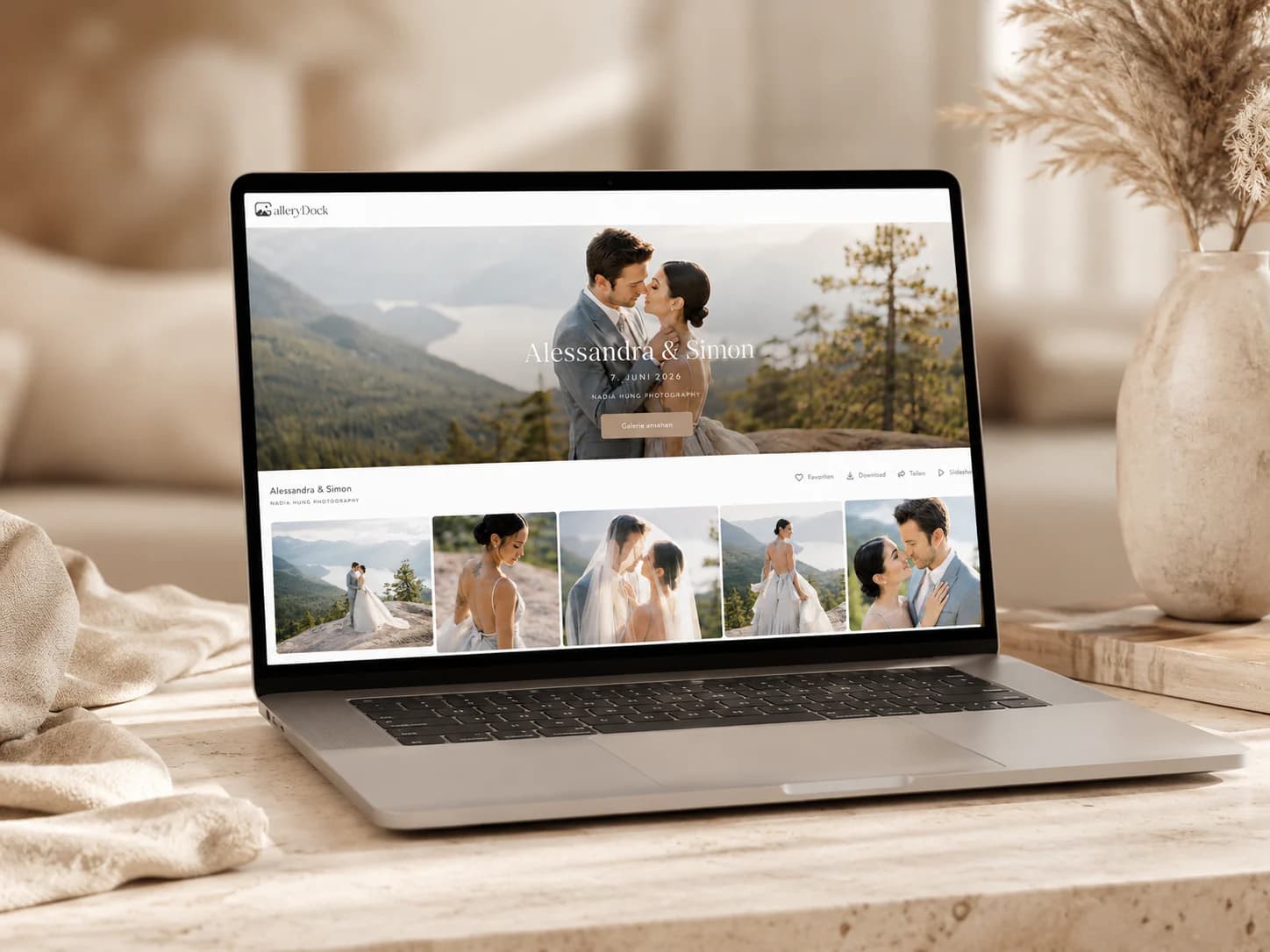
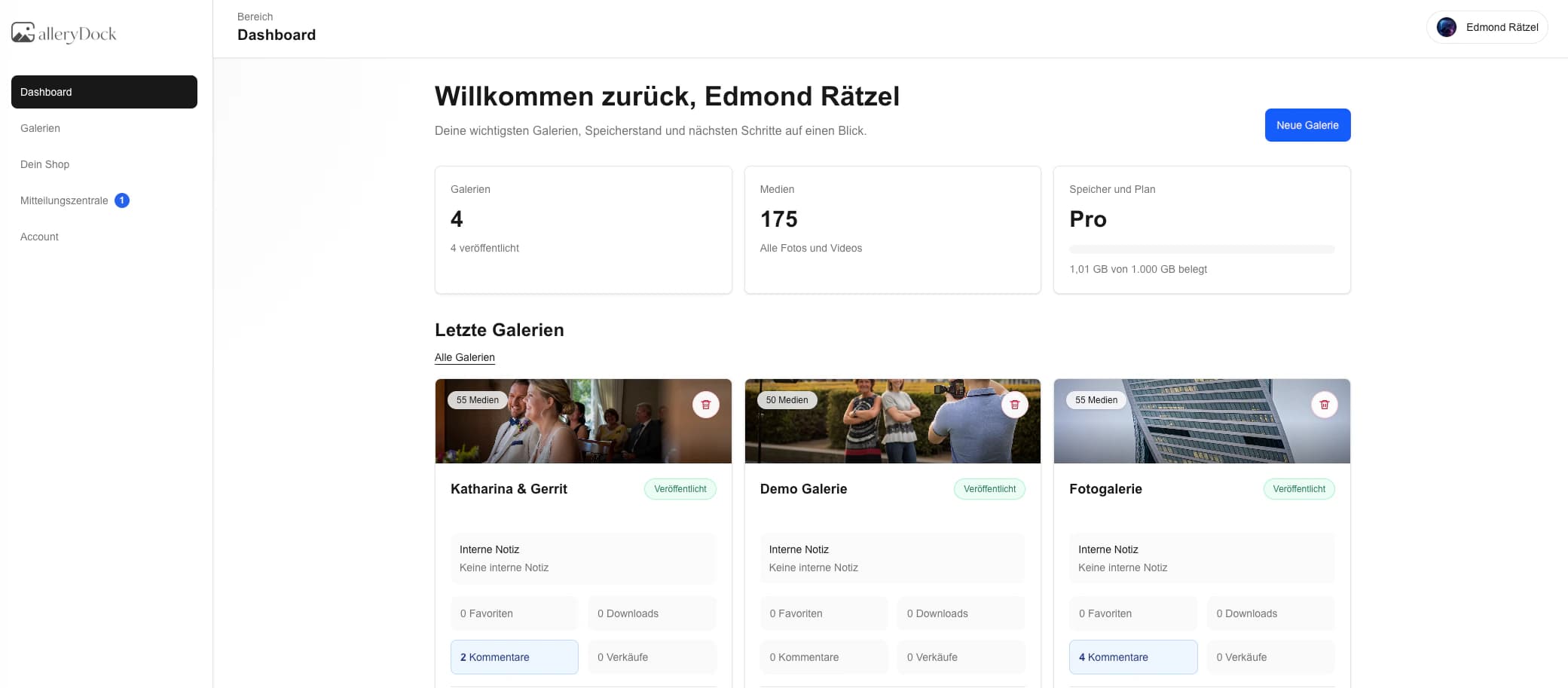
A client gallery for photography studios creates a repeatable handoff across very different assignments. Each portrait, family, corporate, or product job receives its own private gallery, selection rules, comments, and final download state. GalleryDock supports that client-facing proofing and delivery layer; it is not a complete studio CRM, scheduler, invoicing system, or production resource planner.
Studio setup
A studio can reuse one reliable framework without forcing portraits and product jobs into the same decision process.
01
Define whether the gallery supports portraits, corporate teams, families, products, or another studio service.
02
Use a dedicated gallery and access state for every commissioned assignment.
03
Explain the included quantity, review deadline, and meaning of favorites before clients begin.
04
Make galleries and sections easy for staff to recognize without exposing internal production codes.
Repeatable proofing
Clear studio procedures reduce administration while each shoot keeps its own visual and commercial purpose.
01
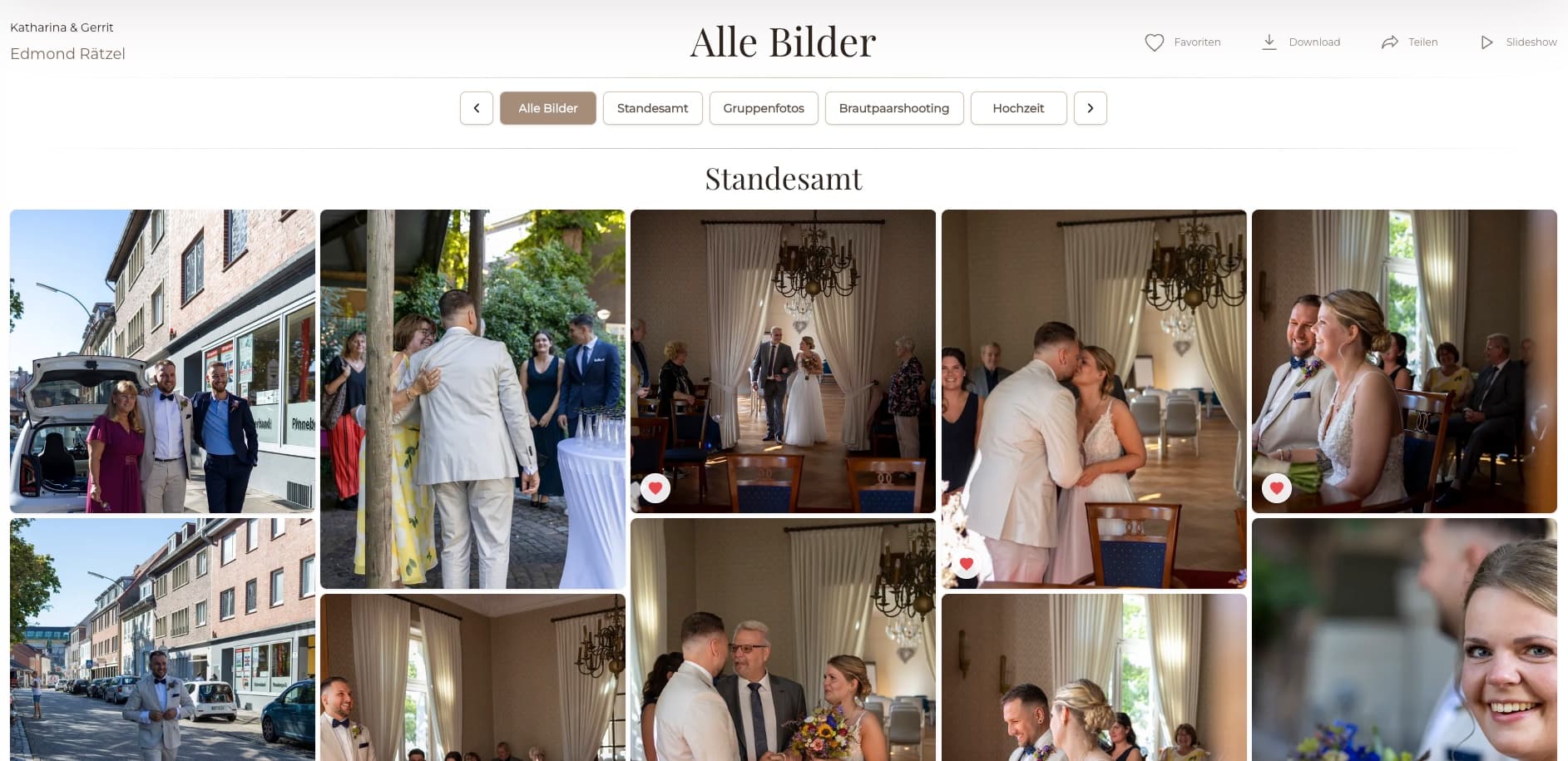
Show expressions, crops, or product angles in groups the client can understand.
02
Use favorites and comments instead of screenshots or disconnected email lists.
03
Clarify whether an individual, family, marketer, or buyer returns the final selection.
04
Confirm that the selection is complete before retouching and final export begin.
Studio delivery
A dependable delivery stage protects client experience even when the subject matter changes.
01
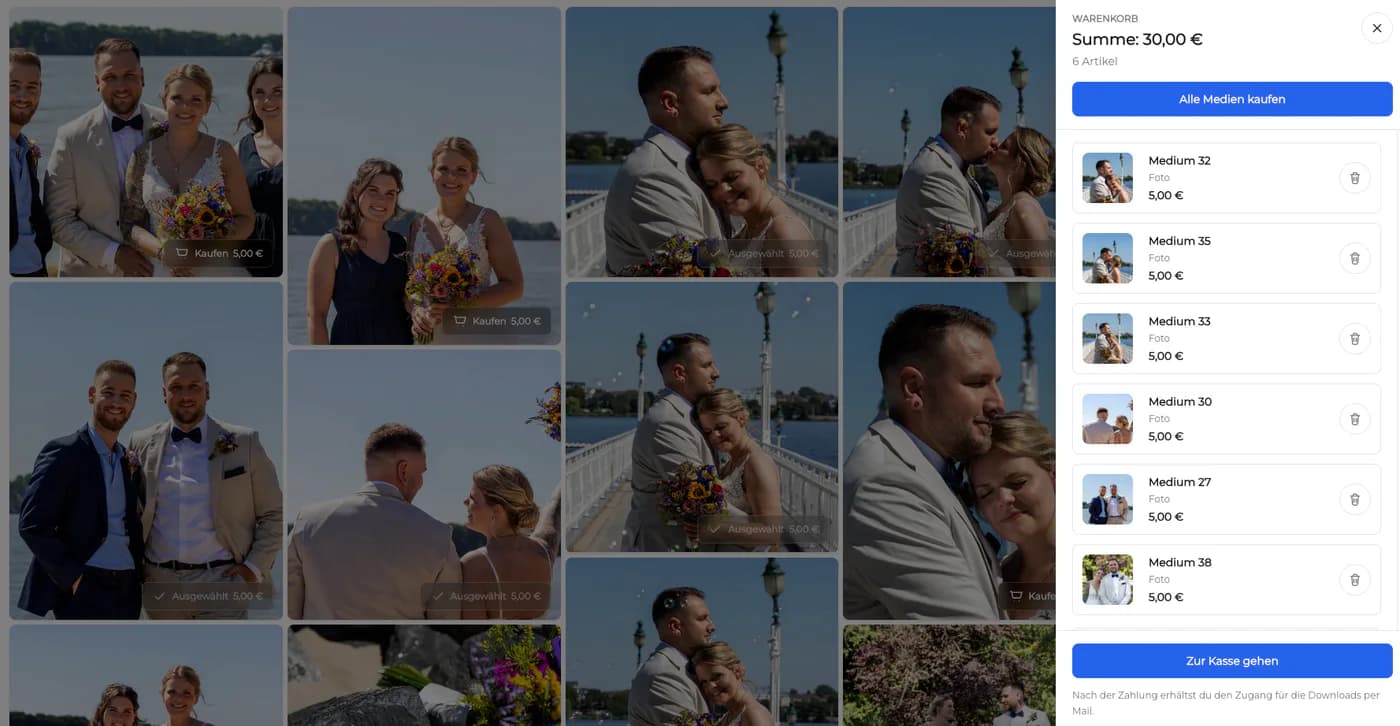
Verify filenames, dimensions, color, and retouching against the approved selection.
02
Do not make clients guess which version is approved for use.
03
Match file access to the package and rights agreed outside the gallery.
04
Continue to manage contracts, scheduling, invoices, and accounting in their proper systems.


Comparison
Use GalleryDock for the visual client workflow, not every studio operation.
| Approach | Best for | Tradeoff |
|---|---|---|
| Email and chat | Quick coordination | Choices become hard to audit |
| Cloud folders | Internal storage | Weak client guidance |
| Studio CRM | Leads, bookings, and invoices | Not necessarily built for visual proofing |
| Project management tool | Staff tasks and schedules | Client presentation can feel technical |
| GalleryDock | Visual proofing and delivery | Not a complete studio management suite |
Collect final expressions and retouching notes before releasing finished portraits.
Coordinate marketing selections across corporate and product assignments.
Keep personal client access, favorites, and optional images in one calm flow.
Frequently asked questions
It is a client-facing space for presenting, proofing, commenting on, and delivering photographs for a specific studio assignment.
Yes. Each job can have its own gallery structure and rules while the studio keeps a consistent handoff process.
Yes. Favorites can define a shortlist for retouching, delivery, or optional digital images.
No. It does not replace lead management, booking, calendars, contracts, invoicing, or accounting.
Yes. Private links and optional password protection can be used according to the assignment.
Yes when the studio enables the intended final download access.
Related resources
Pricing
Free forever
0 EUR
EUR 0 per month
Perfect for sharing your first galleries professionally.
Start free, no credit card required
Monthly
19 EUR
EUR 228 billed yearly. plus VAT
Ideal for photographers who regularly deliver client galleries.
For regular client delivery
Monthly
29 EUR
EUR 348 billed yearly. plus VAT
For photographers managing many projects, videos and growing storage.
For regular client delivery
Use one GalleryDock workflow for clear client selections and final delivery while keeping business administration in its dedicated systems.
Create a free account