01
Keep stable identifiers
Retain a usable SKU, product, or shot reference through proofing and final export.
Commercial product proofing
Organize product-image review by SKU, angle, and variant, collect client notes, and deliver approved final photographs.
Quick answer
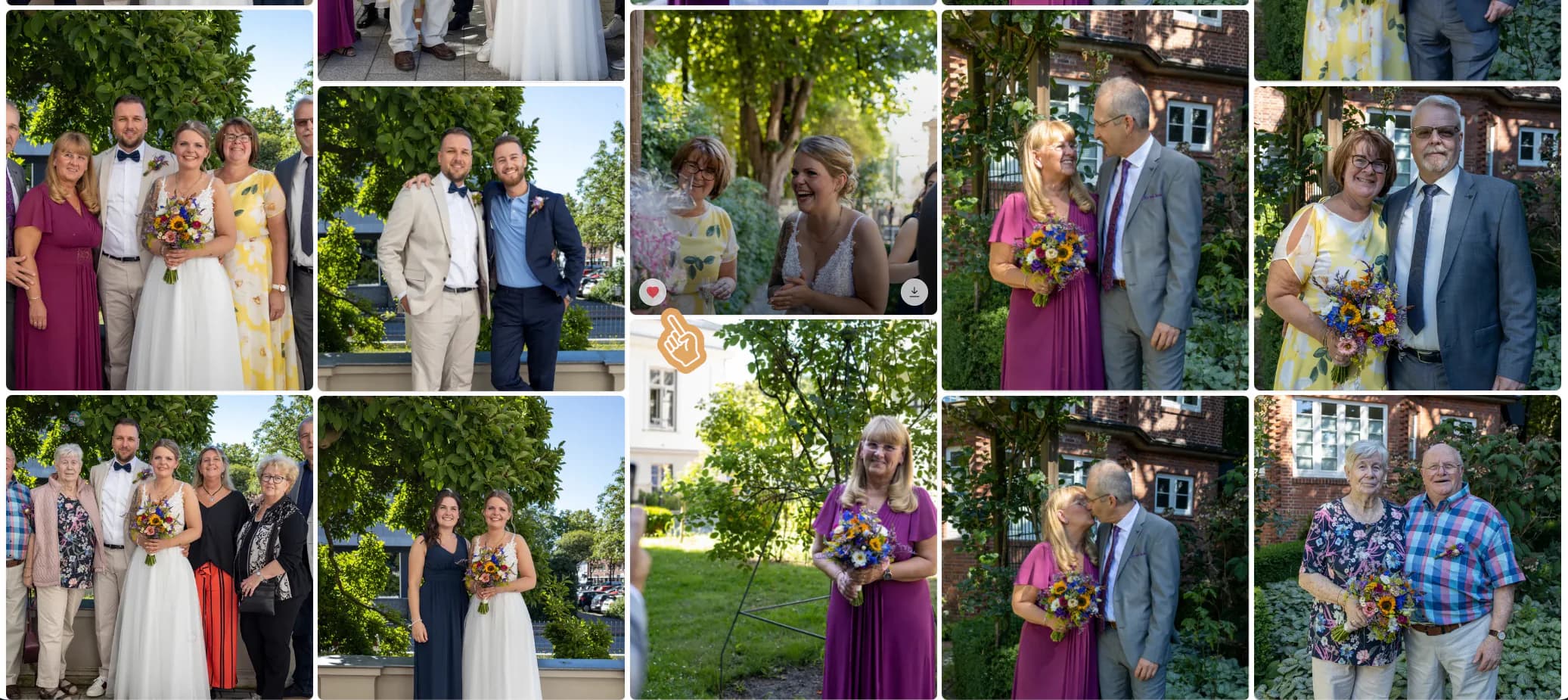
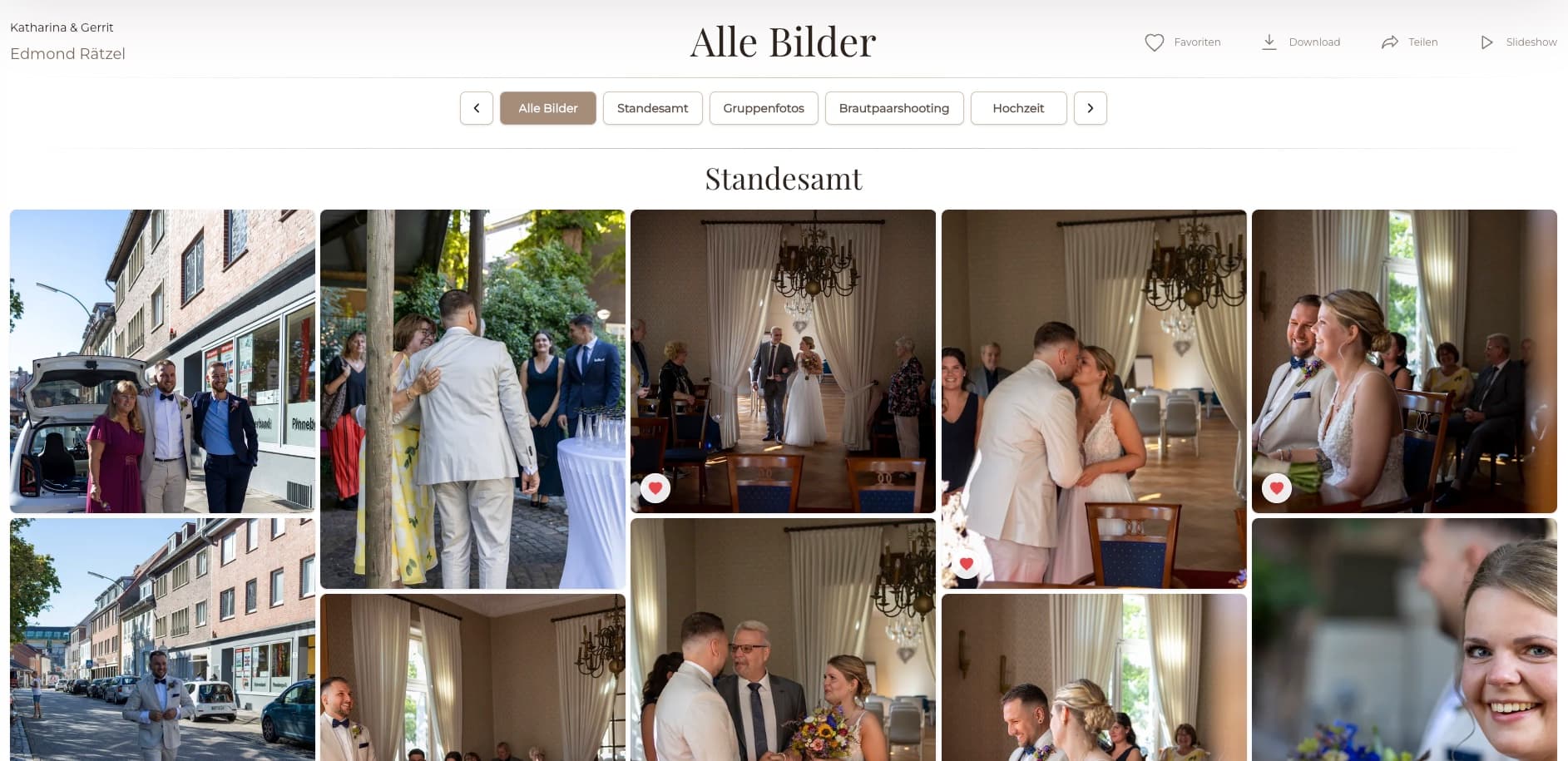
Product photography client proofing needs more precision than a generic image shortlist. Clients must distinguish SKUs, colors, pack sizes, angles, details, and campaign versions while keeping change requests attached to the correct file. GalleryDock supports that visual proofing and final delivery workflow. It does not replace a PIM, DAM, shot-list system, licensing agreement, automated asset naming, or retouching service.
Proof set design
A commercial client should never have to guess which SKU, color, angle, or crop a comment describes.
01
Retain a usable SKU, product, or shot reference through proofing and final export.
02
Separate colors, sizes, packaging, and campaign treatments in a predictable order.
03
Distinguish hero, front, side, back, scale, texture, and detail views where relevant.
04
Remove technical misses without hiding legitimate creative or commercial options.
Commercial review
Marketing, ecommerce, design, and product teams may evaluate the same image for different reasons.
01
Define who resolves conflicting requests and returns the approved direction.
02
Build a shortlist without separating identifiers from the image.
03
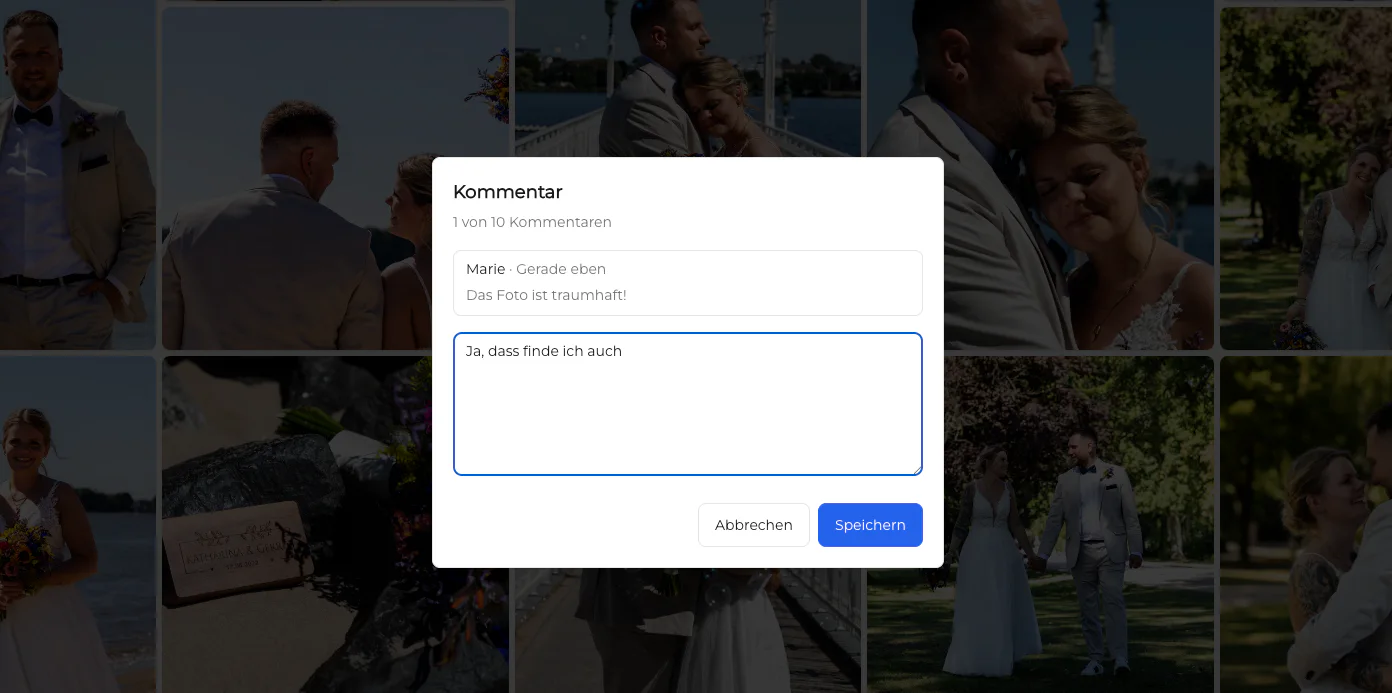
Attach cleanup, color, label, crop, or composition notes to the correct variant.
04
Close the review before retouching or final export begins.
Final asset delivery
Final downloads should remain traceable to the approved product, variant, and intended channel.
01
Compare the final export list against the closed selection and change notes.
02
Label ecommerce, campaign, web, and full-resolution files where the contract includes them.
03
Release only approved final assets to the authorized client contact.
04
Continue to manage PIM data, usage rights, naming rules, and long-term DAM storage separately.
Comparison
Use each system for the responsibility it actually owns.
| Approach | Best for | Tradeoff |
|---|---|---|
| Spreadsheet | Shot lists and SKU status | Weak visual comparison |
| One isolated correction | Notes separate from images | |
| PIM | Product data | Not photographer proofing |
| DAM | Approved asset governance | Can be heavy for initial client selection |
| GalleryDock | Visual proofing and final delivery | Not a PIM, DAM, or rights system |
Review repeatable front, side, detail, and packaging views across many SKUs.
Coordinate hero, lifestyle, and campaign choices with marketing stakeholders.
Keep old and new label or pack variants clearly separated during approval.
Frequently asked questions
It is the visual review process used to select product images, request changes, and approve files before final delivery.
Yes. Use clear identifiers and gallery sections that preserve the relationship between product, angle, and version.
Yes. Image-specific comments can document crop, cleanup, label, color, or composition requests.
No. The photographer and client remain responsible for shot-list reconciliation and approval.
No. It supports visual review and delivery, not product data or enterprise asset governance.
Yes when the photographer enables the intended final downloads.
Related resources
Pricing
Free forever
0 EUR
EUR 0 per month
Perfect for sharing your first galleries professionally.
Start free, no credit card required
Monthly
19 EUR
EUR 228 billed yearly. plus VAT
Ideal for photographers who regularly deliver client galleries.
For regular client delivery
Monthly
29 EUR
EUR 348 billed yearly. plus VAT
For photographers managing many projects, videos and growing storage.
For regular client delivery
Use GalleryDock to preserve SKU context, collect exact change requests, and deliver approved commercial files.
Create a free account