01
Separate dishes and drinks
Group the assignment by menu item, recipe, beverage, product family, or campaign deliverable rather than one long upload order.
Food photography proofing
Organize dishes, drinks, packaging, and campaign variations in a clear client proofing gallery with favorites, comments, and deliberate final delivery.
Quick answer
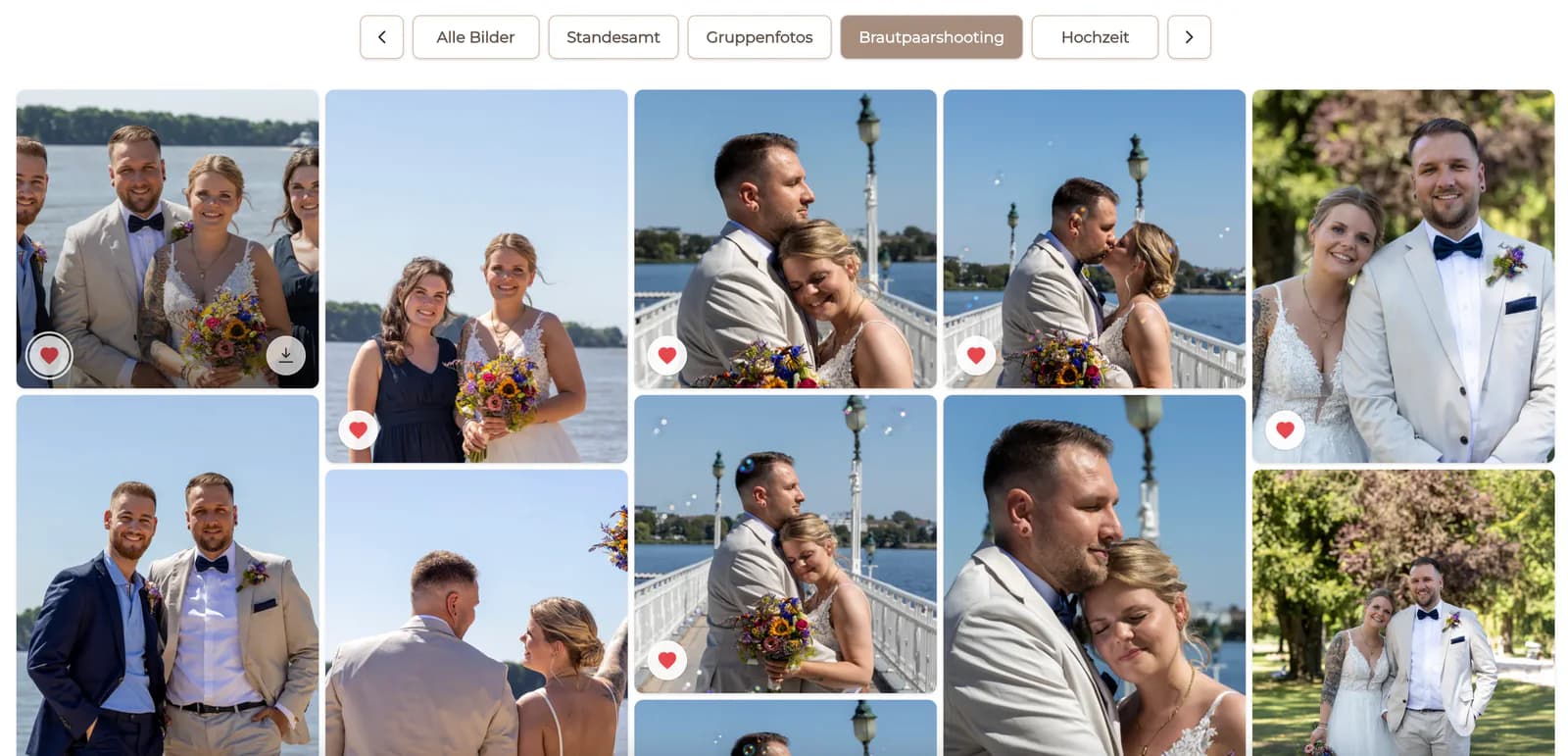
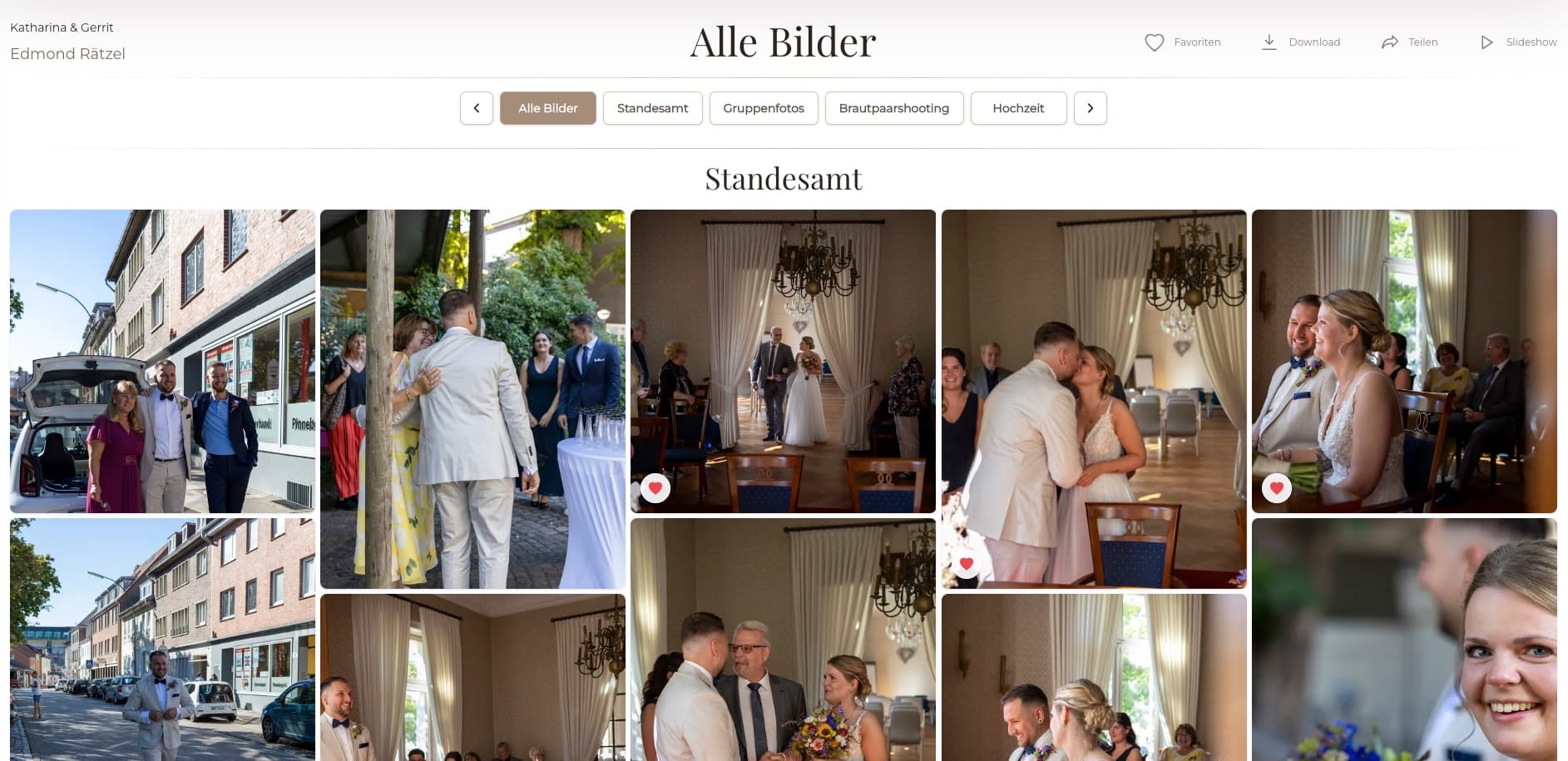
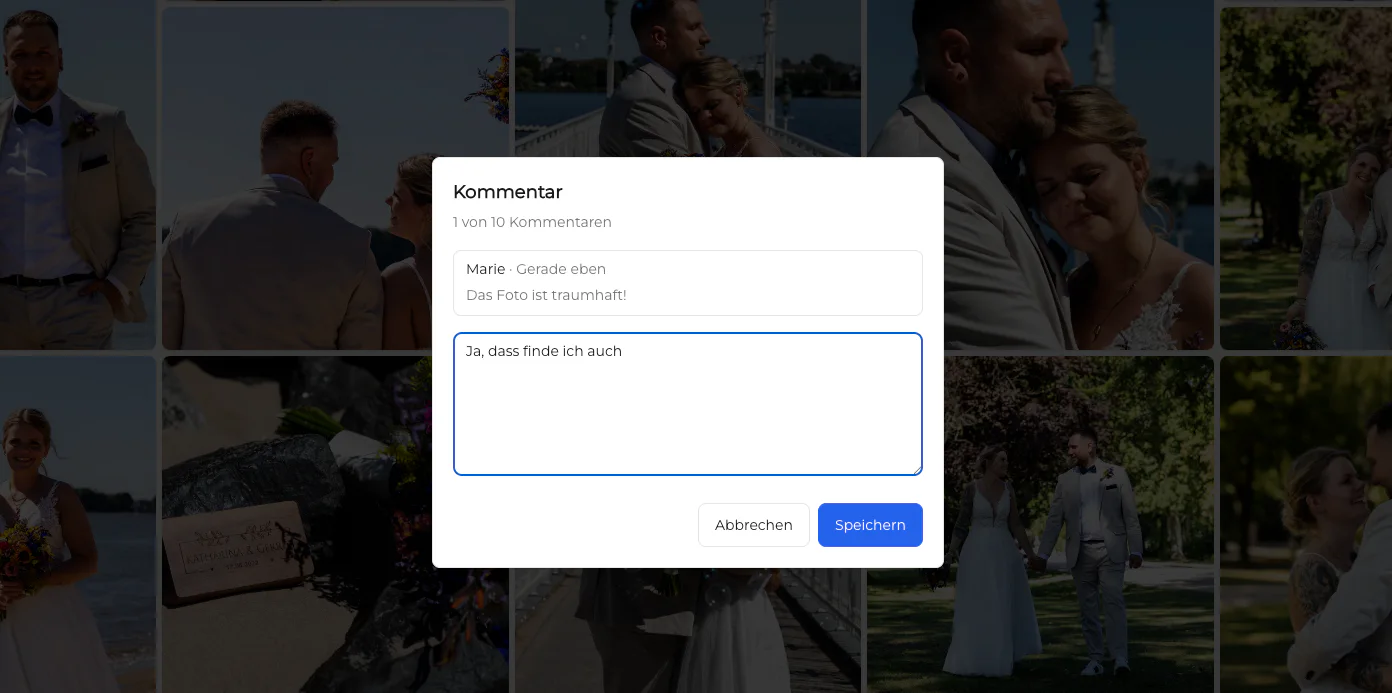
Food photography proofing is easier when clients can compare dishes, drinks, props, packaging, crops, and campaign variations in the visual context of one assignment. Instead of sending disconnected contact sheets or asking a restaurant, brand, and agency to reference filenames across email threads, the photographer organizes the work into a private GalleryDock gallery. Stakeholders can review the intended set, mark favorites, and comment beside the exact food photograph that needs a decision. The photographer then resolves conflicting requests, confirms the approved shortlist, completes the agreed editing, and releases the final files deliberately. This page focuses on the food-specific decisions created by recipe variants, plating, garnish, package orientation, crop, and usage. GalleryDock does not choose the strongest dish automatically, retouch food, validate claims, or create legally binding approval.
Assignment structure
Clients should be able to understand which dish, setup, crop, or package variation they are reviewing.
01
Group the assignment by menu item, recipe, beverage, product family, or campaign deliverable rather than one long upload order.
02
Place lighting, garnish, angle, crop, and prop variations beside one another so the client can compare the intended decision.
03
Distinguish restaurant menu, packaging, social, editorial, website, and advertising uses when those uses require different selections.
04
Publish only the photographs that belong in client proofing and keep tests, duplicates, and internal production references out of view.
Stakeholder review
Restaurant, brand, and agency reviewers may notice different details, so every note needs image context.
01
Favorites help stakeholders identify the preferred dish, angle, package face, or campaign variation without rewriting filenames.
02
Attach feedback about garnish, label position, crop, color direction, or required text space to the relevant photograph.
03
Use the image context to clarify whether marketing, culinary, packaging, or agency feedback controls the final decision.
04
Record which image is intended for menu, package, web, social, editorial, or another agreed output before final delivery.
Final delivery
Proofing and final delivery remain separate stages even when they use the same recognizable gallery.
01
Compare favorites and comments with the assignment brief and confirm the exact images that move into final editing.
02
Finish color, cleanup, compositing, and output preparation in the photographer's editing workflow rather than treating the gallery as an editor.
03
Provide the agreed completed photographs with clear download availability and usage-oriented naming.
04
Preserve a structured client presentation so the approved dish and campaign variants remain easy to identify during the handoff.

Comparison
The best method depends on how many variations, reviewers, and usage decisions are involved.
| Approach | Best for | Tradeoff |
|---|---|---|
| Structured client gallery | Visual comparison, favorites, and comments | Needs deliberate grouping before sharing |
| Contact sheet | A fixed overview | Feedback often moves into a separate document |
| Cloud folder | Simple file access | Provides less visual decision context |
| Email thread | A few simple decisions | Breaks down across variants and stakeholders |
| Live review call | Fast discussion | Decisions need a separate written record |
The restaurant compares plating and angle variations for each dish before the photographer delivers the finished menu set.
Marketing and agency reviewers comment on crop, package visibility, and negative space beside each option.
The editor selects an opener, process images, details, and finished-dish photographs in a clear narrative sequence.
Frequently asked questions
Group images by dish, drink, product, setup, crop, or intended use so clients compare meaningful alternatives instead of one long camera roll.
Yes. Favorites can identify the preferred dishes, angles, packaging views, or campaign options.
Yes. Comments can remain beside the relevant photograph so crop, garnish, label, or usage notes are easier to interpret.
No. The photographer curates, edits, and delivers the work; GalleryDock organizes the client-facing review and feedback workflow.
Yes. The photographer can deliberately release the completed agreed files through the recognizable gallery after proofing is finished.
Related resources
Pricing
Free forever
0 EUR
EUR 0 per month
Perfect for sharing your first galleries professionally.
Start free, no credit card required
Monthly
19 EUR
EUR 228 billed yearly. plus VAT
Ideal for photographers who regularly deliver client galleries.
For regular client delivery
Monthly
29 EUR
EUR 348 billed yearly. plus VAT
For photographers managing many projects, videos and growing storage.
For regular client delivery
Group dishes and variants, invite the right reviewers, resolve image-specific feedback, and release the agreed final set.
Create a free account