01
Remove technical misses
Do not ask clients to evaluate focus errors, test frames, or unusable blinks.
Portrait client proofing
Help portrait clients compare expressions, select favorites, explain retouching preferences, and download finished images.
Quick answer
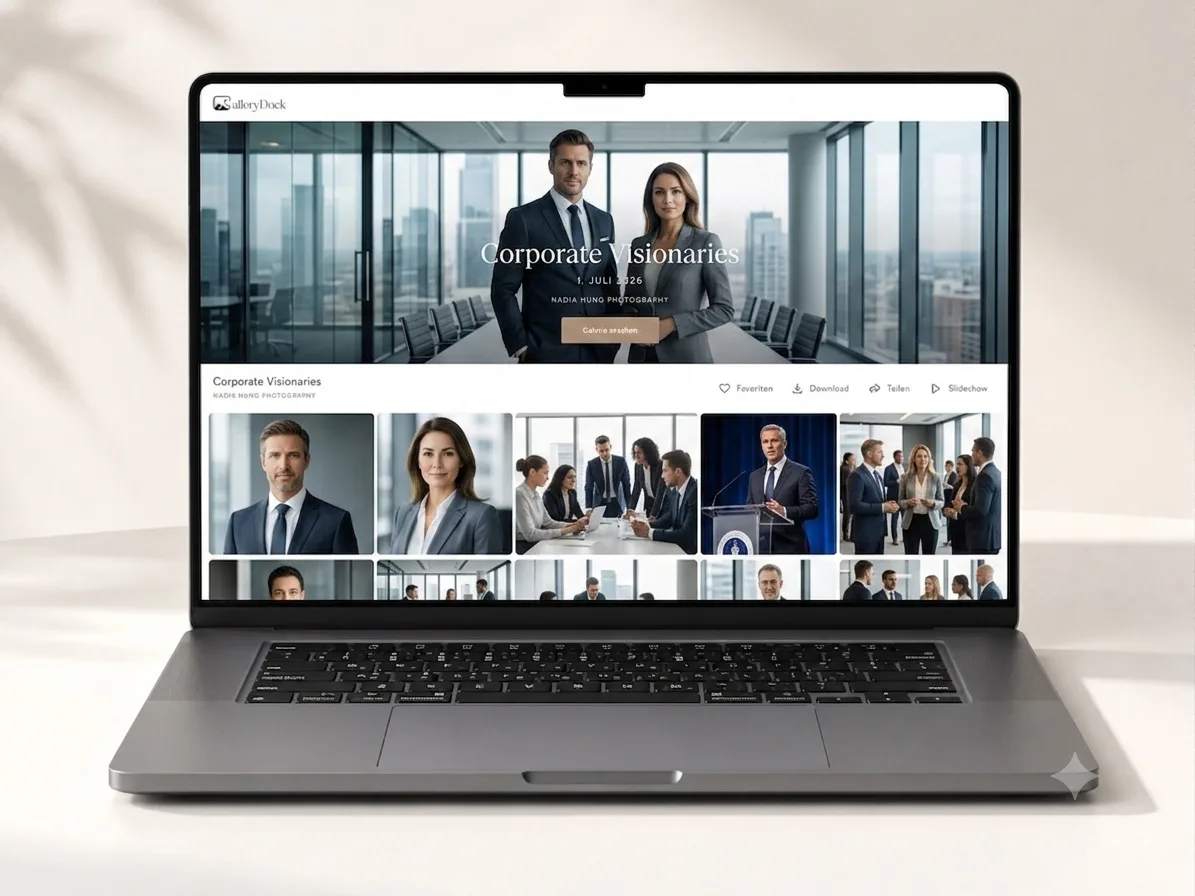
An online gallery for portrait photographers connects the decisions that happen after a session: comparing expressions and crops, choosing favorites, clarifying retouching requests, and receiving finished images. GalleryDock keeps those choices beside the photographs and supports a private final handoff. It does not retouch photographs, choose the best expression automatically, or replace the photographer's creative judgment and client agreement.
Portrait curation
Portrait proofing should reveal meaningful expression, pose, crop, and styling differences without overwhelming the client.
01
Do not ask clients to evaluate focus errors, test frames, or unusable blinks.
02
Keep similar crops or looks close enough for clients to compare intentionally.
03
Distinguish a headshot, profile image, personal-branding portrait, or editorial selection.
04
Preserve an identifier that carries the final choice into retouching and export.
Client selection
A favorite alone identifies the image; precise notes explain the approved direction.
01
Use one shortlist for the portraits moving into retouching or delivery.
02
Ask clients to judge the qualities that matter for the intended use.
03
Collect realistic requests on the relevant portrait instead of a general message.
04
Close the list before editing begins to avoid version and scope confusion.
Finished portraits
The client should know which files are final, what each resolution is for, and how long access is expected to remain.
01
Do not mix unfinished previews and final portraits without clear labels.
02
Verify the approved notes across the selected portrait set.
03
Release only the final scope and file sizes included in the portrait package.
04
Ask clients to maintain an independent copy of their finished portraits.


Comparison
The right method should help clients compare portraits without weakening the final presentation.
| Approach | Best for | Tradeoff |
|---|---|---|
| Contact sheet | A compact offline overview | Limited image-level conversation |
| Email attachments | A tiny portrait set | Version and note confusion |
| Cloud folder | File access | Little selection guidance |
| In-person reveal | A guided appointment | Requires synchronized time |
| GalleryDock | Private selection, notes, and delivery | Does not perform retouching |
Compare expressions and crops against the intended profile or company use.
Select a balanced image set across outfits, settings, and communication goals.
Organize distinct looks and collect precise final-image preferences.
Frequently asked questions
It is a private space for showing portrait options, collecting choices and notes, and delivering finished files.
Yes. Curated, logically grouped options make expression and crop differences easier to evaluate.
Yes. Image-specific comments can document realistic retouching preferences on selected portraits.
No. The photographer or retoucher performs the editing; GalleryDock organizes client choices and feedback.
The checklist teaches selection criteria; this guide covers the complete gallery workflow from curated proof set through final delivery.
Yes when the photographer enables downloads for the approved final files.
Related resources
Pricing
Free forever
0 EUR
EUR 0 per month
Perfect for sharing your first galleries professionally.
Start free, no credit card required
Monthly
19 EUR
EUR 228 billed yearly. plus VAT
Ideal for photographers who regularly deliver client galleries.
For regular client delivery
Monthly
29 EUR
EUR 348 billed yearly. plus VAT
For photographers managing many projects, videos and growing storage.
For regular client delivery
Use GalleryDock to collect meaningful portrait selections, clarify retouching, and deliver the finished set privately.
Create a free account