01
Confirm the approved image
Use the selected and retouched final portrait rather than a proof that still carries unresolved client notes.
portrait photography prints
Sell portrait photography prints after selection and retouching with deliberate framing, gaze, hands, hair, orientation, crop, size, cart, and checkout.
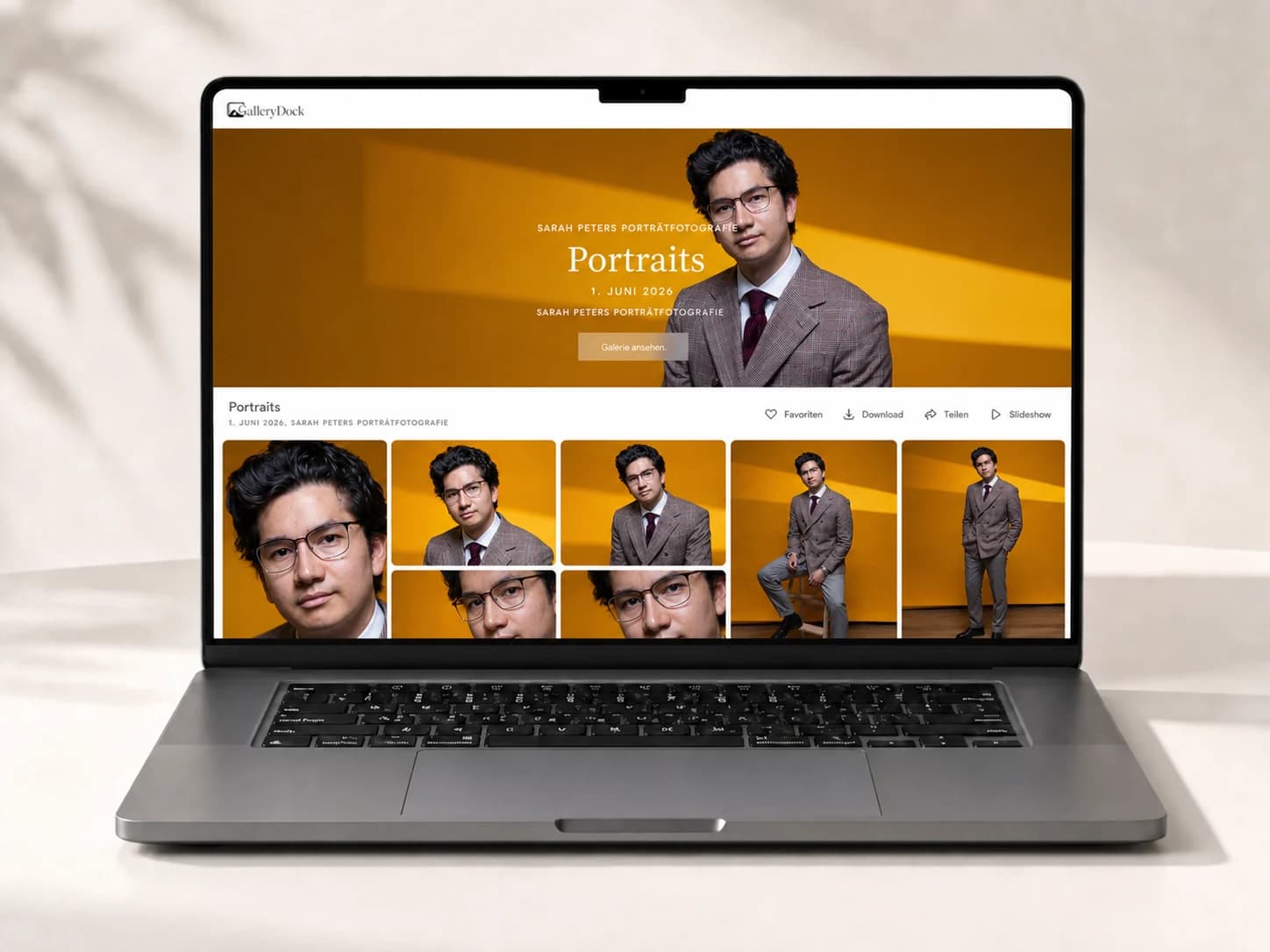
Quick answer
Selling portrait photography prints begins after the client has selected and approved the finished portrait, then connects that image to a suitable physical format and crop. Start with one representative client project and define the photograph, product decision, and order state before publishing the gallery. GalleryDock keeps the image, configured digital or physical products, crop, cart, and checkout handoff in one client-facing context. The photographer remains responsible for the offer, image suitability, pricing, source-file approval, production relationship, access decisions, and final order review. Test the complete path on desktop and mobile instead of treating an editor preview or room mockup as proof. This is not portrait retouching automation, a comp-card builder, album designer, collage tool, package generator, lab recommendation, fulfillment promise, legal advice, tax advice, or guarantee of print sales.
Final portrait
The print decision should not restart the entire portrait proofing process.
01
Use the selected and retouched final portrait rather than a proof that still carries unresolved client notes.
02
Decide whether a close-up, half-length, full-length, or environmental frame best supports the intended physical display.
03
Choose the image whose expression and gaze direction remain compelling when viewed away from the gallery sequence.
04
Review skin, hair, fabric, background, focus, and retouching at the sizes the photographer intends to offer.
Format
Portrait crops fail when faces are protected but hands, hair, or negative space are ignored.
01
Keep meaningful edges away from trim zones and inspect every selected format instead of relying on one generic crop.
02
Preserve space where the subject looks or moves so the printed composition does not feel abruptly closed.
03
Let the final framing and intended room guide portrait, square, or landscape choices.
04
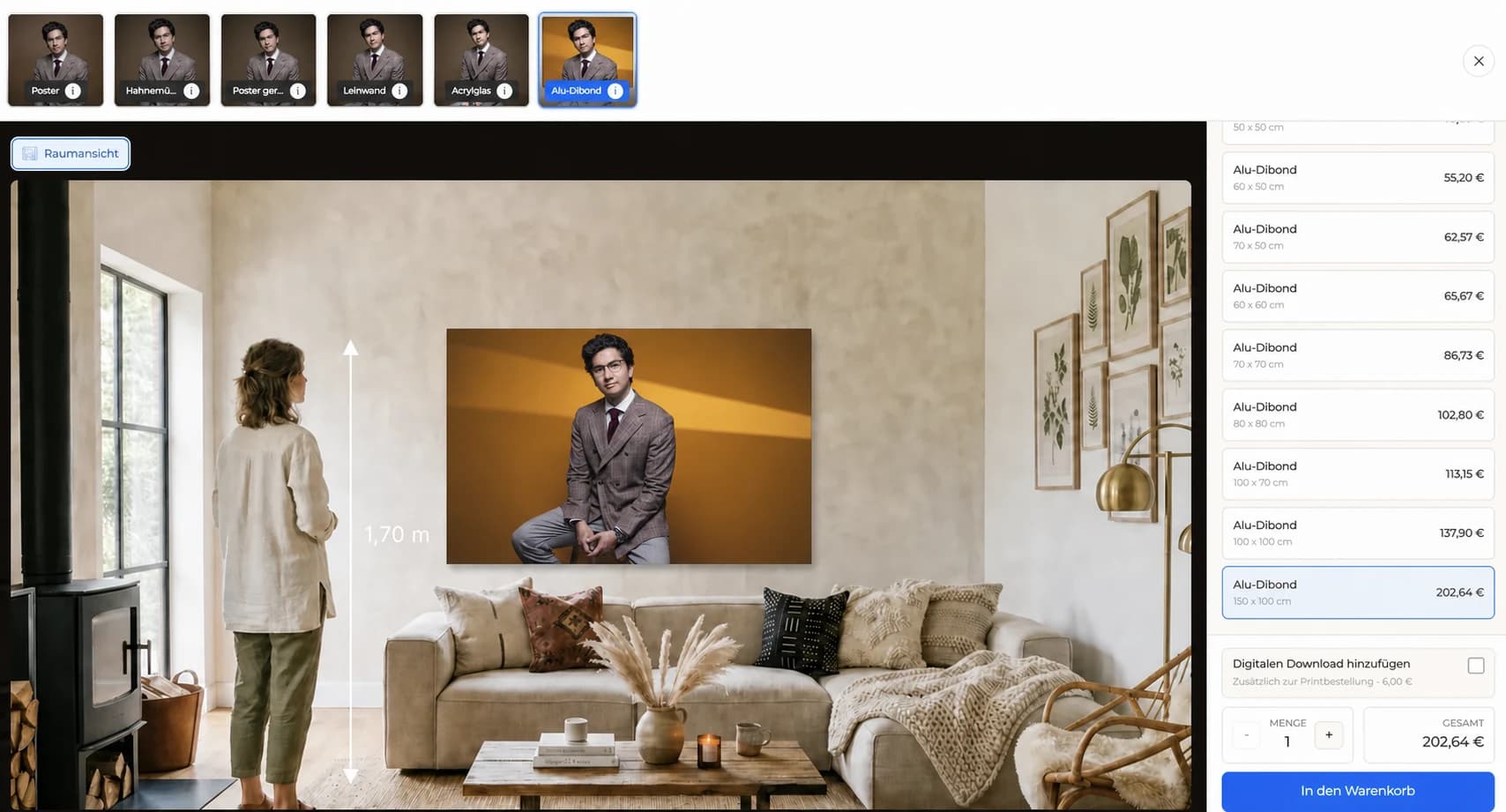
Use room scale to discuss presence while keeping exact dimensions, product, and crop explicit.
Order
The final cart must preserve the exact portrait and physical choice.
01
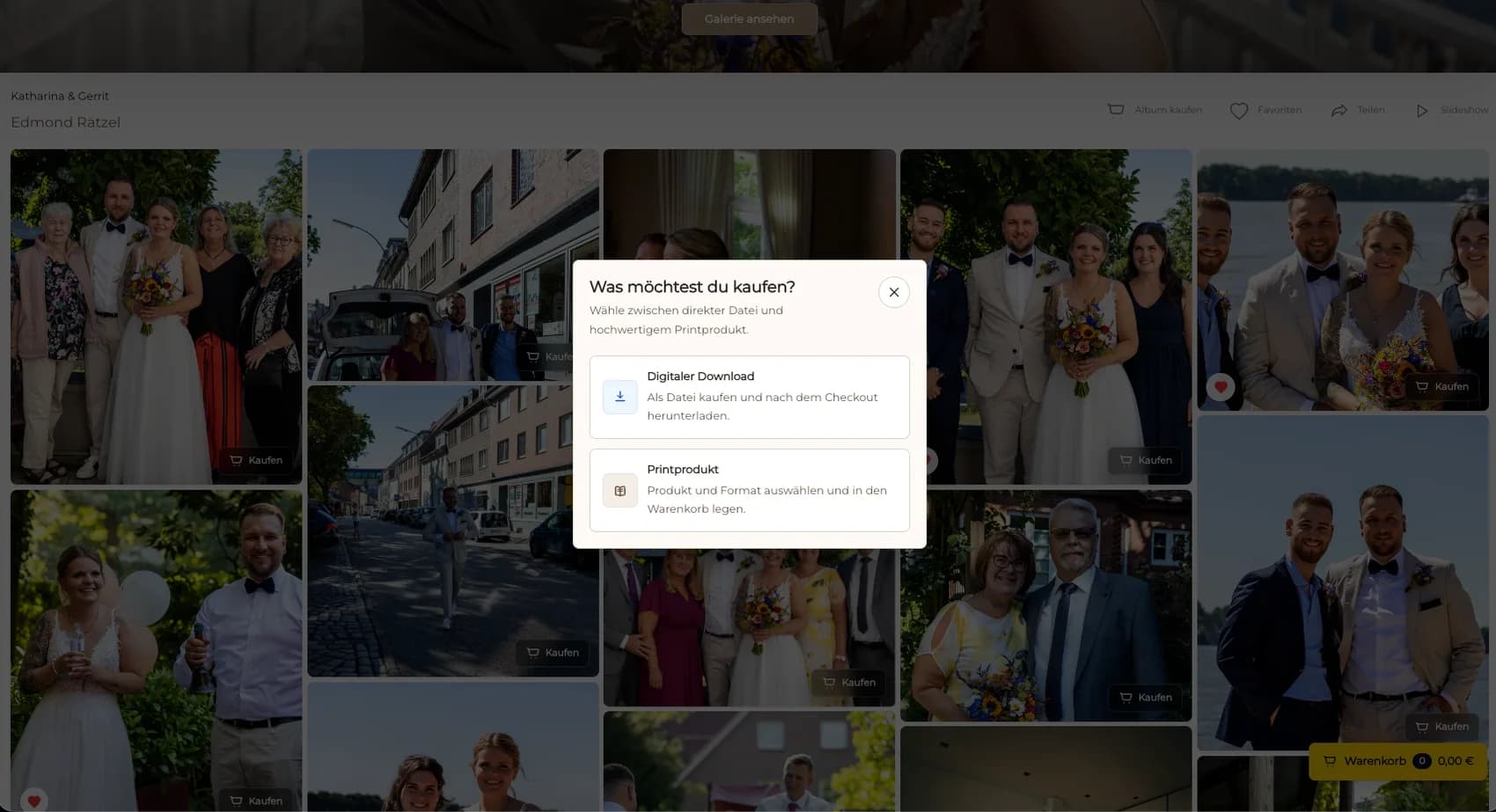
Enter through the private gallery or approved client path and confirm the final image state.
02
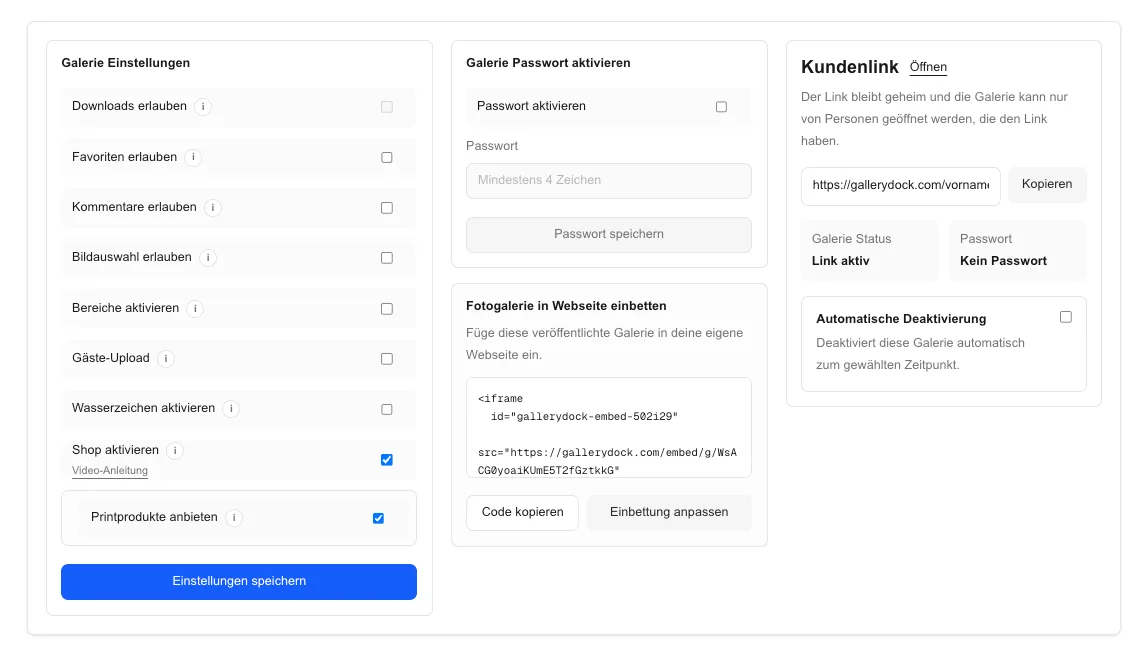
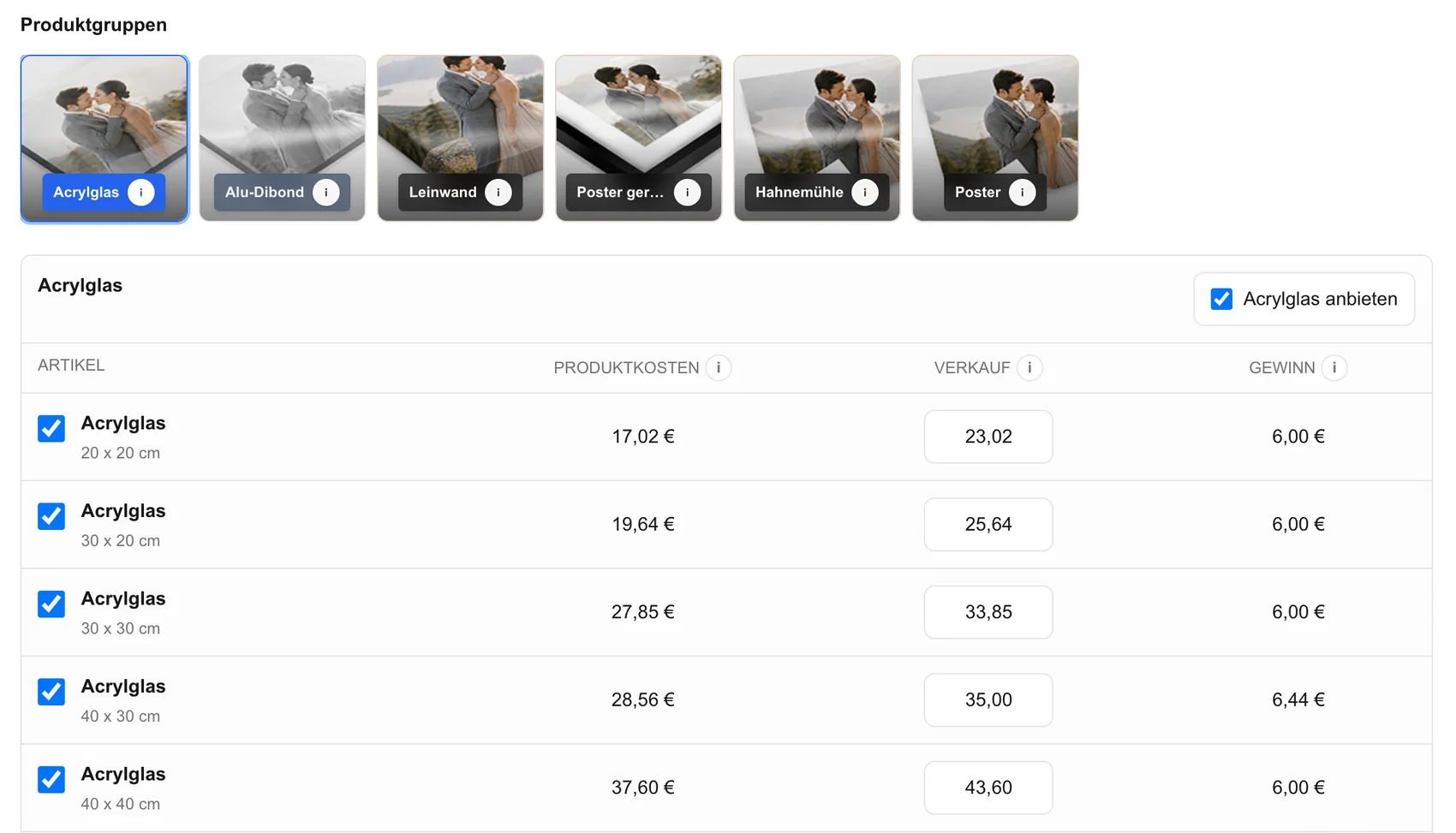
Compare only the configured print products that fit the source image and intended display.
03
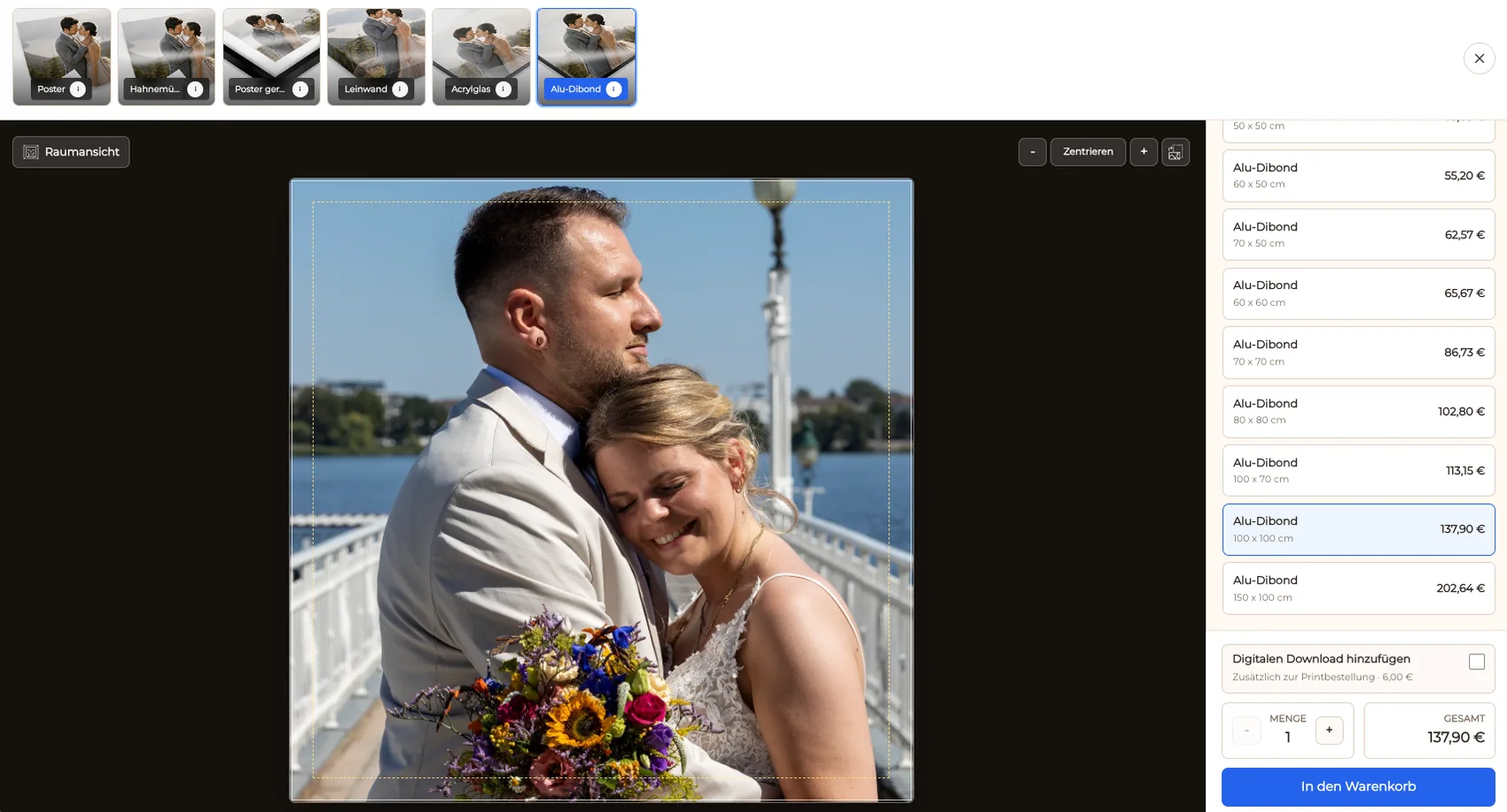
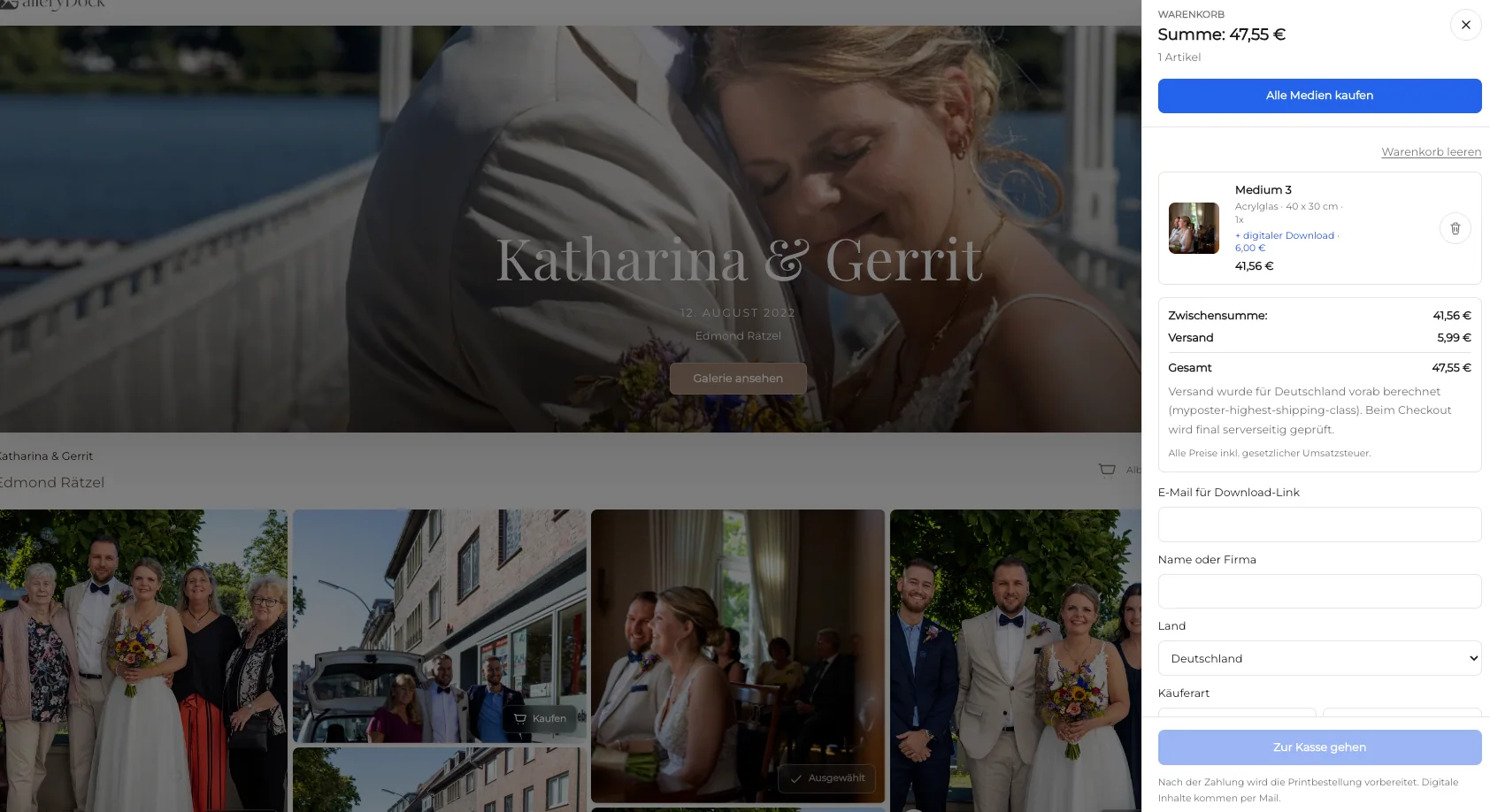
Confirm portrait, orientation, product, dimensions, crop, quantity, and price before checkout.
04
Check face detail, crop controls, product labels, and the cart at the viewport the client is likely to use.

Comparison
Treat framing as a visual decision rather than a package label.
| Approach | Best for | Tradeoff |
|---|---|---|
| Close-up portrait print | Expression and facial detail | Hair and face crop boundaries become critical |
| Half-length portrait print | Expression, gesture, and clothing together | Hands and elbows need safe-area review |
| Full-length portrait print | Pose, wardrobe, and body language | Smaller sizes can reduce facial impact |
| Environmental portrait print | Subject plus meaningful location | Aspect ratio must preserve contextual space |
| Digital portrait file | Configured digital use | Not a finished physical display product |
The client protects hair and expression while choosing a small portrait print.
A half-length frame preserves gaze, gesture, and wardrobe inside the chosen format.
The print keeps enough location context to support the subject's story.
Frequently asked questions
Offer them after the client has selected and the photographer has approved the finished portrait for the intended output.
Yes, when both choices are configured and their different uses are clear.
Protect hair, hands, joints, gaze direction, and intentional negative space in the exact selected format.
No. It supports the client gallery and configured product path, not retouching automation or comp-card design.
No universal production or fulfillment relationship is claimed; the photographer remains responsible for that workflow.
Related resources
Pricing
Free forever
0 EUR
EUR 0 per month
Perfect for sharing your first galleries professionally.
Start free, no credit card required
Monthly
19 EUR
EUR 228 billed yearly. plus VAT
Ideal for photographers who regularly deliver client galleries.
For regular client delivery
Monthly
29 EUR
EUR 348 billed yearly. plus VAT
For photographers managing many projects, videos and growing storage.
For regular client delivery
Choose the final image, protect its visual boundaries, configure a suitable product, and verify crop, cart, and checkout on mobile and desktop.
Create a free account