Define the purpose
Clarify whether the pair is choosing retouched finals, album images, wall art, or a broad set of personal favorites.
Two-person selection
Help two people turn individual favorites, shared priorities, and disputed images into one confirmed client photo selection.

Quick answer
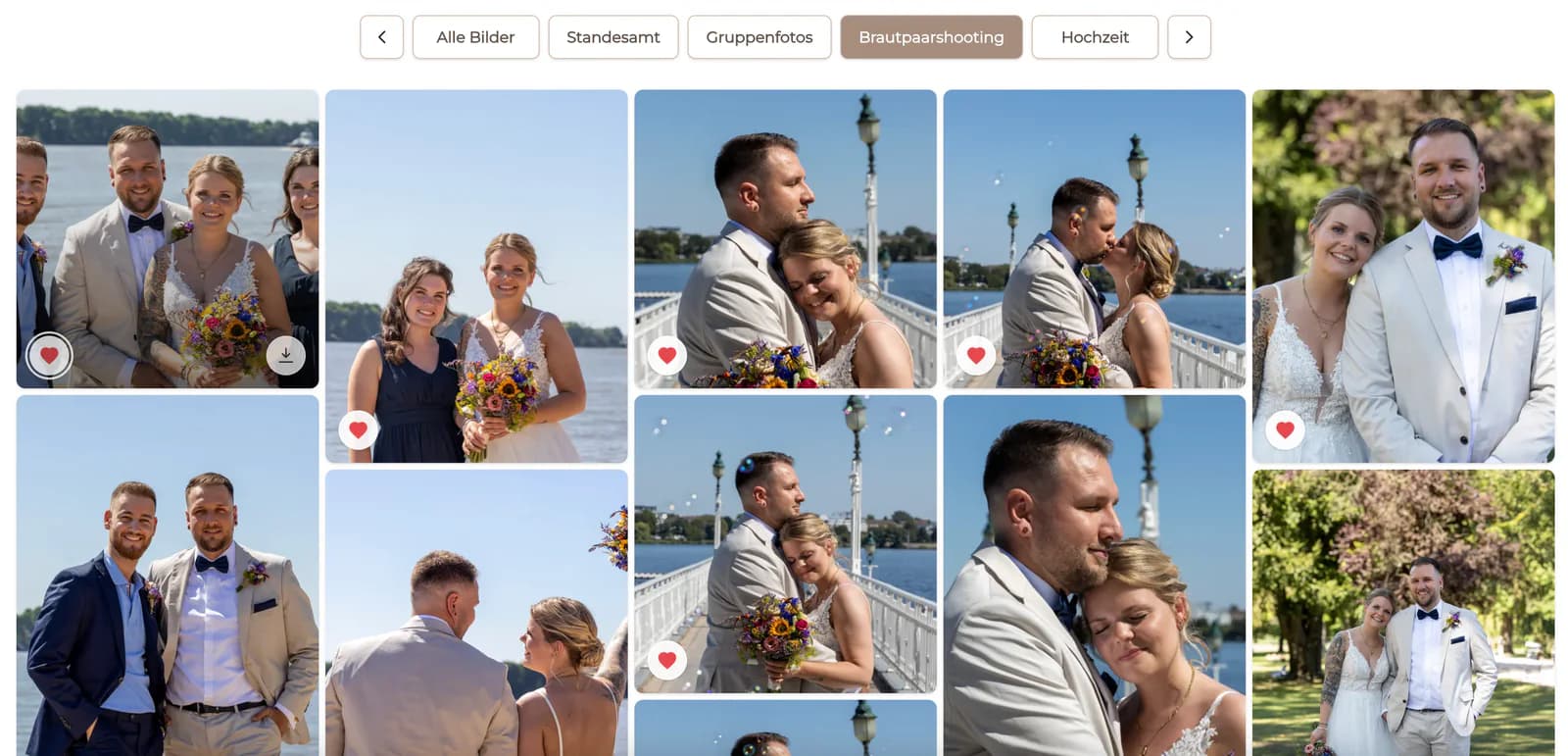
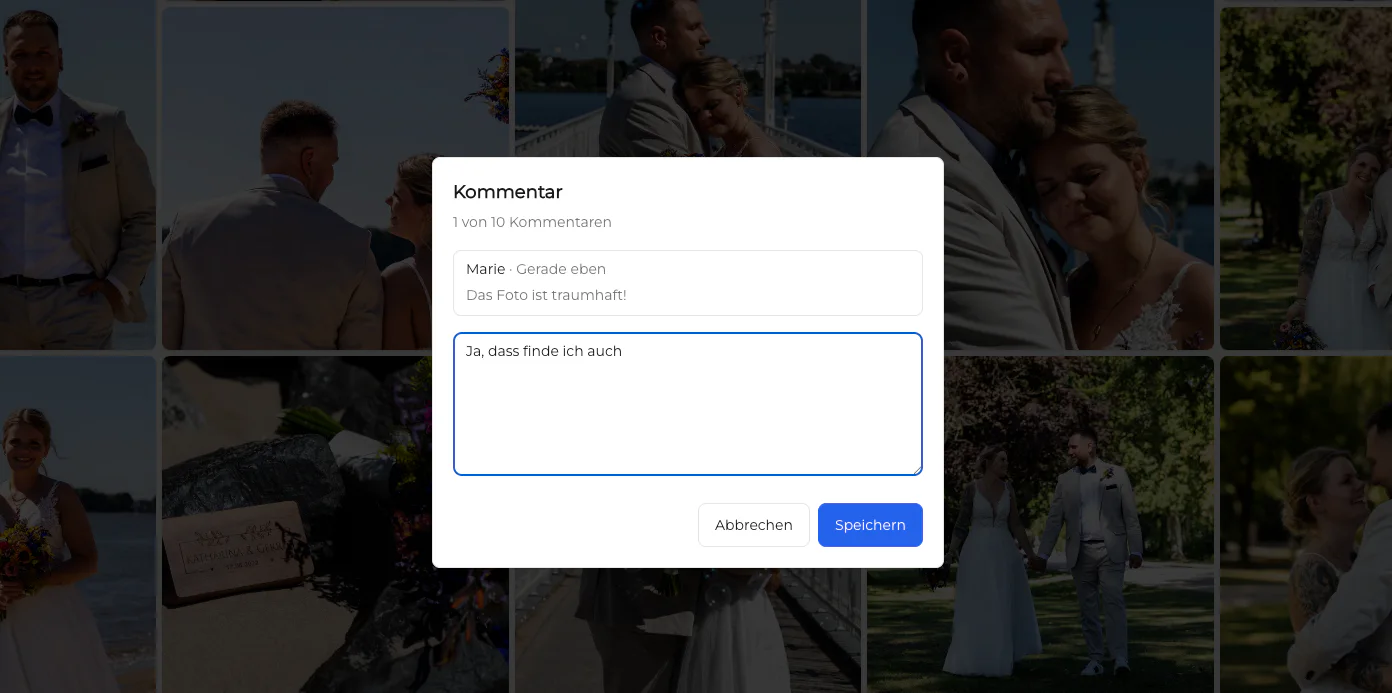
When two people must choose photographs together, the problem is not simply collecting more favorites. They need one shared decision rule: review independently or together, identify overlap, discuss only the disputed images, check the final count, and submit one confirmed list. GalleryDock keeps favorites and image comments close to the photographs while the photographer defines how the pair reaches a final decision.
Decision design
Two reviewers move faster when they know the target, the selection limit, and who submits the final list.
Clarify whether the pair is choosing retouched finals, album images, wall art, or a broad set of personal favorites.
Use the real package or project limit so both people evaluate choices against the same constraint.
Decide whether they review separately first or work together from the beginning; both can work when the rule is explicit.
One person should submit or communicate the final list after both reviewers have checked it.
Four-pass workflow
Do not debate every photograph. Move from obvious choices to the small number of images that genuinely require discussion.
01
Each person identifies the frames they strongly want without trying to settle every borderline choice immediately.
02
Treat shared priorities as the core list and check how much room remains within the target count.
03
Compare near-duplicates, discuss the purpose of each image, and keep comments attached to the relevant frame.
04
Review quantity, variety, and missing essentials, then send a single authoritative selection to the photographer.
Keep discussion useful
A decision rule is more productive than repeatedly asking which image feels better.
For near-duplicates, prioritize the frame where the key people look natural and connected.
Keep an image when it adds a moment, person, or transition not already represented in the shortlist.
Several similar frames can consume the selection limit without adding meaningful variety.
Ask the photographer for guidance only on the small set where technical quality or album suitability is genuinely unclear.
Comparison
The best method produces one traceable result without forcing the photographer to merge conflicting lists.
| Approach | Best for | Tradeoff |
|---|---|---|
| Two separate email lists | Independent opinions | The photographer must reconcile conflicts |
| Screenshots in a group chat | Quick discussion | Duplicates and missing identifiers |
| Live meeting only | Immediate joint decisions | Scheduling and decision fatigue |
| Shared gallery with no rule | Casual browsing | Unclear ownership of the final list |
| Shared gallery plus four-pass workflow | One confirmed collaborative selection | Requires an agreed target and confirmer |
Each partner identifies personal priorities before the couple balances family, emotion, portraits, and album storytelling.
One reviewer protects personal representation while the other checks campaign fit and channel requirements.
The pair combines personal favorites and family priorities into one portrait-package selection.
Frequently asked questions
Agree on the purpose and count, mark clear favorites, identify overlap, discuss only disputed images, and finish with one confirmed list.
Independent first passes can reveal genuine priorities, while a joint review works well when the pair prefers immediate discussion. Choose one method explicitly.
Keep shared priorities first, then compare disputed images by expression, story value, uniqueness, and the actual project purpose.
Do not promise a dedicated voting system. GalleryDock provides gallery favorites and comments; the photographer defines the collaboration rule.
Name one confirmer so the photographer receives one authoritative list after both reviewers have checked it.
No. The same workflow can help business partners, a parent and student, or any two stakeholders who share one selection decision.
Related resources
Pricing
Free forever
0 EUR
EUR 0 per month
Perfect for sharing your first galleries professionally.
Start free, no credit card required
Monthly
19 EUR
EUR 228 billed yearly. plus VAT
Ideal for photographers who regularly deliver client galleries.
For regular client delivery
Monthly
29 EUR
EUR 348 billed yearly. plus VAT
For photographers managing many projects, videos and growing storage.
For regular client delivery
Share one GalleryDock gallery, define the collaboration rule, and collect one confirmed selection instead of merging parallel lists.
Create a free account