01
Store RAW and working files
Keep original captures, catalogs, project files, and intermediate exports in an archive designed for that volume.
Storage and delivery decisions
Compare cloud storage for photo archives with a client gallery for proofing, feedback, presentation, and final delivery.

Quick answer
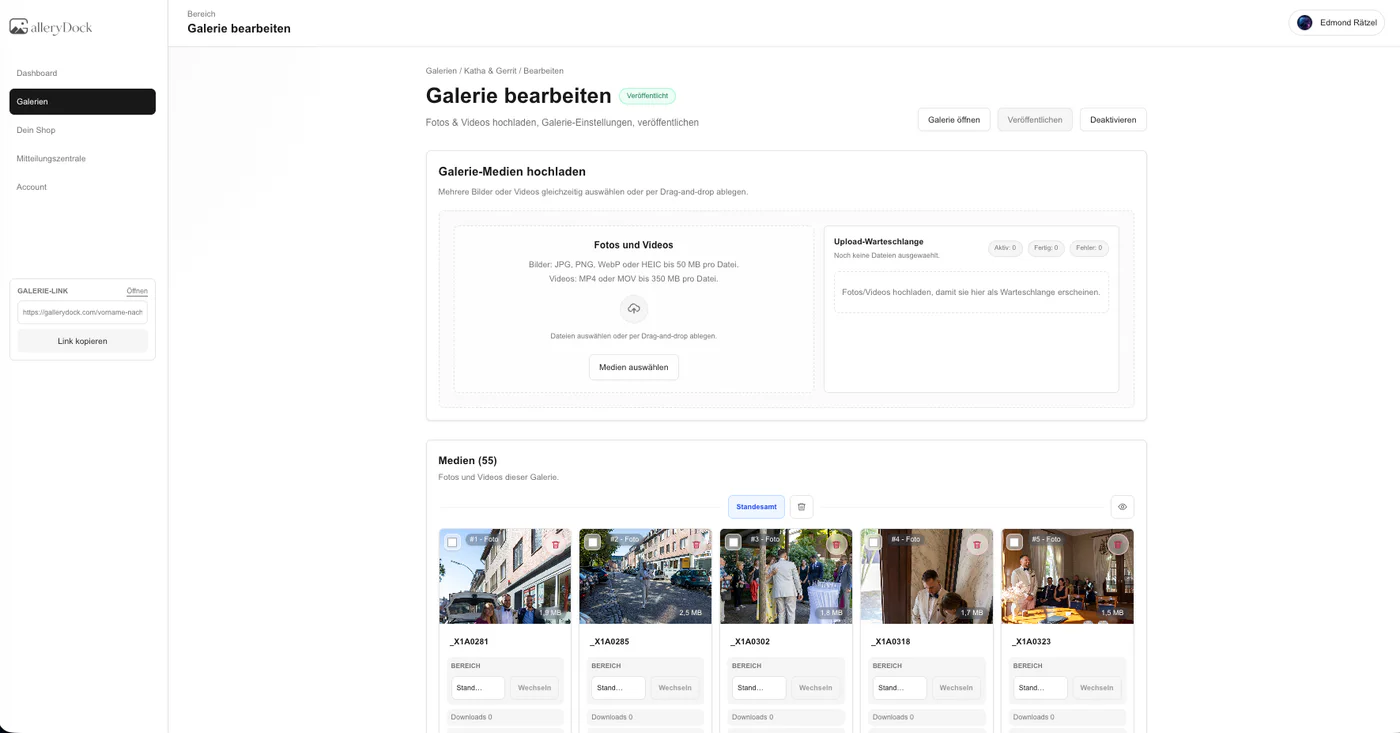
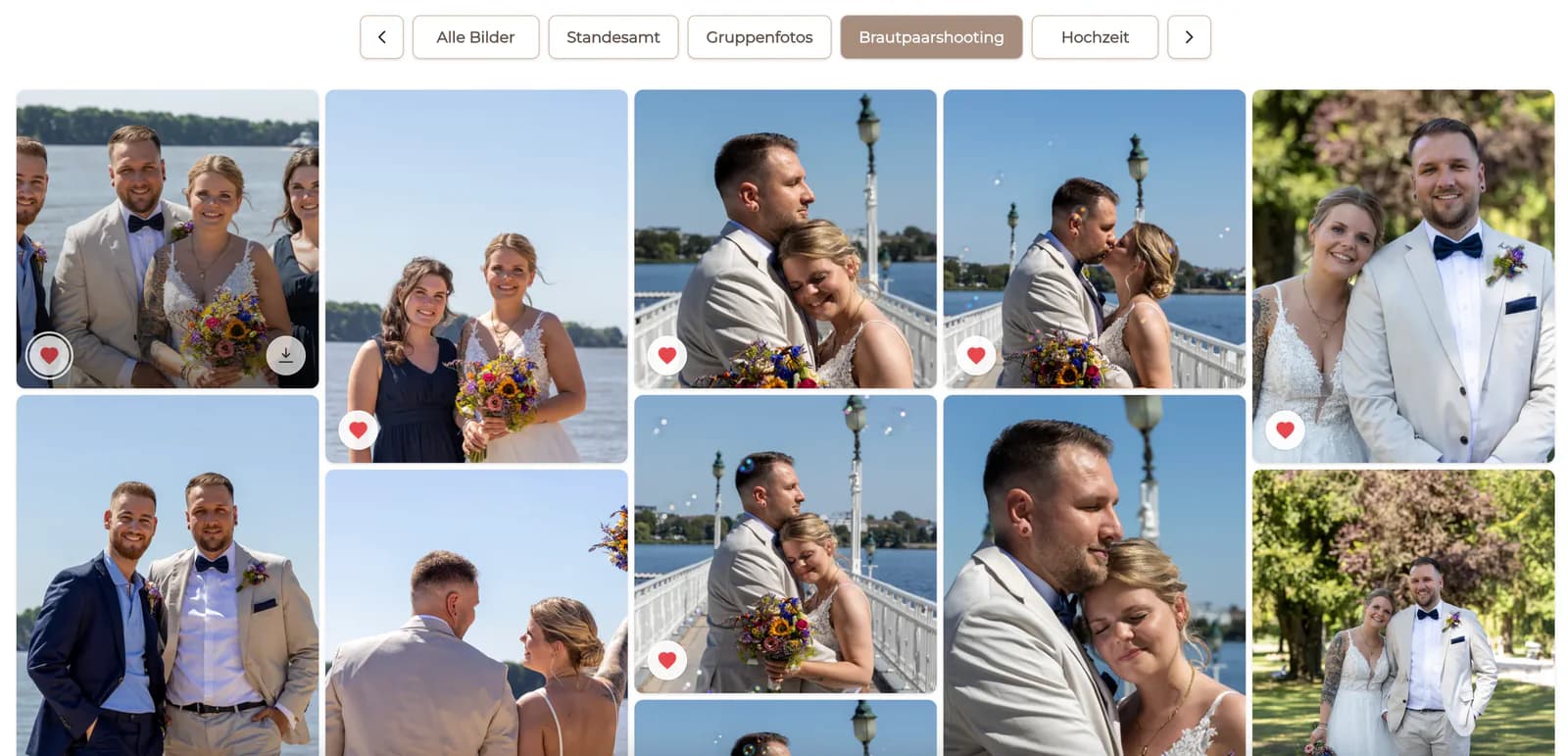
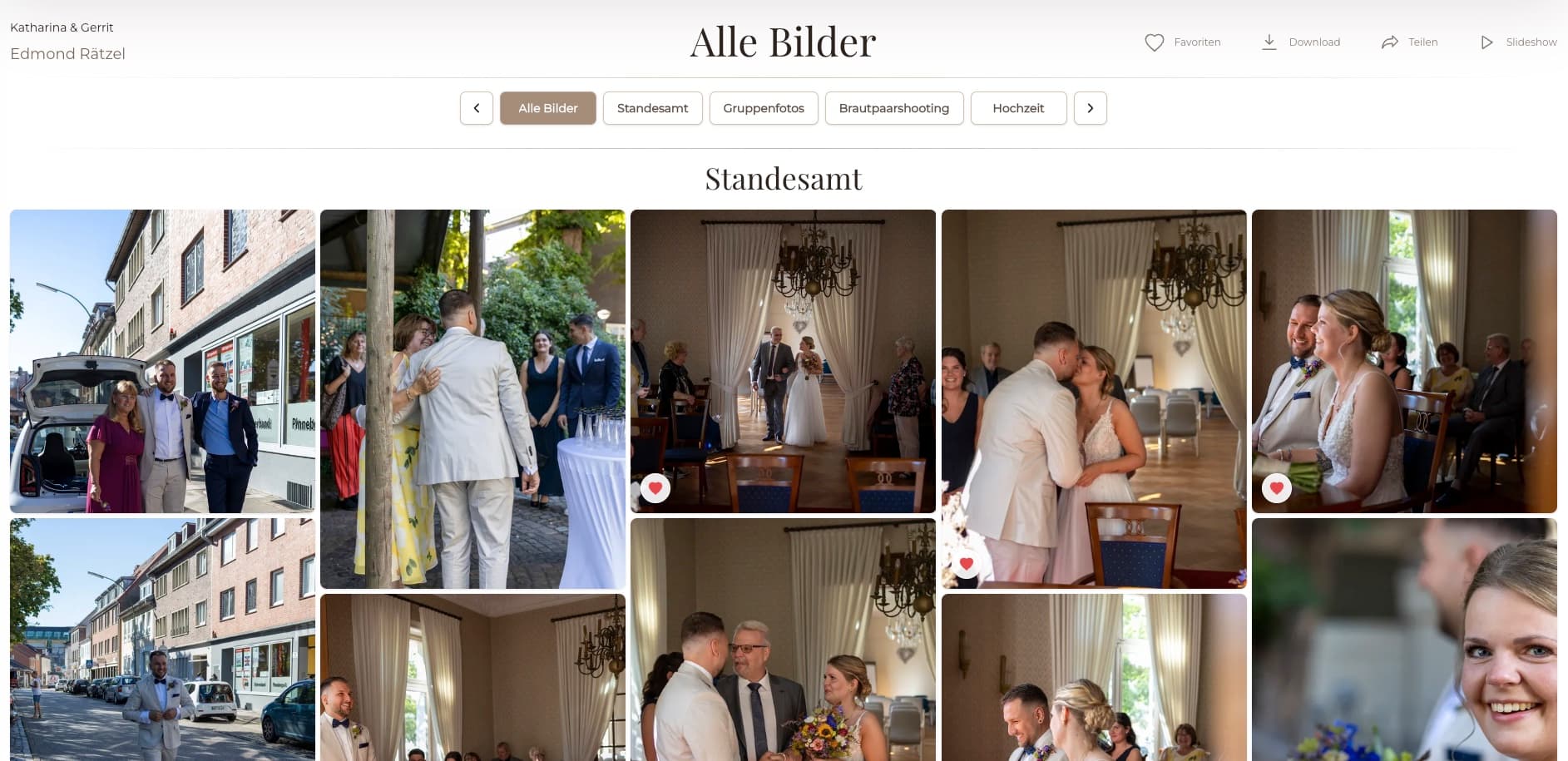
Cloud storage for photographers and a client gallery solve different problems. Storage services are appropriate for RAW files, working archives, redundant backups, and internal team access. A client gallery is designed for the finished experience: present selected work, collect favorites and image-specific feedback, control final downloads, and optionally offer digital products. Keeping those layers separate lets the photographer retain a disciplined internal file strategy while giving the client a curated, branded destination instead of exposing production folders or backup conventions. GalleryDock belongs to that client-facing delivery layer. It is not a RAW archive, backup service, unlimited storage promise, or replacement for a tested multi-copy backup strategy.
Storage layer
Photographers need a deliberate home for originals, working files, exports, and backups.
01
Keep original captures, catalogs, project files, and intermediate exports in an archive designed for that volume.
02
Use a tested backup strategy with independent copies rather than treating one online service as the only copy.
03
Define how long originals, edits, and final exports remain available and who owns that decision.
04
Give team members only the archive permissions required for production and recovery.
Client layer
Clients need a polished visual workflow rather than the photographer's internal folder tree.
01
Show only the photographs relevant to review or final delivery.
02
Let clients choose images in context instead of copying filenames from a folder.
03
Capture retouching or approval notes at the exact photograph.
04
Enable intended files only after review, retouching, and quality checks are complete.
Layered workflow
A resilient photography system assigns one clear responsibility to each layer.
01
Keep originals and recoverable project files outside the client gallery.
02
Move only curated proofs and final files into the gallery workflow.
03
Record whether a gallery is in proofing, approval, or final-delivery state.
04
Confirm client access and archive retention instead of assuming the gallery is permanent storage.

Comparison
Choose each tool for the problem it actually solves.
| Approach | Best for | Tradeoff |
|---|---|---|
| Local drive | Fast working storage | Not an independent backup |
| Cloud backup | Off-site recovery | Not a client presentation layer |
| Cloud folder | Internal sharing and file access | Weak proofing and brand experience |
| Transfer service | One final package | Short-lived and context-light |
| GalleryDock | Client presentation, choices, comments, and downloads | Not RAW backup or unlimited archival storage |
Keep originals and catalogs in a storage and backup system built for recovery.
Upload curated proofs to a gallery where clients can choose and comment visually.
Release approved exports in the gallery while retaining an independent archive copy.
Frequently asked questions
The best storage depends on file volume, recovery needs, redundancy, access, cost, and retention. A client gallery addresses a different delivery need.
No. GalleryDock is a client gallery workflow, not a RAW archive or backup service.
Yes. Maintain an independent archive and backup process according to your business and client obligations.
A gallery adds visual presentation, favorites, image-level comments, controlled downloads, and a clearer client journey.
Yes when the photographer enables access to the intended files.
No. Use the current plan limits and product terms when deciding whether GalleryDock fits a project.
Related resources
Pricing
Free forever
0 EUR
EUR 0 per month
Perfect for sharing your first galleries professionally.
Start free, no credit card required
Monthly
19 EUR
EUR 228 billed yearly. plus VAT
Ideal for photographers who regularly deliver client galleries.
For regular client delivery
Monthly
29 EUR
EUR 348 billed yearly. plus VAT
For photographers managing many projects, videos and growing storage.
For regular client delivery
Use your archive for resilience and GalleryDock for a clear, visual client handoff.
Create a free account