Unretouched JPEG proof
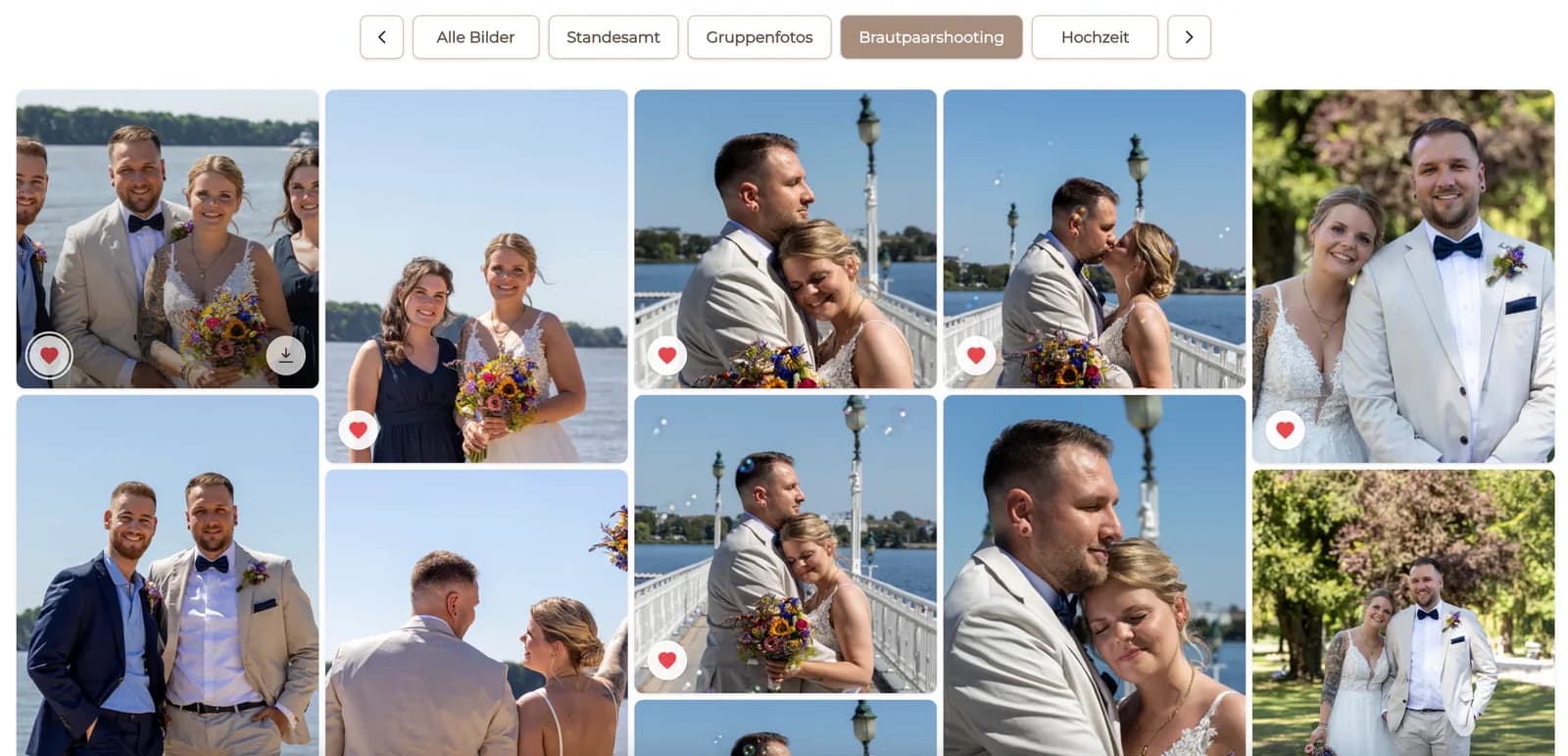
An exported viewing file without final skin, object, or detailed local retouching.
Proofing-stage decision
Compare unretouched JPEG previews, basic-corrected proofs, and final retouching, explain the visible stage, and keep RAW delivery outside the proofing promise.

Quick answer
Photographers can show clients unretouched photos when the images are intentional exported JPEG proofs and the client clearly understands that they are selection previews rather than finished work. Basic color and exposure correction may create a more representative proofing experience, while final retouching is usually reserved for selected images. Do not confuse an unretouched JPEG proof with a RAW file: GalleryDock displays the files the photographer uploads and does not edit, convert, or automatically finish them.
Define “unedited”
Clients often use one word for very different file states. Name the actual stage before deciding what to show.
An exported viewing file without final skin, object, or detailed local retouching.
A viewing file with baseline exposure, color, crop, or profile work that better represents the intended direction.
A selected photograph that has completed the agreed detailed editing and review process.
A camera-origin working file, not the same thing as a client proof and not promised by this workflow.
Decision criteria
The right proofing state depends on brand expectations, capture consistency, project type, and what the client must decide.
01
For pose and expression selection, clients may not need final retouching, but they do need a representative image.
02
Avoid proof sets whose exposure or color variation distracts from the actual selection decision.
03
Explain that previews are unfinished and state which agreed work follows after favorites are confirmed.
04
Upload intentional JPEG proofs with suitable size, naming, and access settings rather than camera RAW files.
Client communication
A clear explanation prevents clients from treating a proof as a final delivery or assuming unlimited changes.
Use plain language such as selection preview, basic-corrected proof, or final retouched image.
Tell clients whether they are choosing expression, pose, album content, or images for detailed retouching.
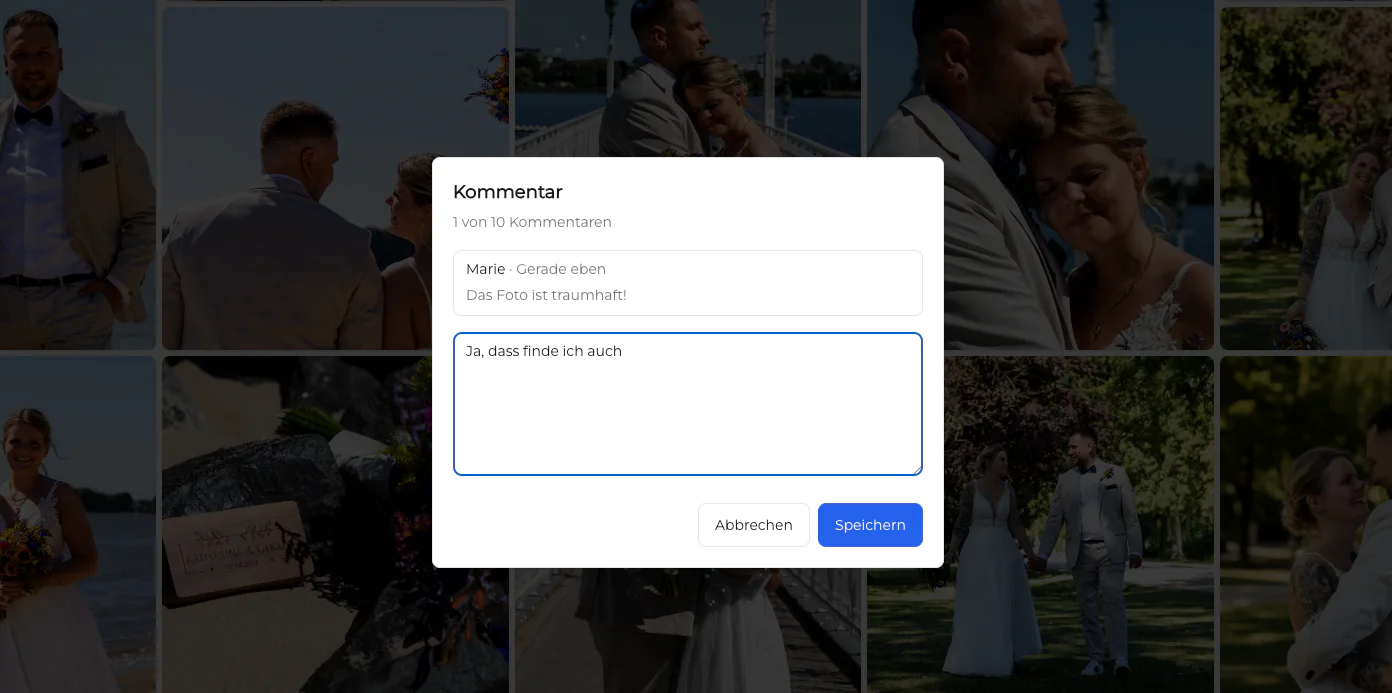
Explain what work begins after confirmation and which requests need a specific gallery comment.
Keep proofing permissions aligned with the project stage so previews are not mistaken for final downloadable files.
Comparison
Each stage supports a different decision. Choose the least-finished state that still represents the work fairly.
| Approach | Best for | Tradeoff |
|---|---|---|
| Unretouched JPEG proof | Selection when capture consistency is already strong | Clients may focus on temporary imperfections |
| Basic-corrected proof | Representative selection with consistent color and exposure | Requires preparation before proofing |
| Final retouched image | Approved delivery and finished presentation | Retouching every rejected frame wastes production time |
| RAW file | Photographer's capture and production workflow | Not equivalent to a client-ready preview |
| Screenshot or browser capture | Nothing in a controlled proofing workflow | Misrepresents quality, naming, and intended delivery |
Use representative JPEG proofs so clients can compare expression and pose before detailed retouching.
Apply a consistent baseline before proofing when large exposure or color differences would distract from selection.
Show the finished retouched version when the question is editing quality rather than which photograph to choose.
Frequently asked questions
Not when they are intentional JPEG proofs, suitable for the selection decision, and clearly identified as unfinished. Unexplained or inconsistent previews create the problem.
RAW files are not the same as client proof images. This workflow uses deliberate exported previews and does not promise RAW delivery.
Use enough baseline correction to represent the intended work fairly. The appropriate level depends on capture consistency and the decision clients need to make.
Label them as selection previews, state what clients are choosing, and explain the editing step that follows confirmation.
No. GalleryDock displays the files the photographer uploads; editing, conversion, and export decisions happen before upload.
Align access with the project contract and stage. Do not let a selection preview be mistaken for the intended final delivery.
Related resources
Pricing
Free forever
0 EUR
EUR 0 per month
Perfect for sharing your first galleries professionally.
Start free, no credit card required
Monthly
19 EUR
EUR 228 billed yearly. plus VAT
Ideal for photographers who regularly deliver client galleries.
For regular client delivery
Monthly
29 EUR
EUR 348 billed yearly. plus VAT
For photographers managing many projects, videos and growing storage.
For regular client delivery
Upload deliberate JPEG proofs to GalleryDock, explain their status, and reserve final retouching for the images and review stage that require it.
Create a free account