01
Look for deliberate geometry
Architectural lines, graphic shadows, landscapes, vehicles, and controlled studio work can provide the visual structure a metal presentation needs.
metal photo prints
Sell metal photo prints online with deliberate image selection, configured product details, crop review, room-scale context, cart, and production checks.
Quick answer
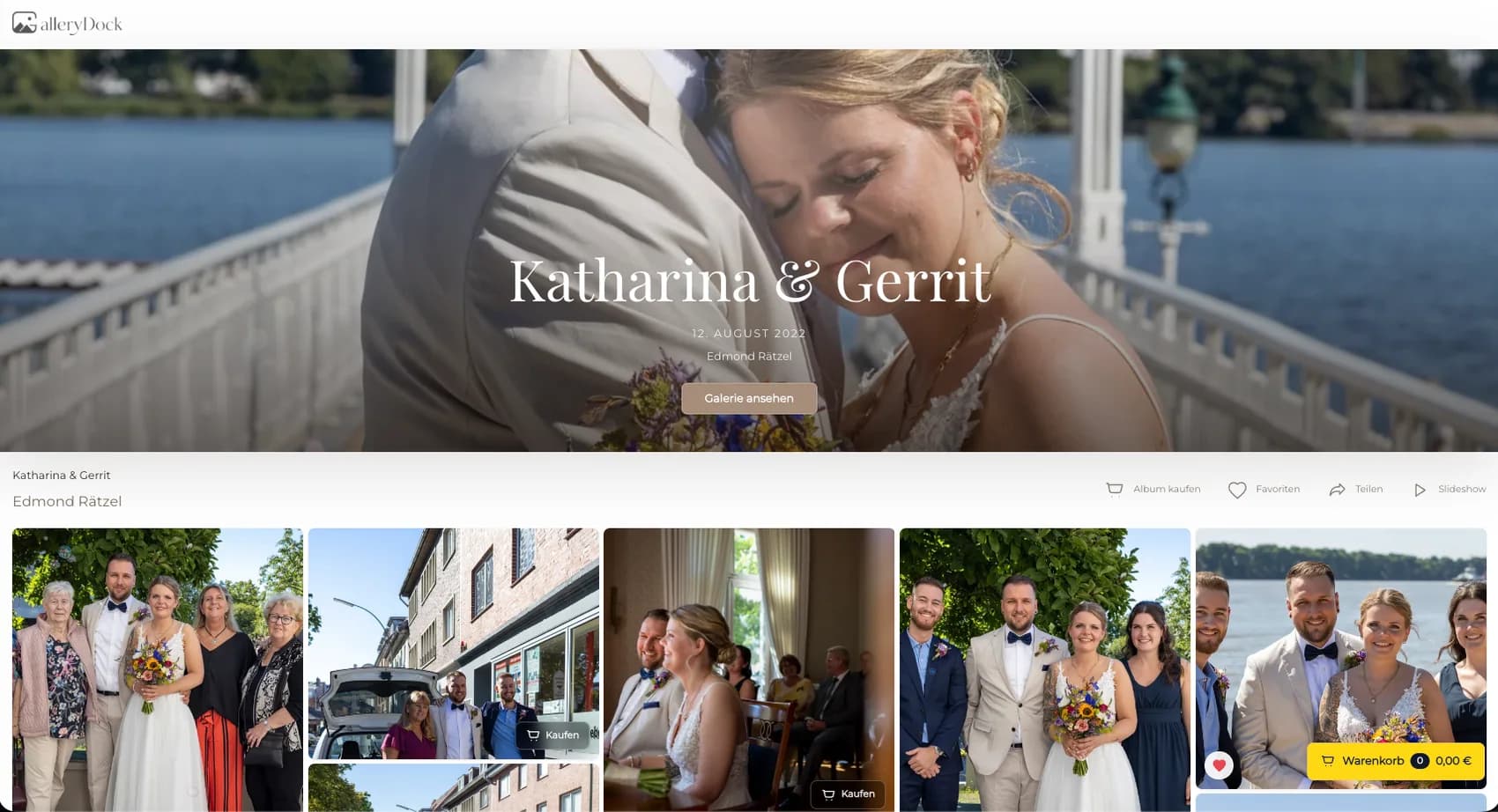
Selling metal photo prints online gives photographers a US-facing product path for photographs whose lines, contrast, color, and wall-scale presentation benefit from a precise physical offer. Begin with one representative client project and define the photograph, physical offer, decision points, and review responsibility before publishing. GalleryDock keeps the image, configured digital or physical products, crop, cart, and checkout handoff in one client-facing context. The photographer remains responsible for product truth, prices, source-file suitability, production coordination, access decisions, and final order review. Test the complete path on desktop and mobile rather than treating an editor preview, room mockup, redirect, or provider description as proof. Metal print is the clear US category term; a configured Alu-Dibond option may be identified precisely, but this guide does not claim that every metal print has identical construction, finish, durability, manufacturer, lab, delivery time, or performance.
Photograph
The strongest candidates make their structure clear before material language is added.
01
Architectural lines, graphic shadows, landscapes, vehicles, and controlled studio work can provide the visual structure a metal presentation needs.
02
Inspect highlight transitions, shadow separation, gradients, saturated color, and neutral areas instead of assuming the product fixes weak source files.
03
Match portrait, landscape, or square format to the image and the verified product range.
04
Confirm final retouching, resolution, sharpening, crop flexibility, and production preparation before the photograph appears in the shop.
US product language
Clear category language and precise product data can coexist.
01
Use the familiar US-facing phrase in the title and navigation context so the visitor understands the physical product category.
02
If that is the configured option, name it in the product explanation without redefining every metal print as the same construction.
03
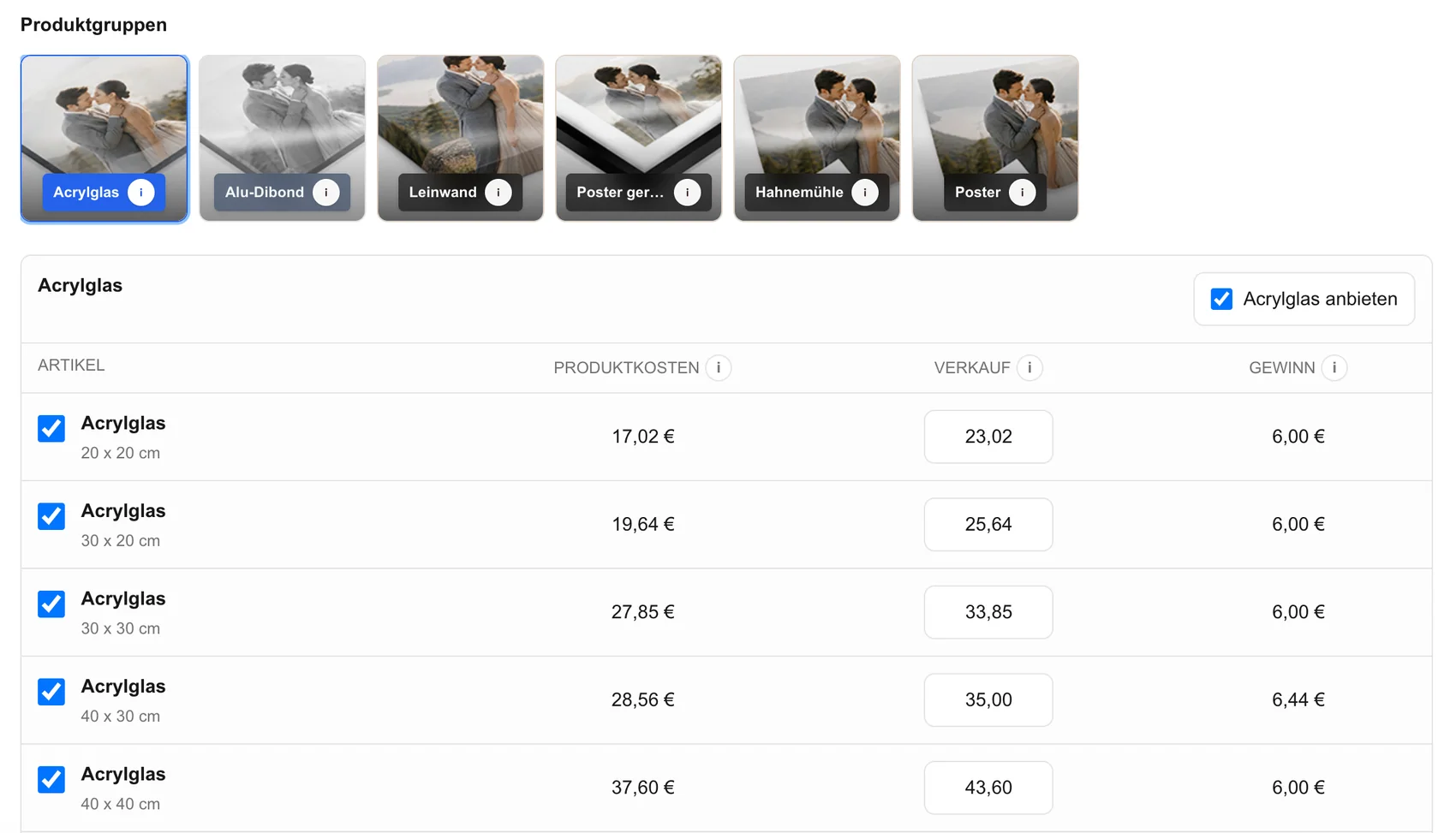
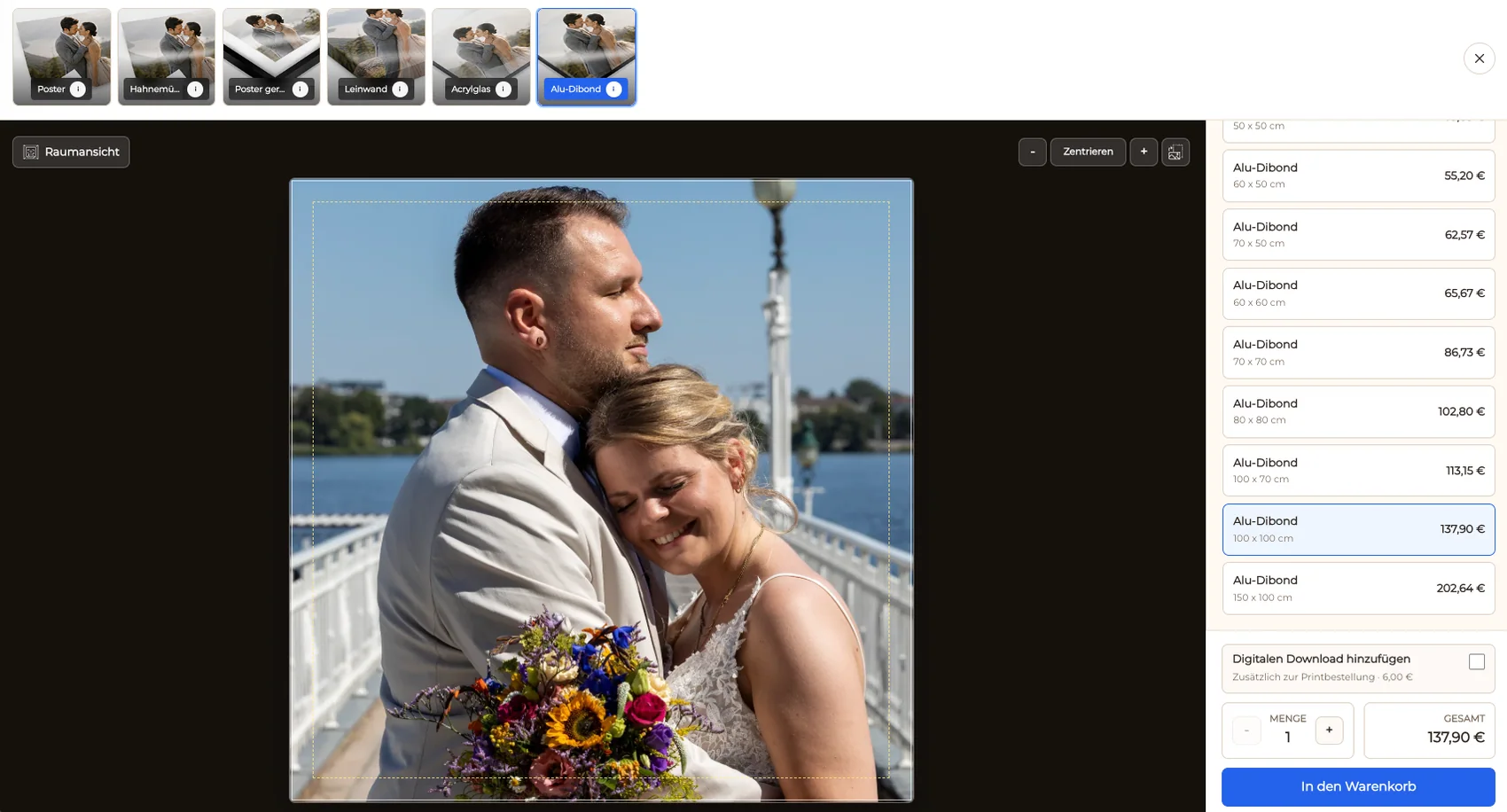
Show the actual dimensions, variants, and prices prepared by the photographer rather than suggesting an unlimited catalog.
04
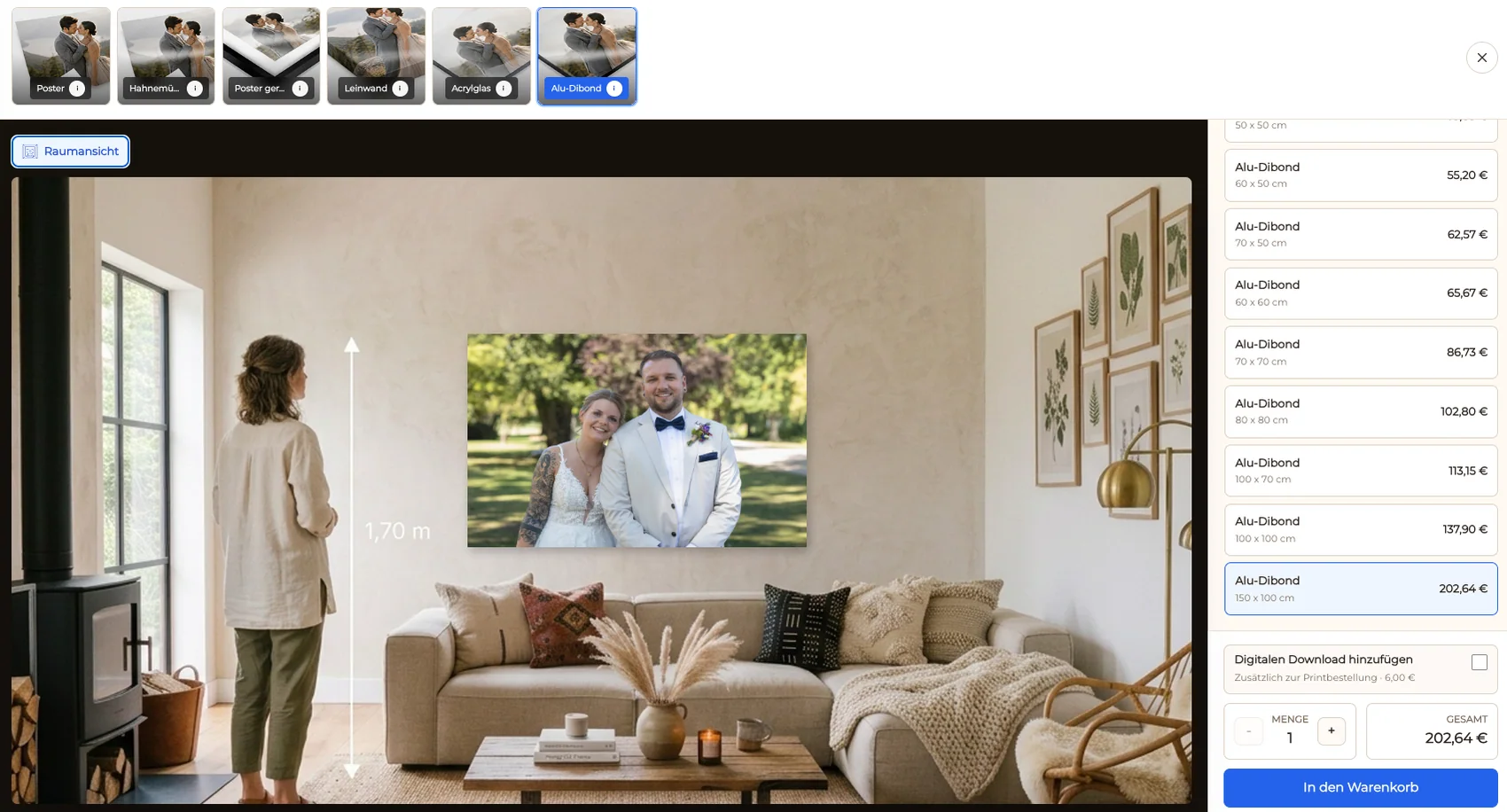
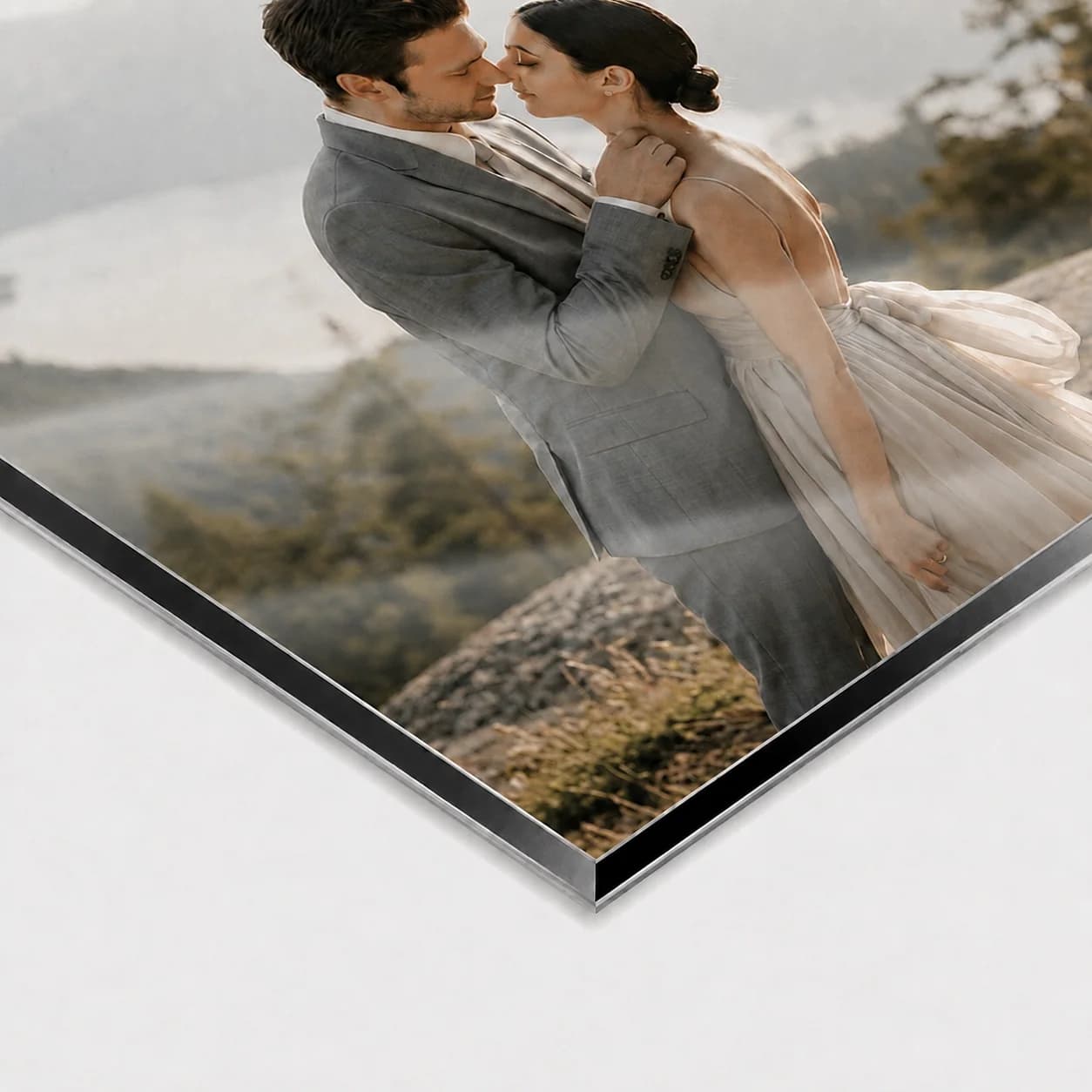
Protect edge details and use room context as a visual aid while retaining exact size information.
Order path
One complete test exposes gaps that a product mockup cannot reveal.
01
Open the finished client photograph and confirm that the metal product belongs to that specific image.
02
Check the orientation, dimensions, price, and crop at the decision point.
03
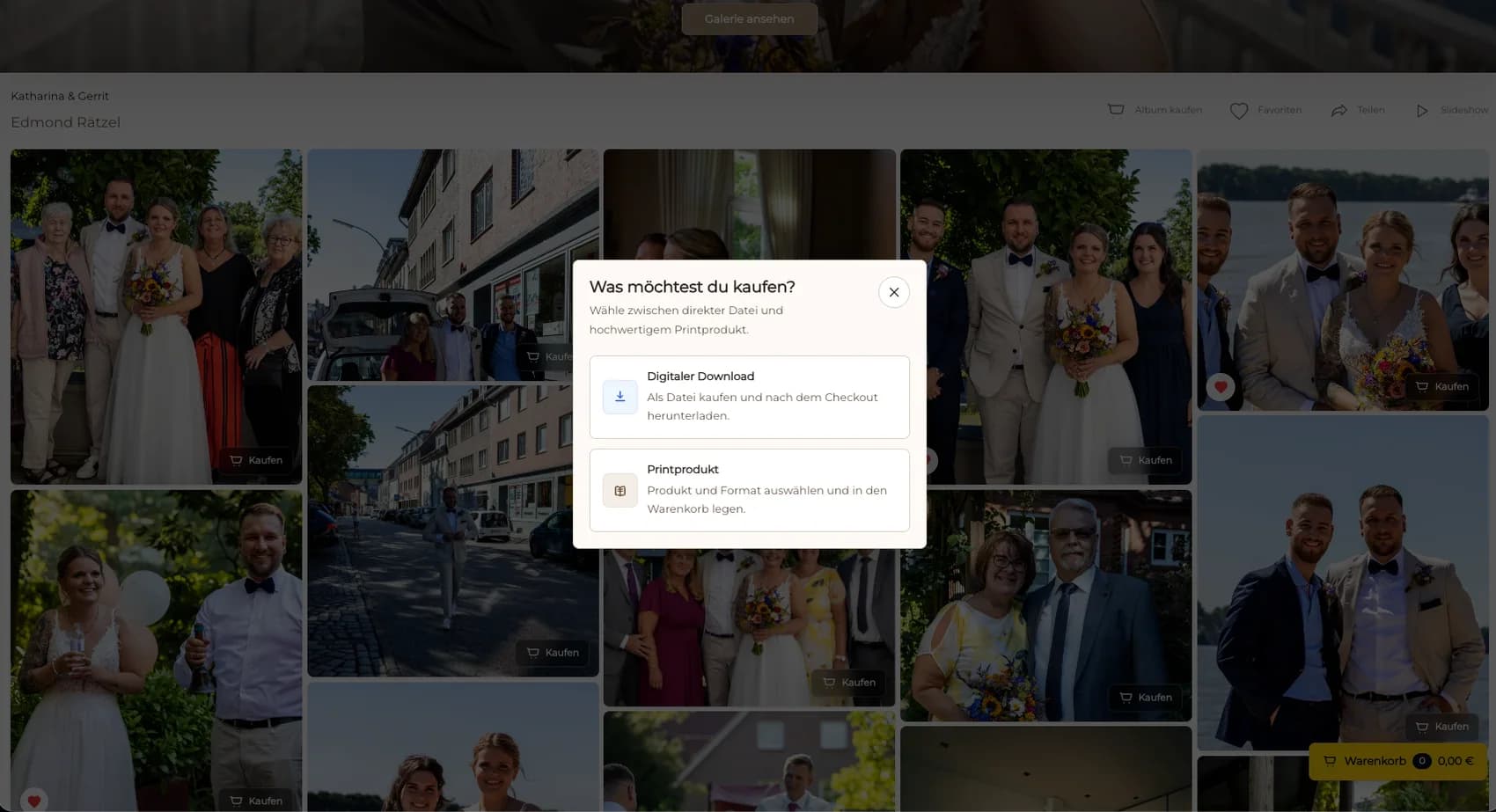
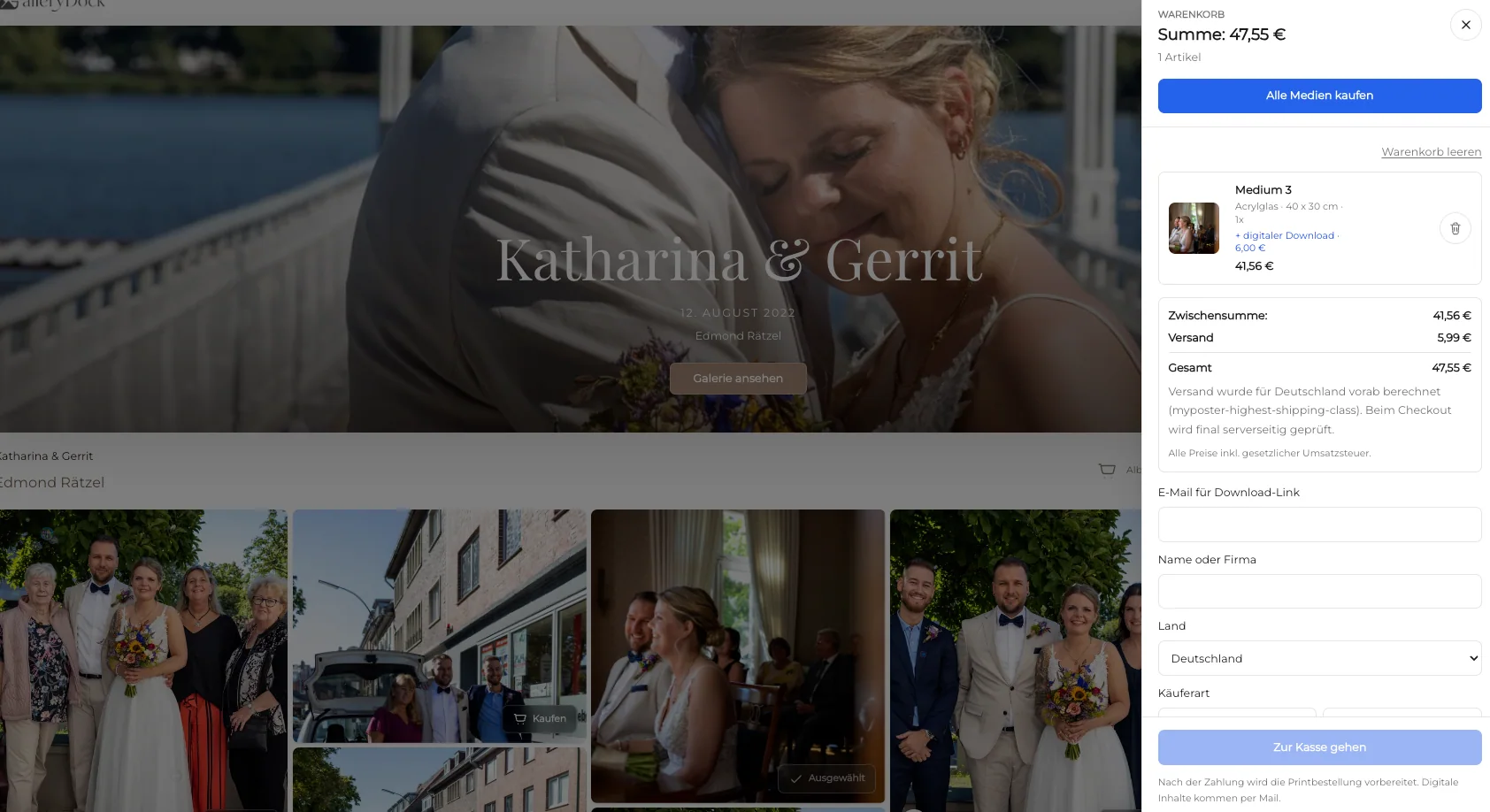
Keep photograph, product, size, crop, quantity, and price connected before checkout.
04
Verify the resulting order data and final output file through the photographer's actual production relationship.
Comparison
Keep the client gallery, general stores, and production providers distinct.
| Approach | Best for | Tradeoff |
|---|---|---|
| GalleryDock metal print offer | Client images with configured wall-product choices | Requires photographer-owned product and file review |
| General ecommerce catalog | Many unrelated product categories | Can lose the original client-gallery context |
| Art marketplace | Marketplace browsing | Different fees branding and audience ownership |
| Manual quote | An exceptional custom specification | Requires rebuilding the order across messages |
| Provider storefront | A verified provider-specific workflow | No universal provider connection is promised |
Strong lines and edge geometry are checked against a clean metal-print crop.
Reflections, paint color, negative space, and wall scale are reviewed together.
The horizon and leading lines stay intact in a verified wide format.
Frequently asked questions
It is a clear US-facing category phrase. The actual configured product can then be described more precisely in the page copy.
No. This guide does not treat all metal prints as one identical construction.
Yes, when both are configured and presented as distinct products.
Review the source file, contrast, color, resolution, orientation, crop, dimensions, price, and actual production specification.
No. The photographer remains responsible for the verified production and delivery workflow.
Related resources
Pricing
Free forever
0 EUR
EUR 0 per month
Perfect for sharing your first galleries professionally.
Start free, no credit card required
Monthly
19 EUR
EUR 228 billed yearly. plus VAT
Ideal for photographers who regularly deliver client galleries.
For regular client delivery
Monthly
29 EUR
EUR 348 billed yearly. plus VAT
For photographers managing many projects, videos and growing storage.
For regular client delivery
Choose a strong photograph, name the configured product precisely, verify size and crop, and inspect the complete client order path.
Create a free account