01
Start with emotional recognition
Choose the photograph where the owner immediately recognizes the dog's character. Eye contact, posture, and familiar expression can outweigh a more decorative frame.
dog photography canvas prints
Sell dog photography canvas prints by matching expression, motion, orientation, crop, room scale, and a tested GalleryDock order path.
Quick answer
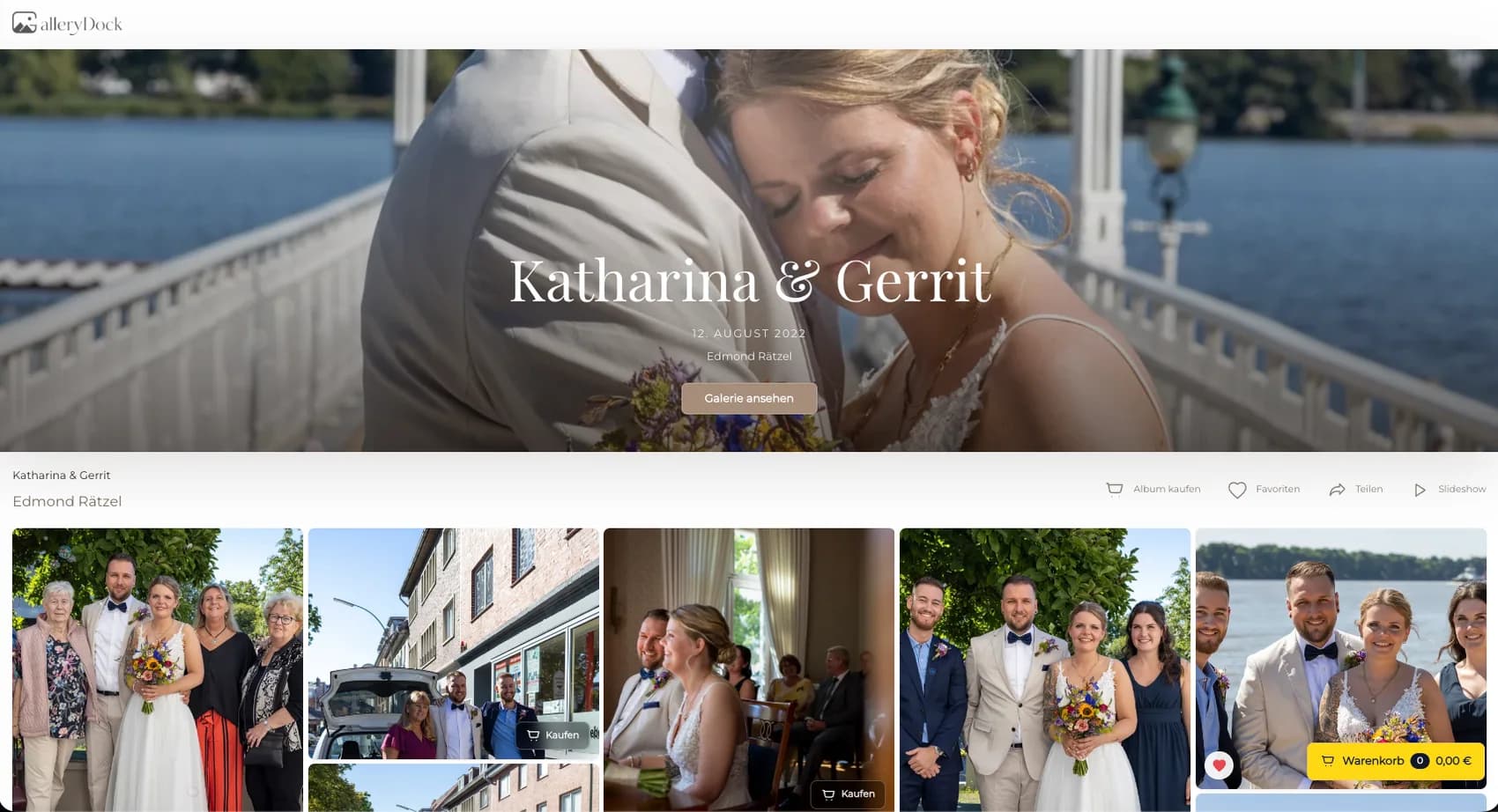
Selling dog photography canvas prints turns a personal pet session into a specific wall product by connecting the right portrait with a deliberate canvas format and crop. Start with one representative client project and decide what the visitor should understand, select, or buy before the page is assembled. GalleryDock maintains the gallery experience, contextual favorites and comments, controlled downloads, and digital or physical print sales when those options are configured. The website or shared link provides the surrounding entry, while the photographer remains responsible for the offer, access decisions, image suitability, product setup, and the published client check. Test the complete path on desktop and mobile instead of relying on an editor preview. This is not a generic pet-proofing guide, a framed-canvas comparison, an automatic wall designer, or a guarantee about materials, manufacturers, shipping times, tax treatment, longevity, or sales.
Photograph
Expression and body position matter more than simply choosing the highest-rated frame.
01
Choose the photograph where the owner immediately recognizes the dog's character. Eye contact, posture, and familiar expression can outweigh a more decorative frame.
02
A calm portrait often gives the face more room, while a running image needs space in the direction of movement. Decide which story suits the wall.
03
Inspect focus, noise, and retouching at the intended output scale. A phone-sized preview can hide issues that become visible in a larger canvas.
04
Present a short set of plausible wall images instead of asking the client to evaluate the whole session as print candidates.
Canvas
Canvas formatting changes the visible photograph, especially near ears, paws, and the frame edge.
01
Use the dog's pose and the available negative space to choose orientation. Do not force a sitting portrait into a wide crop only because the wall is wide.
02
Keep recognizable anatomy away from the trim and wrap areas. Review the actual safe area for every proposed format.
03
For running or jumping images, preserve room in front of the dog so the canvas does not make the movement feel abruptly stopped.
04
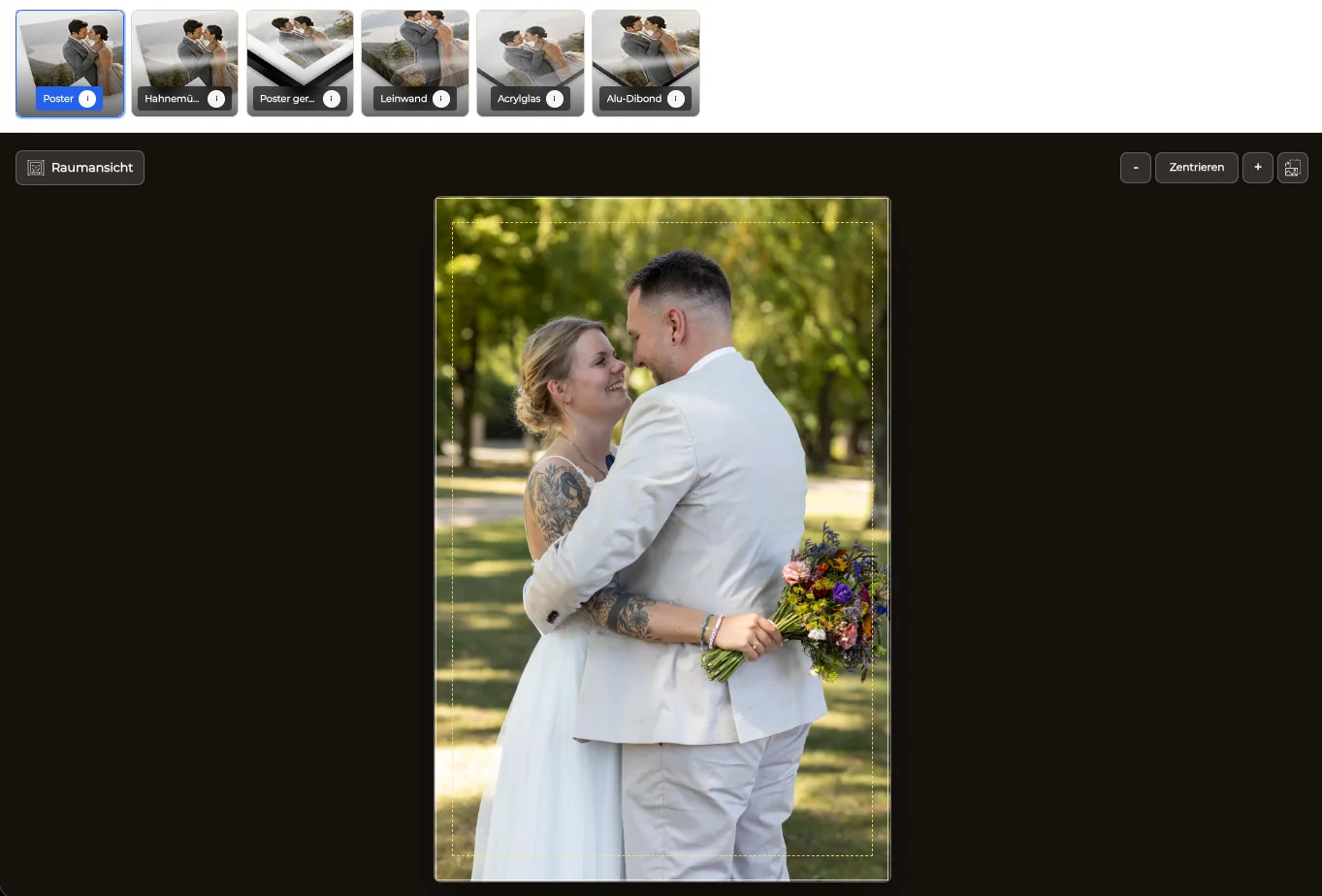
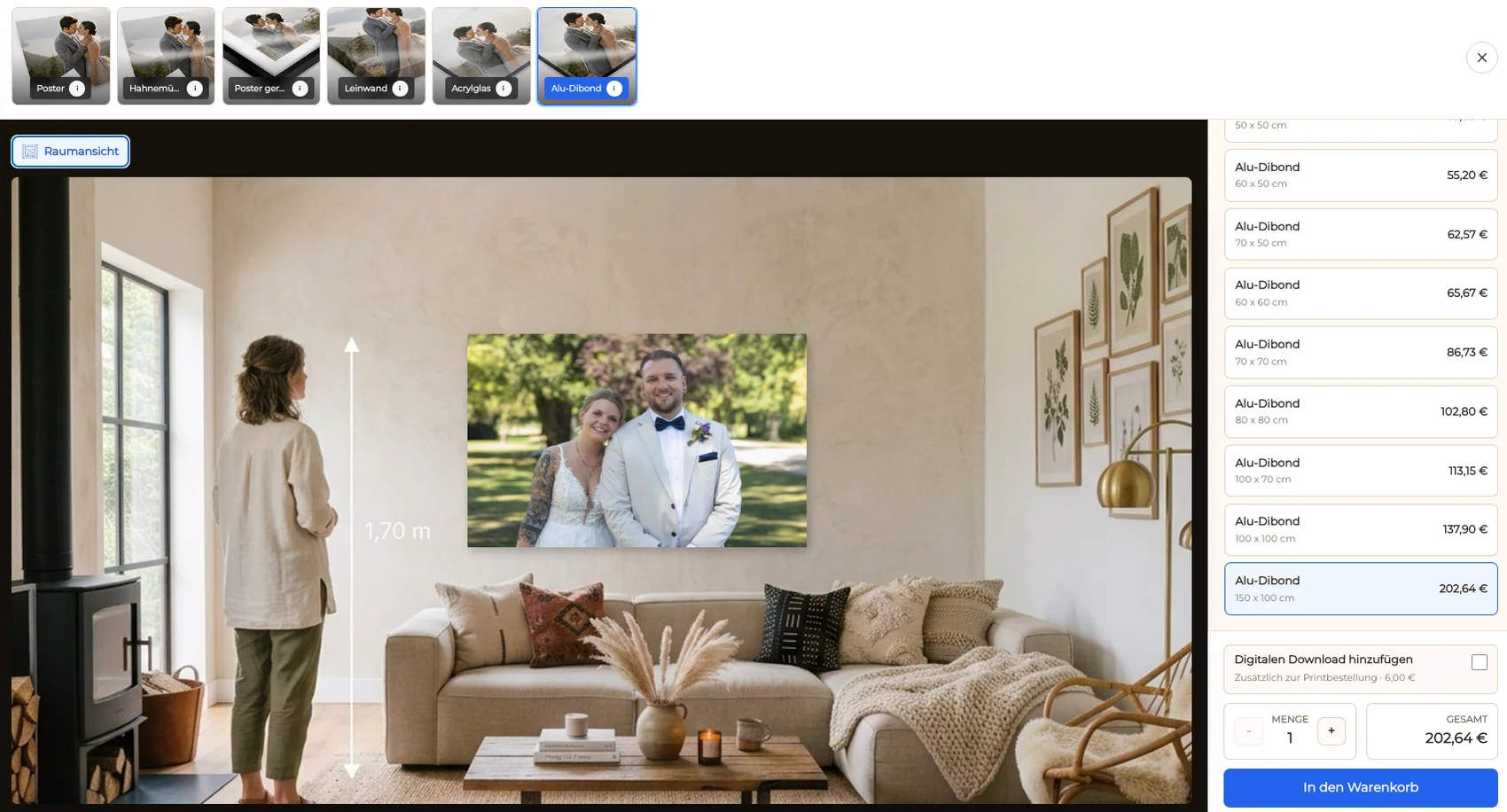
Show the chosen product in a room context to discuss presence and proportion, while keeping final measurements explicit.
Order
The client should know which image, size, and crop will reach checkout.
01
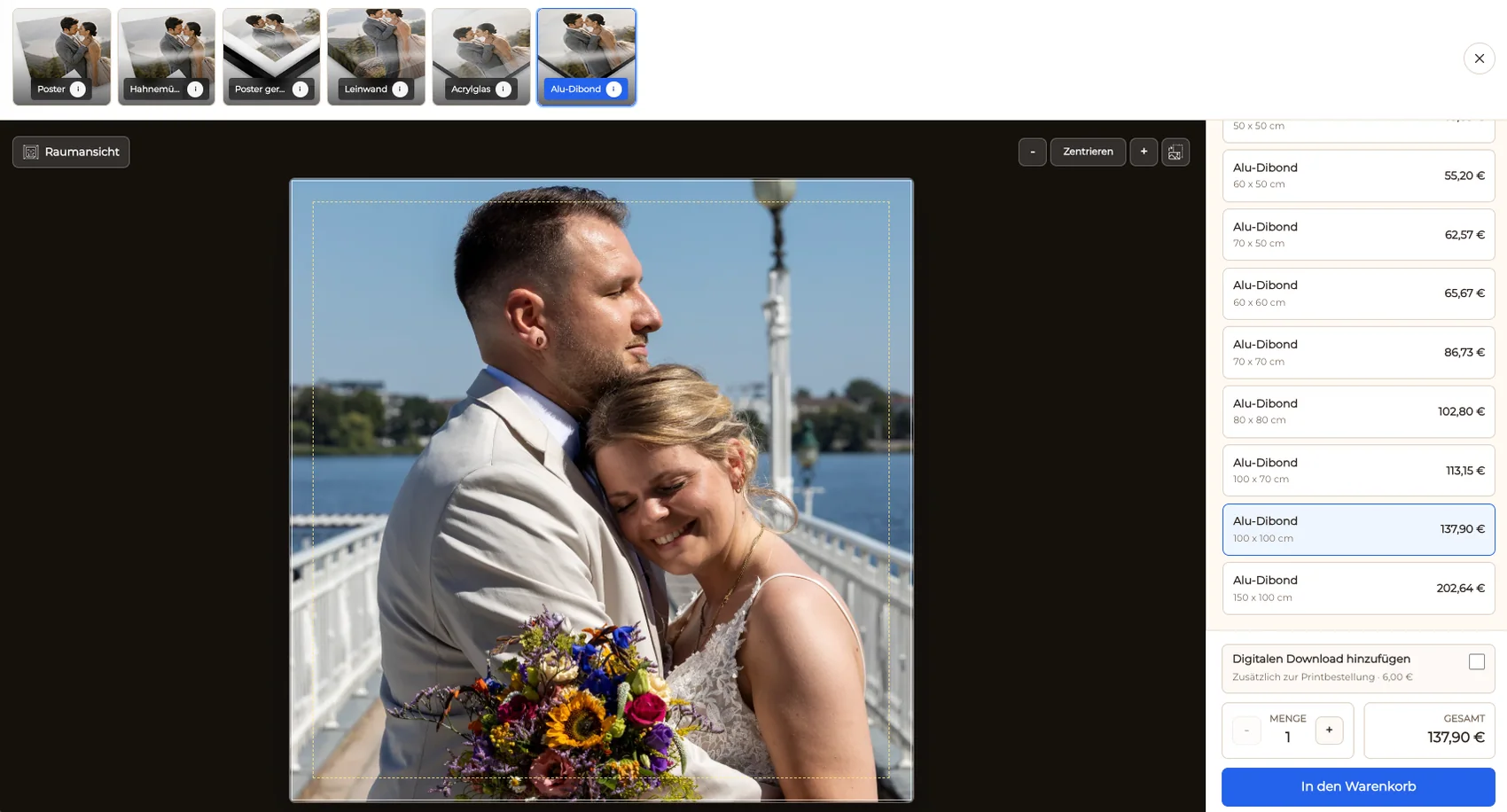
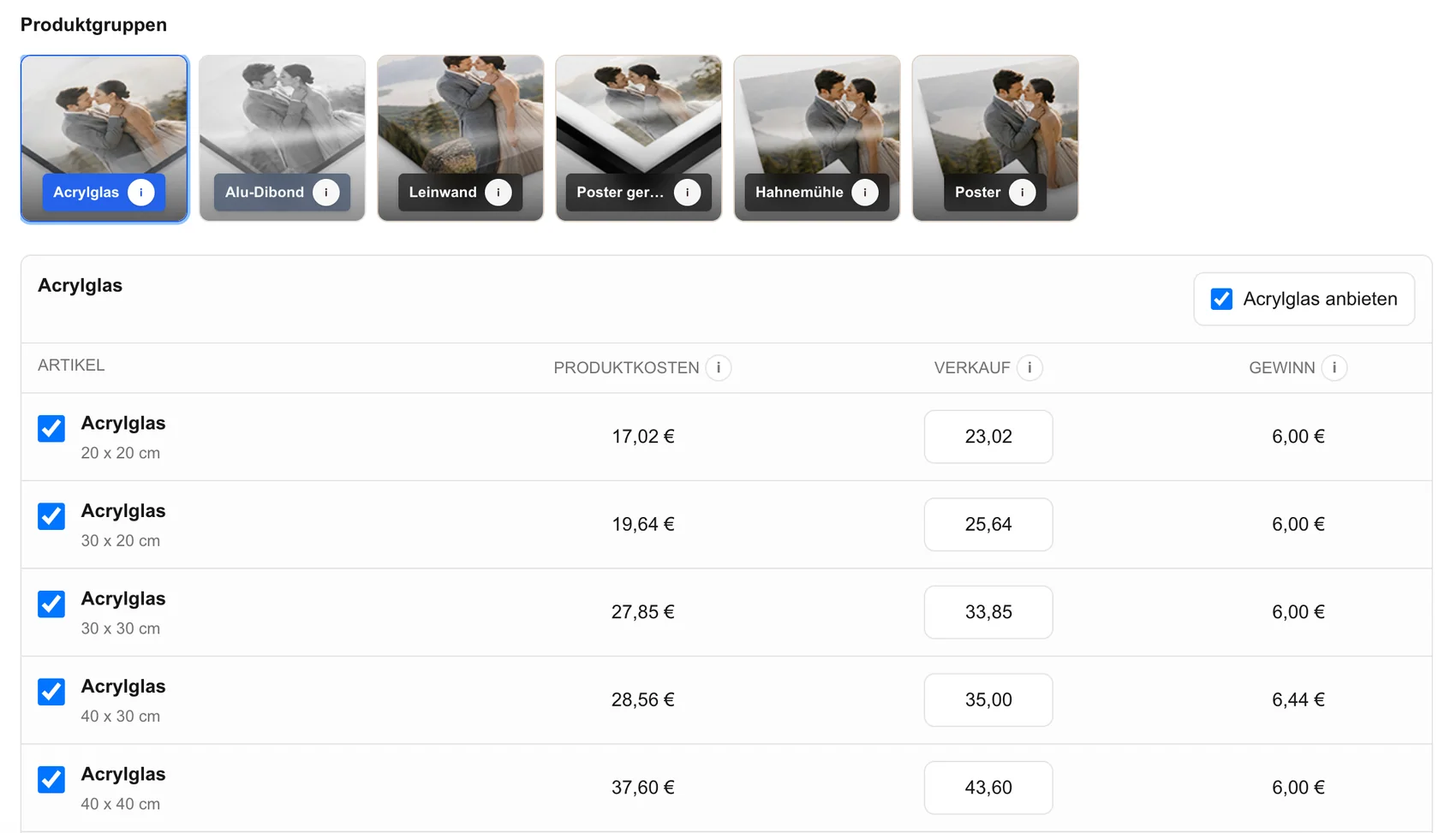
Offer a manageable canvas range that fits the image quality and session. Remove choices that create poor crops.
02
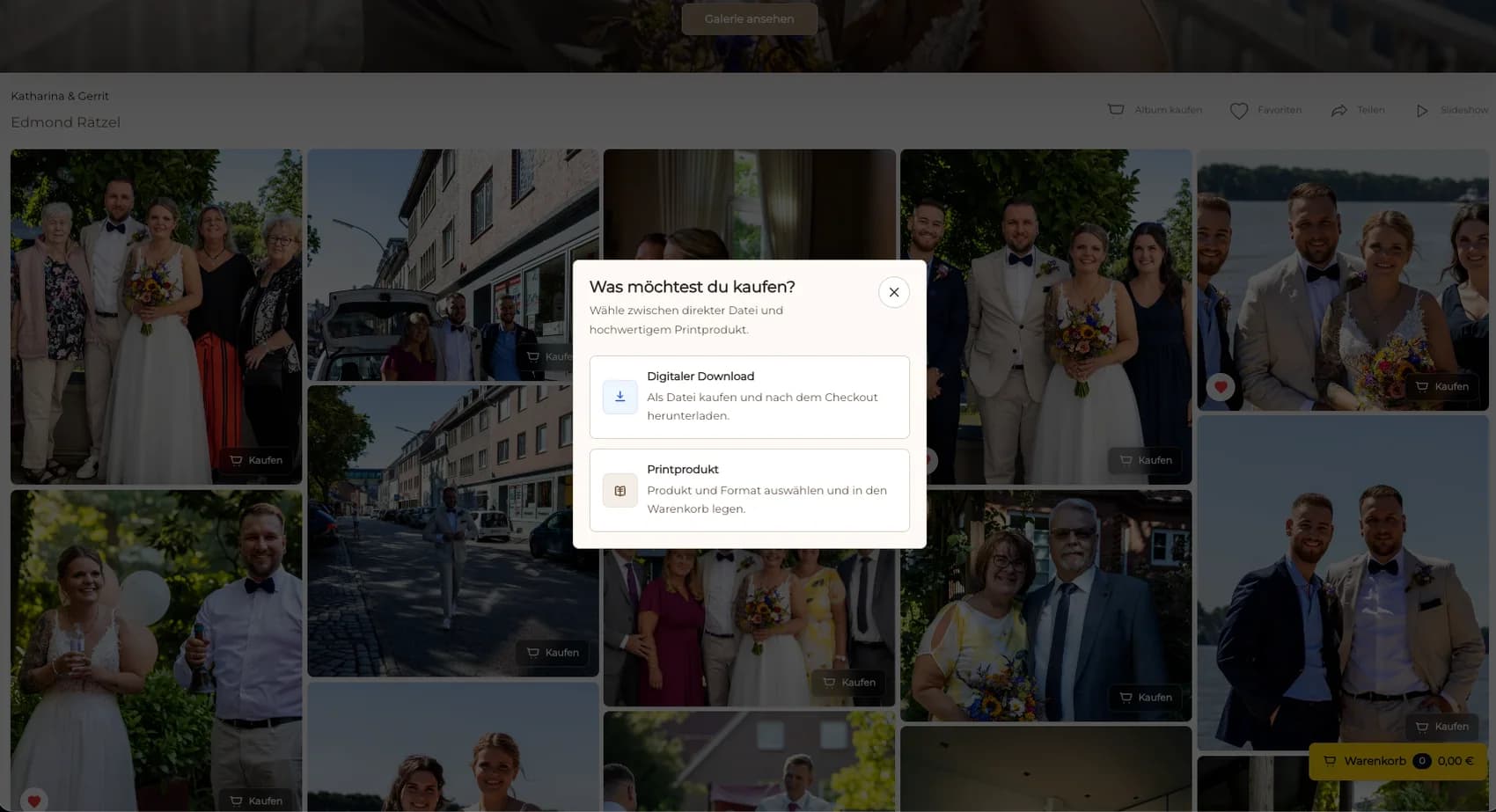
Explain that a digital file and a physical canvas are different products even when they use the same photograph.
03
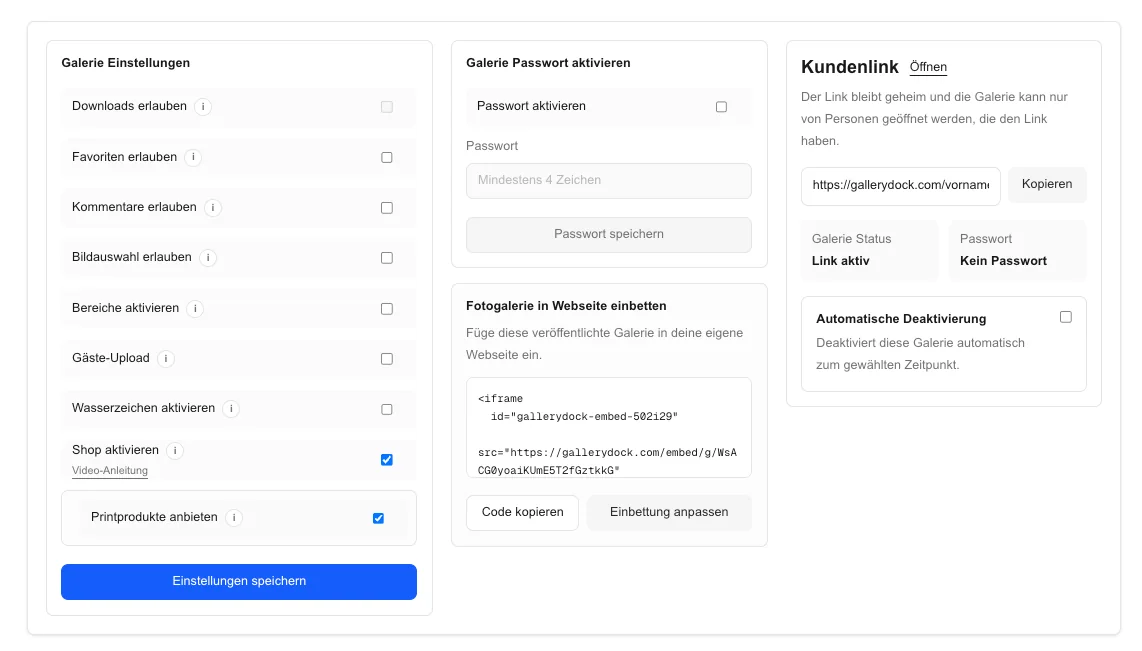
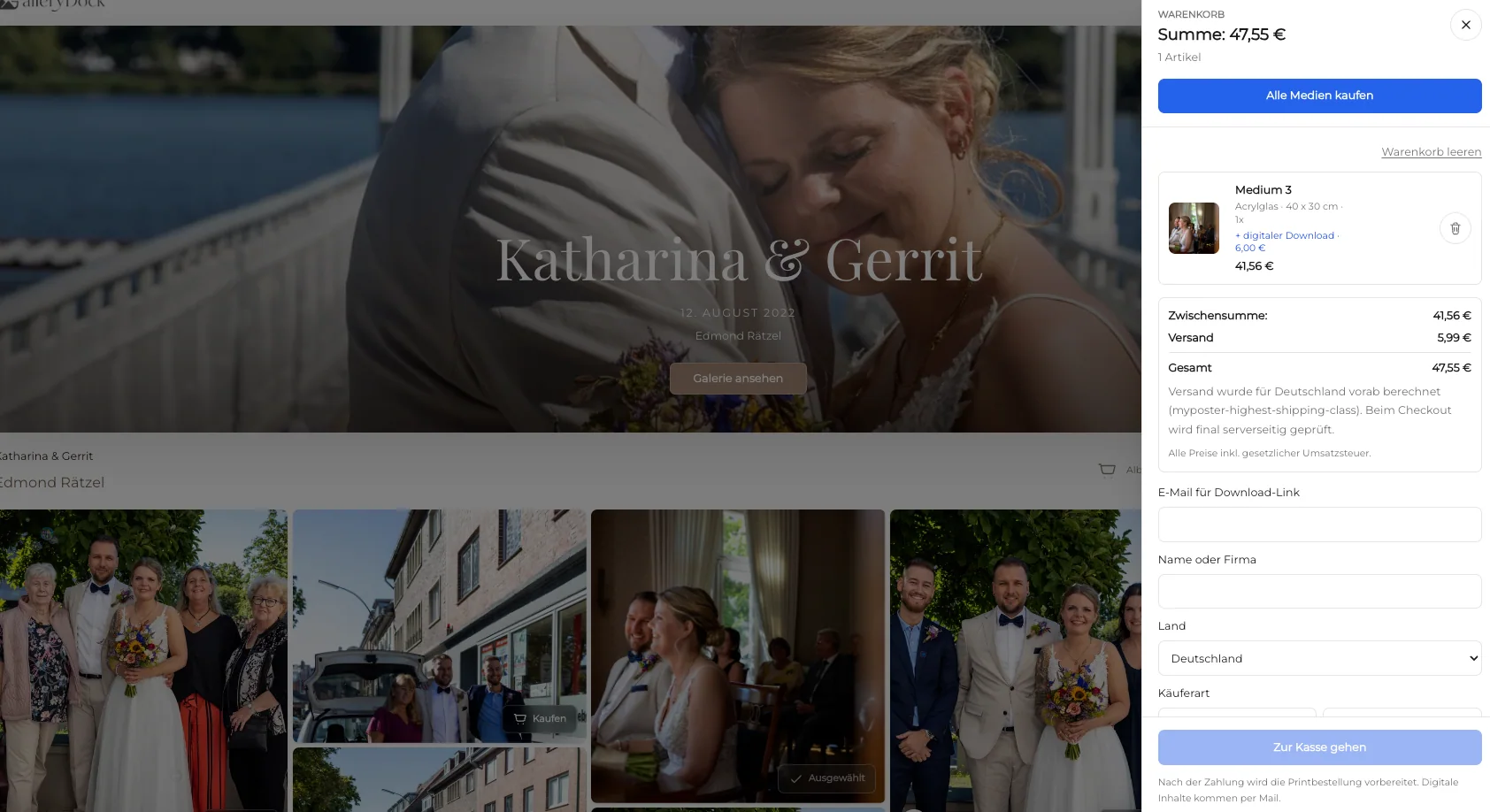
Confirm the image, product, size, crop, and price in the client view before opening checkout.
04
Repeat product selection and crop review on mobile, then confirm the checkout redirect without making a purchase.
Comparison
Match the product to the photographed pose, intended room, and client preference.
| Approach | Best for | Tradeoff |
|---|---|---|
| Canvas print | A personal wall piece with a wrap-aware crop | Edges and anatomy need careful review |
| Framed canvas | A canvas presentation with an added frame | Belongs to a separate product decision |
| Fine art print | A paper-based presentation | Different material and framing considerations |
| Digital file | Personal viewing or client-managed output | Does not provide the finished wall product |
| Multi-image collage | Combining several moments | Outside this single-canvas workflow |
A calm, expressive portrait becomes the central canvas for a living room.
A running dog uses a wide format with enough space in the direction of movement.
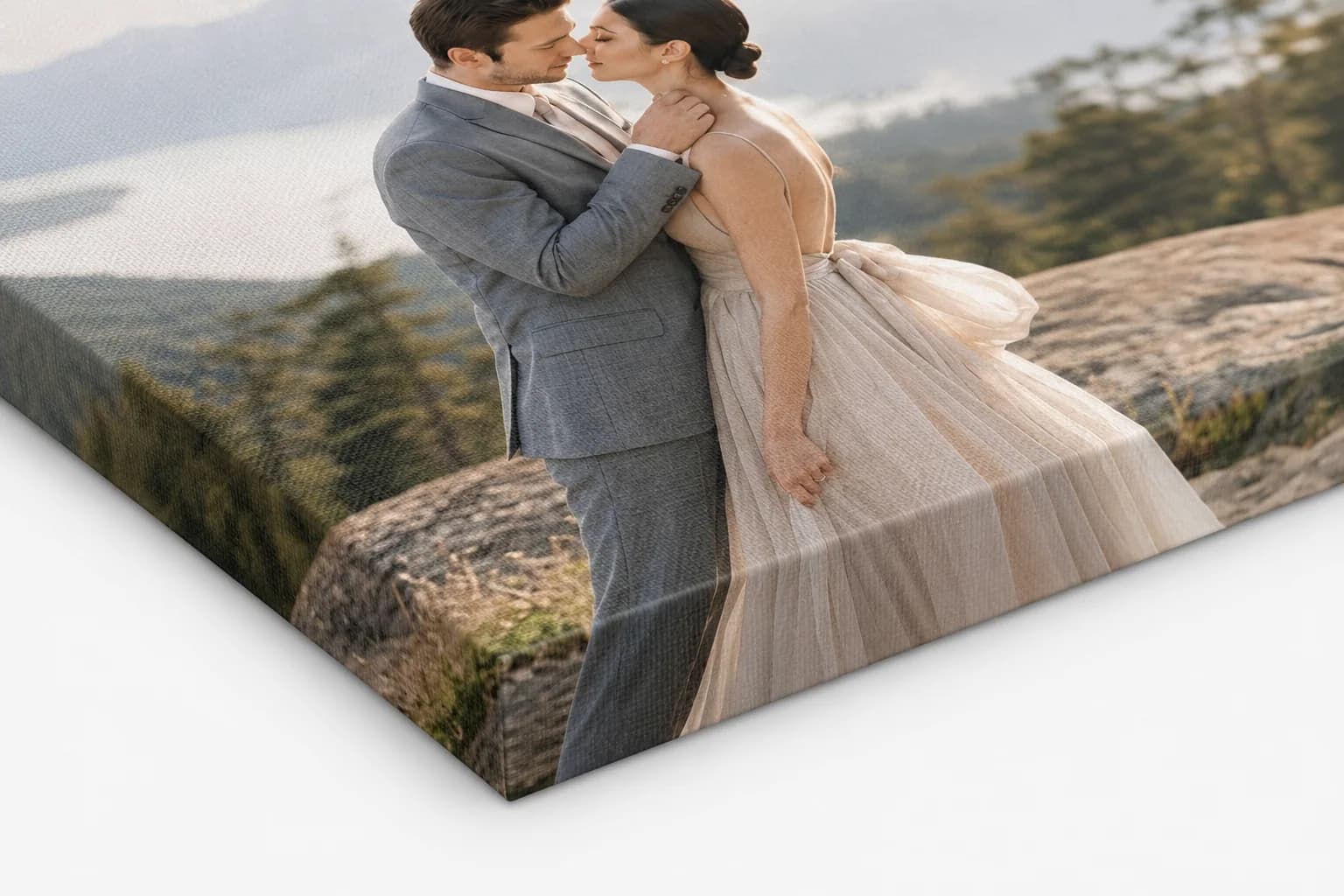
The crop preserves both faces and the relationship rather than centering only the animal.
Frequently asked questions
Choose an image with recognizable expression, sufficient detail, and a crop that remains strong at the intended size.
Review the product safe area and wrapped edge for each size instead of approving the crop from a thumbnail.
Yes, when the image has enough technical quality and directional space for the selected format.
Use the intended room, viewing distance, wall dimensions, and a room view together rather than relying on a size label alone.
Yes, when both digital and physical products are configured and presented as separate choices.
Related resources
Pricing
Free forever
0 EUR
EUR 0 per month
Perfect for sharing your first galleries professionally.
Start free, no credit card required
Monthly
19 EUR
EUR 228 billed yearly. plus VAT
Ideal for photographers who regularly deliver client galleries.
For regular client delivery
Monthly
29 EUR
EUR 348 billed yearly. plus VAT
For photographers managing many projects, videos and growing storage.
For regular client delivery
Choose the expression, protect the anatomy and wrap area, compare room scale, and test the complete product and checkout path with the client view.
Create a free account