Confirmed file list
Export the selected identifiers and reconcile them against the local source files before any upload or transfer.
Retouching handoff
Turn an approved client selection into a precise retouching handoff with stable filenames, specifications, image notes, and clear ownership.

Quick answer
A reliable photo retouching handoff starts after the image selection is confirmed. Freeze the exact files, keep identifiers stable, define the technical output, attach image-specific notes, and name who approves the finished work. GalleryDock can collect favorites and comments for that brief, but the photographer still controls the actual file transfer, retoucher instructions, and quality approval.
Handoff package
The retoucher should not have to infer which files, versions, or correction level the client approved. Build the handoff around a fixed manifest and explicit output rules.
Export the selected identifiers and reconcile them against the local source files before any upload or transfer.
State file format, color space, bit depth, dimensions, naming, layer requirements, and delivery destination.
Provide the intended finish, reference frames, and boundaries for skin, shape, cleanup, and color work.
Name who checks the returned files, who may request revisions, and when the work becomes final.
Four-step handoff
Treat the selection and production handoff as two connected checkpoints rather than one informal email.
01
Close open questions and record the final list before the retoucher begins work.
02
Use stable filenames or a manifest so proofs map to the intended RAW, TIFF, or PSD sources.
03
Transfer the production assets through your chosen file-delivery method with the global brief and image notes.
04
Check technical output and creative instructions before presenting retouched results to the client.
Responsibility boundary
GalleryDock organizes client selections and comments. It does not automatically transmit production originals to a third-party retoucher or approve their work.
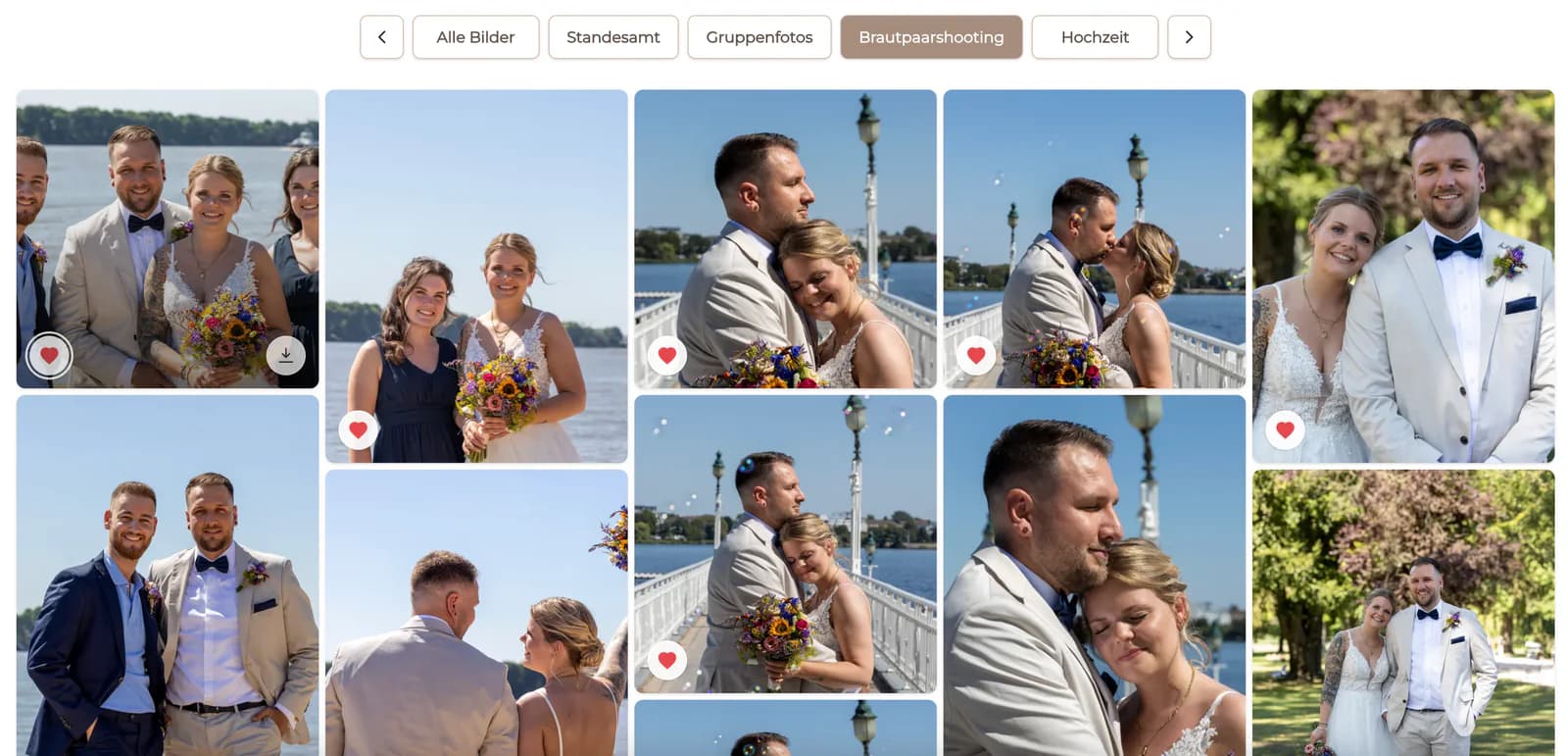
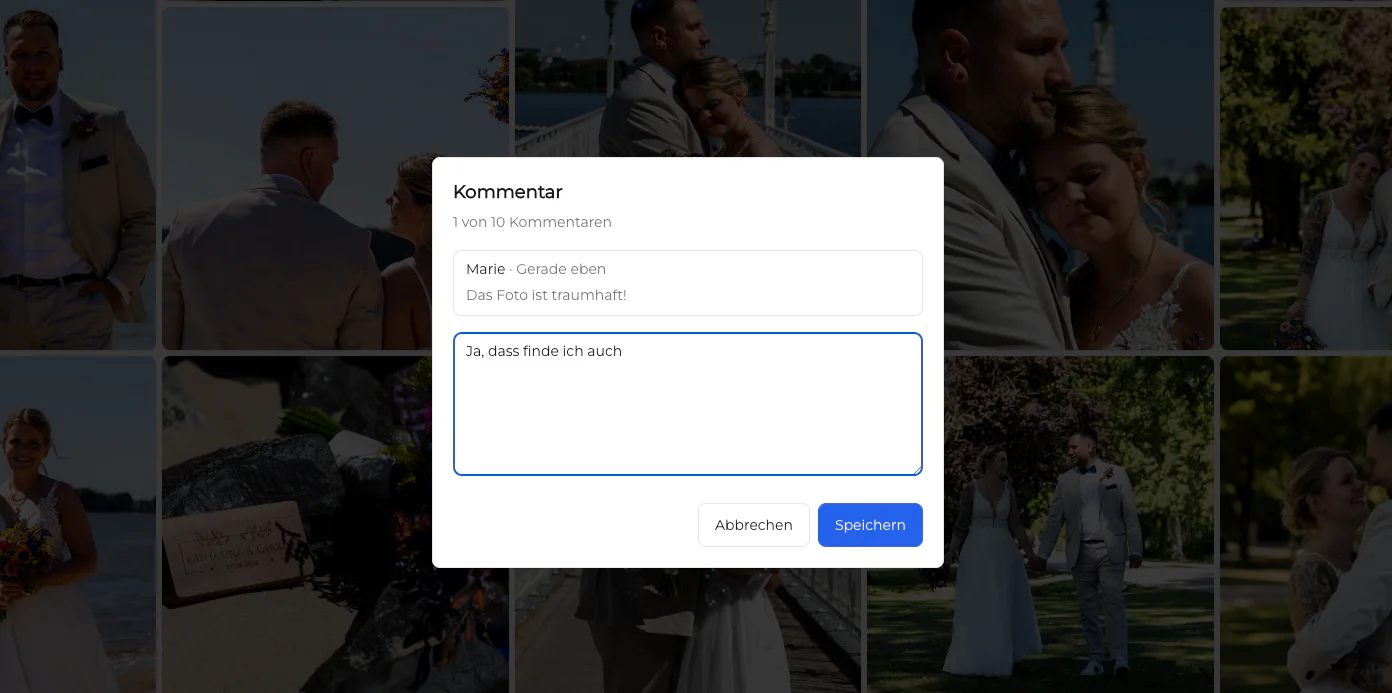
Favorites and comments can establish which images and requests belong in the handoff.
You remain responsible for locating the correct originals and choosing an appropriate secure transfer method.
The service provider needs explicit scope and output requirements rather than access to an ambiguous gallery alone.
Quality control and final client delivery remain separate from the selection record.
Comparison
The safest workflow combines a visual selection record with production-ready files and a written specification.
| Approach | Best for | Tradeoff |
|---|---|---|
| Filename list in email | A tiny, simple set | Easy to mistype or separate from image notes |
| Screenshots with circles | Quick visual clarification | Weak source-file matching |
| Shared storage folder only | Moving production files | Does not explain selection or intent |
| Gallery favorites only | Recording client choices | Not a complete retoucher brief or file transfer |
| Manifest plus assets and brief | Traceable professional handoff | Requires deliberate preparation and QA |
Employee selections map to source files while crop, background, skin, and delivery specifications remain consistent.
Art direction, reference finish, layered-file requirements, and individual cleanup notes travel with the selected hero frames.
A repeatable manifest lets the studio send several client selections without mixing projects or revision responsibilities.
Frequently asked questions
Include the confirmed file list, production assets, global technical and creative specifications, image-specific notes, deadline, and approval owner.
For workflows where only chosen photographs receive detailed retouching, confirming the selection first avoids unnecessary production work.
No. GalleryDock can organize selections and comments, but the photographer remains responsible for the production-file transfer and retoucher brief.
Stable identifiers help match client proofs to source files and returned retouched versions without relying on visual guesswork.
Keep each note tied to its image identifier, then include a consolidated manifest in the handoff so nothing depends on one chat thread.
Assign one responsible photographer or production lead to check the result against the brief before final client presentation.
Related resources
Pricing
Free forever
0 EUR
EUR 0 per month
Perfect for sharing your first galleries professionally.
Start free, no credit card required
Monthly
19 EUR
EUR 228 billed yearly. plus VAT
Ideal for photographers who regularly deliver client galleries.
For regular client delivery
Monthly
29 EUR
EUR 348 billed yearly. plus VAT
For photographers managing many projects, videos and growing storage.
For regular client delivery
Collect the confirmed selection and image comments in GalleryDock, then prepare the exact assets and specifications your retoucher needs.
Create a free account