01
Map the client journey
Write down how a client reaches an approved gallery, chooses an image, compares products, reviews crop, and reaches checkout.
photo print shop software
Evaluate photo print shop software for photographers across gallery context, products, prices, crop preview, cart, checkout handoff, order data, and production ownership.

Quick answer
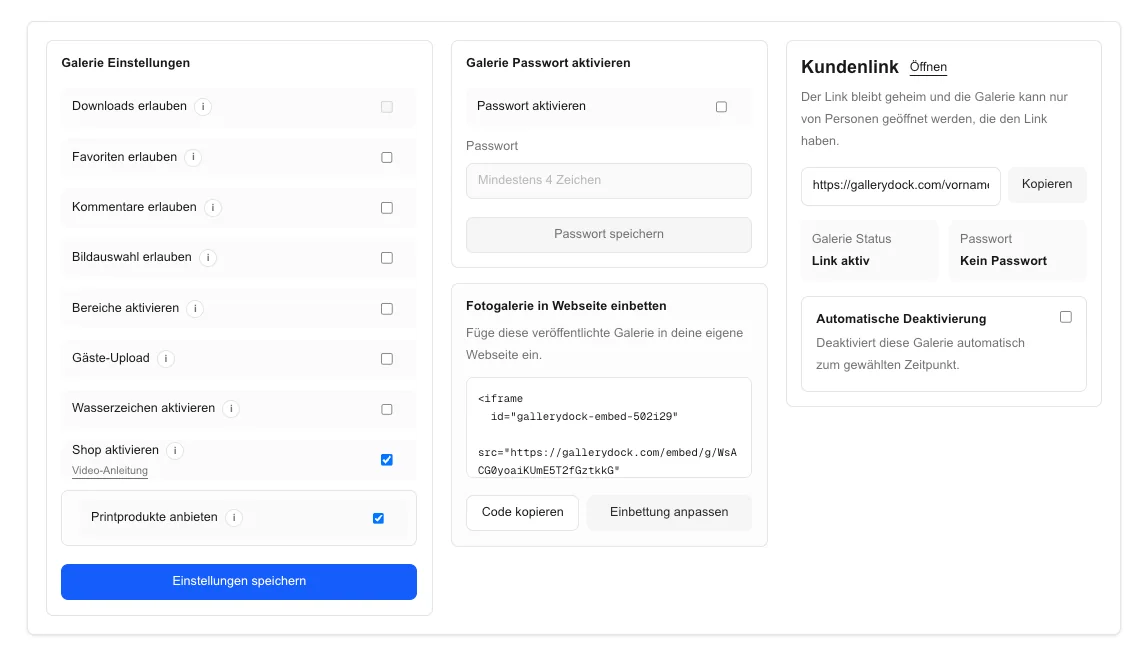
Photo print shop software for photographers should be evaluated as a complete client and operations system, not as a checklist of isolated storefront features. Begin with one representative client project and define the photograph, physical offer, decision points, and review responsibility before publishing. GalleryDock keeps the image, configured digital or physical products, crop, cart, and checkout handoff in one client-facing context. The photographer remains responsible for product truth, prices, source-file suitability, production coordination, access decisions, and final order review. Test the complete path on desktop and mobile rather than treating an editor preview, room mockup, redirect, or provider description as proof. This guide is a practical system-evaluation framework, not a ranking of every platform, a claim of native support for every lab, store, payment method, tax regime, region, file type, or workflow, or a promise of automatic fulfillment, revenue, uptime, or legal compliance.
Requirements
A feature matters only when it supports a real client and production decision.
01
Write down how a client reaches an approved gallery, chooses an image, compares products, reviews crop, and reaches checkout.
02
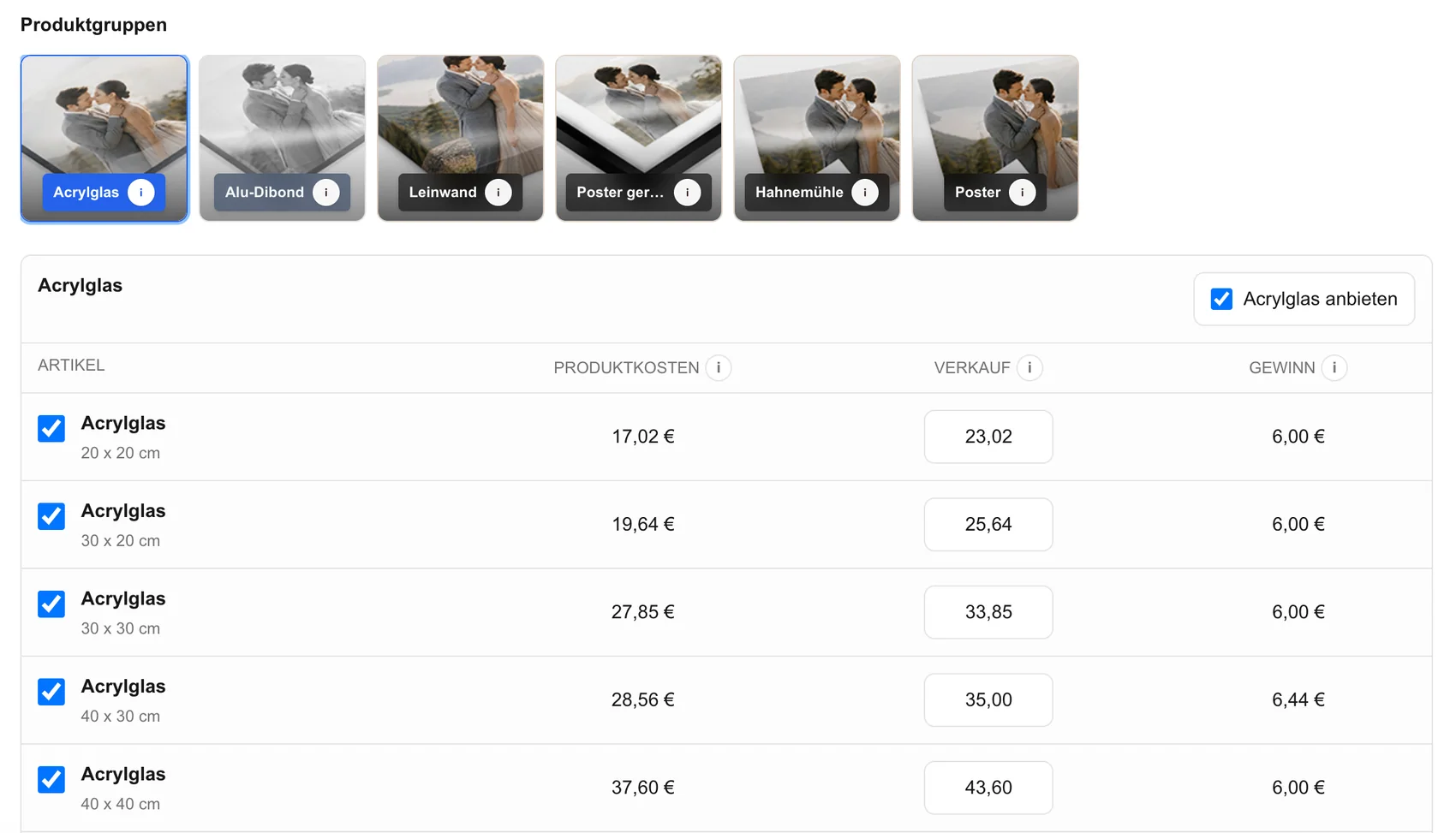
List the products, sizes, orientations, prices, and source-file checks the photographer can genuinely support.
03
Distinguish essential gallery selling from marketing extras, broad ecommerce features, or provider-specific conveniences.
04
Assign responsibility for payment review, file approval, production handoff, exceptions, and delivery before selecting software.
Client experience
A polished dashboard does not prove that clients can make a safe print decision.
01
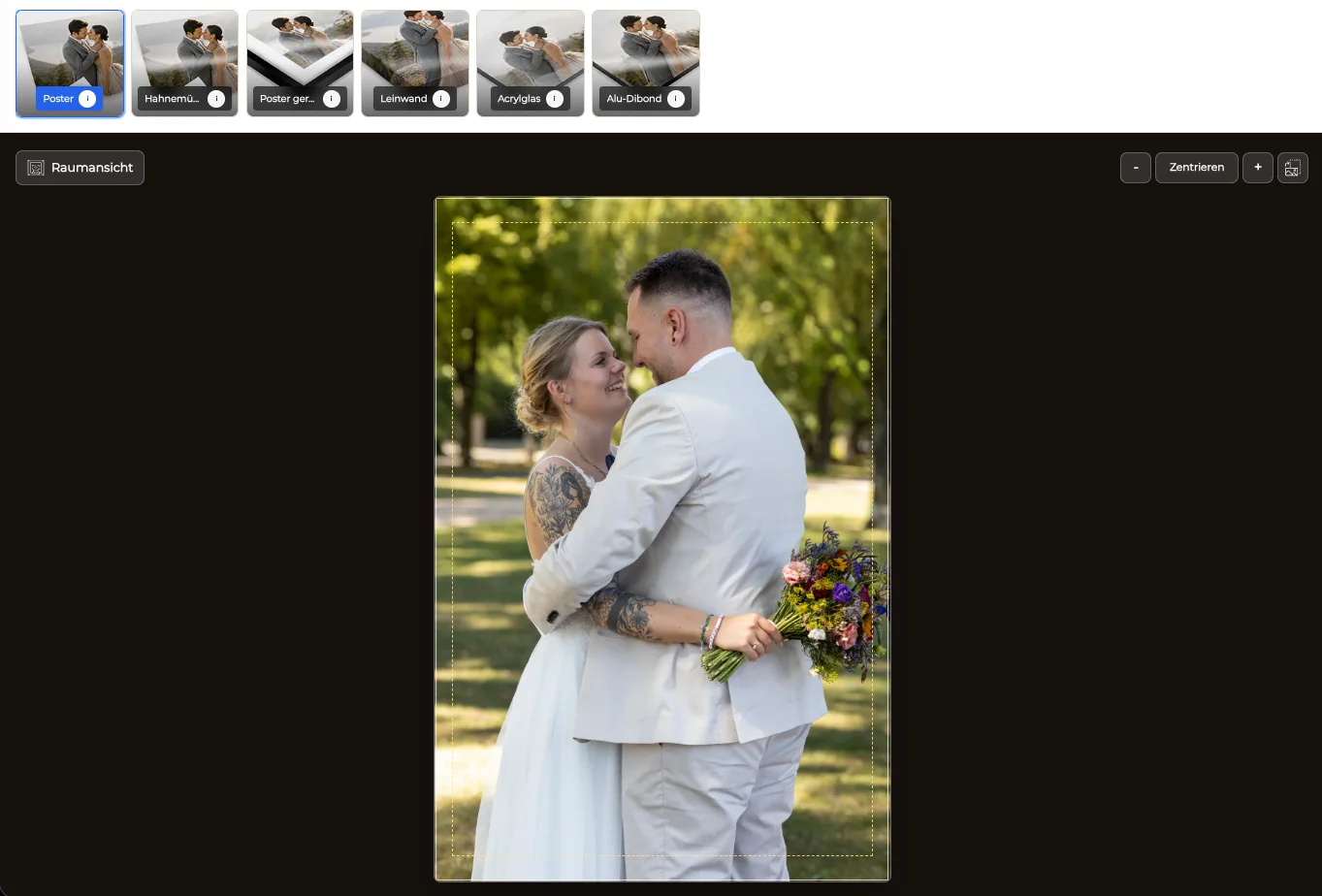
Use finished portrait and landscape images and avoid relying only on an administrator preview.
02
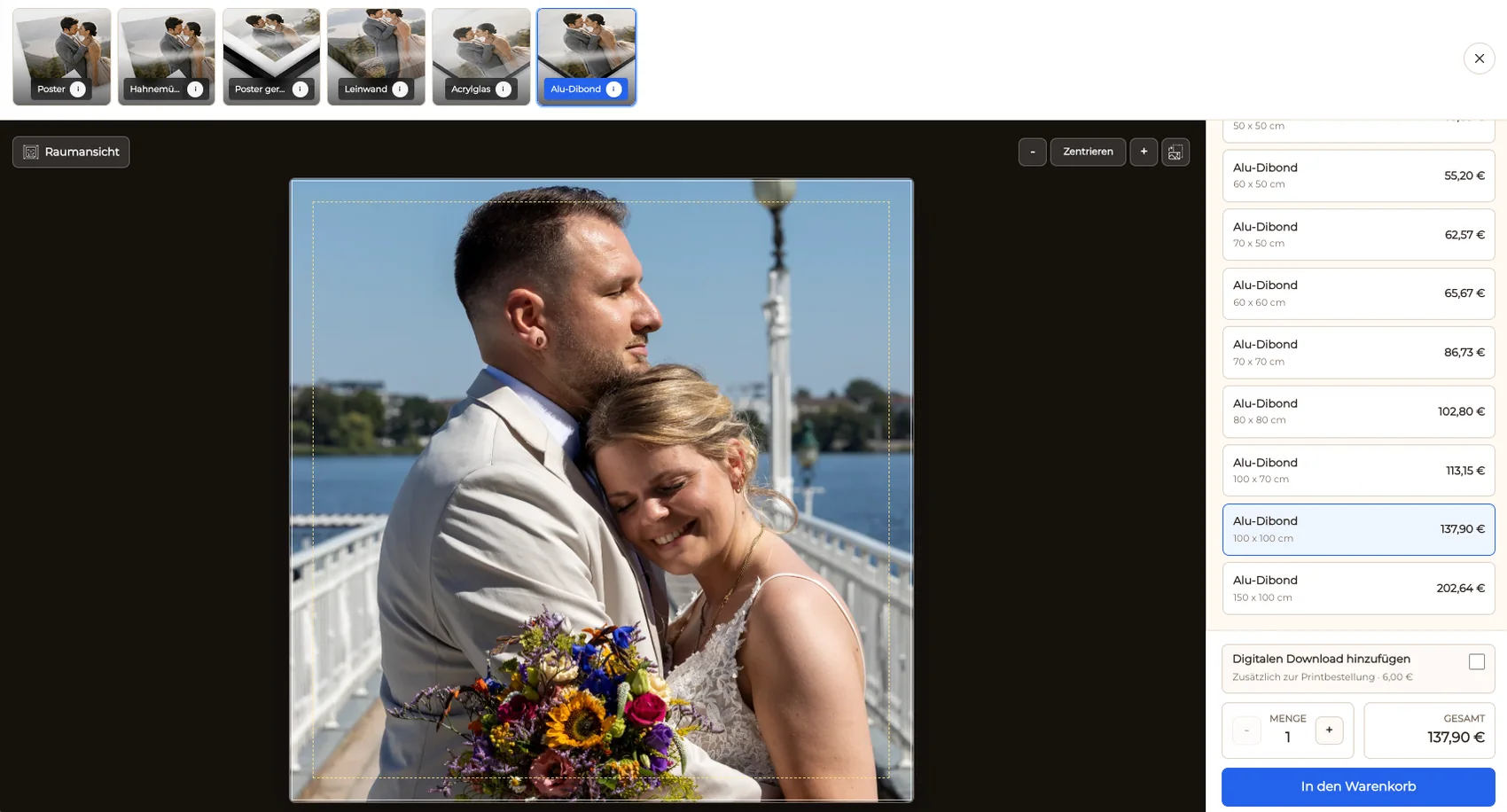
Check whether digital and physical choices, dimensions, variants, and prices remain understandable.
03
Verify orientation, safe area, important edge detail, and what reaches the order summary.
04
Inspect image detail, controls, cart actions, content overflow, and checkout handoff at both viewport classes.
Operations
The system must support review when the normal path succeeds and when it does not.
01
Confirm image, product, size, crop, quantity, price, client details, and payment state can be reconciled.
02
Make sure the photographer can identify and prepare the exact file required for the purchased product.
03
Document how verified order data reaches the selected production process without assuming universal native integration.
04
Know how to investigate payment errors, ambiguous crops, missing data, duplicate attempts, and client questions.


Comparison
Choose based on the actual gallery and production workflow rather than a generic feature count.
| Approach | Best for | Tradeoff |
|---|---|---|
| GalleryDock client-gallery shop | Photographer-owned image-level digital and print sales | The photographer owns catalog and production review |
| General ecommerce platform | Large mixed-product catalogs | May require rebuilding the client image context |
| Lab storefront | A verified provider-specific catalog | Provider and regional choices may be constrained |
| Marketplace | External discovery | Different branding fees and customer relationship |
| Manual ordering | Low-volume exceptional requests | Repeats data entry and confirmation work |
The photographer tests client favorites, portrait crops, framed products, cart data, and re-orders.
The system is checked with many image choices while each print remains tied to the selected photograph.
A curated collection is tested for product clarity, scale, crop, price, and production review.
Frequently asked questions
Evaluate gallery context, product and price control, crop preview, cart, checkout handoff, order data, mobile use, and production ownership together.
No. Ordering describes the client transaction path; software evaluation covers the wider system and operational requirements.
Yes. GalleryDock supports digital sales and physical print sales when those products are configured.
No universal native lab integration or unrestricted provider choice is claimed.
No. Use representative images and verify desktop, mobile, cart, checkout, order data, and the production handoff.
Related resources
Pricing
Free forever
0 EUR
EUR 0 per month
Perfect for sharing your first galleries professionally.
Start free, no credit card required
Monthly
19 EUR
EUR 228 billed yearly. plus VAT
Ideal for photographers who regularly deliver client galleries.
For regular client delivery
Monthly
29 EUR
EUR 348 billed yearly. plus VAT
For photographers managing many projects, videos and growing storage.
For regular client delivery
Define the requirements, configure representative products, test desktop and mobile orders, and inspect the resulting data and production handoff.
Create a free account