01
Curate the sequence first
Remove unfinished files, technical tests, and accidental duplicates before sharing. The slideshow magnifies every ordering decision because the client cannot scan the whole grid to understand what comes next.
Built-in client presentation
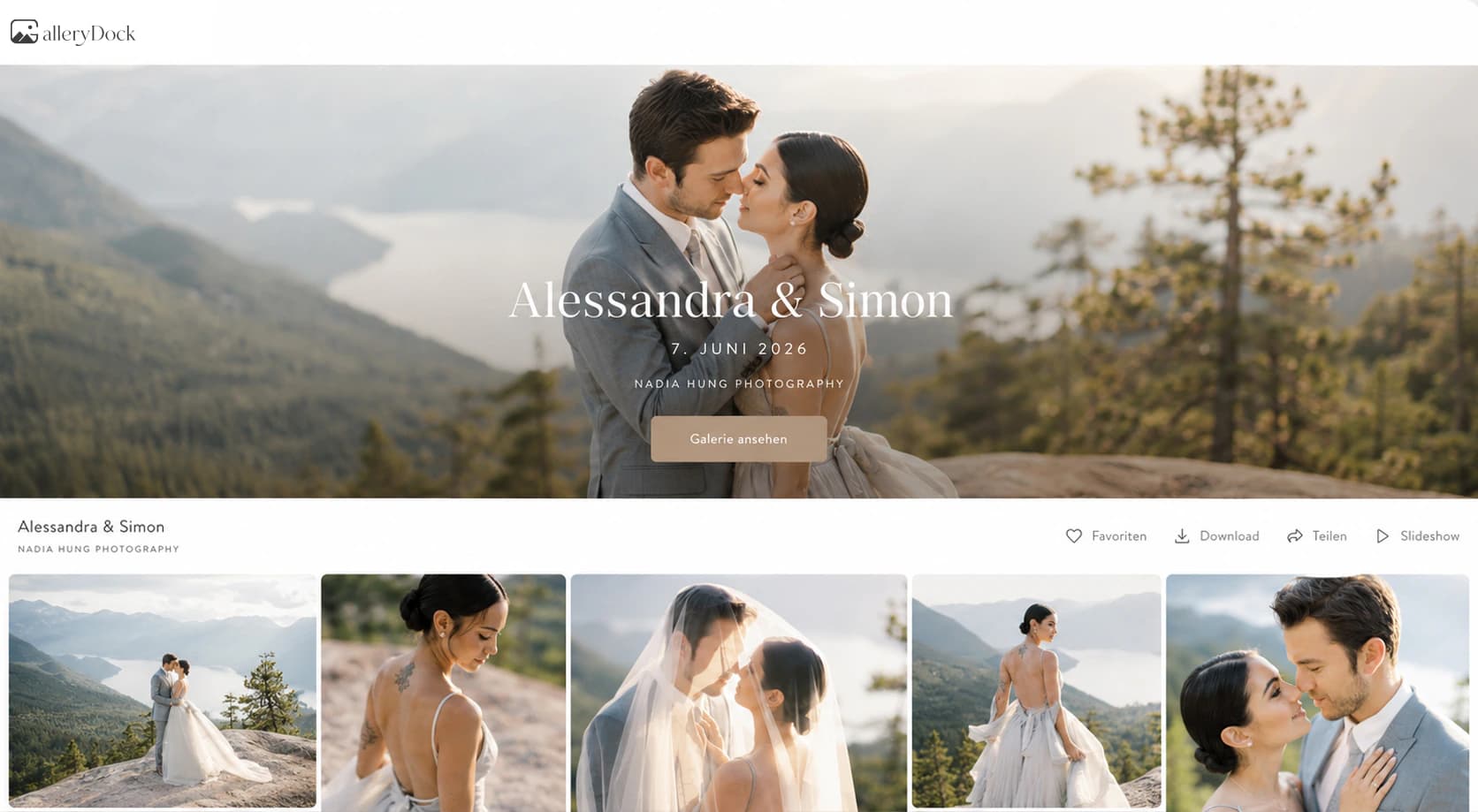
Use the GalleryDock photo gallery slideshow to present photos and videos full screen, understand its timing, and prepare a reliable client viewing experience.
Quick answer
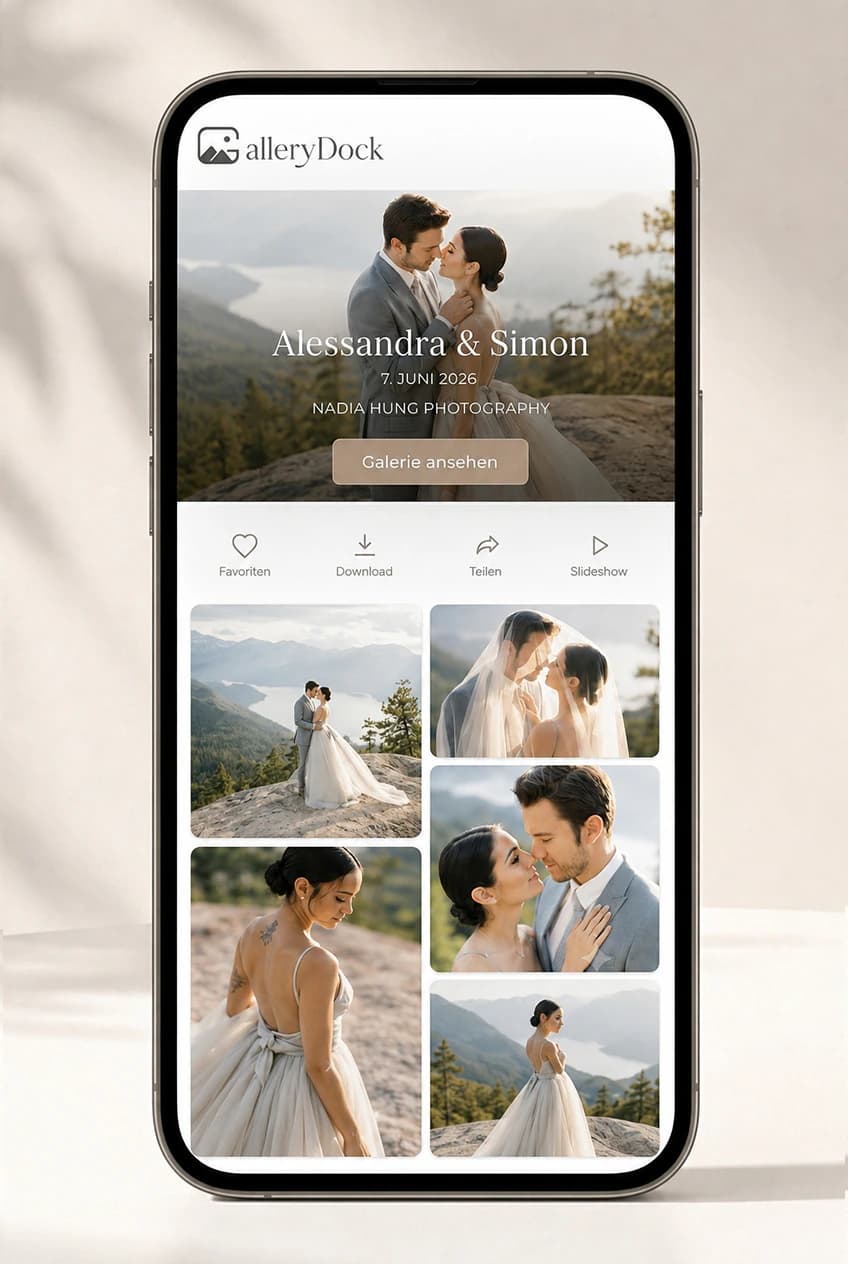
A photo gallery slideshow gives clients a focused way to view a finished sequence without manually opening every image. In GalleryDock, photographs advance after five seconds, videos remain muted and stay visible until their media duration ends, and the presentation loops after the last item. This guide explains how photographers can prepare the order, start the built-in slideshow, test mixed media, and decide when a guided presentation is appropriate. GalleryDock is not a slideshow authoring application: it does not add music, custom transitions, per-image timing, title cards, or exported movies. Those production tasks require a dedicated editing tool.
Preparation
The slideshow follows the published media order, so presentation quality begins with curation rather than playback controls.
01
Remove unfinished files, technical tests, and accidental duplicates before sharing. The slideshow magnifies every ordering decision because the client cannot scan the whole grid to understand what comes next.
02
Confirm that each photo and video is the intended published version. Videos play muted and remain on screen for their duration, so a very long clip changes the pace more than a still photograph.
03
Tell clients whether the slideshow is a highlight presentation, a relaxed review, or simply another way to view final delivery. It does not replace favorites, comments, or download instructions.
04
A smooth presentation still depends on the viewer's device and network. Open the published link under realistic conditions before using it in a meeting or handing it to a client.
Playback
Clear expectations prevent photographers from promising controls that the gallery does not provide.
01
Each photograph remains visible for five seconds before the next media item appears. That timing is fixed, so adjust the number and order of stills rather than planning around a per-photo duration setting.
02
A video occupies the presentation for its actual media duration and plays muted. Clients can focus on motion without an unexpected soundtrack, but photographers should not assume the original audio will be heard.
03
After the final item, the slideshow returns to the beginning. That behavior is helpful for an unattended display, but a guided meeting may need a deliberate stop after the intended closing frame.
04
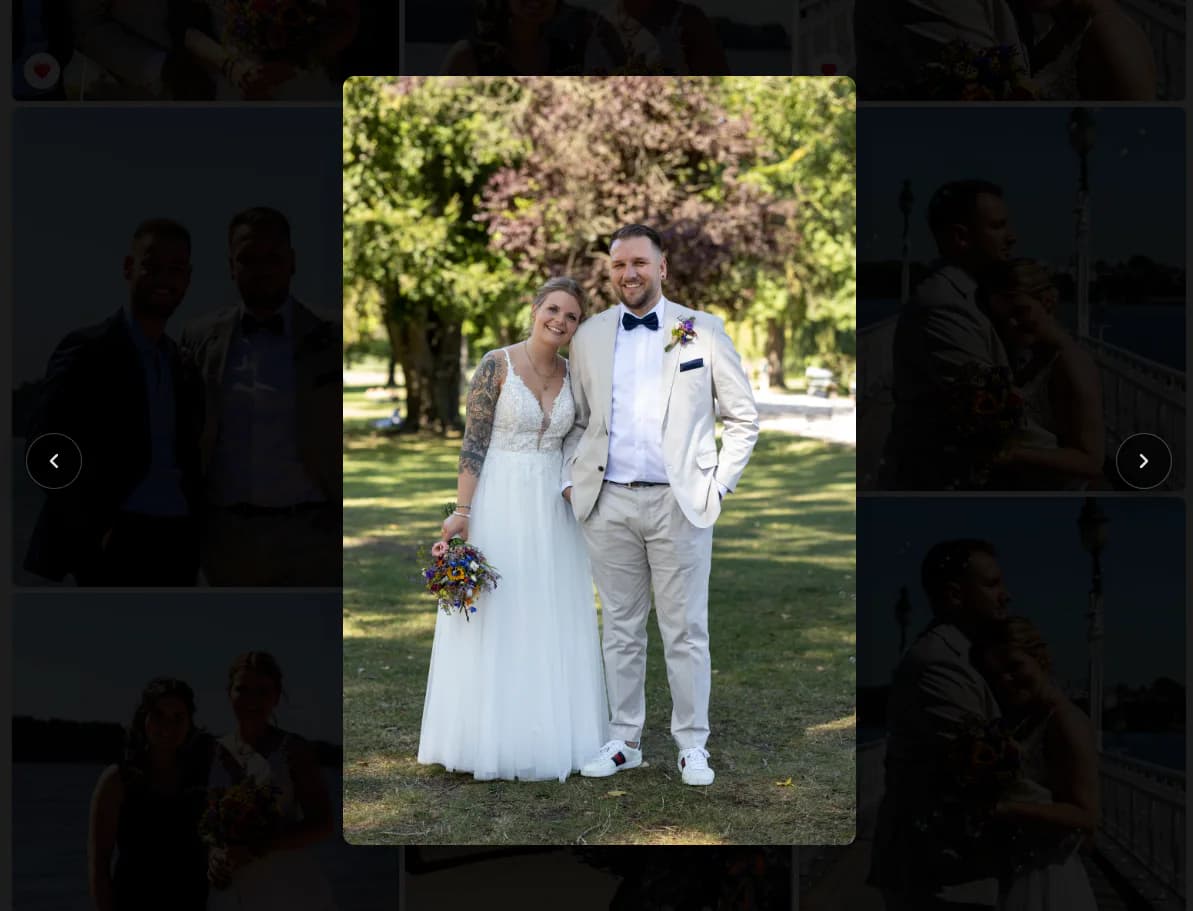
Leave full screen when the client needs to identify a filename, mark a favorite, comment, or download. The slideshow is a presentation layer, while those decisions belong in the regular gallery interface.
Fit
A built-in viewer works best when media and sequence are already final enough to present without live editing.
01
A portrait or wedding reveal can begin with a controlled visual pass before the client returns to the gallery for detailed decisions. Keep the set concise enough to sustain attention.
02
The full-screen view can support studio meetings, office reviews, or a display during an event. Test screen scaling and browser behavior on the actual display first.
03
GalleryDock does not provide music, custom transitions, captions between images, adjustable timing, or an exported slideshow movie. Use video-editing or slideshow software when those features are essential.
04
The same link remains the place for favorites, comments, controlled downloads, and final delivery. A slideshow should simplify presentation without creating a second disconnected client destination.
Comparison
Choose according to whether you need convenience, interaction, or authored production.
| Approach | Best for | Tradeoff |
|---|---|---|
| Manual gallery browsing | Detailed review and decisions | Less guided presentation |
| GalleryDock slideshow | Immediate full-screen viewing | Fixed timing and no music or custom transitions |
| Exported slideshow movie | Music, titles, and exact timing | Requires separate production and delivery |
| Video call screen share | Live remote guidance | Quality depends on conferencing and connection |
| Printed proof meeting | Tactile in-person review | No built-in online feedback or delivery |
Show a refined sequence once, then return to the standard gallery so the client can make exact favorites and comments.
Present a concise visual arc on a television or projector before giving the couple control of the full gallery.
Let a finished sequence loop on a shared screen while remembering that the last item will return to the first.
Frequently asked questions
GalleryDock displays each photograph for five seconds in the slideshow.
The video plays muted and remains visible until its media duration ends before the sequence continues.
Yes. After the final media item, it returns to the beginning of the gallery sequence.
No. GalleryDock does not provide soundtrack, transition, title-card, or custom timing controls.
Detailed actions are handled in the regular gallery interface. Exit the slideshow when the client needs to favorite, comment, or download.
No. It is a viewing mode inside the live client gallery, not a rendered video or downloadable slideshow movie.
Related resources
Pricing
Free forever
0 EUR
EUR 0 per month
Perfect for sharing your first galleries professionally.
Start free, no credit card required
Monthly
19 EUR
EUR 228 billed yearly. plus VAT
Ideal for photographers who regularly deliver client galleries.
For regular client delivery
Monthly
29 EUR
EUR 348 billed yearly. plus VAT
For photographers managing many projects, videos and growing storage.
For regular client delivery
Build the sequence, test photo and video behavior, and share one GalleryDock link for viewing and follow-up.
Create a free account