01
Use a clear cover
Choose a representative image and title that confirm the assignment before the client scrolls.
The client viewing journey
Give clients one private photo gallery for viewing, favorites, image-specific feedback, final downloads, and optional digital purchases.

Quick answer
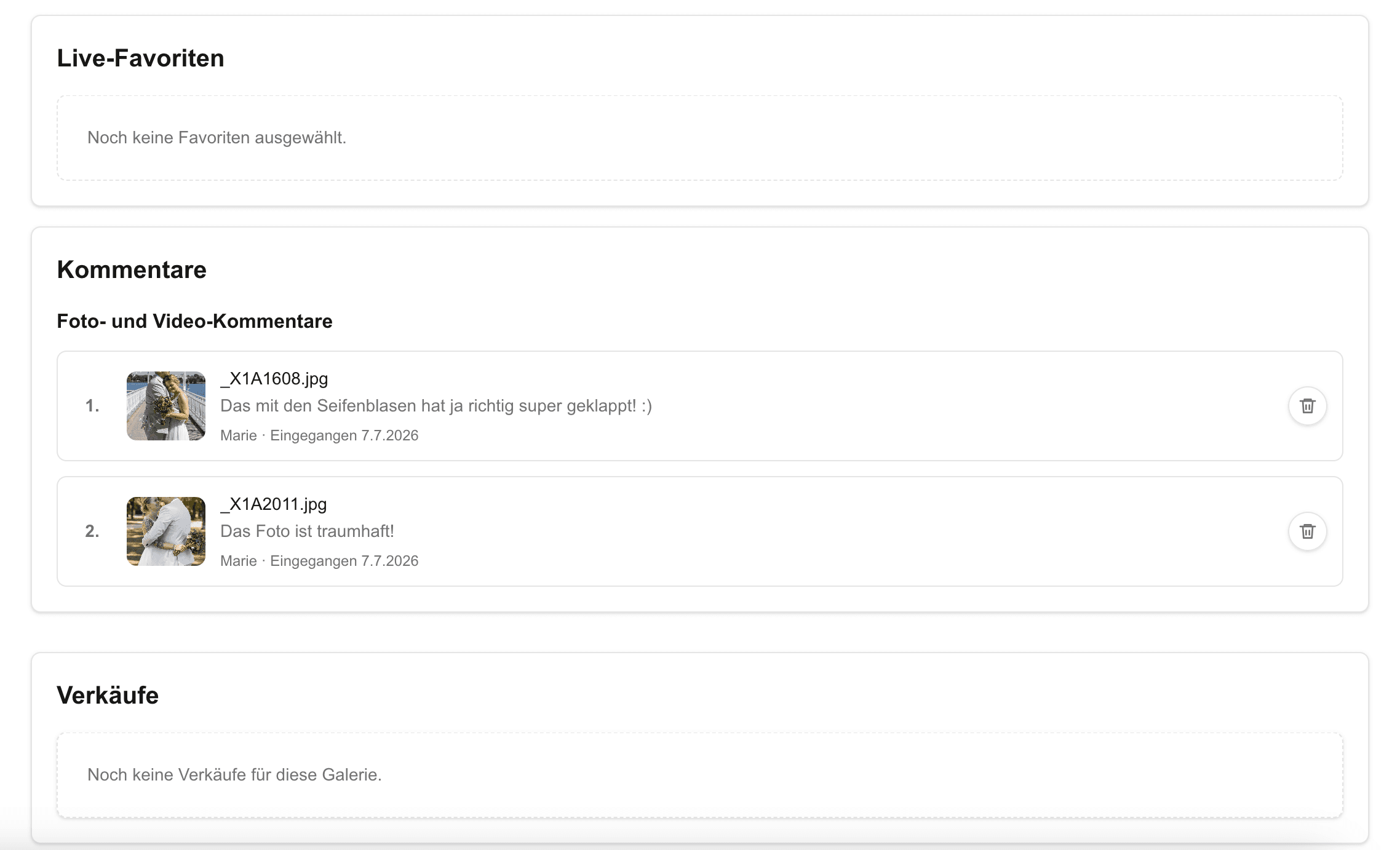
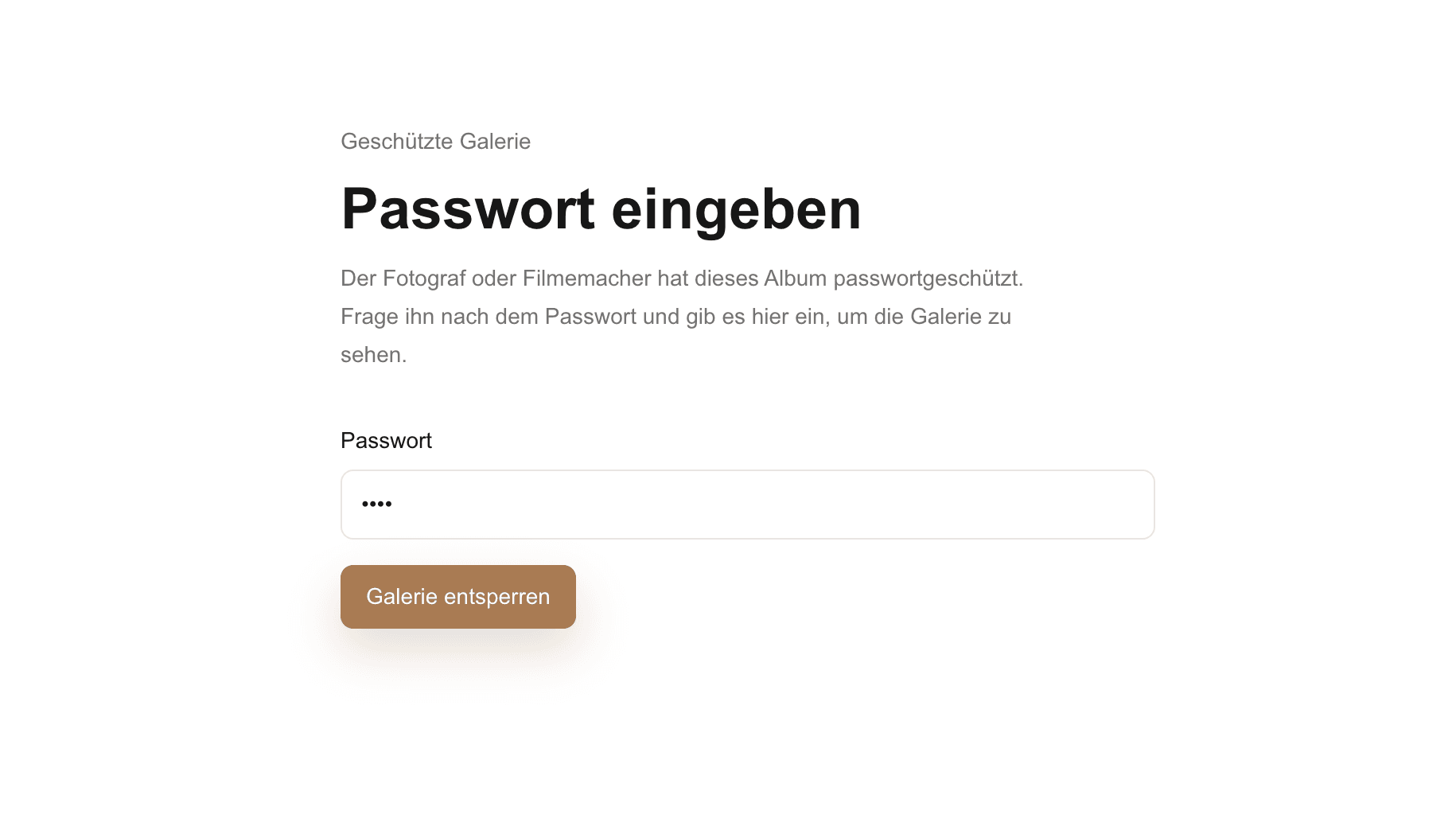
A photo gallery for clients turns the post-shoot handoff into an experience the recipient can understand without instructions scattered across email and chat. Clients open one private link, view a curated set on desktop or mobile, compare photographs, mark favorites, leave image-specific feedback, and download approved final files. A consistent destination also reduces the risk that an old transfer link, screenshot, or message thread becomes the accidental source of truth while a project is still being reviewed. Optional digital products can remain inside the same gallery when the photographer has configured them. GalleryDock supports this recipient journey without replacing booking, contracts, RAW backup, print-lab fulfillment, or a complete studio CRM.
First impression
The recipient should know whose photographs these are, what stage the project is in, and what action comes next.
01
Choose a representative image and title that confirm the assignment before the client scrolls.
02
State whether the gallery is for viewing, favorite selection, feedback, or final delivery.
03
Group the gallery by session, location, person, event moment, or delivery purpose.
04
Avoid sending a new folder every time the project moves from proofing to final delivery.
Client decisions
A visual gallery reduces the work clients must do to identify an image.
01
Let clients move through the curated set on desktop or mobile before deciding.
02
Keep each chosen image in the gallery rather than translating screenshots back into filenames.
03
Capture crop, retouching, expression, or approval comments beside the relevant photograph.
04
Ask one client contact to resolve conflicting choices when several people review.
Final access
The last gallery state should make final files and optional purchases unmistakable.
01
Check exports, retouching, color, filenames, and duplicate versions before downloads open.
02
Release only the files and sizes included in the photographer's agreement.
03
Offer additional files only when digital products are configured and belong to the package.
04
Do not treat the client-facing gallery as the only copy of commissioned work.



Comparison
The right option depends on whether clients need only files or a full viewing and decision experience.
| Approach | Best for | Tradeoff |
|---|---|---|
| Email attachments | A few final images | No browsing or proofing |
| Messenger | Quick conversation | Choices and files become fragmented |
| Cloud folder | Basic file access | Weak brand and selection context |
| Transfer link | One final package | No visual client journey |
| GalleryDock | Viewing, favorites, comments, downloads, and optional digital sales | Not booking, contracts, or archival backup |
Give couples a polished private destination for viewing, downloading, and revisiting final photographs.
Let clients compare similar expressions and communicate exact final selections.
Keep multiple stakeholder choices attached to the correct images and one authorized owner.
Frequently asked questions
It is a private online space where clients can view, select, comment on, and receive photographs.
No. A GalleryDock gallery opens in a supported web browser on desktop or mobile.
Yes. Favorites keep selections attached to the exact images.
Yes. Image-specific comments can capture retouching, crop, or approval feedback.
Yes when the photographer enables the intended download access.
Yes when the photographer has configured eligible digital products and the gallery shop.
Related resources
Pricing
Free forever
0 EUR
EUR 0 per month
Perfect for sharing your first galleries professionally.
Start free, no credit card required
Monthly
19 EUR
EUR 228 billed yearly. plus VAT
Ideal for photographers who regularly deliver client galleries.
For regular client delivery
Monthly
29 EUR
EUR 348 billed yearly. plus VAT
For photographers managing many projects, videos and growing storage.
For regular client delivery
Use GalleryDock to present the work, collect precise decisions, and release approved files.
Create a free account