01
Start with the timecode
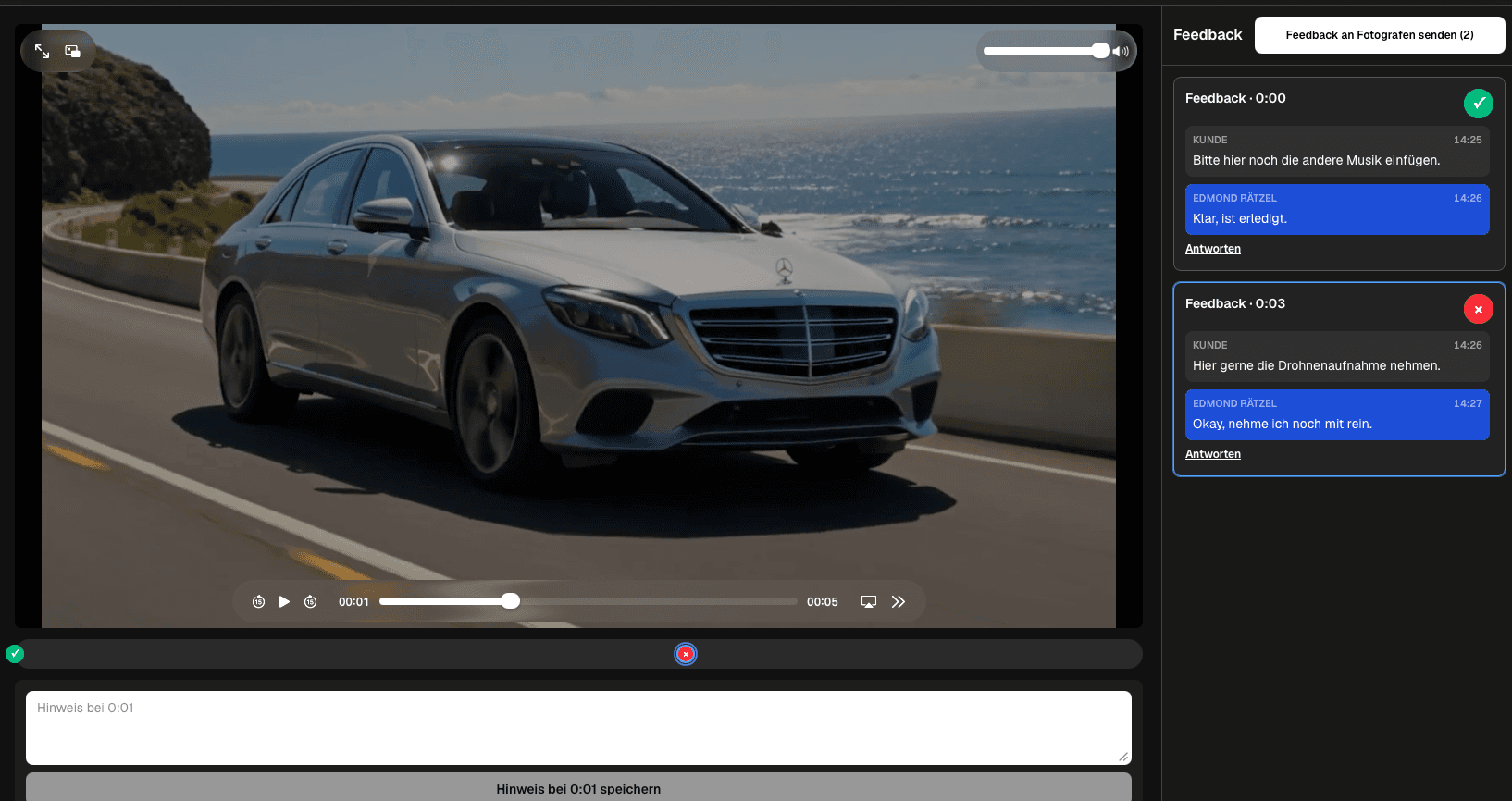
Attach the note to the relevant playback moment and name the visible scene, speaker, graphic, sound, or transition.
Actionable video review notes
Write video review notes with a timecode, observation, requested outcome, context, owner, and clear completion state so editors can act without guessing.
Quick answer
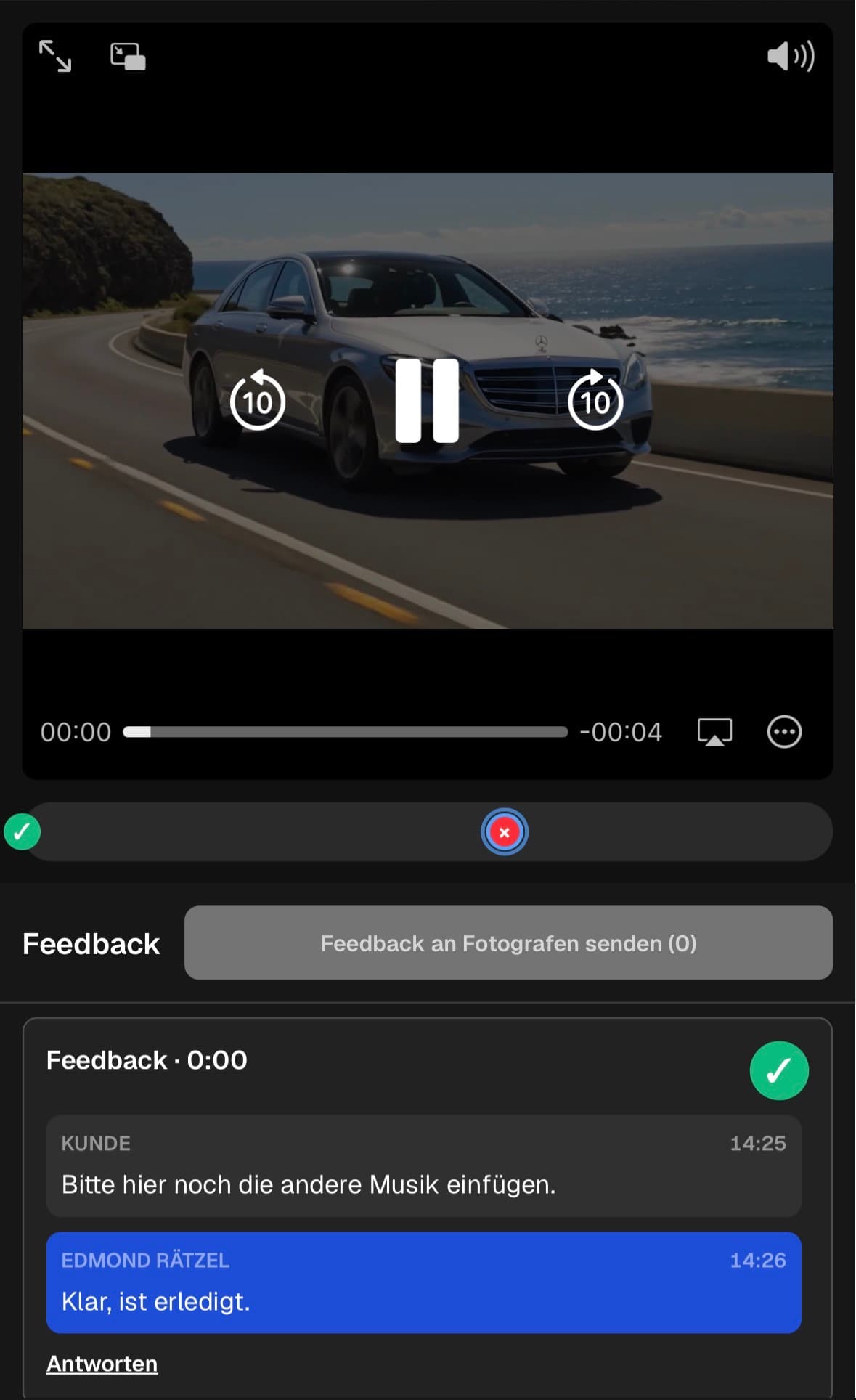
An actionable video review note tells the filmmaker where the issue appears, what the reviewer observed, and what outcome is needed. Start at the relevant timecode, name the scene or subject, describe the problem without vague judgment, and request a concrete result. Add the reason, audience, brand rule, factual source, asset, or decision owner only when that context changes the edit. Keep follow-up questions in the same thread, leave the note open while information or action is missing, and mark it completed after the outcome is clear. Review the full note set for duplicates and conflicts before submitting it. GalleryDock supports client-facing timecoded comments, replies, status, and grouped submission. It does not create private internal notes, transcribe speech, summarize feedback automatically, assign production tasks, or export an edit decision list. The quality of the note still comes from the reviewer and the project's decision process.
Write
A consistent note structure helps clients communicate clearly without forcing them to learn editing terminology.
01
Attach the note to the relevant playback moment and name the visible scene, speaker, graphic, sound, or transition.
02
Use neutral specific language such as the title is outdated or the sentence begins late instead of a broad reaction.
03
Explain what should be different after the edit, while leaving the filmmaker room to choose the best technical method.
04
Include audience, brand, factual, legal, or asset information when it materially affects the decision.
Clarify
A review note becomes actionable when the responsible people understand the same requested result.
01
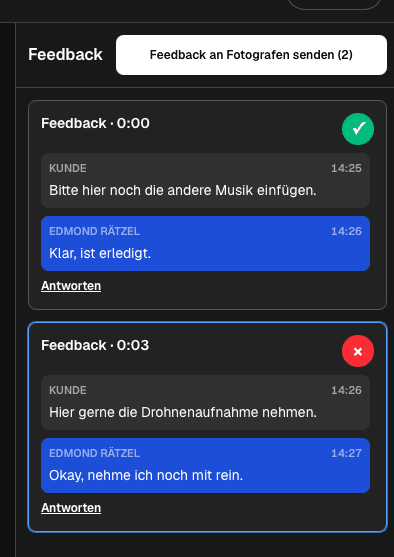
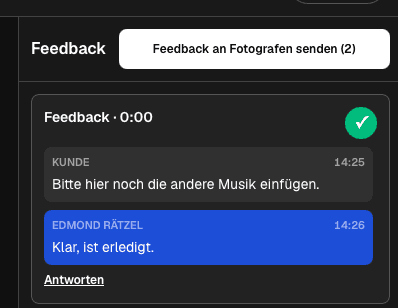
Answer questions beside the original note so the scene, observation, options, and final outcome remain connected.
02
Name who chooses between conflicting requests or confirms a factual, brand, or legal point.
03
Provide the approved spelling, logo, image, quote, music direction, or source reference the edit actually requires.
04
Create separate notes for different scenes or outcomes so each one can be understood and completed independently.
Review
A short quality pass prevents duplicate work, contradictory edits, and another round of avoidable questions.
01
Replace comments such as make it pop, feels off, or change this with an observable issue and intended result.
02
Combine repeated notes about the same scene while preserving the strongest explanation and responsible owner.
03
Ask the decision owner to choose one direction when timing, wording, shot choice, or brand requests conflict.
04
Leave incomplete notes open, mark clear outcomes completed, and submit the prepared group when the review is coherent.
Comparison
The strongest note explains an observable issue and the desired result without prescribing unsupported production work.
| Approach | Best for | Tradeoff |
|---|---|---|
| Make it better | Nothing actionable | Does not identify a scene or outcome |
| Shorten this | A known pacing issue | Needs scene and intended timing context |
| Update the product name | A factual correction | Needs the approved replacement wording |
| Use another shot | A specific visual mismatch | Needs the reason or preferred subject |
| Keep this version | A confirmed decision | Should be marked complete with clear ownership |
At 00:18, the reviewer names the old logo, supplies the approved asset, and identifies the brand owner who confirmed it.
At 01:12, the client identifies the confusing sentence and requests the approved shorter wording.
At 02:40, the reviewer describes the long pause, explains the intended energy, and leaves the technical edit to the filmmaker.
Frequently asked questions
It includes a timecode, observable issue, requested outcome, relevant context, and a clear owner or completion state.
Not necessarily. Specific plain language about what they see and what result they need is usually more useful than uncertain technical instructions.
Keep the conflict visible, assign the decision owner, and resolve one direction before the filmmaker begins the edit.
No. GalleryDock provides timecoded comments, threads, status, and grouped submission; reviewers write and consolidate the content.
No. This workflow is designed for client-facing review discussion, not a separate private internal notes or task-management system.
Related resources
Pricing
Free forever
0 EUR
EUR 0 per month
Perfect for sharing your first galleries professionally.
Start free, no credit card required
Monthly
19 EUR
EUR 228 billed yearly. plus VAT
Ideal for photographers who regularly deliver client galleries.
For regular client delivery
Monthly
29 EUR
EUR 348 billed yearly. plus VAT
For photographers managing many projects, videos and growing storage.
For regular client delivery
Attach the scene, describe the issue, request the outcome, add only necessary context, and track the note until the decision is clear.
Create a free account