01
Name the decision owner
Choose one person who consolidates the client position and decides what the filmmaker should treat as the approved direction.
Client video collaboration
Coordinate asynchronous client and stakeholder feedback through timecoded threads, clear ownership, open and completed status, and grouped submission.
Quick answer
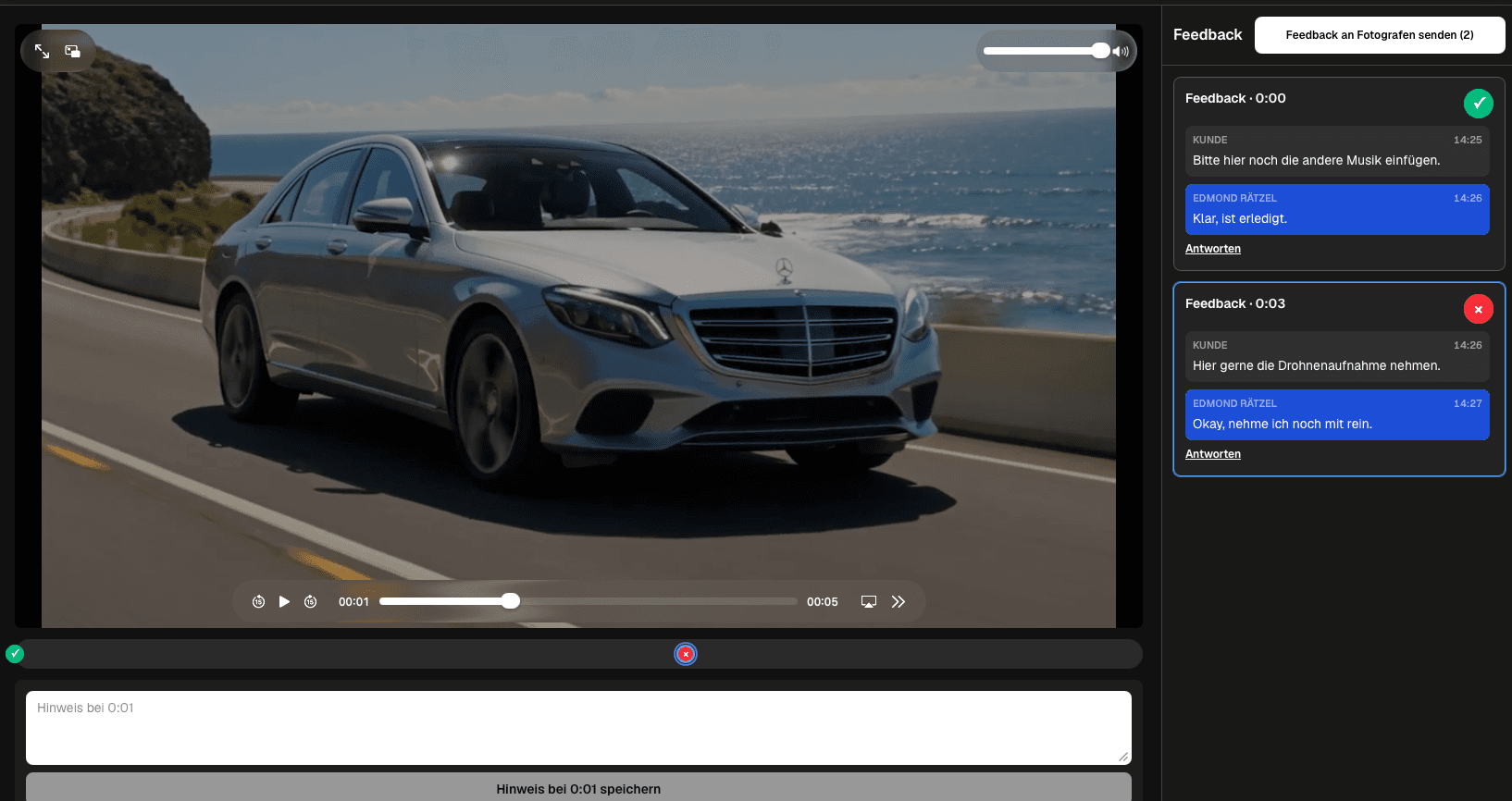
A video collaboration tool for client feedback should help several people discuss the same current cut without turning review into a collection of private email chains. Share one client-facing link, state the role of each reviewer, and assign a decision owner. Participants pause at the relevant scene, add timecoded comments, reply inside the same thread, and use open or completed status to show what still needs attention. The client can submit prepared feedback as a group, giving the filmmaker a coherent review state. This is asynchronous stakeholder collaboration around a presented video. It is not simultaneous timeline editing, shared project-file access, live cursors, enterprise permission management, automatic conflict resolution, or deep version comparison. The team still needs a simple rule for ownership, conflicting requests, deadlines, and the transition from discussion to an edit decision.
Participants
Collaboration improves when every stakeholder knows why they are reviewing and who resolves competing requests.
01
Choose one person who consolidates the client position and decides what the filmmaker should treat as the approved direction.
02
Ask legal, brand, product, subject experts, and executives to review the areas they actually own instead of commenting on everything.
03
Use one active client link and make the project and review state visible so participants do not respond to different files.
04
Define when comments are due, when conflicts will be resolved, and when the filmmaker can begin the next edit.
Shared discussion
The review area should preserve the connection between a scene, the original concern, and the resulting decision.
01
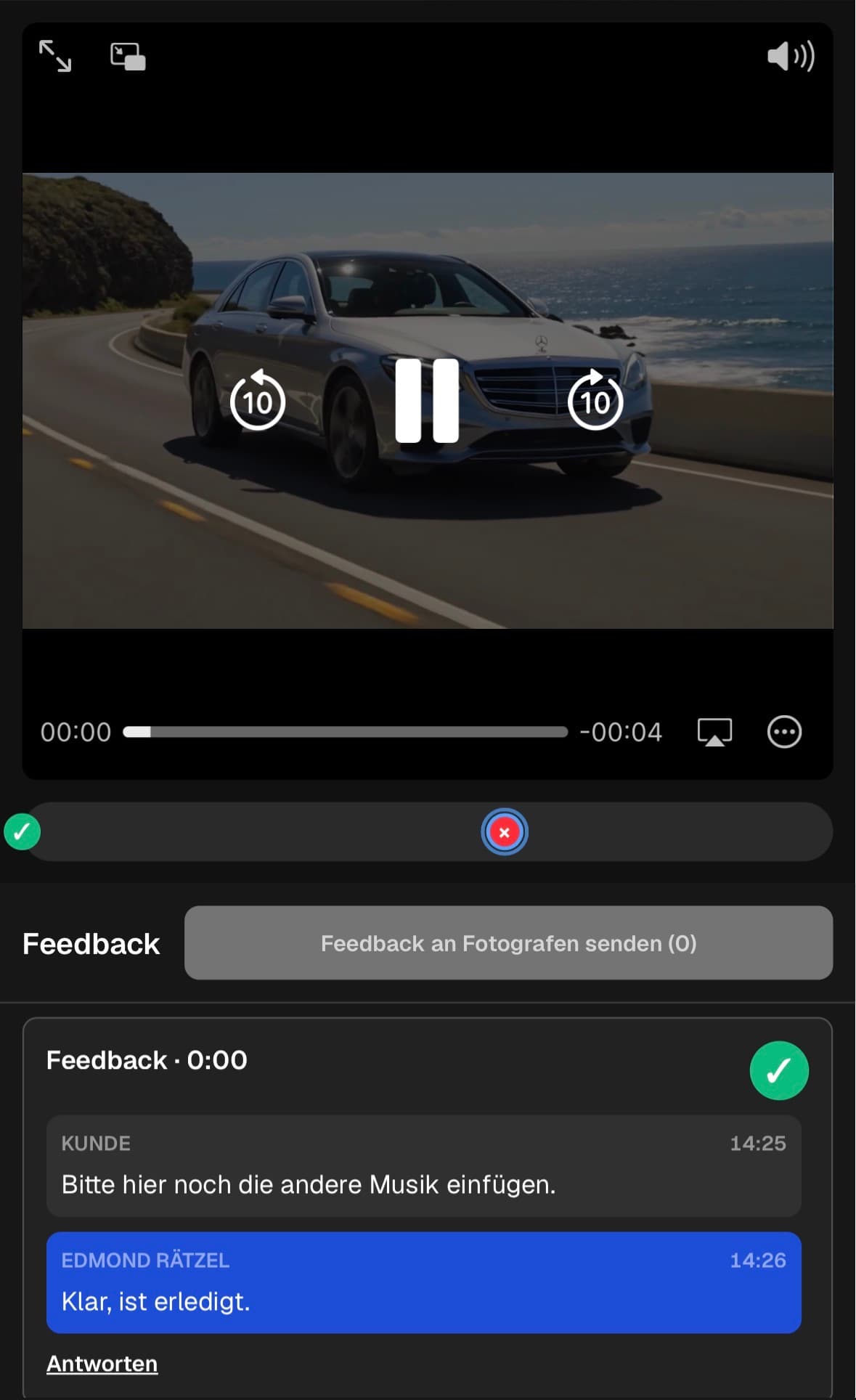
Pause playback and add the comment at the scene instead of forcing other reviewers to search for an imprecise reference.
02
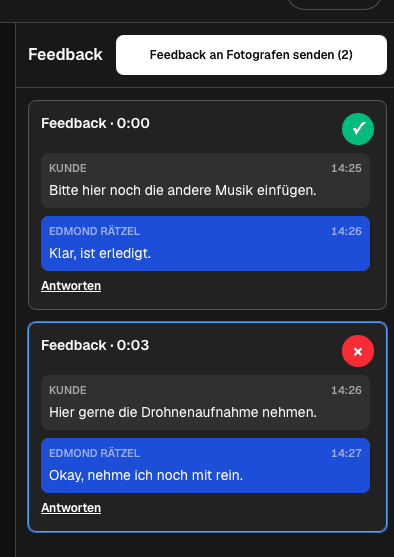
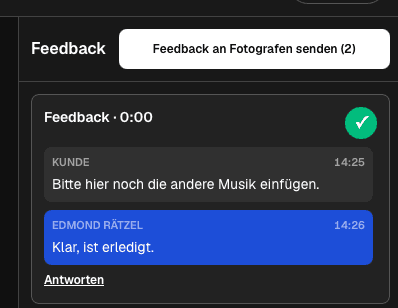
Reply under the original note so questions, alternatives, and the final outcome remain visible together.
03
Explain what should change and why, rather than leaving a reaction such as not right or make it better.
04
When two requests conflict, leave the item open and ask the decision owner to choose one direction before editing begins.
Coordination
Collaboration is complete only when the filmmaker can distinguish decisions from conversations that are still unresolved.
01
Check the full set for duplicates, contradictions, missing assets, and notes that lack an actionable outcome.
02
Complete a thread when the agreed direction is clear, while leaving remaining dependencies open and assigned.
03
Send the prepared client response as one coherent set so the filmmaker receives a grouped notification.
04
Confirm whether the outcome starts a revision, requests another client decision, or moves the current cut toward delivery.
Comparison
Client review collaboration is different from production co-editing and internal project management.
| Approach | Best for | Tradeoff |
|---|---|---|
| Timecoded stakeholder threads | Asynchronous scene discussion | Requires clear ownership |
| Grouped client submission | One coherent review state | Needs internal consolidation |
| Live meeting | Sensitive or complex decisions | Needs scheduling and written follow-up |
| Shared NLE project | Internal editing teams | Not a simple client review experience |
| Email chain | A single simple question | Fragments playback context and ownership |
Agency, marketing, and brand reviewers comment in one cut while the brand lead owns the final direction.
Subject experts verify factual scenes and the producer resolves editorial conflicts before the next revision.
Legal, product, and training owners review their sections without sharing internal editing project files.
Frequently asked questions
It gives reviewers one shared video context with timecoded comments, discussion threads, status, and a coordinated submission path.
No. It supports asynchronous client review around a presented video, not simultaneous timeline editing or shared project files.
Assign a decision owner, keep the conflicting requests visible in the thread, and resolve the direction before the filmmaker edits.
Yes. Reviewers can use the client-facing mobile path to watch and contribute scene-specific feedback.
Resolve duplicates and conflicts, mark completed threads, identify remaining owners, submit the coherent review, and state the next production step.
Related resources
Pricing
Free forever
0 EUR
EUR 0 per month
Perfect for sharing your first galleries professionally.
Start free, no credit card required
Monthly
19 EUR
EUR 228 billed yearly. plus VAT
Ideal for photographers who regularly deliver client galleries.
For regular client delivery
Monthly
29 EUR
EUR 348 billed yearly. plus VAT
For photographers managing many projects, videos and growing storage.
For regular client delivery
Invite the right reviewers, anchor discussion to scenes, resolve conflicts, and submit one production-ready client response.
Create a free account