01
Choose distinct examples
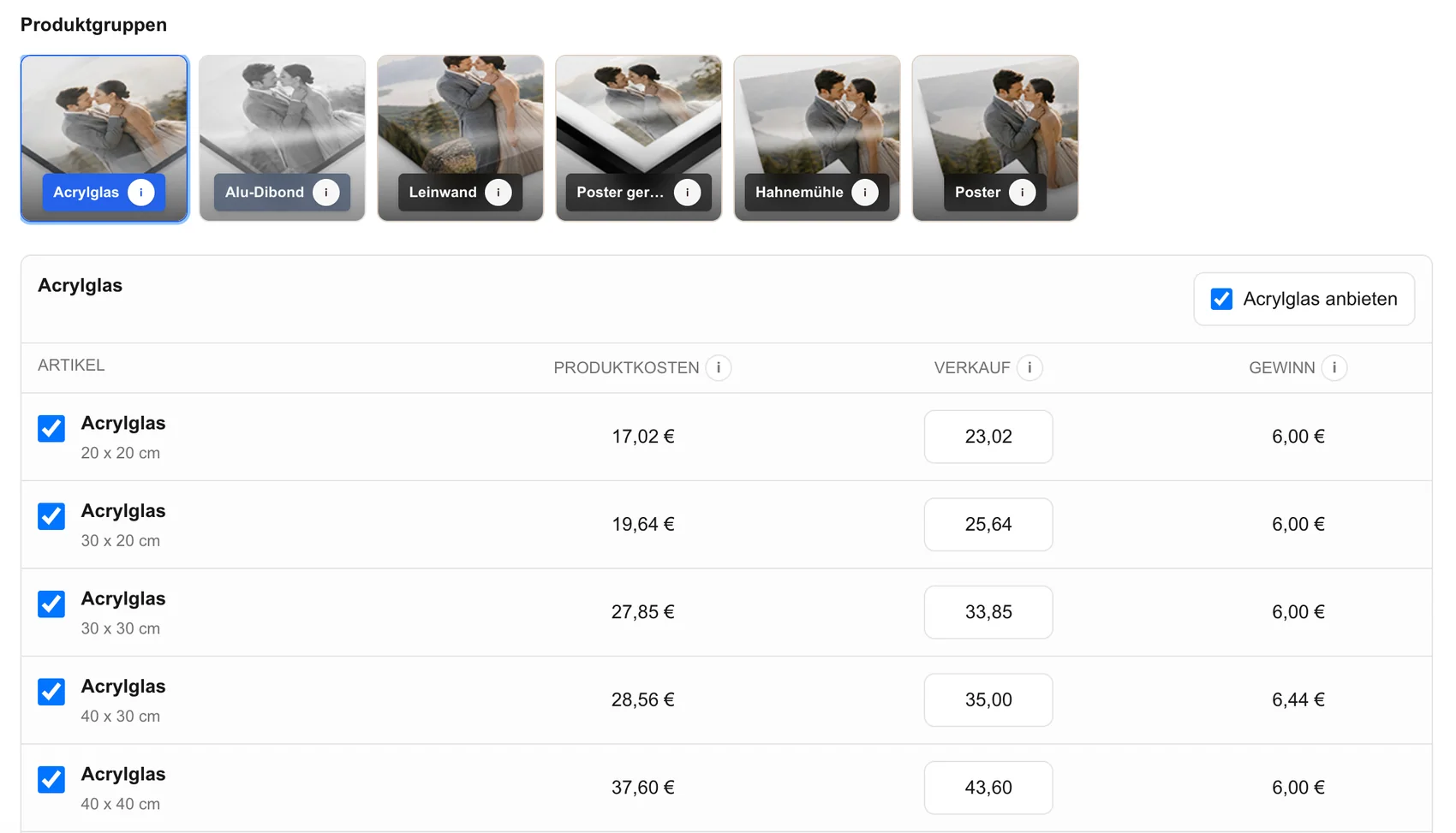
Use samples that demonstrate meaningful differences in presentation, surface, depth, or intended use instead of several nearly identical products.
Client product samples
Use a focused set of physical photo product samples to explain finishes and scale, then help the client choose their own image and product in GalleryDock.
Quick answer
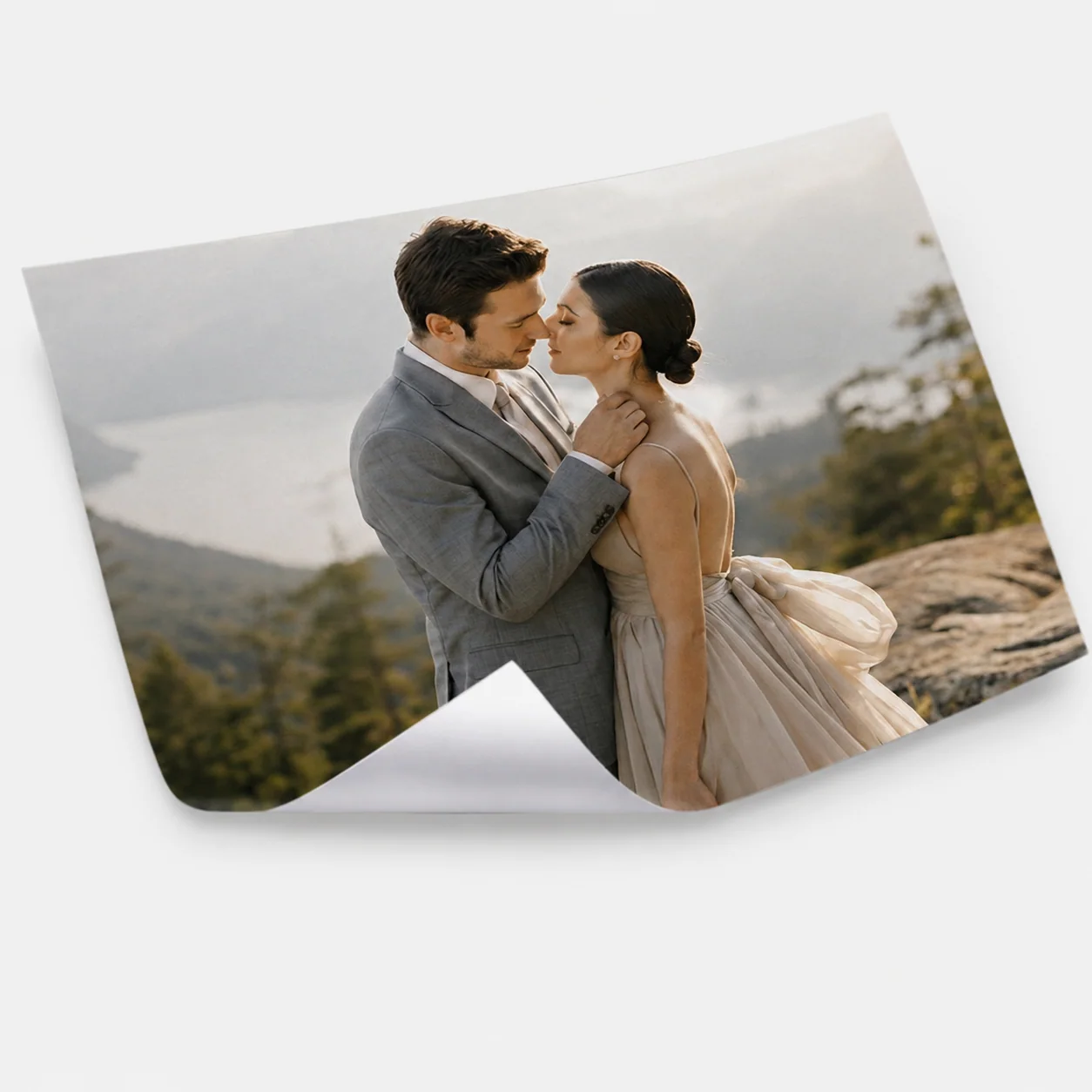
Photo product samples make an abstract print conversation tangible. A client can handle a small photo print, compare a canvas with an aluminum composite piece, and understand that each product creates a different visual and physical effect. The sample is only the beginning of the decision. The photographer then returns to the client's own finished images in GalleryDock, narrows the suitable products and sizes, checks the selected image in the crop and room preview, and lets the client complete the configured order through the gallery. This workflow is a guided consultation, not an automatically assembled sample kit or a separate sample-package product sold by GalleryDock. Keep the set intentionally small, explain one meaningful difference at a time, and connect every example to the client's photograph, room, budget, and intended use.
Prepare
A small, intentional set creates a clearer conversation than an overwhelming catalog.
01
Use samples that demonstrate meaningful differences in presentation, surface, depth, or intended use instead of several nearly identical products.
02
Keep the product name, approximate size, and the reason it is in the set easy to explain during the appointment.
03
Whenever practical, show work that reflects your editing and subject matter so the sample supports the actual service being discussed.
04
Prepare the client's gallery before the meeting so the conversation can move directly from a physical example to their selected photograph.
Consultation
The goal is not to lecture about materials but to help the client make a confident visual decision.
01
Ask where the finished image will live, who will see it, and whether the client wants a keepsake, gift, desk print, or wall piece.
02
Discuss scale, edge treatment, surface character, or perceived depth separately so the client can form a useful preference.
03
Open the chosen photograph and explain how its orientation, negative space, faces, and important details behave in the selected product.
04
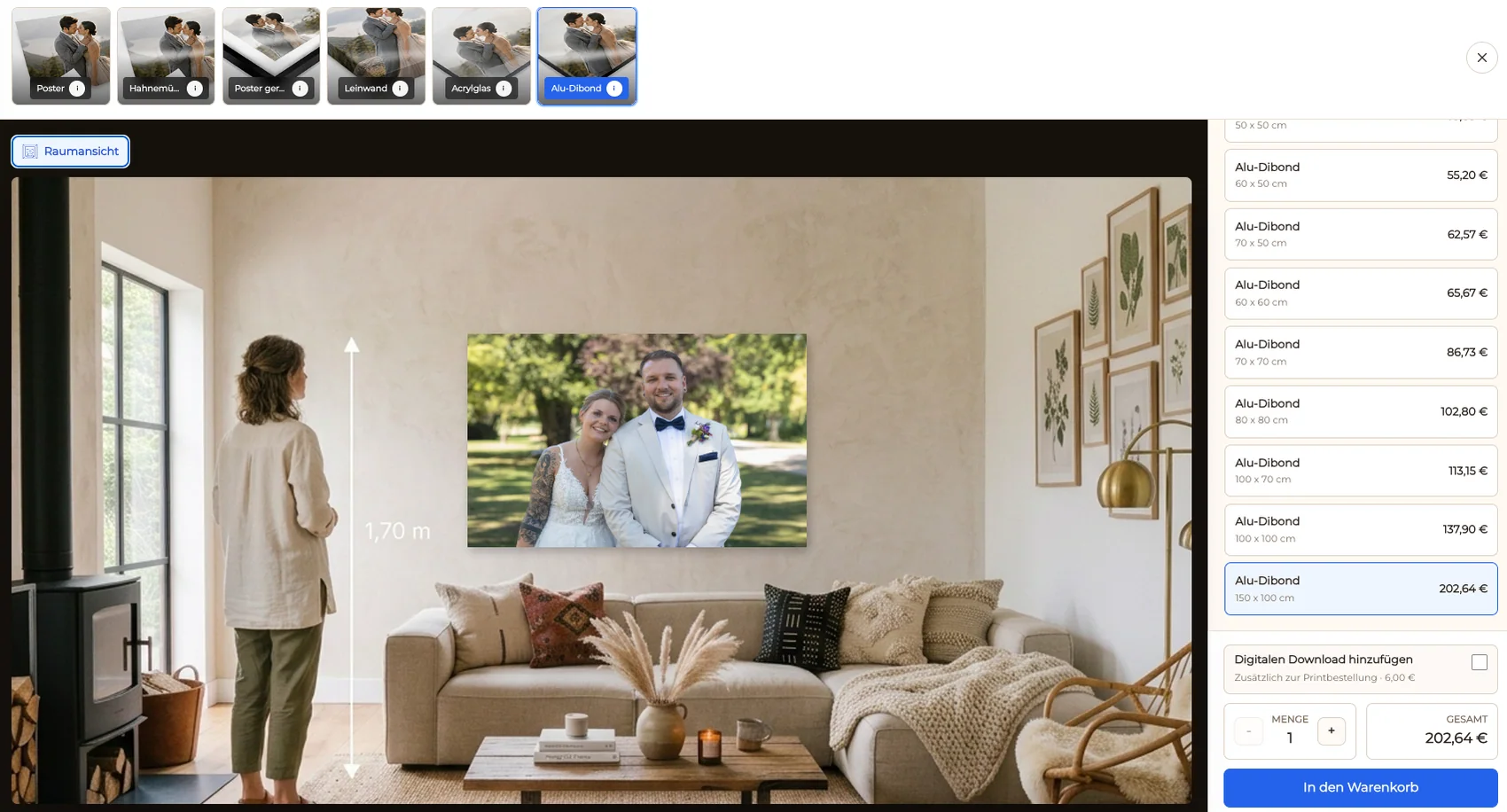
When wall art is being considered, compare the size in a room context instead of relying on dimensions alone.
Order path
The product decision should remain connected to the image, visible crop, size, price, cart, and checkout.
01
Activate the products and sizes that fit the consultation rather than asking the client to repeat the whole decision in a long catalog.
02
Review the important subject area and safe zone for the client's chosen photograph before the product enters the cart.
03
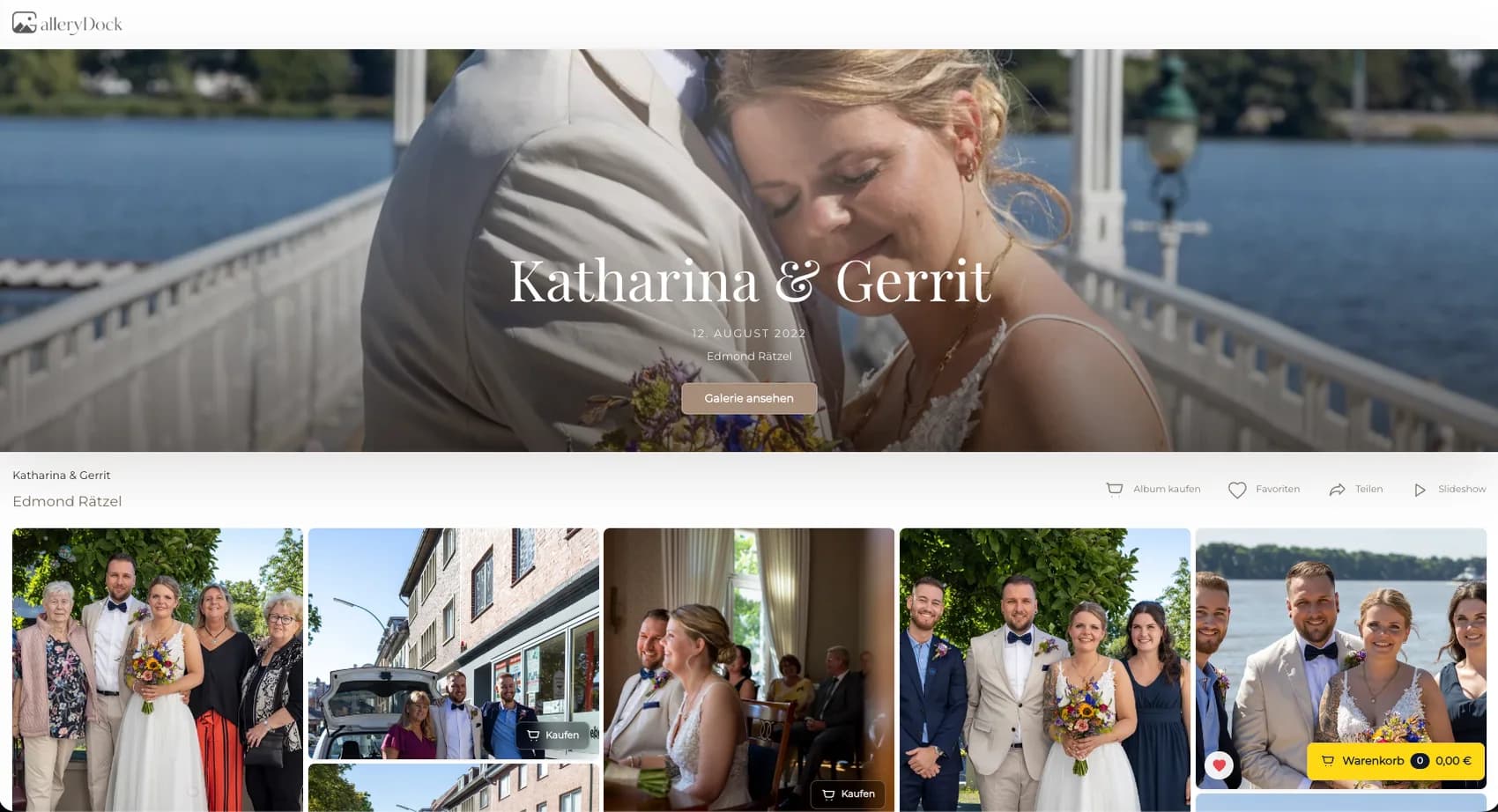
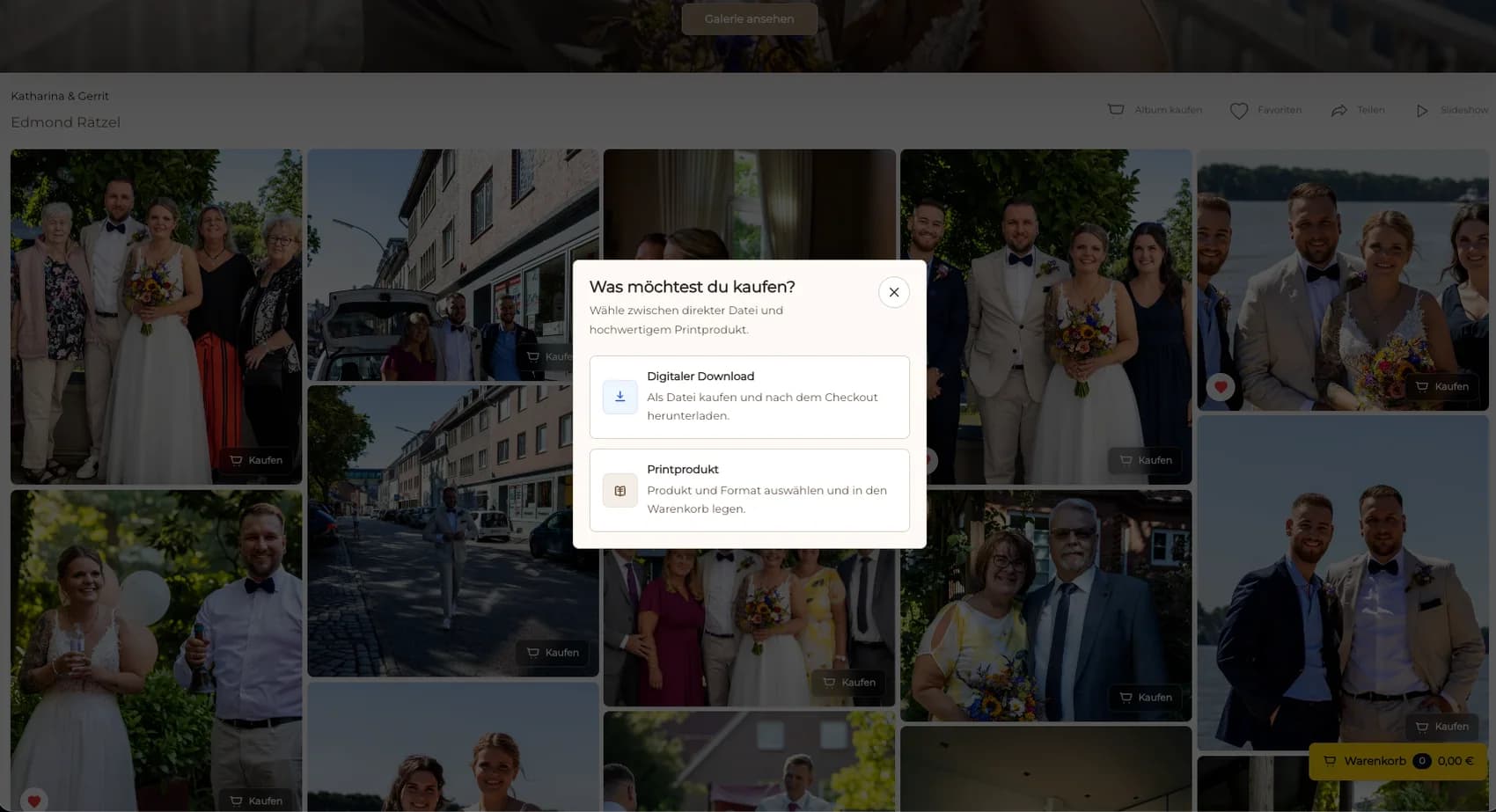
Offer digital files and physical prints in the same gallery when useful, while describing them as different products with different uses.
04
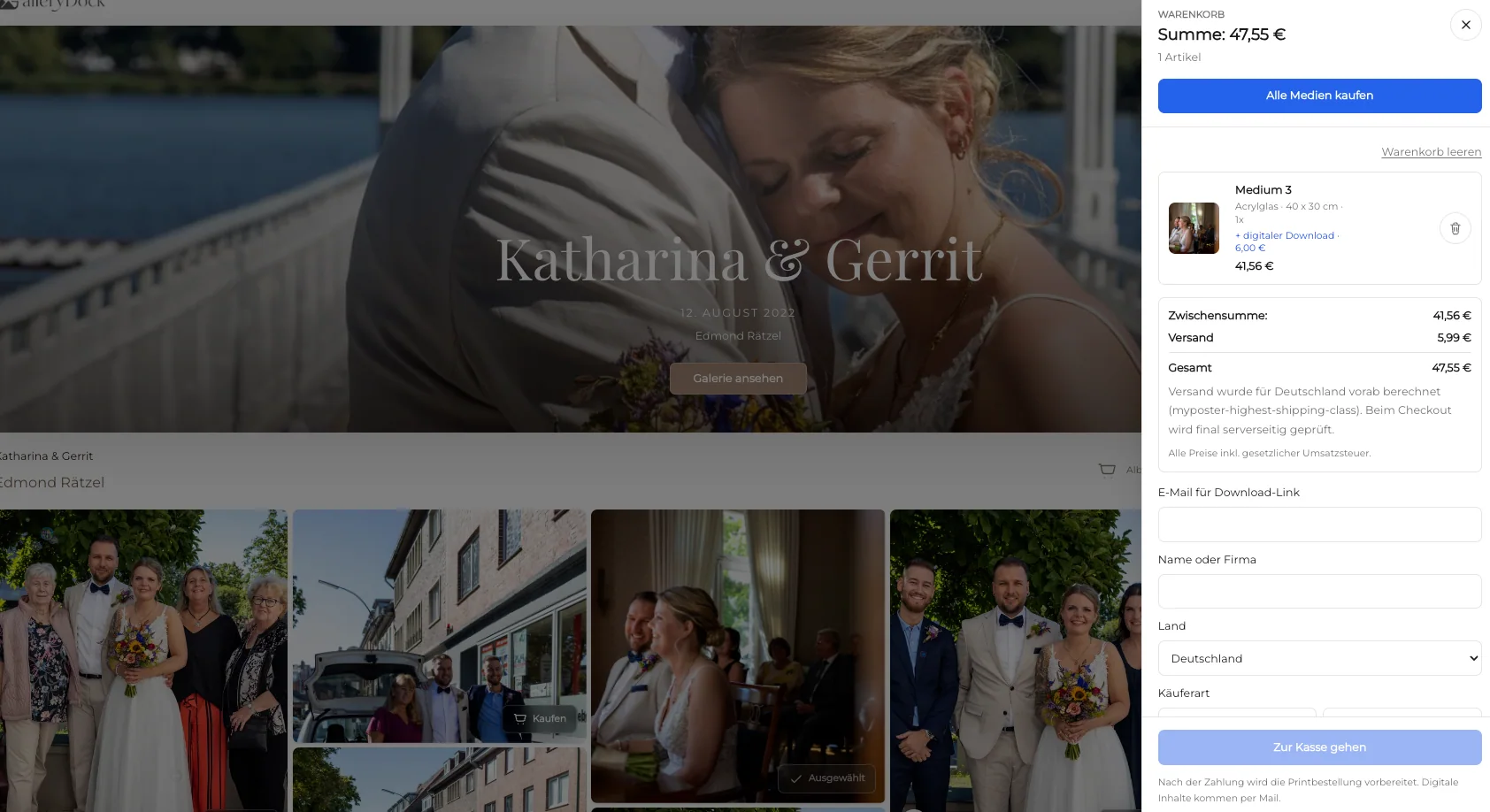
Let the client see the selected image, product, size, quantity, and price together before checkout.

Comparison
Samples, previews, and galleries solve different parts of the buying decision.
| Approach | Best for | Tradeoff |
|---|---|---|
| Focused physical sample set | Explaining finish and presentation | Needs preparation and current examples |
| Client image in GalleryDock | Choosing the actual product and crop | Cannot reproduce physical texture |
| Room preview | Discussing wall scale | Represents context rather than the finished object |
| Full product catalog | Showing every available option | Can overwhelm an undecided client |
| Verbal recommendation | A fast starting point | Leaves more room for mismatched expectations |
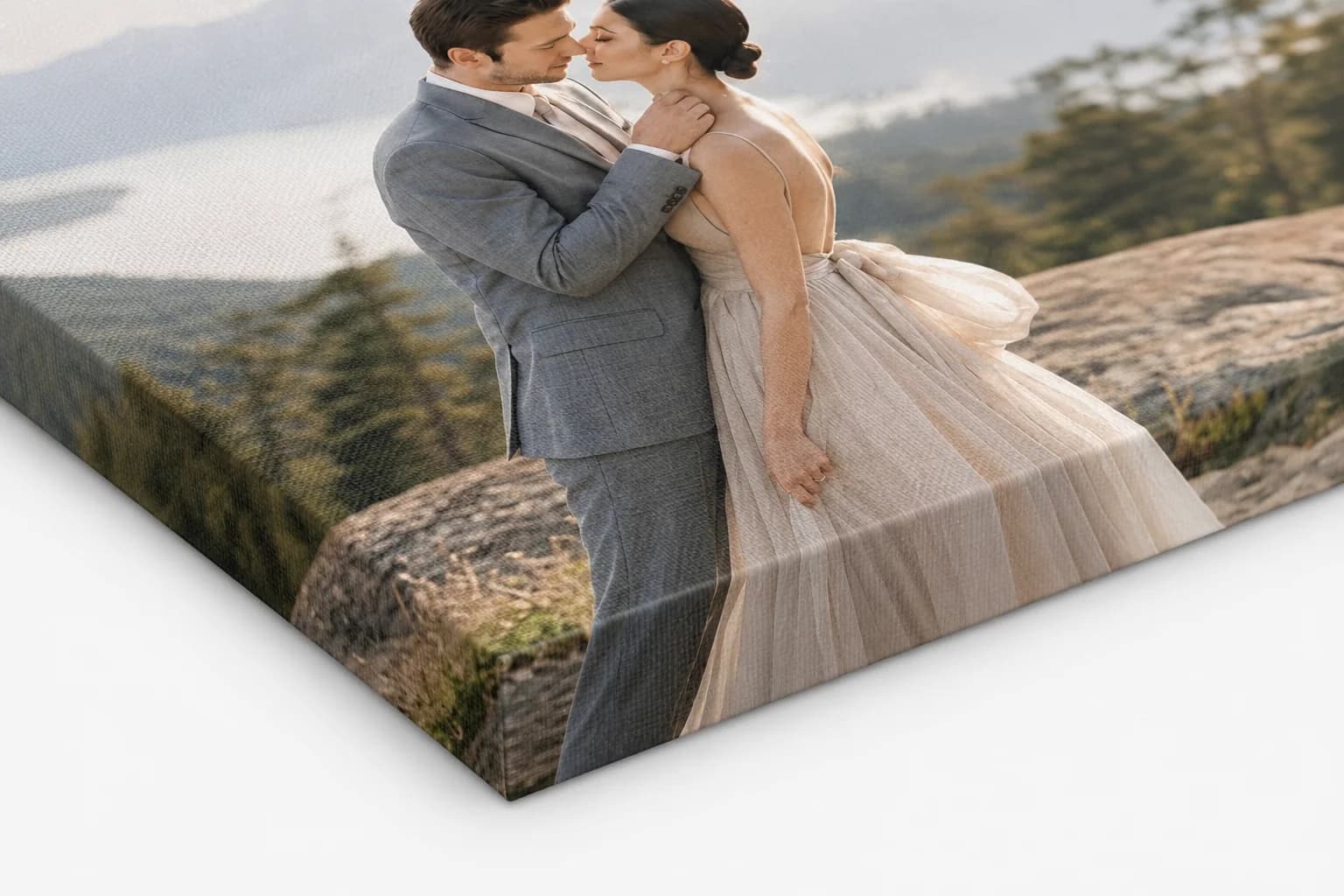
A canvas and an aluminum composite sample help a portrait client compare presentation before viewing their own image at wall scale.
A couple handles a small print and a wall sample, then chooses a favorite image and product in their private gallery.
A commercial client compares a compact reference with a larger display option before ordering an approved team or brand photograph.
Frequently asked questions
Choose a small group that demonstrates genuinely different uses or presentations, such as an accessible photo print, a canvas, and a modern wall piece.
No. The photographer prepares and uses the physical examples, while GalleryDock connects the client's photograph to products, sizes, previews, cart, and checkout.
Open the client's gallery, select the photograph, narrow the relevant product and size, then review orientation, crop, and room scale before ordering.
Yes. GalleryDock supports digital sales and physical print sales when the corresponding products are activated for the gallery.
Use enough examples to demonstrate meaningful differences without turning the appointment into an unstructured catalog review.
Related resources
Pricing
Free forever
0 EUR
EUR 0 per month
Perfect for sharing your first galleries professionally.
Start free, no credit card required
Monthly
19 EUR
EUR 228 billed yearly. plus VAT
Ideal for photographers who regularly deliver client galleries.
For regular client delivery
Monthly
29 EUR
EUR 348 billed yearly. plus VAT
For photographers managing many projects, videos and growing storage.
For regular client delivery
Prepare a focused sample set, open the client gallery, narrow the product and size, and verify the crop before checkout.
Create a free account