01
Ask about the location
Learn the available wall or display area, nearby furniture, and whether the print should be a quiet accent or the visual center.
Client print guidance
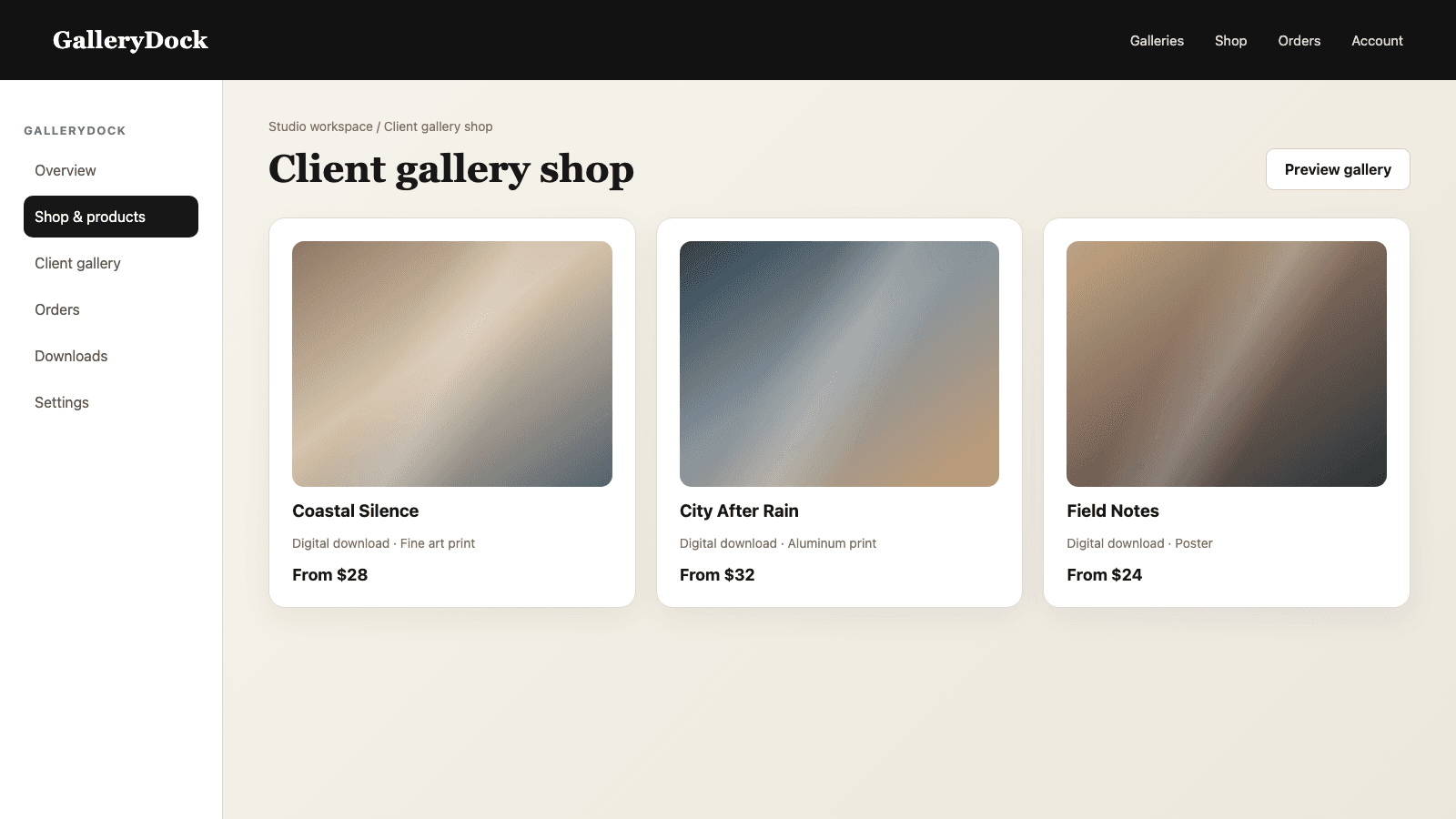
Recommend a photo print size by combining the image ratio, crop, safe area, wall context, viewing distance, product, and client budget.
Quick answer
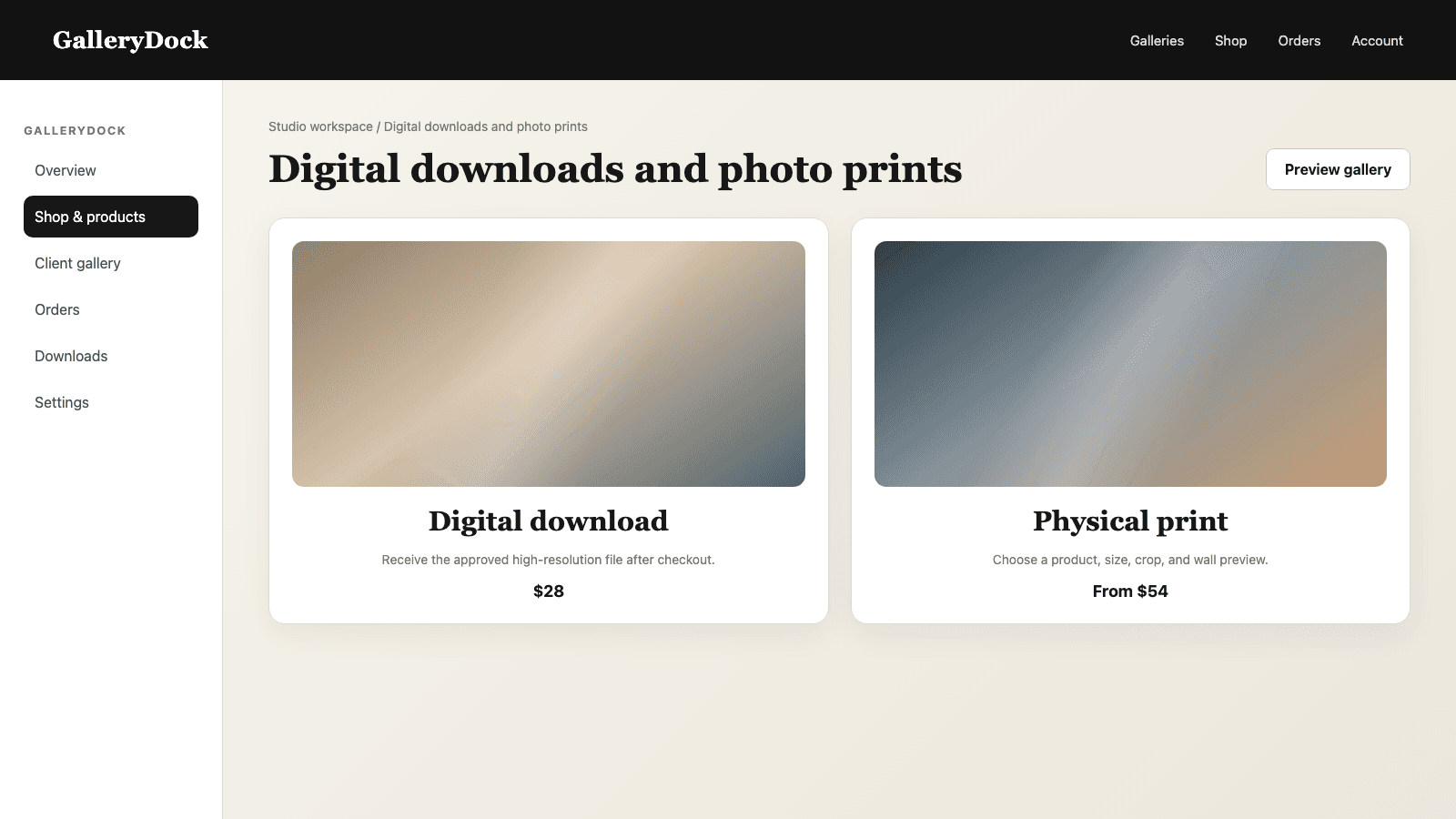
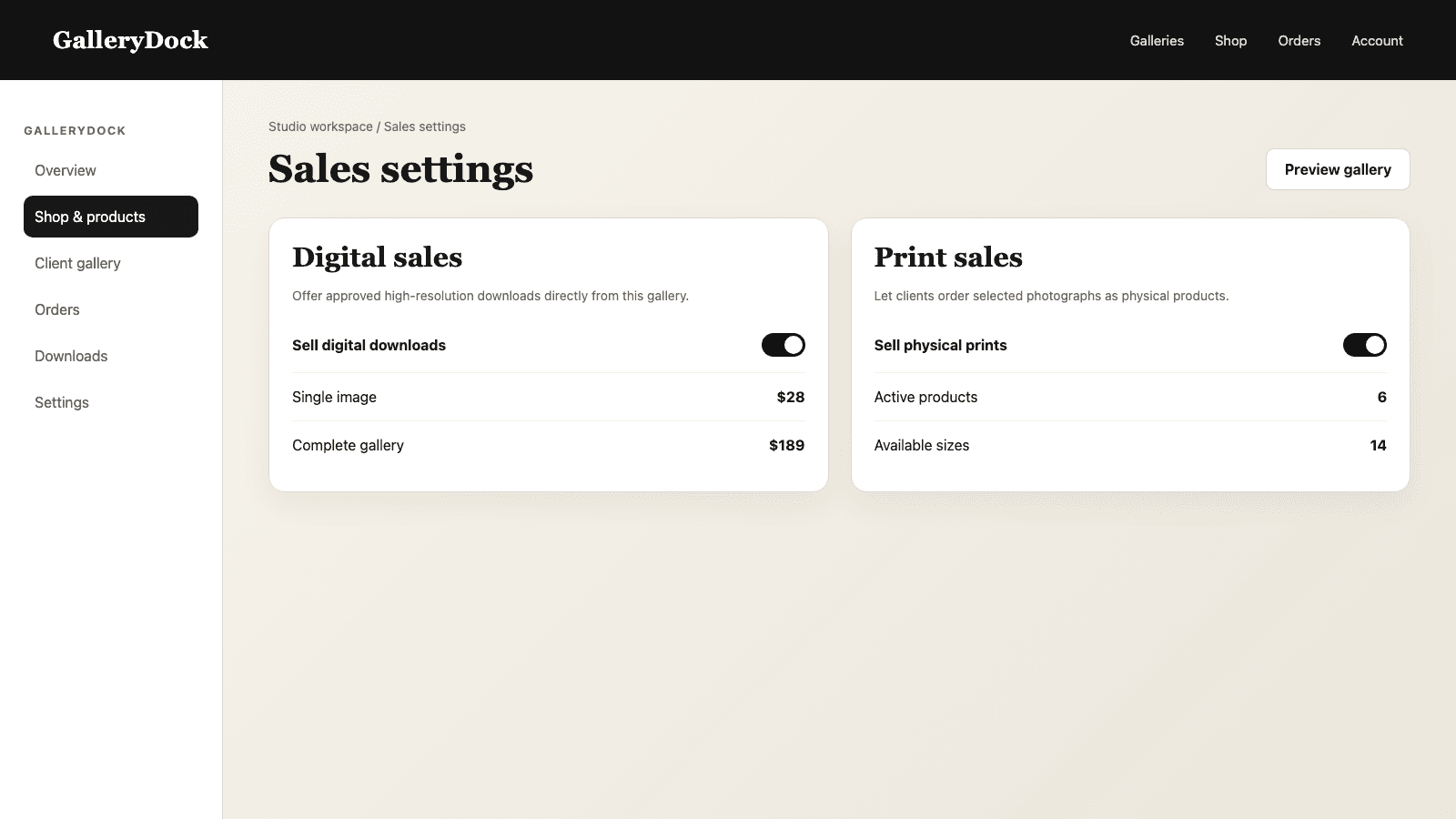
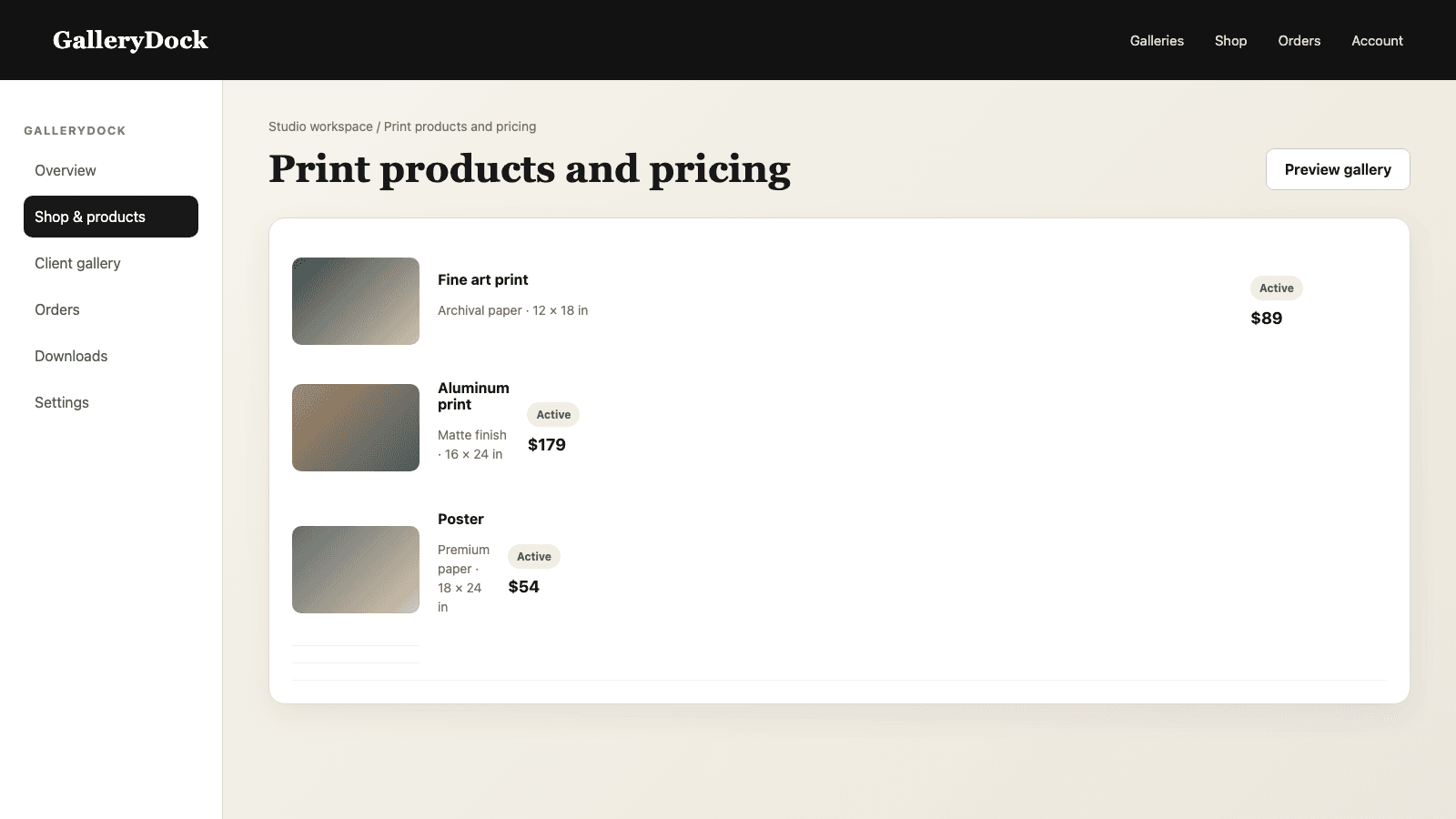
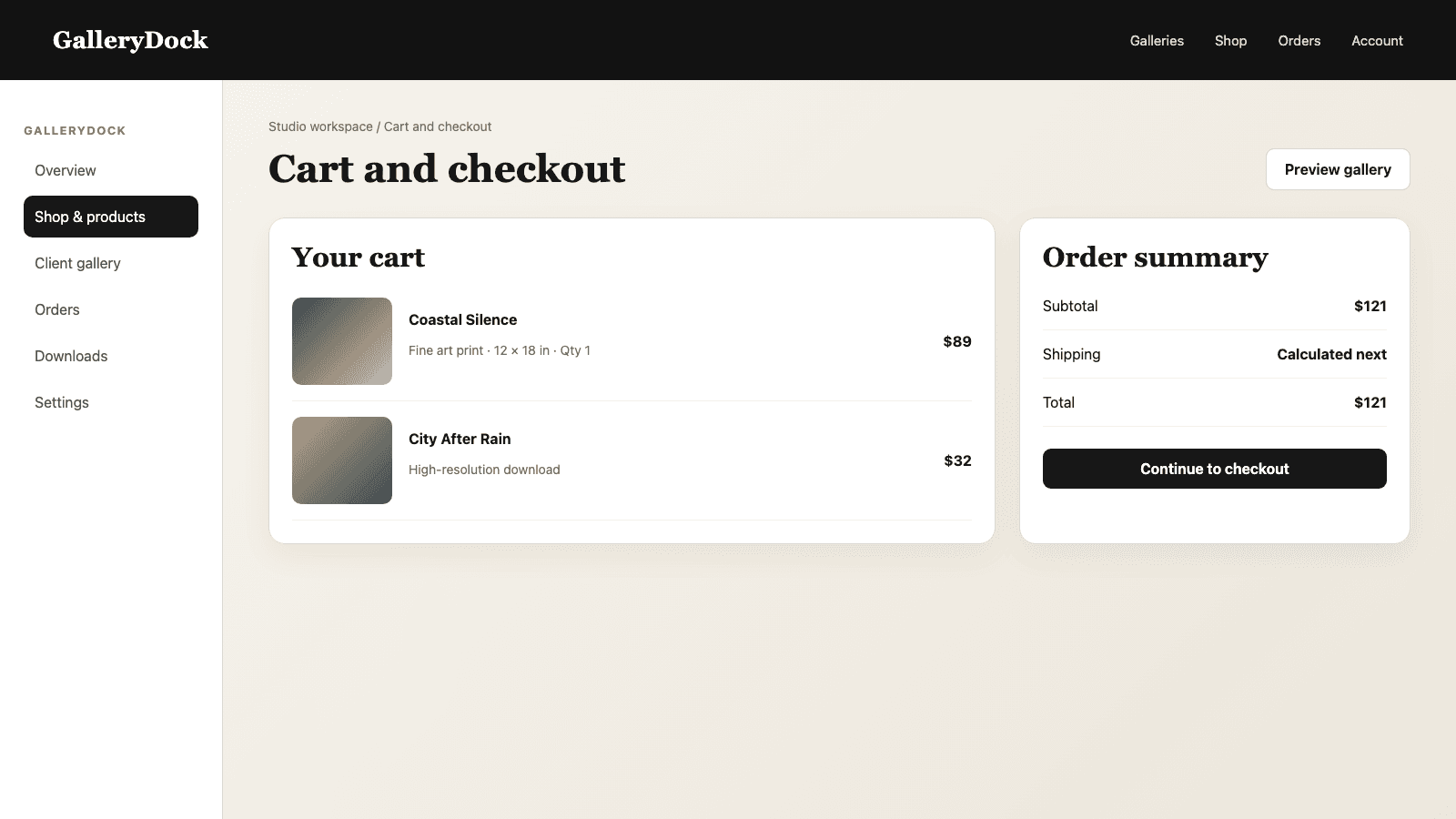
A helpful photo print size recommendation is not one universal number. It connects the photograph's composition with the selected product, available dimensions, wall space, viewing distance, and client budget. Start with one image group, confirm the aspect ratio, compare only active product sizes, and inspect the real crop and safe area. For wall products, use the room preview to explain how a size changes visual presence. Then recommend one leading option and one or two clear alternatives, describing the tradeoff in everyday language. GalleryDock does not automatically calculate or badge a recommended format. The photographer makes the judgment and controls which sizes remain available, while the gallery gives the client a visual path through product, preview, cart, and checkout.
Context
The same image can need a different recommendation in a desk frame, hallway, living room, or office lobby.
01
Learn the available wall or display area, nearby furniture, and whether the print should be a quiet accent or the visual center.
02
A larger room and longer viewing distance can support a different scale than a narrow hallway or close desk display.
03
Portrait, landscape, square, and panoramic compositions respond differently to the dimensions offered by each product.
04
A realistic range helps the photographer recommend a strong option without presenting choices the client will not consider.
Visual check
A size is only suitable when the composition survives its product format.
01
Compare sizes that the client can actually purchase instead of discussing abstract dimensions disconnected from the gallery offer.
02
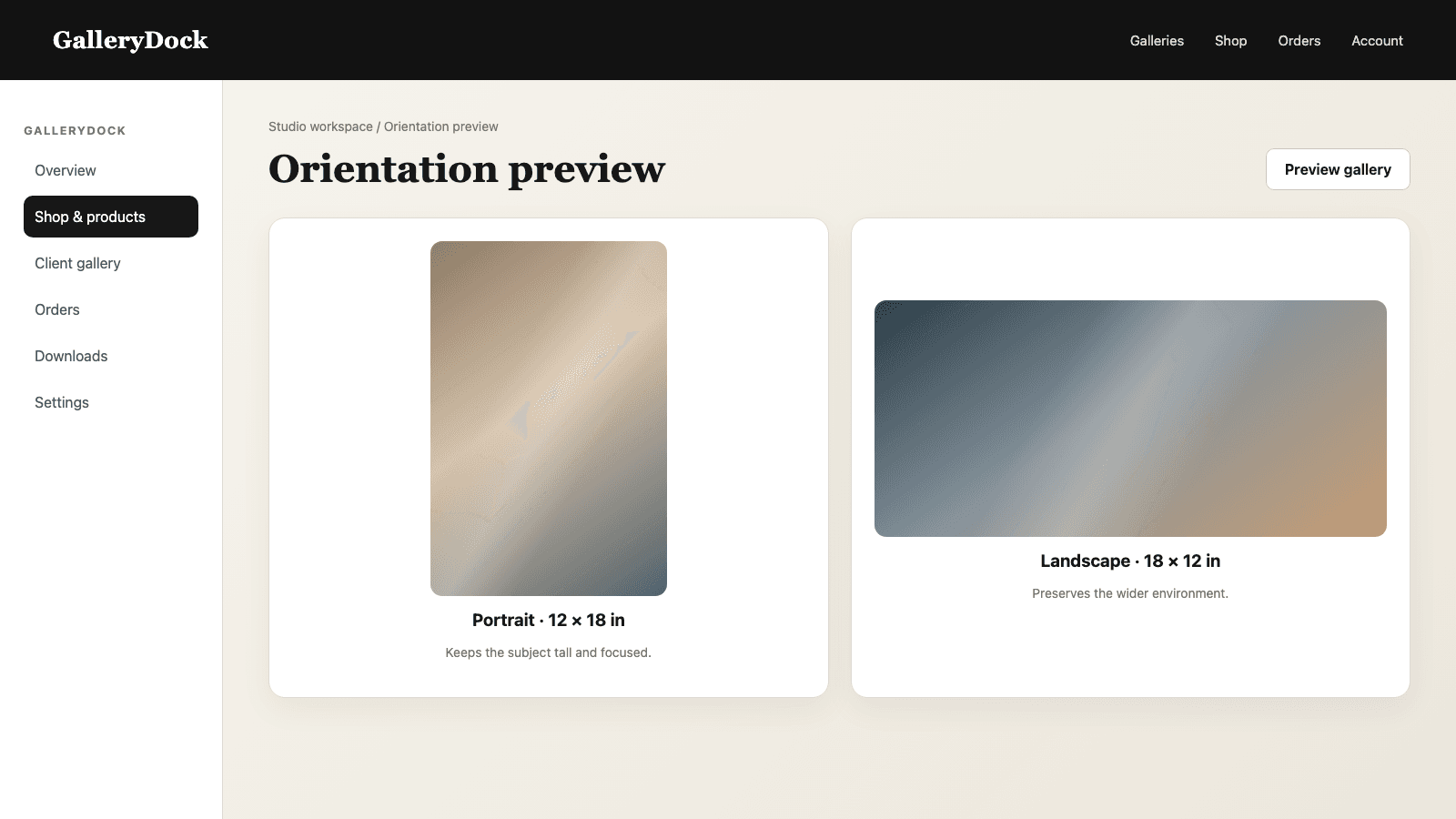
Confirm whether portrait or landscape placement supports the image and intended display space.
03
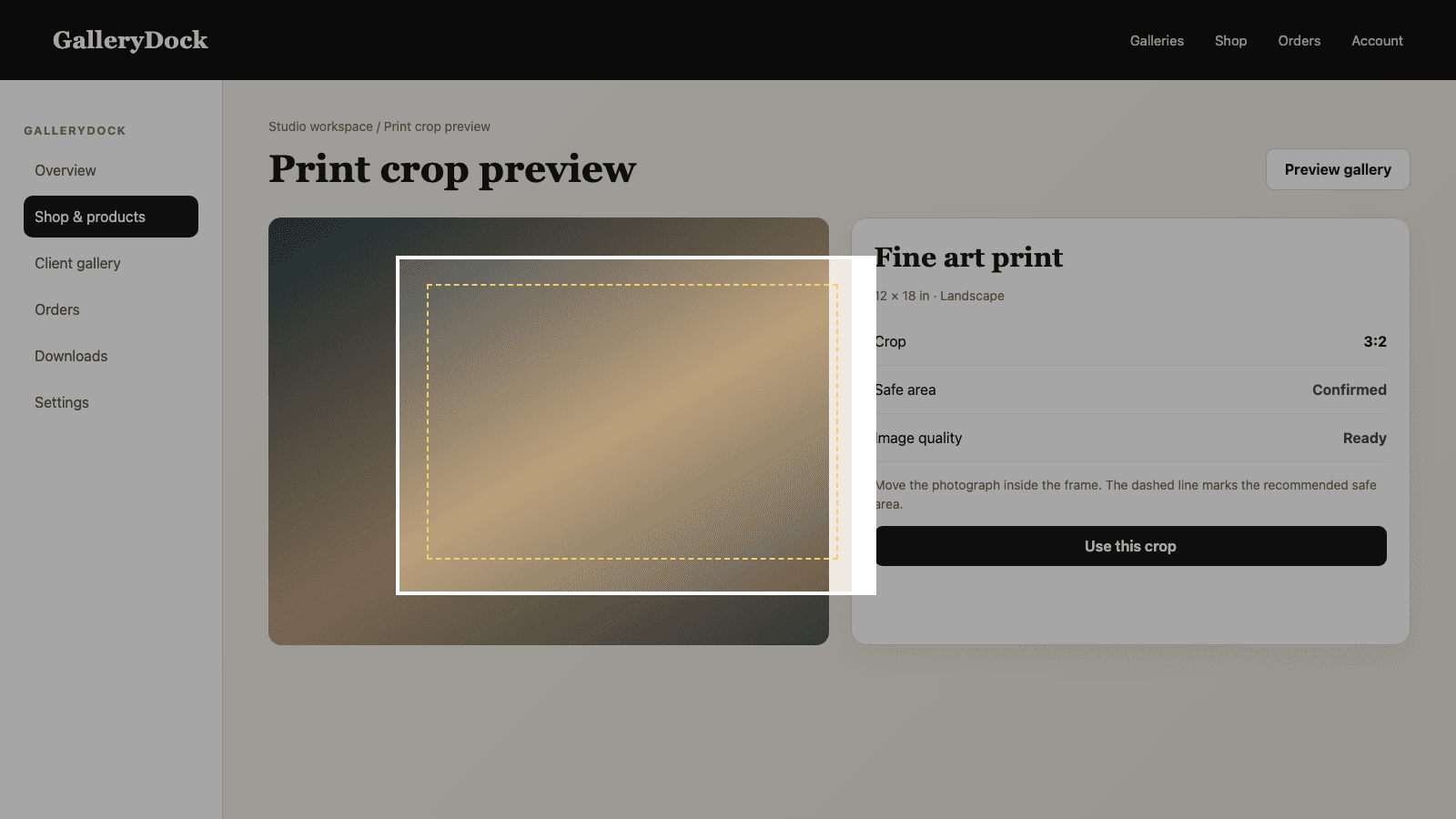
Protect faces, hands, text, architecture, horizons, and intentional negative space from an awkward edge.
04
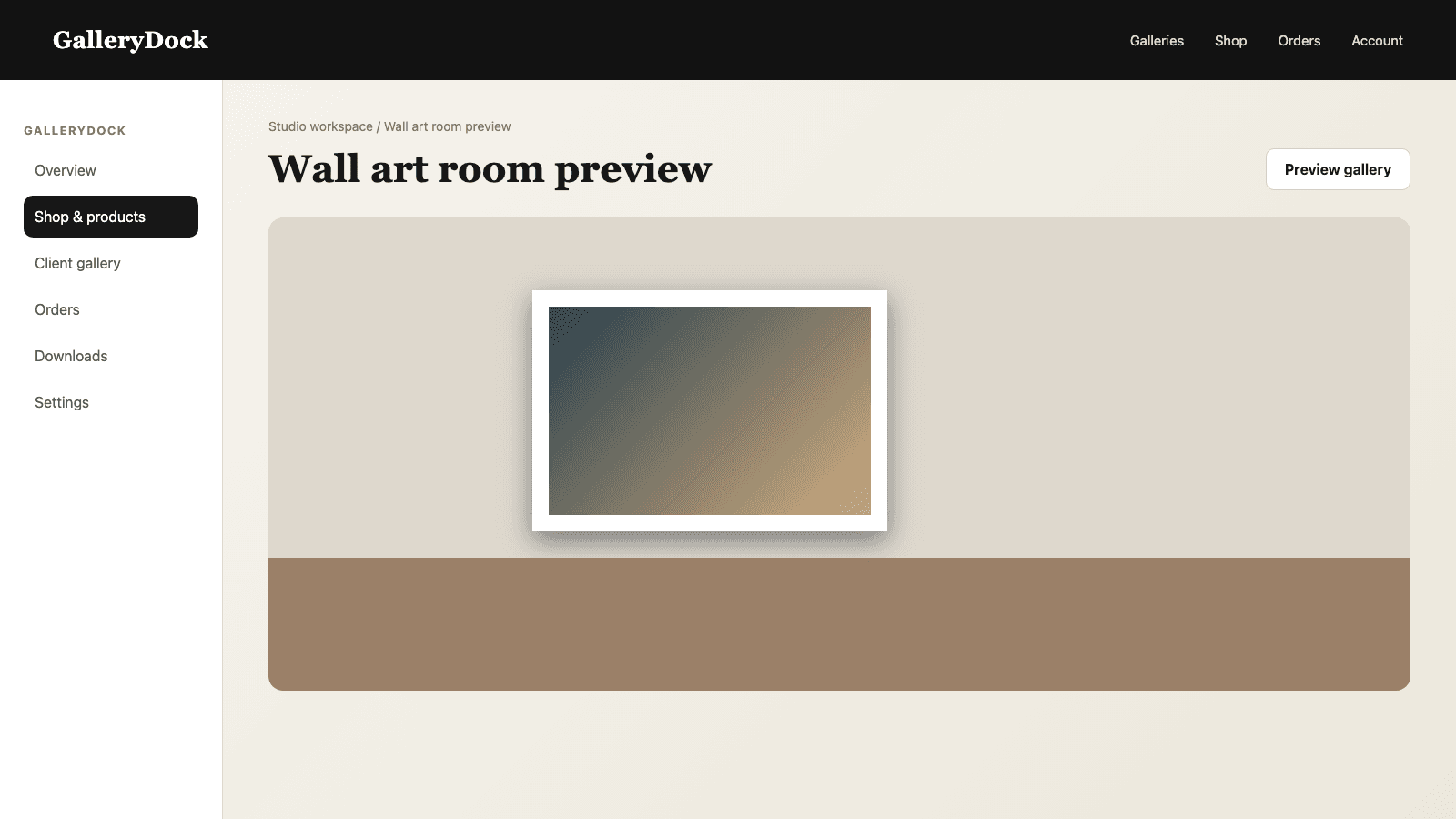
Show how the recommended size reads beside furniture or on a wall so the client can understand scale more easily.
Recommendation
A concise recommendation helps without pretending that GalleryDock made an automatic decision.
01
Choose one size that best balances composition, visual impact, space, and budget for this specific situation.
02
Use plain language such as preserving the group, giving the landscape enough width, or creating a strong wall presence.
03
Add a smaller budget-conscious option and, when appropriate, a larger statement option with their visible tradeoffs.
04
Keep only an understandable set of sizes active, then test the preview, cart, and checkout before sharing the recommendation.
Comparison
Each method answers a different part of the recommendation.
| Approach | Best for | Tradeoff |
|---|---|---|
| Image and wall context | A tailored lead recommendation | Requires a short client conversation |
| Room preview | Explaining visual scale | Remains a visualization rather than a physical measurement |
| Aspect-ratio chart | Avoiding incompatible dimensions | Does not account for crop importance or room impact |
| Most frequently ordered size | A starting reference | May not fit this image or space |
| Automatic GalleryDock highlight | Not available | The photographer makes and communicates the recommendation |
The photographer recommends a size that keeps every face and edge comfortable, then offers one smaller option for a tighter budget.
A wide group photograph is checked in landscape orientation so the recommended wall size preserves people near both edges.
The room preview helps compare a restrained office print with a larger statement piece before the client chooses.
Frequently asked questions
No. The photographer chooses and explains the recommendation using the available product and preview tools.
Use the image composition, product, wall area, viewing distance, intended impact, and budget together.
Compare the photograph's natural composition and the display space, then inspect the real crop in the preview.
Keep enough range for a meaningful choice, but remove redundant options that make the decision harder.
Yes. Wall products can be visualized in a room context to make scale easier to understand.
Yes. The selected photograph, product, size, crop, quantity, and price continue into cart and checkout.
Related resources
Pricing
Free forever
0 EUR
EUR 0 per month
Perfect for sharing your first galleries professionally.
Start free, no credit card required
Monthly
19 EUR
EUR 228 billed yearly. plus VAT
Ideal for photographers who regularly deliver client galleries.
For regular client delivery
Monthly
29 EUR
EUR 348 billed yearly. plus VAT
For photographers managing many projects, videos and growing storage.
For regular client delivery
Start with the image and wall, test the actual product preview, explain one lead option, and keep the final path through cart and checkout simple.
Create a free account