01
Finish the edit
Complete retouching, color, noise reduction, and creative decisions in the normal editing workflow before the photograph is offered.
Automated print files
Prepare one approved photo source, let clients choose a print product and crop, and use the order details to create the output file for each purchased item.
Quick answer
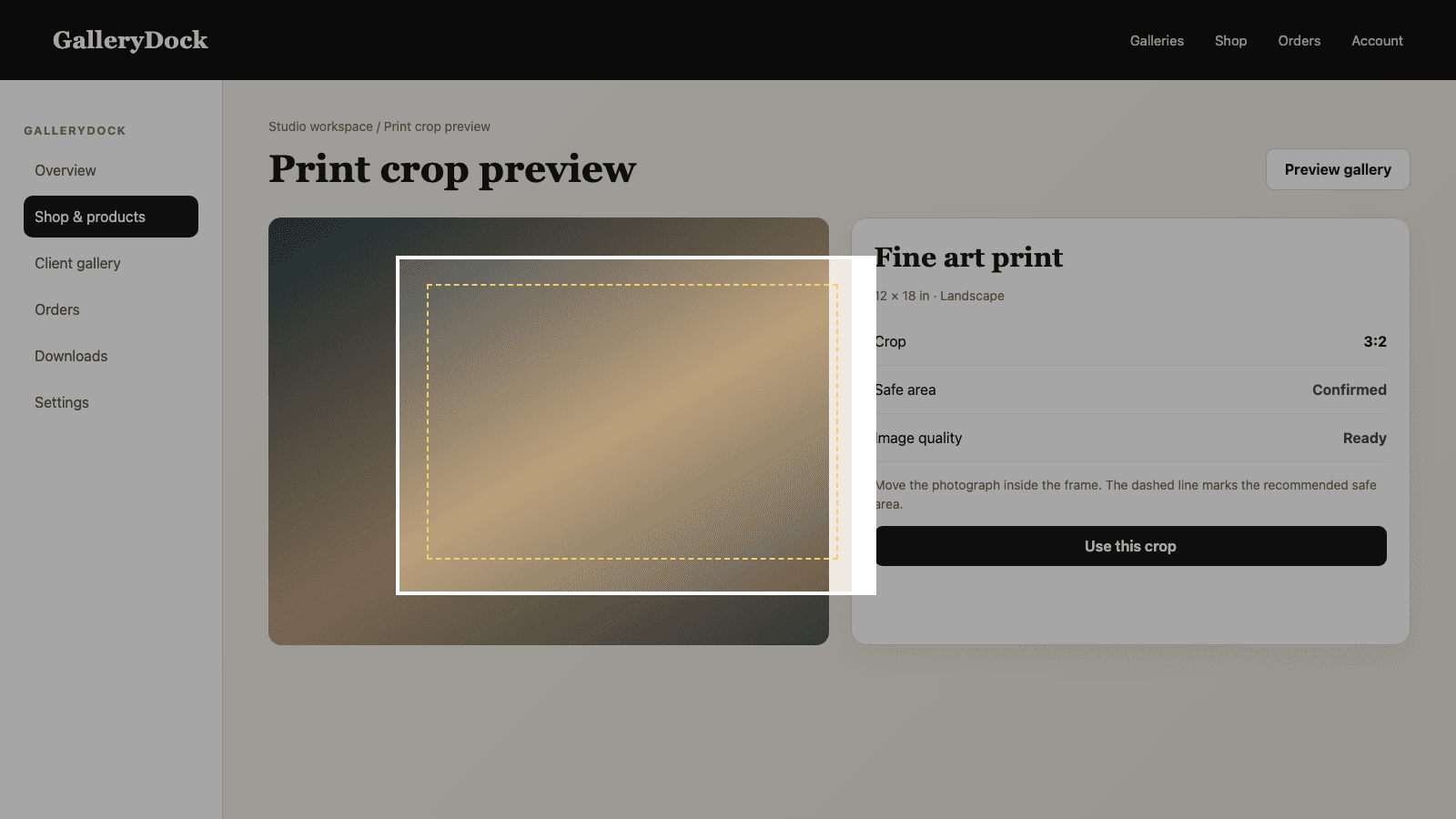
Preparing photos for printing starts with a photographer-approved source, but the repetitive technical work should follow the actual order. In GalleryDock, the photographer finishes retouching and source quality before publishing the gallery, then configures the physical products, sizes, and prices clients can buy. The buyer chooses the photograph, product, orientation, and visible crop in the print preview. GalleryDock then combines that prepared source with the saved product geometry and crop to create the output file for the specific order item. This automation does not invent a composition, repair an unsharp photograph, choose an artistic crop, or replace color-managed editing. It faithfully executes the decisions already made by the photographer and buyer, keeping each output connected to its order.
Source preparation
The order workflow can repeat technical preparation, but it cannot replace the photographer's creative and quality decisions.
01
Complete retouching, color, noise reduction, and creative decisions in the normal editing workflow before the photograph is offered.
02
Upload the approved version rather than a temporary export or an unreviewed alternative that happens to share the same filename.
03
Confirm that the source can support the product sizes you plan to sell and inspect important detail at a realistic scale.
04
Keep the original edited master outside the sales workflow so future corrections and exports have a stable starting point.
Buyer choice
A print file becomes meaningful only when it belongs to a defined product position.
01
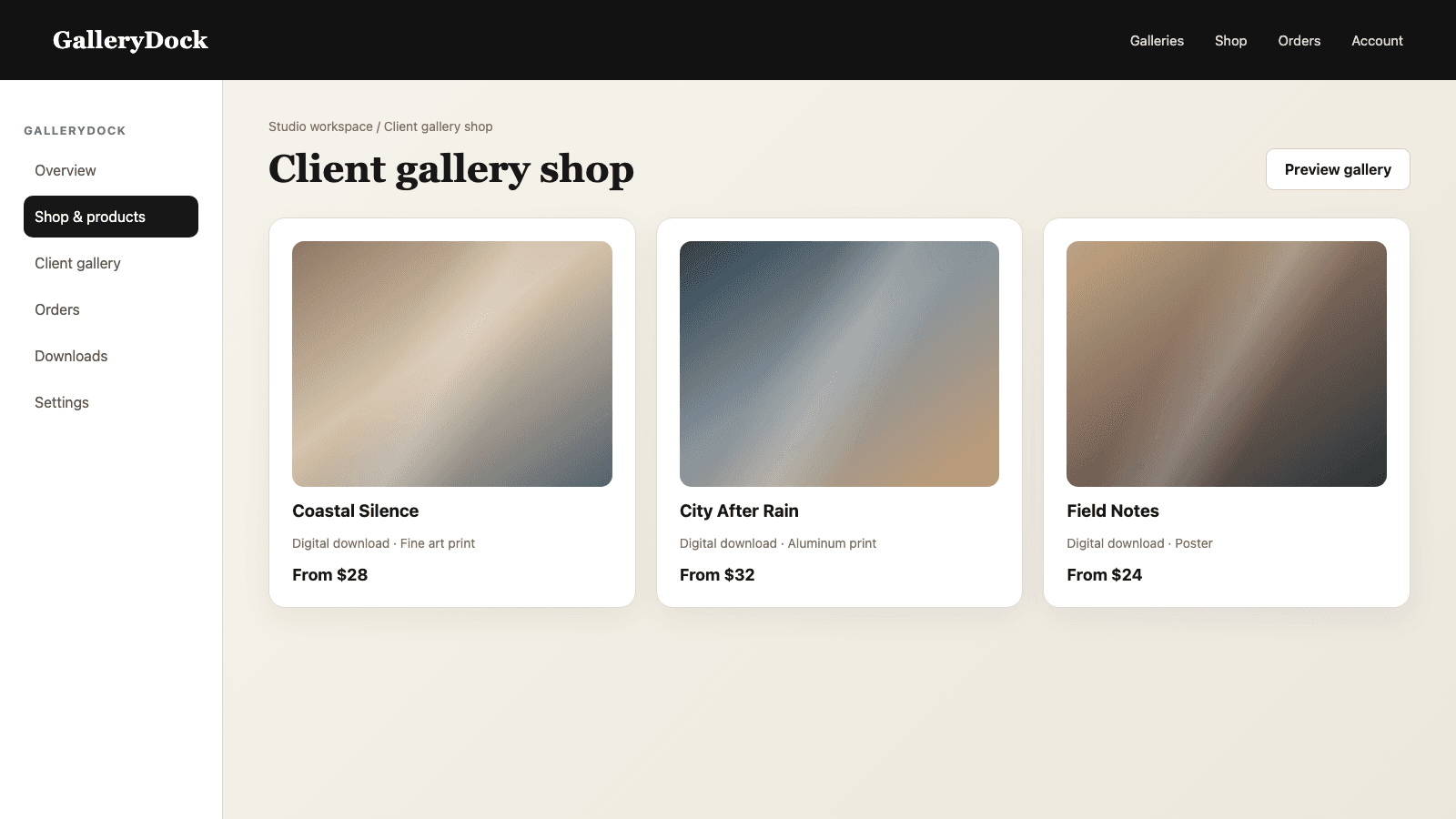
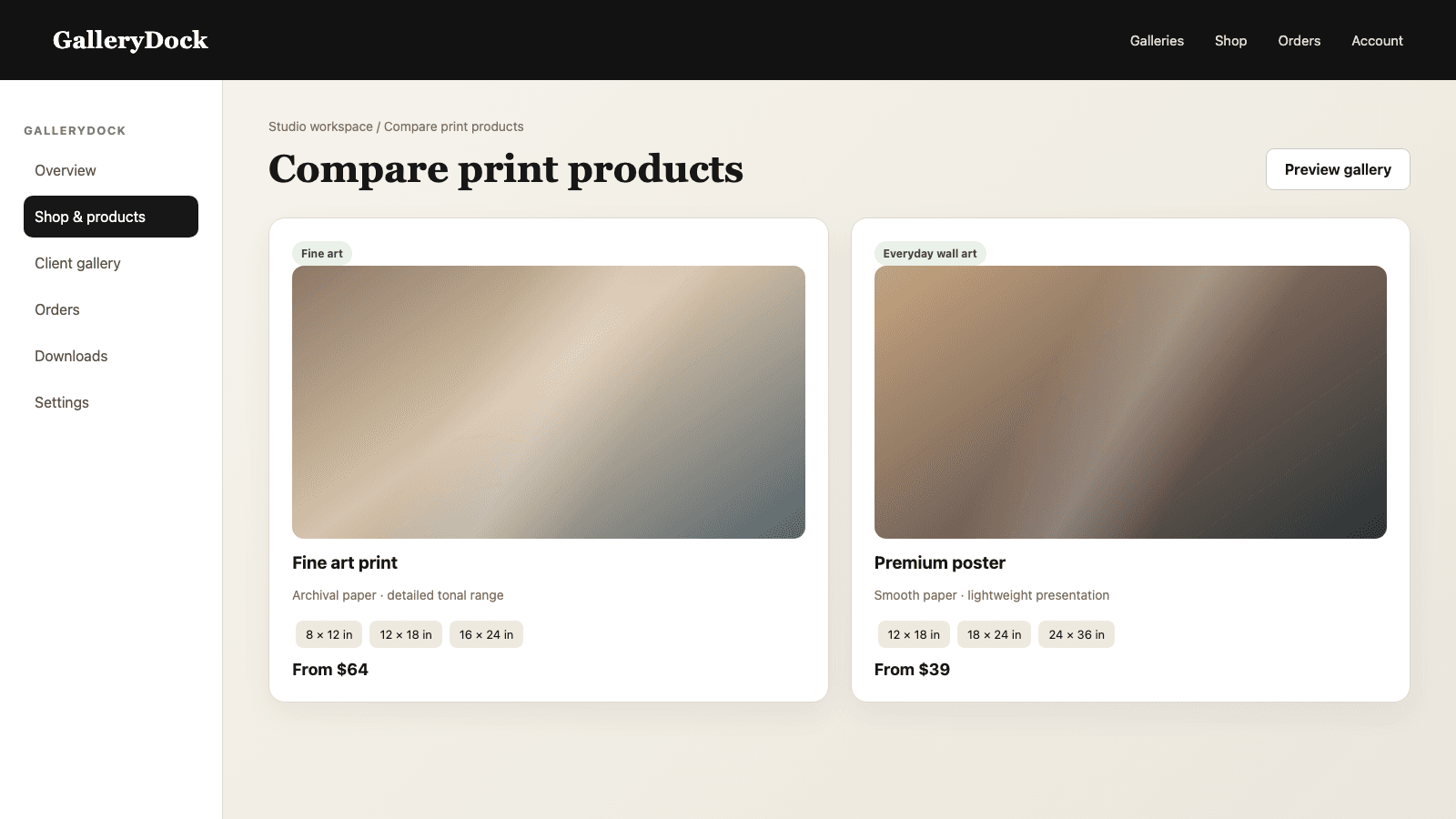
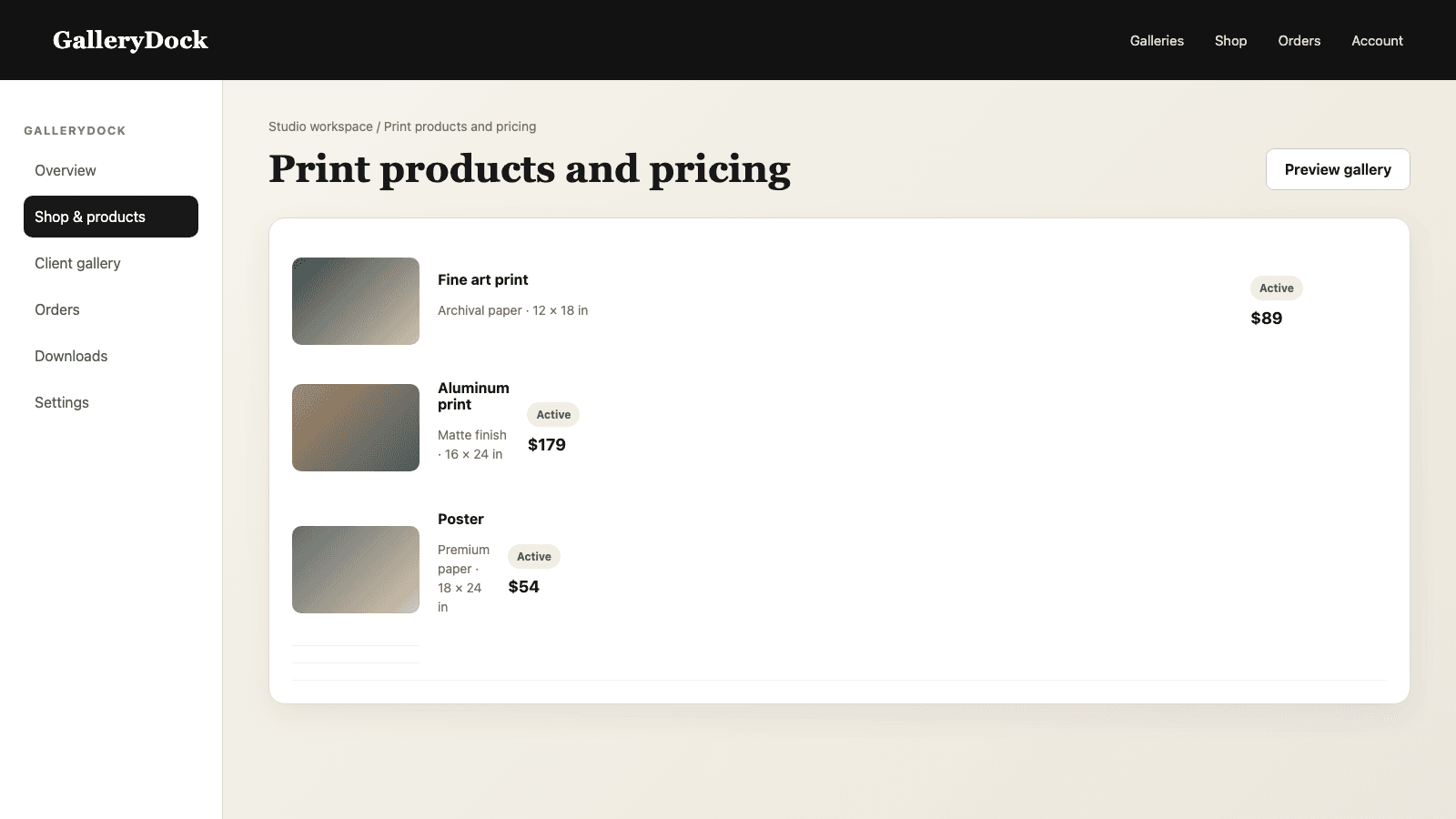
Enable the products and sizes you are prepared to sell and set the final client-facing prices before sharing the gallery.
02
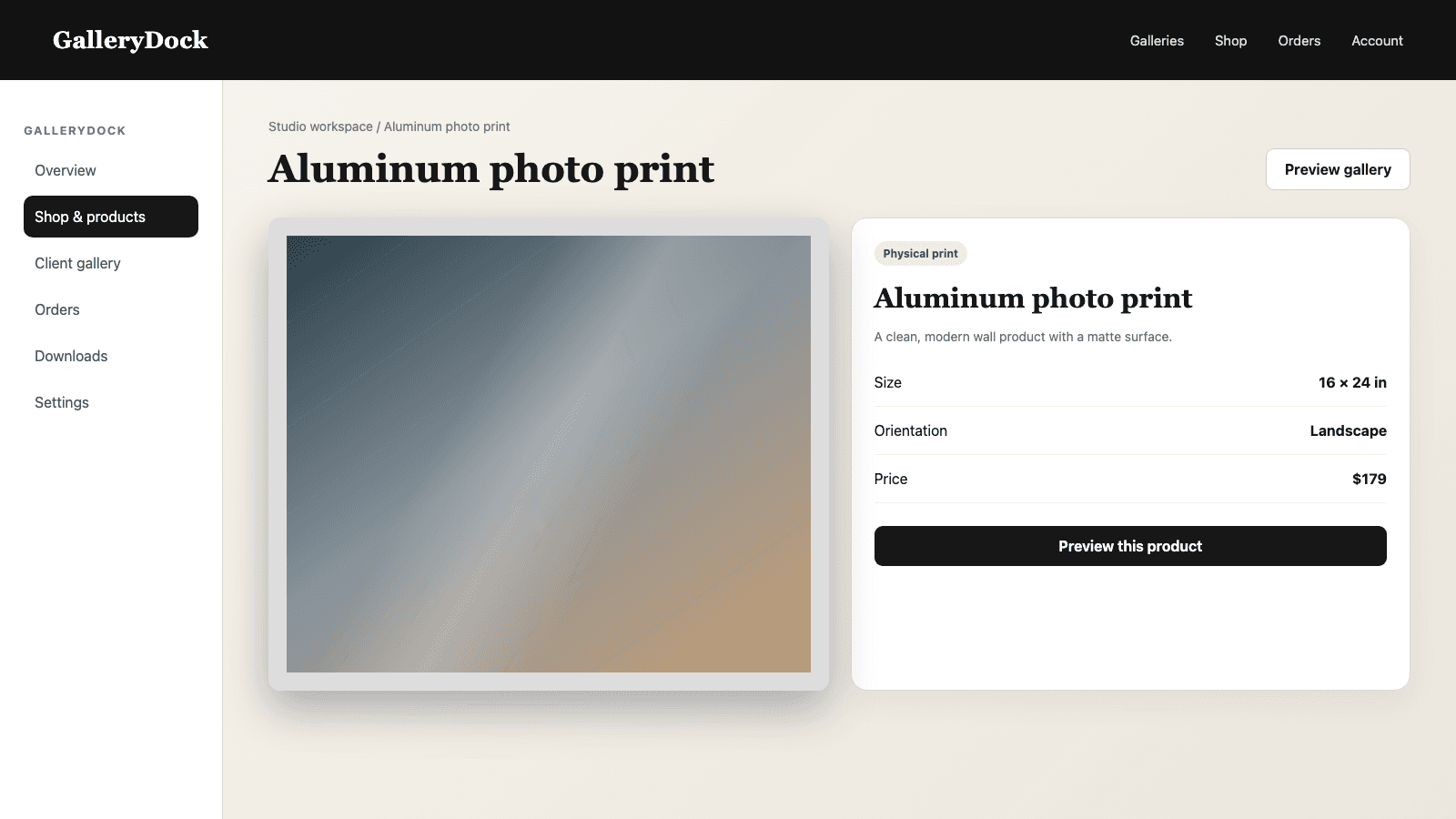
The client selects the photograph and an available physical product rather than describing the order in a separate message.
03
The preview records the visible image area for that ordered product, including the composition chosen for its aspect ratio.
04
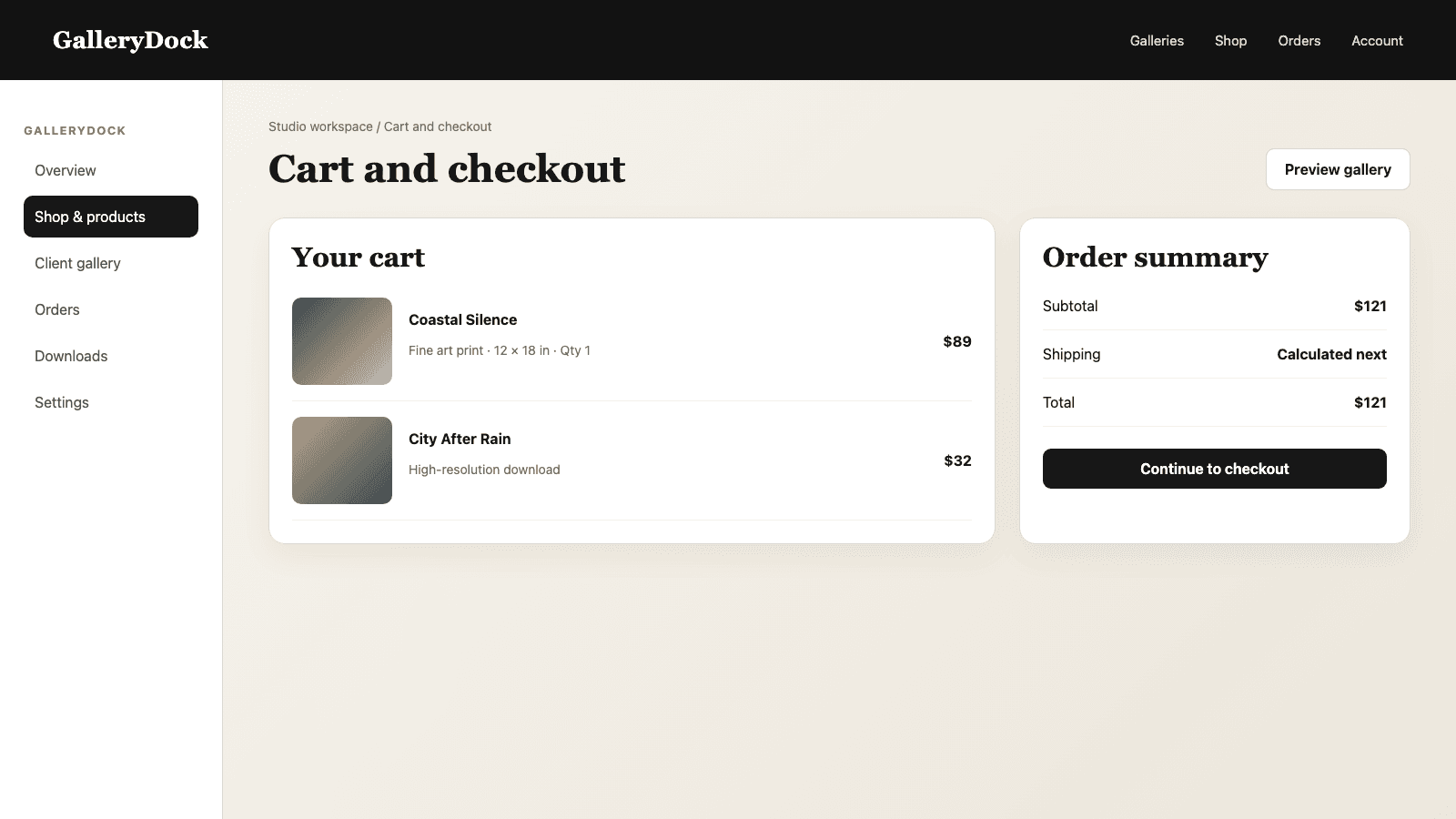
Photograph, product, dimensions, crop context, quantity, and price remain part of one order instead of separate notes.
Automated output
The automation applies stored order decisions and preserves traceability to the purchased item.
01
The ordered product supplies the target print area and technical dimensions needed for its output.
02
The output uses the image area confirmed in the preview rather than a newly guessed crop after payment.
03
GalleryDock produces the print-ready JPEG for that item from the approved source and stored configuration.
04
The prepared file remains associated with the specific photograph, product, and order so another variant can be generated independently.
Comparison
Automate the deterministic steps and keep visual judgment where it belongs.
| Approach | Best for | Tradeoff |
|---|---|---|
| Creative image editing | Retouching, color, and source approval | Requires the photographer's judgment |
| GalleryDock order-file creation | Applying product geometry and the saved crop | Depends on an approved source and valid order configuration |
| Manual export for every order | Exceptional bespoke work | Repeats technical labor and invites mismatches |
| One generic file for every product | Nothing with varying aspect ratios | Ignores product-specific crop and dimensions |
| Automatic creative decisions | Not part of the workflow | Composition and source quality still require human approval |
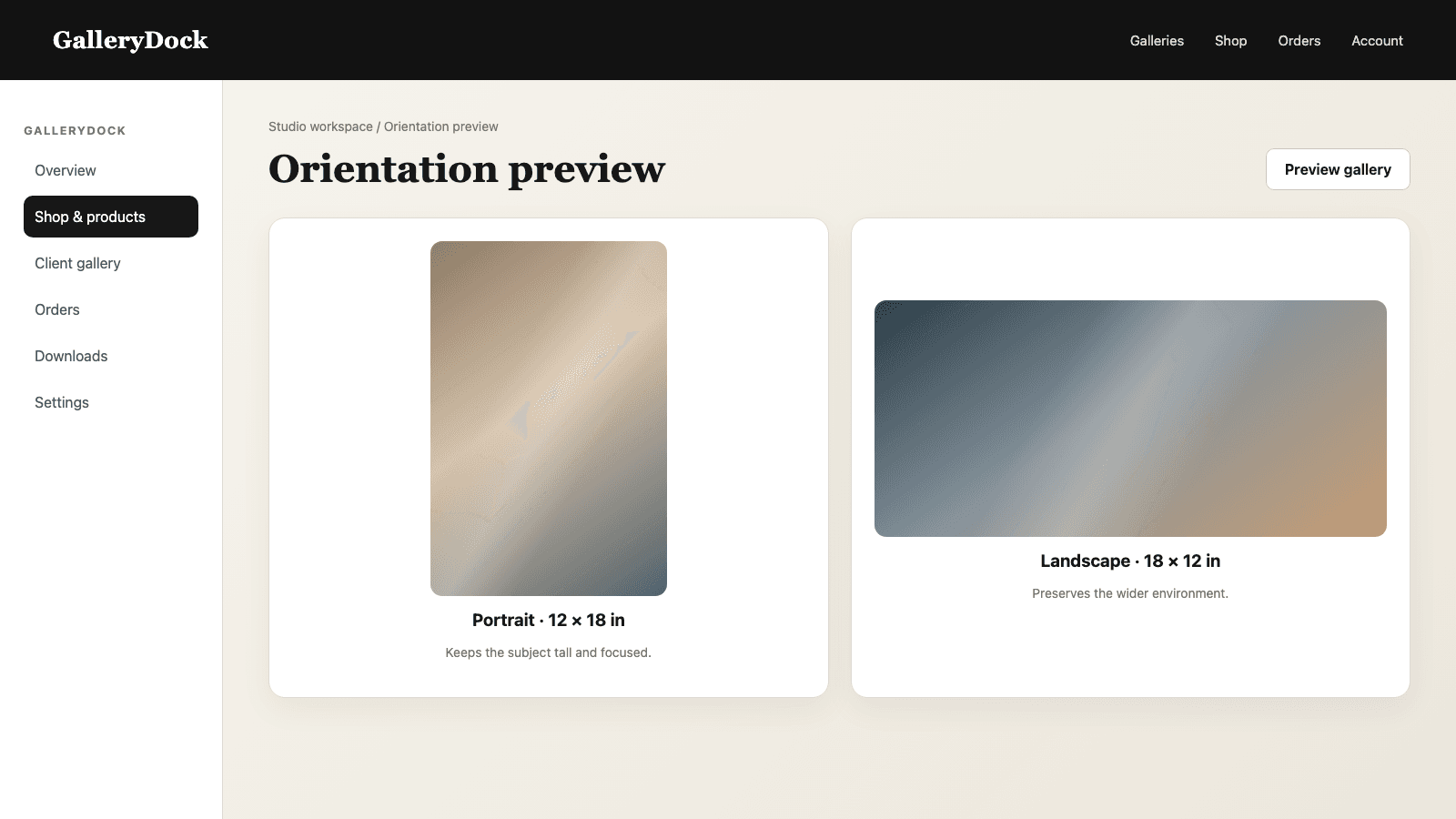
The same approved portrait is ordered in two aspect ratios. Each item preserves its own selected crop and receives its own output.
A couple buys a small print and a wall piece from one photograph, with separate product geometry and visible composition for each.
The client checks that a sign and doorway remain inside the crop before ordering; automation follows that approved image area rather than choosing it.
Frequently asked questions
Yes. It uses the approved source, product geometry, and saved crop to create the output for that order item.
No. The photographer still finishes retouching, color, sharpness, and source approval before selling the image.
The visible composition is chosen in the print preview; the automated output applies that saved decision.
Yes. Each order item can carry its own product, dimensions, orientation, and crop.
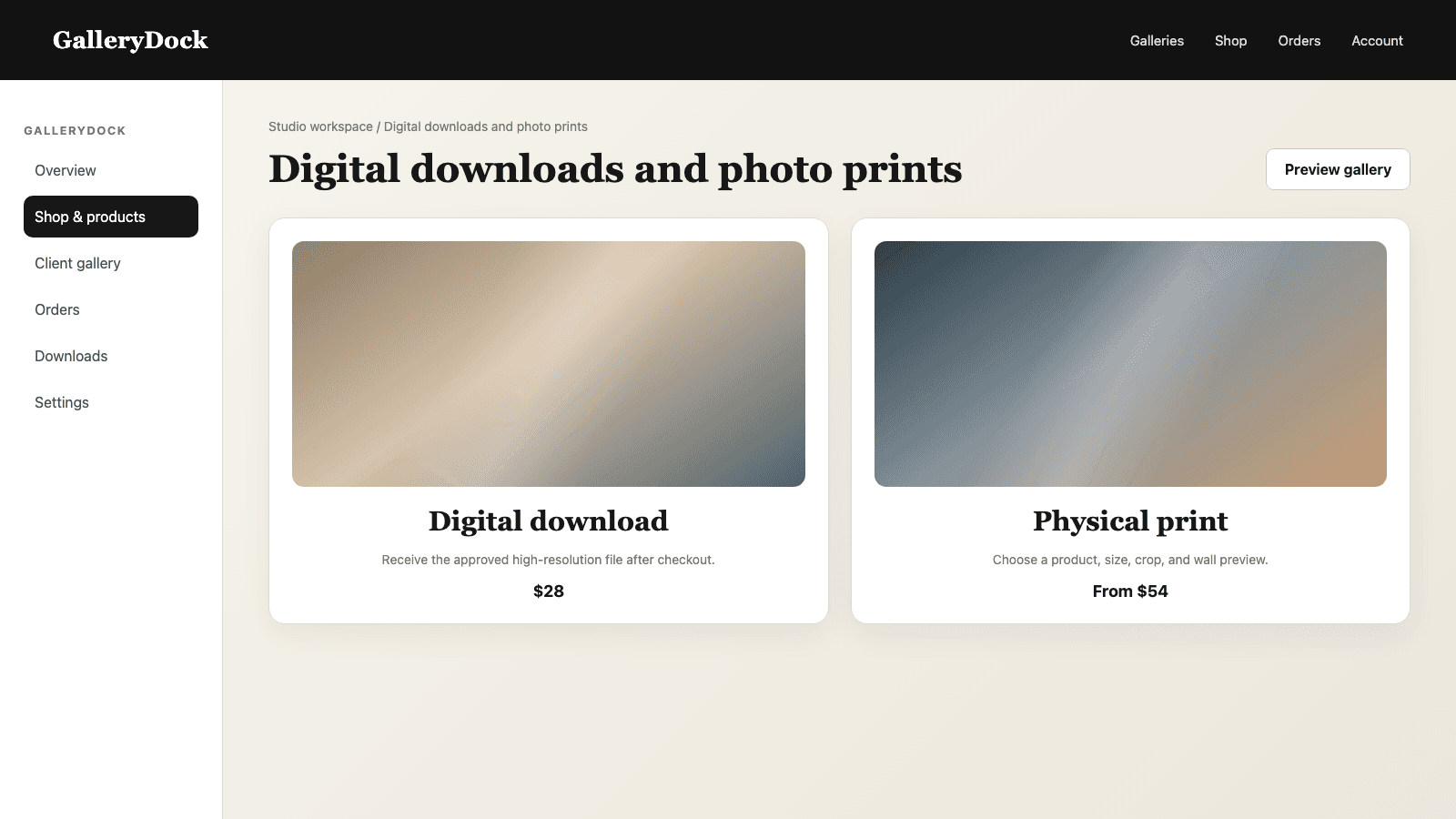
Yes. Digital products can remain part of the gallery while this workflow handles physical print items.
No. The photographer must approve a source with suitable quality before it enters the print offer.
Related resources
Pricing
Free forever
0 EUR
EUR 0 per month
Perfect for sharing your first galleries professionally.
Start free, no credit card required
Monthly
19 EUR
EUR 228 billed yearly. plus VAT
Ideal for photographers who regularly deliver client galleries.
For regular client delivery
Monthly
29 EUR
EUR 348 billed yearly. plus VAT
For photographers managing many projects, videos and growing storage.
For regular client delivery
Prepare a strong source, configure the product offer, verify the preview, and keep the generated print file connected to the exact purchased item.
Create a free account