01
Choose one gallery type
Family, wedding, business, and fine-art galleries produce different buying patterns. Evaluate them separately before calling one product a general winner.
Photo product decisions
Use real orders and repeated client requests to identify a defensible best-selling photo product without inventing an automatic bestseller badge.
Quick answer
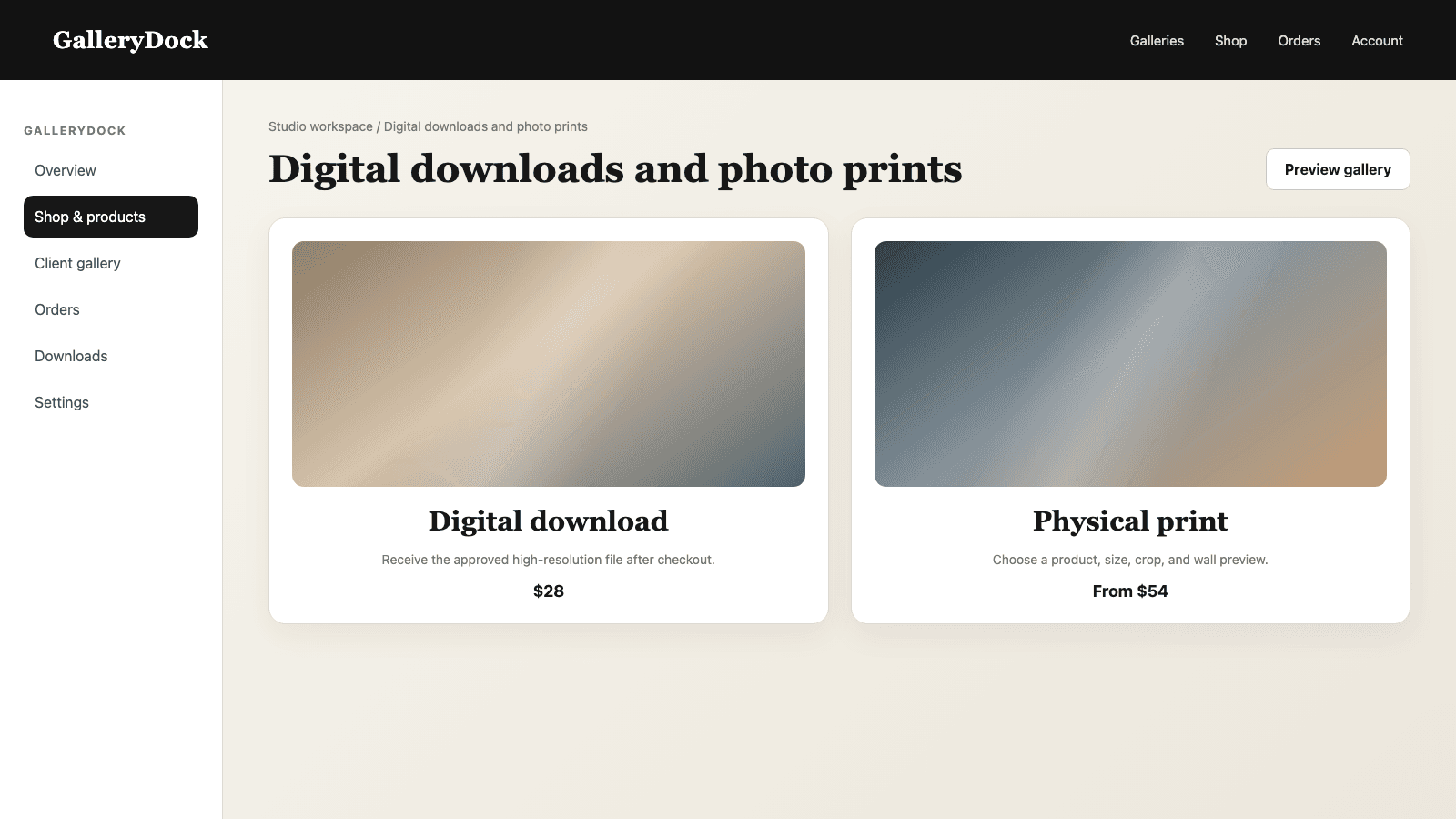
A best-selling photo product should come from evidence, not from a photographer's favorite material or a single memorable order. Start with one gallery type and one review period, then record completed orders, serious client questions, and repeated requests for active products. Compare only products that clients could genuinely buy at the time, including their available sizes and selling prices. GalleryDock does not automatically label or rank a product as a bestseller. The photographer interprets the signals, chooses whether one candidate deserves emphasis, keeps the visible assortment focused, and schedules a later review. This creates an honest product recommendation while preserving a straightforward path through image, product, preview, cart, and checkout.
Evidence
The label becomes useful only when its evidence is specific and repeatable.
01
Family, wedding, business, and fine-art galleries produce different buying patterns. Evaluate them separately before calling one product a general winner.
02
Use a defined period so a recent campaign, season, or one exceptional order does not distort the conclusion.
03
Count completed orders and repeated, specific product requests. Keep casual compliments separate from purchase intent.
04
A candidate must still be enabled with understandable sizes, preview, and a current selling price.
Interpretation
A bestseller statement should help the next client choose rather than manufacture urgency.
01
Do not compare an inexpensive small print with a premium wall product without acknowledging their different purpose and price.
02
A frequently purchased product still needs to work with the aspect ratios, subjects, and viewing context of the current gallery.
03
Describe a product as popular in your own recent work only when your notes support that statement.
04
GalleryDock does not calculate a universal bestseller or place an automatic badge on a product.
Action
A useful recommendation must survive the same path a buyer will follow.
01
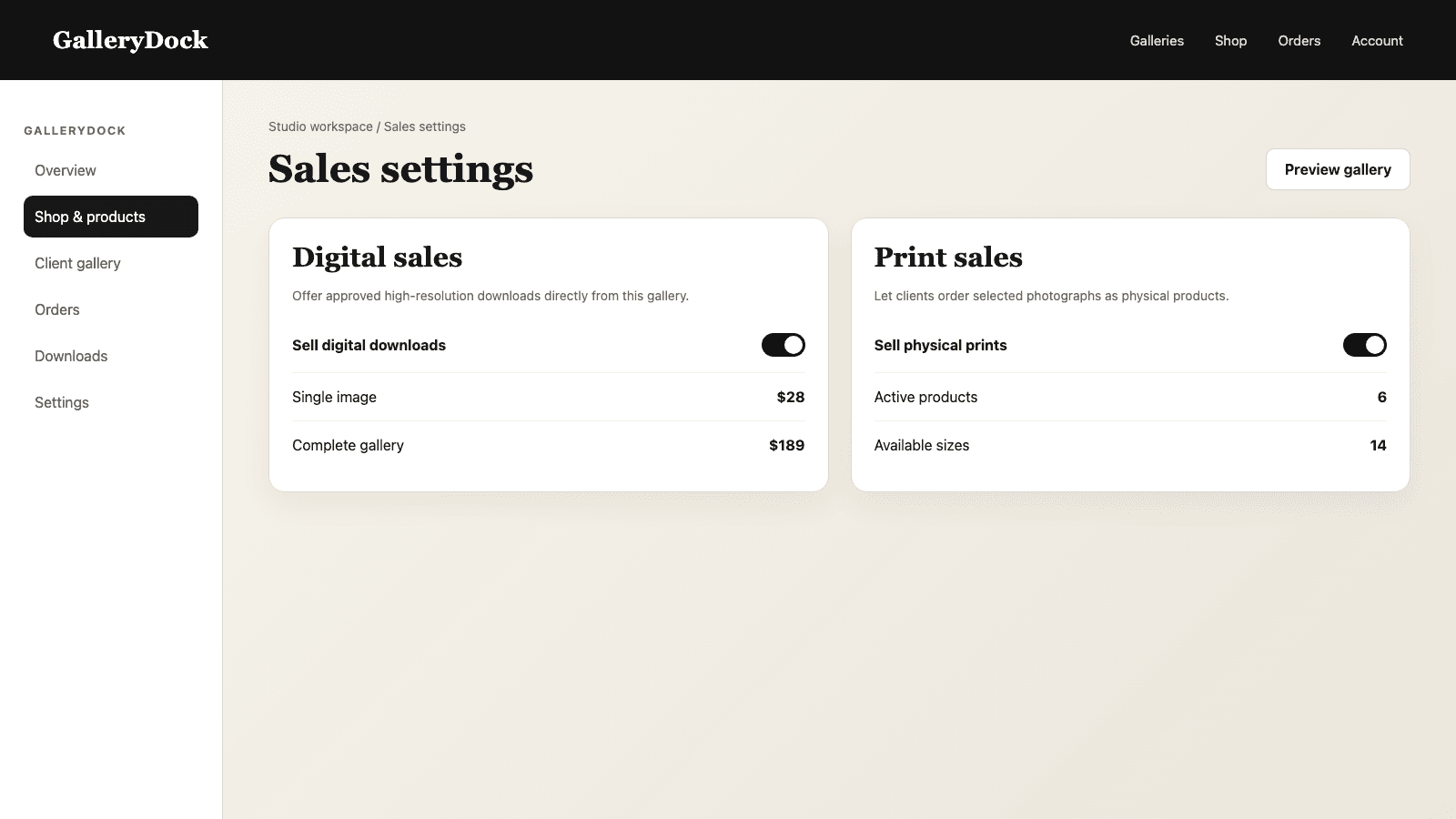
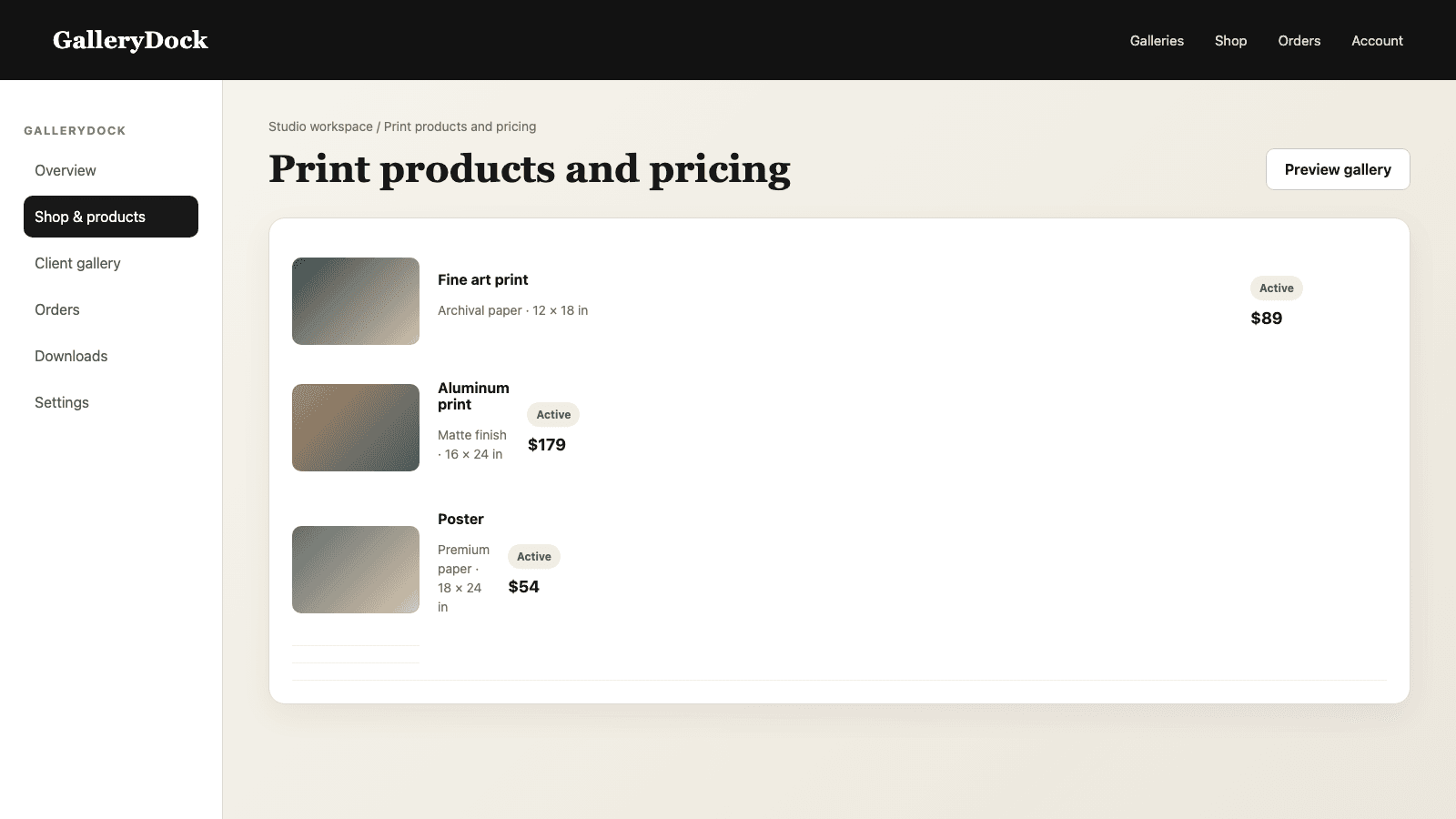
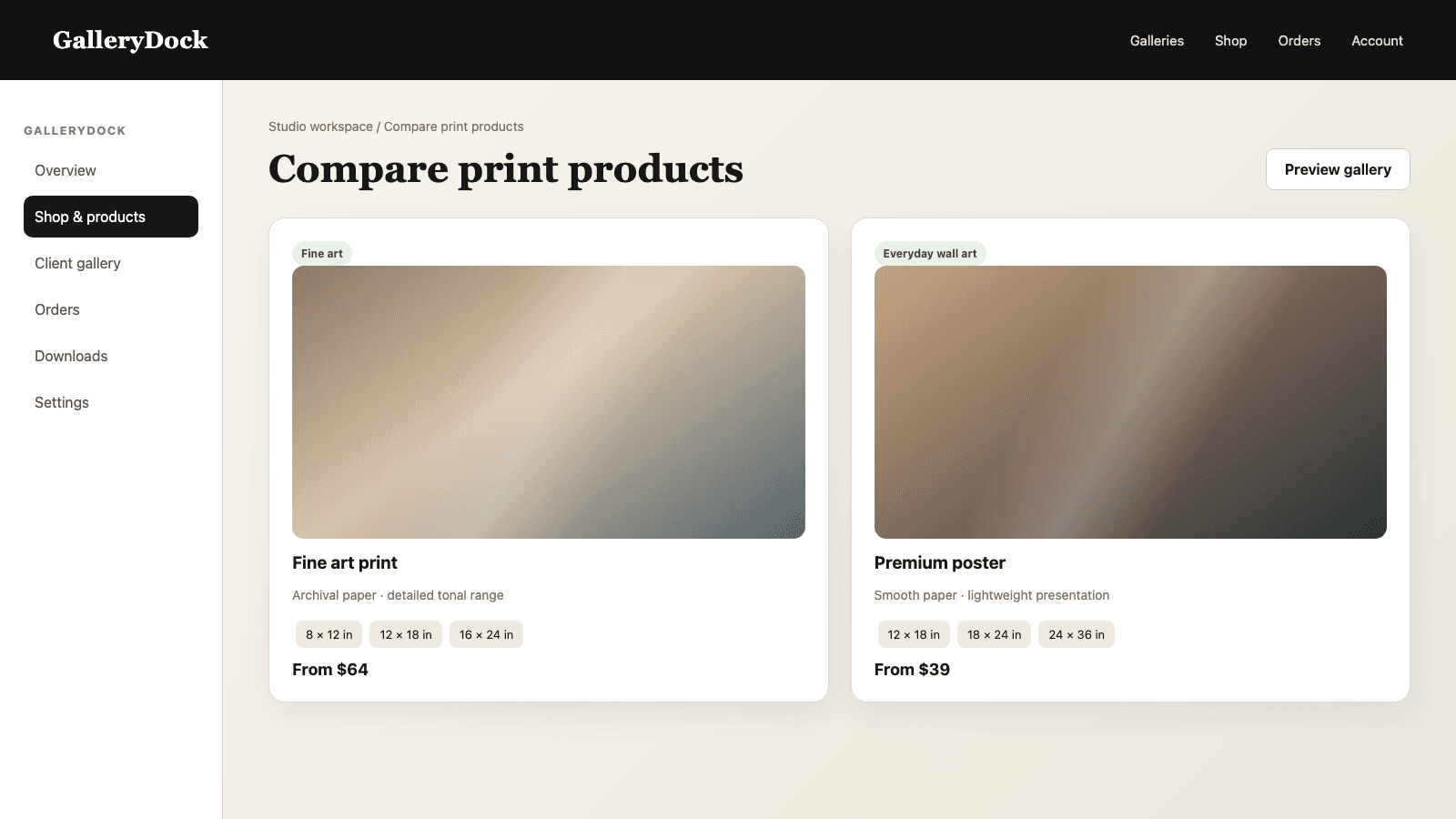
Place the candidate inside a compact assortment so it stands out through relevance rather than clutter.
02
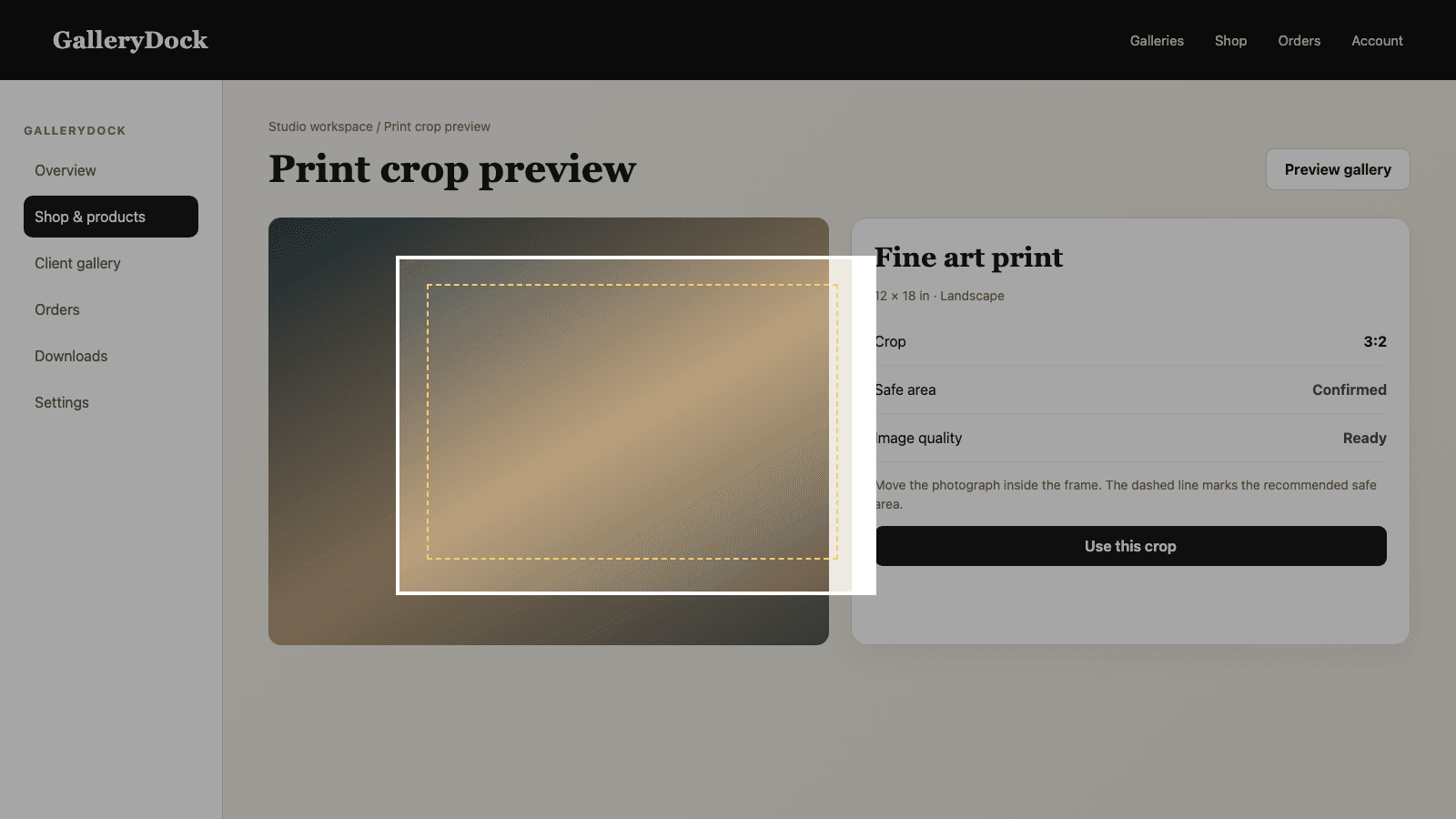
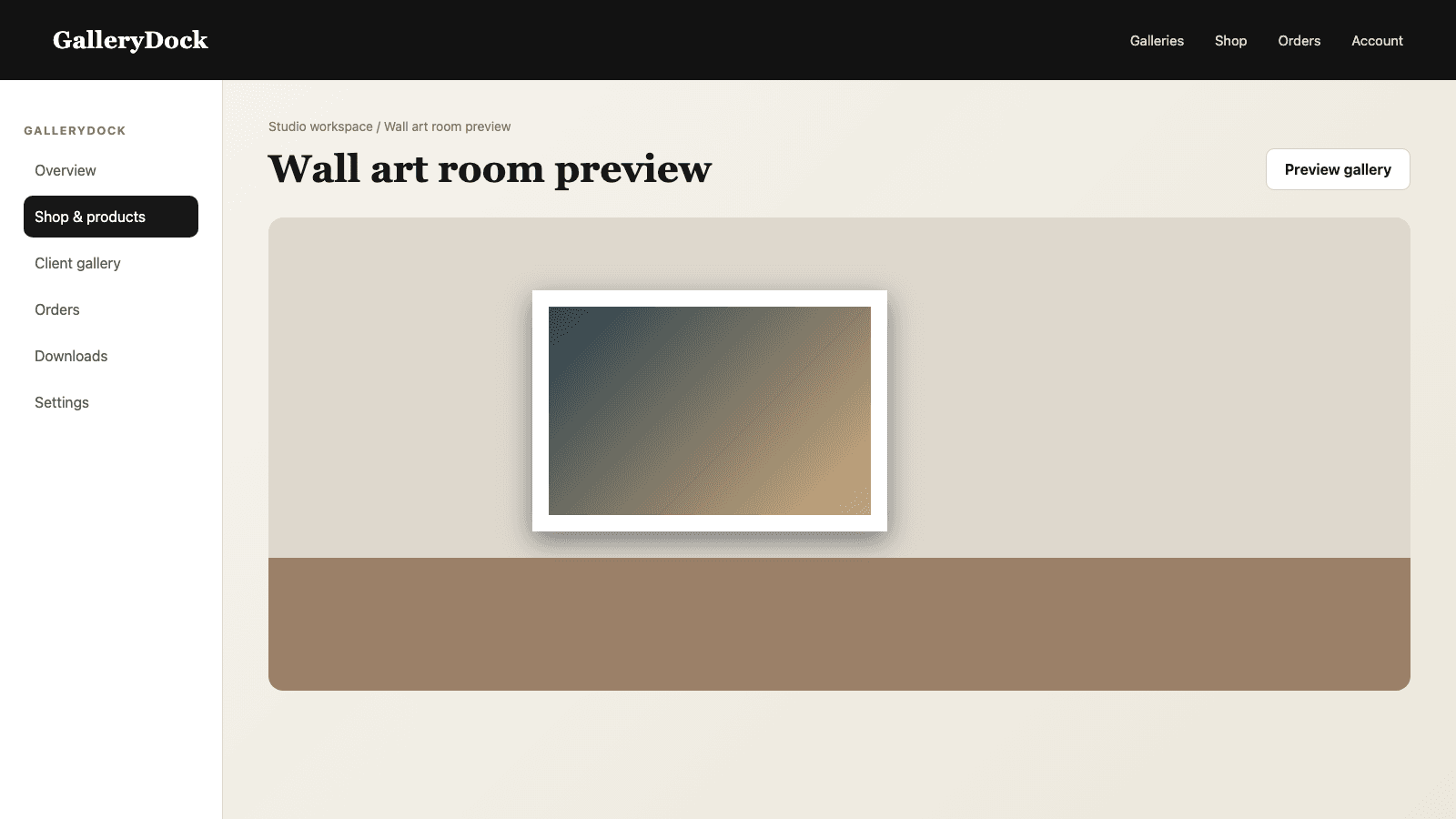
Open representative photographs and verify that common sizes preserve the intended composition.
03
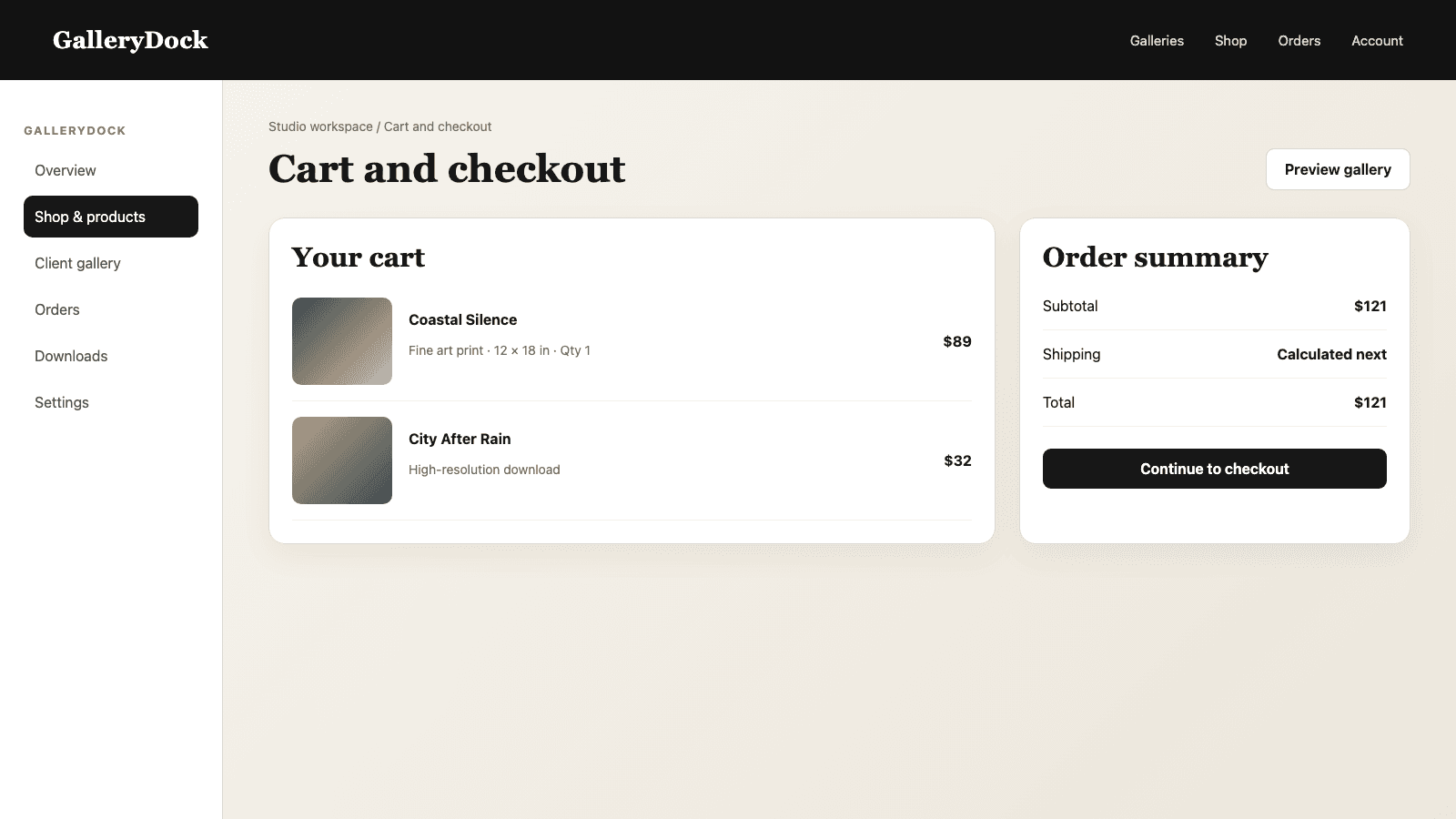
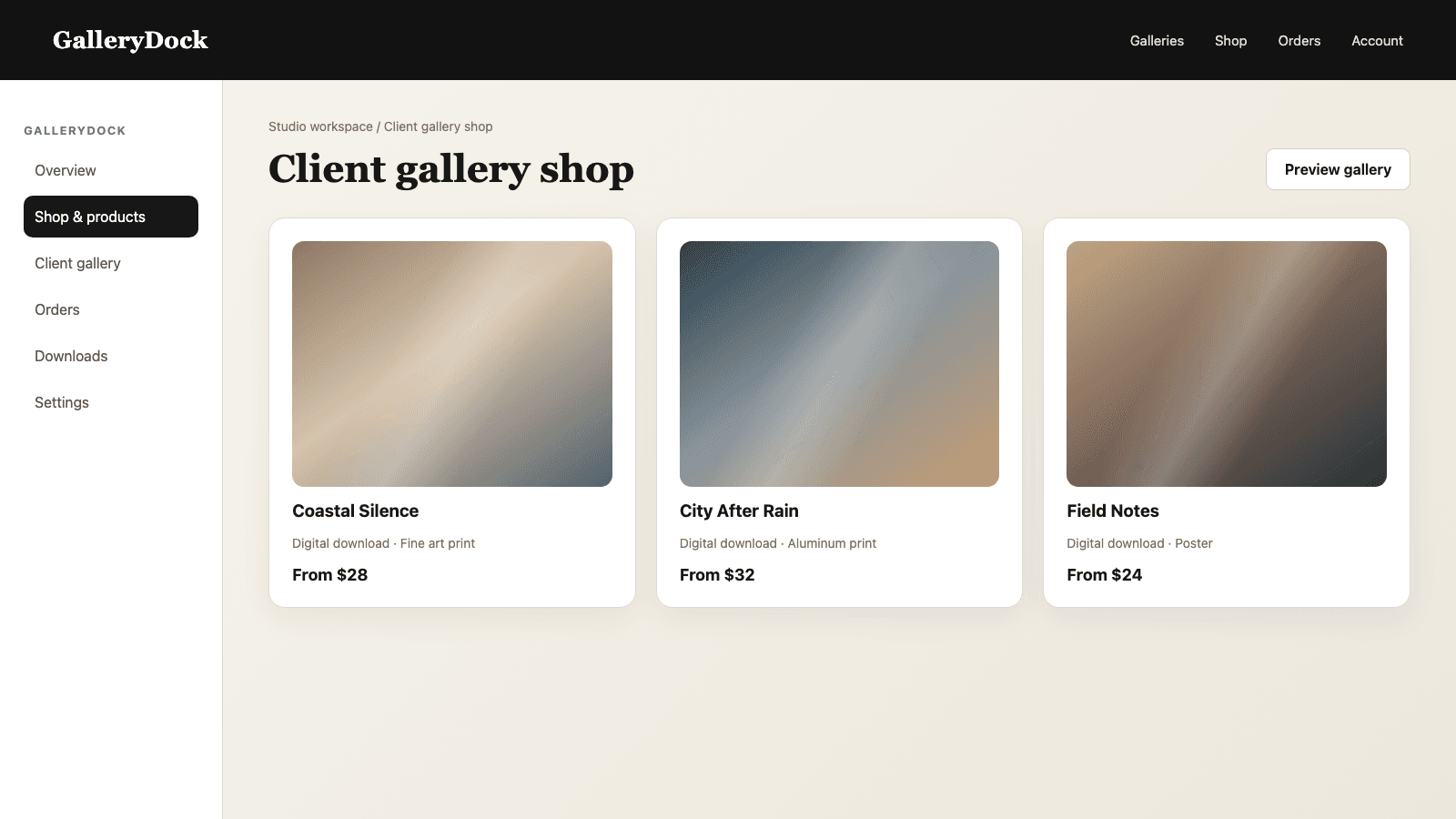
Check product name, dimensions, price, quantity, and checkout handoff from the public gallery.
04
Revisit the evidence after another defined period and remove the emphasis if buying behavior changes.
Comparison
Use the strongest available evidence before highlighting a product.
| Approach | Best for | Tradeoff |
|---|---|---|
| Completed orders | Confirmed buyer behavior | Needs enough comparable galleries |
| Repeated product requests | Demand before checkout | Must be documented consistently |
| One large order | A case study | Not enough for a bestseller claim |
| Personal favorite | Creative direction | Does not prove client demand |
| Automatic GalleryDock badge | Not available | The photographer makes the decision manually |
Several family galleries generate repeat orders for photo prints and posters, so the photographer checks size and price before highlighting one candidate.
Couples repeatedly ask for one canvas format. The studio documents those requests and verifies that the active product still fits its wedding galleries.
Aluminum prints recur in office orders, but the claim remains limited to the studio's business-gallery period rather than every client.
Frequently asked questions
No. The photographer reviews their own evidence and decides whether to highlight a candidate.
Completed orders and repeated, specific client requests are stronger than compliments or personal preference.
No. Start with comparable galleries so the result reflects a recognizable audience and buying context.
Yes. Evaluate digital files and physical prints according to the products clients could actually buy.
Choose a repeatable interval that gives you enough new orders without letting an old pattern become permanent.
Usually one well-supported candidate is clearer than several competing bestseller claims.
Related resources
Pricing
Free forever
0 EUR
EUR 0 per month
Perfect for sharing your first galleries professionally.
Start free, no credit card required
Monthly
19 EUR
EUR 228 billed yearly. plus VAT
Ideal for photographers who regularly deliver client galleries.
For regular client delivery
Monthly
29 EUR
EUR 348 billed yearly. plus VAT
For photographers managing many projects, videos and growing storage.
For regular client delivery
Document real demand, verify the active product, keep the assortment focused, and review the decision again after the next sales period.
Create a free account