01
Select the client-facing series
Choose a wedding, portrait, or fine art collection with a clear reason to order. Avoid turning an entire archive into an unfocused store.
Squarespace photo print shop
Embed a GalleryDock photo print shop in Squarespace with a suitable Code Block, configured products, and a published order-view check.

Quick answer
A photo print shop in Squarespace places a client-ready GalleryDock collection inside an editorial page while keeping product and checkout actions with the photographs. Start with one representative client project and decide what the visitor should understand, select, or buy before the page is assembled. GalleryDock maintains the gallery experience, contextual favorites and comments, controlled downloads, and digital or physical print sales when those options are configured. The website or shared link provides the surrounding entry, while the photographer remains responsible for the offer, access decisions, image suitability, product setup, and the published client check. Test the complete path on desktop and mobile instead of relying on an editor preview. This is not a native Squarespace product catalog, inventory extension, automatic catalog synchronization, plan guarantee, print-provider promise, or delivery-time and revenue guarantee.
Offer
Use Squarespace to explain the work and GalleryDock to carry the configured purchase choices.
01
Choose a wedding, portrait, or fine art collection with a clear reason to order. Avoid turning an entire archive into an unfocused store.
02
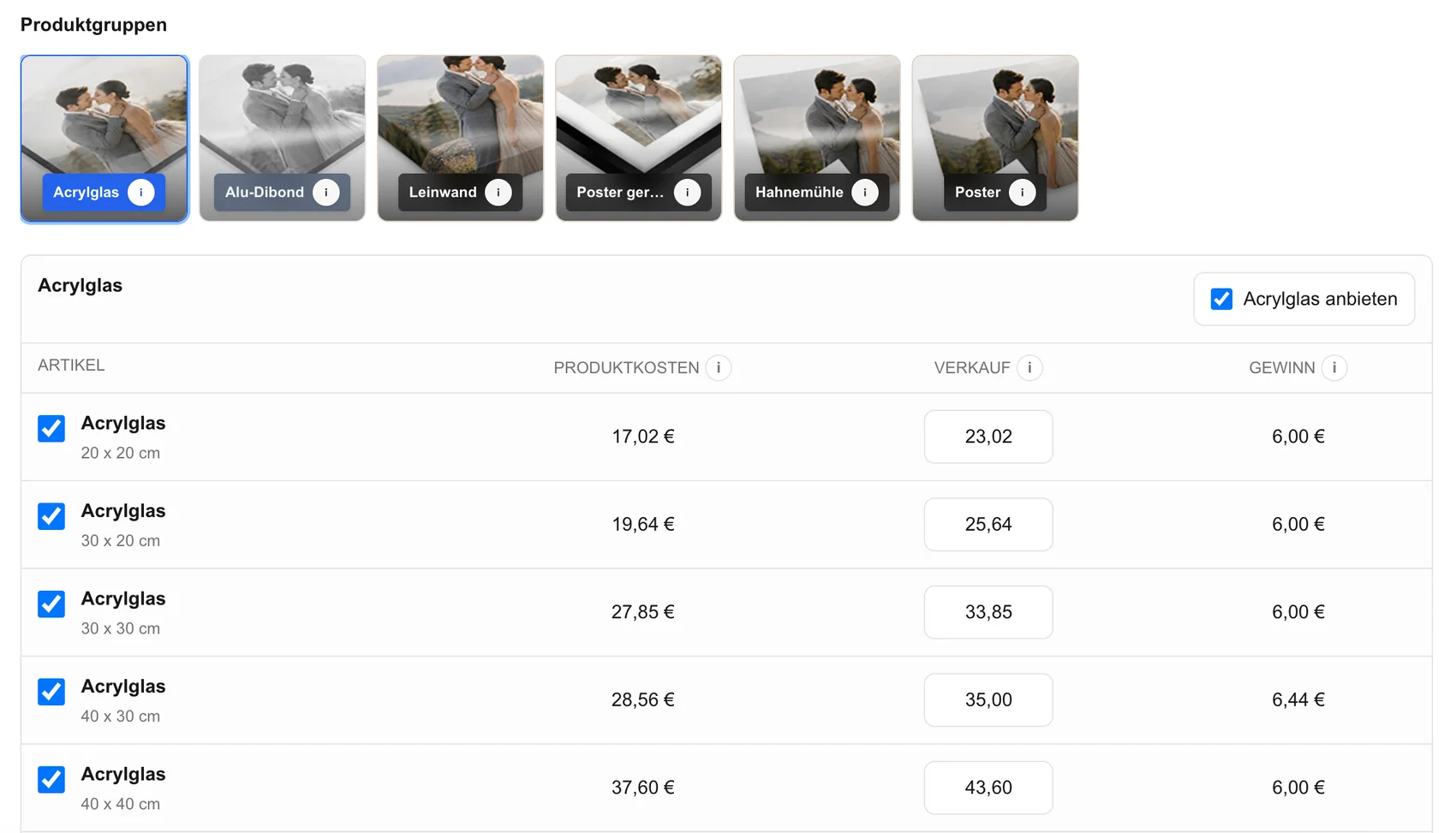
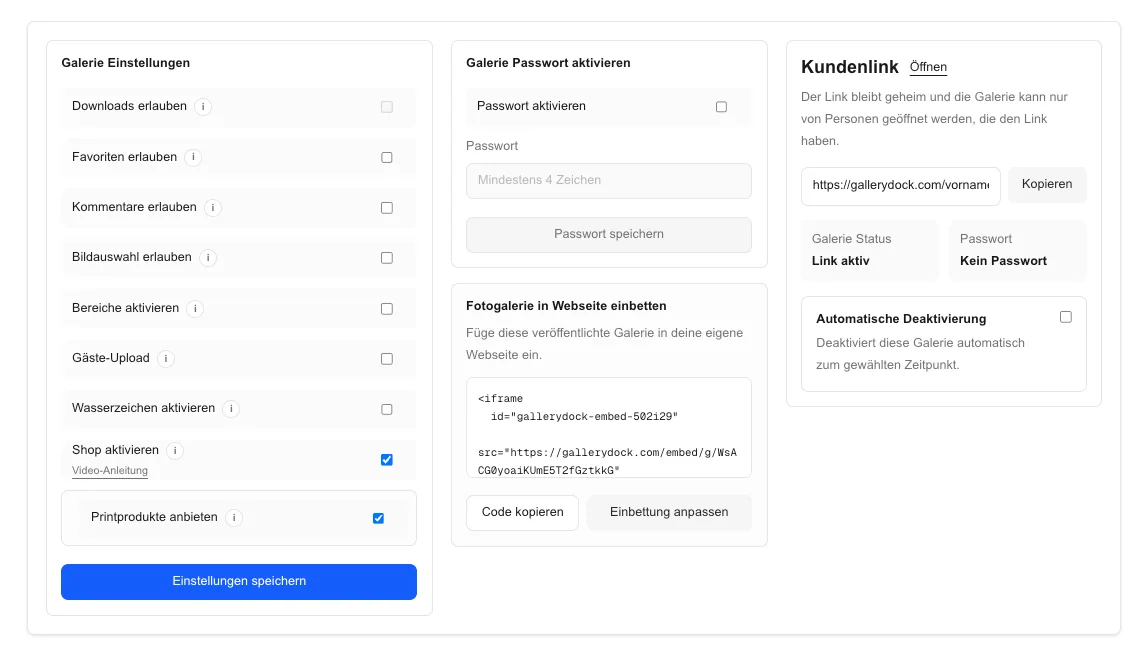
Set the available digital and physical items, sizes, and prices in GalleryDock before adding the collection to Squarespace.
03
Review representative portrait and landscape images against the product formats so clients are not discovering avoidable crop problems.
04
Introduce the collection and its intended audience on the page. Keep unsupported manufacturer, material, tax, and shipping claims out of the copy.
Place
A published Code Block can behave differently from a preview or ordinary content block.
01
Verify that the current Squarespace site, plan, permissions, and page area support the required code before preparing the launch.
02
Place the current GalleryDock code in the intended Code Block instead of recreating the product path as Squarespace image and product blocks.
03
Allow the gallery, product selector, crop controls, cart, and dialogs to remain usable without being clipped by the surrounding layout.
04
Save and publish before evaluating the result. An editor placeholder does not prove that the public visitor can use the print shop.
Order check
Verify the complete decision path while stopping before payment.
01
Open the live Squarespace URL and confirm that the collection follows naturally from the wedding story, portrait page, or print introduction.
02
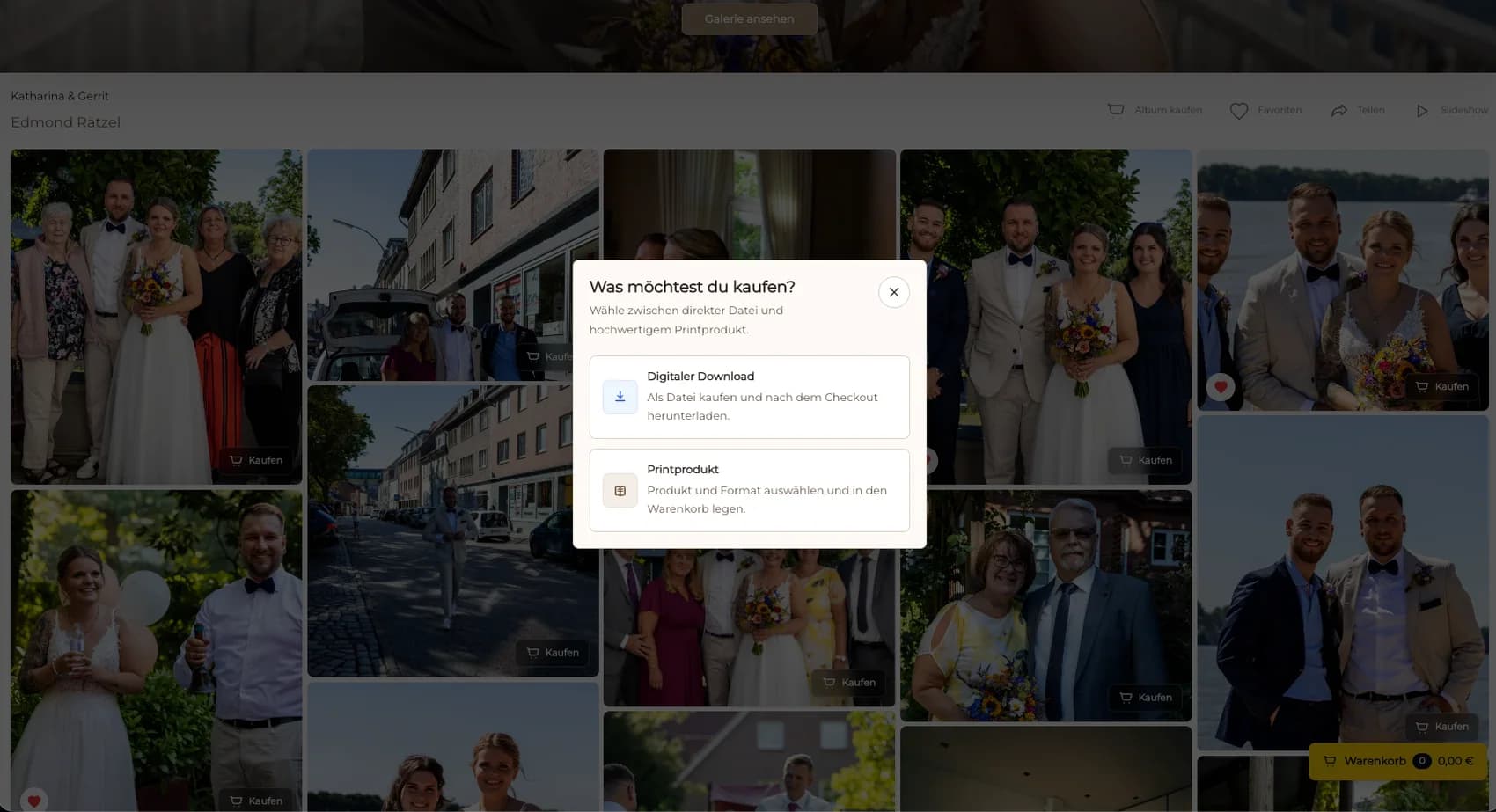
Select a representative photograph, product, and size, then confirm that the available choices match the configured offer.
03
Protect faces and key details in the crop and verify that controls remain readable on a phone.
04
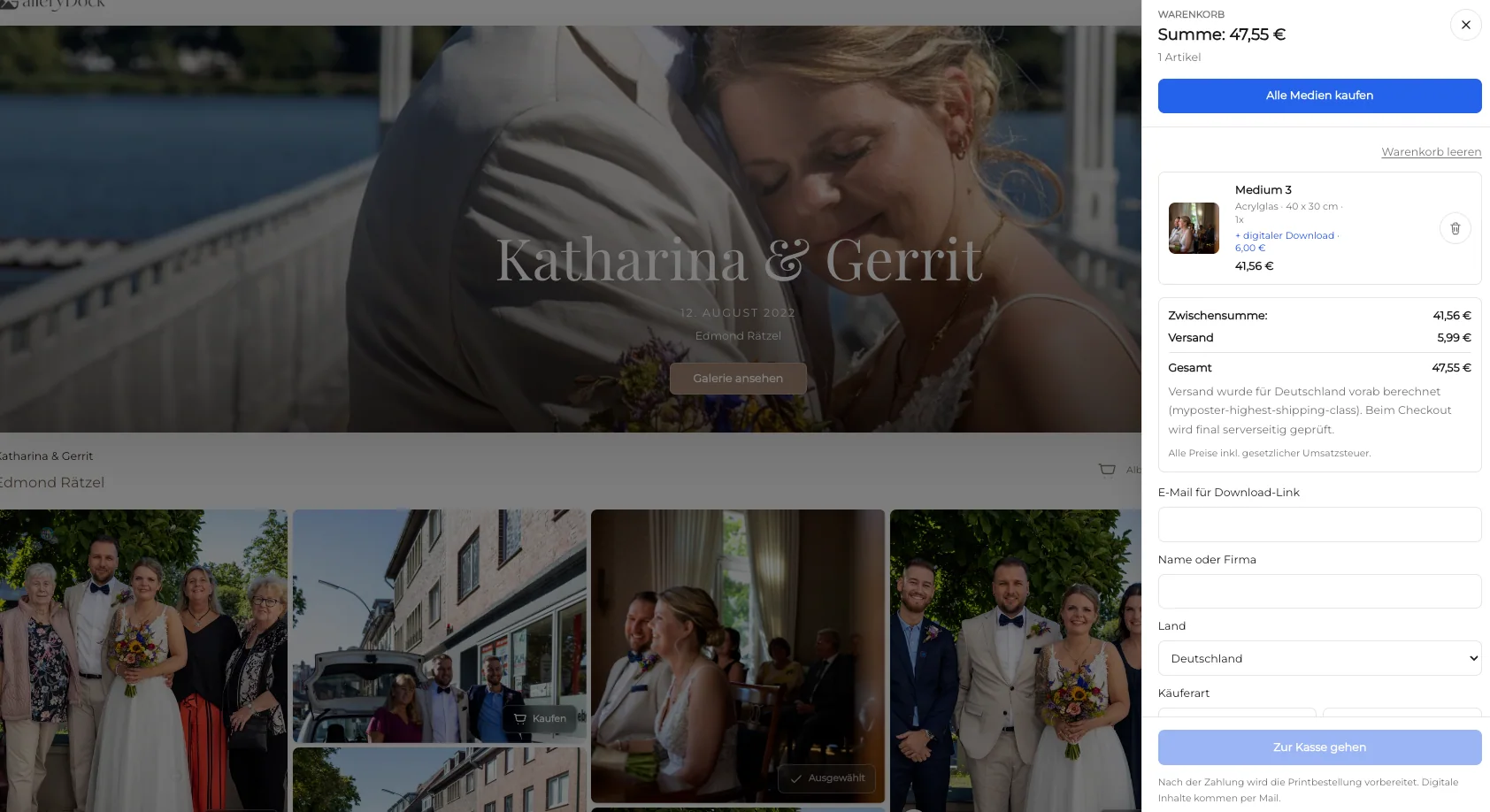
Review the cart and checkout redirect without completing a purchase. Keep Squarespace page responsibilities separate from GalleryDock commerce.
Comparison
Use the solution that matches whether the page needs editorial context, products, or both.
| Approach | Best for | Tradeoff |
|---|---|---|
| Embedded GalleryDock print shop | A photo-led client purchase path inside the page | Depends on eligible code support and published testing |
| Squarespace image gallery | Native visual presentation | Does not provide the configured GalleryDock commerce path |
| Squarespace product catalog | Products maintained directly in Squarespace | Creates a separate catalog responsibility |
| Direct GalleryDock link | A simple handoff without embedding | Leaves the Squarespace story page |
| Custom storefront | A bespoke inventory and fulfillment requirement | Outside this client-gallery workflow |
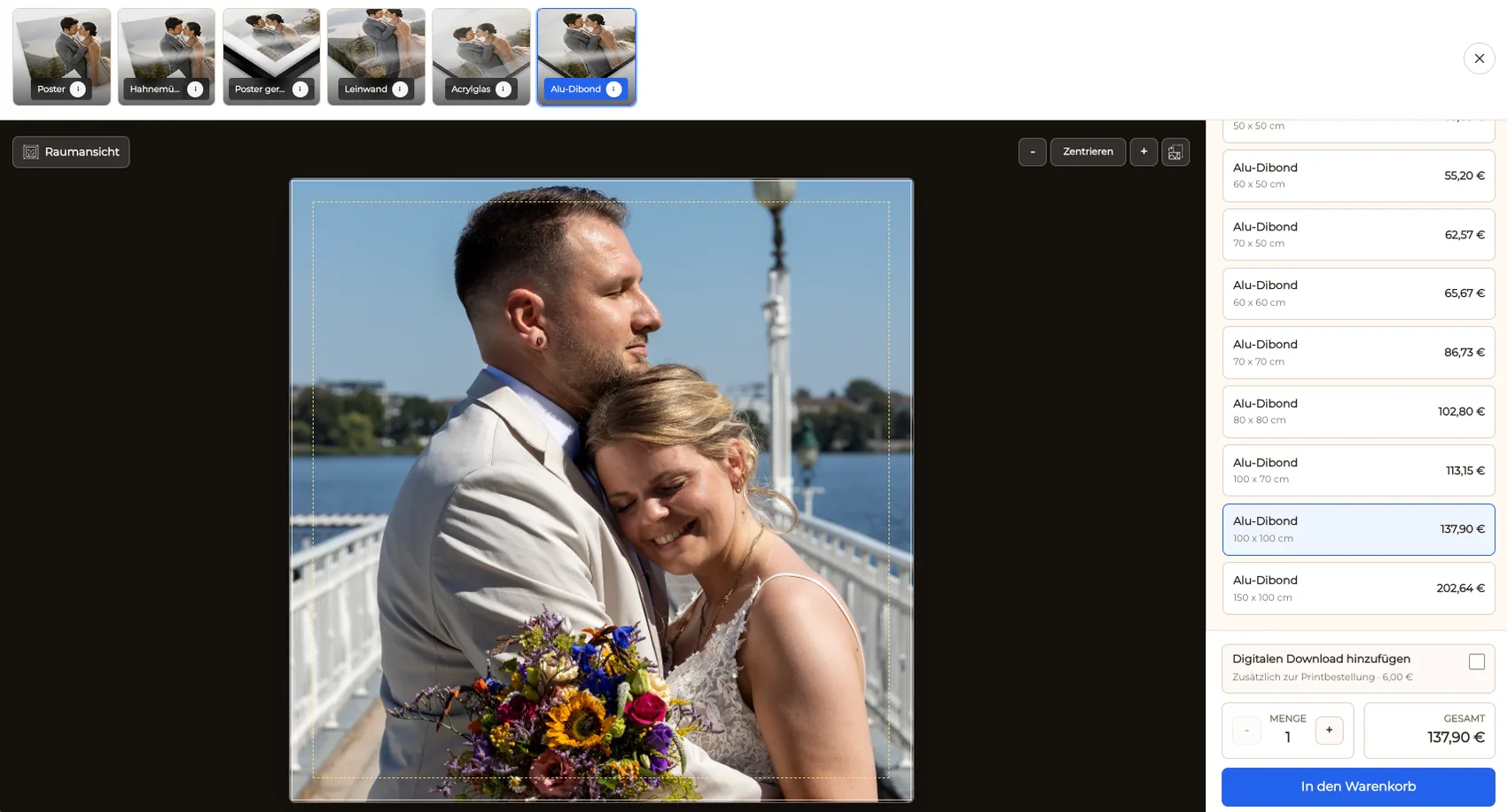
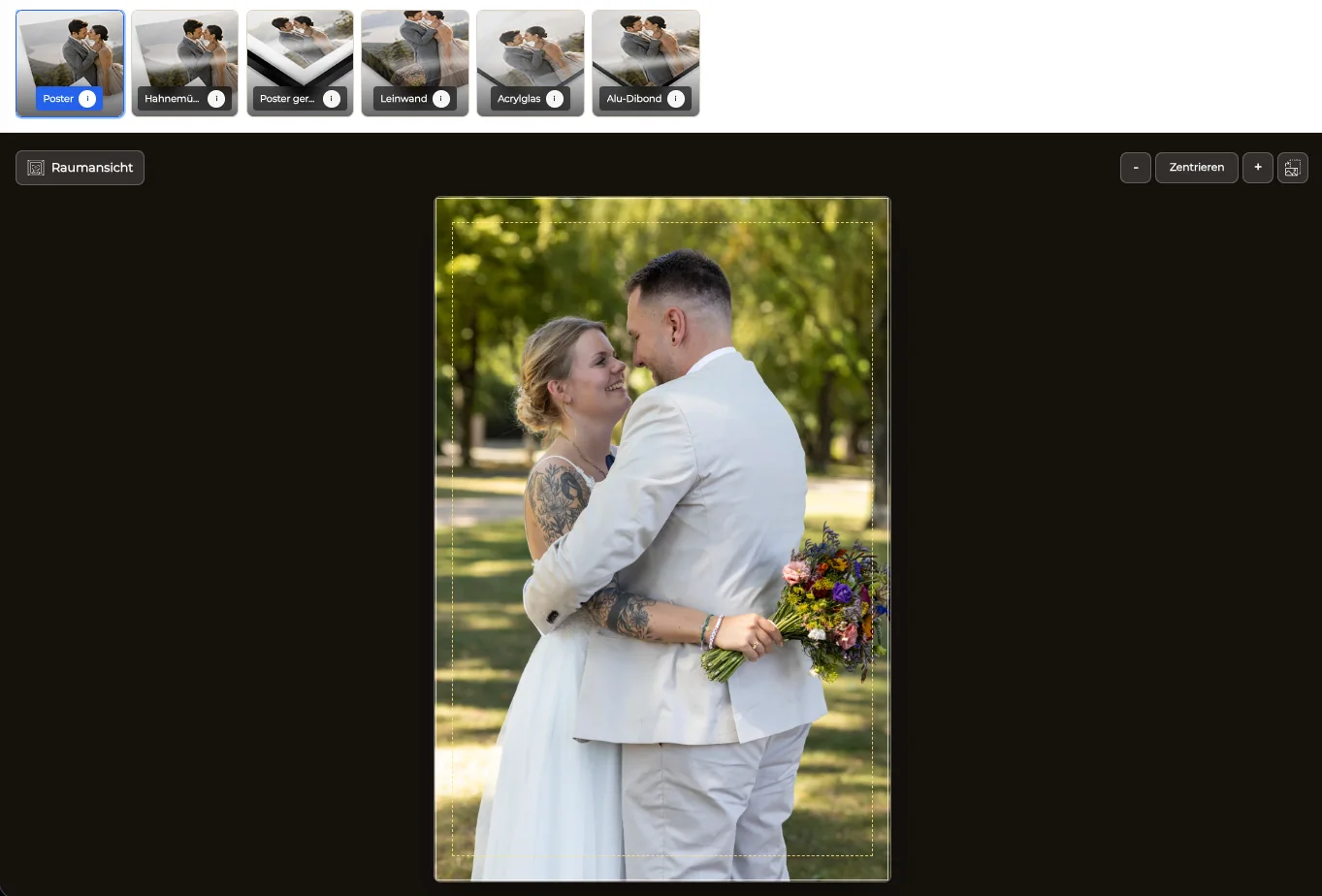
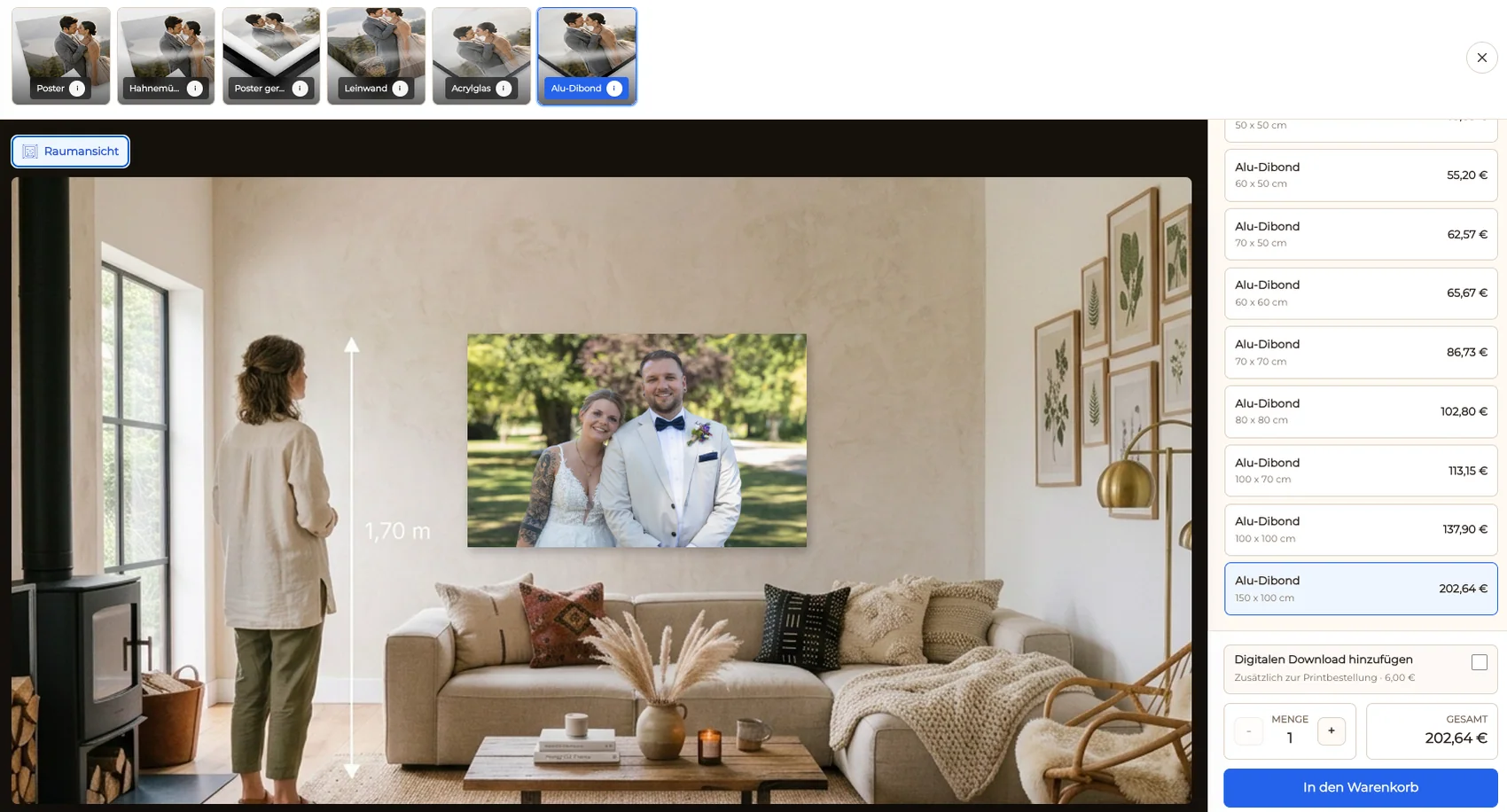
A couple revisits a selected wedding collection beneath the story and chooses a configured print.
A client compares products and crops for one approved portrait series.
A photographer introduces a small collection in Squarespace and keeps the purchase workflow with the images.
Frequently asked questions
Use an eligible Code Block and verify the current plan and editor support before publishing.
No universal plan claim is made; code features depend on the current site and subscription.
Third-party code can be represented differently in the editor, so the published client view is the required test.
Maintain the configured product choices in GalleryDock rather than creating an implied automatic Squarespace catalog sync.
Yes, when those options are configured for the gallery and verified through the live cart and checkout handoff.
Related resources
Pricing
Free forever
0 EUR
EUR 0 per month
Perfect for sharing your first galleries professionally.
Start free, no credit card required
Monthly
19 EUR
EUR 228 billed yearly. plus VAT
Ideal for photographers who regularly deliver client galleries.
For regular client delivery
Monthly
29 EUR
EUR 348 billed yearly. plus VAT
For photographers managing many projects, videos and growing storage.
For regular client delivery
Prepare the products in GalleryDock, place the complete embed in an eligible Code Block, and walk through the live crop, cart, and checkout handoff.
Create a free account