01
Open the current review link
Confirm the project and active cut before commenting so the note cannot be mistaken for feedback on an older version.
Timecoded video comments
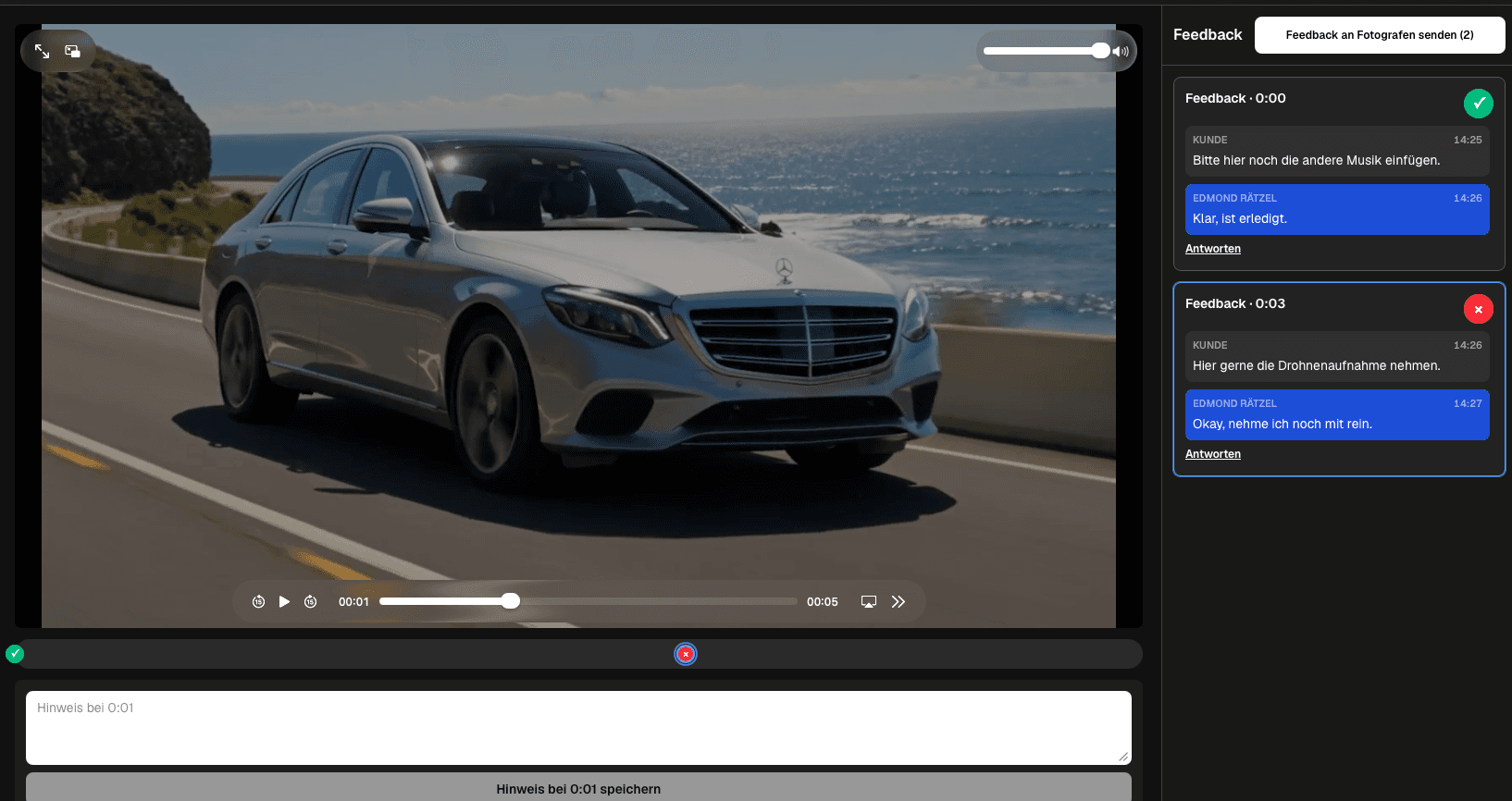
Open the review link, pause at the relevant scene, write a specific timecoded comment, continue in the same thread, and mark the point complete.
Quick answer
To comment on a video with timecodes, open the client review link, play the current cut, and pause at the exact scene you want to discuss. Add a comment at the current playback time, describe what you observed, and state the requested outcome. If the filmmaker asks a question, reply in the same thread so the time reference and decision remain together. Keep the item open while action or clarification is still required and mark it completed when the outcome is understood. Before submitting the review, scan the comments for duplicates, vague wording, and conflicting requests. GalleryDock provides timecoded, second-based comments in the client review context. It does not provide frame-accurate drawing, on-screen annotations, NLE markers, or direct editing of the video. For a one-frame technical defect, include a precise written description and use the filmmaker's production process for deeper inspection.
Create the comment
The timecode answers where; the written note still needs to explain what the reviewer sees and what should happen.
01
Confirm the project and active cut before commenting so the note cannot be mistaken for feedback on an older version.
02
Stop at the relevant moment and create the comment from the current playback position.
03
Name the visible or audible issue, subject, line, graphic, transition, or factual detail instead of writing a generic reaction.
04
Explain whether the scene should be shortened, replaced, clarified, verified, reframed, mixed differently, or left unchanged.
Clarify
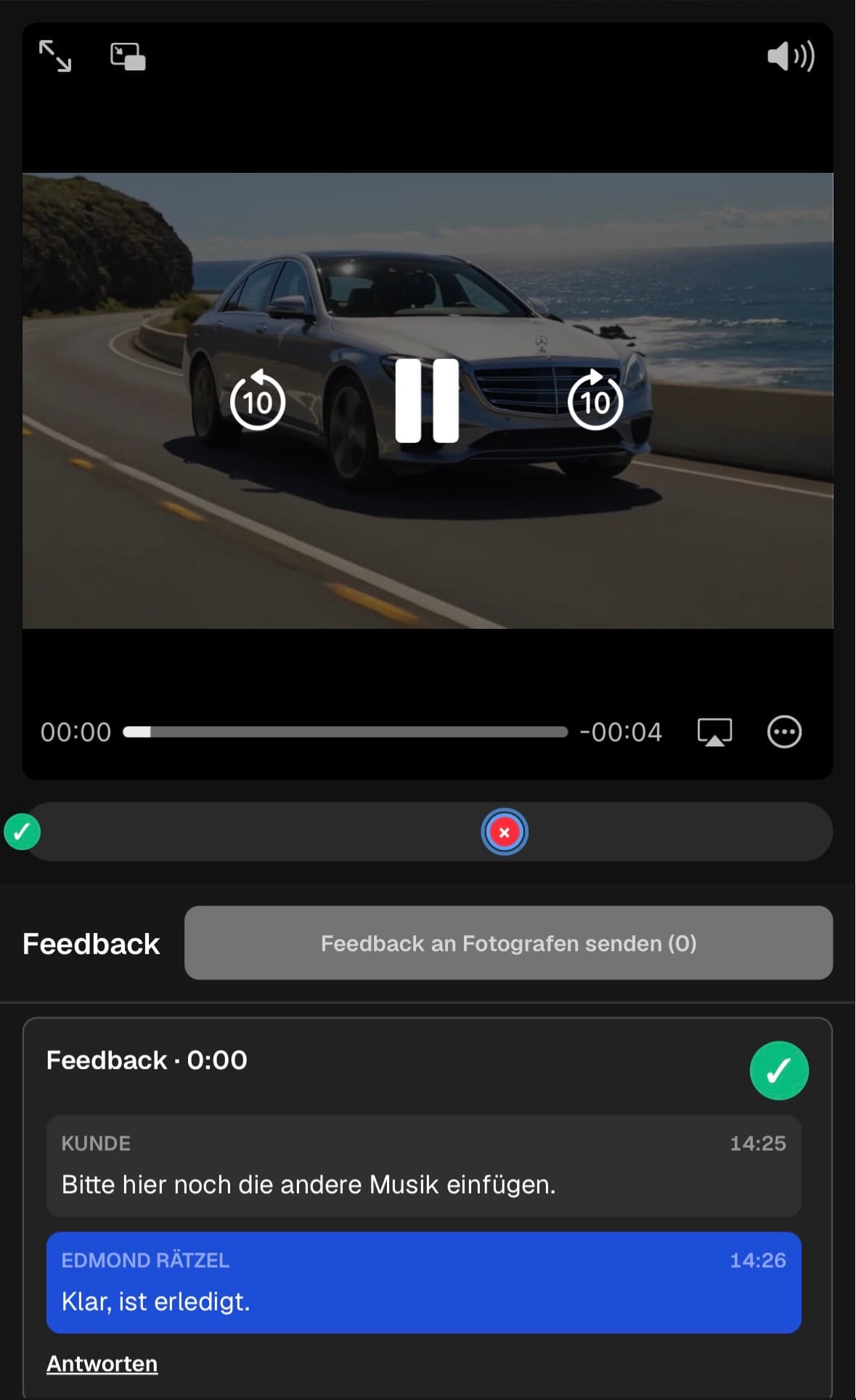
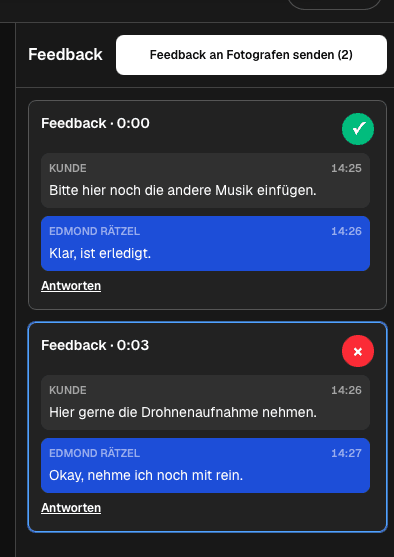
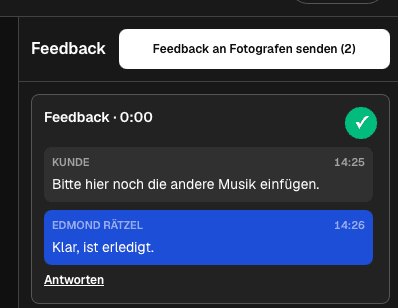
A thread prevents questions and answers from becoming detached from the original scene reference.
01
Keep the filmmaker's question, client explanation, and final direction attached to the same timecode.
02
Mention the audience, brand rule, factual source, required asset, or decision owner when that information determines the outcome.
03
Create another comment when a second scene or unrelated request needs its own owner and completion state.
04
Rewrite or clarify the request when two participants ask for outcomes that cannot both be implemented.
Complete
A final review pass makes the notes easier to understand and reduces avoidable clarification rounds.
01
Combine repeated requests when they refer to the same scene and outcome, while preserving any important stakeholder context.
02
Leave a note open when it still needs an answer, asset, decision, or edit action.
03
Use completed status when the decision no longer needs production attention, not simply because the comment has been read.
04
Send the comment set together so the filmmaker receives a coherent notification and can plan the next step.
Comparison
Timecoded comments solve many client review tasks, but highly technical defects may need a different inspection method.
| Approach | Best for | Tradeoff |
|---|---|---|
| Second-based timecode | Most client scene notes | Not a frame-accurate marker |
| Threaded reply | Clarifying one request | Needs concise decision ownership |
| Written visual description | Identifying the exact subject or issue | Must be specific enough to interpret |
| Frame-accurate production review | One-frame technical defects | Requires a specialized production tool |
| Email timestamp | A simple fallback | Separates the note from playback |
At 00:12, the reviewer names the title card and asks for the approved product name rather than writing fix text.
At 01:43, the client identifies the sentence and requests a shorter pause before the next question.
At 02:08, the reviewer describes the audible change and the intended emotional result without prescribing an unsupported editing action.
Frequently asked questions
Open the current review link, play the video, pause at the relevant scene, create the comment, and describe the observation and requested outcome.
Include the scene reference, what you observed, the requested result, and any decision owner, factual source, or asset needed to act.
Yes. Continue the discussion in the same thread so the clarification remains attached to the original playback moment.
No. They are timecoded, second-based review references and do not provide frame drawing, annotations, or NLE editing markers.
Mark it complete when the intended outcome is clear and no further production action or decision is needed.
Related resources
Pricing
Free forever
0 EUR
EUR 0 per month
Perfect for sharing your first galleries professionally.
Start free, no credit card required
Monthly
19 EUR
EUR 228 billed yearly. plus VAT
Ideal for photographers who regularly deliver client galleries.
For regular client delivery
Monthly
29 EUR
EUR 348 billed yearly. plus VAT
For photographers managing many projects, videos and growing storage.
For regular client delivery
Pause at the scene, describe the observation, request a clear outcome, and keep every clarification in the same thread.
Create a free account