01
Choose a representative project
Use an export with realistic duration, file size, pacing, graphics, and stakeholder complexity. A tiny demo can prove that a button works but not that the workflow fits production.
Free video feedback tool
Test a free video feedback tool with one real project, one client, and one complete correction round before deciding whether the workflow deserves a larger rollout.
Quick answer
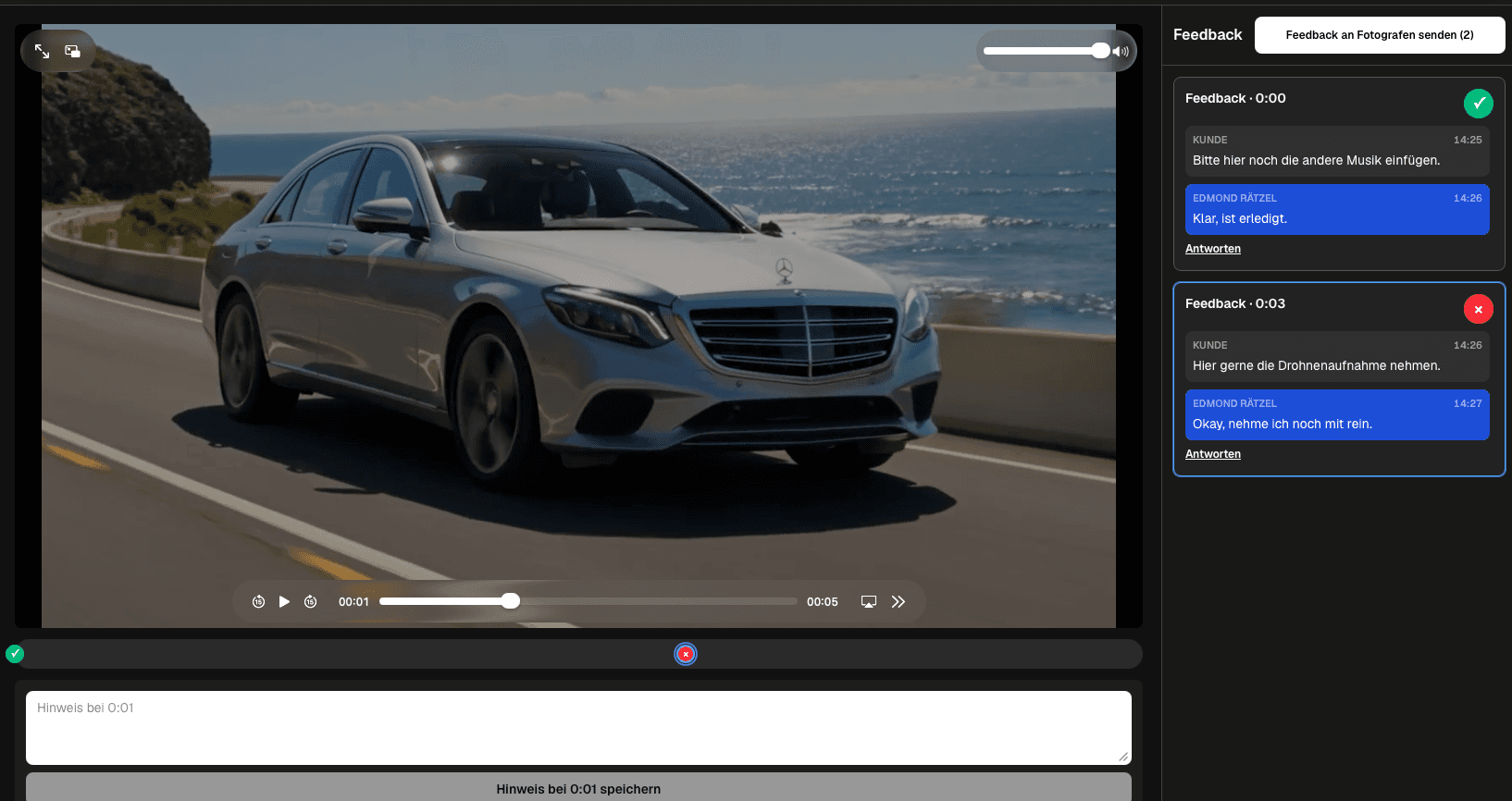
A free video feedback tool is most valuable as a controlled pilot: test a representative export, the real client path, one complete correction round, and the limits that would trigger an upgrade. GalleryDock has a Free plan for testing a real workflow, but this page does not promise unlimited storage, unlimited projects, permanent free access, or a particular paid-plan price.
Pilot design
A useful free trial produces evidence about the entire client journey and the limits that affect paid work.
01
Use an export with realistic duration, file size, pacing, graphics, and stakeholder complexity. A tiny demo can prove that a button works but not that the workflow fits production.
02
The creator already knows the product and project. A client-like reviewer reveals unclear instructions, account friction, playback confusion, and missing expectations that an internal test will miss.
03
Define the actions that must work: open the private link, play the current file, place a precise note, reply, submit, track status, and understand delivery.
04
Measure setup, reviewer effort, clarification, correction, and verification. The goal is not merely faster commenting; it is a more predictable project handoff.
Free-plan boundaries
Free plans are useful evaluation environments, but responsible adoption requires checking the current boundaries directly.
01
Confirm that the actual export format and size fit the current plan and product limits. Do not generalize from a compressed demo file.
02
One pilot may fit easily while a month of overlapping reviews does not. Estimate how many active exports and final deliveries your normal workload creates.
03
Verify whether the free setup still presents the work professionally and whether the reviewer can complete the task without a support call or separate account.
04
Write down the exact event that would justify a paid plan, such as higher volume, different entitlement needs, or a more demanding client workflow.
Decision
A disciplined test ends with a documented decision rather than an indefinite collection of trial accounts.
01
Adopt the path when the reviewer understood the task, notes stayed in context, corrections were traceable, and the verified file reached final delivery cleanly.
02
Some failures come from vague instructions or unclear ownership. Retest the communication layer before concluding that another interface will solve the process.
03
Choose a paid plan only when a proven workload or entitlement exceeds the free boundary. Avoid inventing needs from a feature-comparison page.
04
Keep source files and project records independently archived so changing plans or tools never becomes a threat to the production master.
Comparison
Use the differences below as decision criteria, then verify the complete path with one real client project before changing your standard workflow.
| Approach | Best for | Tradeoff |
|---|---|---|
| One real export | Proving playback and timecoded notes | A sample file may hide the size and complexity of client work |
| One outside reviewer | Testing client friction | The creator's own account does not represent the invited experience |
| One correction round | Testing status and closure | Comment collection alone does not prove a complete workflow |
| Desktop and mobile | Testing practical access | A single device can conceal layout or playback problems |
| Upgrade trigger list | Preventing surprise limits | Record the limits that matter before moving all projects |
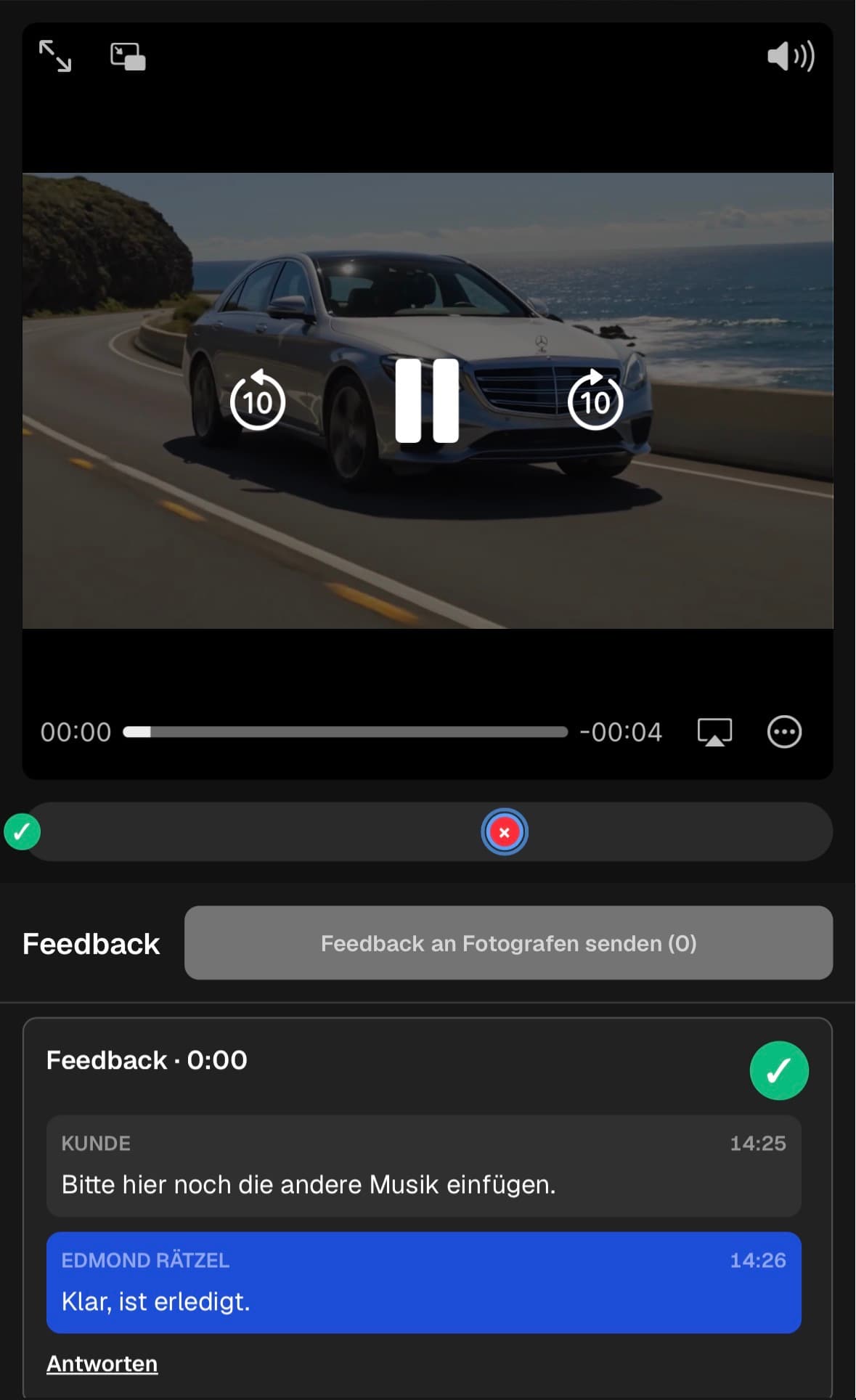
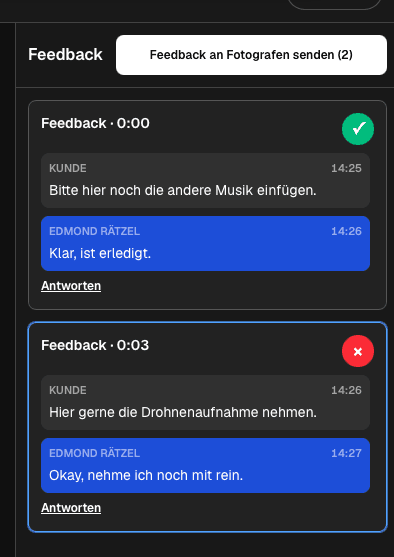
A freelancer tests one representative client export, records upload and review friction, and decides whether the free path supports the current volume.
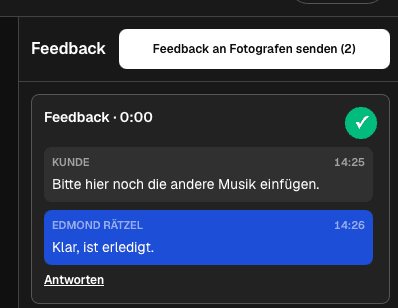
A trusted outside reviewer opens the link on a phone and desktop, leaves a precise note, responds to clarification, and confirms the next step.
A creator compares real file size, number of clips, storage, project cadence, and delivery needs with the current plan instead of relying on assumptions.
Frequently asked questions
GalleryDock offers a Free plan that can be used to test the client path and core workflow with a real project, subject to the plan's current limits.
Start with upload and playback, then ask an outside reviewer to leave a timecoded note, reply to a question, submit feedback, and recognize the next step.
A sample is useful for a technical smoke test, but a representative client export is better for checking file size, duration, review complexity, and the real handoff.
Upgrade decisions should come from actual project volume, file requirements, storage, team workflow, or client-delivery needs rather than an assumed future scenario.
No. Do not assume unlimited files, projects, storage, duration, collaborators, or permanent availability. Review the current plan details before committing a production workflow.
A workflow test does not require a purchase. Verify review and delivery first, then choose a plan only if the proven requirements exceed the Free plan.
Related resources
Pricing
Free forever
0 EUR
EUR 0 per month
Perfect for sharing your first galleries professionally.
Start free, no credit card required
Monthly
19 EUR
EUR 228 billed yearly. plus VAT
Ideal for photographers who regularly deliver client galleries.
For regular client delivery
Monthly
29 EUR
EUR 348 billed yearly. plus VAT
For photographers managing many projects, videos and growing storage.
For regular client delivery
Use one representative export and one real reviewer, write down every friction point and limit, and decide from evidence instead of a feature checklist.
Create a free account