01
Name the target role
State whether the reel represents directing, cinematography, editing, motion design, color, sound, or a broader production profile.
Portfolio review
Review a film portfolio or showreel with timecoded feedback, clear selection criteria, discussion threads, and resolved revision notes.
Quick answer
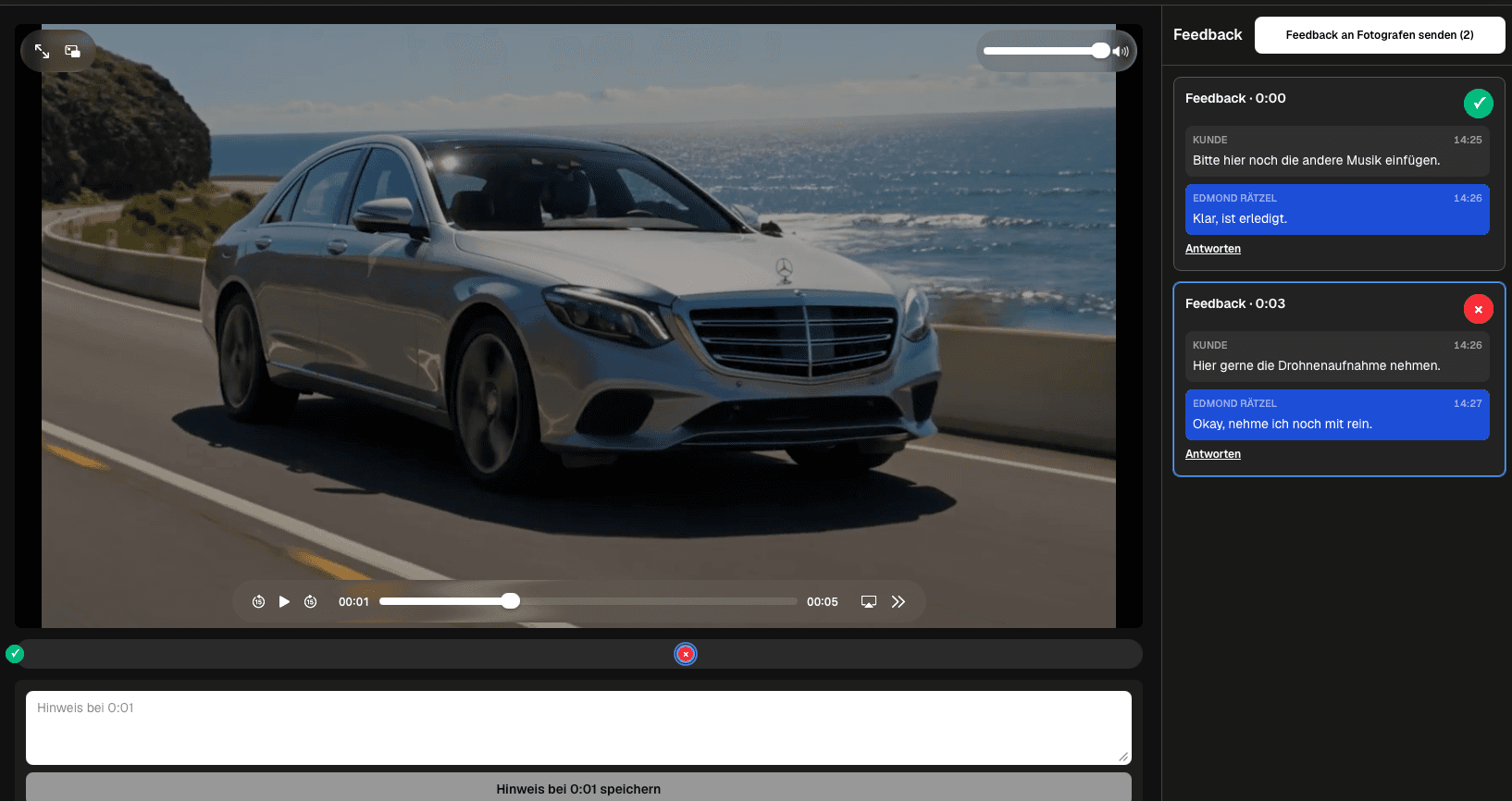
A film portfolio review should answer a career question, not collect random reactions to every shot. Directors, cinematographers, editors, colorists, and filmmakers need to know whether a reel communicates their role, visual judgment, pacing, range, and the kind of work they want next. GalleryDock gives reviewers a clear video in a branded gallery where they can pause at the relevant moment, leave timecoded feedback, discuss one note in a thread, and distinguish open changes from resolved decisions. The filmmaker can use that structure to decide what opens the reel, which sequences repeat the same skill, where context is missing, and whether the ending leaves the right impression. This is a portfolio curation and presentation workflow. It does not edit the footage, score creative quality automatically, or replace the filmmaker's final authorship decision.
Review brief
Useful feedback begins with the role, audience, and next opportunity the reel is meant to support.
01
State whether the reel represents directing, cinematography, editing, motion design, color, sound, or a broader production profile.
02
A production company, agency, client, collaborator, and film-school panel may look for different evidence in the same body of work.
03
Ask whether the reel attracts the genres, budgets, visual styles, and responsibilities the filmmaker actually wants next.
04
Request feedback on opening strength, role clarity, repeated material, pacing, context, credits, and the final impression.
Timecoded review
A precise moment gives creative feedback enough context to become actionable.
01
Pause where the question appears and explain whether the issue concerns selection, duration, ordering, credit, or clarity.
02
A reviewer can dislike a style while still recognizing that it communicates the filmmaker's intended specialty effectively.
03
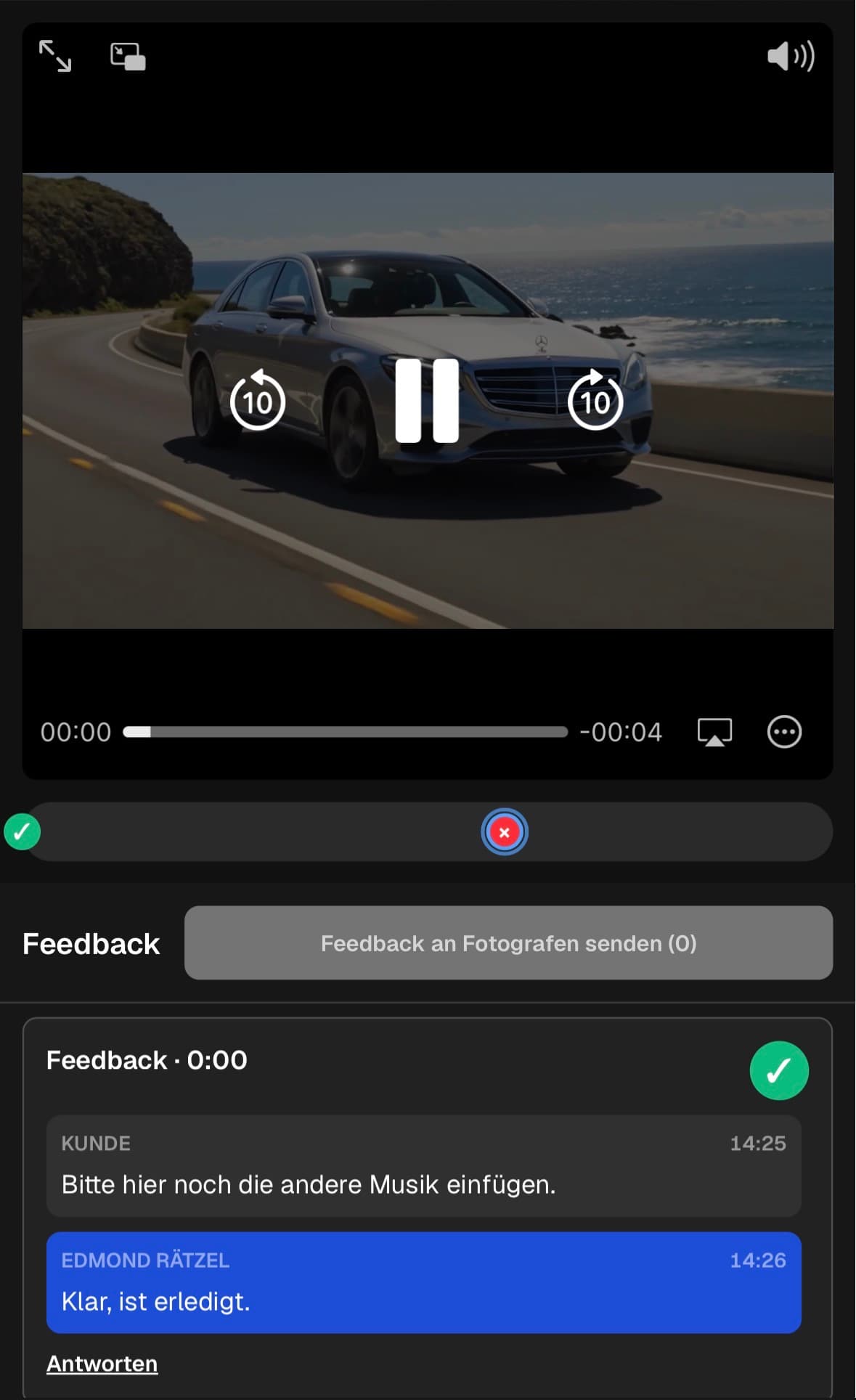
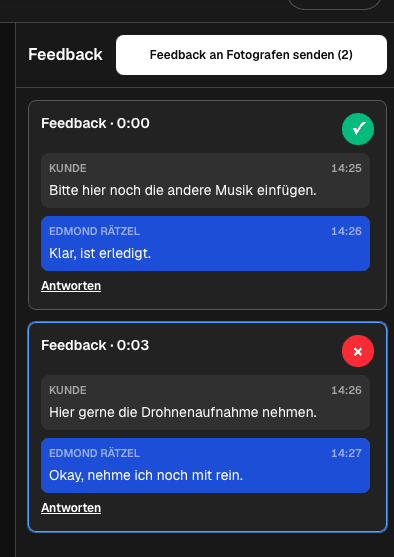
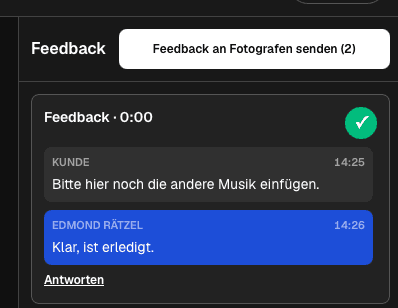
Keep the filmmaker's response and the reviewer's follow-up attached to one scene instead of starting a separate message chain.
04
Once a clip is kept, shortened, replaced, or removed, resolve the note so the next review focuses on the current reel.
Portfolio edit
The final reel should feel authored rather than assembled from every available project.
01
Lead with work that immediately demonstrates the target role and visual standard instead of saving the strongest material for later.
02
If several clips prove the same ability, keep the clearest one and use the saved time to show another relevant strength.
03
Project titles, roles, and credits should help the viewer understand responsibility without interrupting the reel's momentum.
04
Upload the revised cut and check image, sound, titles, mobile playback, and the shared presentation before sending the portfolio.
Comparison
Match the reviewer and method to the decision the filmmaker needs to make.
| Approach | Best for | Tradeoff |
|---|---|---|
| Timecoded peer review | Detailed selection and pacing notes | Needs a clear brief to avoid subjective noise |
| Mentor review | Positioning and career direction | May be less focused on every edit point |
| Client reaction | Clarity for a commercial audience | Does not replace craft feedback |
| Public social post | Broad informal reactions | Feedback is fragmented and lacks context |
| Self-review only | Fast private iteration | Familiarity can hide repetition and unclear role signals |
A director asks whether the opening establishes performance, visual control, and story range before the reel shifts into secondary work.
A cinematographer reviews whether lighting, movement, lens choices, and project variety remain visible without repetitive shots.
An editor tests pacing, transitions, tonal range, and whether the selected sequences make the editing contribution understandable.
Frequently asked questions
It should cover role clarity, target audience, opening strength, clip selection, repetition, pacing, context, credits, technical presentation, and the final impression.
A timecode connects the note to the exact clip or transition, which makes selection and pacing feedback easier to interpret.
Choose people who understand the target role and audience: trusted peers, mentors, producers, agency contacts, or representative clients.
They can follow the shared client review workflow without needing their own GalleryDock account, while providing the information needed for the feedback process.
No. GalleryDock organizes review comments and discussion around the uploaded export; the filmmaker performs the edit and owns the final selection.
No. Portfolio review improves positioning and selection. Project approval concerns a commissioned deliverable, stakeholders, and the agreed production process.
Related resources
Pricing
Free forever
0 EUR
EUR 0 per month
Perfect for sharing your first galleries professionally.
Start free, no credit card required
Monthly
19 EUR
EUR 228 billed yearly. plus VAT
Ideal for photographers who regularly deliver client galleries.
For regular client delivery
Monthly
29 EUR
EUR 348 billed yearly. plus VAT
For photographers managing many projects, videos and growing storage.
For regular client delivery
Share a focused reel in GalleryDock and collect precise feedback before publishing the next version.
Create a free account