01
Curate the orderable set
Publish only the finished photographs that belong in the offer so buyers do not sort through proofs, duplicates, or unfinished alternatives.
Fast print ordering
Build a fast, complete photo print ordering workflow with a curated gallery, clear products, crop preview, cart, and checkout.
Quick answer
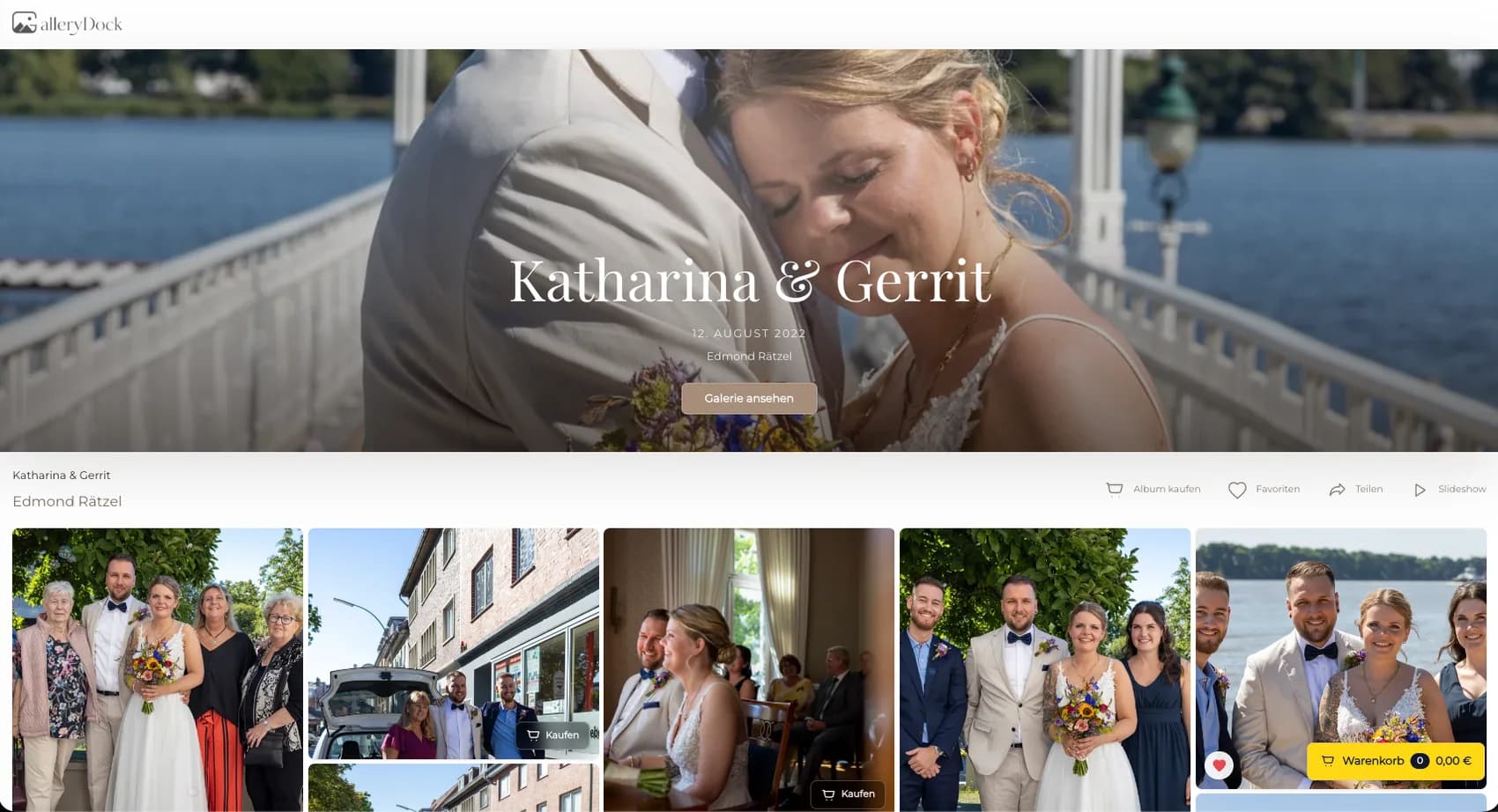
A fast photo print order is not created by promising an unrealistic delivery time. It starts by removing missing decisions before the order is placed. The photographer prepares a focused gallery, activates the right digital and physical products, verifies sizes and prices, and checks how each photograph behaves in portrait, landscape, and cropped formats. The buyer can then move from the selected image to a visible product choice, cart, and checkout without reconstructing the order in email. GalleryDock keeps the gallery and purchase path together so the photograph, product, size, crop, quantity, and price remain understandable. This guide focuses on order readiness and a shorter decision path. It does not present GalleryDock as a print lab, shipping company, or fulfillment provider, and it makes no express-delivery guarantee.
Order readiness
Speed comes from complete information, not from skipping the decisions that protect the photograph.
01
Publish only the finished photographs that belong in the offer so buyers do not sort through proofs, duplicates, or unfinished alternatives.
02
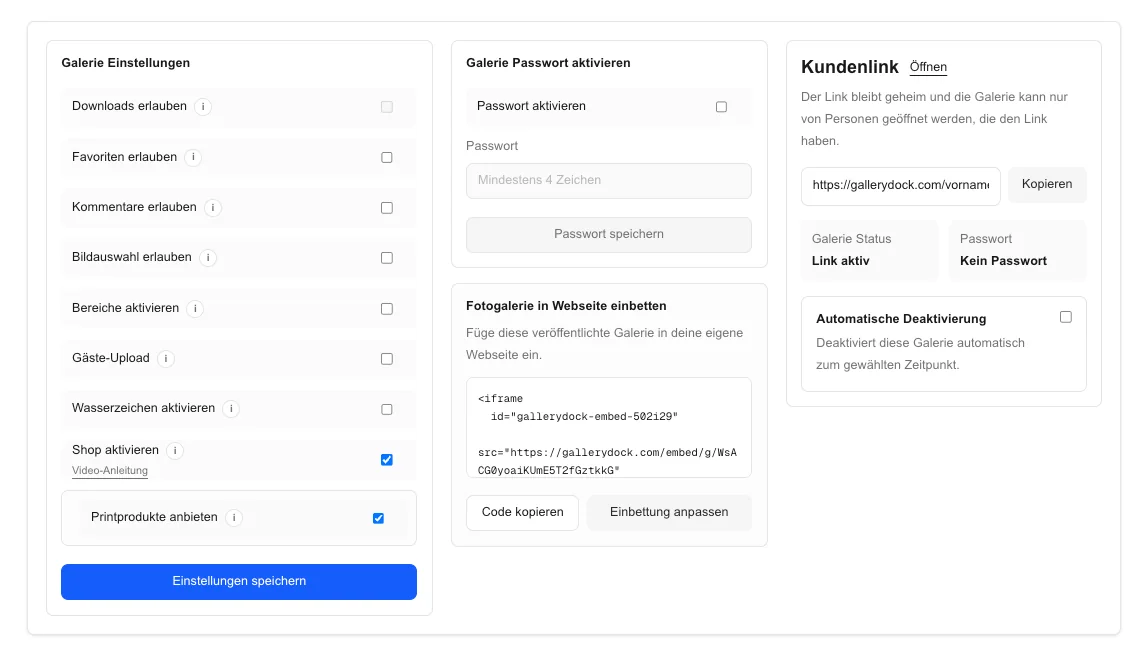
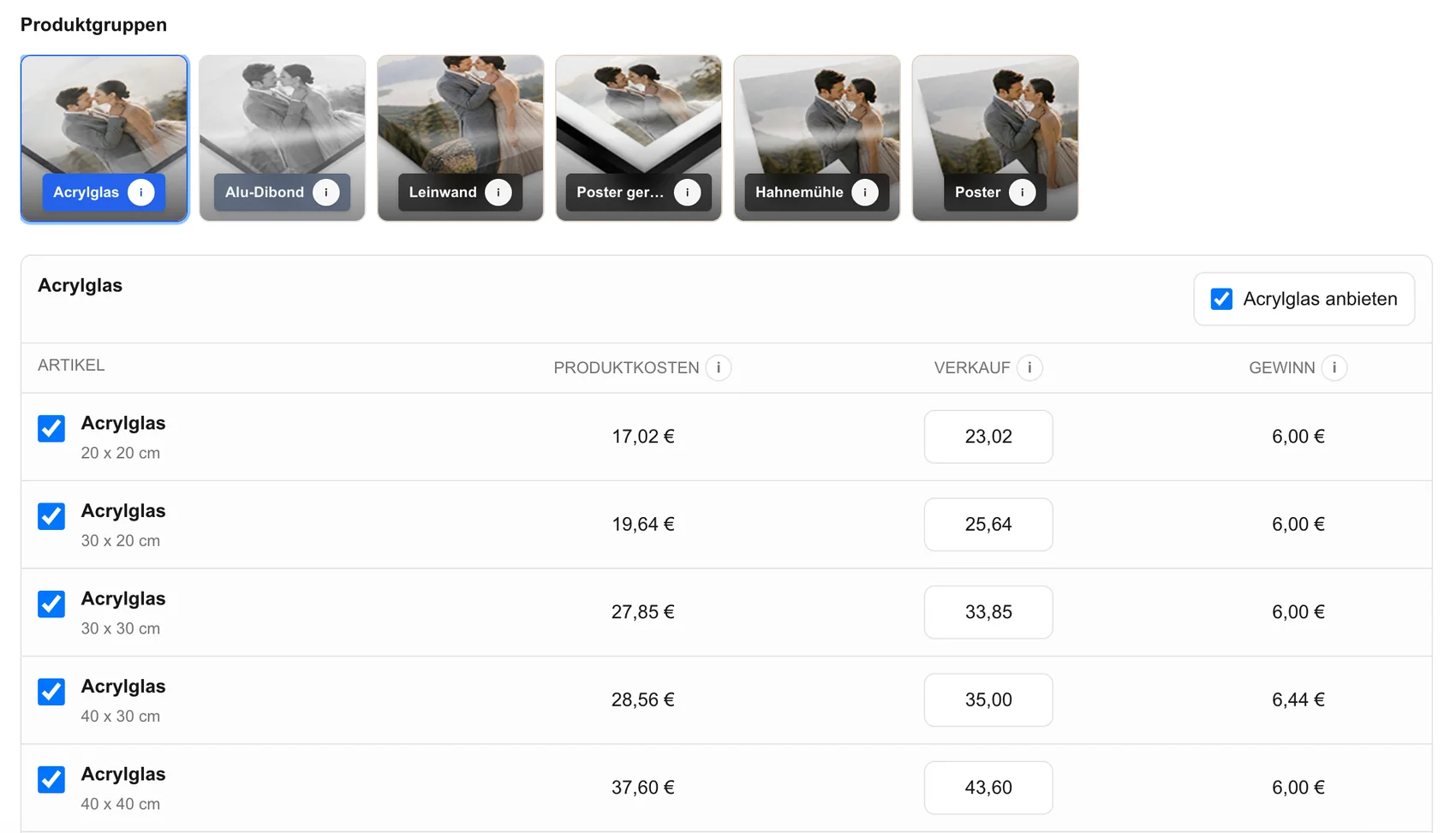
Activate the products and sizes that fit the assignment instead of asking the buyer to navigate every possible wall and paper option.
03
Review the visible selling price for every active size and make sure digital products and physical prints are clearly distinguished.
04
Open the same gallery link the client will receive and complete a realistic product selection on desktop and mobile.
Visual checks
A buyer can decide faster when orientation, crop, and scale are visible at the point of choice.
01
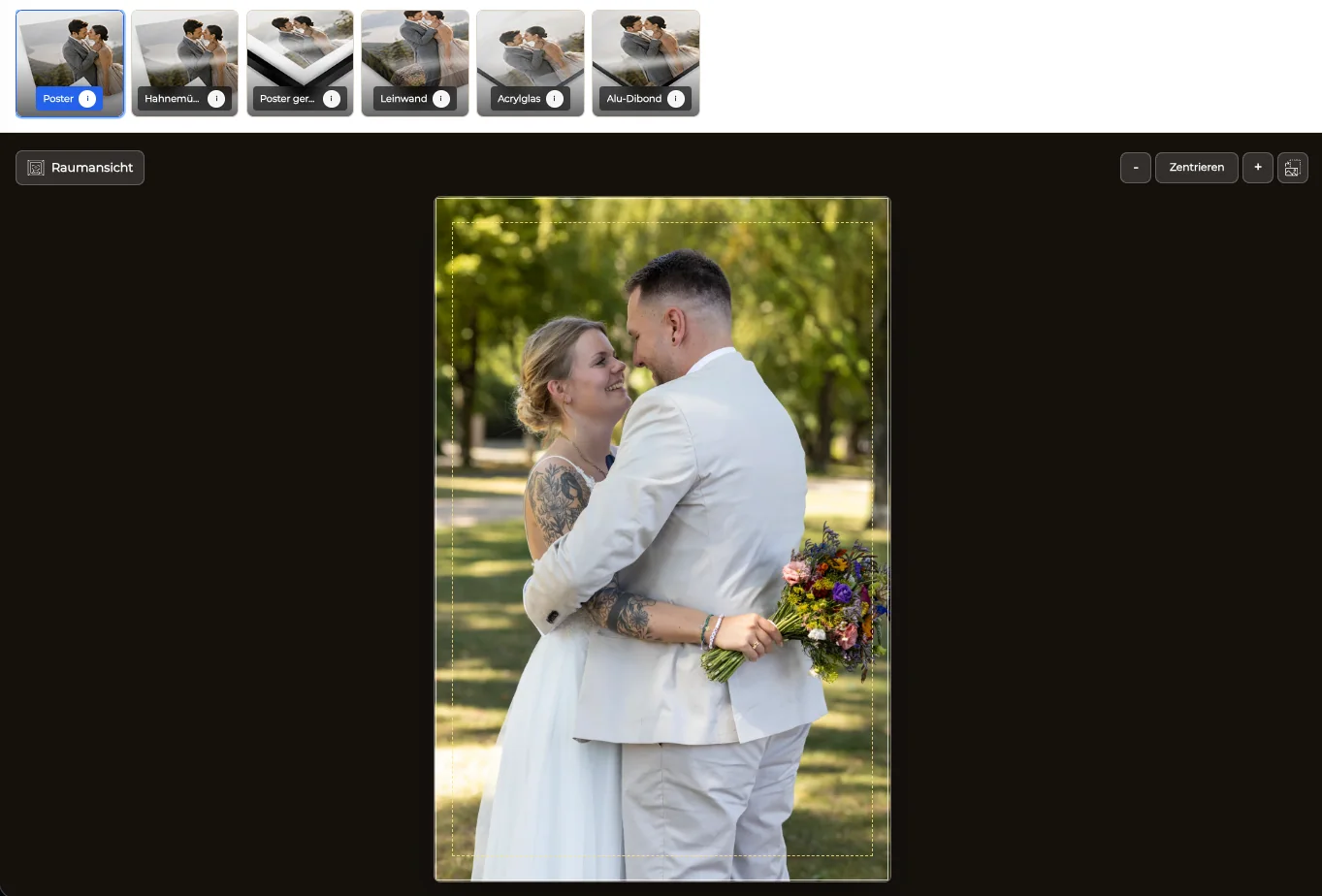
Match each photograph to the available orientation and remove combinations that weaken the composition or create confusing empty space.
02
Review faces, hands, typography, borders, and important edges in the actual product preview before making the size available.
03
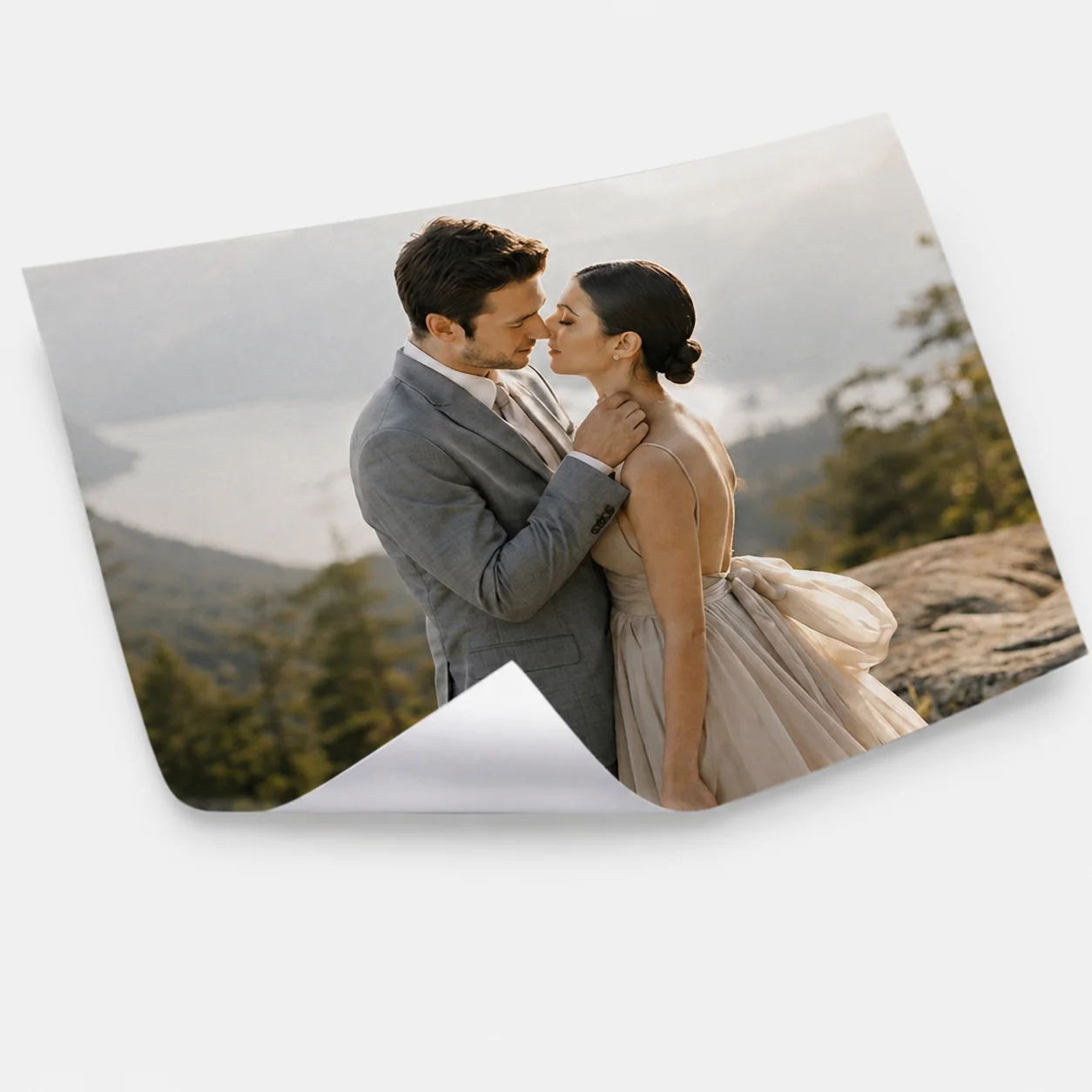
Explain the difference between a simple photo print, a poster, and a wall product in language connected to the buyer's intended use.
04
For wall products, let the buyer see whether the selected dimensions read as a small accent or a large focal piece.
Purchase path
The order should remain traceable from the chosen photograph to the final checkout summary.
01
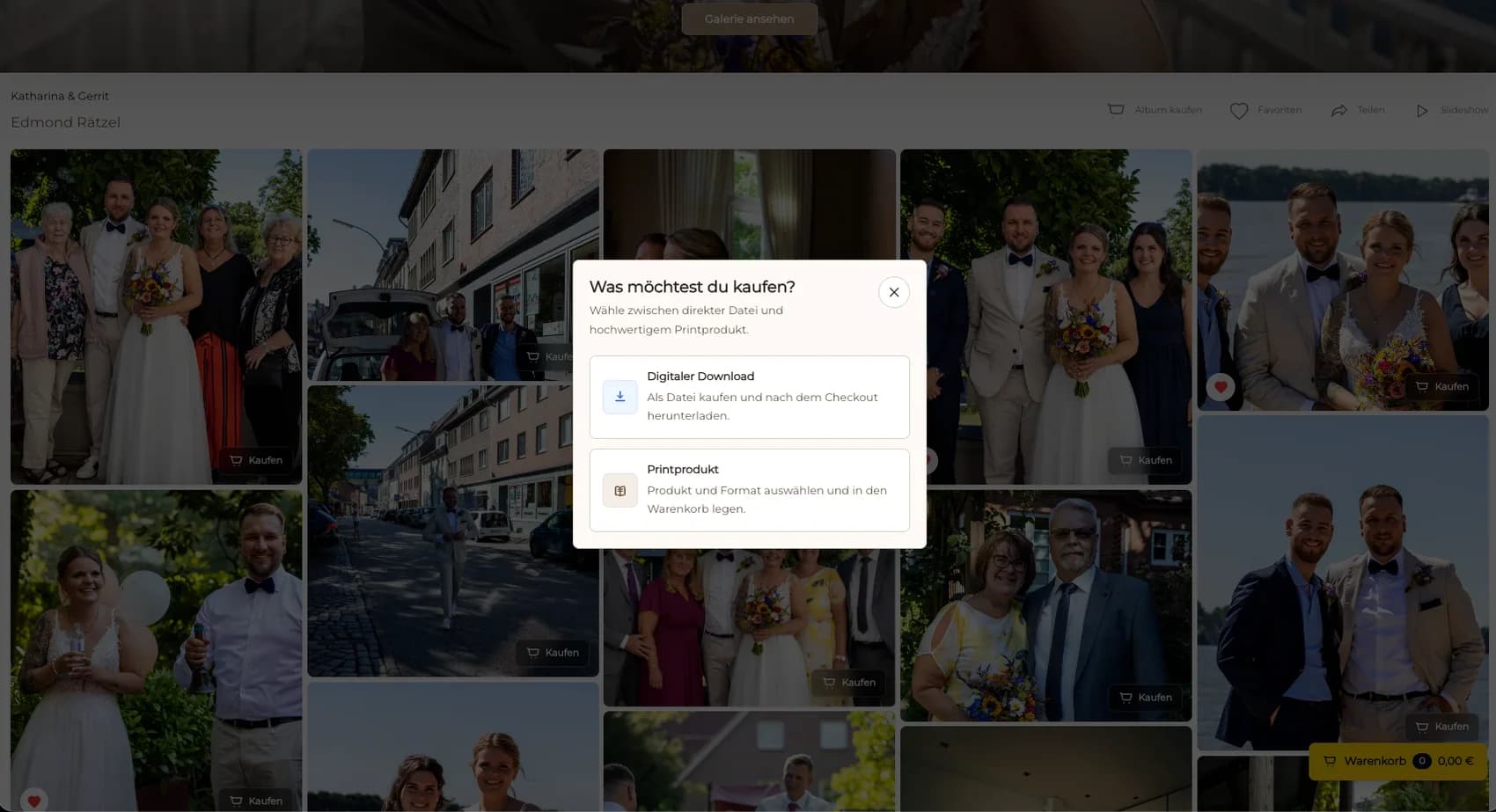
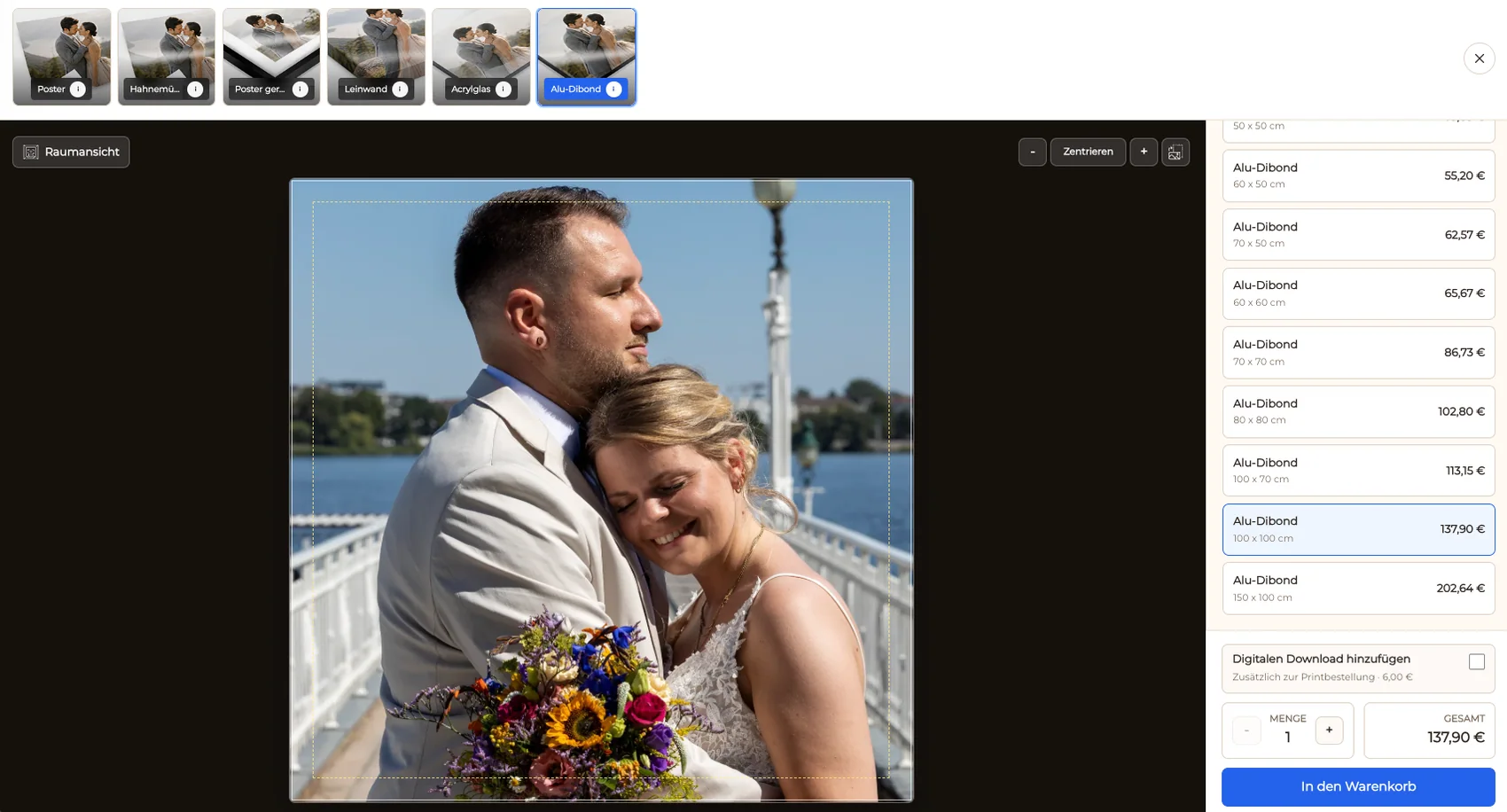
Let the buyer open available products from the image they already selected instead of sending them to a disconnected generic store.
02
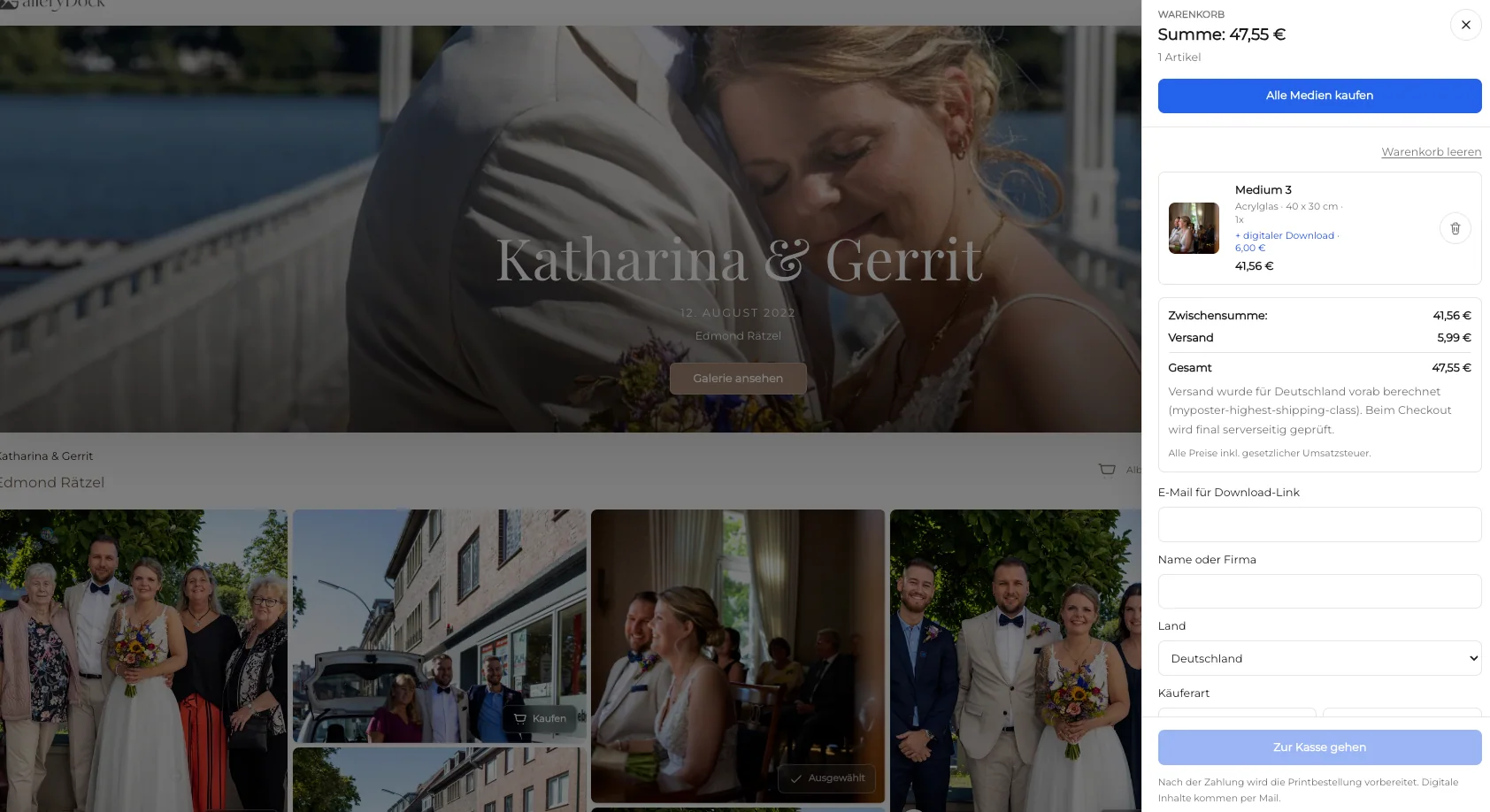
Carry product, size, orientation, crop, and quantity into the cart so the customer can verify one coherent order.
03
Digital delivery and physical prints can be sold in the same gallery while remaining clearly labeled as different products.
04
Before launch, confirm that the cart and checkout describe exactly what the buyer expects to receive and what amount is charged.
Comparison
A fast order path is useful when it still preserves the decisions that matter.
| Approach | Best for | Tradeoff |
|---|---|---|
| Prepared gallery order | Client-ready photographs and defined products | Requires catalog and crop review before sharing |
| Email order | One highly custom request | Creates manual clarification and transcription |
| Generic online store | Large product-first catalogs | Separates the order from the client photograph |
| Download-only gallery | Immediate digital delivery | Does not offer a physical keepsake |
| On-site printing | Production at an event location | A different operational workflow from GalleryDock |
An event photographer publishes a small edited set and gives attendees a direct path to a photo print or poster after the event.
A company contact orders an approved team portrait in a defined wall format without restarting the request by email.
A family chooses a finished action photograph, checks the crop, and completes a print order from the shared gallery.
Frequently asked questions
A focused gallery, approved source images, defined products, visible sizes and prices, checked crops, and one complete cart reduce the need for follow-up questions.
Yes. GalleryDock can present digital products and physical prints in the same gallery while keeping each product type clear to the buyer.
No. This workflow improves order readiness and the purchase path; it does not promise a production or shipping turnaround.
No. Offer only the combinations that preserve the composition and fit the assignment, product, and intended display.
A size can change the aspect ratio. Reviewing the crop helps protect faces, edges, spacing, and the visual balance of the photograph.
GalleryDock organizes the gallery, product choice, cart, and checkout. Physical production and delivery remain separate operational responsibilities.
Related resources
Pricing
Free forever
0 EUR
EUR 0 per month
Perfect for sharing your first galleries professionally.
Start free, no credit card required
Monthly
19 EUR
EUR 228 billed yearly. plus VAT
Ideal for photographers who regularly deliver client galleries.
For regular client delivery
Monthly
29 EUR
EUR 348 billed yearly. plus VAT
For photographers managing many projects, videos and growing storage.
For regular client delivery
Create a GalleryDock client gallery, prepare the product choices, and test the complete route from photograph to checkout.
Create a free account