01
Open with the defining moment
Lead with a strong keynote, venue, or audience photograph that establishes the conference and gives the gallery a recognizable beginning.
Conference photography
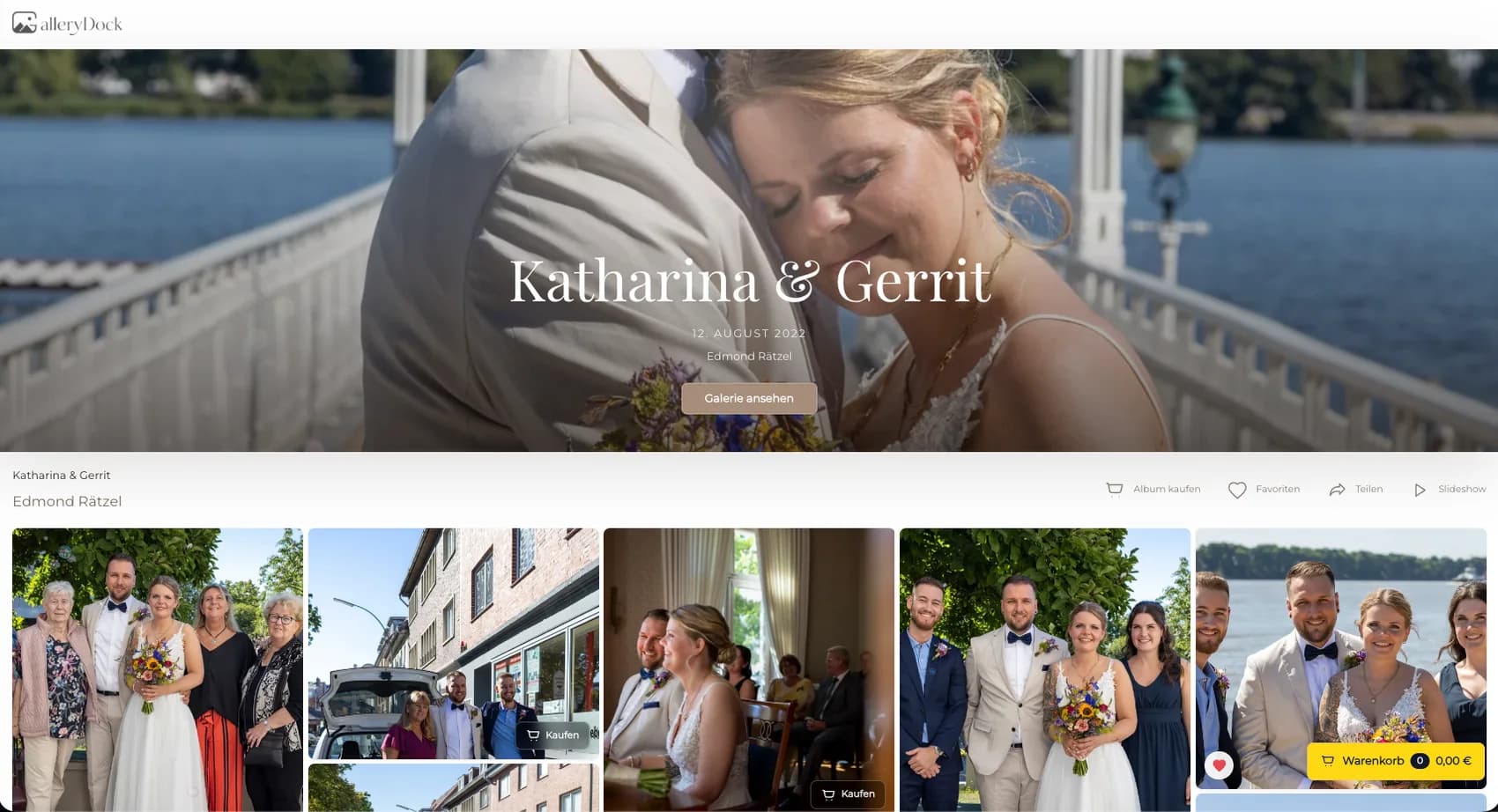
Curate keynote, panel, networking, and closing photographs in one conference gallery where clients can order digital files and physical prints.
Quick answer
A useful conference photo gallery follows the event program instead of presenting hundreds of unrelated files. The photographer selects finished keynote, panel, workshop, speaker, networking, audience, award, and closing photographs, then arranges them so attendees or an authorized organizer can understand the day. GalleryDock keeps each approved image connected to digital and physical product choices, visible sizes and prices, crop preview, cart, and checkout. That makes the gallery useful both as a record of the conference and as a clear ordering path. The workflow is designed for curated post-event delivery and sales. It does not claim automatic speaker recognition, attendee matching, on-site instant printing, express production, or guaranteed shipping times.
Program story
A clear sequence helps every viewer find the part of the event that matters to them.
01
Lead with a strong keynote, venue, or audience photograph that establishes the conference and gives the gallery a recognizable beginning.
02
Group keynote, panels, workshops, networking, awards, and closing moments according to the real schedule instead of relying on one long camera-roll sequence.
03
Balance stage photographs with audience reactions, discussion, and atmosphere so the report shows how the program was experienced.
04
Remove duplicates, unfinished edits, private situations, and images that are not cleared for the intended attendees or organizer contacts.
Product decision
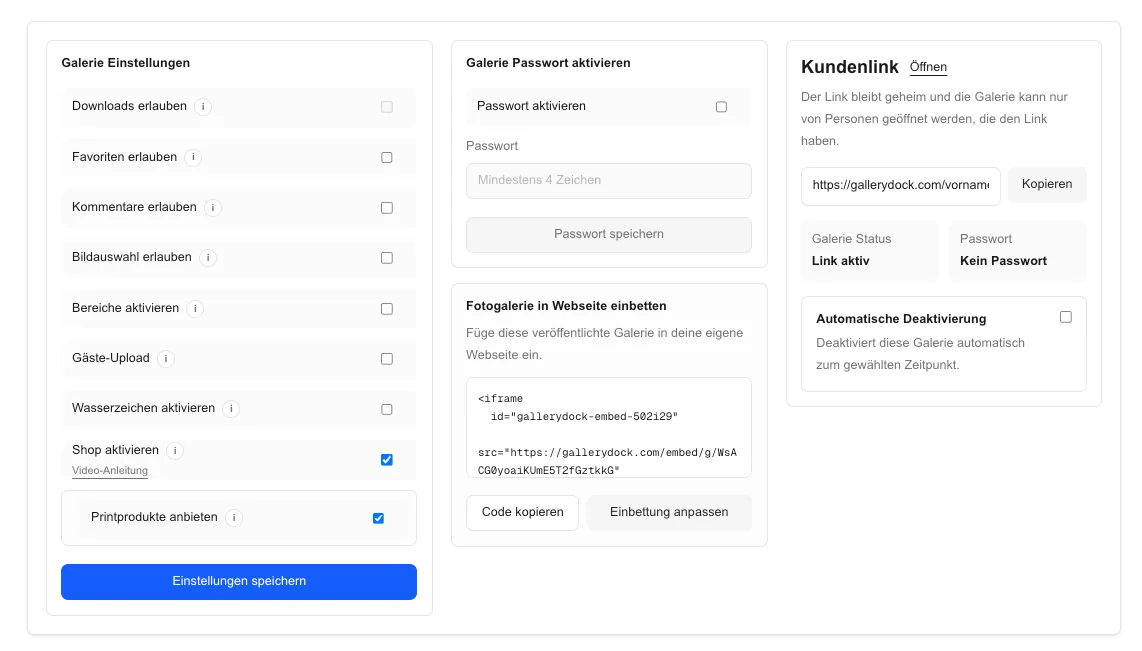
The buyer should understand what can be purchased without reconstructing the request in email.
01
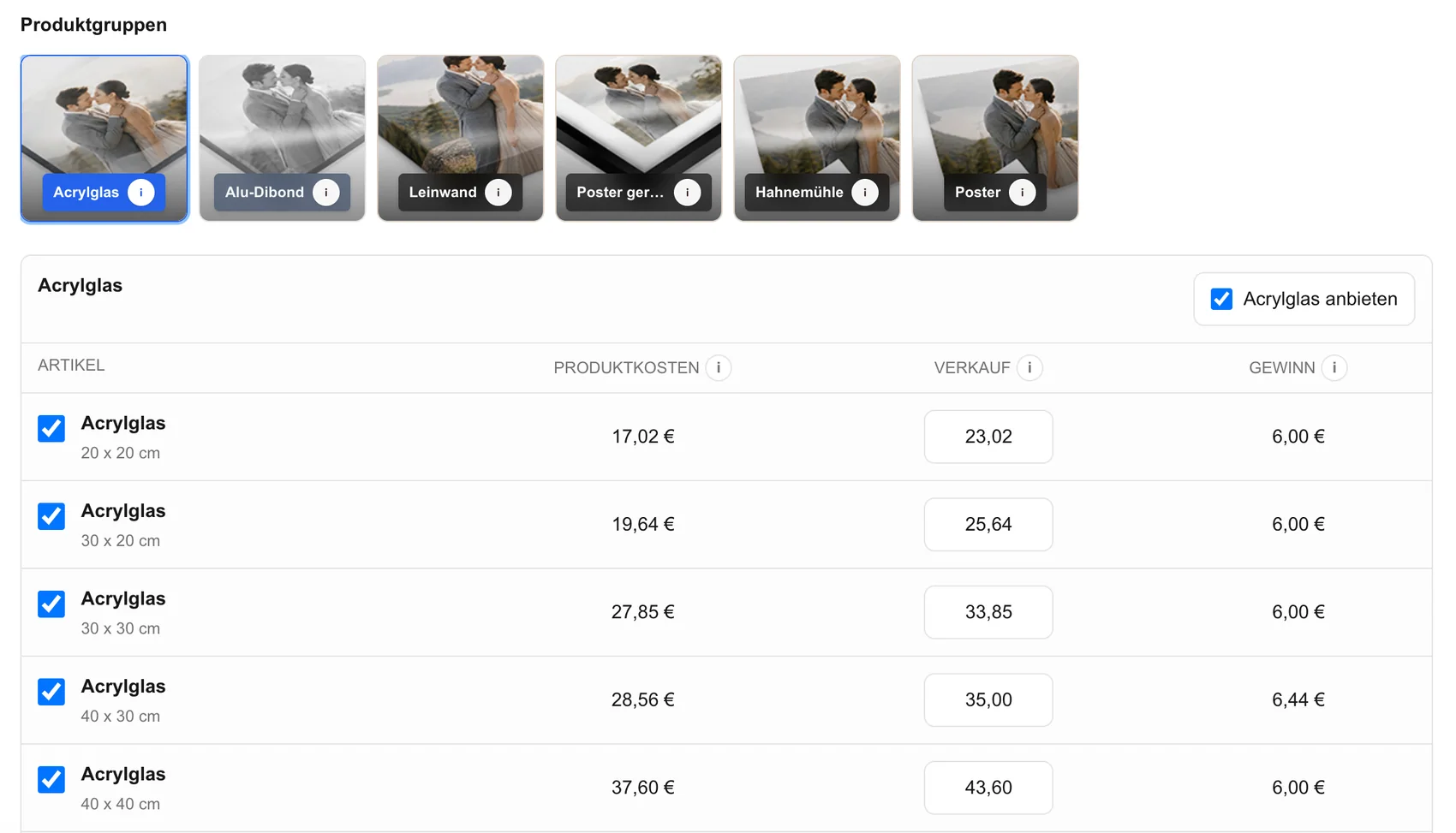
Offer digital files for communication needs and physical prints for speakers, organizers, awards, offices, or personal event memories.
02
Activate only the sizes and products that fit the photographs and the way conference clients are likely to use them.
03
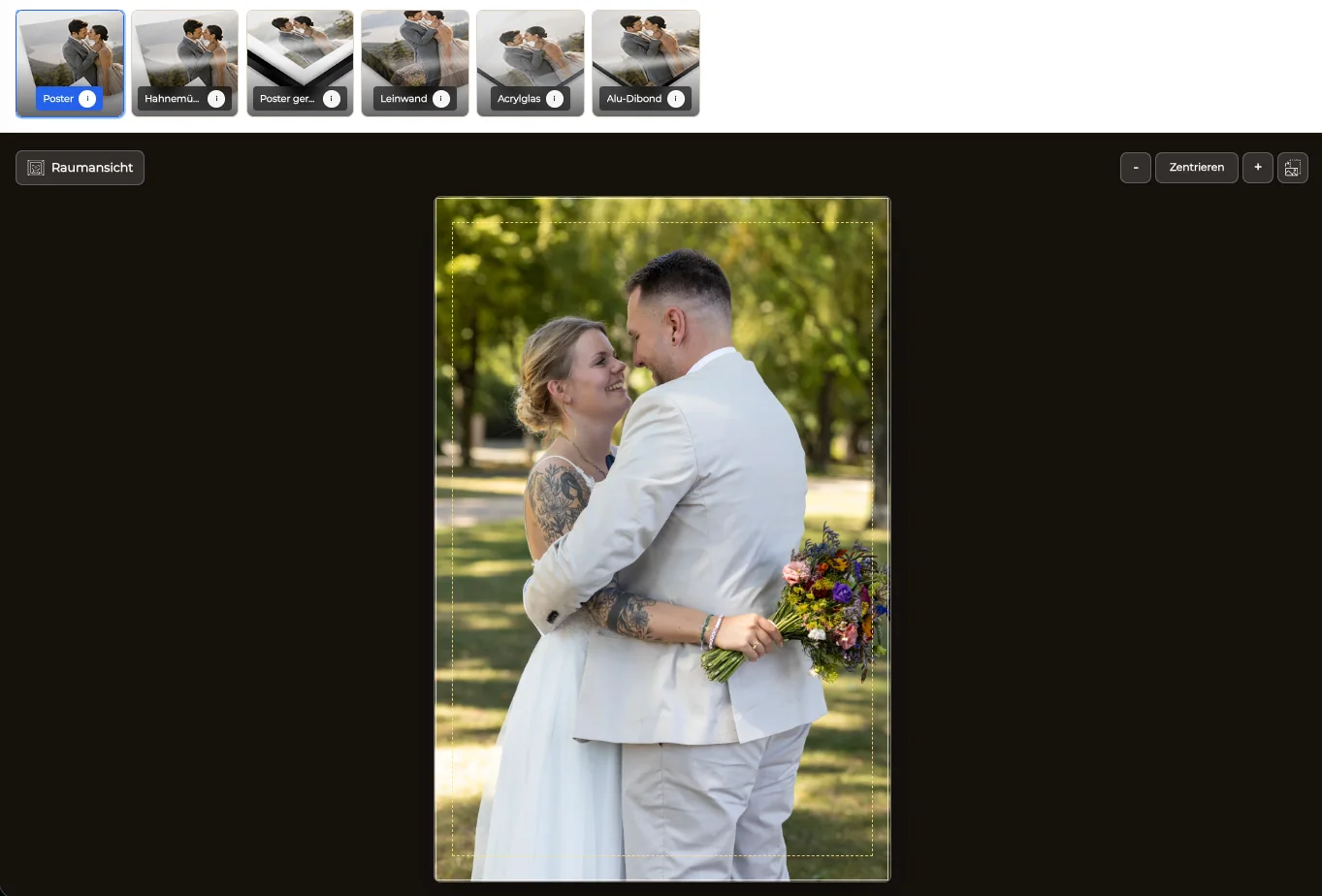
Check faces, stage graphics, name panels, hands, and important edges in portrait, landscape, and cropped print formats.
04
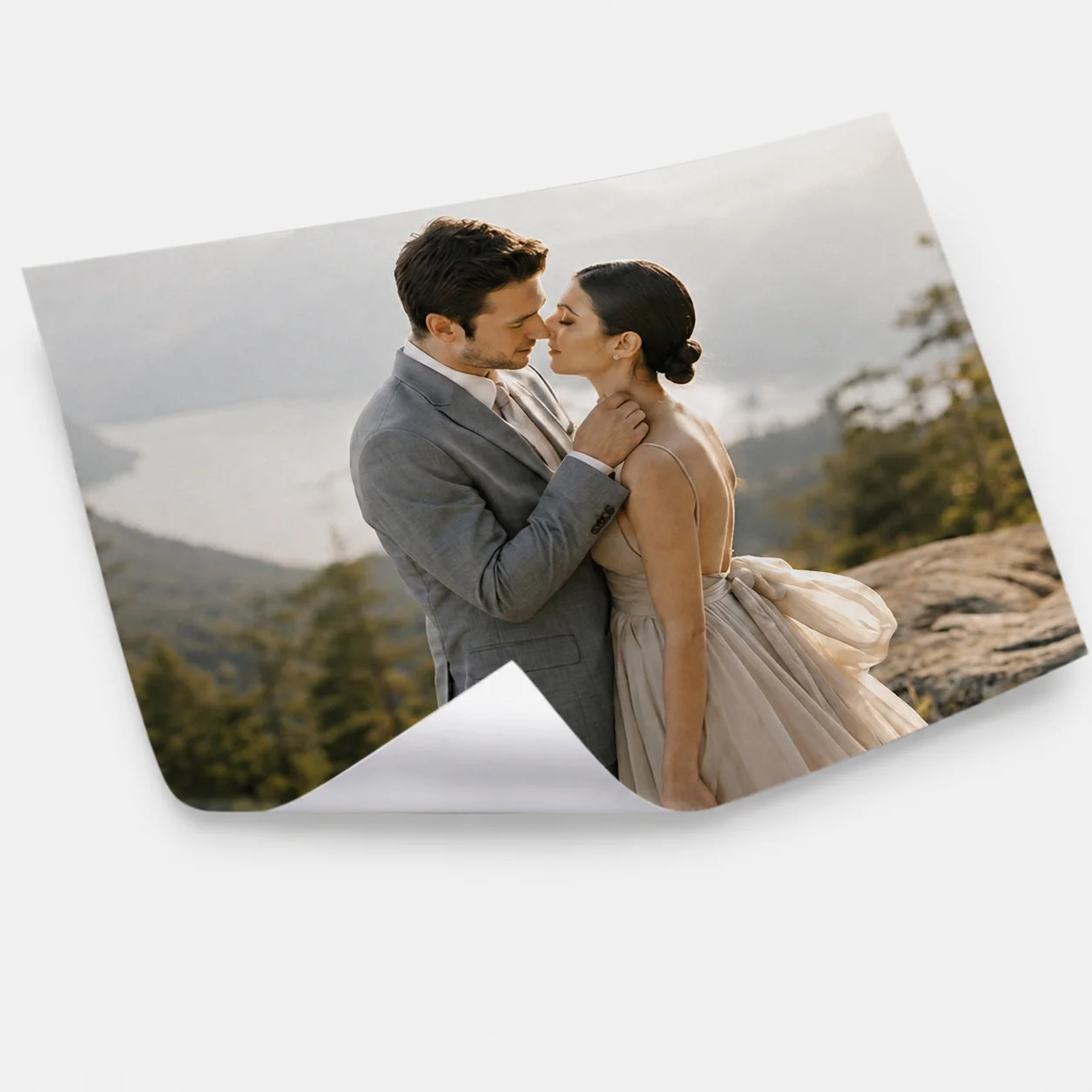
Describe whether a product works as a photo print, poster, office display, speaker gift, or documentation piece rather than listing formats without context.
Ordering
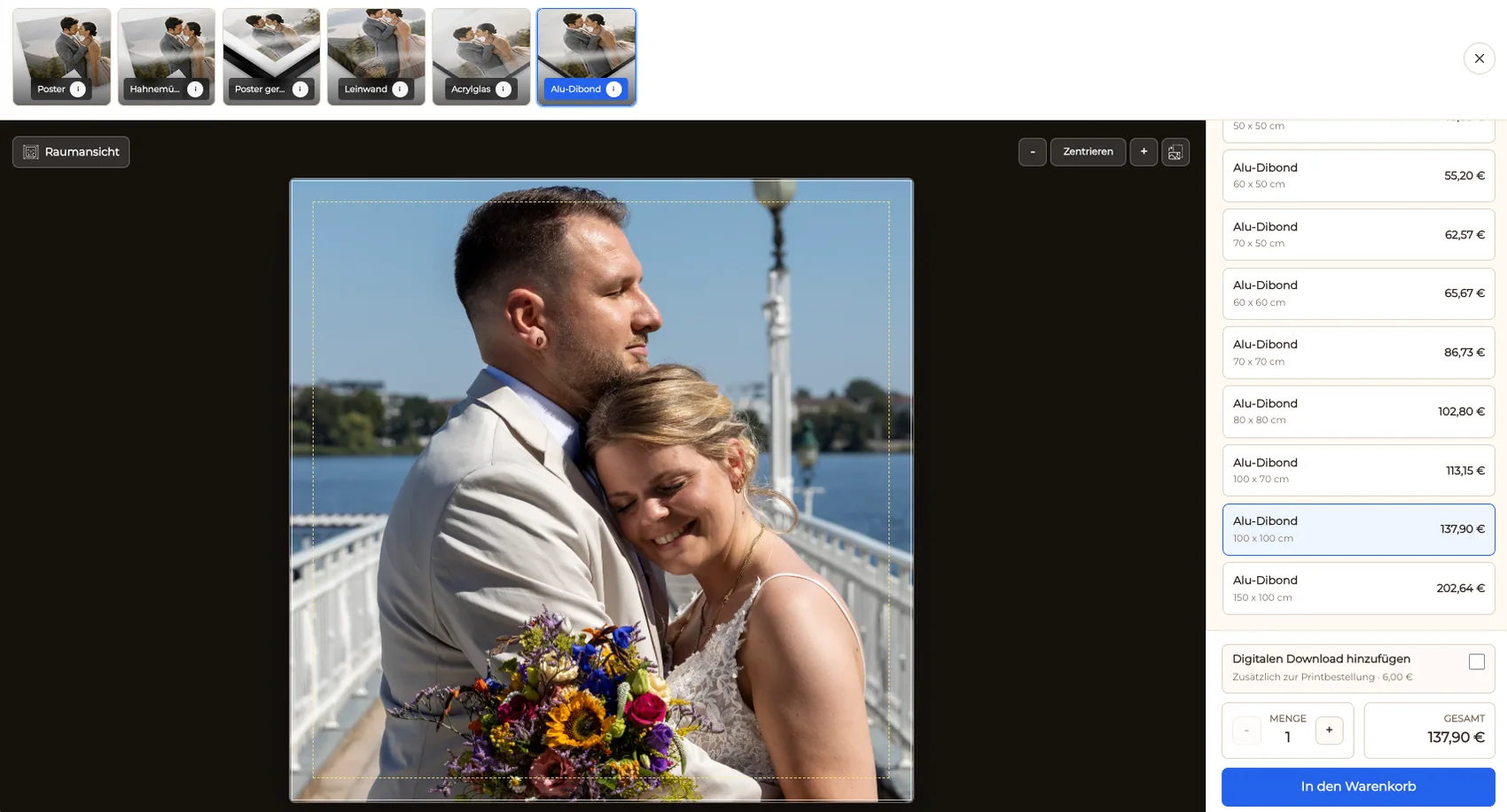
A complete path keeps the conference image, product, size, crop, quantity, and price together.
01
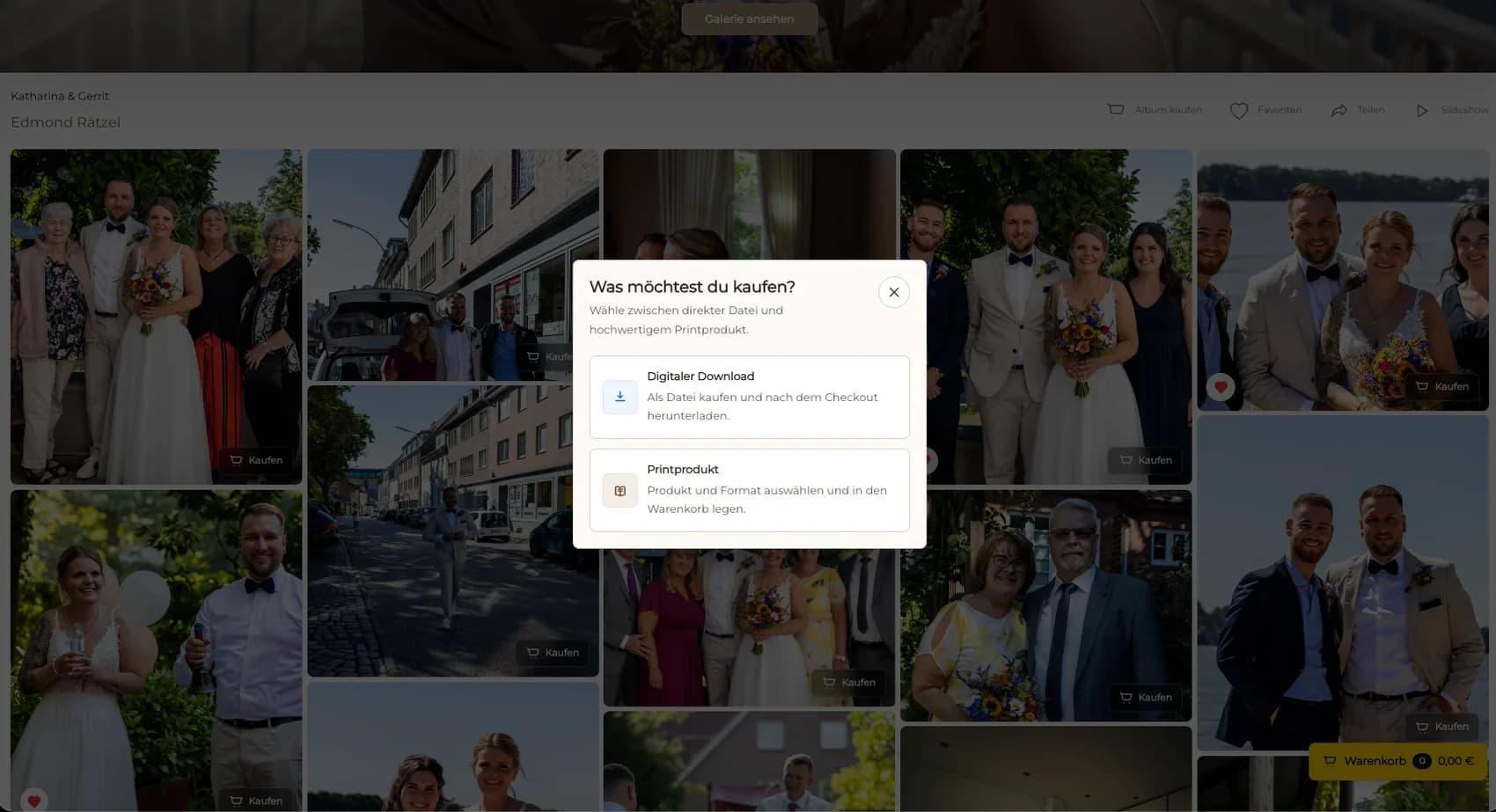
Let the attendee or organizer open an approved photograph and begin the purchase from the visual they already recognize.
02
Digital files and prints can appear in the same gallery while remaining clearly labeled as different products with different uses.
03
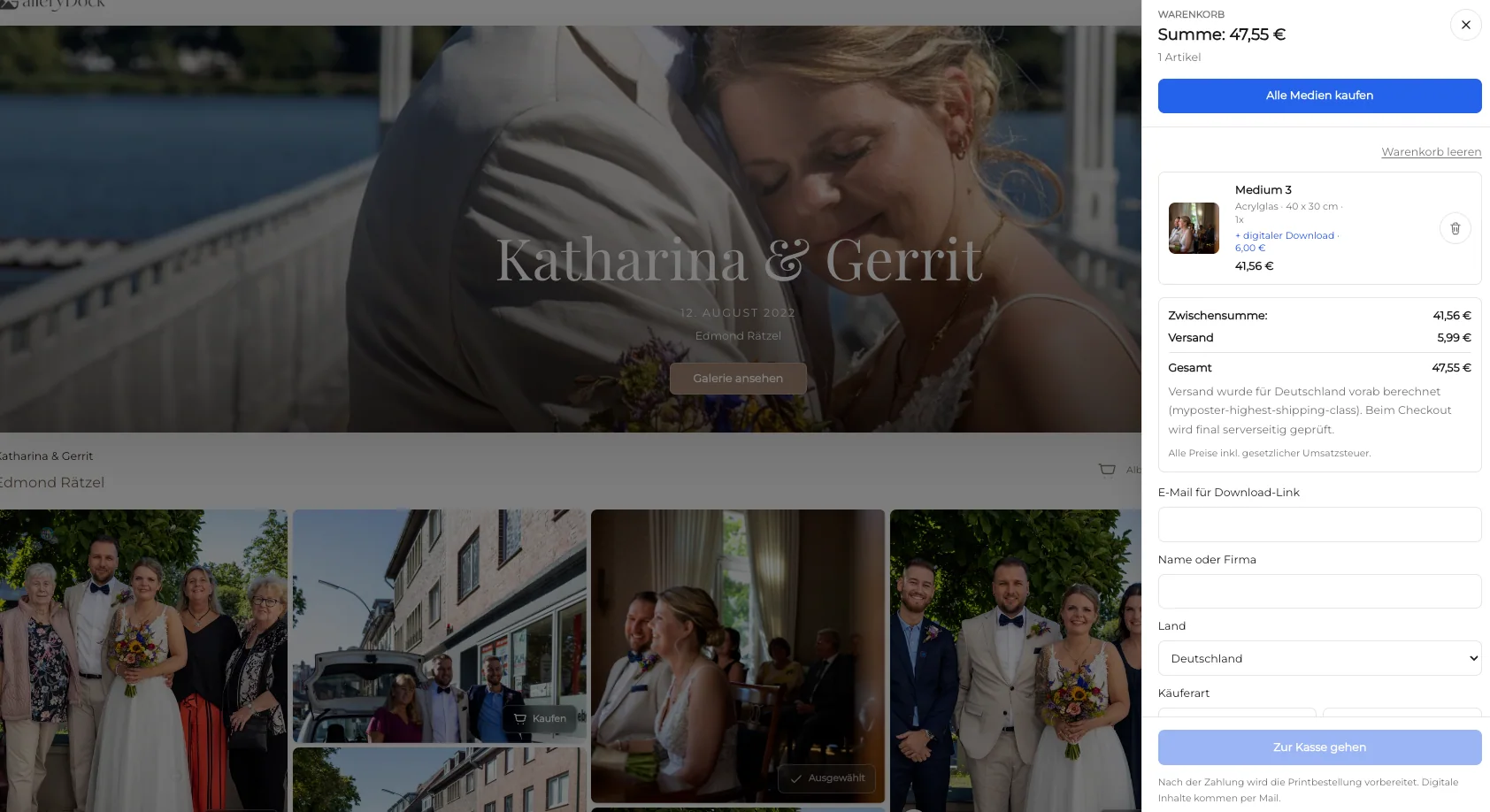
Carry the selected product, dimensions, orientation, crop, quantity, and visible price into the cart without a separate order form.
04
Open the shared link on desktop and mobile and complete a realistic selection before sending it to the conference audience.
Comparison
The best method depends on who receives the photographs and what they need to do with them.
| Approach | Best for | Tradeoff |
|---|---|---|
| Curated gallery with ordering | Approved conference stories and optional purchases | Requires curation and catalog setup before sharing |
| Download-only gallery | Press, social, and organizer distribution | Does not offer physical products |
| On-site instant printing | Physical production at the venue | A different operational workflow from GalleryDock |
| Email file delivery | A few known recipients | Makes discovery and ordering difficult |
| Public event archive | Broad editorial access | May not fit private or buyer-specific access |
An organizer selects approved stage and portrait photographs for digital communication and offers a small set of display-ready prints.
Recipients find the relevant award moment, check the crop, and order a print without sending image numbers back to the photographer.
Attendees revisit networking, panel, and atmosphere photographs after the event and choose either a digital file or a physical keepsake.
Frequently asked questions
Finished and approved keynote, panel, workshop, speaker, networking, audience, award, venue, and closing photographs can form a useful conference story.
Yes. GalleryDock can present digital and physical products in the same gallery when both are activated for the conference.
Use the real agenda and meaningful program phases, then curate within each phase so viewers do not have to search through every captured frame.
The product preview can show orientation, crop, and safe area for the selected photograph before it is added to the cart.
No. The photographer or organizer curates, names, and publishes the relevant photographs and controls who receives the gallery link.
No. It creates a clear online gallery and ordering path after approved photographs are ready; on-site production is a separate event workflow.
Related resources
Pricing
Free forever
0 EUR
EUR 0 per month
Perfect for sharing your first galleries professionally.
Start free, no credit card required
Monthly
19 EUR
EUR 228 billed yearly. plus VAT
Ideal for photographers who regularly deliver client galleries.
For regular client delivery
Monthly
29 EUR
EUR 348 billed yearly. plus VAT
For photographers managing many projects, videos and growing storage.
For regular client delivery
Create a GalleryDock gallery, curate the event story, activate the right digital and print products, and test the complete ordering path.
Create a free account