Identify the project
Check client, gallery title, and current publication state so another job is not changed accidentally.
Gallery owner controls
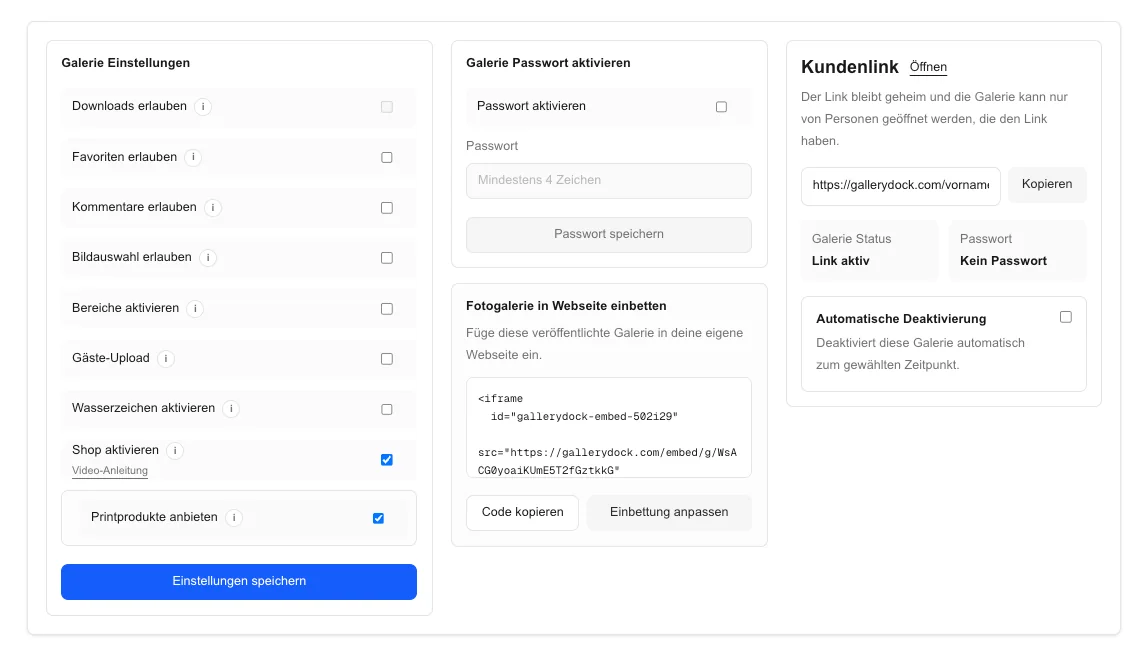
Enable or disable GalleryDock client gallery downloads, save the owner setting, test the public view, and keep shop and print paths separate.
Quick answer
To enable or disable client gallery downloads, open the correct GalleryDock gallery, review its delivery stage, change the relevant owner download setting, save it, and then test the public client view. Enabling access should match the promised files and quality; disabling future access does not recall files that clients already saved locally. Shop purchases, print products, and other fulfillment paths remain separate workflows, so the public test must confirm the exact experience intended for this gallery.
Before changing
An access setting should reflect the real project promise, final-file readiness, and any separate commerce path.
Check client, gallery title, and current publication state so another job is not changed accidentally.
Confirm that the gallery contains the versions and scope intended for the next client step.
Match access to the delivery package, timing, payment rule, and client instructions.
Do not treat a direct download toggle as a replacement for shop orders, print products, or fulfillment.
Owner workflow
The workflow is complete only after the saved value produces the intended public result.
01
Navigate from the correct owner project to the setting that governs client downloads.
02
Enable downloads for the approved delivery or disable them for the current workflow requirement.
03
Complete the save action and confirm that the owner interface reflects the new state.
04
Open the client route without relying on owner privileges and verify desktop and mobile behavior.
Operational safety
A clear message prevents clients from confusing future gallery access with files already downloaded or with separate purchases.
Tell clients whether access covers individual files, a selected set, or the available gallery delivery.
Explain when access begins or ends according to the project's agreed process.
Disabling future access cannot recall files that a client has already saved on another device.
Record who changed the setting, when, why, and which public path was tested.

Comparison
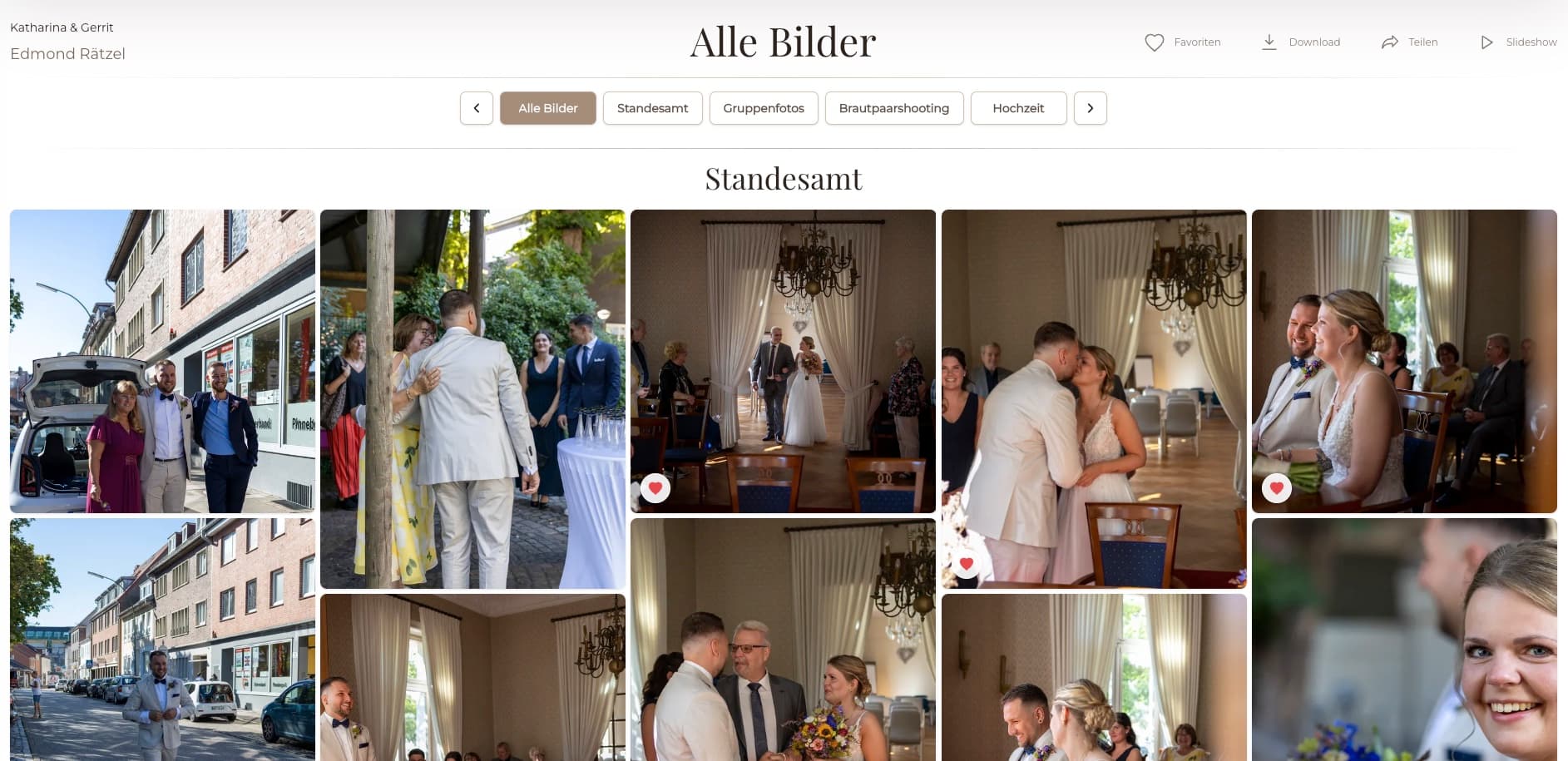
Use the control that matches the desired client action; similar-looking paths can have different responsibilities.
| Approach | Best for | Tradeoff |
|---|---|---|
| Direct downloads enabled | Approved file delivery through the gallery | Must match the promised scope and ready files |
| Direct downloads disabled | Preview, proofing, or a paused future delivery | Clients cannot use that direct route for new downloads |
| Shop purchase | Products or files sold through an available commerce flow | Order and fulfillment states remain separate |
| Print ordering | Physical products through the intended print path | Not controlled by the direct-download setting alone |
| Revoked future access | Stopping subsequent gallery downloads | Cannot recall copies already stored locally |
Keep direct delivery aligned with a selection-only workflow until final files are ready.
Enable the approved scope, save, test representative files, and send matching instructions.
Disable future downloads, verify the public result, and communicate the limitation without claiming recall.
Frequently asked questions
Open the correct gallery's owner settings, use the relevant download control, save it, and verify the public client view.
Yes. Check the public route on desktop and mobile without depending on owner privileges.
No. Payment verification is a separate process. Use the authoritative payment or order source before any payment-dependent release.
No. It affects future gallery access but cannot recall copies that were already downloaded and stored elsewhere.
Do not assume that. Direct gallery downloads, purchases, print products, and fulfillment have separate paths and should be tested independently.
State the gallery link, access instructions, available scope, timing, download steps, and a contact path for a missing control.
Related resources
Pricing
Free forever
0 EUR
EUR 0 per month
Perfect for sharing your first galleries professionally.
Start free, no credit card required
Monthly
19 EUR
EUR 228 billed yearly. plus VAT
Ideal for photographers who regularly deliver client galleries.
For regular client delivery
Monthly
29 EUR
EUR 348 billed yearly. plus VAT
For photographers managing many projects, videos and growing storage.
For regular client delivery
Use GalleryDock owner settings, a saved public-view test, and accurate client instructions to control direct photo delivery.
Create a free account