Use the current source gallery
Confirm the project and gallery before relying on its favorite state.
Favorites-to-gallery workflow
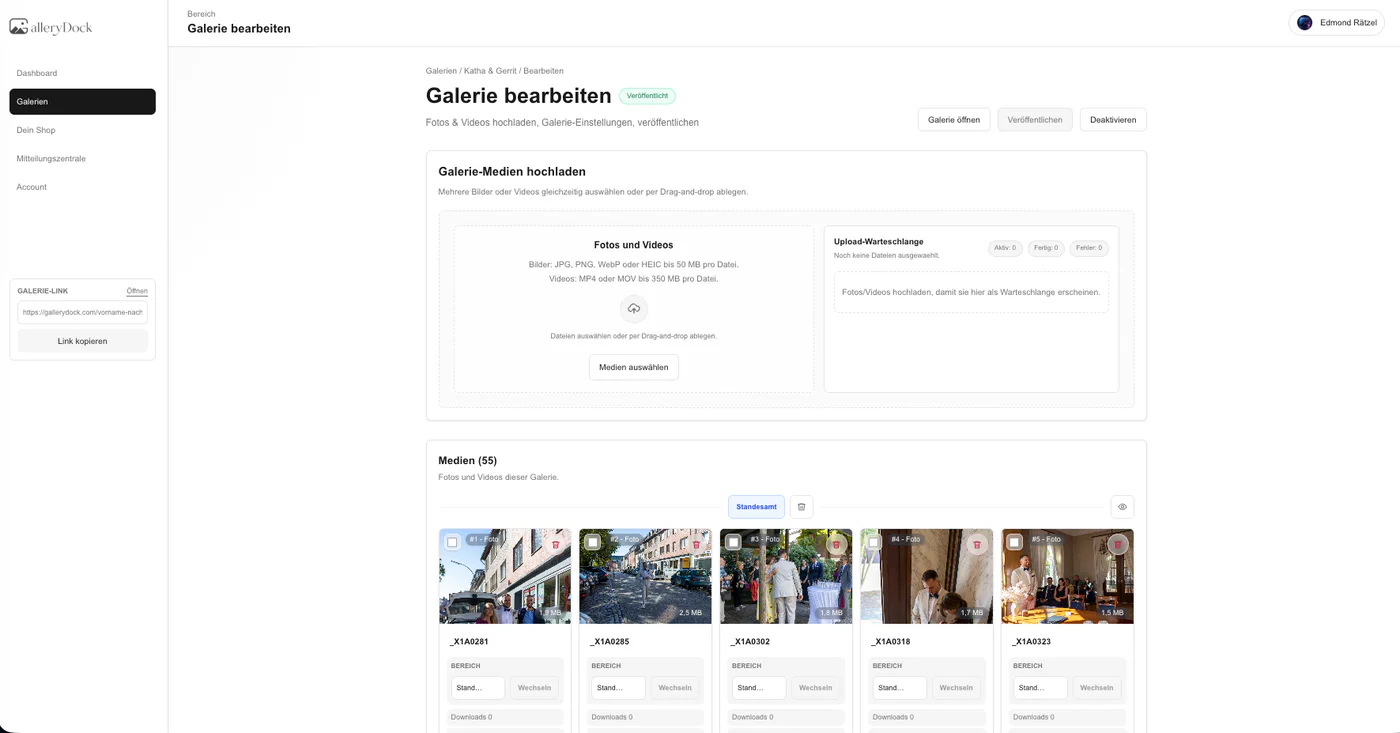
Turn a confirmed client favorite set into a separate draft gallery, review linked media and settings, test the client view, and publish deliberately.
Quick answer
To create a gallery from client favorites, first confirm that the favorite set is final, review it for omissions and duplicates, then create a separate draft gallery from that selection. In GalleryDock, this workflow organizes selected media into a new gallery context; it does not automatically copy source files, retouch photographs, publish the gallery, or notify the client. Review the linked media, title, access, downloads, order, and public view before deliberately publishing and sending a new link.
Selection gate
The new gallery should begin from one agreed, reviewable selection rather than a moving set of client choices.
Confirm the project and gallery before relying on its favorite state.
Compare the selected total with the brief, package, album plan, or other agreed scope.
Check near-identical frames and accidental favorites before creating the new draft.
Capture the client's clear completion signal according to the project's communication process.
New draft
Treat the result as a separate gallery context that still requires a title, settings, order, and delivery decision.
01
Use the intended workflow on the confirmed favorite set to create the separate draft.
02
Give the new gallery a project-specific title that distinguishes it from proofs and earlier versions.
03
Confirm every expected item and remember that organizing linked media is not the same as copying source files.
04
Choose access, download, ordering, and other relevant settings for the new purpose.
Publication
Creating the draft is not publication. Verify the public result and communicate only after the new gallery is ready.
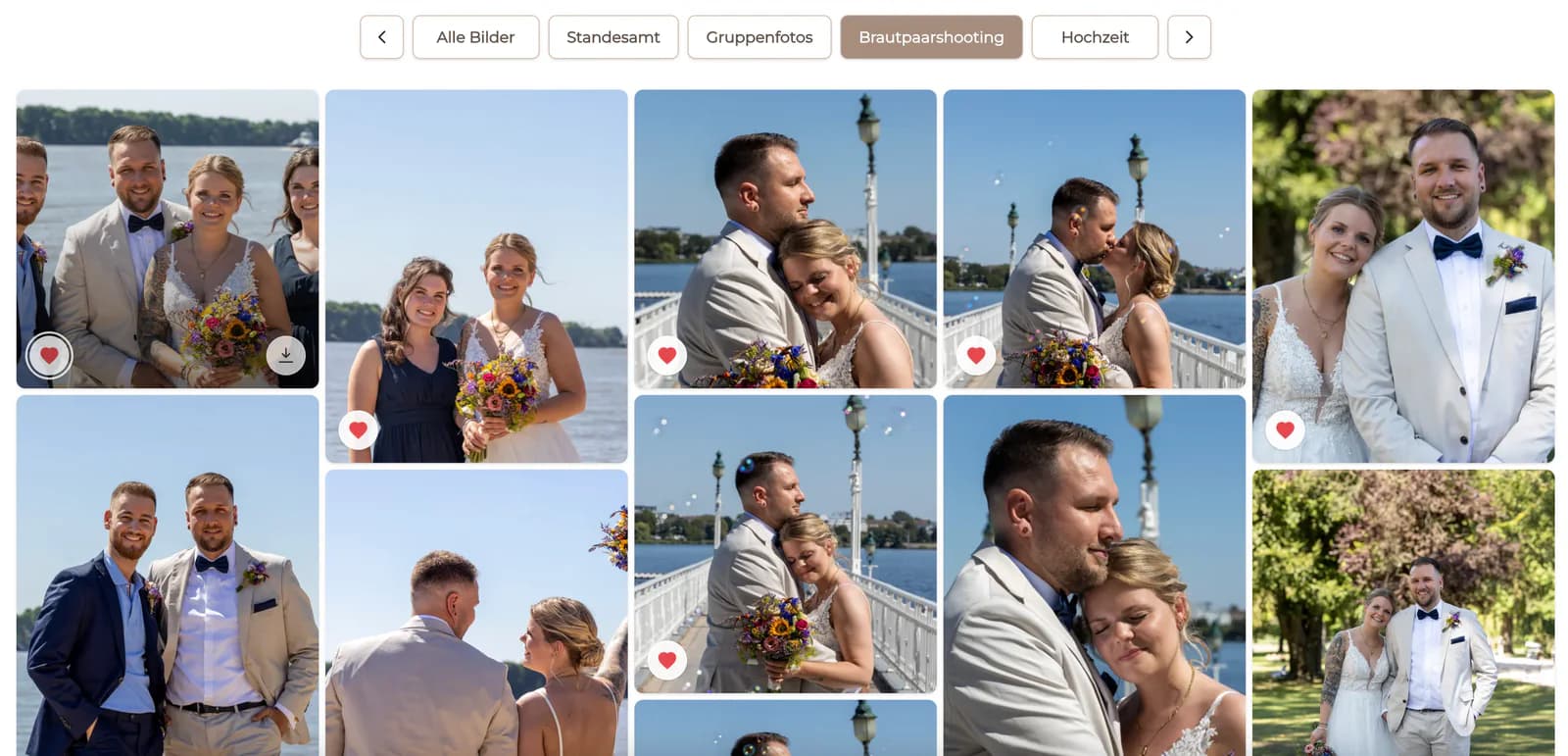
Review opening image, order, visible titles, and the overall flow of the selected set.
Open the client-facing route and confirm access and download behavior without owner privileges.
Change the publication state only after the draft and settings have passed review.
Send the tested link and instructions; gallery creation does not automatically send the client's message.

Comparison
Choose the next artifact based on the production need rather than changing the original proof gallery without a plan.
| Approach | Best for | Tradeoff |
|---|---|---|
| Separate gallery from favorites | A curated review or delivery context | Requires fresh settings and a public-view test |
| Keep favorites in the source | Reference during ongoing proofing | Does not create a separate client destination |
| Filename export | External production tracking | Less visual for the next client review |
| Manual re-upload | A genuinely separate file set or version | More transfer work and duplicate-management risk |
| Automatic publication assumption | Nothing | Can expose an unchecked gallery or wrong settings |
Create a new draft after final retouched files are ready, then verify that the intended versions are linked.
Organize the confirmed selection for another review without claiming that GalleryDock designs the album.
Create a clean gallery for the approved subset and test its settings before client notification.
Frequently asked questions
No. Confirm the selection and review its count and duplicates first so the new draft begins from a stable set.
This workflow organizes linked media into another gallery context. Do not assume it creates separate source-file copies.
No. Retouching remains a separate production step and the intended final versions must be reviewed before delivery.
Do not assume that. Treat it as a draft, review its settings and public view, and publish deliberately.
No automatic notification is claimed here. Send the tested link and instructions through your chosen communication process.
Check selected media, versions, title, order, cover, access, downloads, publication state, and the real client-facing route.
Related resources
Pricing
Free forever
0 EUR
EUR 0 per month
Perfect for sharing your first galleries professionally.
Start free, no credit card required
Monthly
19 EUR
EUR 228 billed yearly. plus VAT
Ideal for photographers who regularly deliver client galleries.
For regular client delivery
Monthly
29 EUR
EUR 348 billed yearly. plus VAT
For photographers managing many projects, videos and growing storage.
For regular client delivery
Use GalleryDock to create a separate gallery from client favorites, review every setting, and share only the tested result.
Create a free account