01
Open with the group
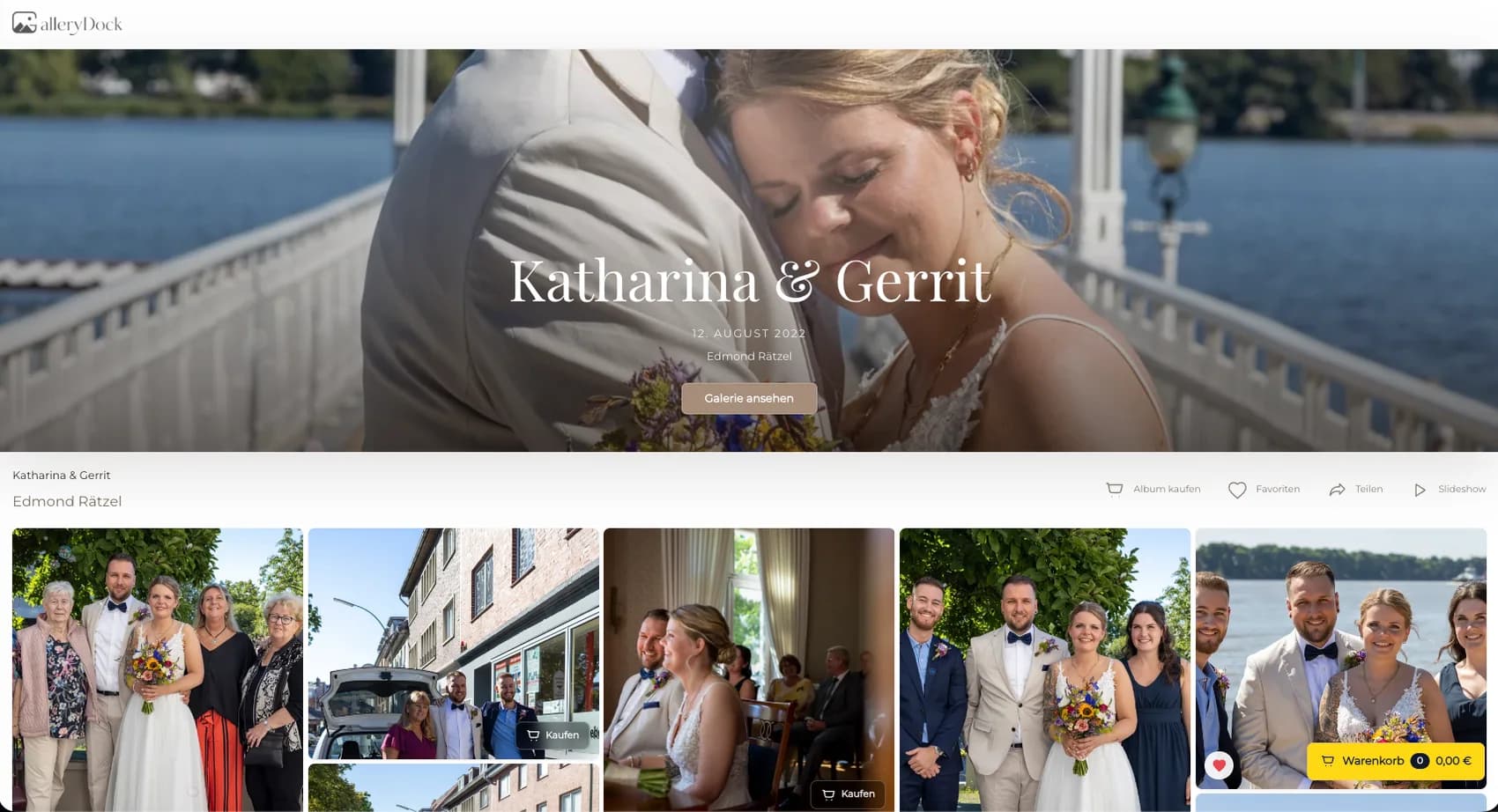
Lead with a strong group photograph that immediately identifies the celebration and gives the gallery a shared starting point.
Party photo sales
Share bachelorette or bachelor party photographs in a private gallery where guests can choose digital files and order physical prints.
Quick answer
A bachelorette party gallery has several buyers, several kinds of photographs, and one shared memory. The organizer may want the complete story, while individual guests care most about their portraits, group photographs, activities, and candid moments. GalleryDock lets the photographer organize the finished set in one private gallery and offer digital products and physical prints from the photographs. Each guest can view the gallery, choose an image, compare available products and sizes, inspect orientation and crop, and complete their own cart and checkout. That removes the need for one person to collect everyone's product choices and payments in a group chat. The same workflow can support bachelor parties and similar group celebrations. It does not provide on-site instant printing, identify guests automatically, or replace the photographer's privacy and sharing decisions.
Gallery story
A clear sequence helps every guest find the photographs that matter without losing the story of the day.
01
Lead with a strong group photograph that immediately identifies the celebration and gives the gallery a shared starting point.
02
Use a deliberate order for preparations, portraits, activities, details, candid scenes, and the closing part of the event.
03
Check that the final edit represents the group without filling the gallery with near-duplicates of only the most active guests.
04
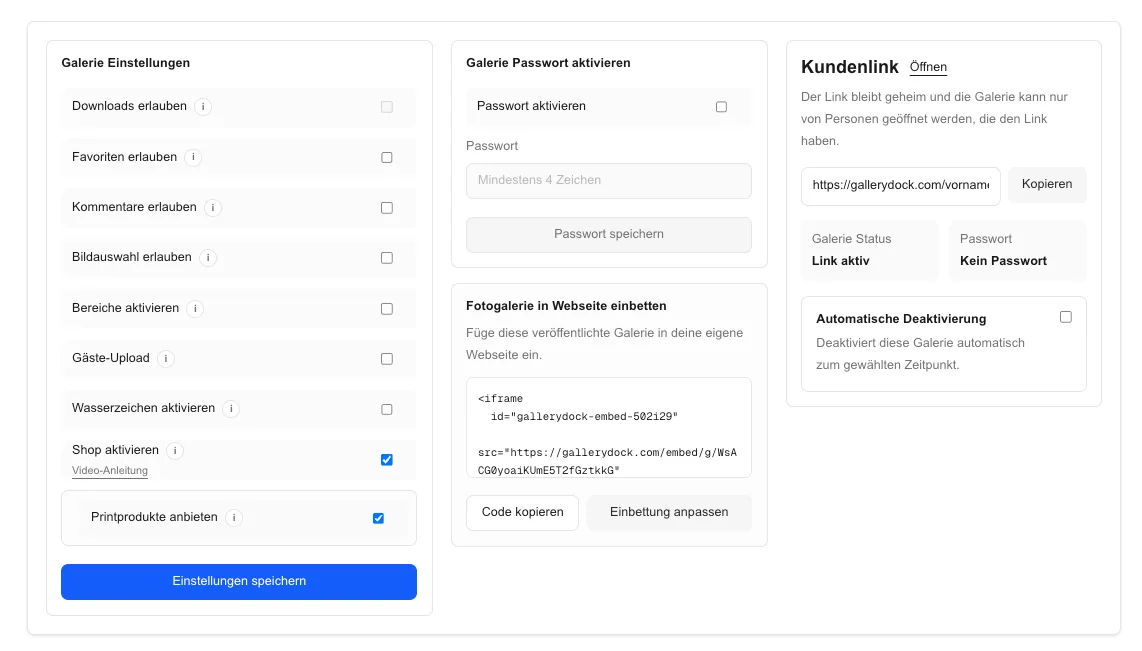
Use the appropriate privacy and access setup, then send the gallery only to the organizer and intended participants.
Product choices
A small product set makes individual ordering easier for guests using different photographs.
01
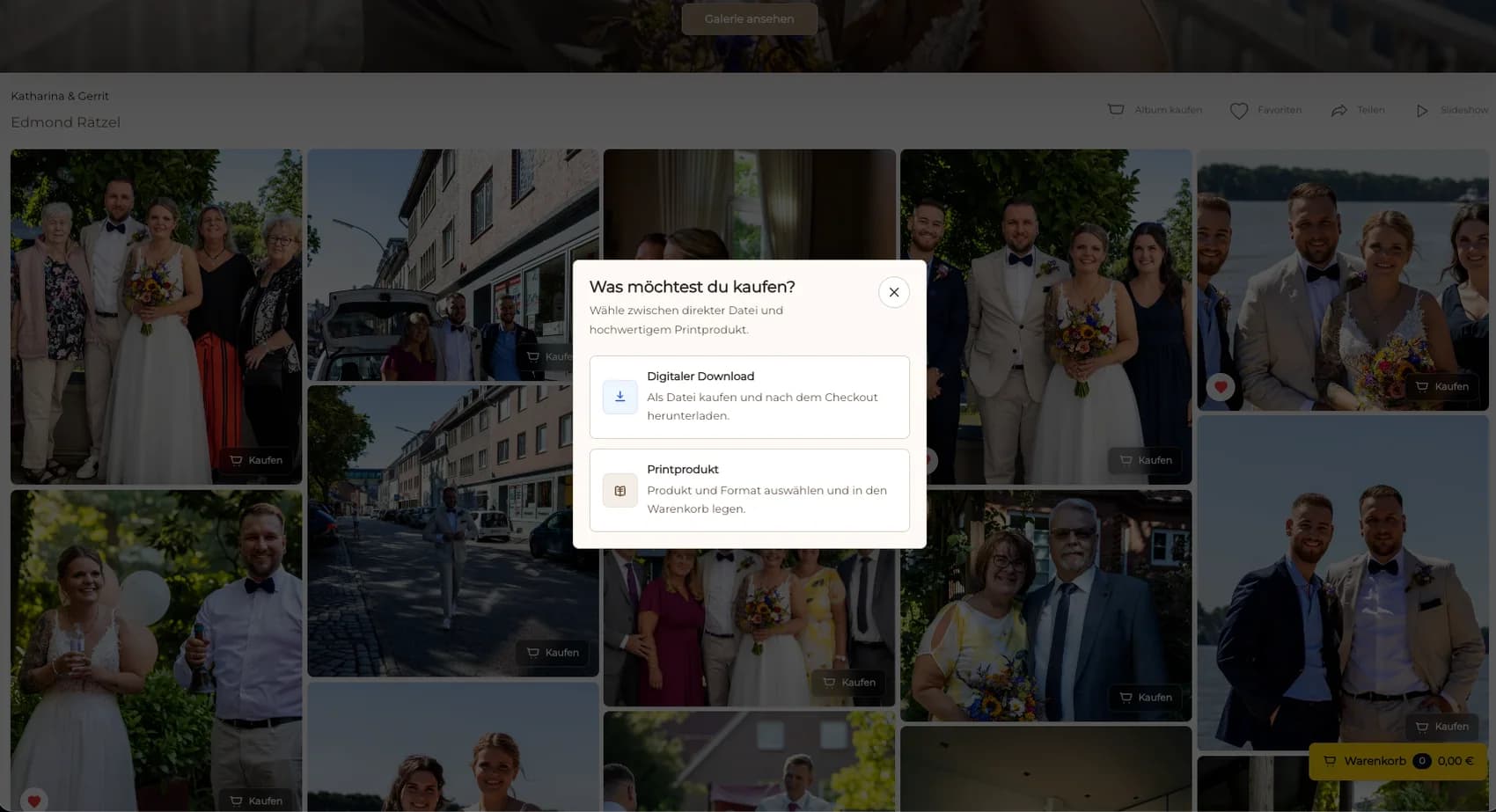
Offer digital products for sharing and physical prints for guests who want a lasting keepsake from the same gallery.
02
Select a short range that works for group photographs, portraits, desk prints, and wall display without overwhelming buyers.
03
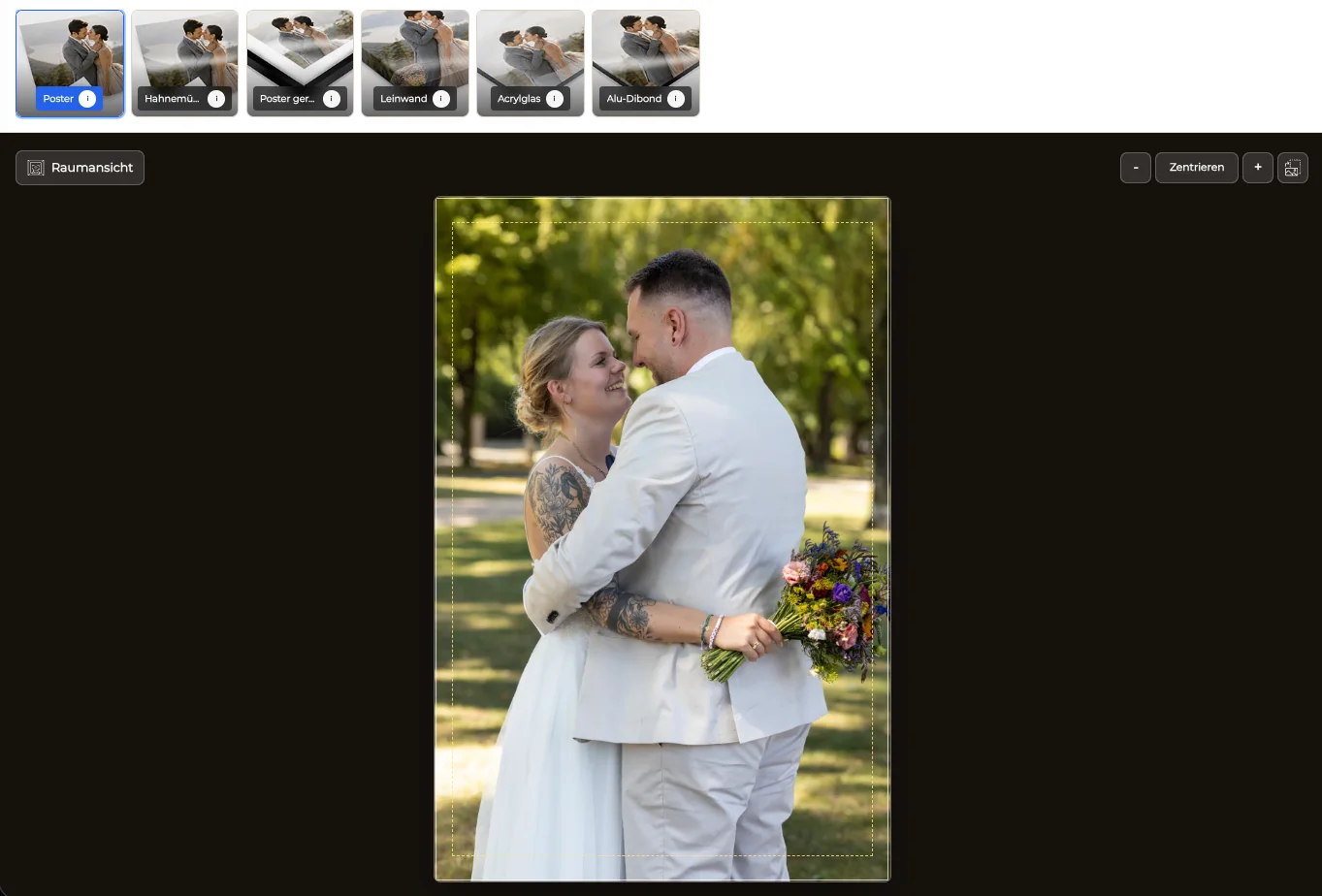
Review edges, heads, hands, signs, and important background details before making a print aspect ratio available.
04
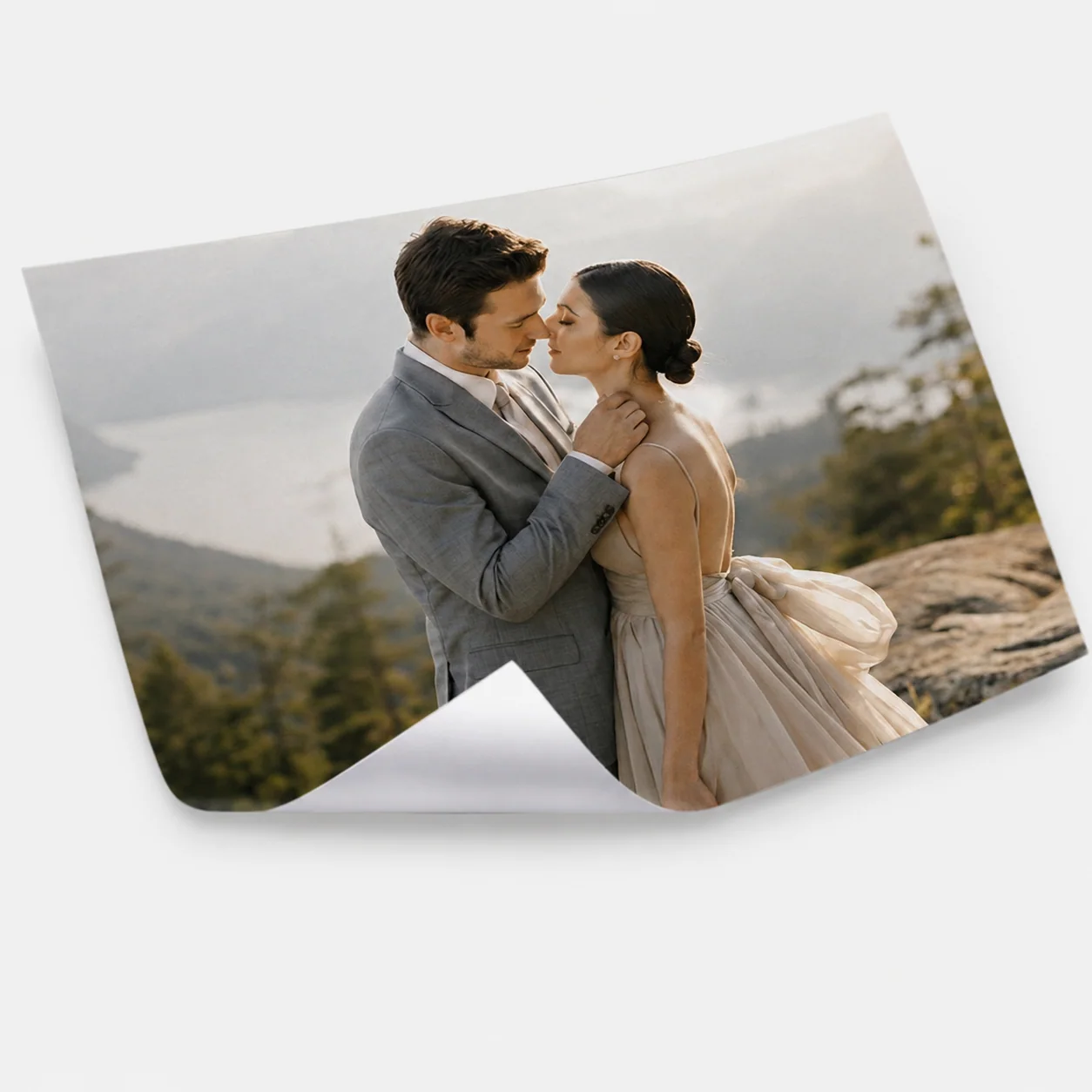
Help guests distinguish a simple photo print, poster, and wall product through clear names, previews, and prices.
Individual ordering
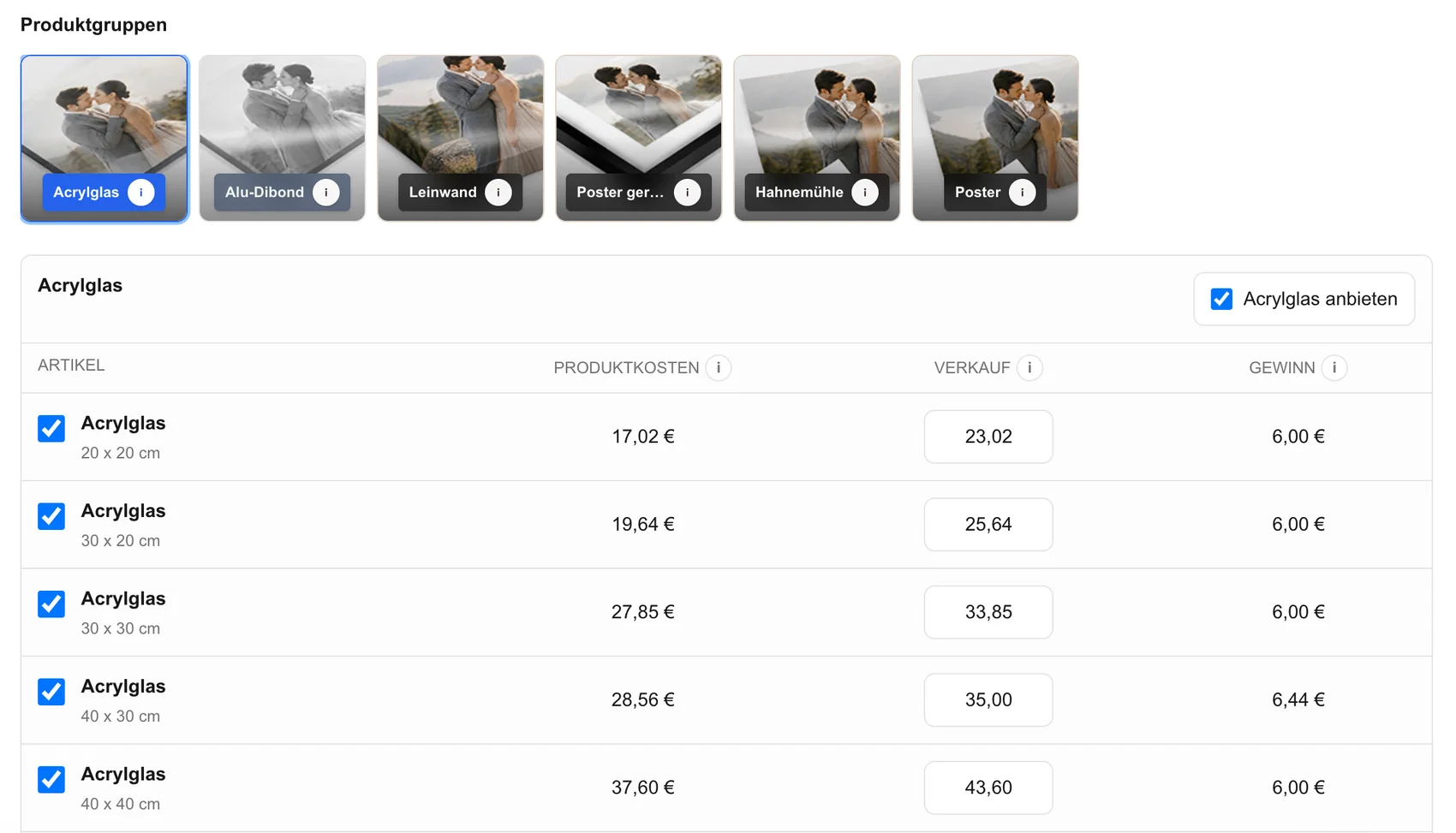
The group should not need one spreadsheet, payment collection, and combined message thread for every order.
01
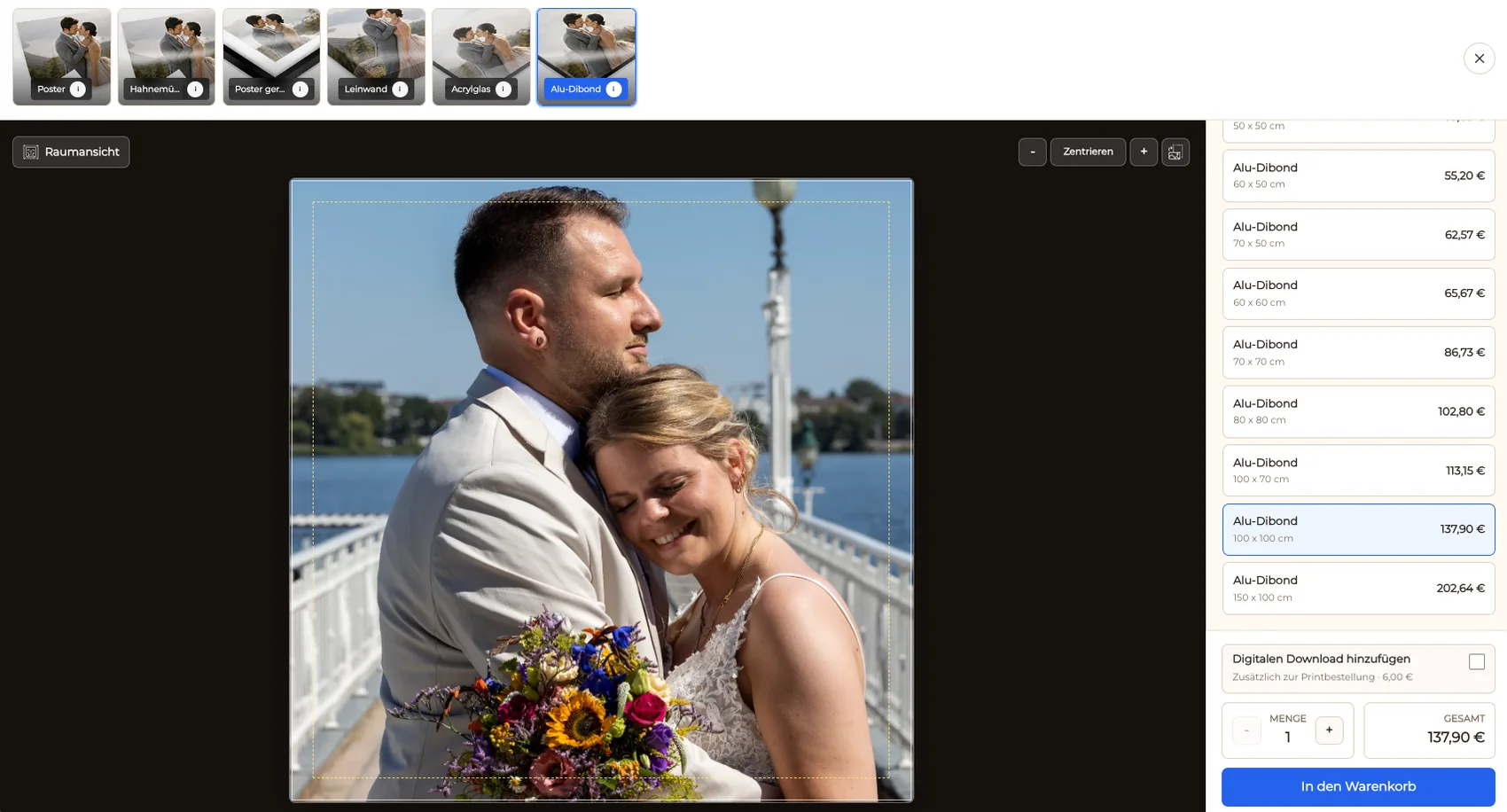
A guest opens the photograph they want and sees the digital or physical products available for that image.
02
The product preview makes portrait, landscape, and crop consequences visible before the item enters the cart.
03
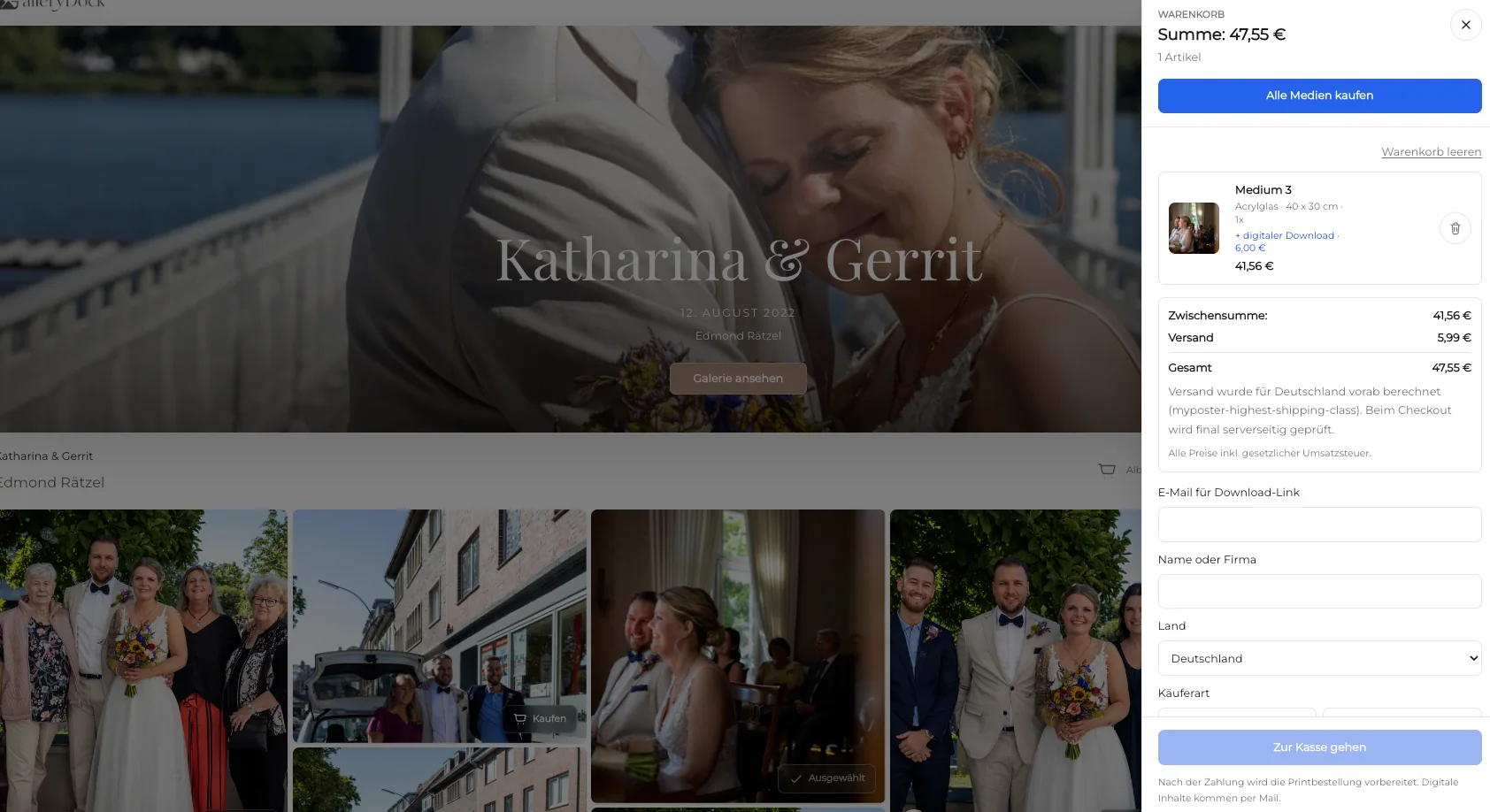
Each buyer can choose products, quantities, and photographs for their own cart instead of coordinating one group purchase.
04
Before sharing, complete a representative mobile order path from gallery opening through cart and checkout.
Comparison
Match the gallery and product path to the group's expectations after the event.
| Approach | Best for | Tradeoff |
|---|---|---|
| Private gallery with individual orders | Several guests choosing different images and products | Requires an edited gallery and prepared catalog |
| Organizer places one order | One planned group gift | Organizer collects choices and payment manually |
| Digital-only gallery | Fast sharing and downloads | No physical keepsake option |
| Group chat album | Informal phone sharing | Weak presentation, ordering, and image context |
| On-site instant printing | Immediate event-day souvenirs | Different production setup from GalleryDock |
Guests order individual portraits and one group print after the photographer publishes the curated weekend story.
The gallery separates portraits, activity photographs, details, and candid moments so each guest can find a meaningful image.
The same group workflow gives participants private access to digital files and optional prints after the event.
Frequently asked questions
Yes. Guests can choose available products from the photographs and complete their own cart and checkout instead of relying on one organizer.
Yes. GalleryDock can present digital products and physical prints in the same party gallery as distinct choices.
Use a clear sequence for group photographs, portraits, activities, details, candid moments, and the closing part of the celebration.
Choose a limited set that fits the edited photographs and common keepsake uses, then verify crop and orientation before publishing.
No. The photographer organizes and shares the curated gallery; this workflow does not claim automatic face identification.
Yes. The same private group-gallery and individual-ordering structure can support bachelor parties and similar celebrations.
Related resources
Pricing
Free forever
0 EUR
EUR 0 per month
Perfect for sharing your first galleries professionally.
Start free, no credit card required
Monthly
19 EUR
EUR 228 billed yearly. plus VAT
Ideal for photographers who regularly deliver client galleries.
For regular client delivery
Monthly
29 EUR
EUR 348 billed yearly. plus VAT
For photographers managing many projects, videos and growing storage.
For regular client delivery
Create a private GalleryDock party gallery and let participants choose digital photographs and physical prints from the finished story.
Create a free account