01
Name the rendered version
Identify the file and review round in the gallery message so stakeholders do not comment on an obsolete export. GalleryDock does not replace the studio's version-control or render-management system.
Rendered animation client review
Review rendered 3D animation with client timecode comments, scene threads, open and resolved feedback, and final delivery in one branded gallery.
Quick answer
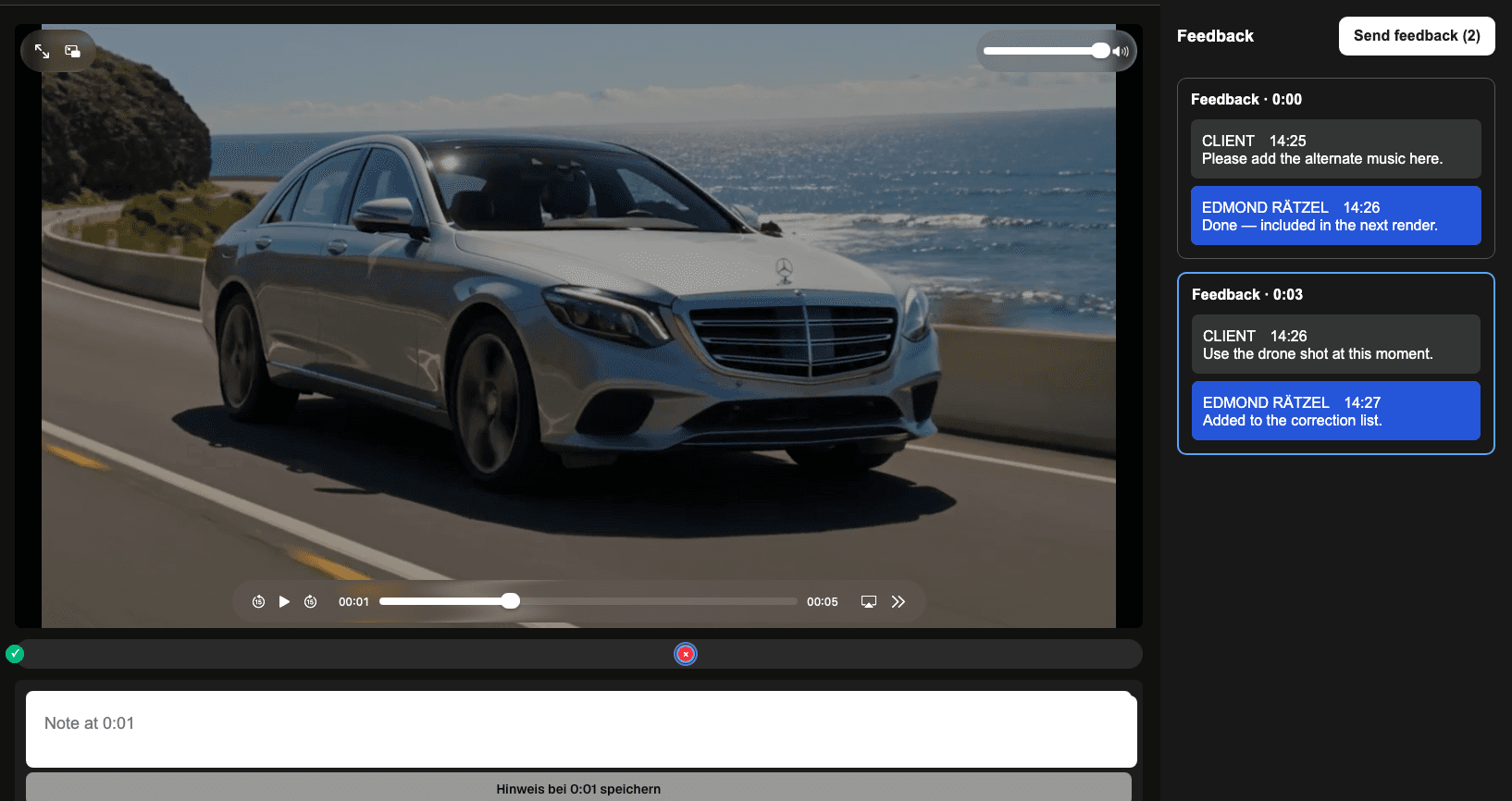
A 3D animation review works best when every client note identifies the rendered moment, the visual criterion, and the expected correction. GalleryDock lets a client open a private gallery link without creating an account, pause a video, leave a timecoded note, continue the discussion in that scene's thread, and distinguish open from resolved feedback. That structure suits product animations, architectural visualization, and branded motion work where stakeholders review camera movement, timing, materials, reflections, lighting, proportions, typography, and logo treatment. GalleryDock presents rendered video and organizes client feedback; it does not edit 3D scenes, models, materials, render passes, or timelines, and it is not a DCC application, render manager, NLE, frame-accurate production-review system, or automatic legal approval service.
Review brief
A useful review starts with version context and decision ownership before comments arrive.
01
Identify the file and review round in the gallery message so stakeholders do not comment on an obsolete export. GalleryDock does not replace the studio's version-control or render-management system.
02
Tell clients whether this round covers camera movement, timing, material appearance, lighting, proportions, branding, typography, or final polish. A bounded request produces more actionable notes.
03
Clarify who can request changes and who gives the final business decision. The gallery can collect feedback, but it does not automatically turn every comment into contractual approval.
04
Tell stakeholders whether the next output is another preview, a corrected master, or final delivery. This prevents a watermarked or compressed review render from being treated as the release file.
Timecoded review
Specific context reduces vague email feedback and repeated scene identification.
01
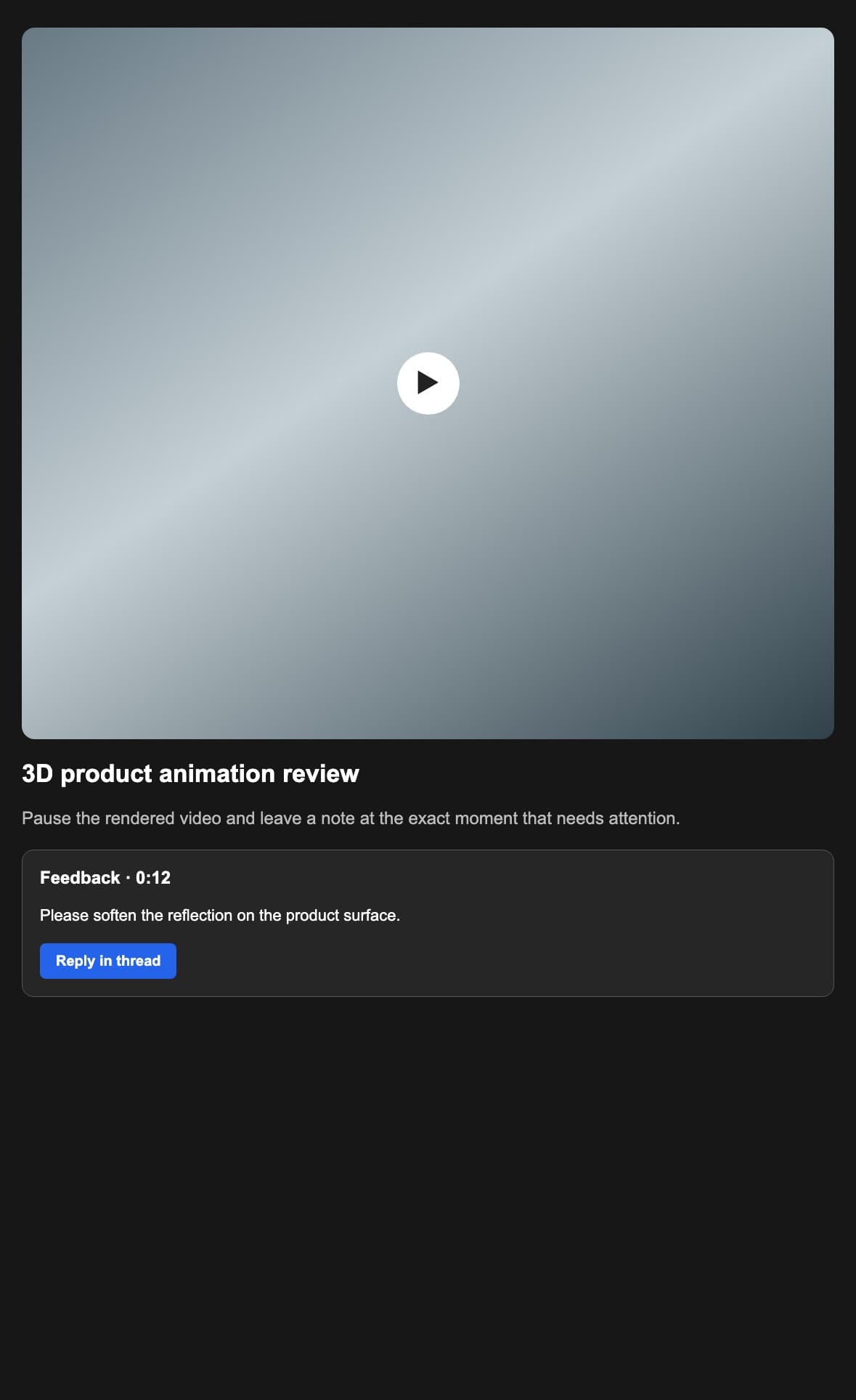
The reviewer pauses where the camera move, transition, reflection, material, light, proportion, or brand element becomes visible and creates a note at that playback position.
02
Describe what is visible, why it conflicts with the brief, and what outcome is expected. Avoid combining unrelated scene changes into one broad message that cannot be resolved clearly.
03
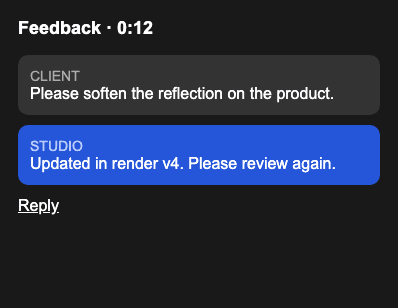
The studio can ask a follow-up and keep the answer attached to the same timecode. This protects context when agency, animator, marketing, and technical stakeholders participate.
04
Reviewers can gather notes and send the feedback deliberately. The workflow reduces scattered notifications while preserving each comment's visible location and discussion history.
Resolution
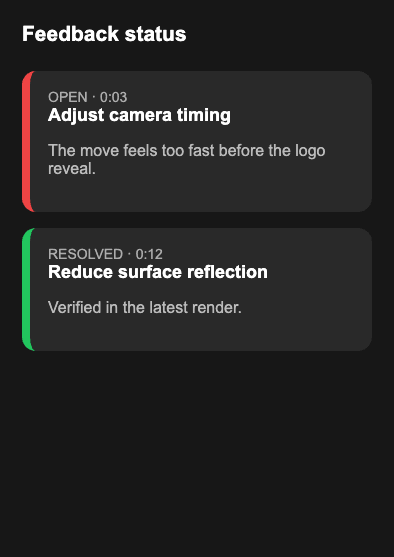
Feedback status should reflect verified rendered output, not only a promise that a change was attempted.
01
Group comments by responsible discipline outside GalleryDock when needed: animation, lighting, shading, compositing, sound, edit, or client decision. The product does not assign DCC tasks automatically.
02
Apply changes in the appropriate 3D, compositing, audio, or editing tools. Upload a new rendered output only after the studio checks that the requested correction appears in the export.
03
Use resolved status when the point has been addressed or consciously closed. Reopen it when the new render still misses the agreed result instead of hiding the remaining concern.
04
After the review round, present the final animation through the intended gallery download path. Keep legal approval, source files, render passes, and production archives in their appropriate systems.
Comparison
Use it for rendered presentation and feedback, not as a replacement for production software.
| Approach | Best for | Tradeoff |
|---|---|---|
| GalleryDock | Branded client review, timecoded notes, threads, status, and delivery | Does not edit 3D source scenes or manage render jobs |
| DCC application | Models, rigs, materials, cameras, and animation | Not designed as the simple client-facing gallery |
| Render manager | Queues, nodes, frames, and render execution | Does not replace stakeholder communication |
| NLE or compositor | Edit, sound, effects, and finishing | Client access may require a separate workflow |
| Email thread | Simple announcements | Timecode and scene context become fragmented |
A manufacturer reviews camera pace, material finish, reflections, scale, and logo treatment. Each requested correction remains connected to the visible product sequence.
Architect, developer, and marketing team comment on light transitions, materials, landscaping, furniture, and camera movement without needing access to the source scene.
The client reviews typography, colors, logo timing, sound relationship, and final call-to-action while the studio tracks open and resolved points before delivery.
Frequently asked questions
Yes. They can pause the rendered video and create a note connected to the current playback time.
No. They can open the private client gallery and provide the required feedback details without creating a GalleryDock account.
Yes. Replies stay in the thread attached to that timecoded feedback point.
Yes. The workflow distinguishes open and resolved points, and an owner can reopen a point when needed.
No. It presents rendered video and organizes client feedback; production changes happen in the studio's DCC, rendering, compositing, audio, or editing tools.
No. It is timecoded client feedback, not a frame-accurate review specification, version-control system, or automatic legally binding approval service.
Related resources
Pricing
Free forever
0 EUR
EUR 0 per month
Perfect for sharing your first galleries professionally.
Start free, no credit card required
Monthly
19 EUR
EUR 228 billed yearly. plus VAT
Ideal for photographers who regularly deliver client galleries.
For regular client delivery
Monthly
29 EUR
EUR 348 billed yearly. plus VAT
For photographers managing many projects, videos and growing storage.
For regular client delivery
Share the current animation privately, collect timecoded notes, resolve scene threads after verified renders, and deliver the approved output through the intended client path.
Create a free account