01
Start with the audience promise
Confirm that the title concept, opening statement, and first visual moments make the intended value clear to the target viewer without relying on later explanation.
YouTube video feedback workflow
Review a YouTube video before publishing by separating hook, story, on-screen copy, call to action, and final technical checks in one scene-specific feedback round.
Quick answer
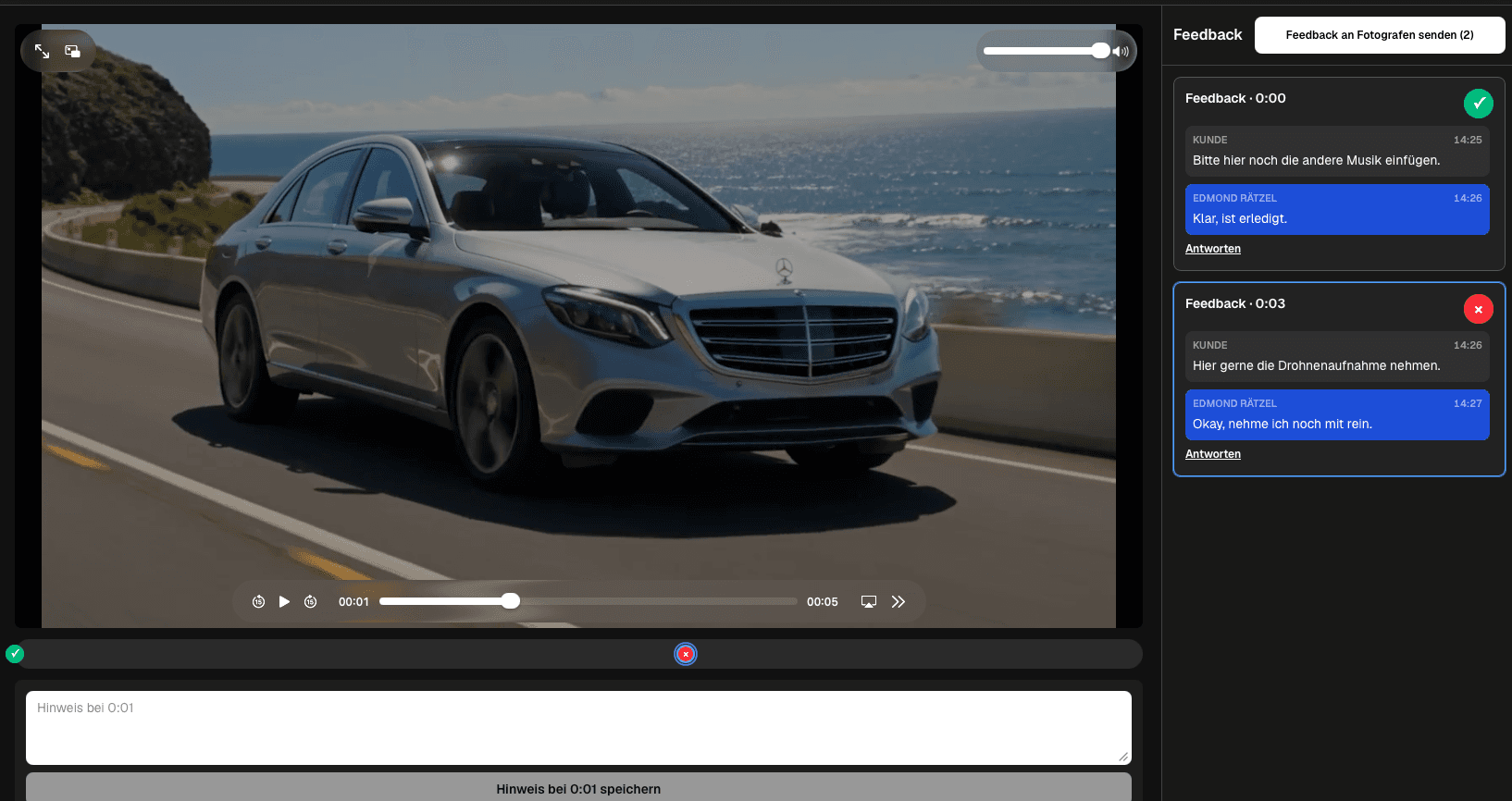
A YouTube video feedback workflow belongs before publication: review the hook, editorial structure, on-screen copy, call to action, and final technical quality on the exported candidate. GalleryDock supports pre-publish review of an exported YouTube video; it does not upload, publish, schedule, optimize, caption, monetize, or report YouTube analytics, and it is not a YouTube integration.
Editorial sequence
A staged sequence prevents reviewers from spending time on details in a story that may still change.
01
Confirm that the title concept, opening statement, and first visual moments make the intended value clear to the target viewer without relying on later explanation.
02
Check order, repetition, missing context, factual claims, and whether the video earns its conclusion. Resolve structural changes before detailed polish.
03
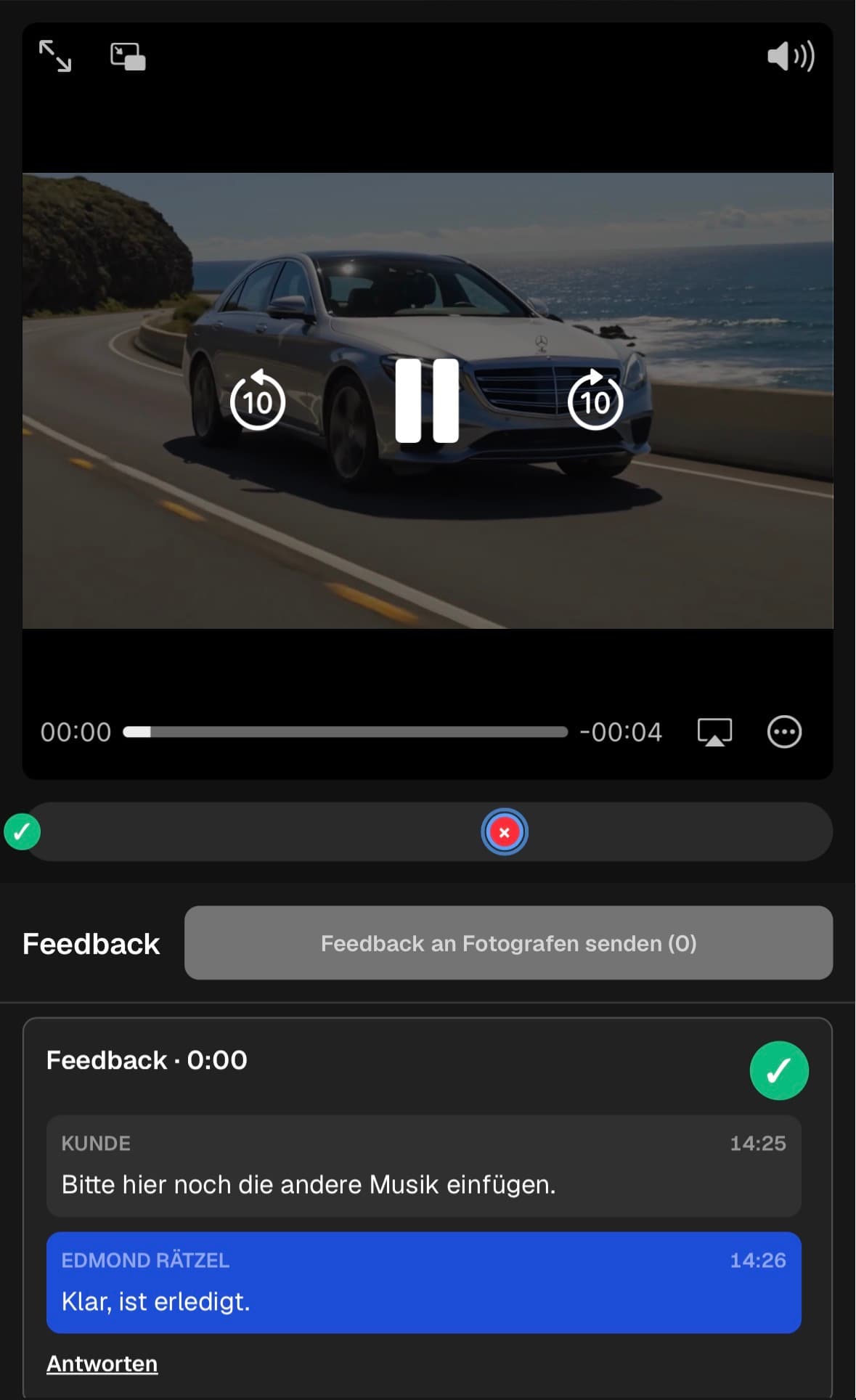
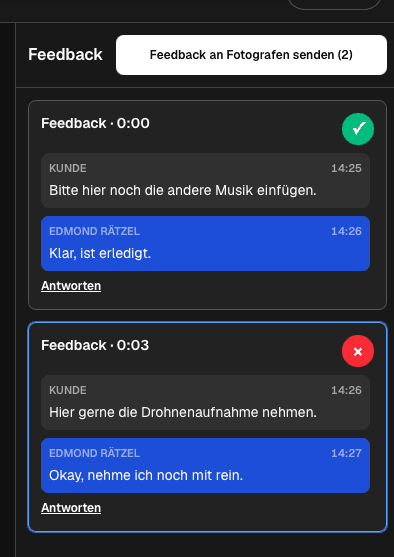
Identify moments that feel rushed, repetitive, confusing, or disconnected. Attach the requested result to the exact scene instead of saying the whole section feels off.
04
Check on-screen text, captions, names, links, disclaimers, and the call to action. Quote exact replacement wording whenever possible.
Private review
The upload platform and the production review serve different stages and should not be treated as interchangeable.
01
Use a clearly named file that represents the current cut. Reviewers should not be switching among editor previews, old exports, and an unlisted upload without explicit version context.
02
Tell each reviewer whether they are checking facts, brand requirements, editorial direction, or final quality. Personal preferences outside that role can be discussed without automatically becoming changes.
03
Public comments expose production discussion to the audience, while private videos do not offer comments and unlisted links can travel beyond the intended group.
04
After approval, metadata, thumbnail, scheduling, monetization, and channel settings remain a dedicated publishing task in the creator's YouTube workflow.
Upload candidate
Final approval is meaningful only when the reviewed export and the uploaded file are demonstrably the same candidate.
01
Verify editorial, copy, audio, graphics, and technical corrections in the current export. Do not equate a completed edit task with a checked result.
02
Watch the final candidate from beginning to end, listen for audio issues, inspect text and transitions, and confirm the ending and call to action.
03
Use a stable naming convention and record which file the decision owner accepted. Remove ambiguity before the asset enters a shared publishing queue.
04
Provide the approved file and any separately prepared metadata or thumbnail assets to the publishing owner without implying that the review system performs the upload.
Comparison
Use the differences below as decision criteria, then verify the complete path with one real client project before changing your standard workflow.
| Approach | Best for | Tradeoff |
|---|---|---|
| Hook review | Promise, audience fit, and opening pace | Judge the opening before polishing later details |
| Editorial review | Story, order, omissions, and clarity | Keep strategic notes separate from tiny craft changes |
| On-screen copy | Titles, captions, lower thirds, and claims | Quote the replacement wording in the note |
| Call to action | Wording, timing, and destination | Review the actual scene where the CTA appears |
| Final quality control | Audio, graphics, export, and ending | Verify the final candidate before it enters publishing |
The creator and editor review the opening promise, pacing, graphics, and call to action without confusing internal decisions with public audience comments.
The brand reviewer checks required language and product representation while the creator retains the agreed editorial and production boundaries.
A subject-matter owner confirms facts, marketing checks messaging, and the publishing owner receives a clean approved export.
Frequently asked questions
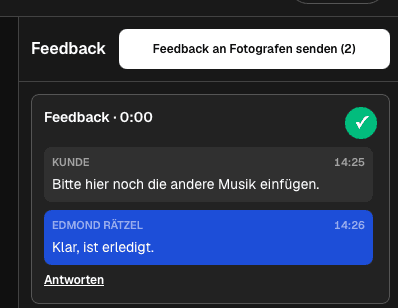
Share the exported candidate privately, brief reviewers on the current stage, and ask them to attach each requested change to the relevant playback moment.
Public comments are audience interaction, not a controlled production review. Private YouTube videos do not allow comments, and unlisted links can be reshared by anyone who has them.
Start with audience promise, hook, story, and factual accuracy. Fine-cut details are easier to judge after the main editorial direction is accepted.
Yes. Ask for exact replacement wording and attach the note to the moment where the text appears, while caption creation remains in the production workflow.
No. Uploading, scheduling, metadata, thumbnails, monetization, channel management, and analytics remain in YouTube and the creator's publishing tools.
When the current export has no unresolved review notes, the decision owner accepts it, technical checks pass, and the file entering publication matches the reviewed candidate.
Related resources
Pricing
Free forever
0 EUR
EUR 0 per month
Perfect for sharing your first galleries professionally.
Start free, no credit card required
Monthly
19 EUR
EUR 228 billed yearly. plus VAT
Ideal for photographers who regularly deliver client galleries.
For regular client delivery
Monthly
29 EUR
EUR 348 billed yearly. plus VAT
For photographers managing many projects, videos and growing storage.
For regular client delivery
Use the workflow on a real YouTube export, close editorial and technical notes, and verify the exact file before it enters the publishing queue.
Create a free account