Wait for loading
Let the image finish loading on a stable connection before comparing fine detail.
Gallery preview troubleshooting
Find out why client gallery photos can look blurry, compare previews with downloaded files, and report a real quality problem with useful evidence.
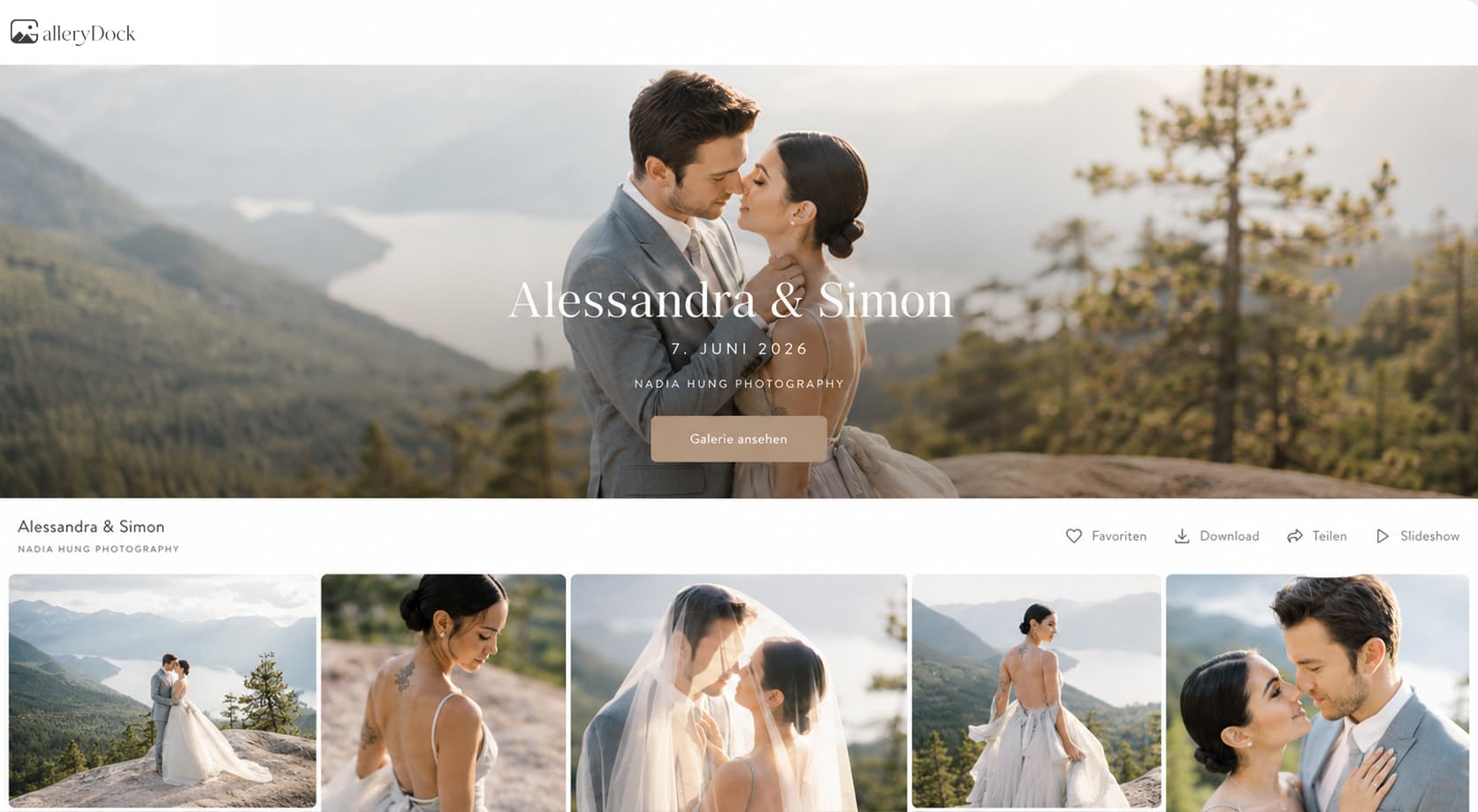
Quick answer
A client gallery photo can look blurry because a preview is still loading, the browser is displaying a screen-sized derivative, the connection delivered a low-detail state, or the image is being viewed beyond its useful scale. First reload and compare at a normal zoom, then download the permitted file and inspect it locally. That check separates a temporary preview issue from the delivered file, but it cannot add missing focus, guarantee print quality, or prove that every source original is sharp.
First check
Do the fast, reversible checks before treating one soft-looking screen state as a defect in the delivered photograph.
Let the image finish loading on a stable connection before comparing fine detail.
Refresh the gallery and reopen the same image to clear a stalled or partial preview request.
Return the browser and image view to a sensible scale instead of enlarging a screen preview excessively.
When practical, check the same gallery image on a second screen to isolate device rendering.
File check
Use the permitted download to determine whether the softness belongs to the browser presentation or the delivered file itself.
01
Note the filename or gallery position so both views refer to the same photograph.
02
Use the gallery download action and choose the intended available resolution.
03
Inspect the completed file in a suitable viewer without relying on the browser preview cache.
04
Use comparable viewing size and focus on the same subject area before drawing a conclusion.
Useful report
A precise report is easier to investigate than a general statement that the whole gallery looks blurry.
Provide the filename, screenshot context, or unambiguous gallery position.
State whether the issue appears in the thumbnail, full-screen preview, downloaded file, or all three.
Mention the device, browser, connection, selected file quality, and approximate zoom.
Ask for a check rather than assuming compression, missed focus, or a source-file defect without evidence.

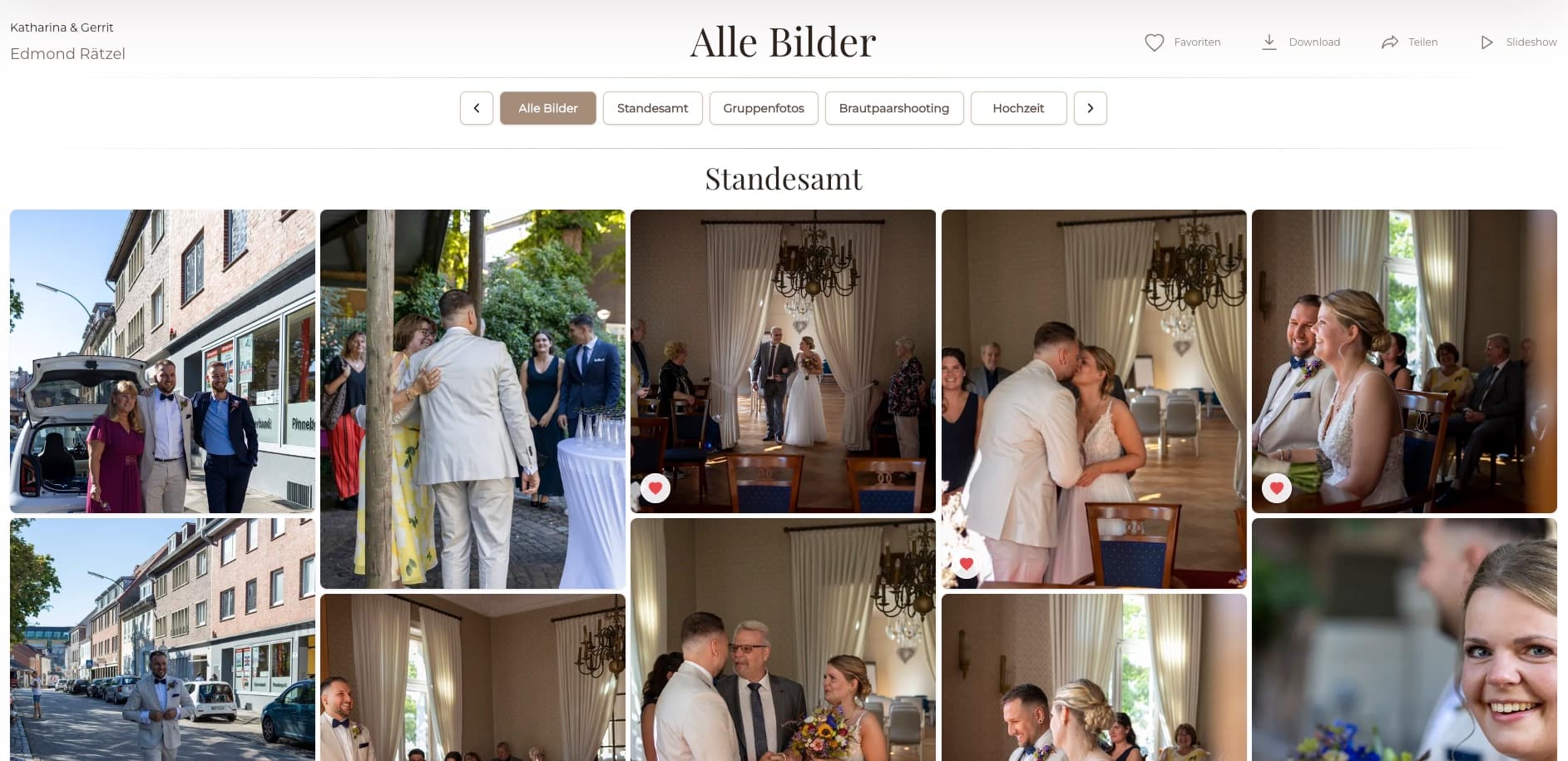
Comparison
Each check answers a different question; none alone guarantees source focus or print suitability.
| Approach | Best for | Tradeoff |
|---|---|---|
| Thumbnail | Fast gallery navigation | Too small for a meaningful detail judgment |
| Full-screen preview | Screen presentation and selection | May use a display-sized derivative |
| Web-size download | Checking the delivered screen-use file | Not equivalent to every original-size use |
| Original-size download | Inspecting an offered high-resolution delivery | Still cannot repair missed focus in the source |
| Print evaluation | Assessing a specific physical output | Requires print size, process, and viewing-distance context |
Wait for the preview, reload once, and compare after the transfer indicator has settled.
Return to a normal view before judging pixel-level detail in a screen derivative.
Send the photographer the exact filename, selected quality, device, and local comparison result.
Frequently asked questions
The image may still be loading or the browser may initially show a lower-detail state. Wait and reload once before comparing.
Not necessarily. Compare the permitted downloaded file locally at a sensible scale to separate preview behavior from file content.
No. A larger or less compressed file can reveal available detail, but it cannot restore focus that is absent from the source.
That can help for a controlled file check, but it should be interpreted in context and is not automatically representative of normal screen or print viewing.
No. Print suitability also depends on dimensions, crop, output size, production method, and viewing distance.
Send the exact image identifier, where the issue appears, device and browser details, chosen quality, and whether the local file matches the preview.
Related resources
Pricing
Free forever
0 EUR
EUR 0 per month
Perfect for sharing your first galleries professionally.
Start free, no credit card required
Monthly
19 EUR
EUR 228 billed yearly. plus VAT
Ideal for photographers who regularly deliver client galleries.
For regular client delivery
Monthly
29 EUR
EUR 348 billed yearly. plus VAT
For photographers managing many projects, videos and growing storage.
For regular client delivery
Use GalleryDock previews for client review, offer the intended download quality, and give clients a clear way to report a specific issue.
Create a free account