01
Identify proofs
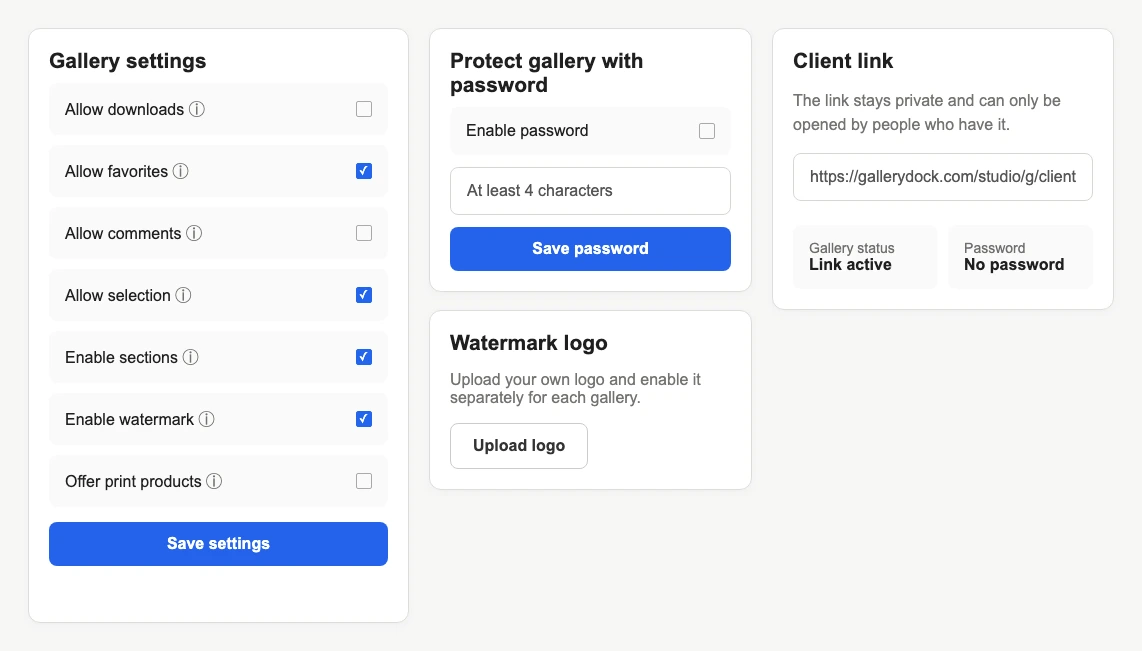
A watermark can make it immediately clear that visible images belong to selection, review, or approval rather than final clean delivery. Explain that status in the client message.
Proofing control decision
Compare visible photo watermarking with disabling client gallery downloads, choose by delivery stage, and understand why neither option prevents screenshots.
Quick answer
A watermark and a disabled download setting solve different parts of a client-gallery workflow. The watermark visibly marks preview images as proofs, branded review media, or not-yet-final files. Disabling downloads removes GalleryDock's ordinary free gallery download path and adds friction to common context-menu and drag actions. It does not make visible images impossible to capture, and it cannot recall files previously downloaded. Many selection and approval galleries use both controls: the watermark communicates status while downloads remain unavailable until final release. A finished delivery may instead use clean images and an intentional authorized download path. Shop purchases and purchased-file delivery follow their own workflow and should not be confused with free gallery downloads.
Watermark
The watermark travels with the rendered preview and changes how clients interpret what they see.
01
A watermark can make it immediately clear that visible images belong to selection, review, or approval rather than final clean delivery. Explain that status in the client message.
02
A carefully prepared mark can identify the photographer or studio across captures and shared previews. It should remain readable without hiding the subject the client needs to evaluate.
03
The mark may remain visible in screenshots and casual copies, but it does not stop screen capture, photography of a display, cropping, or every unauthorized use.
04
Decide how clients will receive approved final files and whether those files should be unmarked. Verify the actual delivery path rather than assuming preview behavior changes existing copies.
Downloads
Disabling downloads controls an action offered by the gallery, not every external capture method.
01
Turn off the ordinary gallery download option when clients should only view, favorite, select, or comment. Save the setting and verify the signed-out client view.
02
When free downloads are unavailable, normal context-menu and drag actions on public media receive additional friction. This discourages casual saving but is not DRM.
03
A gallery shop and purchased digital files use a separate sales and delivery path. Do not describe the free gallery setting as a universal block on every purchased or authorized file.
04
A later settings change cannot recall files that were already downloaded, copied, or stored elsewhere. Communicate any access change without making an impossible recovery promise.
Decision workflow
The current stage determines whether marking, withholding, releasing, or combining is appropriate.
01
Use watermarked previews and disable free downloads when clients should choose favorites or comment without receiving final files. Explain when the finished delivery will replace this stage.
02
Use a watermark when visible review status matters, then decide separately whether approved team members need downloadable working files. Avoid one default for every stakeholder group.
03
Enable the agreed file path and verify quality, filenames, and included media. Reconsider whether a proof watermark still belongs in the final client experience.
04
Test the actual shop or post-purchase file-delivery path independently. The decision about free gallery downloads does not describe or control that separate purchase workflow.
Comparison
Each control changes a different part of the recipient experience.
| Approach | Best for | Tradeoff |
|---|---|---|
| Watermark only | Visible proof identification | Does not remove the download action by itself |
| Disable downloads only | Viewing without free GalleryDock file release | Visible previews can still be captured |
| Both | Selection and approval stages | Requires a clear later final-release plan |
| Neither | Clean final presentation with downloads | Client communication carries more context |
| Password plus either | Restricting shared entry as well | A shared credential is still forwardable |
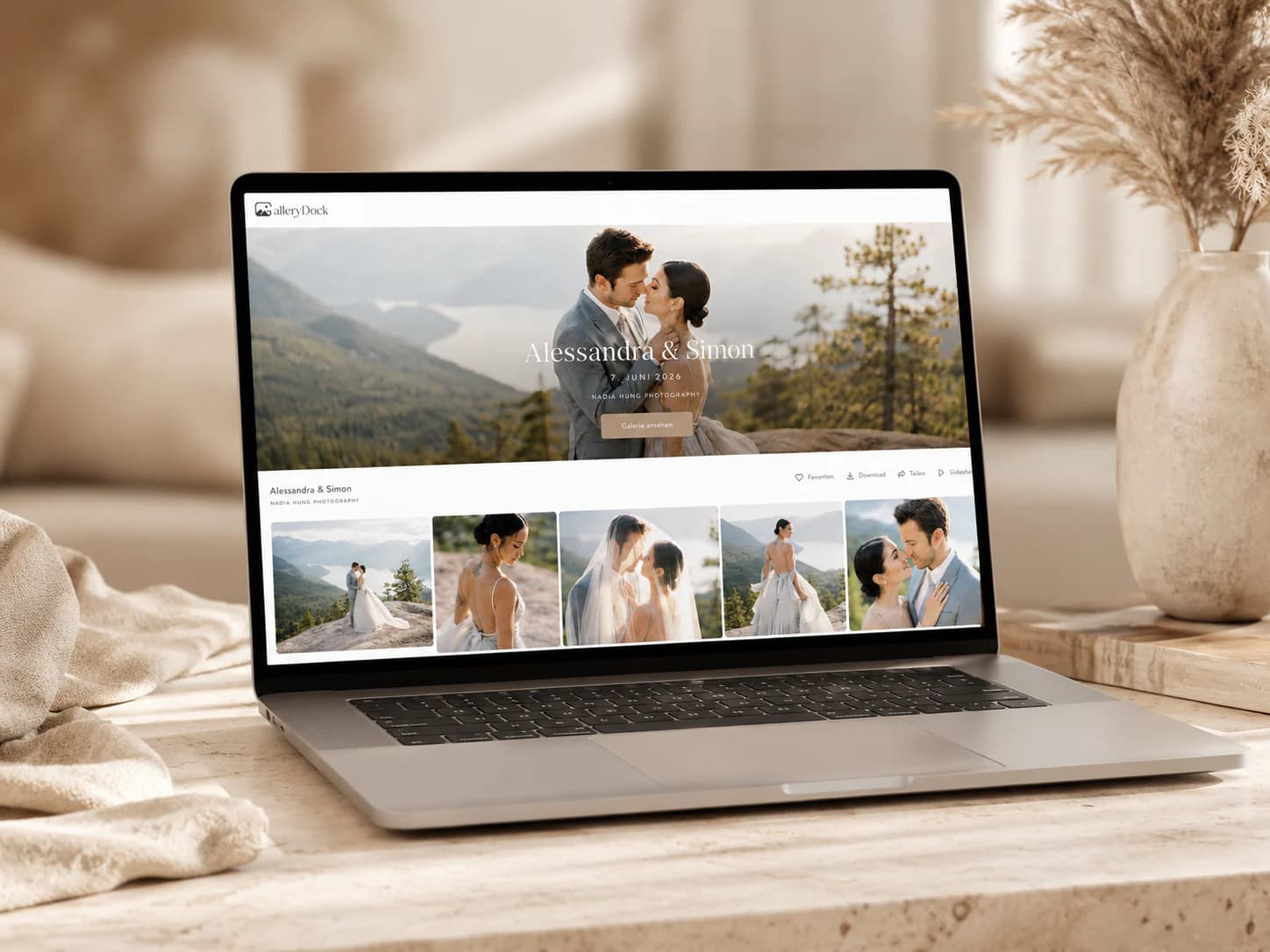
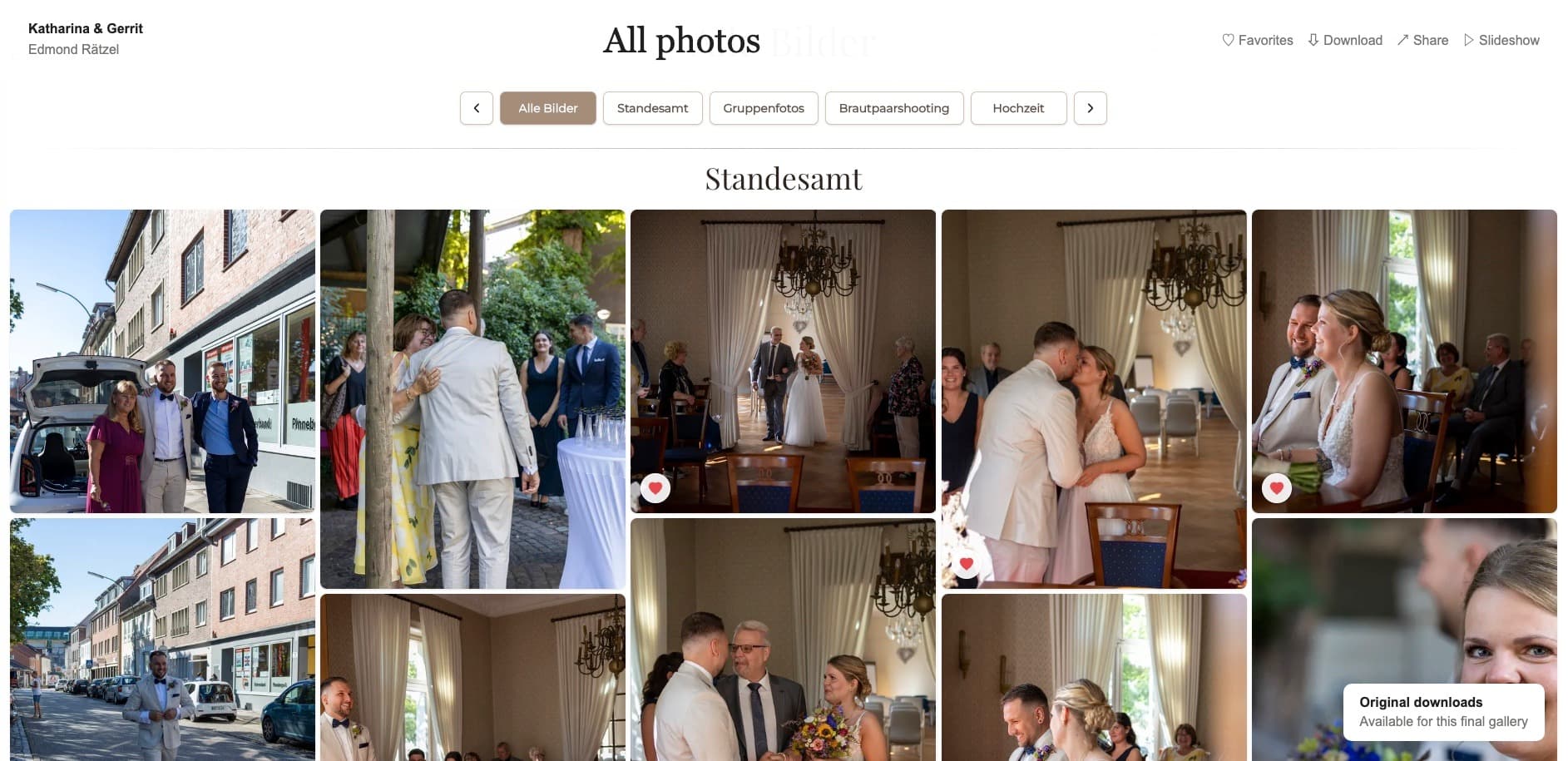
Watermarked previews remain viewable for favoriting while free downloads are disabled. After retouching, the photographer opens the agreed clean final delivery path.
Stakeholders review marked campaign images and comment in the gallery. The studio withholds final exports until the approved decision-makers complete the round.
The photographer uses gallery branding around clean final images and enables the promised downloads, while usage expectations remain documented outside the technical controls.
Frequently asked questions
No. A watermark visibly marks previews; disabling downloads removes GalleryDock's ordinary free download action.
Often, yes. The watermark communicates proof status while disabled downloads keep the normal file-release path closed until approval.
No. Screenshots, recordings, external capture, and photographing the display remain possible.
Watermark delivery and download behavior depend on the configured gallery workflow. Verify the signed-out client path before promising a specific file.
No. A settings change affects future GalleryDock access and cannot recall copies already outside the platform.
No. Shop purchases and purchased-file delivery follow their own sales workflow and require separate verification.
Related resources
Pricing
Free forever
0 EUR
EUR 0 per month
Perfect for sharing your first galleries professionally.
Start free, no credit card required
Monthly
19 EUR
EUR 228 billed yearly. plus VAT
Ideal for photographers who regularly deliver client galleries.
For regular client delivery
Monthly
29 EUR
EUR 348 billed yearly. plus VAT
For photographers managing many projects, videos and growing storage.
For regular client delivery
Mark previews when their status must remain visible, disable free downloads while files are withheld, and retest the gallery when final delivery begins.
Create a free account