01
Context menu
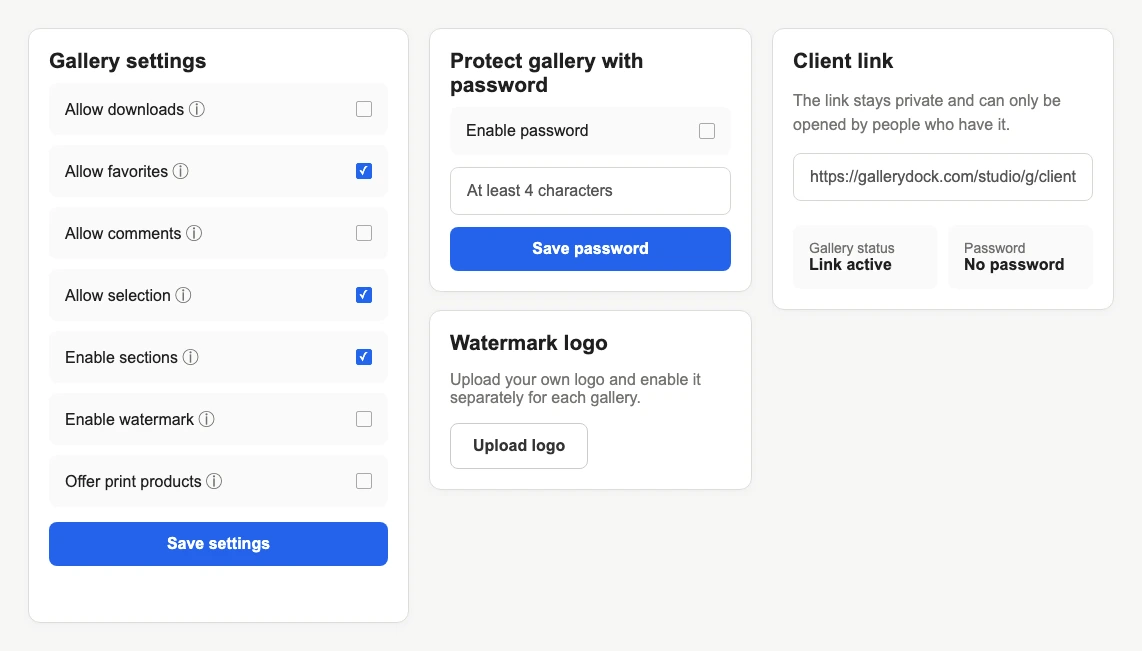
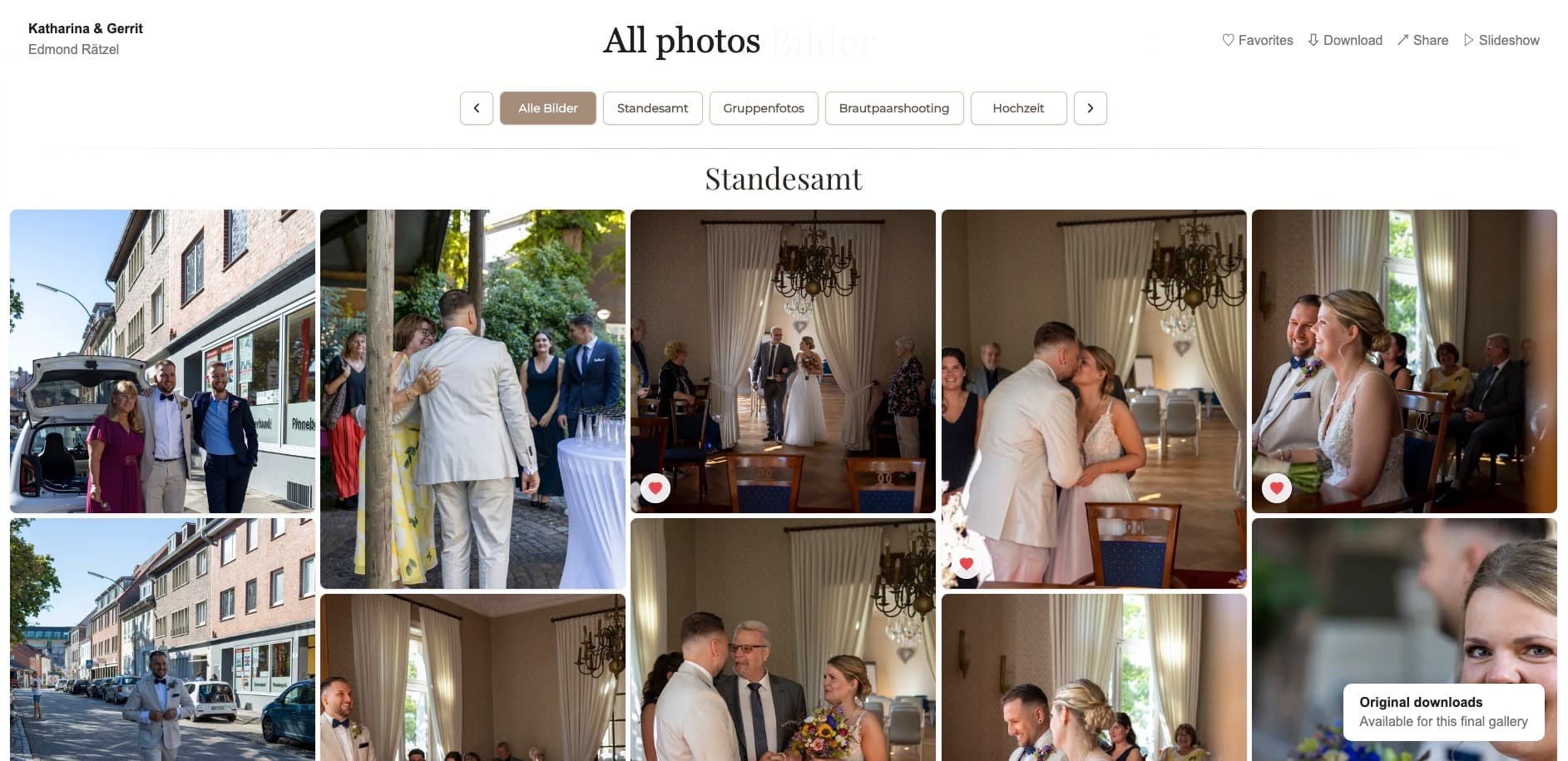
When the gallery does not offer free downloads, ordinary context-menu behavior on public media is prevented in the grid and lightbox. This removes a familiar casual save path for many desktop visitors.
Image protection limits
Understand what blocked context menus and drag actions can deter, what screenshots still allow, and how GalleryDock separates previews from authorized downloads.
Quick answer
Disabling ordinary right-click and drag actions can reduce casual browser saving, but it does not make a visible image impossible to copy. In GalleryDock's public gallery, normal context-menu and drag behavior is prevented for displayed media when free gallery downloads are unavailable; video playback also receives the browser's no-download hint. Device behavior can still vary, especially for mobile long-press actions. Screenshots, screen recordings, developer tools, external capture, and photographing the display remain outside this control. Treat the behavior as useful friction around preview media, not DRM. Combine honest client communication, suitable preview files, watermarking when appropriate, and deliberate download permissions instead of promising a technical guarantee that the browser cannot provide.
What it changes
The control affects normal interface behavior, not every way visible media can be reproduced.
01
When the gallery does not offer free downloads, ordinary context-menu behavior on public media is prevented in the grid and lightbox. This removes a familiar casual save path for many desktop visitors.
02
Displayed images and videos cannot be dragged out of the GalleryDock interface through the normal browser gesture. The restriction discourages an obvious workflow but is not an encryption boundary.
03
Gallery video playback uses the browser's no-download control hint in the protected viewing flow. Browser vendors decide how that hint appears, and it must not be described as DRM.
04
Long-press, share sheets, and save behavior differ by browser, operating system, and device. Test the real client view instead of assuming desktop context-menu behavior transfers identically to phones.
What remains possible
Anything rendered visibly on a screen has capture paths outside a right-click rule.
01
A visitor can capture the visible screen with operating-system tools. The browser page cannot guarantee that screen capture is unavailable, and marketing copy should never imply otherwise.
02
Video and animated content can be recorded from the display or by external equipment. A no-download hint does not prevent another device or system-level recording tool from capturing playback.
03
A second camera can reproduce visible content without interacting with the browser at all. This simple boundary shows why right-click blocking cannot be treated as complete copy prevention.
04
Disabling current downloads cannot remove files that recipients already downloaded, copied, or stored elsewhere. Access changes only affect future use of the GalleryDock path.
Practical workflow
Use the setting as one part of a clear preview-to-final process.
01
Present web previews that support review and selection without assuming the displayed asset is the same as an authorized original file. Verify actual resolution and quality in the client view.
02
A visible mark can signal proof status and remain present in many casual captures. It still does not make copying impossible, so explain its purpose honestly.
03
A gallery password can restrict who can enter with the shared credential. It complements browser friction but does not identify each recipient or stop an authorized viewer from capturing the screen.
04
Enable the intended GalleryDock download path when final files are ready, confirm the correct quality and files, and tell the client exactly where the authorized delivery is available.
Comparison
No single control solves access, marking, and file delivery at once.
| Approach | Best for | Tradeoff |
|---|---|---|
| Blocked context menu and drag | Reducing casual browser saving | Does not prevent screenshots or external capture |
| Watermark | Visible proof identification | Can still be captured, cropped, or photographed |
| Password | Shared entry control | Does not identify every viewer |
| Disabled downloads | Removing GalleryDock's free file-release action | Cannot recall earlier copies |
| Authorized download | Intentional final delivery | Recipient can keep the delivered file |
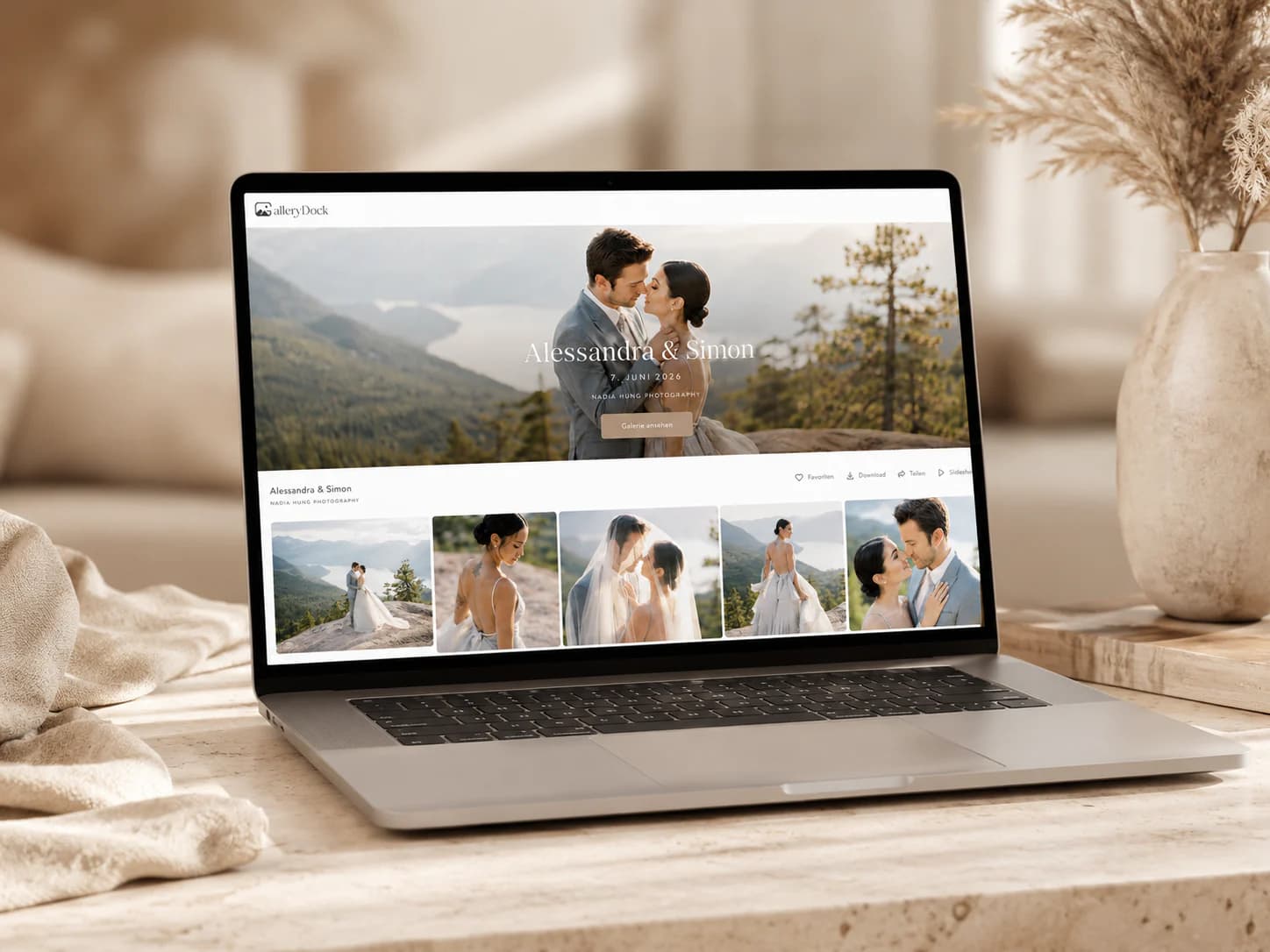
The photographer disables free downloads, uses watermarked previews, and invites the client to favorite selections while stating that the controls are not complete screenshot prevention.
Stakeholders can inspect campaign previews and comment, while the studio withholds final file delivery until approval and documents the intended recipient group.
After approval, the photographer enables the agreed download path and verifies it signed out rather than asking the client to save images through browser context menus.
Frequently asked questions
No. It can deter common browser saving but cannot prevent screenshots, recordings, developer tools, or photographing the screen.
The public grid and lightbox prevent ordinary context-menu and drag actions; video receives a no-download browser hint.
No. Long-press and share behavior can vary by device, operating system, and browser.
Not necessarily. The public preview and an authorized original download are separate delivery paths.
Use one when visible proof identification supports the workflow, while keeping the copy-prevention limits explicit.
No. It changes future GalleryDock access but cannot remove files already saved outside the platform.
Related resources
Pricing
Free forever
0 EUR
EUR 0 per month
Perfect for sharing your first galleries professionally.
Start free, no credit card required
Monthly
19 EUR
EUR 228 billed yearly. plus VAT
Ideal for photographers who regularly deliver client galleries.
For regular client delivery
Monthly
29 EUR
EUR 348 billed yearly. plus VAT
For photographers managing many projects, videos and growing storage.
For regular client delivery
Test the published gallery, explain the limits, and combine previews, watermarking, access, and final downloads according to the real assignment stage.
Create a free account