Choose the device
Select sufficient capacity, a practical connector, and a filesystem compatible with the recipient's likely devices.
Photo delivery comparison
Compare USB drives and online galleries for photo delivery across preparation, shipping, client access, updates, downloads, and backup responsibility.
Quick answer
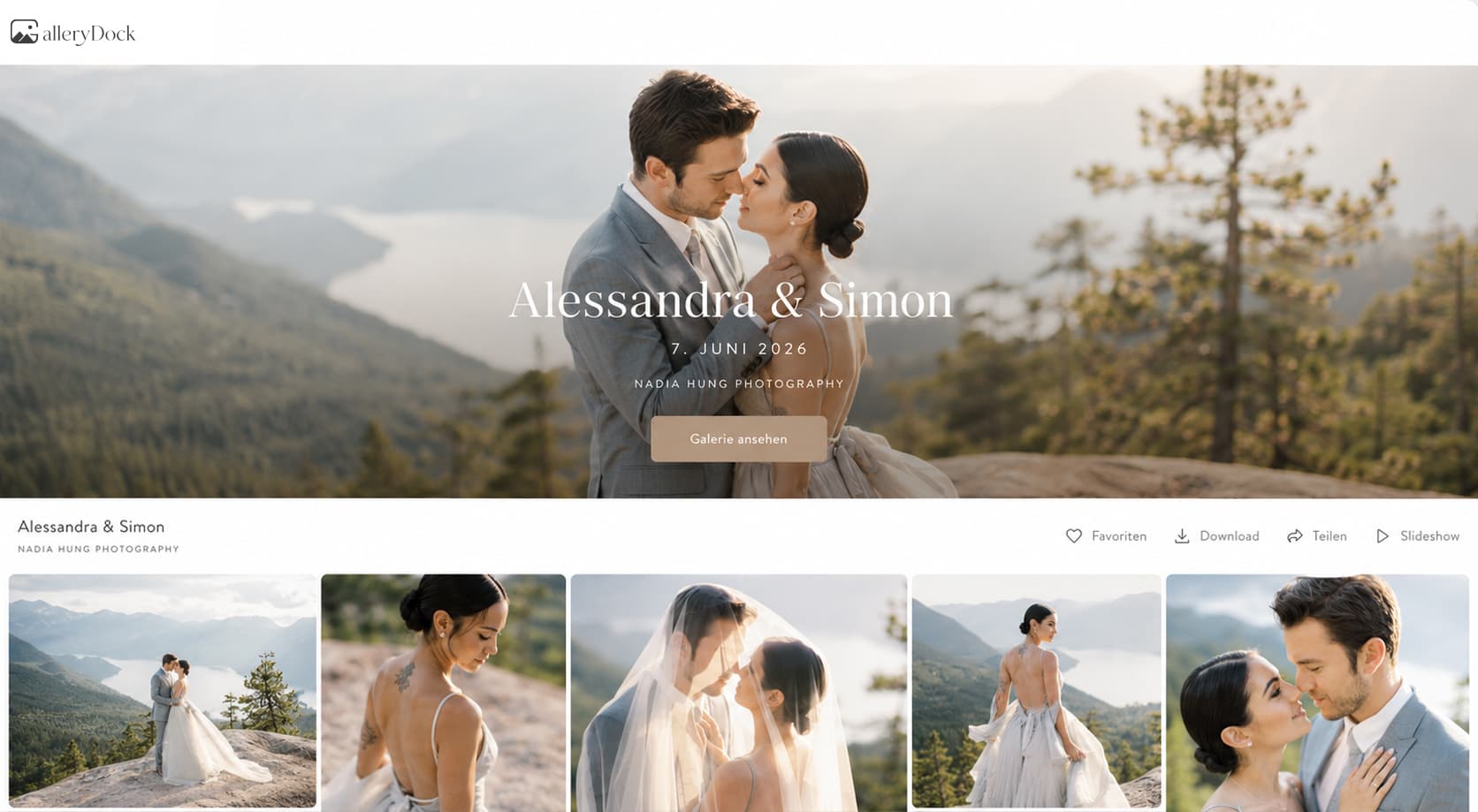
A USB drive can provide a tangible offline handoff, but it requires copying, testing, packaging, shipping or an in-person transfer, and replacement planning. An online gallery delivers through a client link, supports convenient viewing across devices, and can make updates easier, but it still depends on access, download settings, connectivity, and the recipient creating a durable copy. Neither method is automatically cheaper, better, or a complete backup; choose according to the client, project, delivery experience, and retention plan.
USB delivery
The value of a USB drive includes tangibility and offline access, but the workflow extends beyond buying the device.
Select sufficient capacity, a practical connector, and a filesystem compatible with the recipient's likely devices.
Transfer the complete set, compare counts, and open representative files from the drive itself.
Plan labeling, packaging, postage, tracking, or a documented in-person handoff.
Decide what happens if the device is lost, damaged, incompatible, or reported as unreadable.
Online gallery
Online delivery removes physical copying and shipping, but the link, permissions, files, and instructions still require testing.
01
Confirm image versions, order, presentation, naming, and intended client access before sending the link.
02
Enable the correct scope and quality, then test the public client view without owner privileges.
03
Explain access, available downloads, ZIP handling, timing, and a contact path for problems.
04
Make clear that convenient gallery access does not replace the recipient's own durable copies.
Choose deliberately
Client preference matters, but so do device compatibility, update needs, geographic distance, urgency, and your support process.
Check whether the recipient prefers a browser link, uses mobile devices, or needs reliable offline access.
An online route is easier to correct or supplement; a physical drive usually requires another transfer.
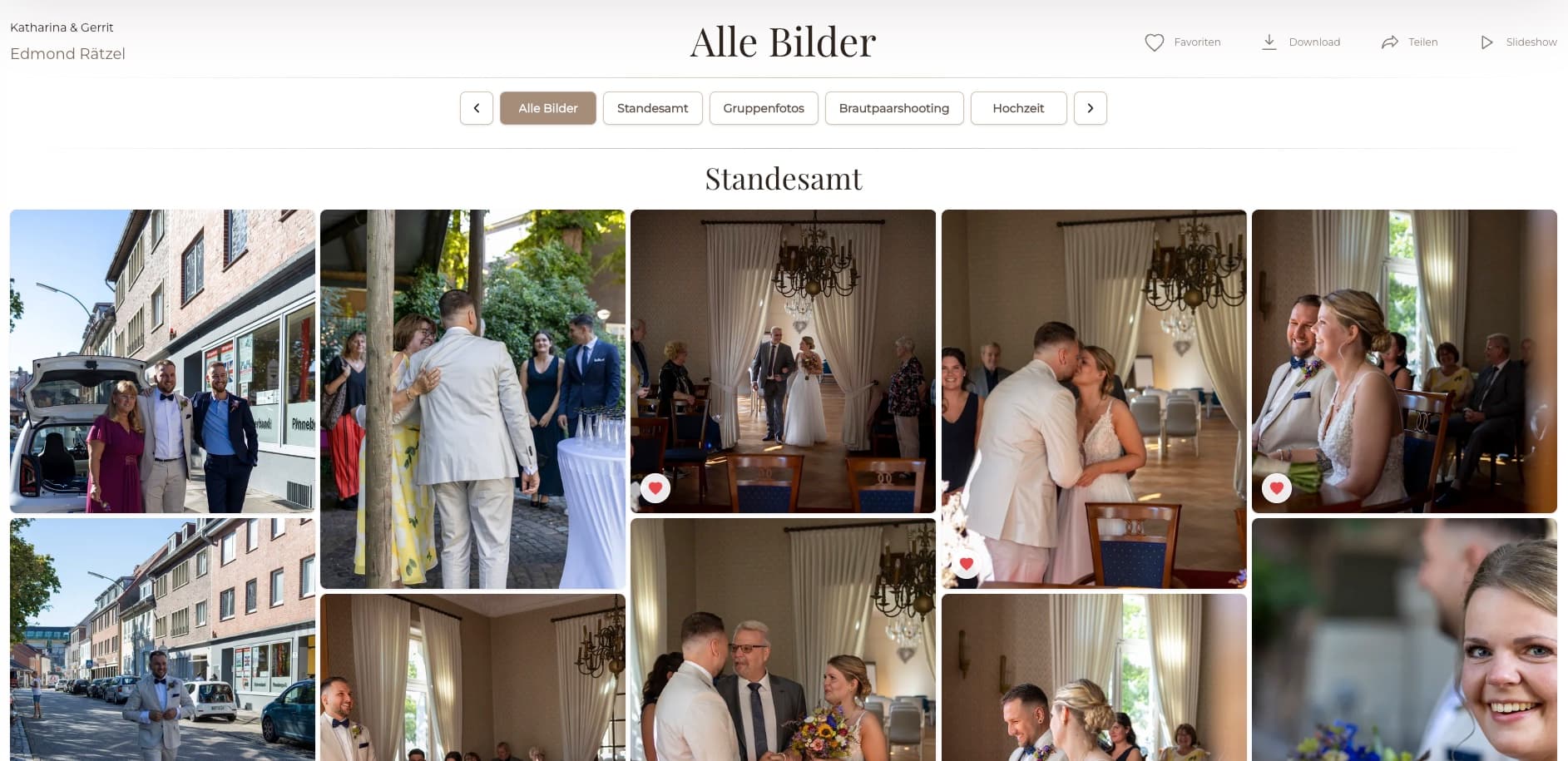
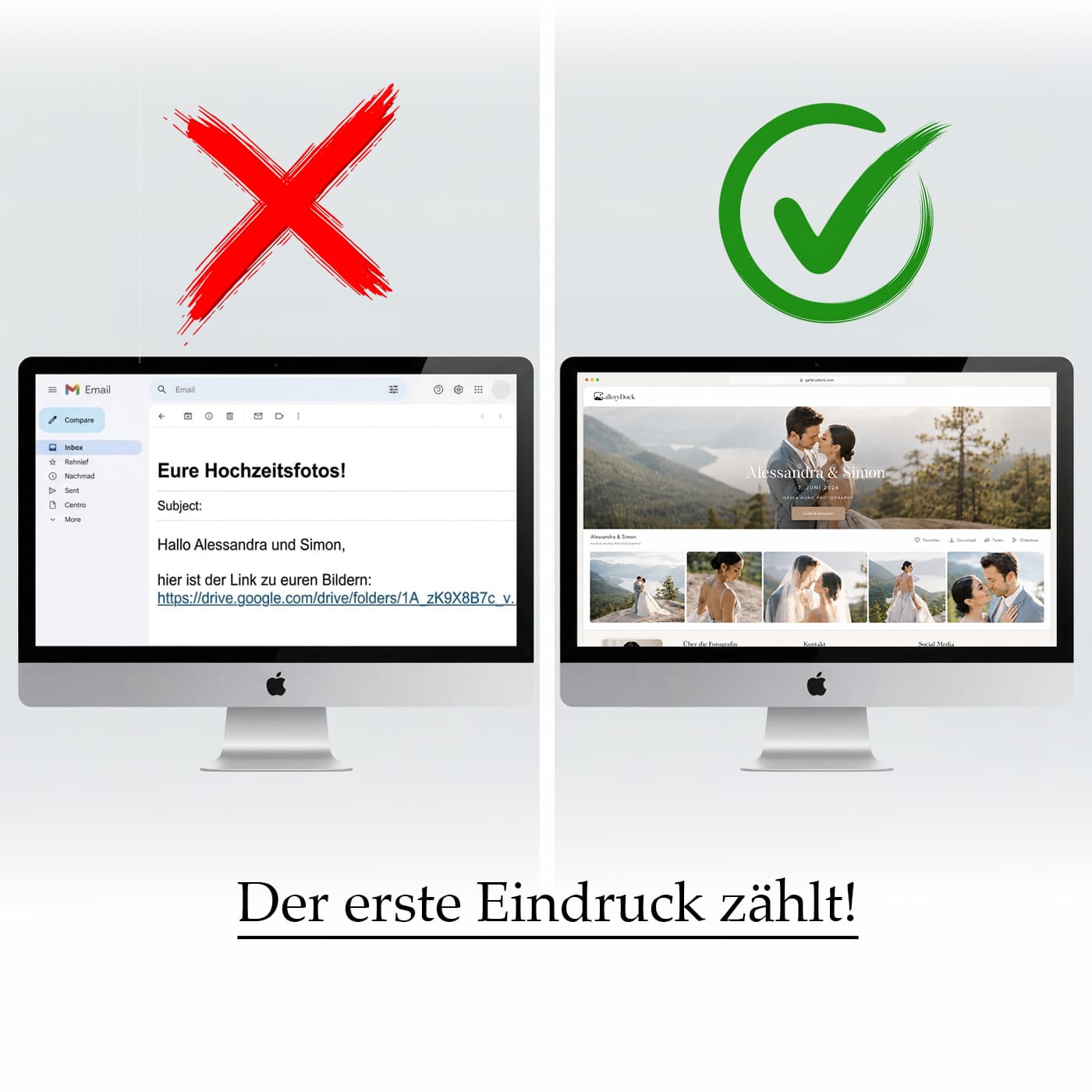
A designed physical package can feel tangible, while a gallery can provide immediate visual presentation and sharing.
Document how long access is intended and remind the client that delivery availability is not permanent backup.
Comparison
The right choice depends on the complete workflow and client context, not one universal ranking.
| Approach | Best for | Tradeoff |
|---|---|---|
| USB drive | Tangible offline handoff | Copying, compatibility, packaging, shipping, and replacement |
| Online gallery | Fast link delivery, presentation, and multi-device access | Requires connectivity, permissions, downloads, and client backup |
| Both methods | Projects needing digital convenience and a physical handoff | Duplicates preparation, verification, and support work |
| Cloud folder only | Basic file transfer | May provide less intentional presentation and proofing context |
| No client backup guidance | Nothing reliable | Encourages dependence on one device or temporary access |
Use an online gallery for immediate cross-border access and provide explicit download and backup instructions.
Use a tested USB drive when the tangible handoff is part of the agreed experience, while keeping a replacement process clear.
Use a gallery for structured review and delivery, then have the client place approved files into its managed asset backup.
Frequently asked questions
Not universally. USB provides tangible offline access; an online gallery provides faster link delivery, presentation, and easier updates. Choose for the client and project.
It can reduce physical-device, packaging, and shipping work, but costs and time depend on the service, storage, support, and project volume.
One USB drive is still one copy and can be lost or fail. It becomes part of a backup strategy only when additional verified copies exist.
No. It is a delivery and access surface. Clients should download and back up important photographs independently.
Yes, when the added client value justifies preparing, verifying, and supporting both delivery paths.
Include the gallery link, access steps, download scope and quality, ZIP guidance, expected availability, backup reminder, and support contact.
Related resources
Pricing
Free forever
0 EUR
EUR 0 per month
Perfect for sharing your first galleries professionally.
Start free, no credit card required
Monthly
19 EUR
EUR 228 billed yearly. plus VAT
Ideal for photographers who regularly deliver client galleries.
For regular client delivery
Monthly
29 EUR
EUR 348 billed yearly. plus VAT
For photographers managing many projects, videos and growing storage.
For regular client delivery
Use GalleryDock when an online gallery matches the project, and keep the client's download and backup responsibilities clear.
Create a free account