01
Document the booth
Use wide and medium views to show the stand design, visitor activity, signage, and overall presence without publishing redundant frames.
Trade show photography
Curate booth, product, team, conversation, speaker, and brand photographs for business delivery, digital sales, and physical print ordering.
Quick answer
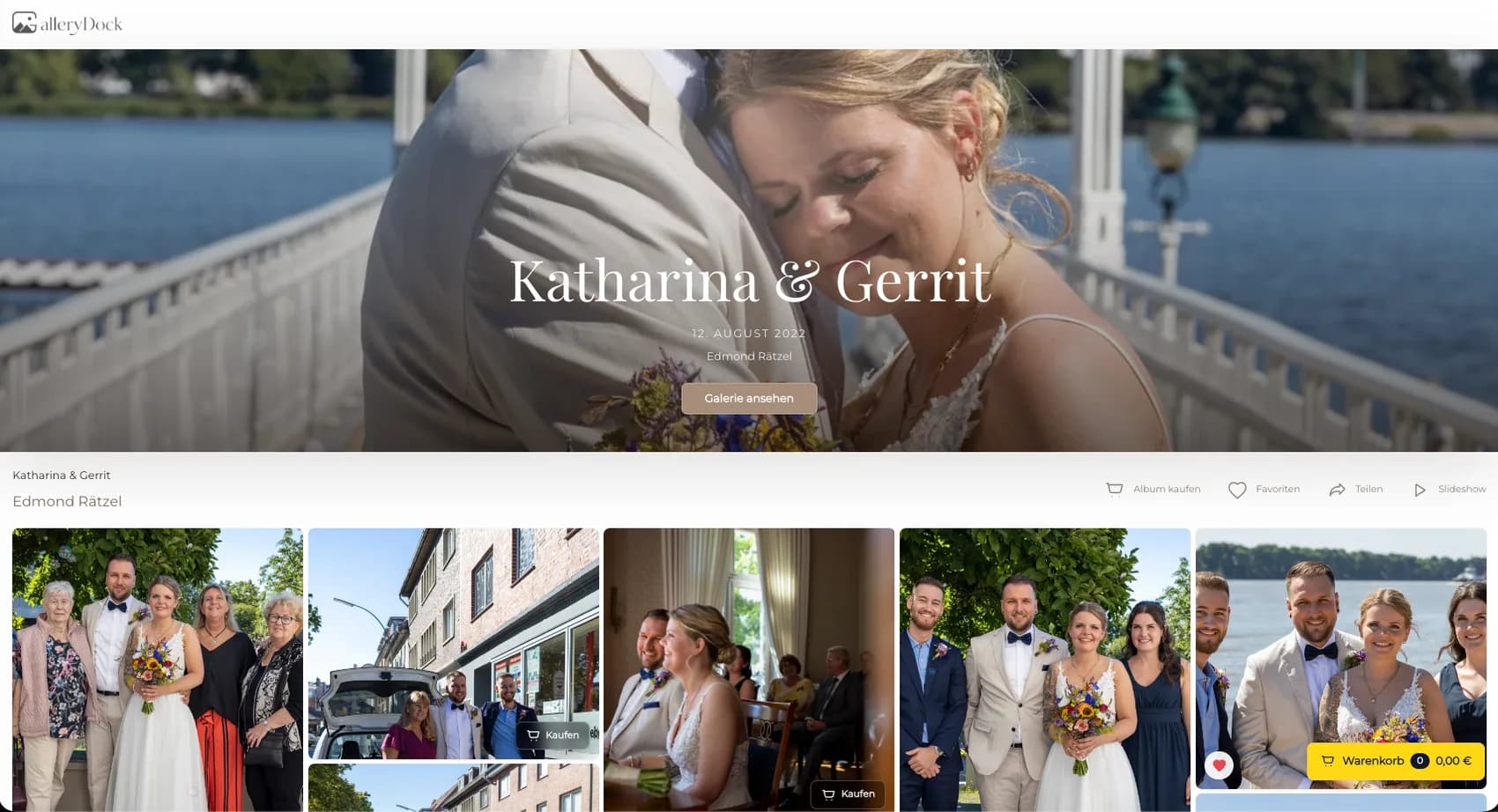
A trade show gallery serves a business client best when every photograph has a clear role. Booth overviews document the physical presence, product demonstrations show the offer in action, team portraits support internal communication, conversation photographs capture relationships, and brand details complete the visual report. The photographer curates and approves those images, then organizes them for the named company contact rather than asking the client to search a complete event camera roll. GalleryDock connects each selected trade show photograph to digital and physical products, visible sizes and prices, crop preview, cart, and checkout. This is a B2B post-event delivery and ordering workflow. It does not provide on-site instant printing, automatically recognize people or exhibitors, assign products to companies, or guarantee production and shipping times.
Business curation
The gallery becomes more useful when booth, product, people, and brand photographs have distinct roles.
01
Use wide and medium views to show the stand design, visitor activity, signage, and overall presence without publishing redundant frames.
02
Select demonstrations, details, and interactions that explain how the product or service appeared at the event.
03
Add approved team portraits, speaker moments, and authentic conversations that support the company's communication goals.
04
Use signage, materials, atmosphere, and close details to connect the report and give designers useful supporting images.
Usage and products
Digital and physical products should reflect where the company expects the photograph to appear.
01
Offer approved files for reports, press, social media, presentations, recruiting, internal communication, or future event promotion.
02
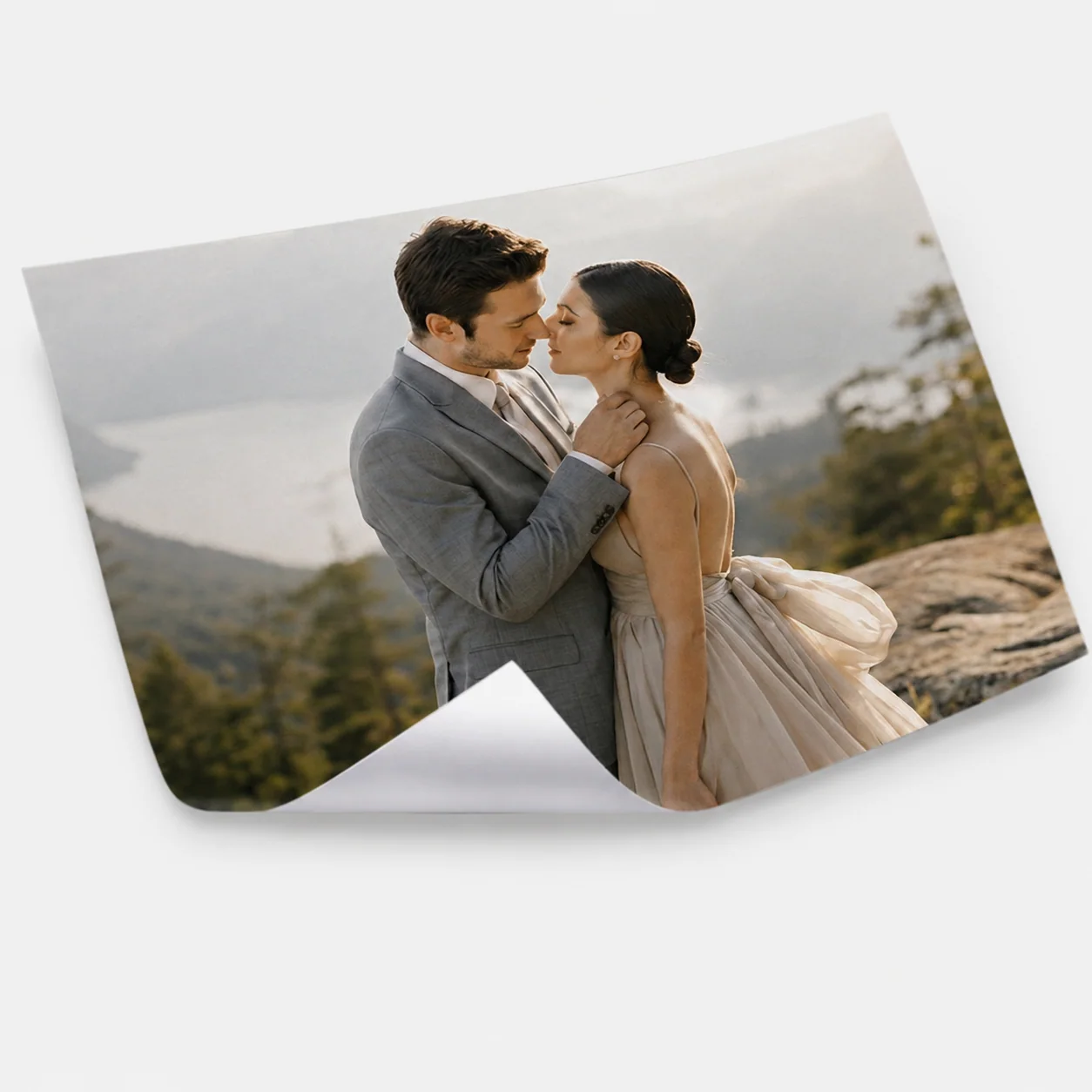
Use prints or posters for reception areas, showrooms, team spaces, project archives, partner gifts, or event documentation.
03
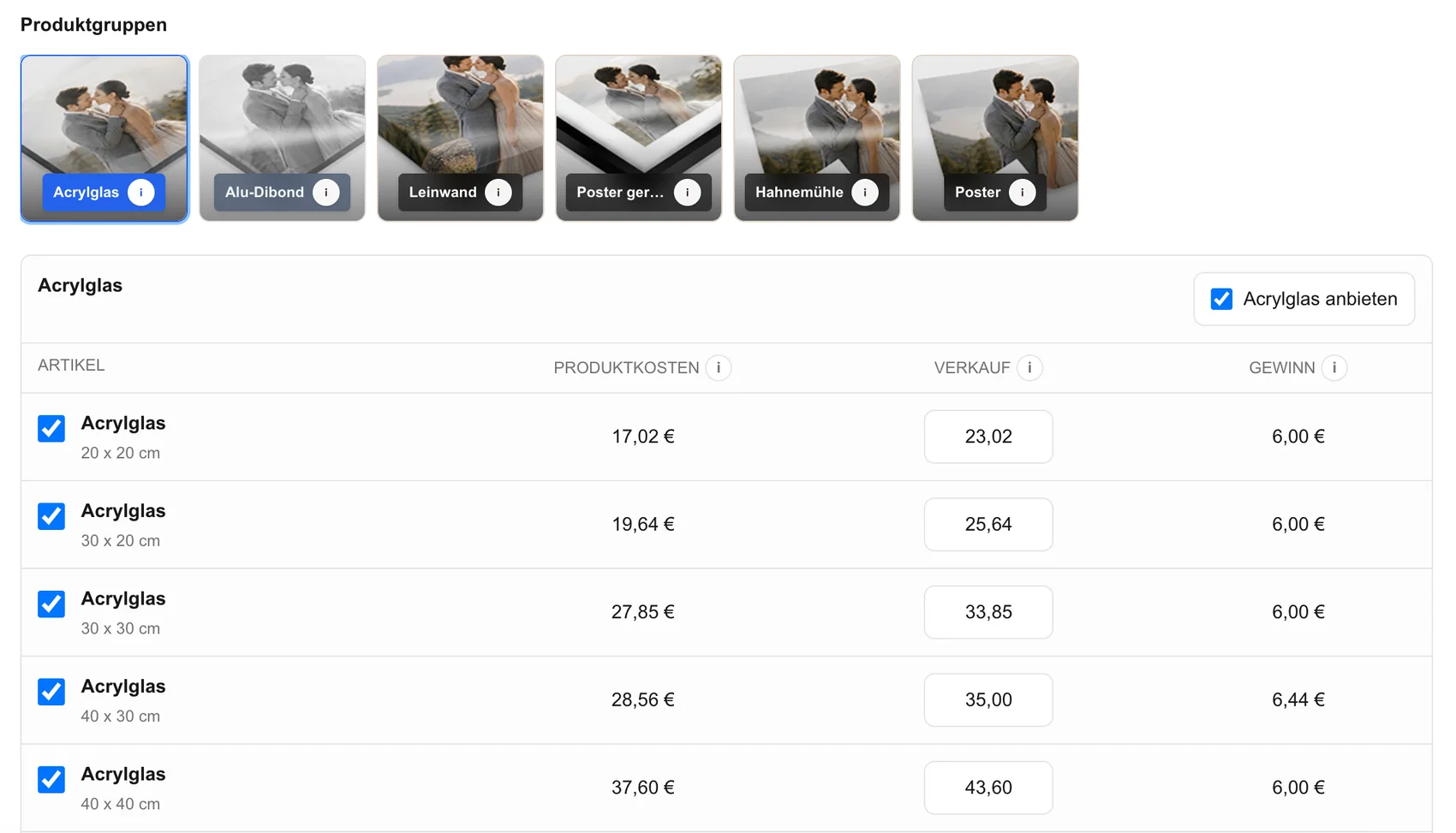
Activate a focused catalog that fits the selected photographs and the business relationship instead of exposing every possible product.
04
Use titles, grouping, and surrounding copy to help the company contact distinguish booth, product, team, conversation, and brand images.
Order path
A traceable workflow prevents image numbers, formats, and quantities from being rebuilt across several emails.
01
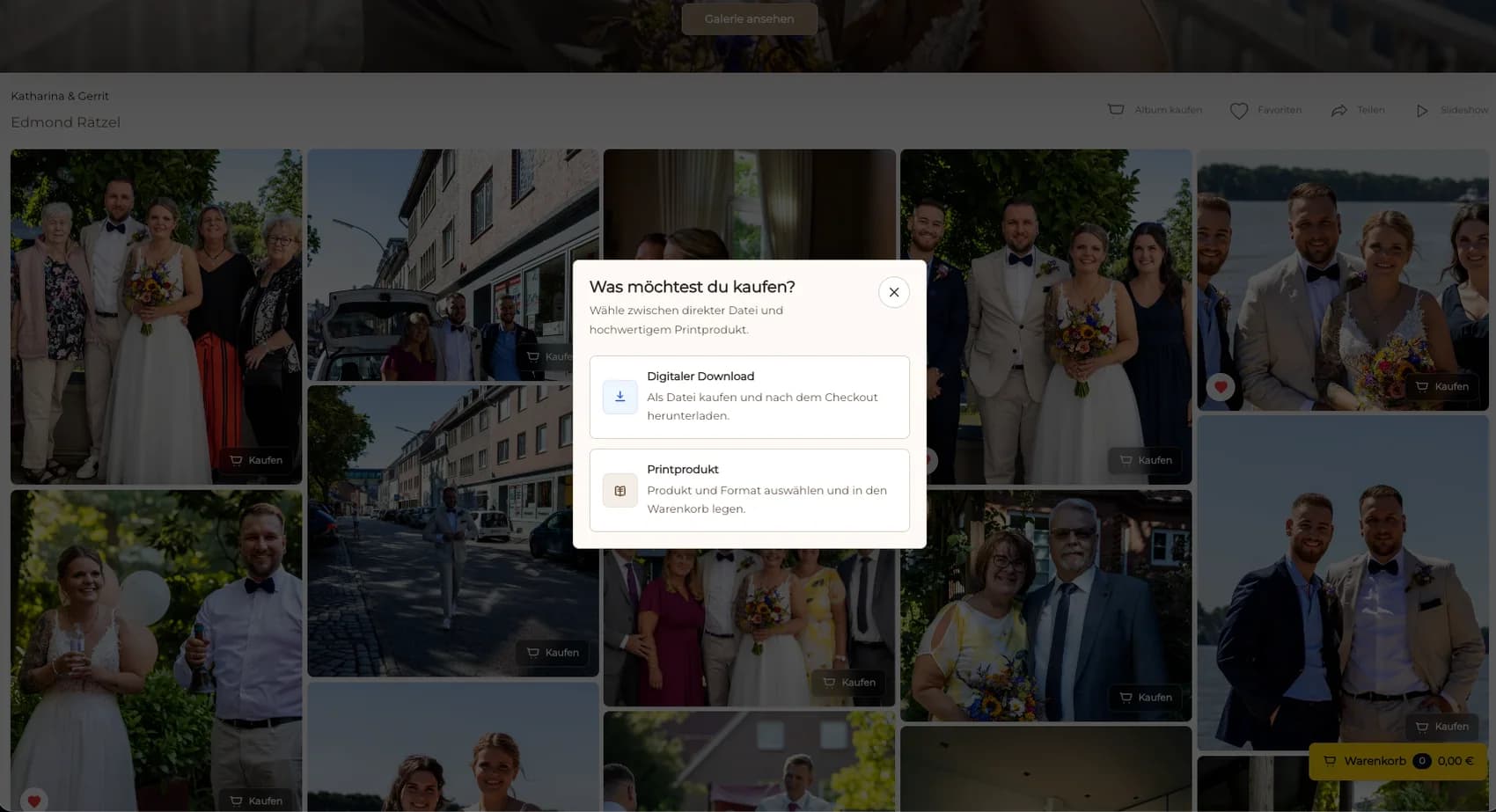
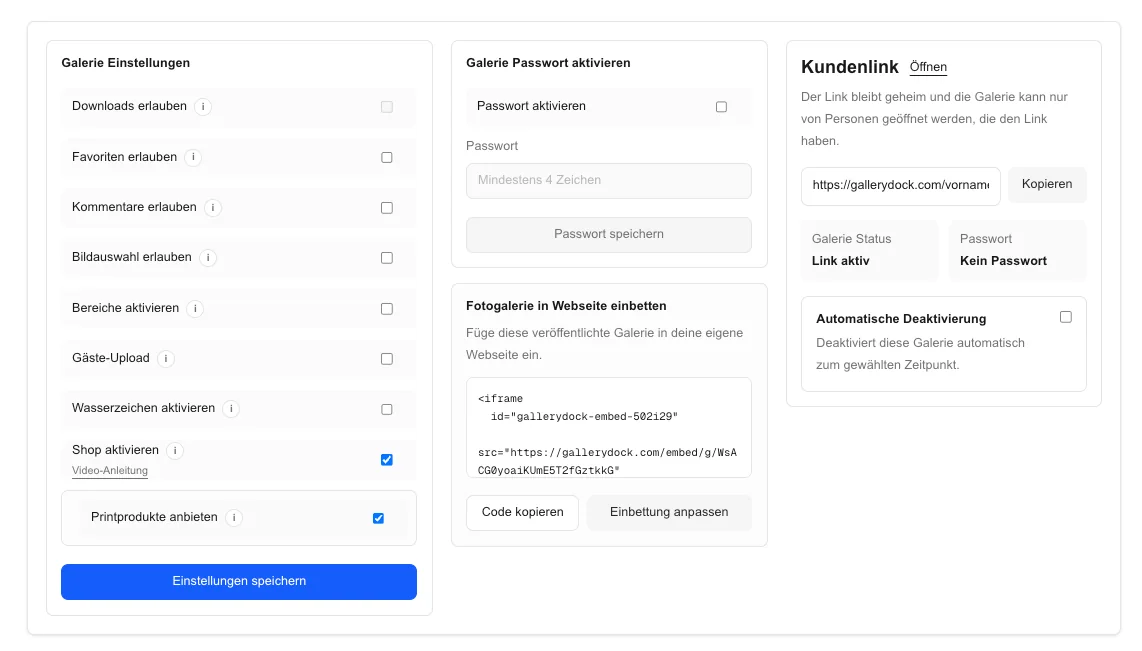
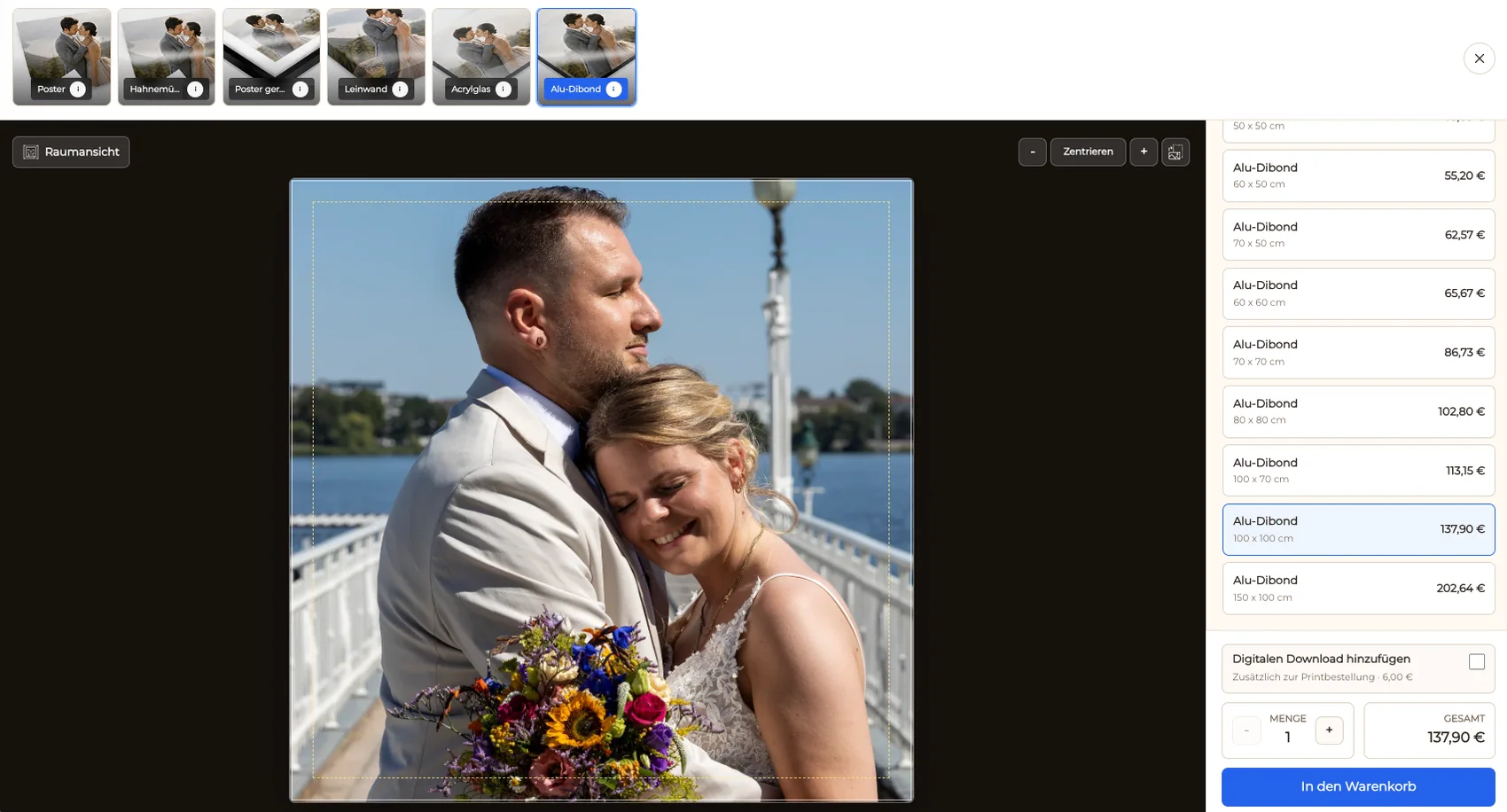
Let the company contact open a familiar photograph and choose from the digital and physical products prepared for that gallery.
02
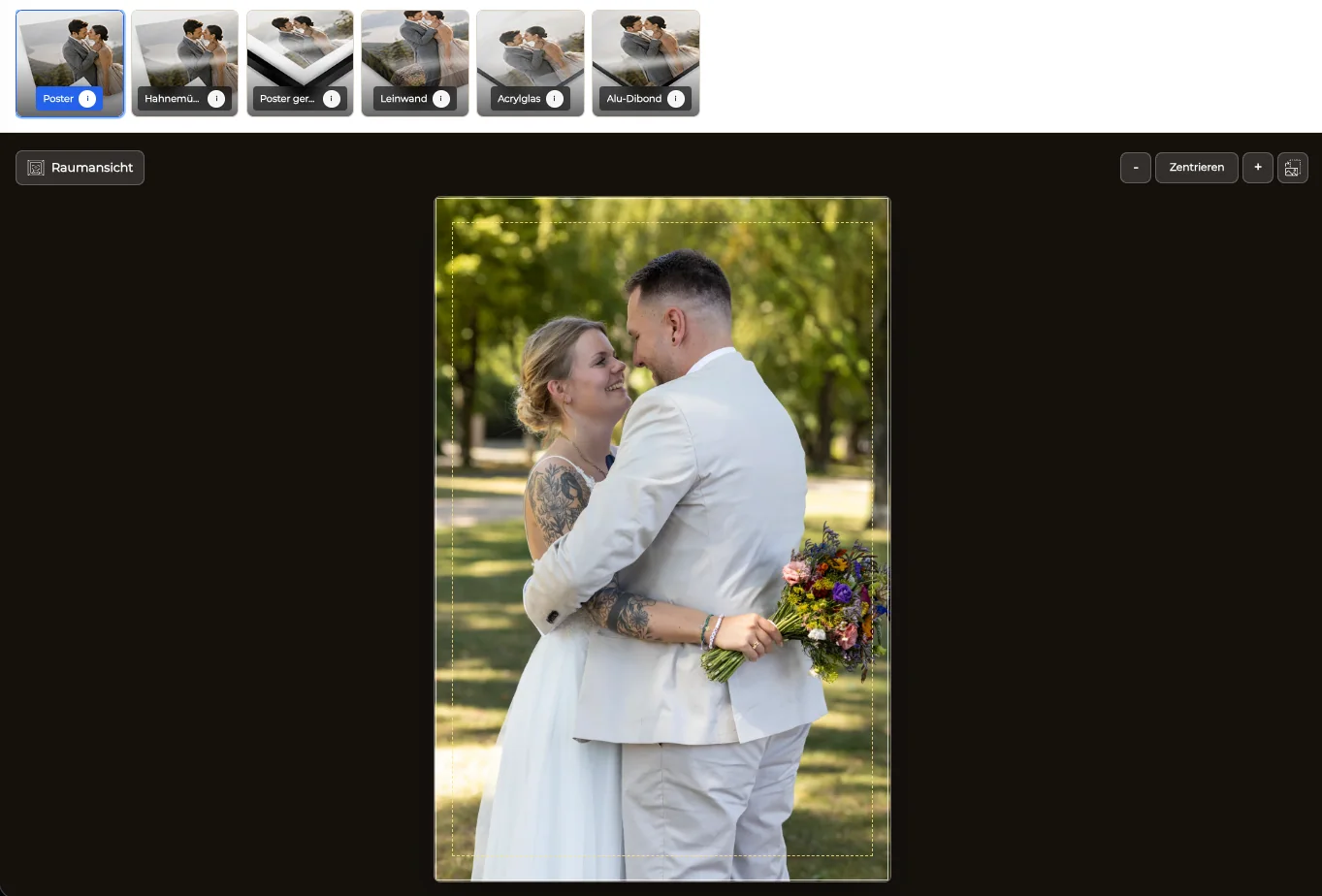
Protect logos, booth architecture, products, people, displays, and intentional spacing in the selected print format.
03
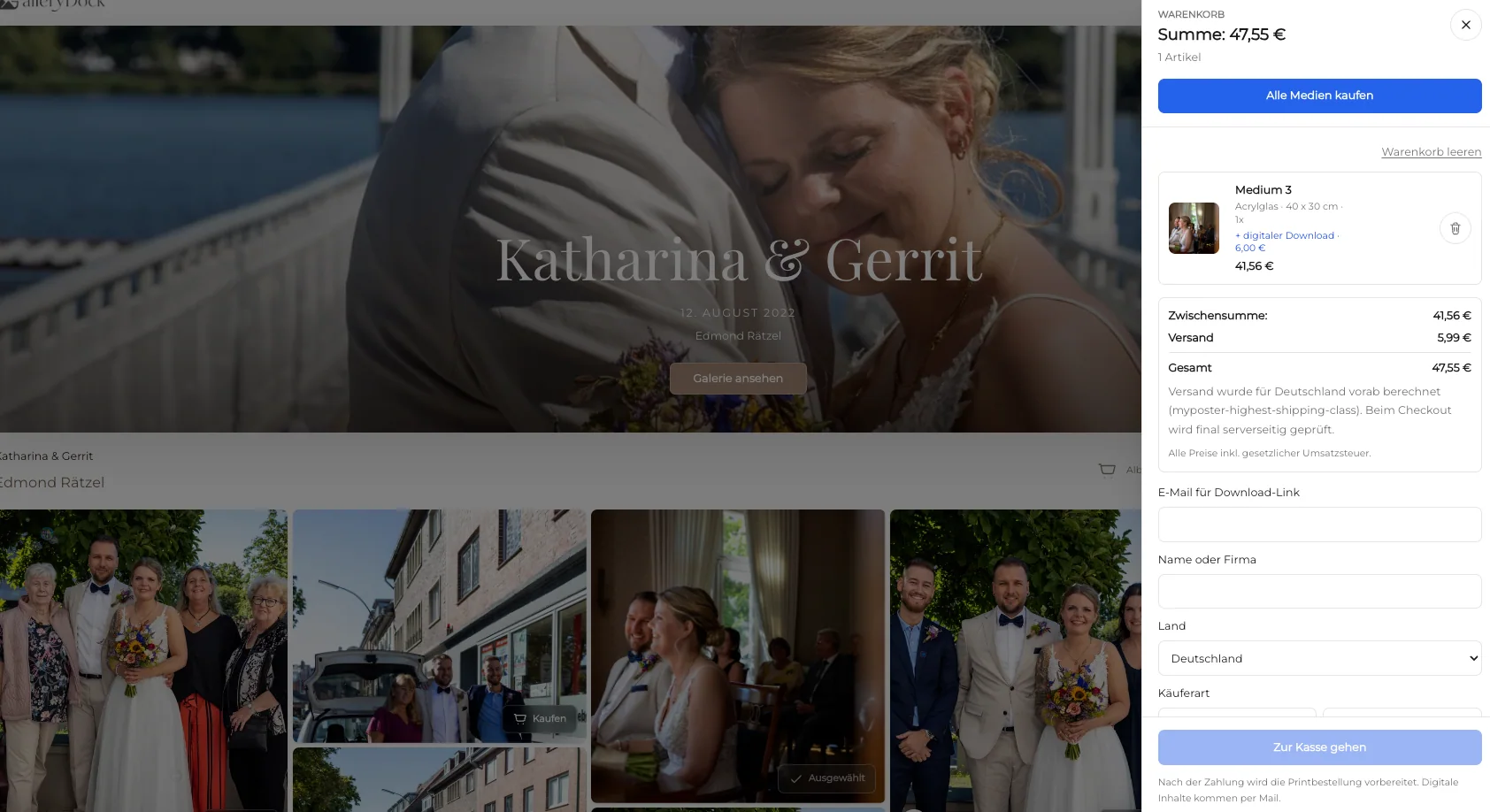
Preserve the photograph, product, size, crop, quantity, and visible price through the cart and checkout.
04
Open the public link on desktop and mobile and complete a realistic company order before sending the gallery.
Comparison
The useful method depends on whether the client needs communication files, physical display, or both.
| Approach | Best for | Tradeoff |
|---|---|---|
| Curated business gallery with ordering | Approved digital and physical client choices | Requires role-based curation and catalog setup |
| Download-only gallery | Marketing and communication files | Does not offer finished physical products |
| Conference program gallery | Agenda, speakers, sessions, and attendees | Uses a different story from exhibitor-focused trade show coverage |
| On-site print station | Immediate venue production | A separate operational service |
| Email selection | A very small custom request | Creates manual image and product coordination |
The company selects a strong stand overview and product demonstration for digital reporting and a physical display in its showroom.
An approved booth team portrait is delivered as a digital file and offered as a print for the office or team space.
Curated conversation and presentation photographs document the event without claiming automatic recognition or contact matching.
Frequently asked questions
Finished and approved booth overviews, product demonstrations, team photographs, conversations, speakers, presentations, signage, and brand details can form the report.
Yes. GalleryDock supports digital sales and physical print sales when both product types are activated for the trade show gallery.
Group images by business role such as booth, product, team, conversations, presentation, and branding so the company contact can find useful material quickly.
The print preview can show orientation, crop, and safe area so important brand and subject details can be checked before the cart.
No. The photographer curates, names, and publishes the approved series and controls who receives the gallery link.
No. This is a post-event online gallery and ordering workflow; on-site print production is a separate service.
Related resources
Pricing
Free forever
0 EUR
EUR 0 per month
Perfect for sharing your first galleries professionally.
Start free, no credit card required
Monthly
19 EUR
EUR 228 billed yearly. plus VAT
Ideal for photographers who regularly deliver client galleries.
For regular client delivery
Monthly
29 EUR
EUR 348 billed yearly. plus VAT
For photographers managing many projects, videos and growing storage.
For regular client delivery
Create a GalleryDock gallery, curate booth, product, team, and brand images, then test the digital and print ordering path before delivery.
Create a free account