Profile image
Prioritize a readable expression, direct connection, and enough crop flexibility for a small square or circle.
Portrait selection guide
Choose portrait photos by expression, eye contact, posture, crop, intended use, and comparison with similar frames before confirming favorites.
Quick answer
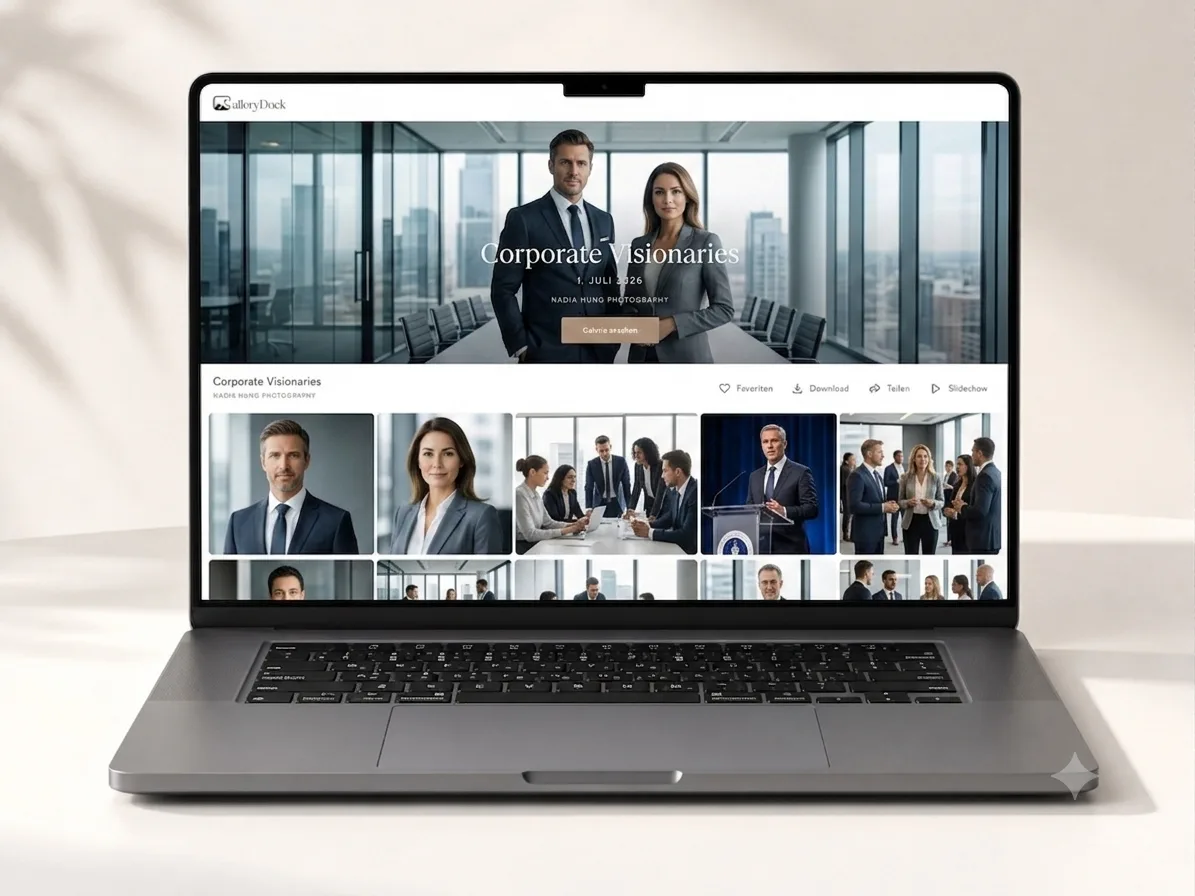
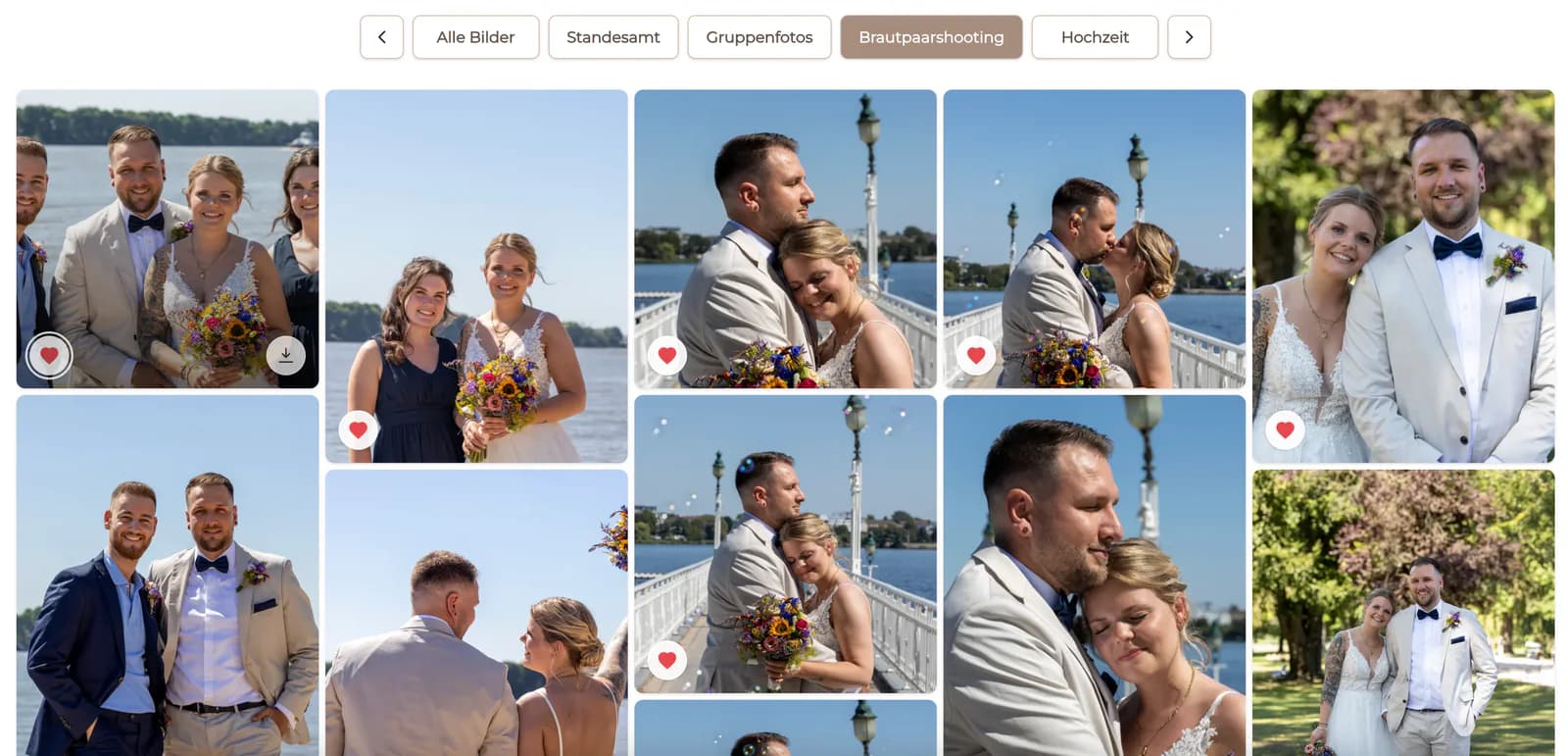
A useful portrait photo selection checklist starts with purpose: decide where each portrait will be used, then compare expression, eye contact, posture, hands, crop, and available space for the intended format. Review similar frames side by side, remove obvious technical or expression duplicates, and use comments for any specific retouching or crop request before confirming favorites. GalleryDock helps clients mark favorites and leave comments, but it does not automatically score portrait quality or choose the strongest image.
Start with purpose
A strong profile image, framed print, speaker photo, and website banner may require different expressions and crops.
Prioritize a readable expression, direct connection, and enough crop flexibility for a small square or circle.
Check orientation, background, and usable space for headlines, layout, or responsive crops.
Choose a frame whose composition and expression remain convincing at the intended physical size.
Give authentic expression and emotional meaning more weight than a rigid business-image convention.
Portrait criteria
Review one criterion at a time, especially when several neighboring frames initially look identical.
01
Look for an expression that feels intentional and check eye direction, blinking, and tension around the face.
02
Check shoulders, body angle, hand placement, and whether the pose supports the intended impression.
03
Make sure important features are not awkwardly cut and that the intended format has sufficient room.
04
Notice motion blur, missed focus, closed eyes, distracting overlaps, or details that cannot be solved by normal retouching.
Final decision
The final step is not finding more acceptable frames. It is choosing the strongest distinct options for the agreed use.
Compare near-duplicates directly and keep the one with the strongest combined expression and posture.
Keep intentional differences in orientation, expression, distance, or use instead of eight nearly identical portraits.
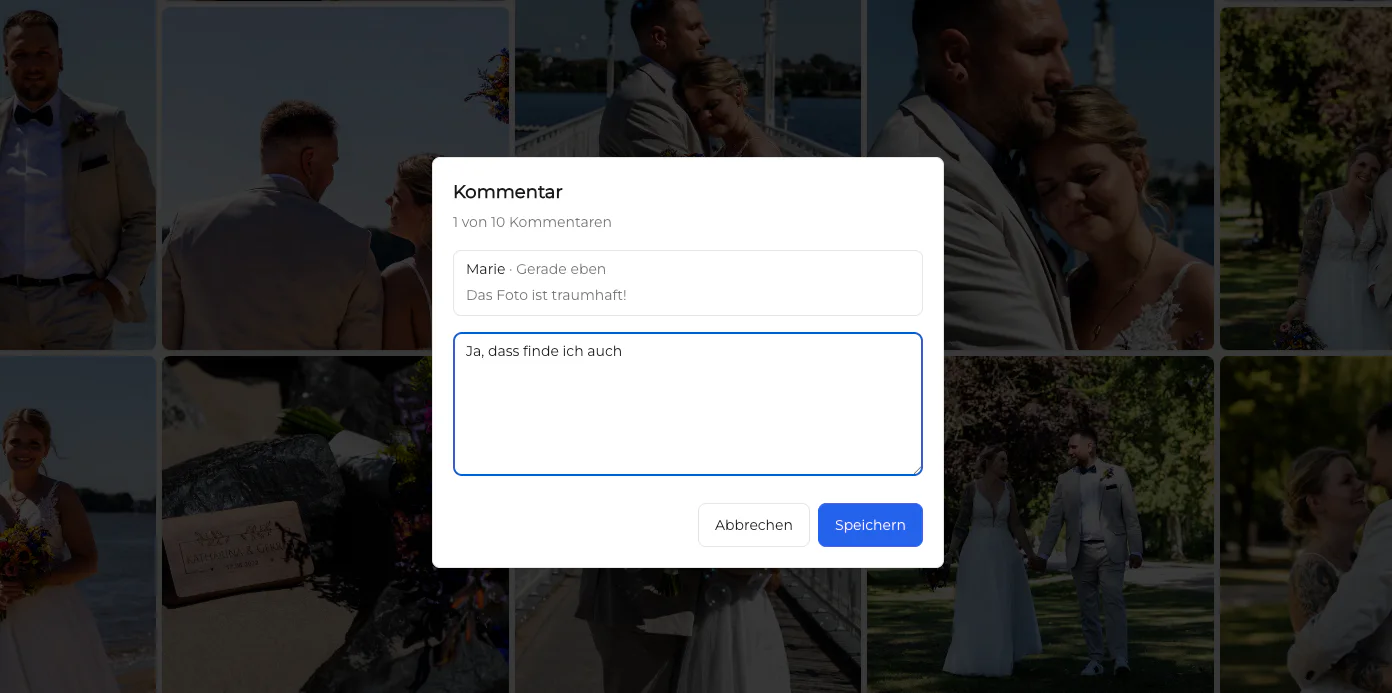
Attach concise notes about intended crop or desired retouching without assuming every change is possible.
Check the favorite count, remove accidental marks, and confirm the complete final selection once.
Comparison
The best choice is the portrait that combines a strong human impression with the practical needs of its destination.
| Approach | Best for | Tradeoff |
|---|---|---|
| Professional profile | Clear expression and tight responsive crops | Subtle environmental context may be lost |
| Website banner | Horizontal space and layout flexibility | May be less effective as a small avatar |
| Editorial or speaker photo | Distinct personality and publication context | Usage requirements can vary by outlet |
| Wall print | Composition and expression at larger scale | Needs an appropriate crop and delivered resolution |
| Personal favorite | Emotional connection | May not satisfy a specific commercial layout need |
Prioritize connection, confident posture, clean crop options, and a use-appropriate expression.
Choose a small group with distinct orientation, energy, distance, and content-placement options.
Favor authentic expression and emotional value while still checking focus, posture, and crop.
Frequently asked questions
A strong portrait combines an appropriate expression, convincing eyes and posture, sound technical execution, and a composition suited to its intended use.
Compare them side by side for expression, eye direction, posture, hands, crop flexibility, and small distractions rather than switching from memory.
Choose the agreed number and protect useful variety. Several distinct uses can justify multiple images, while near-duplicates usually do not.
No. Retouching can address selected details, but it should not be assumed to repair missed focus, unsuitable expression, or every posing problem.
State the intended use and one clear request tied to the specific image, such as crop direction or a localized retouching question.
No. GalleryDock lets clients mark favorites and leave comments; the creative judgment remains with the client and photographer.
Related resources
Pricing
Free forever
0 EUR
EUR 0 per month
Perfect for sharing your first galleries professionally.
Start free, no credit card required
Monthly
19 EUR
EUR 228 billed yearly. plus VAT
Ideal for photographers who regularly deliver client galleries.
For regular client delivery
Monthly
29 EUR
EUR 348 billed yearly. plus VAT
For photographers managing many projects, videos and growing storage.
For regular client delivery
Use GalleryDock favorites and comments with a practical checklist that connects each selected portrait to its purpose.
Create a free account