01
Use one property identity
Name the address or approved project label consistently across the gallery and client message.
Property media proofing
Give brokers, owners, and agencies one gallery for reviewing, commenting on, and downloading approved property photographs.
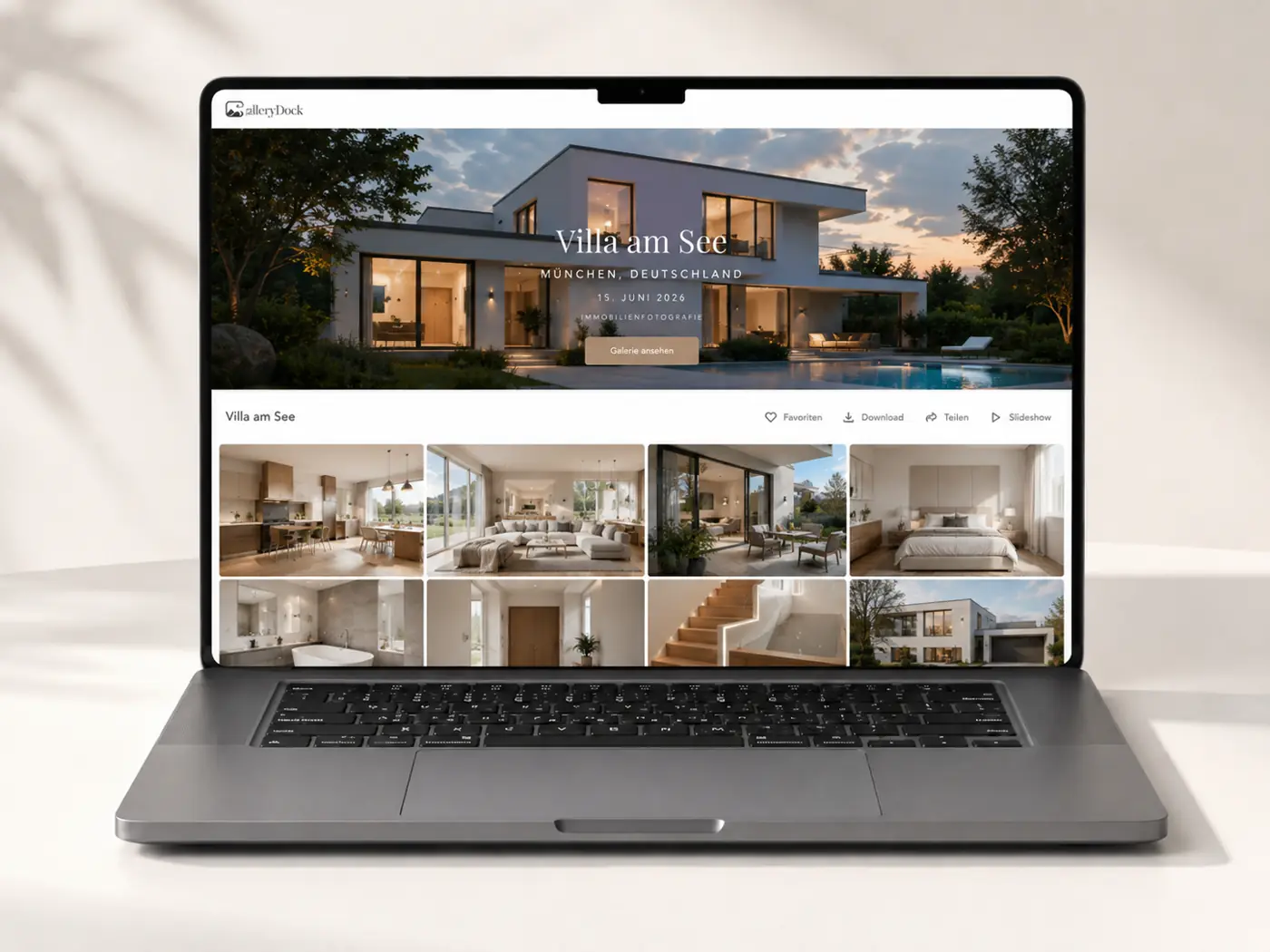
Quick answer
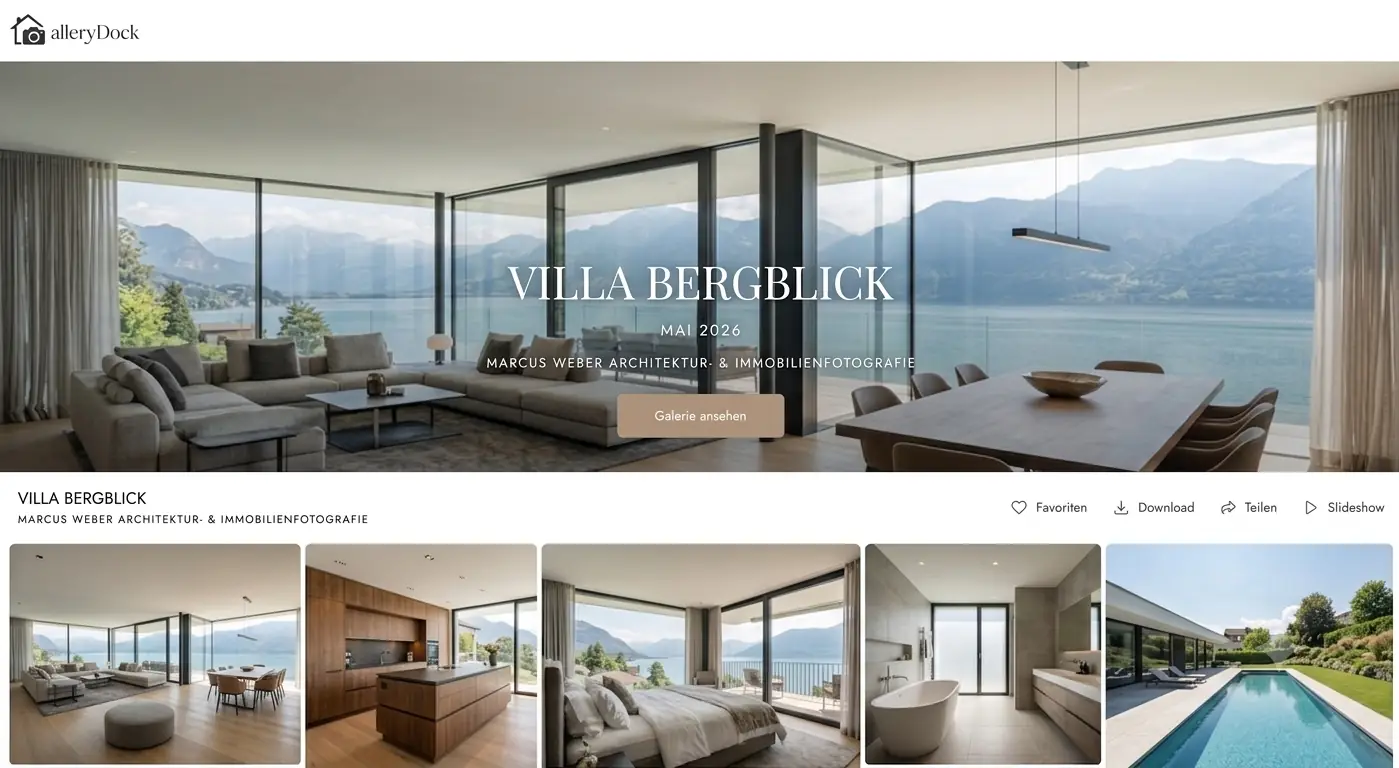
An online gallery for real estate photographers keeps each property, stakeholder decision, and final file handoff in one visual client space. Brokers, owners, agencies, or hospitality teams can review room sets, mark choices, leave image-specific notes, and download approved media. GalleryDock supports proofing and delivery; it does not replace booking, invoicing, MLS publishing, property websites, licensing advice, or full real-estate business management.
Property setup
A property-specific structure helps stakeholders evaluate coverage without mixing addresses or delivery states.
01
Name the address or approved project label consistently across the gallery and client message.
02
Separate exterior, living areas, bedrooms, amenities, details, and neighborhood context when useful.
03
State whether files support a listing, hospitality page, campaign, design portfolio, or internal review.
04
Review personal items, addresses, screens, reflections, and unreleased project information before sharing.
Stakeholder proofing
Real estate assignments often involve a broker, owner, agency, designer, or hotel team with different priorities.
01
Ask one contact to settle final selections and correction requests.
02
Use favorites for the intended listing or campaign shortlist.
03
Keep crop, vertical, reflection, or replacement requests connected to the right frame.
04
Close the review before finals are labeled and released.
Media delivery
Final downloads should match the assignment, agreed use, and recipient—not every possible downstream platform.
01
Check color, verticals, retouching, and exports against the approved notes.
02
Label delivery variants so clients understand where each version belongs.
03
Give the authorized recipients access to the final property set.
04
Manage usage rights in the agreement rather than assuming the gallery grants them.

Comparison
Property businesses may need both operational software and a polished visual handoff.
| Approach | Best for | Tradeoff |
|---|---|---|
| Email attachments | One urgent corrected image | No complete property context |
| Cloud folder | Basic file storage | Weak visual review |
| MLS or property portal | Publishing a listing | Not photographer proofing |
| Real estate business platform | Orders, scheduling, and operations | Broader than client media review |
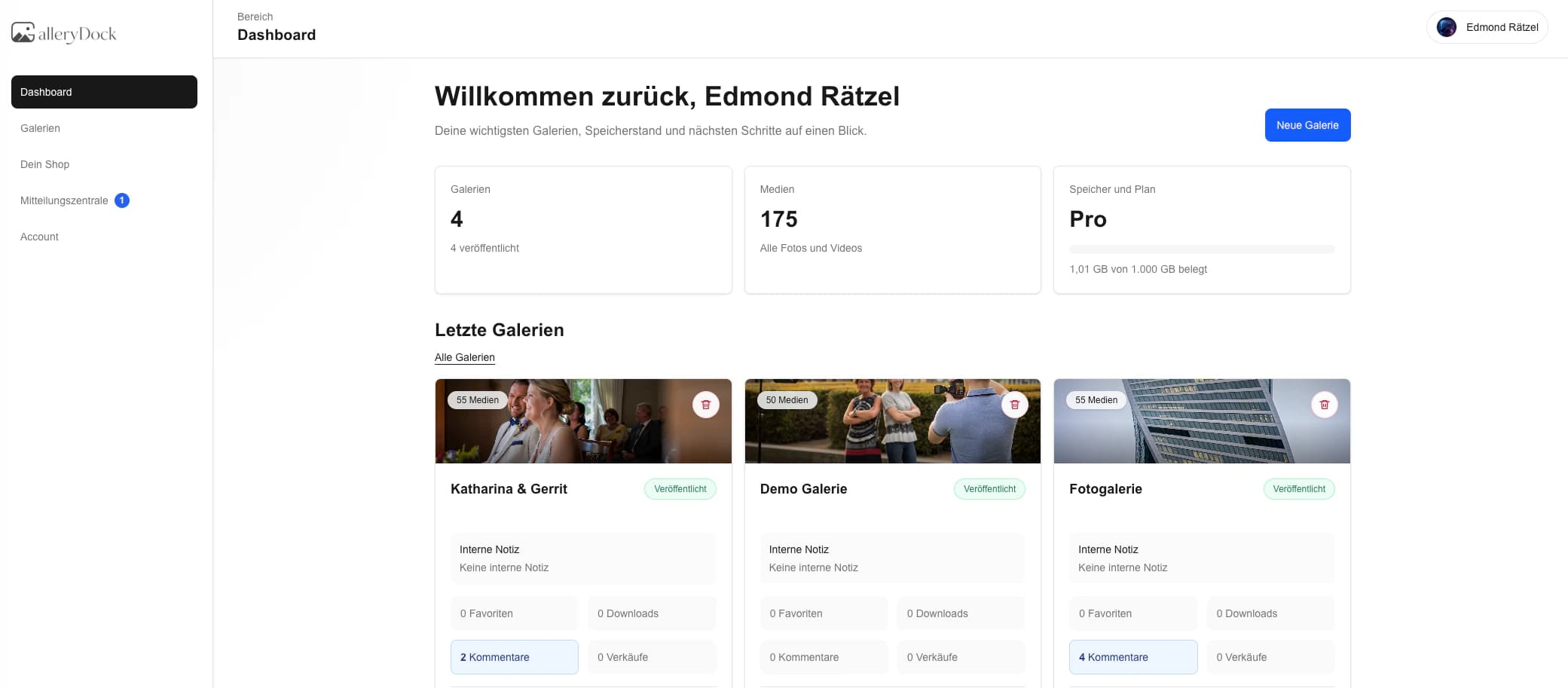
| GalleryDock | Property proofing and delivery | Does not publish listings or manage bookings |
Let the broker choose the strongest room and exterior coverage for the listing set.
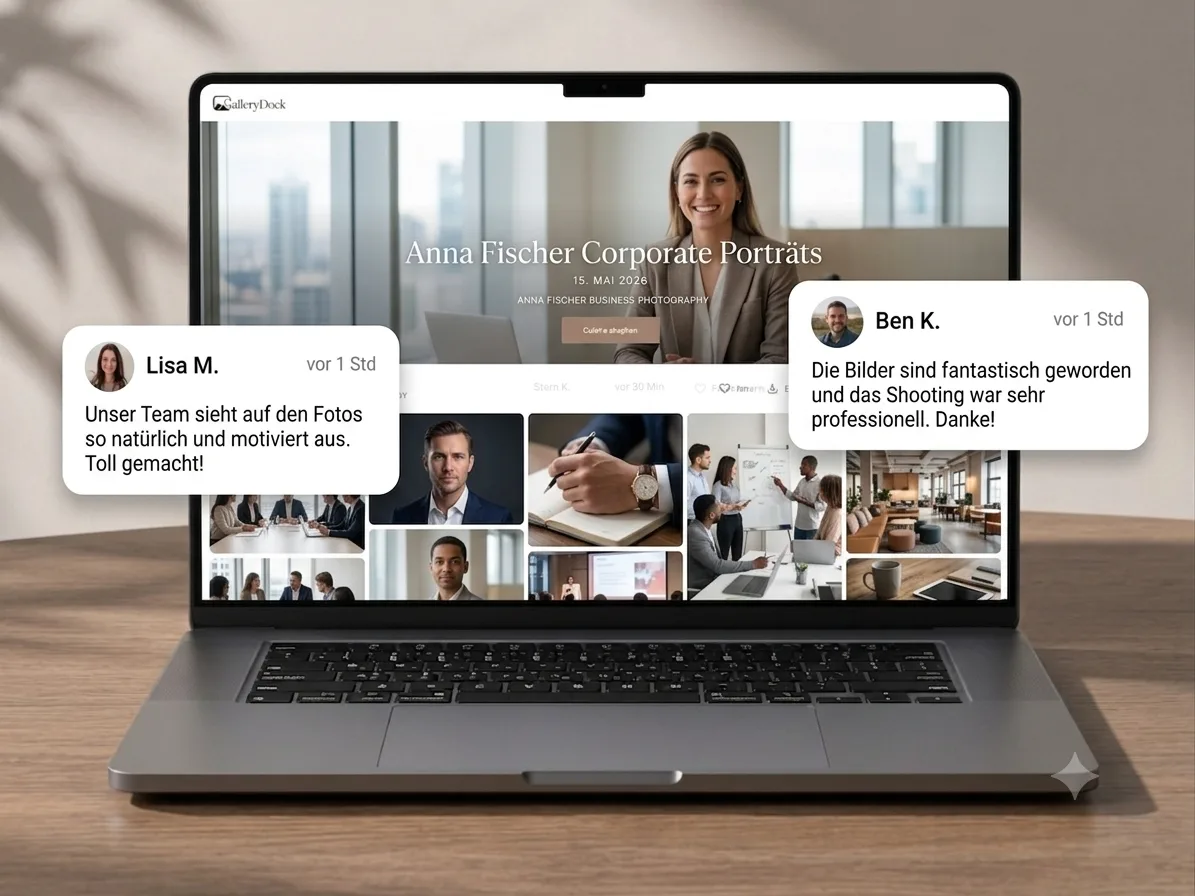
Coordinate designer, architect, and agency notes on a curated project story.
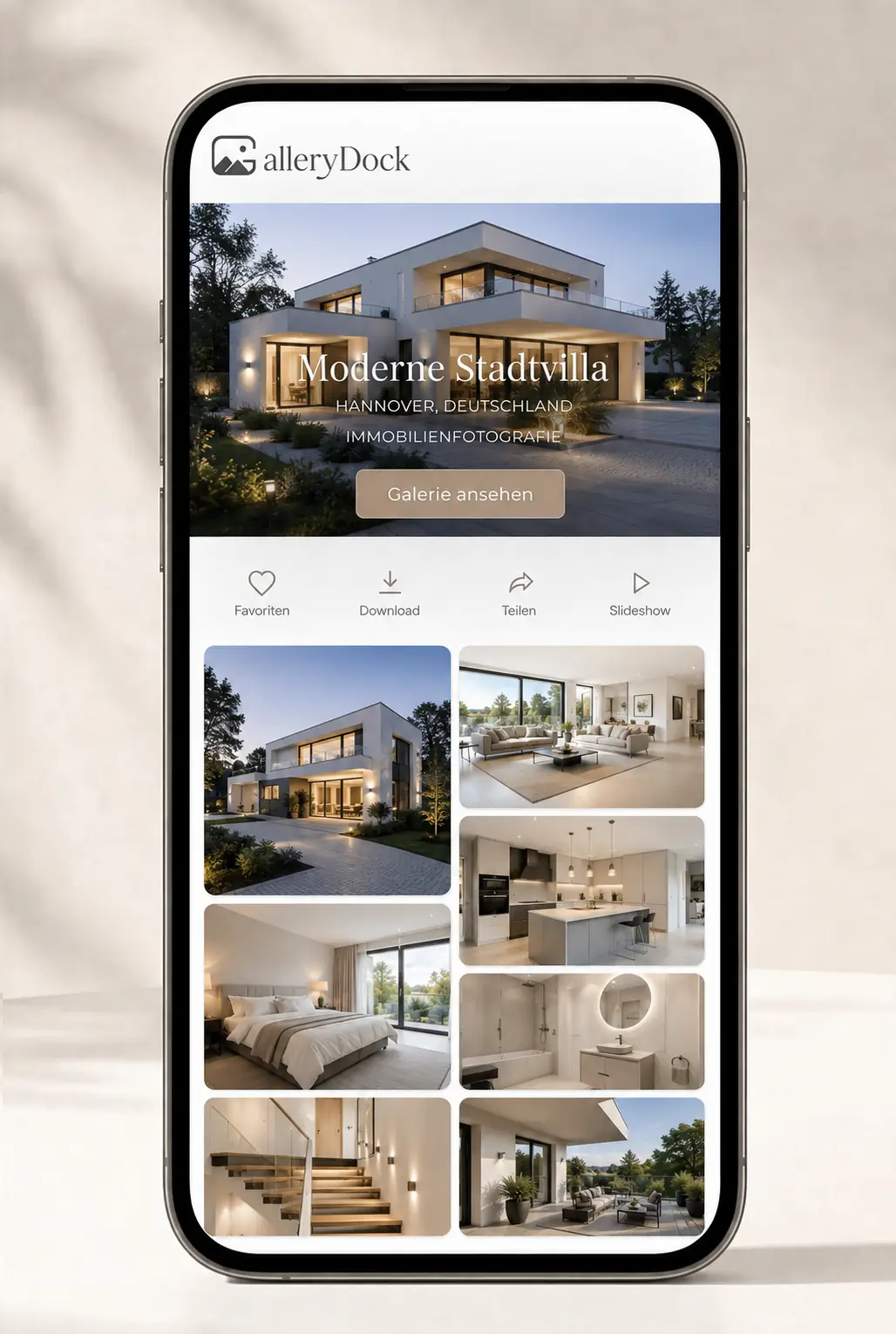
Review room types, amenities, details, and marketing selections in one gallery.
Frequently asked questions
It is a private client space for reviewing and delivering photographs from a property or architecture assignment.
Yes. Favorites can identify the intended listing, campaign, or website set.
Yes. Image-specific comments can clarify crop, reflection, retouching, or replacement requests.
No. It does not publish listings or replace the client's property platform.
No. Use the appropriate business systems for orders, scheduling, contracts, and billing.
Yes when the photographer enables the intended final files and access scope.
Related resources
Pricing
Free forever
0 EUR
EUR 0 per month
Perfect for sharing your first galleries professionally.
Start free, no credit card required
Monthly
19 EUR
EUR 228 billed yearly. plus VAT
Ideal for photographers who regularly deliver client galleries.
For regular client delivery
Monthly
29 EUR
EUR 348 billed yearly. plus VAT
For photographers managing many projects, videos and growing storage.
For regular client delivery
Use GalleryDock for visual stakeholder review and approved delivery while keeping listings, bookings, and rights in their proper systems.
Create a free account