01
Fixed subscription
Record the current monthly or annual price of the plan and compare the same billing period across every option.
Gallery selling costs
Compare client gallery plans by subscription, usage limits, shop commission, payment fees, and expected digital and print sales.

Quick answer
A low-commission client gallery should be evaluated as a complete cost model, not by one percentage or the word flat rate. Photographers need to compare the fixed plan price, storage and gallery limits, GalleryDock's shop fee for the selected plan, and separate payment-provider fees. The right choice also depends on how often clients buy digital files or physical prints and how much contribution remains after the variable costs. GalleryDock offers different plan structures so a photographer can begin with a lighter fixed commitment and move toward a lower shop fee as storage, gallery volume, and recurring sales grow. This guide explains how to compare those components without claiming a commission-free plan. Because plan prices, limits, and fees can change, current numbers must be checked against the live pricing information before a purchasing decision or publication update.
Cost model
A useful calculation separates fixed costs, usage, shop fees, and payment fees.
01
Record the current monthly or annual price of the plan and compare the same billing period across every option.
02
Check storage, visible gallery limits, and other plan boundaries against the number and size of projects you actually deliver.
03
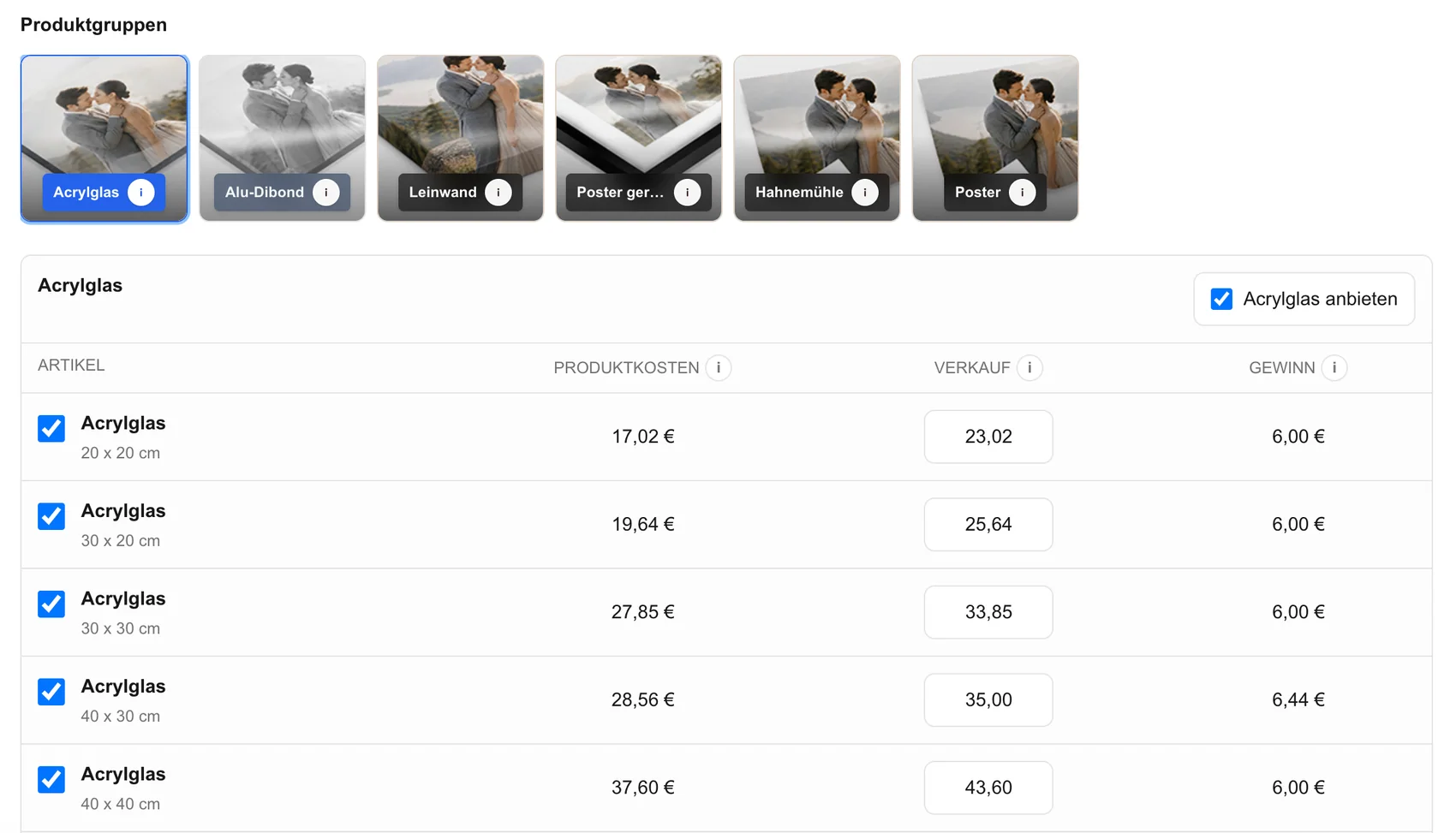
Apply the current plan-specific shop percentage to your expected digital and physical product sales rather than ignoring variable costs.
04
Keep the external payment fee as a separate cost block so it is not confused with the GalleryDock plan or shop fee.
Volume decision
The lowest fixed price and the lowest variable fee do not automatically produce the same answer.
01
Use recent client behavior or a conservative range for digital extras and prints instead of building the decision on a best-case forecast.
02
Calculate what remains after the product cost, GalleryDock shop fee, payment fee, and any other direct order expense.
03
A plan that looks cheaper on commission may still be the wrong fit if its storage or gallery framework does not match your workload.
04
Compare the additional fixed plan cost with the variable fee savings at your expected level of sales.
Buyer experience
Fees matter, but the offer still needs to make digital and print purchases easy to understand.
01
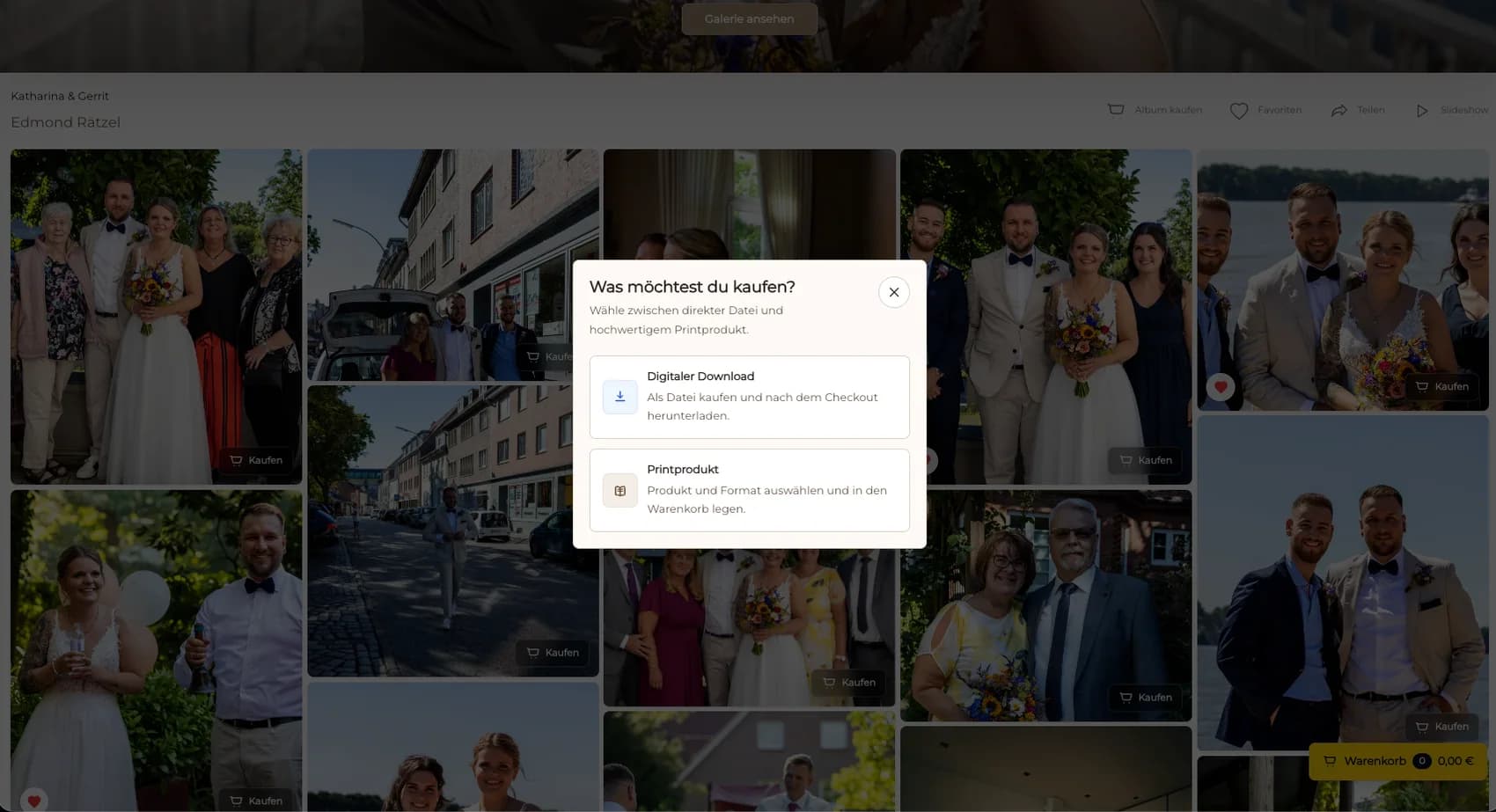
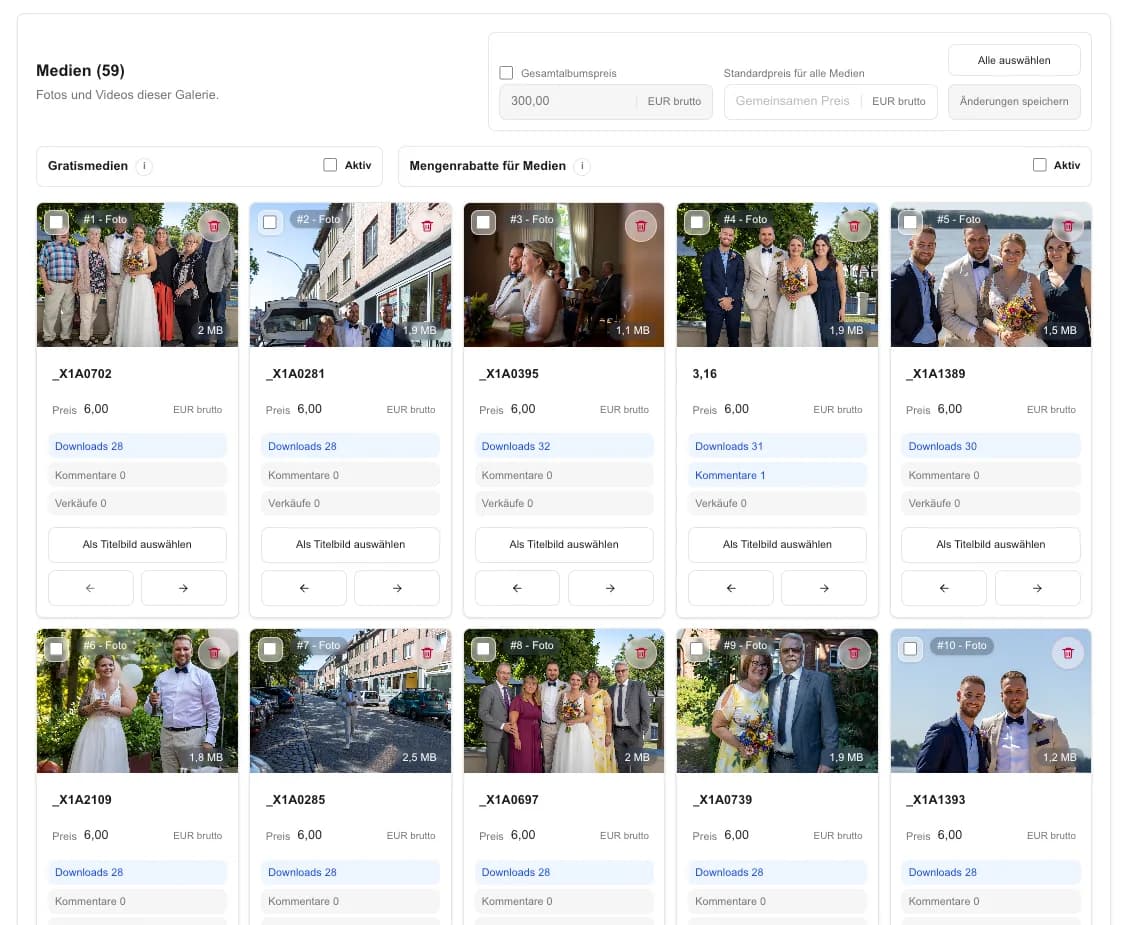
Offer a manageable set of digital and physical products so clients can make a confident decision.
02
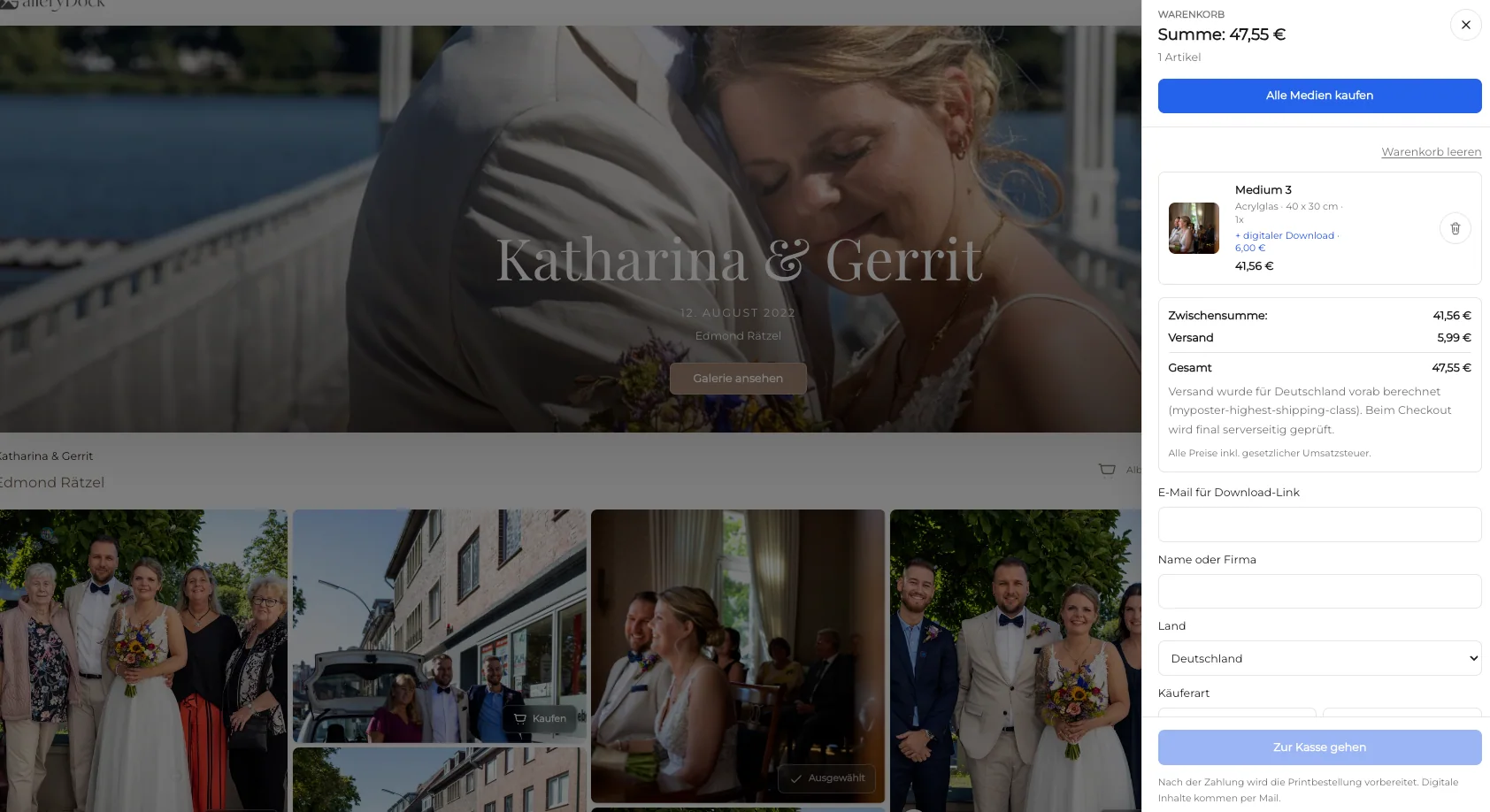
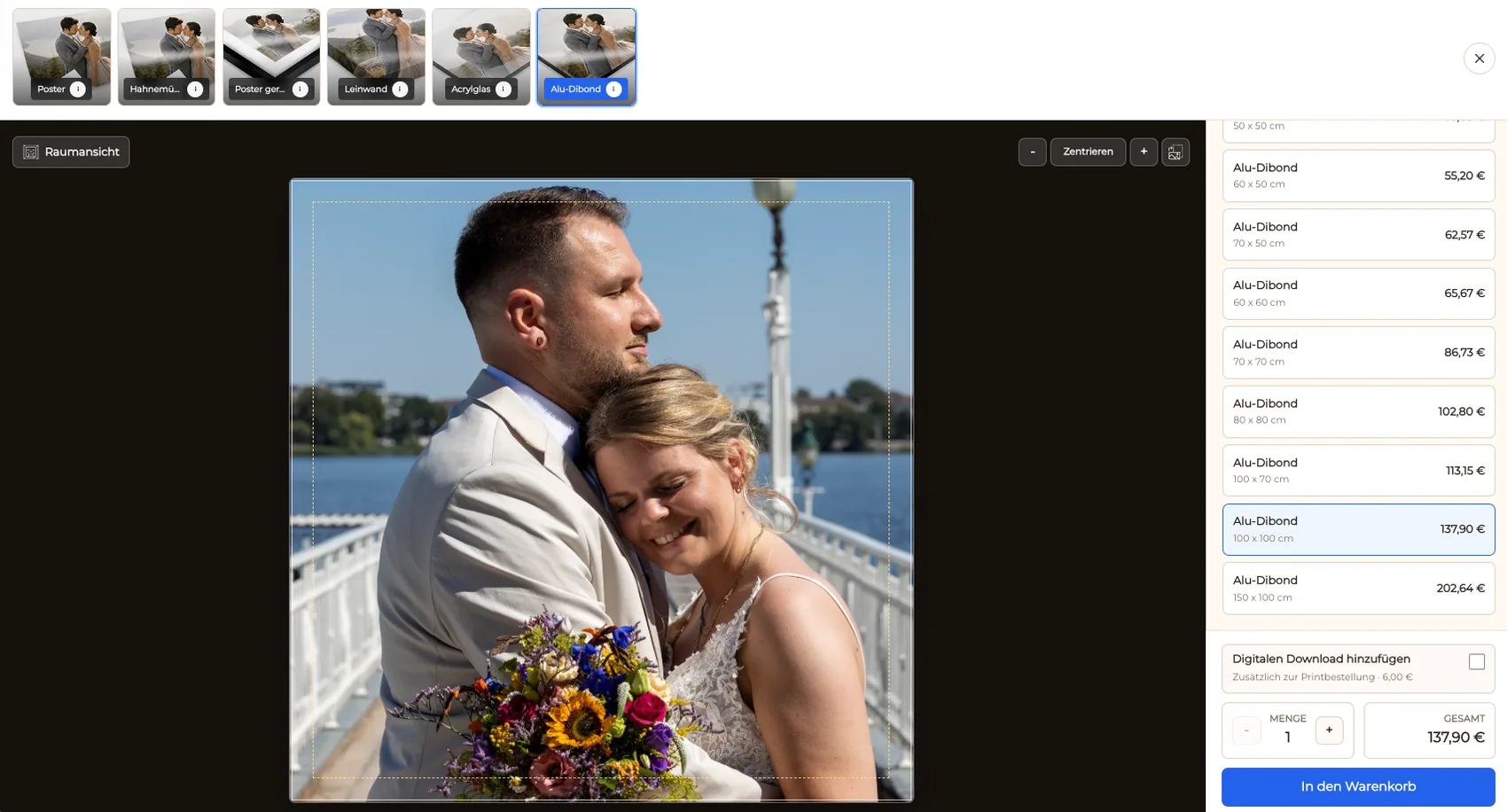
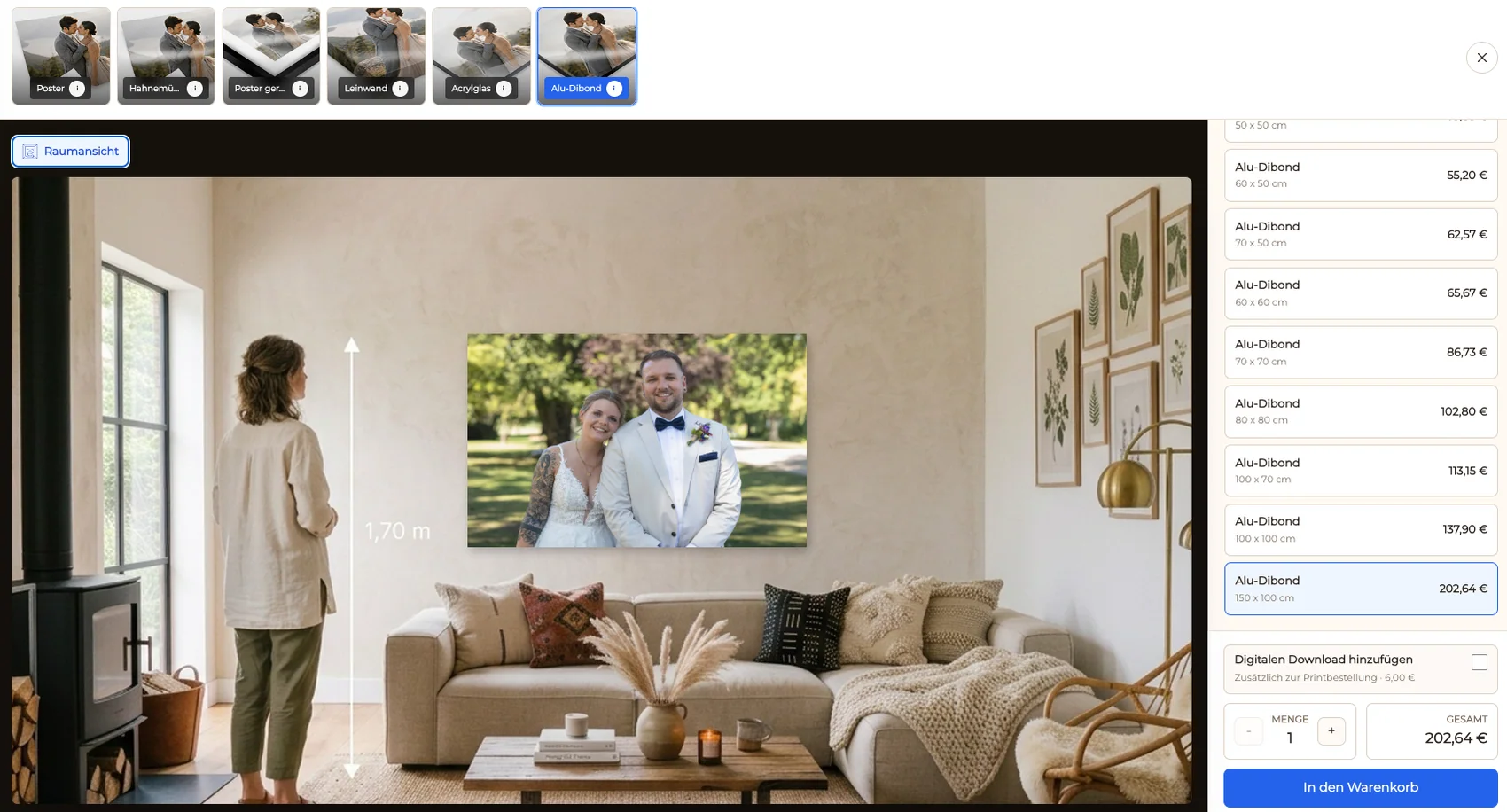
Review the buyer-facing amount, product, size, and quantity before the item reaches checkout.
03
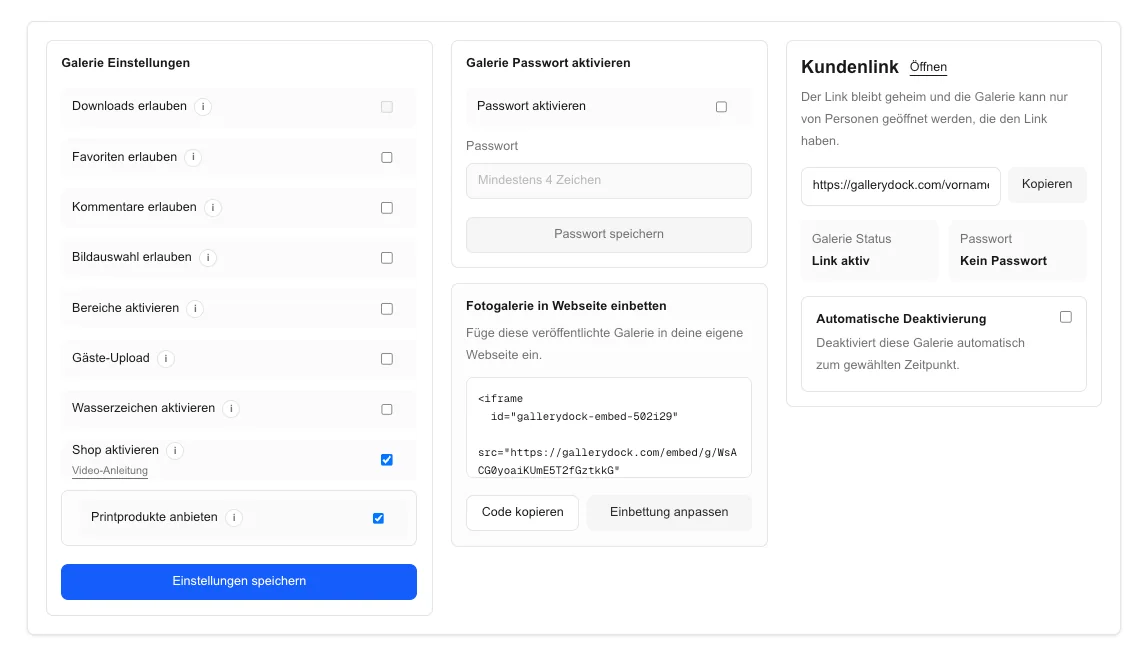
Follow one representative purchase from photograph to preview, cart, and checkout on desktop and mobile.
04
Review current pricing and your own sales mix periodically instead of treating the first plan decision as permanent.
Comparison
Choose the structure that fits your current workload and sales pattern.
| Approach | Best for | Tradeoff |
|---|---|---|
| Lower fixed cost | Testing a small client workflow | May carry a higher variable shop fee |
| Balanced paid plan | Regular galleries and moderate sales | Adds a recurring subscription |
| Lower shop fee plan | Higher recurring sales and storage needs | Higher fixed commitment |
| Commission-free claim | Simple marketing comparison | Does not describe GalleryDock's actual cost model |
| Manual invoicing | Rare bespoke sales | Removes the direct gallery checkout experience |
A photographer with a few active galleries compares a low fixed commitment against a higher variable fee on infrequent orders.
A studio with regular digital extras and album-related prints models the annual sales volume before choosing a plan.
An event photographer combines storage requirements, many galleries, and repeat print purchases in one cost comparison.
Frequently asked questions
No. GalleryDock plans combine a plan framework with plan-specific shop fees, while payment-provider fees remain a separate cost.
Compare the fixed plan price, storage and gallery limits, GalleryDock shop fee, payment-provider fee, and any direct product or production cost.
Yes. GalleryDock supports digital and physical print sales, and both should be included in your realistic fee model.
No. A lower fixed price can be offset by a higher variable fee when sales volume grows.
Use GalleryDock's current pricing and product information before making a plan decision because amounts and limits can change.
Avoid quickly changing numbers in metadata. Explain the decision model and keep time-sensitive figures in maintainable page content.
Related resources
Pricing
Free forever
0 EUR
EUR 0 per month
Perfect for sharing your first galleries professionally.
Start free, no credit card required
Monthly
19 EUR
EUR 228 billed yearly. plus VAT
Ideal for photographers who regularly deliver client galleries.
For regular client delivery
Monthly
29 EUR
EUR 348 billed yearly. plus VAT
For photographers managing many projects, videos and growing storage.
For regular client delivery
Review the current GalleryDock plans, model digital and print orders, and choose the structure that fits your business now.
Create a free account