01
Show the central subject
Choose a person, couple, product, team, or location the client will recognize immediately. A beautiful detail may be emotionally strong but still fail as a cover when it does not identify the assignment.
First-impression curation
Choose a client gallery cover photo for recognition, emotional fit, safe responsive cropping, and a strong first impression on desktop and mobile.
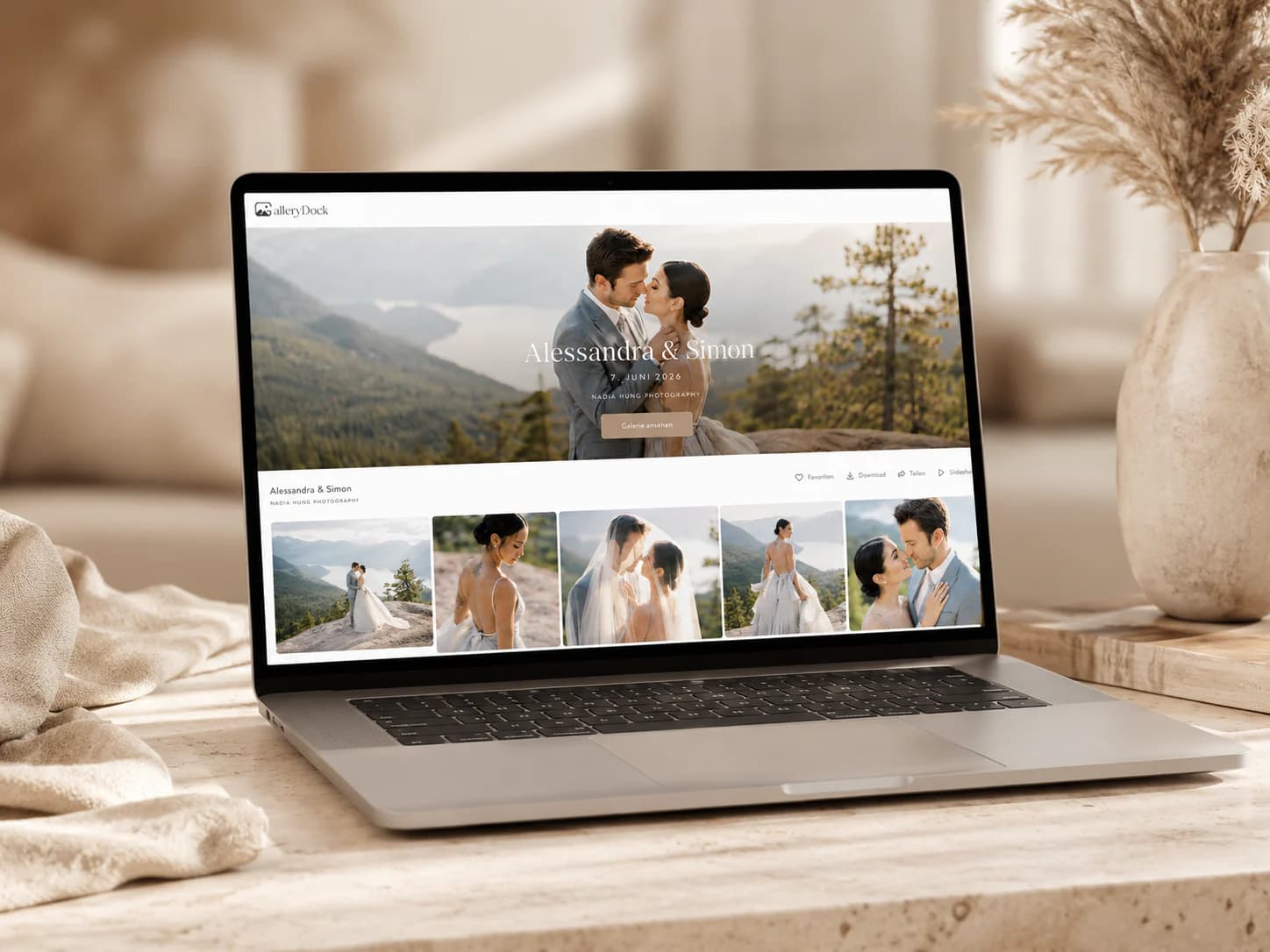
Quick answer
Choosing a client gallery cover photo is a small editorial decision with an outsized effect on the client's first impression. The cover should identify the assignment, fit the emotional tone, survive a wide responsive crop, and remain clear behind interface elements. This guide provides a repeatable selection and testing process for wedding, portrait, event, family, and commercial galleries. GalleryDock lets the photographer choose a visible photograph and adjust its vertical position; when no cover is selected, the first available image can be used as a fallback. It does not provide face detection, smart crop, or automatic best-image ranking, and a video cannot serve as the cover photo.
Recognition
The cover is not simply the photographer's favorite frame; it needs to orient the specific client who receives the link.
01
Choose a person, couple, product, team, or location the client will recognize immediately. A beautiful detail may be emotionally strong but still fail as a cover when it does not identify the assignment.
02
Use an image whose expression, color, and energy prepare viewers for the photographs inside. A quiet portrait and an energetic dance-floor frame set very different expectations before the gallery opens.
03
Covers compete with titles, controls, and responsive overlays. A frame with one clear focal point usually survives that context better than a crowded group or a composition that depends on tiny details.
04
Avoid expressions, private moments, or accidental background details that the client would not want as the prominent entry image, even when the gallery itself is protected by a private link.
Crop safety
A gallery cover is displayed in a container whose aspect ratio may differ from the original photograph.
01
Select a photograph with enough space above and beside the important subject. Very tight portraits can lose eyes, hair, or context when displayed as a wide cover on another screen.
02
GalleryDock allows the photographer to adjust the cover's vertical position. Use that control to keep the subject visible, then verify the published result rather than trusting the editor preview alone.
03
Make sure titles and interface controls remain legible over both light and dark areas. If the composition creates visual conflict, choose a cleaner frame instead of expecting automatic image analysis to solve it.
04
The cover must be a visible photograph. A video thumbnail is not a supported substitute, and hidden or removed media should not be relied upon for the gallery's persistent first impression.
Verification
The selection is complete only after the real client view has been checked on more than one screen size.
01
Open the published gallery in a wide browser and look at subject placement, title legibility, and the transition into the first gallery items. The cover should lead into the content rather than feel disconnected.
02
Check a narrow mobile viewport where the crop and surrounding interface can change the balance. Confirm that the important person or product remains visible without requiring the viewer to infer what was cut off.
03
If no explicit cover photograph is selected, GalleryDock can use the first available image. That behavior keeps the gallery functional, but the first upload is not automatically the strongest editorial choice.
04
When the selected image is hidden, replaced, or removed, inspect the published cover again. GalleryDock does not rank a new best image or perform face-aware automatic replacement.
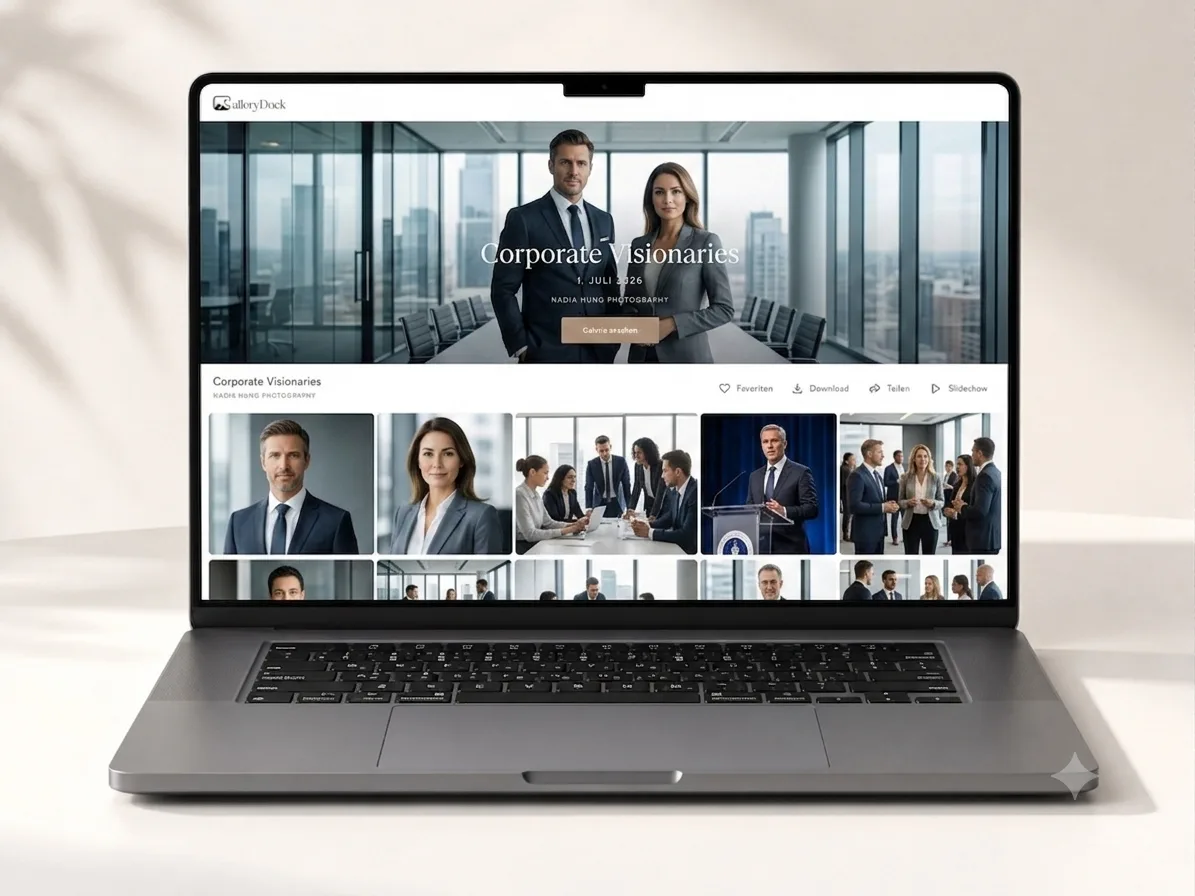
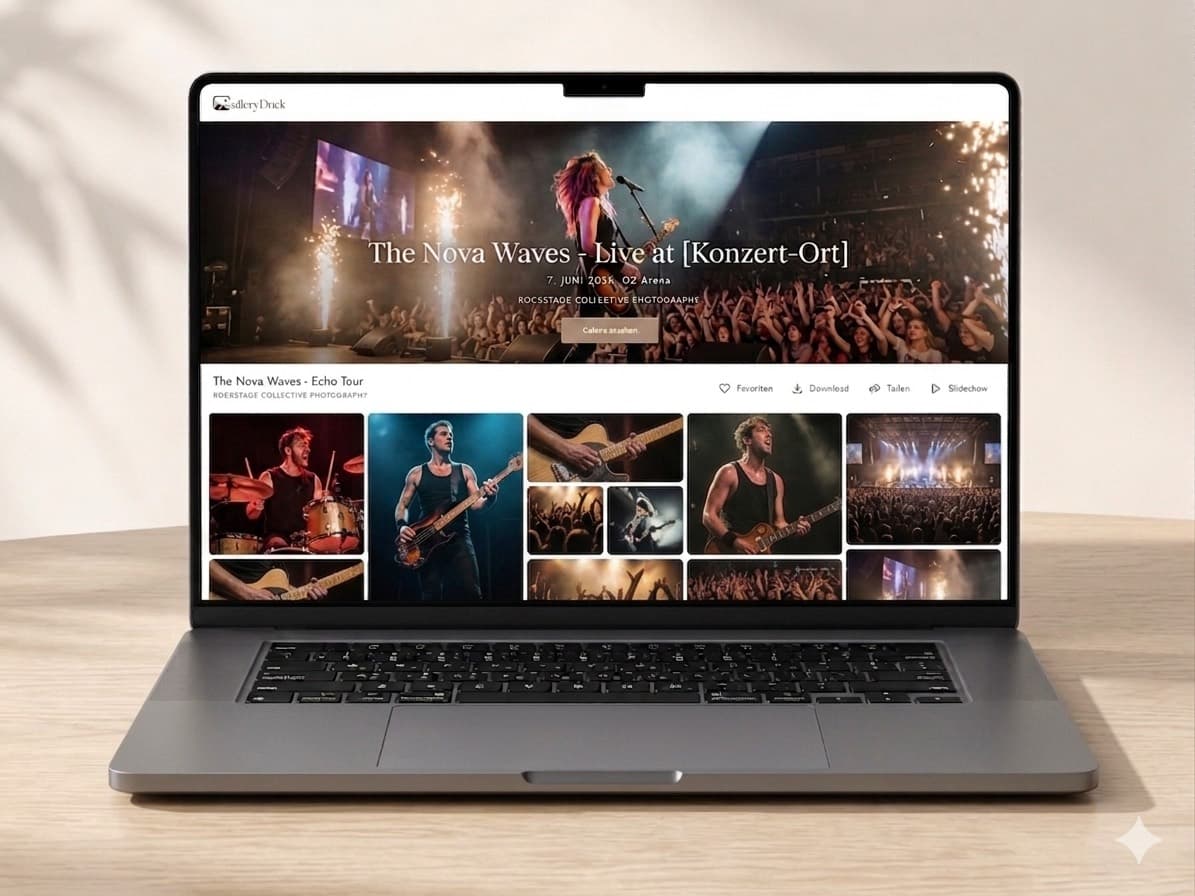
Comparison
Each approach favors a different kind of first impression.
| Approach | Best for | Tradeoff |
|---|---|---|
| First available image | A functional fallback | Not automatically the best introduction |
| Photographer favorite | Strong personal style | May not identify the client's assignment |
| Recognizable subject | Fast client orientation | Still requires crop testing |
| Atmospheric detail | Mood-led stories | Can be ambiguous outside the full sequence |
| Responsive-tested selection | Reliable desktop and mobile display | Requires manual preview and adjustment |
Use a recognizable image of the couple with enough environmental room to survive a wide banner crop.
Choose a clean team or key-person frame that makes the assignment obvious and keeps faces away from crop edges.
Select one decisive moment that represents the event without relying on a dense crowd or small signage for context.
Frequently asked questions
It identifies the assignment, matches its emotional tone, has one clear focal point, and remains readable after responsive cropping.
No. It does not rank photographs, detect faces, or select the strongest image on the photographer's behalf.
You can adjust the photograph's vertical position, then verify the resulting responsive crop in the published gallery.
No. The cover should be a visible photograph rather than a video or video thumbnail.
The first available image can provide a fallback, but its position in the gallery does not guarantee that it is the best cover.
The cover container changes with screen width, which can alter subject placement, crop pressure, and the relationship between the image and interface text.
Related resources
Pricing
Free forever
0 EUR
EUR 0 per month
Perfect for sharing your first galleries professionally.
Start free, no credit card required
Monthly
19 EUR
EUR 228 billed yearly. plus VAT
Ideal for photographers who regularly deliver client galleries.
For regular client delivery
Monthly
29 EUR
EUR 348 billed yearly. plus VAT
For photographers managing many projects, videos and growing storage.
For regular client delivery
Select a recognizable photograph, adjust its vertical position, and verify the real GalleryDock view on desktop and mobile.
Create a free account