01
Keep the edited master separate
Preserve the full working file or highest-quality approved master and never overwrite it with a smaller delivery or web export.
Photo print file quality
Protect the master file, create an intentional print export, avoid degraded intermediates, and verify crop, resolution, and order configuration before selling prints.
Quick answer
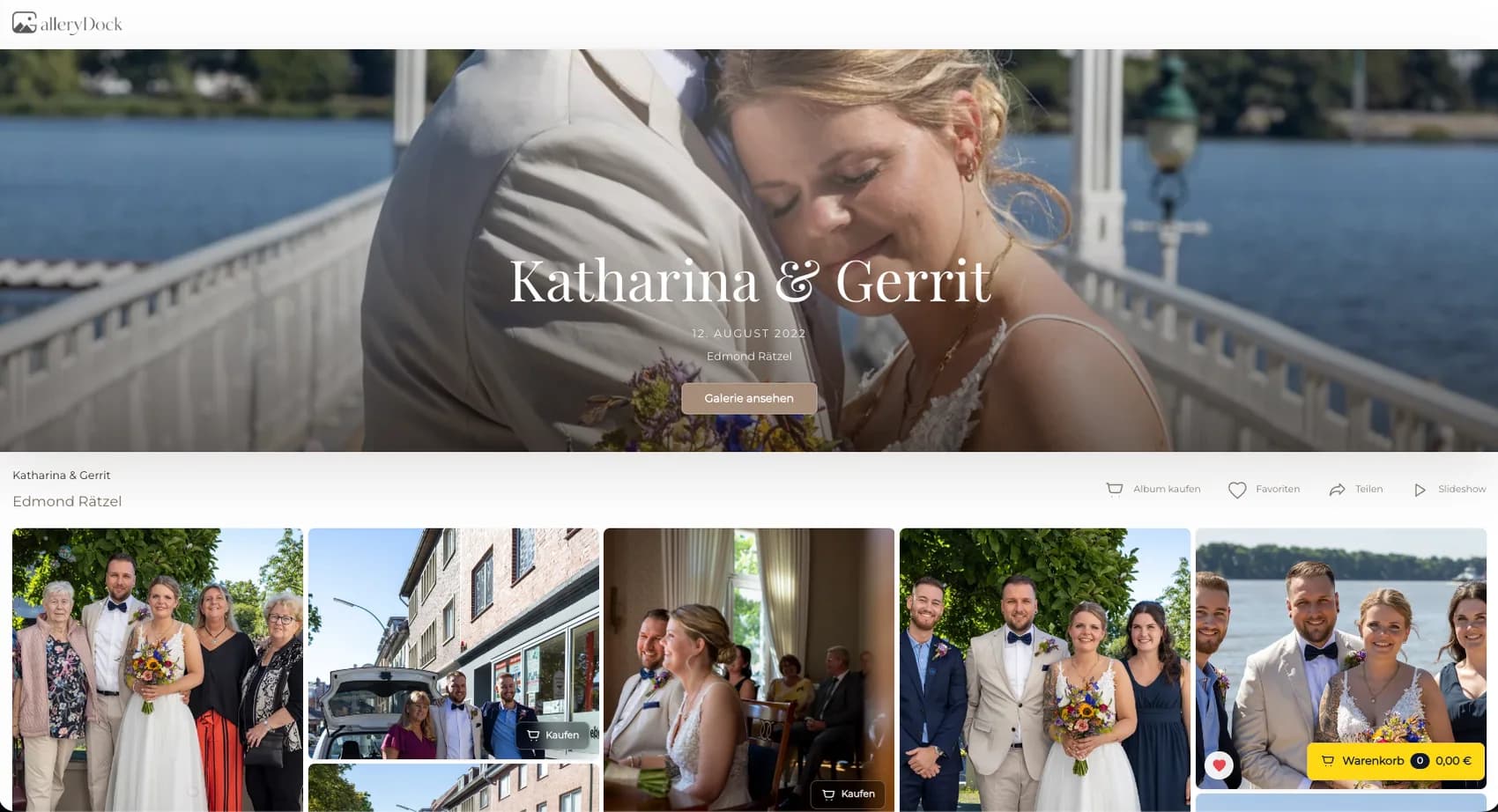
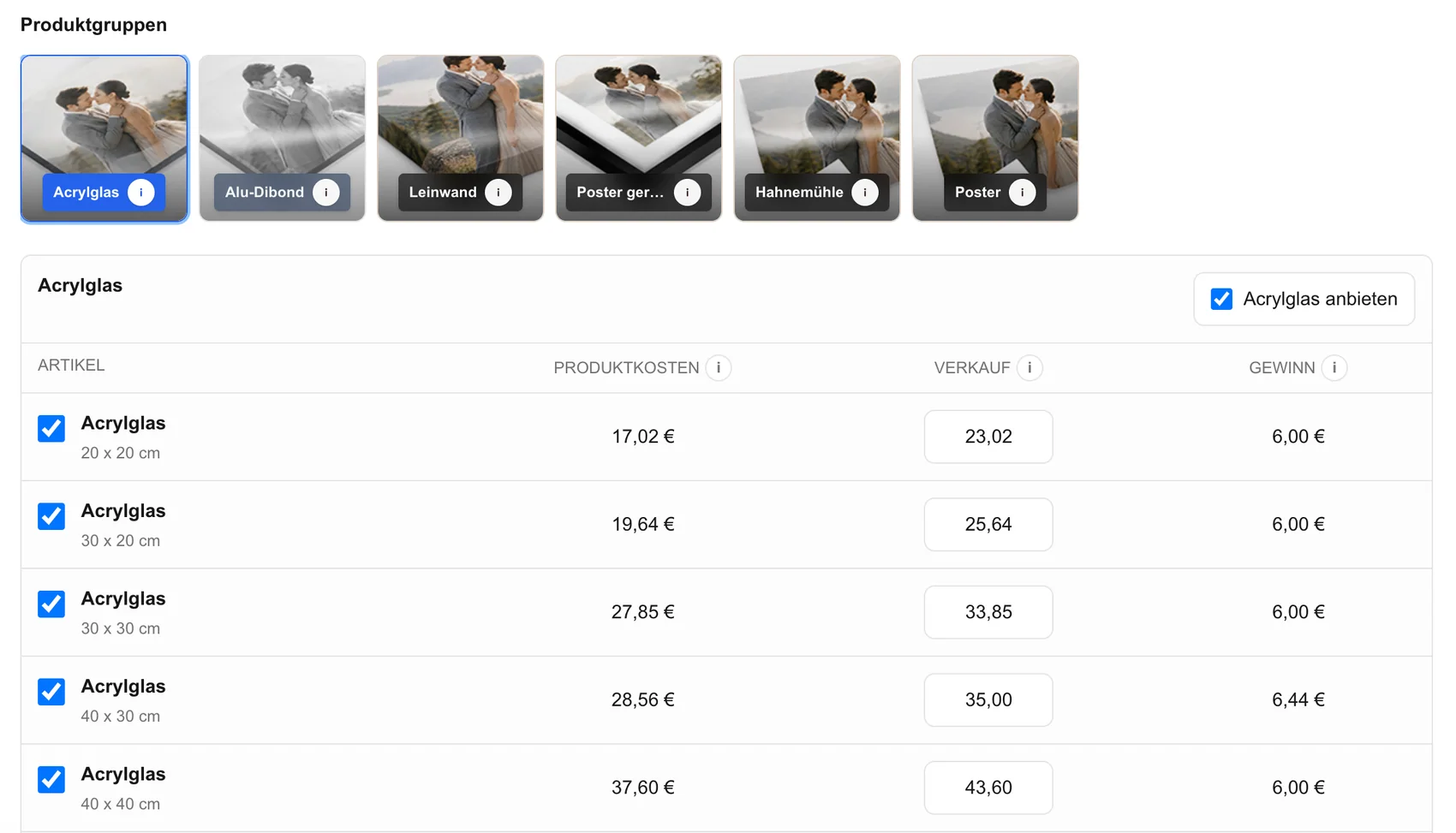
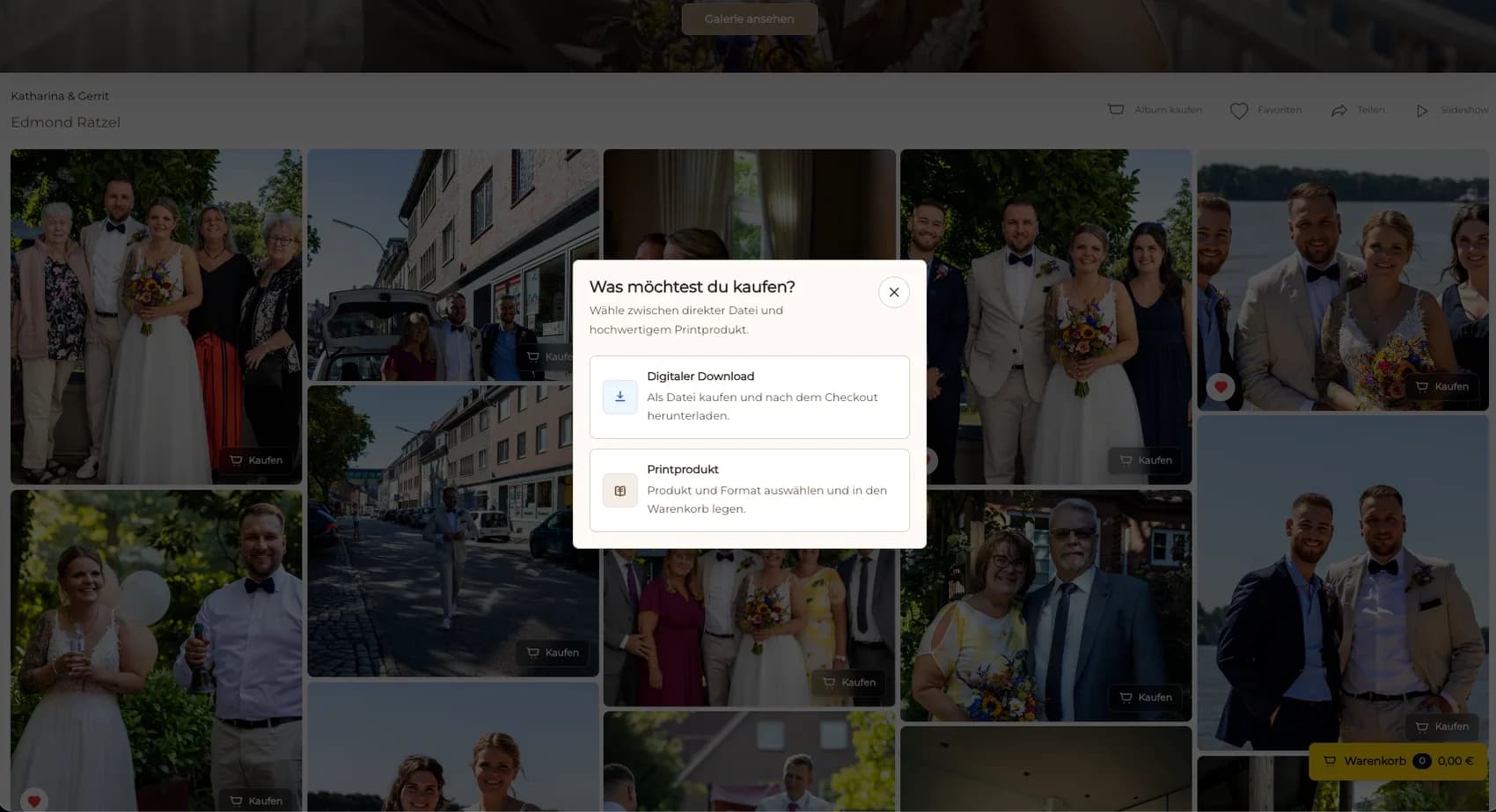
Avoiding unnecessary quality loss in photo printing is a file-control workflow, not a promise that every print is mathematically lossless. Preserve the edited master, create an intentional output for the chosen use, and keep the source lineage visible. Do not use a screenshot, messenger download, social-media copy, browser preview, or repeatedly saved JPEG as the production source when the approved master is available. Record pixel dimensions, orientation, color intent, export settings, and version so the file can be matched to the selected product and size. In GalleryDock, publish the approved image, review the crop and safe area, compare the visible products, and test the cart and checkout. GalleryDock does not restore missing pixels, reverse previous compression, retouch the photograph, or guarantee a particular physical result. The goal is to prevent avoidable degradation and configuration mistakes before the client orders.
Source control
A dependable workflow begins with knowing which file is authoritative and which files are disposable derivatives.
01
Preserve the full working file or highest-quality approved master and never overwrite it with a smaller delivery or web export.
02
Use a clear version, project, image, and date convention so the print source cannot be confused with an earlier edit or client preview.
03
Return to the approved master instead of printing a file that has been resized, recompressed, stripped, or captured from another display.
04
Record the output width, height, orientation, and intended use before assigning the file to a product size.
Export
Export decisions should follow the product requirement rather than a habit carried over from social media delivery.
01
Generate the intended print or gallery output directly from the approved source instead of saving one JPEG generation after another.
02
Use the file format, profile, dimensions, and quality settings required by the production workflow without inventing a universal setting.
03
Open the actual output at useful magnifications and review sharpness, gradients, edges, noise, compression artifacts, and important detail.
04
Retouching, sharpening, enlargement, and color preparation remain part of the photographer's editing workflow before publication.
Order check
A strong source can still produce a poor order if the wrong image version, size, orientation, or crop reaches the cart.
01
Confirm that the gallery displays the intended final version and not a preview, watermarked review copy, or obsolete export.
02
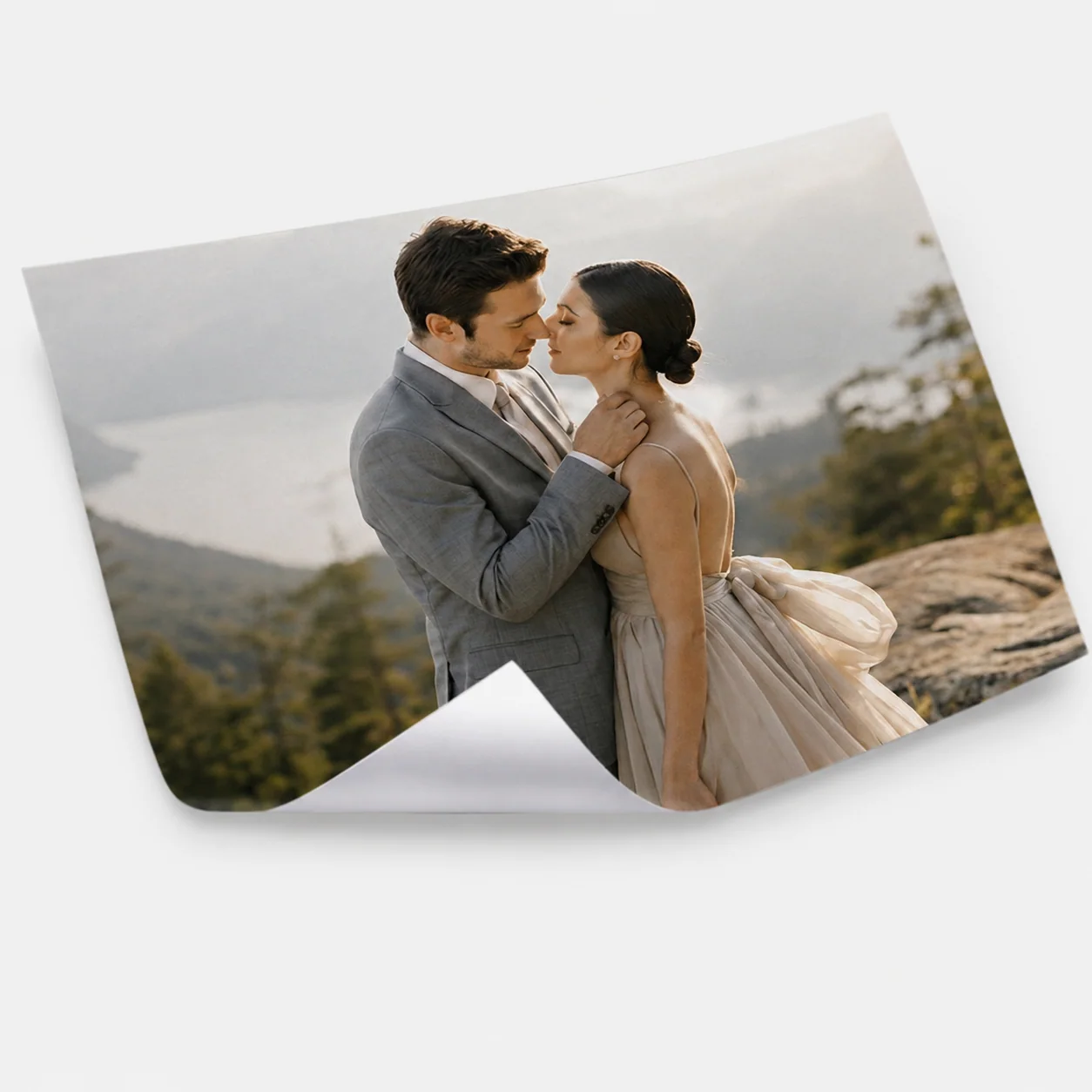
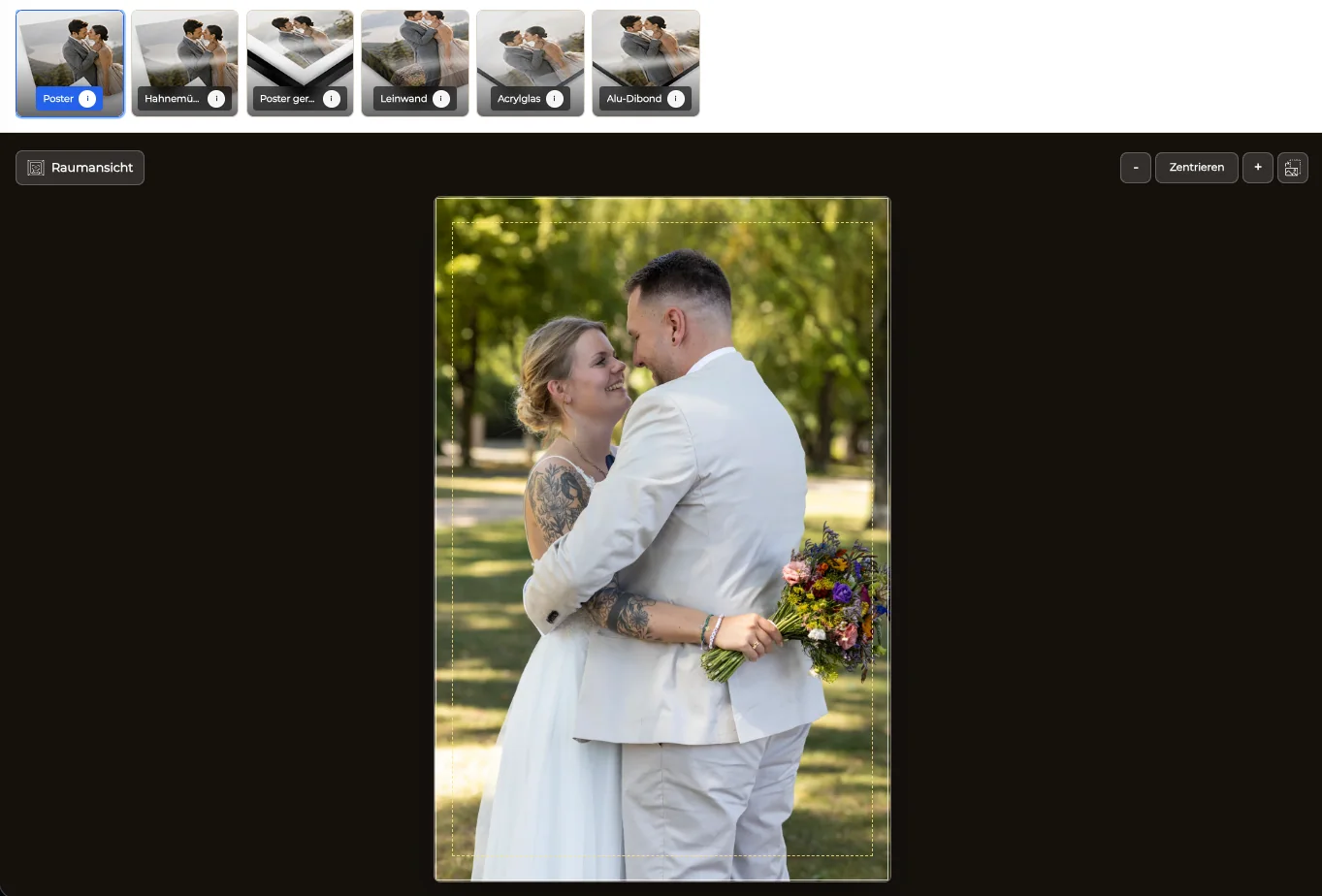
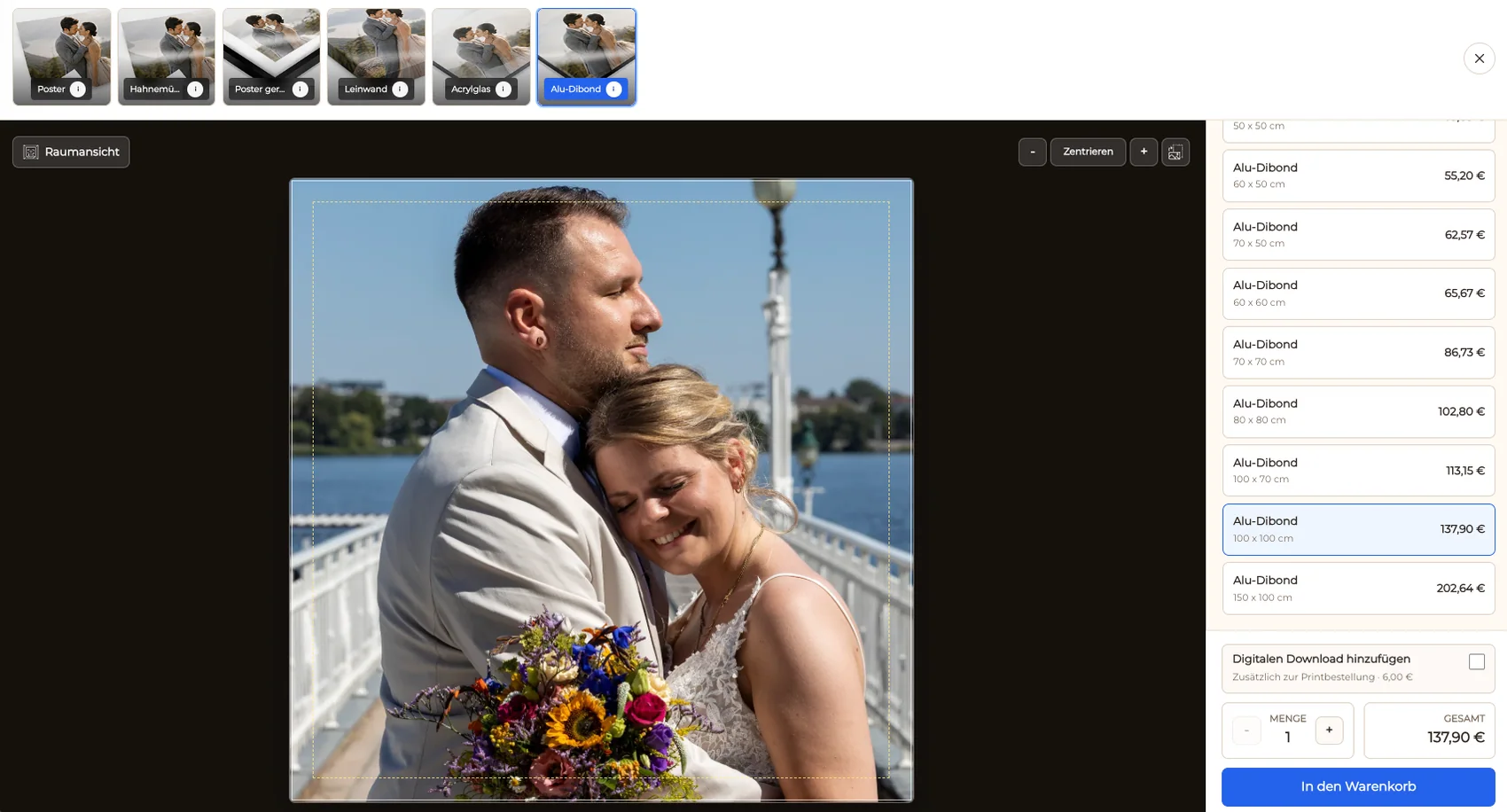
Inspect faces, limbs, horizons, typography, borders, and critical details at every offered product size and orientation.
03
Remove a size when the source resolution, composition, or intended viewing distance does not support a confident offer.
04
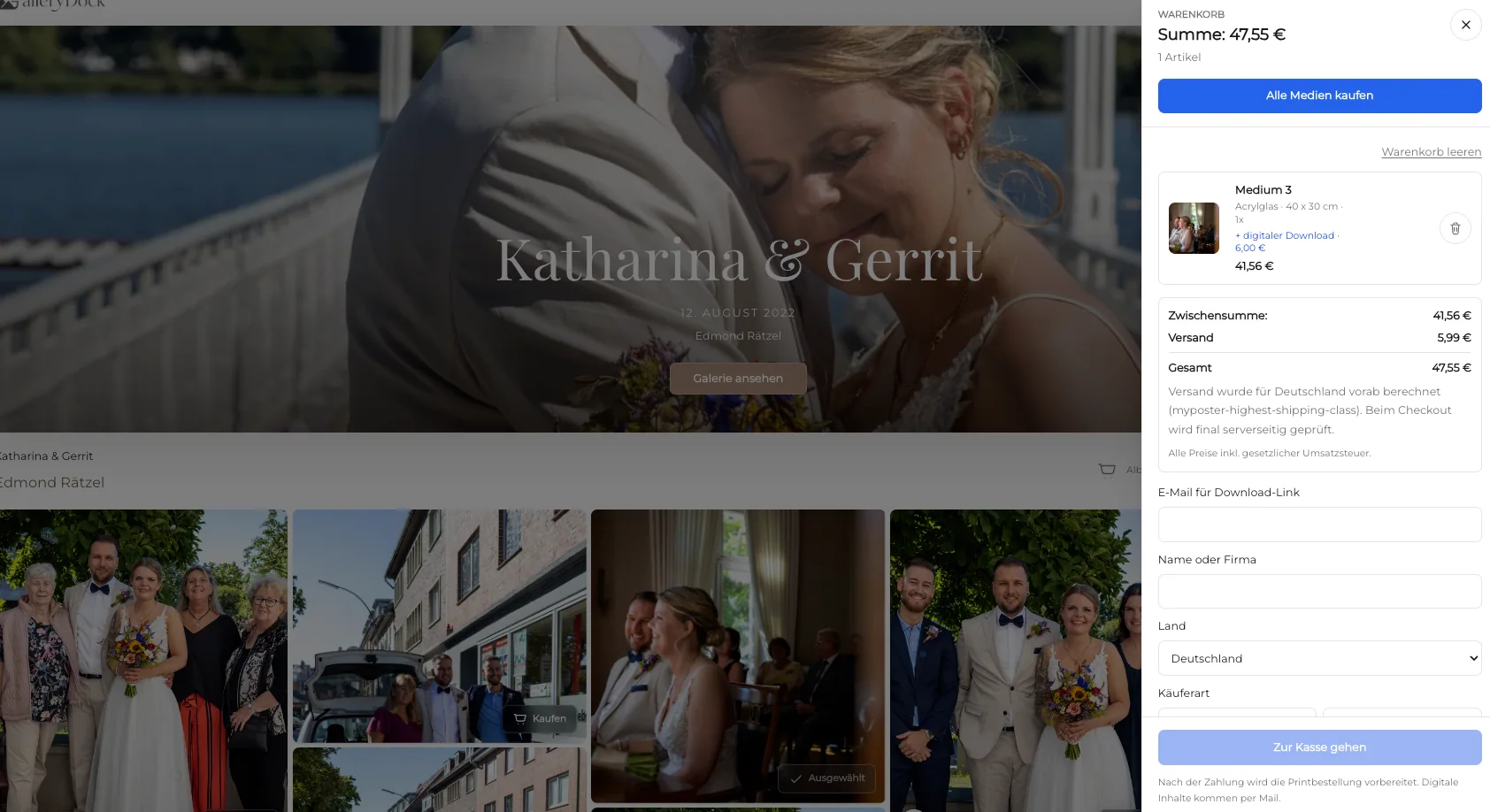
Complete a realistic public selection and verify image, product, size, quantity, and price before the order leaves the gallery.
Comparison
Each file has a purpose, but only a controlled source should become the basis of a print order.
| Approach | Best for | Tradeoff |
|---|---|---|
| Edited master | Authoritative source and future outputs | May need a production-specific export |
| Intentional print export | A documented product workflow | Must match the selected requirement |
| Client web download | Convenient screen delivery | May be smaller than the print source |
| Screenshot or messenger copy | Quick reference only | Can contain resizing and compression loss |
| Repeatedly saved JPEG | No controlled workflow | Adds avoidable generational degradation |
The studio returns to the approved portrait master, creates one documented output, and checks face and hand placement in the final crop.
The photographer separates fast web delivery from the higher-quality source used for a physical client product.
Every image uses a consistent versioning and export record before the series is published with a limited size range.
Frequently asked questions
No universal workflow can promise that. The practical goal is to avoid unnecessary degradation and configuration mistakes while using an appropriate approved source.
A screenshot may have fewer pixels, display-dependent color, extra scaling, and compression that are unrelated to the approved master.
No. Source preparation, retouching, enlargement, and sharpening happen in the photographer's external editing workflow.
Review the exact file, pixel dimensions, orientation, crop, safe area, important details, product configuration, and intended viewing context.
Yes. GalleryDock supports digital sales and physical print sales while allowing the photographer to keep their uses and product labels distinct.
Related resources
Pricing
Free forever
0 EUR
EUR 0 per month
Perfect for sharing your first galleries professionally.
Start free, no credit card required
Monthly
19 EUR
EUR 228 billed yearly. plus VAT
Ideal for photographers who regularly deliver client galleries.
For regular client delivery
Monthly
29 EUR
EUR 348 billed yearly. plus VAT
For photographers managing many projects, videos and growing storage.
For regular client delivery
Preserve the master, create one intentional output, verify every offered crop and size, and test the complete public purchase path.
Create a free account