01
Create recognition
Use the studio or photographer logo where clients orient themselves in the gallery. It should support recognition across the profile, gallery header, and delivery experience without competing with the assignment.
Branding and proofing
Compare a gallery logo with a photo watermark, decide where each belongs, and test branding and proof protection from the client's point of view.
Quick answer
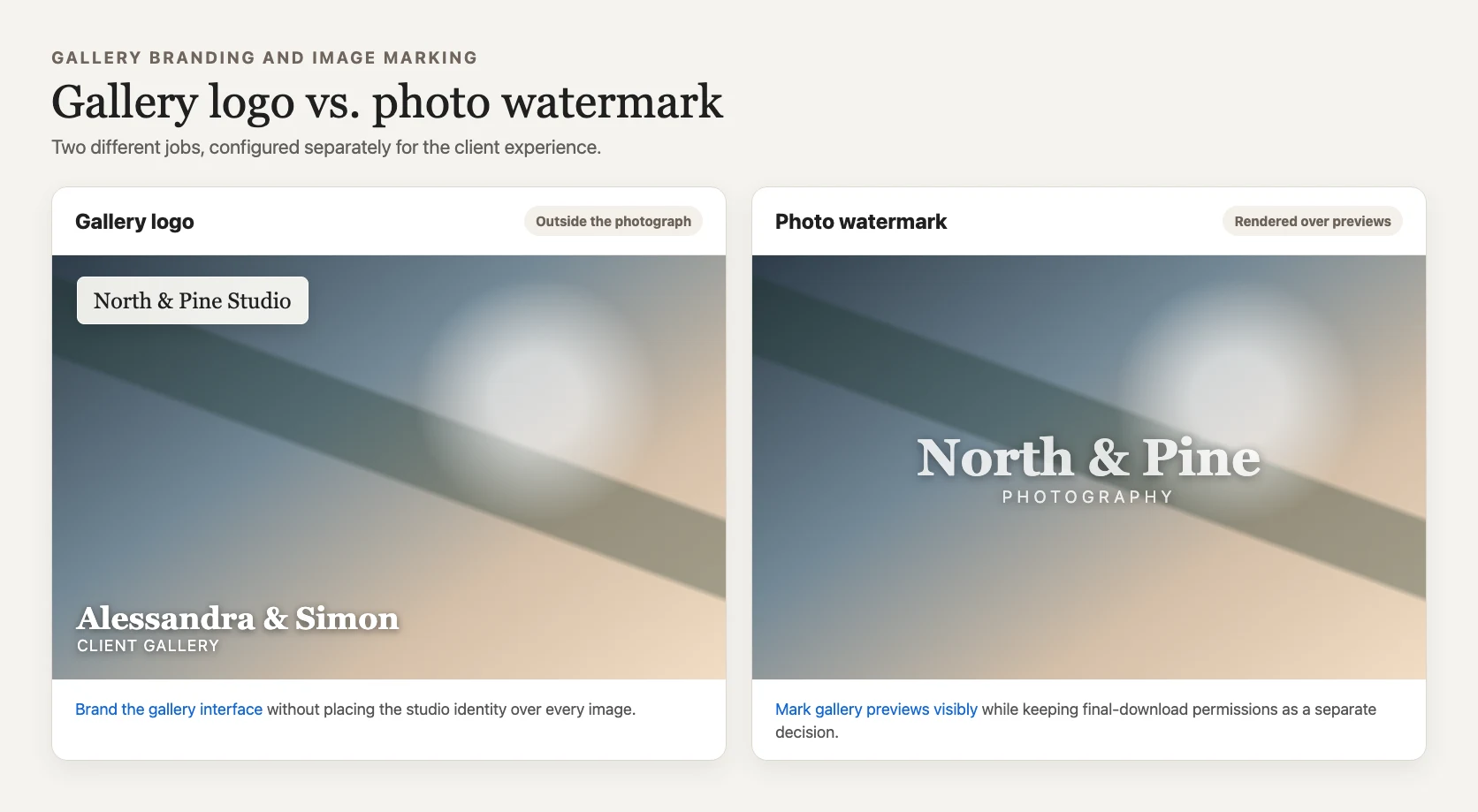
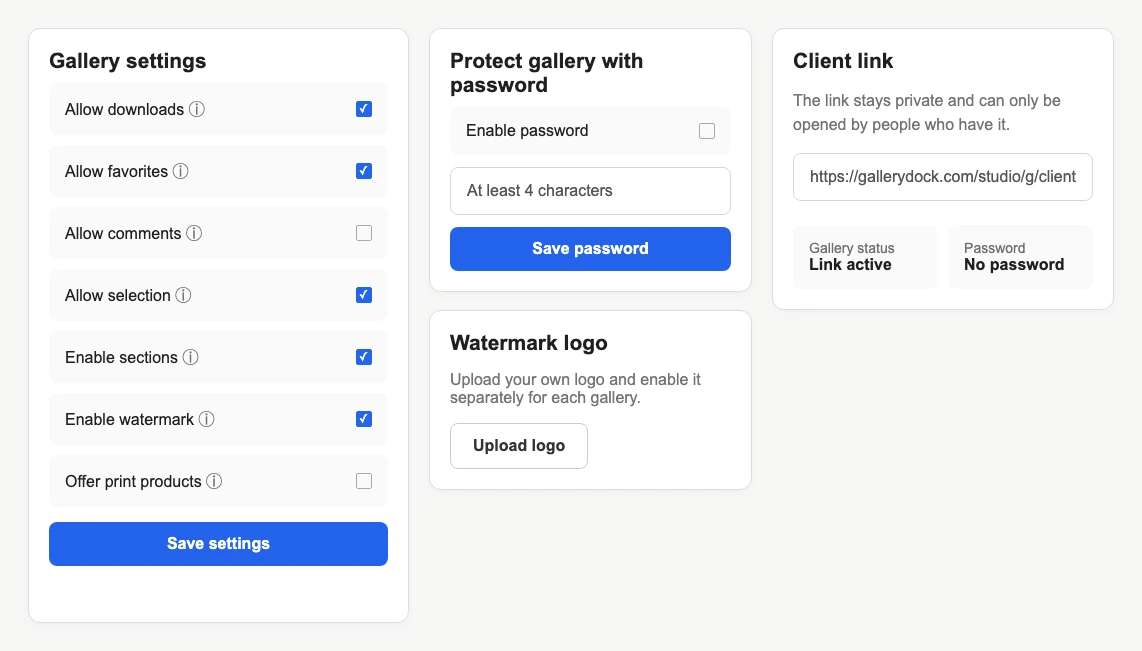
A gallery logo and a photo watermark solve different visual problems. The gallery logo identifies the photographer or studio around the client experience: profile, gallery header, and surrounding interface. A watermark is rendered over image previews to mark those visible files as proofs or branded review media. GalleryDock keeps the two controls separate, so a photographer can present a clean branded gallery, mark preview images, use both, or use neither according to the assignment stage. Neither element creates copyright ownership, digital rights management, or a guarantee against screenshots. The right decision begins with the client's next action, the importance of unobstructed viewing, and whether the visible photographs must be clearly distinguished from final delivery files.
Gallery logo
The gallery logo identifies the photographer without becoming part of each displayed photograph.
01
Use the studio or photographer logo where clients orient themselves in the gallery. It should support recognition across the profile, gallery header, and delivery experience without competing with the assignment.
02
Keeping branding outside the photo preserves faces, products, architecture, and negative space. This is useful when the final viewing experience should feel polished rather than visibly marked for proofing.
03
Use a legible logo variant that works with the gallery background and the studio's established identity. A logo that disappears or becomes too small cannot carry the intended recognition.
04
Review desktop and mobile because gallery branding lives in a responsive interface. Confirm that the mark is present, readable, and not mistaken for a control or client-facing status.
Photo watermark
A watermark communicates a review or proofing state directly on the media.
01
Apply a watermark when clients must understand that displayed previews are not yet the final released files. Explain the meaning in the delivery message so the mark is not treated as an unexplained defect.
02
Prepare a simple logo with enough contrast for light, dark, and visually busy photographs. A detailed brand lockup may work in a header but become unreadable when reduced over an image.
03
A watermark is a visible deterrent and workflow signal, not DRM. Clients can still capture the screen, crop an image, or photograph a display, so copy must not promise complete prevention.
04
Decide whether finished files will be delivered without the proof watermark and how that handoff occurs. Gallery settings and authorized downloads should match the client's current stage.
Combined workflow
The correct combination follows the assignment stage rather than a universal branding rule.
01
Use the gallery logo when the work is final and unobstructed viewing matters most. The client still sees who created the gallery without a mark across every photograph.
02
Use gallery branding plus watermarked previews when clients are selecting or reviewing images. Keep free downloads aligned with the proofing agreement and verify the public experience.
03
A watermark may identify review media while gallery branding establishes the studio responsible for the project. Explain whether the files may be downloaded, circulated, or only discussed in the gallery.
04
Before delivery, inspect the actual file path the client will receive. Do not assume that changing a gallery label, logo, or watermark setting retroactively changes copies already downloaded.

Comparison
The most useful distinction is where the visual appears and what the client should understand.
| Approach | Best for | Tradeoff |
|---|---|---|
| Gallery logo | Studio identity around the work | Does not mark the photo itself |
| Photo watermark | Proof and review identification | Covers part of the visible image |
| Both | Branded proofing workflows | Requires careful visual balance |
| Neither | Minimal final presentation | Relies on surrounding communication |
| Download control | Managing GalleryDock's file-release path | Separate from logo and watermark decisions |
The photographer uses the gallery logo for recognition and presents finished images without a proof watermark, while the agreed download path supplies the released files.
The studio uses both gallery branding and a watermark so stakeholders recognize the provider and understand that visible images still belong to the approval stage.
The gallery logo supports the viewing environment while unobstructed images remain central. The photographer communicates usage and delivery terms separately rather than relying on a watermark.
Frequently asked questions
No. The gallery logo brands the surrounding client experience; a watermark is rendered over visible image previews.
Yes. They are separate controls and can support a branded proofing workflow when both have a clear purpose.
No. A gallery logo identifies the presentation but does not block copying, screenshots, or downloads.
No. It remains visible in many captures and can deter casual reuse, but it is not complete copy protection or DRM.
That depends on the agreement and workflow. Verify the authorized final delivery path and explain clearly what the client receives.
Review the published client view on desktop and mobile, including light, dark, and visually busy photographs.
Related resources
Pricing
Free forever
0 EUR
EUR 0 per month
Perfect for sharing your first galleries professionally.
Start free, no credit card required
Monthly
19 EUR
EUR 228 billed yearly. plus VAT
Ideal for photographers who regularly deliver client galleries.
For regular client delivery
Monthly
29 EUR
EUR 348 billed yearly. plus VAT
For photographers managing many projects, videos and growing storage.
For regular client delivery
Use the gallery logo for identity, the photo watermark for visible proof status, and the published client view to verify the combination.
Create a free account