01
Close internal review first
Resolve editor, producer, and agency notes before presenting a client candidate unless the contract intentionally includes the client in that production stage.
Frame.io alternative for client delivery
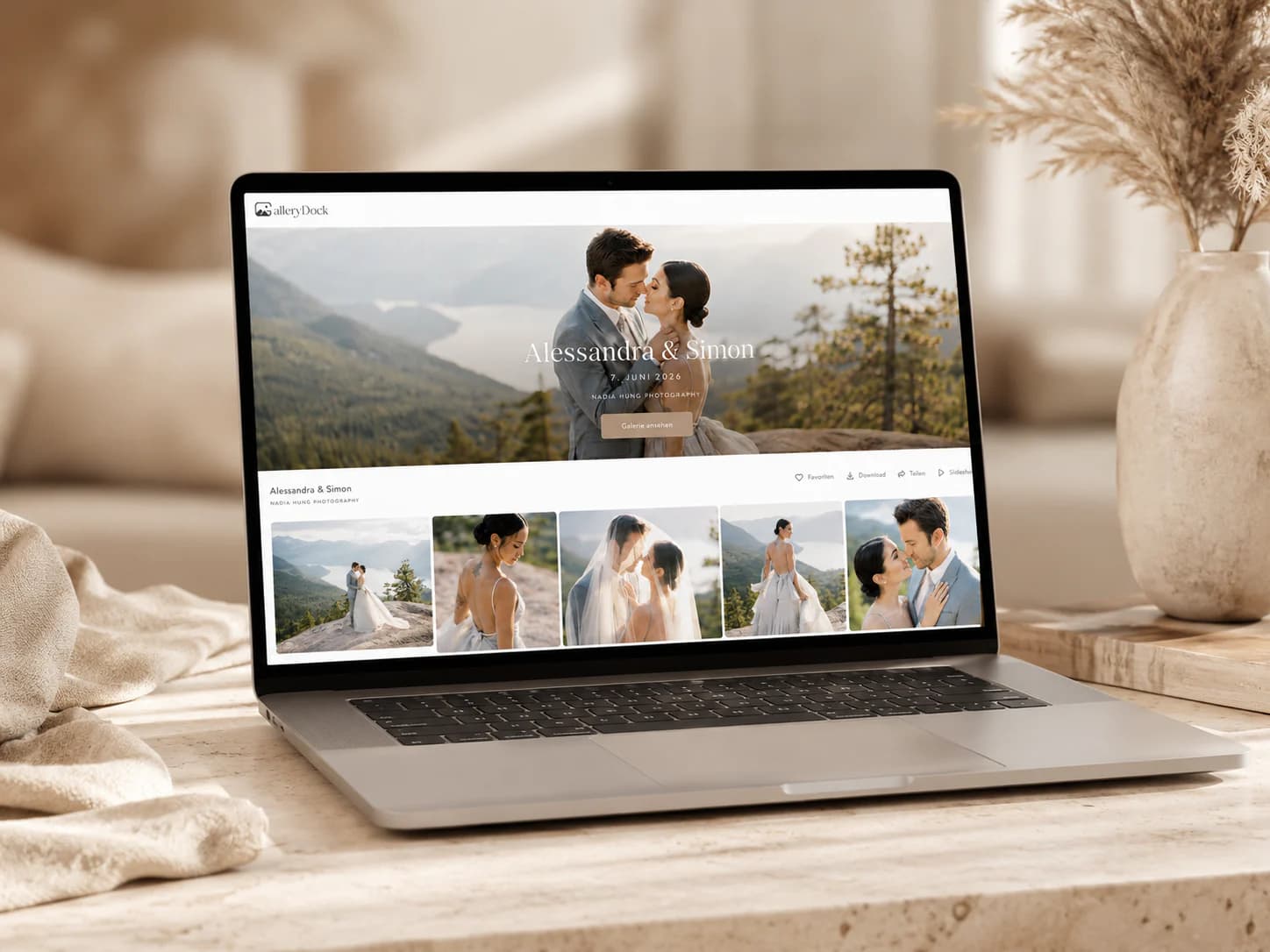
Use GalleryDock as a Frame.io alternative when the main need is a branded client delivery gallery for finished video, stills, selections, feedback, downloads, and configured extras.
Quick answer
A Frame.io alternative for client delivery should be evaluated after production review: can the client understand the finished package, select stills, resolve final notes, download approved files, and access configured extras? GalleryDock is positioned here for client presentation and delivery, not as a replacement for Frame.io's complete production-review, asset-management, versioning, integration, storage, or security feature set.
Handoff boundary
A clean boundary prevents open internal notes, obsolete exports, and unfinished assets from leaking into the final client experience.
01
Resolve editor, producer, and agency notes before presenting a client candidate unless the contract intentionally includes the client in that production stage.
02
Use an explicit filename and stage label. The client should see the intended export, while older versions remain outside the primary delivery path.
03
Choose only the stills, thumbnails, gallery images, trailers, or alternate assets that belong to the handoff. Do not turn the client gallery into a production dump.
04
Explain what is ready, which decisions remain, who should respond, the deadline, and what will happen after those decisions are locked.
Mixed-media decisions
A strong delivery gallery can hold several media types without forcing every item into the same review behavior.
01
Timecoded comments belong to the exported film when a scene-specific correction or question still needs resolution.
02
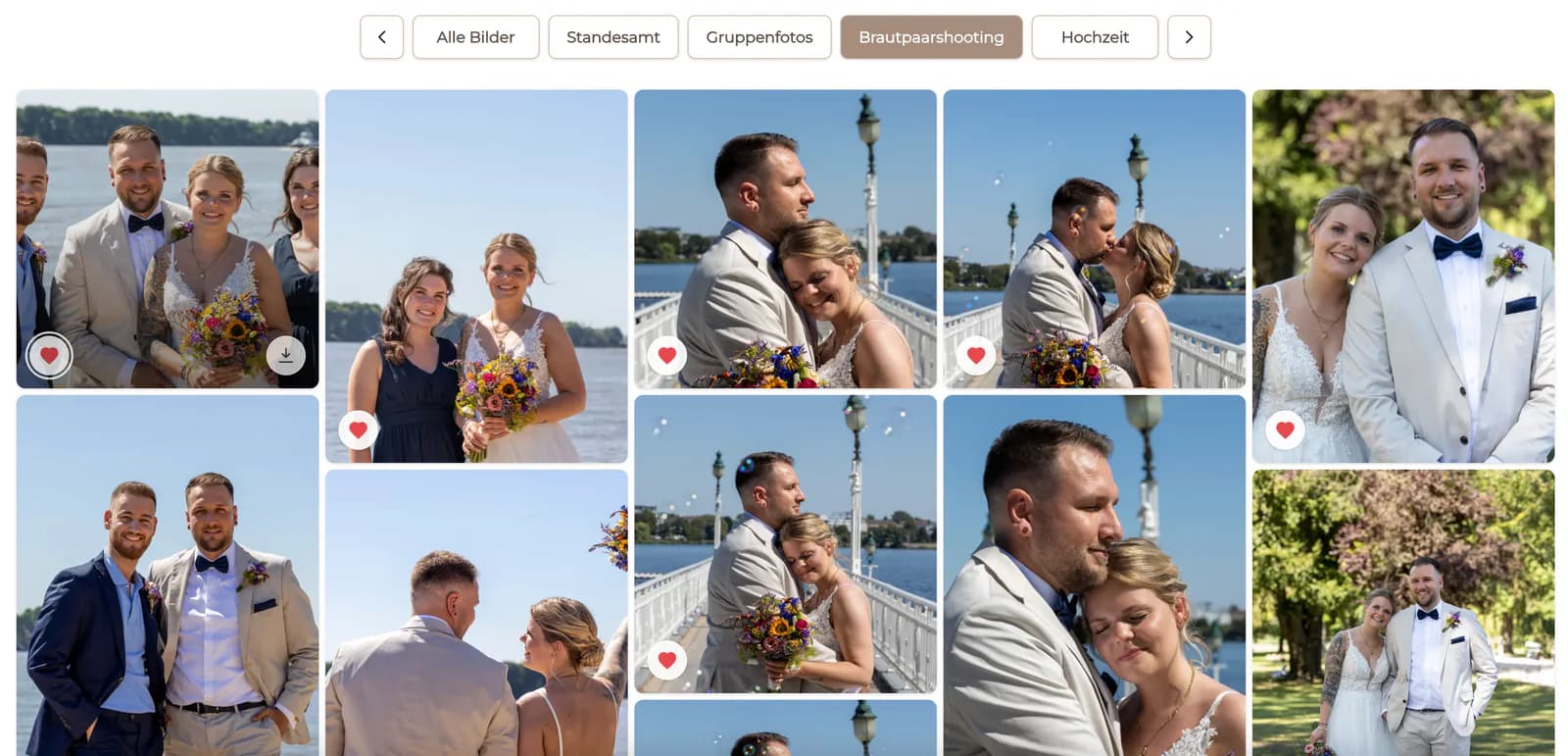
Stills, thumbnails, or gallery photographs can use an explicit favorite meaning such as cover candidate, campaign select, or included delivery image.
03
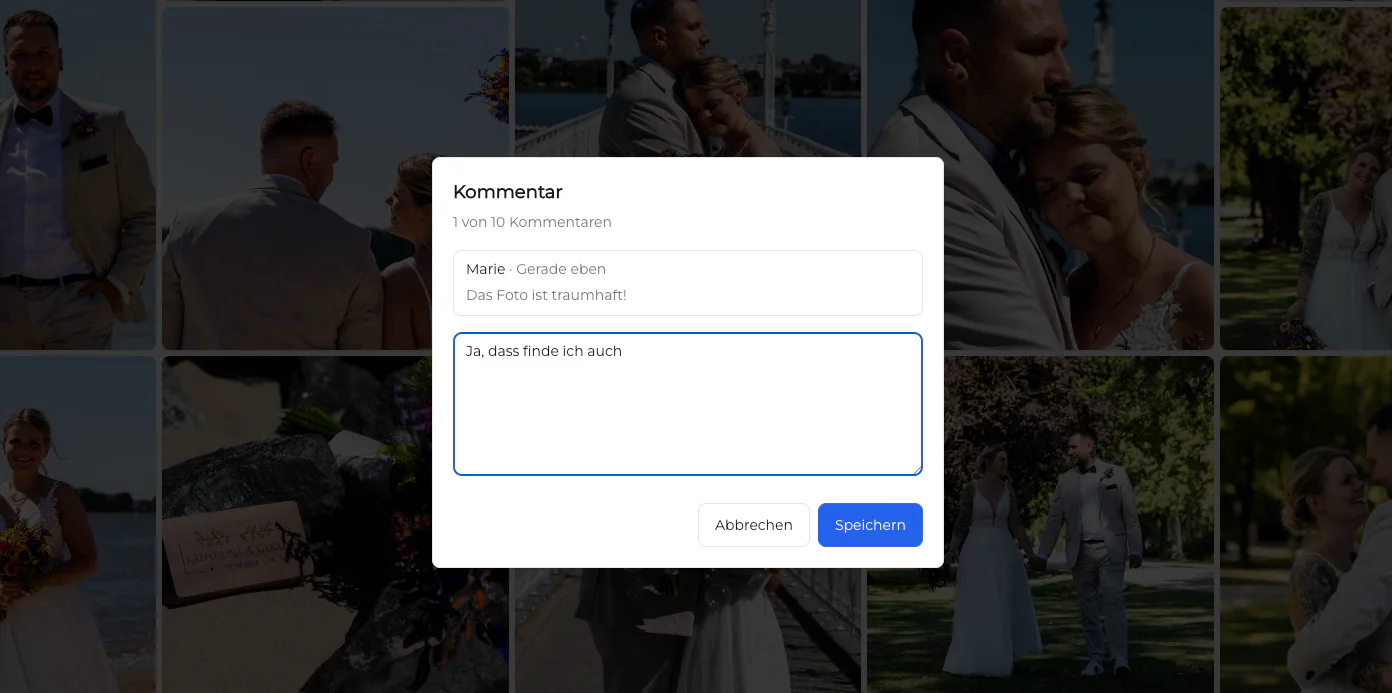
Retouching, crop, caption, and usage questions should remain attached to the relevant image instead of becoming a filename list in email.
04
A favorite, comment, and download can mean different things. Brief each stage so clients do not mistake a proof selection for final usage rights or delivery.
Final delivery
The project is not complete until the client knows what is final, what can be downloaded, and where any optional extras belong.
01
Check the final video, stills, file names, formats, captions, and download settings against the locked decision before announcing delivery.
02
Tell clients which files are intended for archive, web, social, presentation, or another agreed use without making new licensing promises in the gallery copy.
03
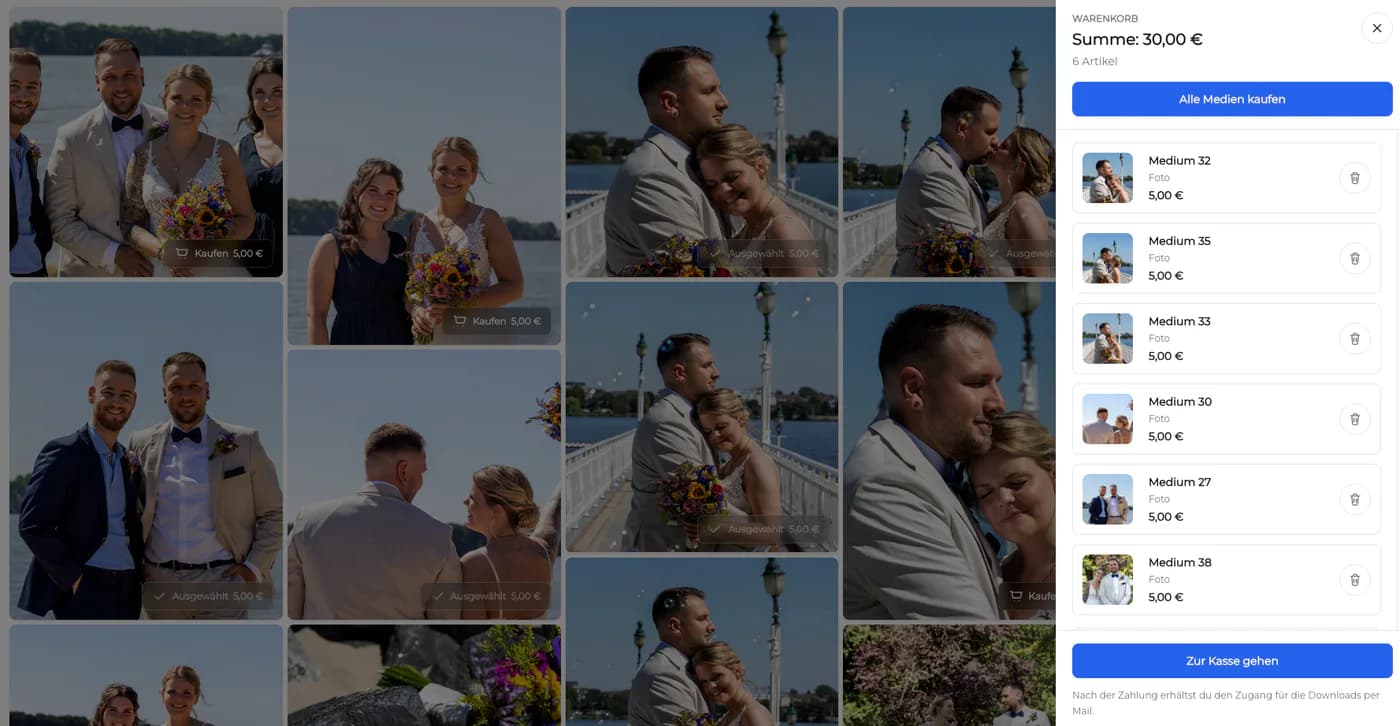
Digital or physical extras can continue the relationship when the package and configuration support them. Do not imply that every asset is automatically purchasable.
04
Keep masters, source projects, contracts, and production records in the appropriate independent systems. The client gallery is the handoff surface, not the only archive.
Evaluation
A client-delivery alternative should be judged after the handoff, not after the first comment appears.
01
Observe whether the client recognizes the current file, required decisions, deadline, and next step without a call or a parallel email explanation.
02
Confirm that every remaining video or image request can be resolved and verified without duplicate records across internal and external systems.
03
Check whether the client can identify and download the correct final package and whether the studio can prove what was delivered.
04
If internal production needs remain better served elsewhere, document the exact transition into GalleryDock rather than forcing one tool to own every stage.
Client proof
A delivery-centered decision needs evidence from the external experience as well as the internal production team.
01
Give a representative client the video candidate, still-selection task, final gallery, and download instructions. Record every moment where the reviewer cannot tell which action belongs to which asset or stage.
02
After delivery, confirm that the studio can identify the approved export, locked still selection, resolved comments, released downloads, and any purchased extras without reconstructing the history from email or an internal production workspace. The client contact should also know where to return for the delivered package and which future request would start a new scope.

Comparison
Use the differences below as decision criteria, then verify the complete path with one real client project before changing your standard workflow.
| Client-delivery need | Frame.io context | GalleryDock context |
|---|---|---|
| Core workspace | Creative production review and approval | Private commissioned-client gallery and delivery |
| Stills and thumbnails | Assets can support creative review workflows | Clients can select relevant photos, frames, or gallery images |
| Feedback | Precise production-oriented review | Image-specific and timecoded client feedback in a simple external path |
| Final package | Production files and shared review context | Approved photo/video presentation with controlled downloads |
| Optional commerce | Check current Frame.io capabilities and integrations directly | Configured digital and physical sales can continue the client journey |
| Boundary | Not evaluated here as a client-commerce gallery | Not an NLE, production archive, or deep version-management system |
The client reviews the hero video, chooses campaign stills, resolves final image and scene notes, and downloads the approved package from one branded destination.
An event client receives highlights, video exports, gallery photographs, and clearly labeled download options without being placed inside the production team's workspace.
A filmmaker presents the approved film alongside cover-frame or thumbnail choices and keeps the final emotional handoff separate from internal edit review.
Frequently asked questions
It can replace the external handoff for teams whose client needs a branded gallery, mixed-media review, selections, downloads, and optional sales rather than a production workspace.
Yes. A GalleryDock gallery can support photo selection and image-specific feedback when those decisions belong to the commissioned package.
Yes. Reviewers can place timecoded comments on the current exported video and continue clarification in the attached thread.
Yes. After approval and verification, the gallery can provide controlled downloads according to the configured client delivery workflow.
This comparison does not claim automated version comparison or Frame.io-equivalent version management. Keep export names and revision stages explicit.
Yes. Define one clear handoff point so internal production notes do not remain open when the client-facing candidate enters GalleryDock.
Related resources
Pricing
Free forever
0 EUR
EUR 0 per month
Perfect for sharing your first galleries professionally.
Start free, no credit card required
Monthly
19 EUR
EUR 228 billed yearly. plus VAT
Ideal for photographers who regularly deliver client galleries.
For regular client delivery
Monthly
29 EUR
EUR 348 billed yearly. plus VAT
For photographers managing many projects, videos and growing storage.
For regular client delivery
Take one finished project from approved export through still selection, client presentation, downloads, and any configured extras to see whether the gallery-centered delivery fits.
Create a free account