Open the correct link
Use the current authorized gallery URL and complete any required access step.
Android photo downloads
Download photos from an online gallery on Android, locate them in Chrome or a photo app, and handle ZIP archives without losing track of files.

Quick answer
To download photos from a gallery on Android, open the shared link in a supported browser such as Chrome, choose the available photo and resolution, and use the gallery's download action. Then check Chrome's Downloads view or the device's Downloads folder. A photo may also appear in Google Photos or another gallery app after Android indexes it; ZIP archives usually need to be extracted before their images appear as ordinary files.
Before downloading
A missing control and a missing local file are different problems, so confirm the gallery step first.
Use the current authorized gallery URL and complete any required access step.
Open the photograph or collection and confirm that download access is available.
Choose the offered resolution that matches the intended use instead of assuming every option is identical.
Large collections and ZIP files need enough local space to finish before they can be opened.
Android workflow
The exact wording varies across Android devices, but the browser download trail remains the most dependable starting point.
01
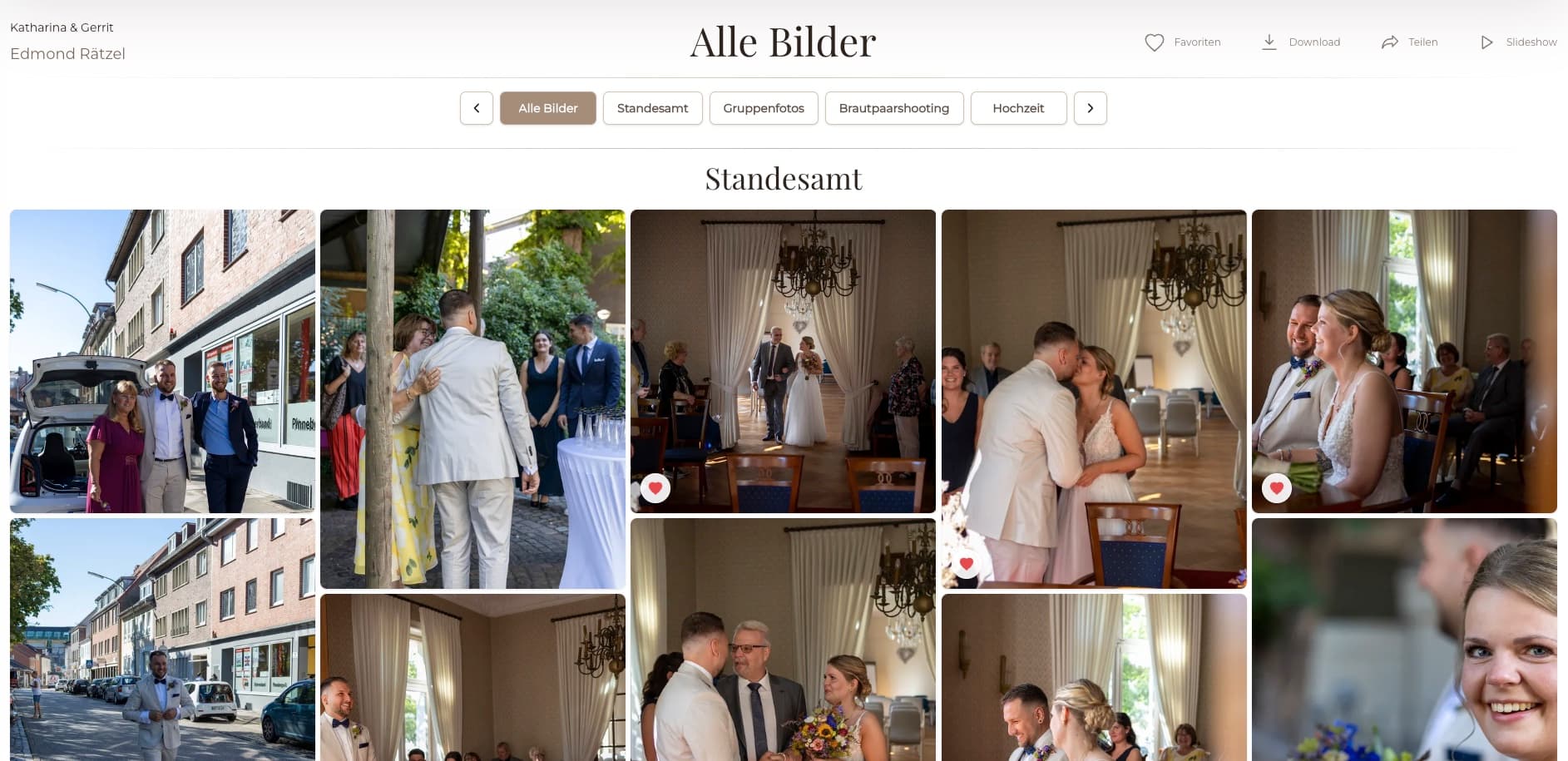
Use the GalleryDock download action rather than saving a low-resolution browser preview.
02
Allow the download and wait for Chrome or the selected browser to report completion.
03
Check the browser download list or the device Files app and its Downloads folder.
04
View the file, then move or copy it deliberately if you want it in another organized folder.
When it is not visible
A completed file can exist locally even when the preferred photo app has not displayed it yet.
Use the browser's Downloads screen to confirm filename, status, and local location.
Look in Downloads and search for the delivered filename before repeating a large transfer.
Open the archive with the Files app or a suitable extractor before expecting its images to appear separately.
A device download is not automatically a durable backup or a synchronized cloud copy.

Comparison
Use the file type and transfer method to choose the right place to look.
| Approach | Best for | Tradeoff |
|---|---|---|
| Chrome Downloads | Confirming browser transfer status | May not organize photos into albums |
| Files app Downloads folder | Finding the actual local file | Photo apps may index it later |
| Google Photos or gallery app | Viewing indexed image files | Visibility depends on device and folder indexing |
| ZIP archive | Receiving a collection in one download | Must be extracted before images behave as separate files |
| Cloud backup app | Creating a second synchronized copy | Requires separate setup and should not be assumed |
The client downloads one approved file and finds it through Chrome or the Downloads folder.
The client downloads a ZIP, extracts it in local storage, checks the photos, and creates a backup.
The recipient preserves filenames and moves verified files into the organization's chosen folder structure.
Frequently asked questions
They commonly appear in the browser's Downloads list and the device Downloads folder. A photo app may display them after indexing.
The file may still be in Downloads, may not have been indexed yet, or may be inside a ZIP archive that needs extraction.
Only when that quality is offered by the gallery. Choose the available resolution that matches the intended use.
Download access may not be enabled for that gallery or file. Contact the photographer instead of trying to save a browser preview.
Locate it in the Files app and use the available extraction action or a suitable trusted archive tool, then open the extracted folder.
No. A local phone copy can be lost. Move important photographs into your normal backup or cloud-storage process.
Related resources
Pricing
Free forever
0 EUR
EUR 0 per month
Perfect for sharing your first galleries professionally.
Start free, no credit card required
Monthly
19 EUR
EUR 228 billed yearly. plus VAT
Ideal for photographers who regularly deliver client galleries.
For regular client delivery
Monthly
29 EUR
EUR 348 billed yearly. plus VAT
For photographers managing many projects, videos and growing storage.
For regular client delivery
Use the GalleryDock download action, follow the browser transfer, verify the local file, and create a separate backup for important photographs.
Create a free account