01
Start with client or project
Place the term you naturally recall first at the beginning of the title. For consumer work this may be a family or couple name; for commercial work it may be the company, campaign, or property.
Gallery organization
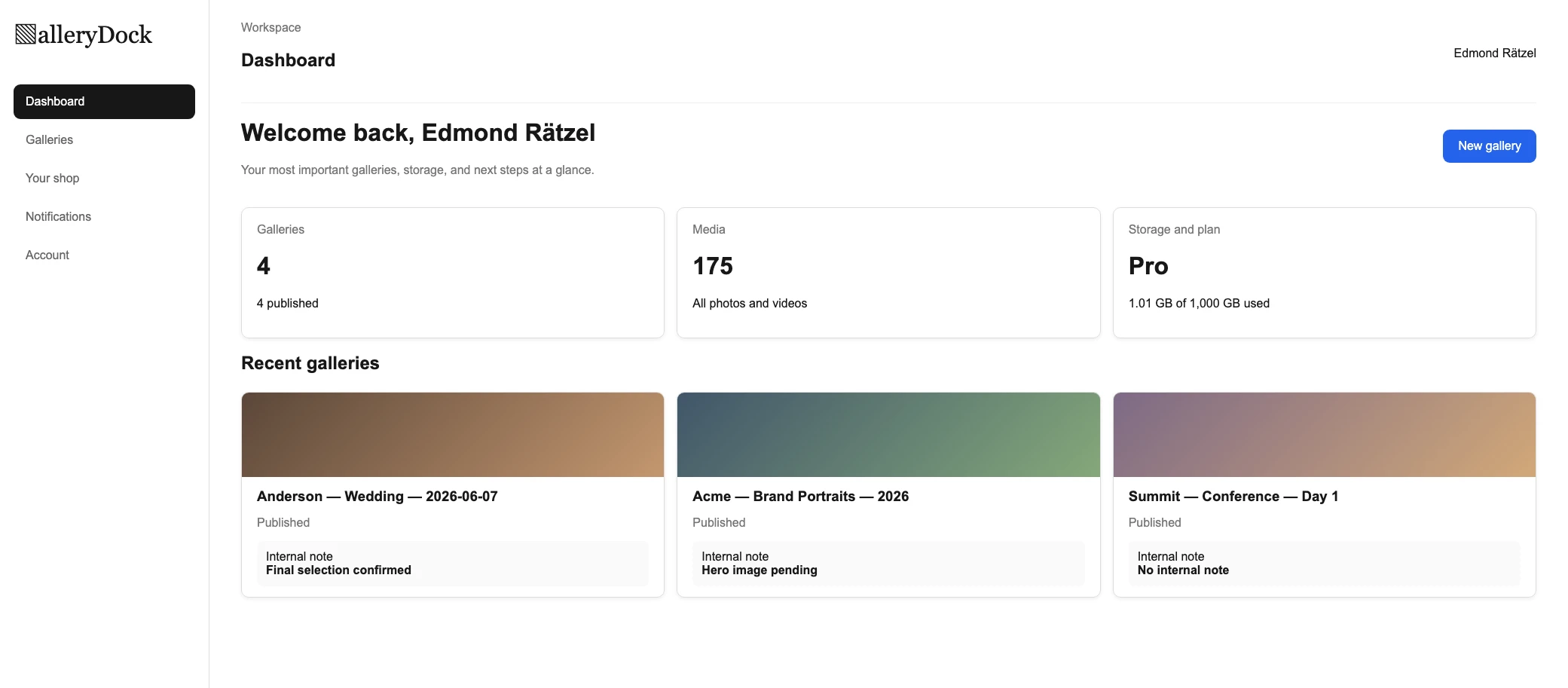
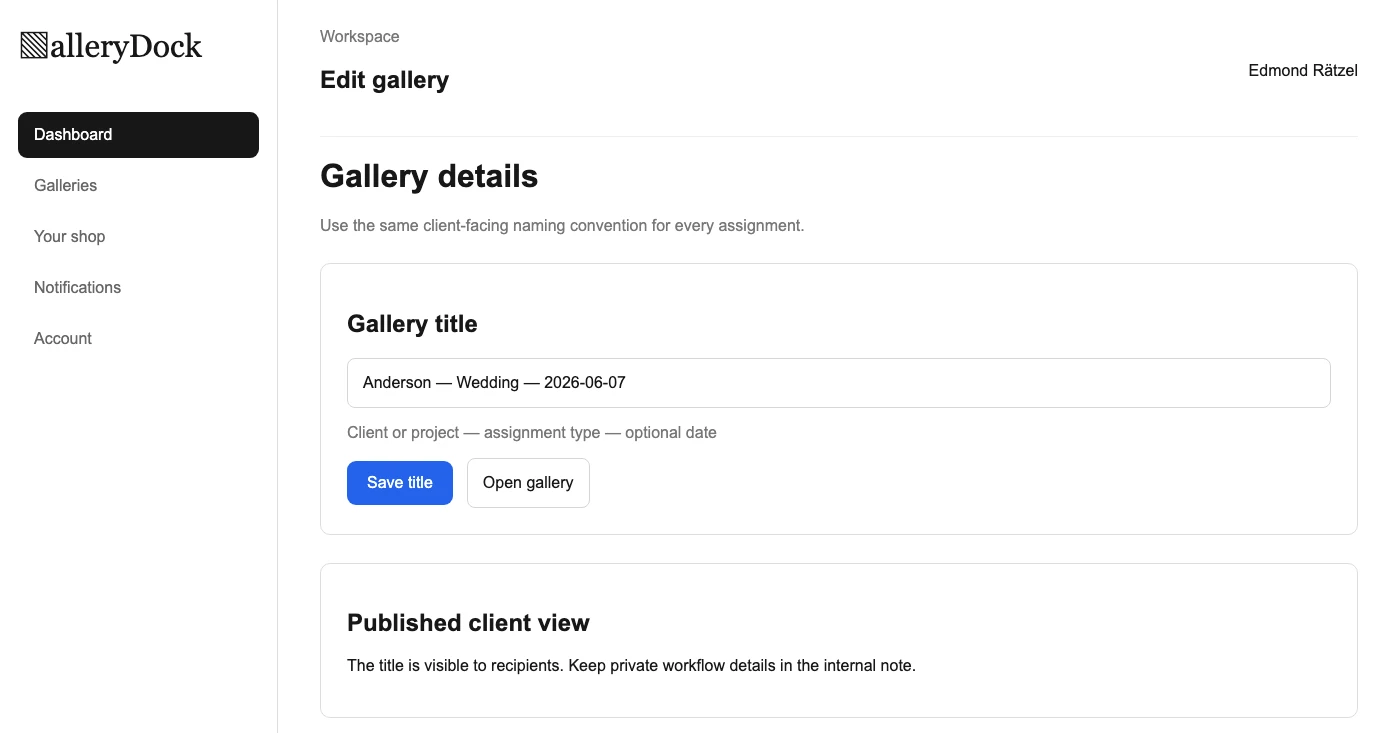
Create a consistent client gallery naming system using client, project, assignment type, and optional date fields so active work stays recognizable and searchable.
Quick answer
A client gallery naming system prevents a growing dashboard from turning into a collection of vague titles such as Final, Selection, or New Gallery. A durable convention combines the information photographers actually use to recognize an assignment: client or project, job type, and an optional date or phase. This guide shows how to design the syntax, handle repeat clients, protect private information, and rename galleries without confusing recipients. GalleryDock searches gallery titles, so the useful identifying terms must live in the title itself. It does not automatically generate names, search internal notes or dates as though they were title text, or sort galleries according to a custom naming formula.
Convention
A naming system is useful only when every person creating galleries can apply it without improvising a new format.
01
Place the term you naturally recall first at the beginning of the title. For consumer work this may be a family or couple name; for commercial work it may be the company, campaign, or property.
02
Use a short consistent label such as Wedding, Headshots, Product, Property, or Event. Standard vocabulary makes similar jobs easier to distinguish without turning the title into a sentence.
03
A year or ISO-style date is valuable for repeat assignments and recurring events. Do not add dates merely because the field exists; every part of the title should improve recognition.
04
Choose one separator and field order, then document two or three examples. Consistent punctuation helps the eye scan titles, but elaborate codes make client-facing galleries harder to understand.
Exceptions
The convention should cover common edge cases without exposing confidential internal language to the client.
01
Add the project, location, phase, or date when the same client has several galleries. A title such as Acme — Headshots — 2026 is more durable than Acme Final 2.
02
If proof and delivery require separate galleries, use client-readable phase words such as Selection and Final Delivery. Avoid internal complaints, payment notes, or retouching shorthand in a visible title.
03
Do not place personal health details, private event notes, access information, or confidential campaign names in a gallery title. Use the private internal note for operational context that clients should not see.
04
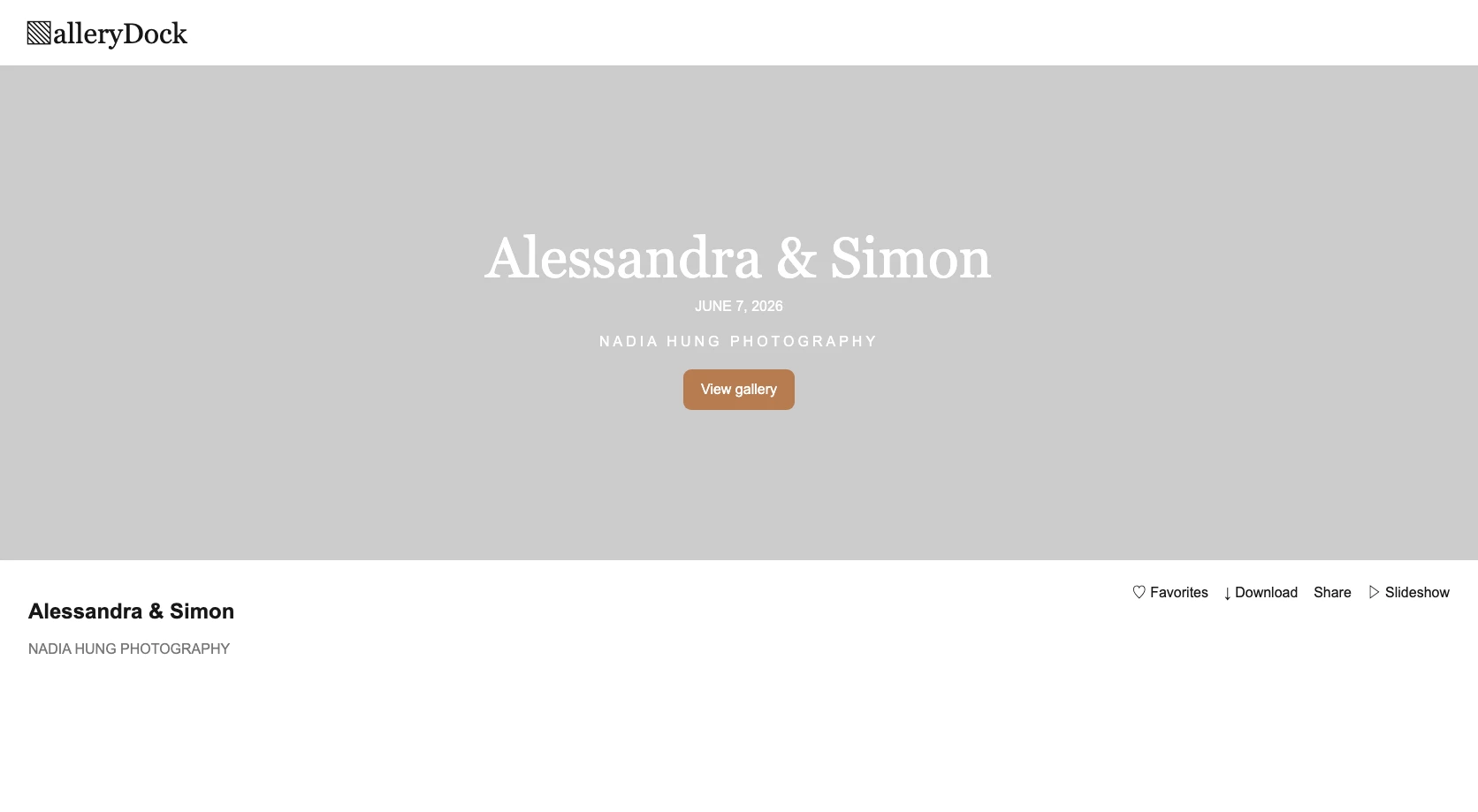
When a shared gallery must be renamed, verify bookmarks, messages, and client expectations afterward. A clearer title is useful, but surprise changes can make recipients think they opened the wrong assignment.
Retrieval
GalleryDock title search is most useful when the naming convention contains the words photographers genuinely remember.
01
GalleryDock can find galleries by their title. Include the client or project term in that title rather than assuming an internal note, upload date, or file name will be searched automatically.
02
Titles such as Final, New Gallery, or Selection are not distinctive when several assignments reach the same stage. Pair status with a stable project identity whenever the phase is worth showing.
03
Scan recent and older galleries for exceptions, duplicate abbreviations, or inconsistent field order. Correct the convention before those variations become the unofficial standard.
04
GalleryDock stores and searches the title entered by the photographer. It does not create names from client data, enforce a naming template, or automatically sort galleries using the convention.
Comparison
A useful convention balances internal retrieval with a professional client-facing title.
| Approach | Best for | Tradeoff |
|---|---|---|
| Generic phase only | Almost no recurring work | Quickly becomes ambiguous |
| Client only | One assignment per client | Weak for repeat jobs |
| Date only | Chronological archives | Clients and subjects are hard to recognize |
| Internal job code | Teams with an external system | Unfriendly in the client view |
| Client — type — optional date | Readable repeatable gallery titles | Requires consistent manual entry |
Use the client name, session type, and year so each delivery remains recognizable without Final 1 and Final 2.
Combine company and project name while omitting confidential internal strategy from the visible title.
Use the event name and year, adding a day or location only when separate galleries genuinely need it.
Frequently asked questions
Usually a recognizable client or project, a consistent assignment type, and an optional date or phase when needed to distinguish repeat work.
No. The photographer enters the title and remains responsible for following the chosen convention.
The dashboard search uses gallery titles. Do not assume dates, filenames, or internal notes are searched as title text.
Only when the wording is helpful and appropriate for clients, such as Selection or Final Delivery. Keep private operational details in the internal note.
No. Add a date when it distinguishes repeat assignments or recurring events; otherwise it may add noise without improving retrieval.
No. A consistent title makes manual scanning and title search easier, but it does not create a custom automatic sort order.
Related resources
Pricing
Free forever
0 EUR
EUR 0 per month
Perfect for sharing your first galleries professionally.
Start free, no credit card required
Monthly
19 EUR
EUR 228 billed yearly. plus VAT
Ideal for photographers who regularly deliver client galleries.
For regular client delivery
Monthly
29 EUR
EUR 348 billed yearly. plus VAT
For photographers managing many projects, videos and growing storage.
For regular client delivery
Choose one title syntax, document the exceptions, and use it consistently when creating GalleryDock client galleries.
Create a free account